
E-commerce Studio Portrait with UI Overlay
A complex, multi-layered prompt designed to generate a high-contrast, three-dimensional studio portrait overlaid with a simulated mobile phone browser interface.
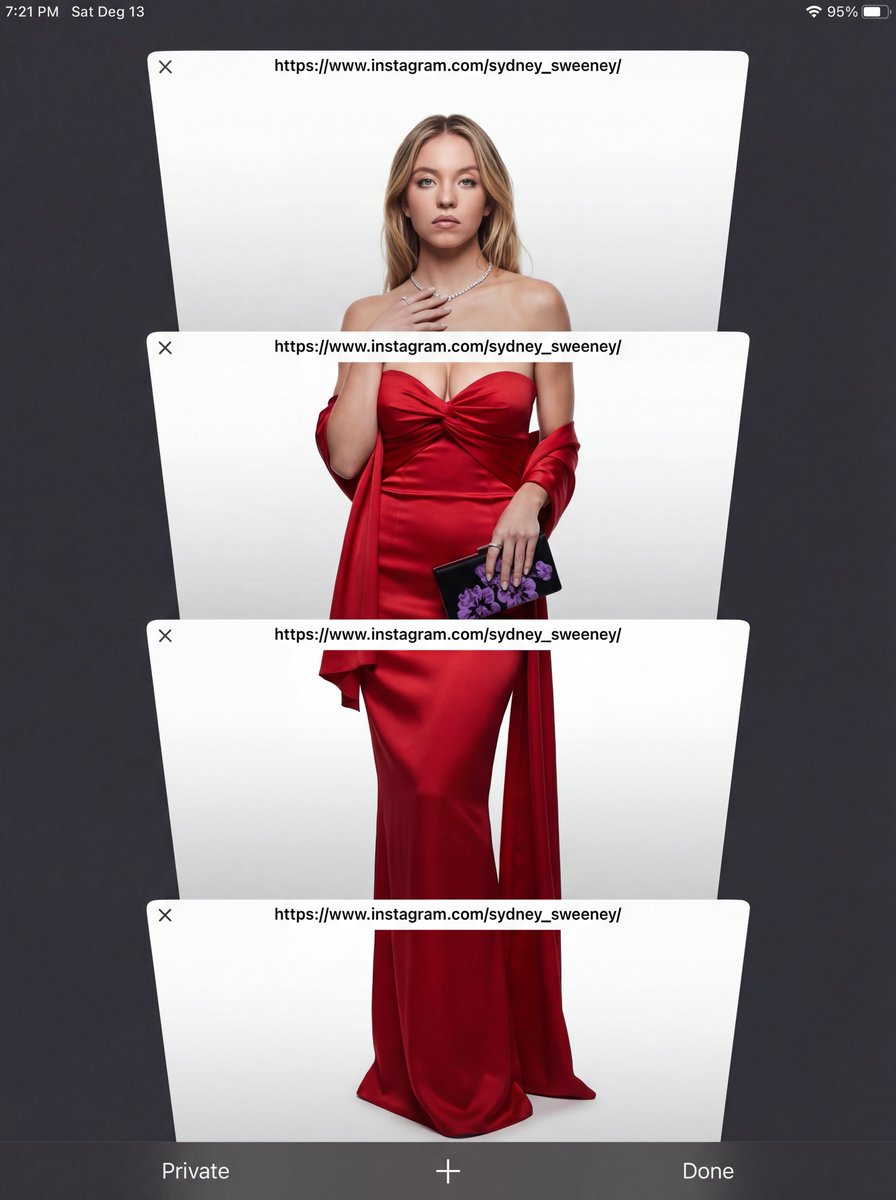
- Prompt included
- Model and format preset
- Free template
The prompt behind this image
Copy the exact prompt behind E-commerce Studio Portrait with UI Overlay, or open it in the studio and make it yours.
Subject Reference: A full-body portrait of [INSERT SUBJECT NAME]. Scene Description: A full-body, centered portrait of the subject [INSERT POSE DESCRIPTION]. The subject has [INSERT EXPRESSION], staring directly at the camera. The immediate background behind the subject is a [INSERT BACKGROUND TYPE, e.g., seamless, pure high-key white studio backdrop]. Crucially, the subject is lit with volumetric studio lighting that creates deep definitions, realistic shadows, and a strong 3D quality on her body and the folds of the outfit, distinguishing her sharply from the flat background without casting shadows on the floor. CRITICAL DETAIL (UI Layer): The entire photographic image is digitally layered beneath a simulated mobile phone browser interface overlay. Four distinct, clean, white, rectangular browser window elements are stacked vertically and angled slightly, segmenting the subject. Each window bar contains the sharp text '[INSERT LINK OR TEXT HERE]'. The area outside the active white browser windows is a solid, uniform, dark charcoal gray/black matte UI frame, with absolutely no light bleed or color gradients. Style: Hybrid Composition: A highly realistic, three-dimensional studio photograph with deep color depth, overlaid with flat, clean digital graphics. Lighting Quality: Specific volumetric studio lighting focused ONLY on the subject. Soft, directional light from slightly off-center to sculpt the body and the rich texture of the fabric, creating depth. The background must remain completely flat. Color Palette: High contrast. {argument name="outfit color" default="[INSERT OUTFIT COLOR]"} outfit against {argument name="background color" default="[INSERT BACKGROUND COLOR]"} backdrop, framed by the dark matte gray UI. Texture and Mood: Realistic skin and rich fabric texture contrasting with the smooth digital elements of the UI. Intentional inclusion of subtle digital noise/grain to mimic a screen capture. Full body, centered portrait. Ensure the head and feet are fully within the frame before segmentation. Angle: Straight eye-level view, perpendicular to the subject. Framing Elements: Four overlapping, white browser windows/tabs. The pose is elegant and fluid. The bottom interface elements (e.g., 'Private', 'Done') must be clean and visible. Focal Length: Standard portrait lens (approx. 50mm equivalent) for realistic proportions. Camera Type: Simulated high-quality smartphone screen capture of a professional photo. Depth of Field: Shallow enough to focus sharply on the subject, allowing the background to be soft. Post Processing: Clean digital segmentation. Contrast adjusted to enhance depth. Avoid Keywords: Floor shadows, flat lighting, 2D look, inconsistent UI color, bleeding colors, HDR, oversharpened. Location: Simulated E-commerce studio ({argument name="background type" default="[INSERT BACKGROUND TYPE]"}).
How to use E-commerce Studio Portrait with UI Overlay in 3 steps
- 1
Open
The prompt is already in the box next to the preview, with the template's model and format selected.
- 2…a portrait of your subject in softgolden-hour light, 85mm…
Personalize
Edit the subject and creative details for your destination.
- 3Generate
Generate
Press Generate — your image is created in PicX Studio, so you can compare it with the original and refine one variable at a time.
More like this
Templates with the same subject, style or setup. Open one to see its prompt.

80s Couple Studio Portrait

1985 Studio Portrait

Gpt Image 2 Fashion Portrait
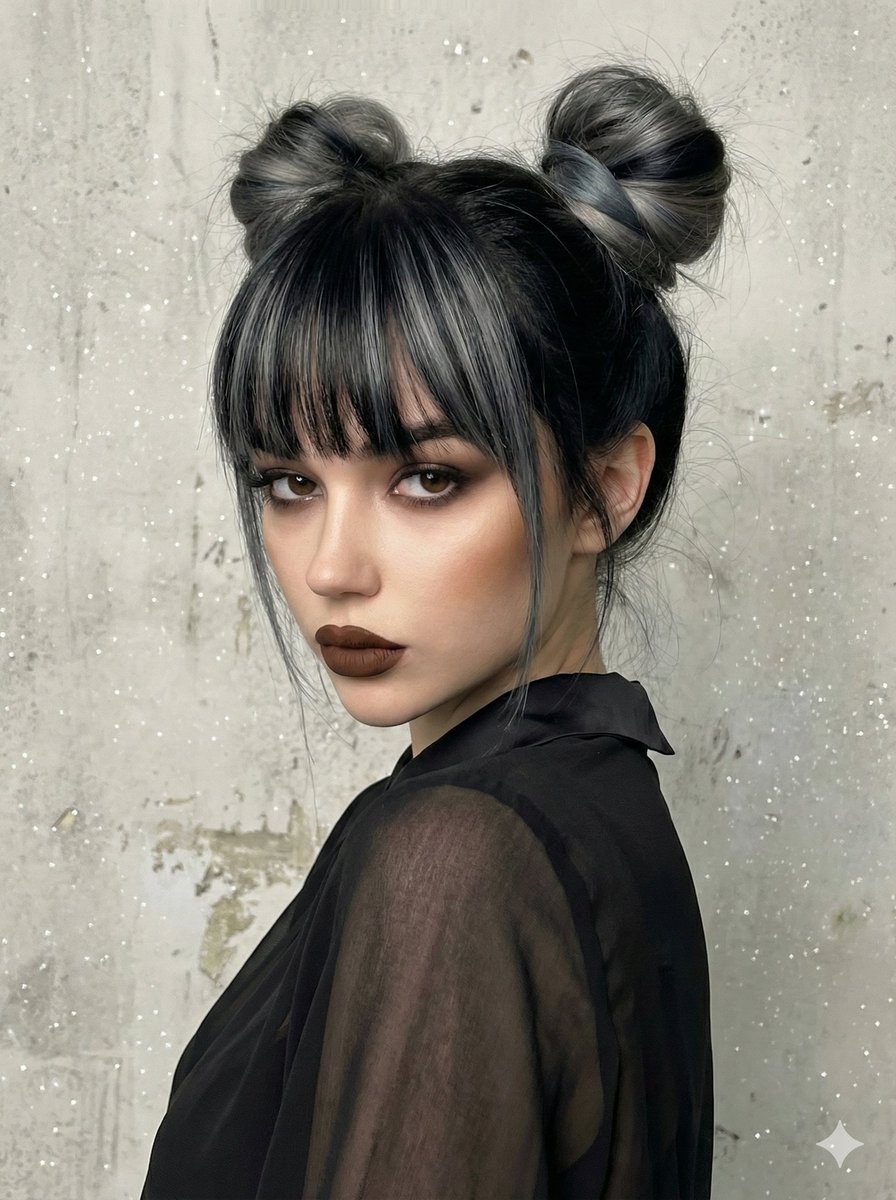
Studio Portrait with Space Buns and Glitter Overlay
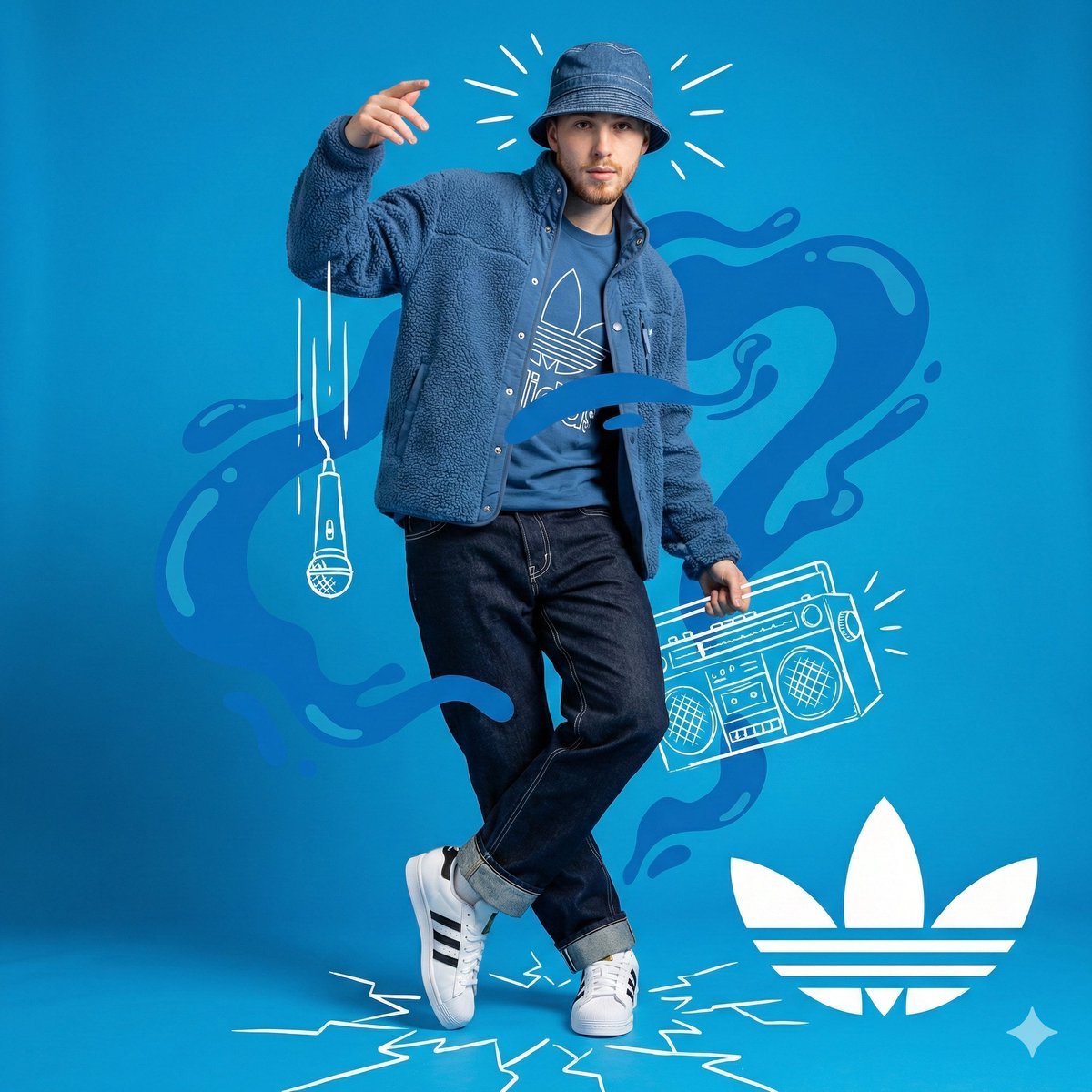
Mixed Media Studio Portrait with Vector Graphics Overlay

Found Photograph: Us, 1970

80s Bollywood Star

80s Golden Hour Cinema

Me in 1985

Hyper-Realistic Minecraft POV Portrait

Minimalist Studio Fashion Portrait Grid
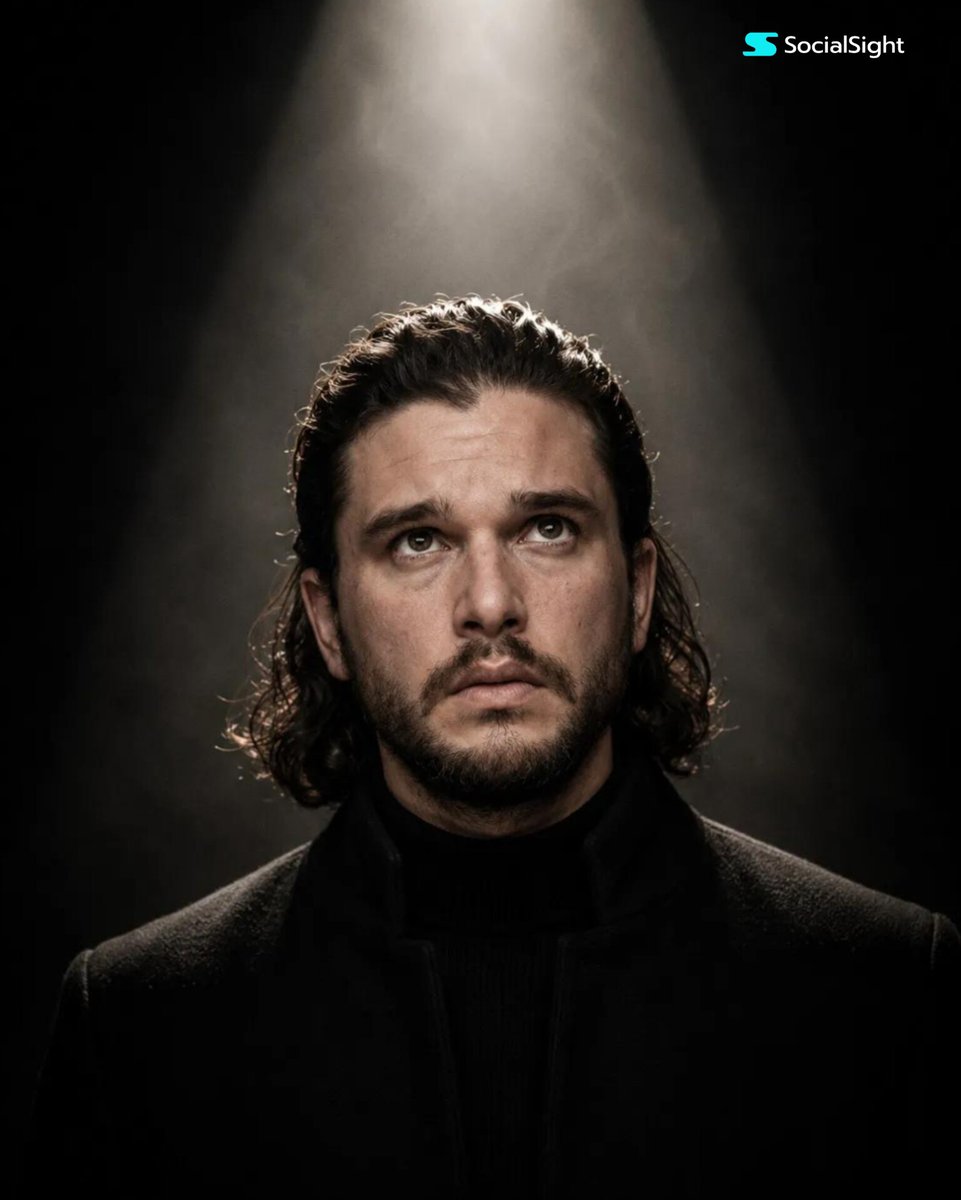
Cinematic Spotlight Studio Portrait
Make it yours
E-commerce Studio Portrait with UI Overlay works as-is. These are the safest ways to change it without losing the look.
Change one field
Copy a single group, rewrite it, and generate again so you can see what that field is doing.
Keep the frame, change the subject
Hold the composition and light of E-commerce Studio Portrait with UI Overlay, then swap wardrobe, props or the person for a new take.
| If the result… | Why | Fix |
|---|---|---|
| The result drifts from the preview | Too many fields changed at once. | Reuse E-commerce Studio Portrait with UI Overlay as-is first, then change one group — subject, light, or setting. |
| The model over-stylizes the scene | The prose prompt leaves finish and camera underspecified. | Add one camera or lighting sentence and stay on Nano Banana 2. |
More Nano Banana 2 templates
Other prompts made for Nano Banana 2.

Photorealistic Leaf Shaped Like a Dragon

K-Pop Idol Portrait Grid for Rapid Selection

Poetic Rain Forest Portrait During Golden Hour

Urban Street Portrait with Cartoon Inner Self Duo

Candid Nighttime Photo with Cat Prompt

High-Concept 3D Diorama Generation Prompt

Cinematic Futuristic Studio Portrait Template

Skincare Editorial Photography Collage Prompt

Hyper-Realistic Commercial Product Photography (Splash Effect)

Hyper-Realistic Nightclub Portrait Prompt
More image prompts
Fresh picks from across the catalog.
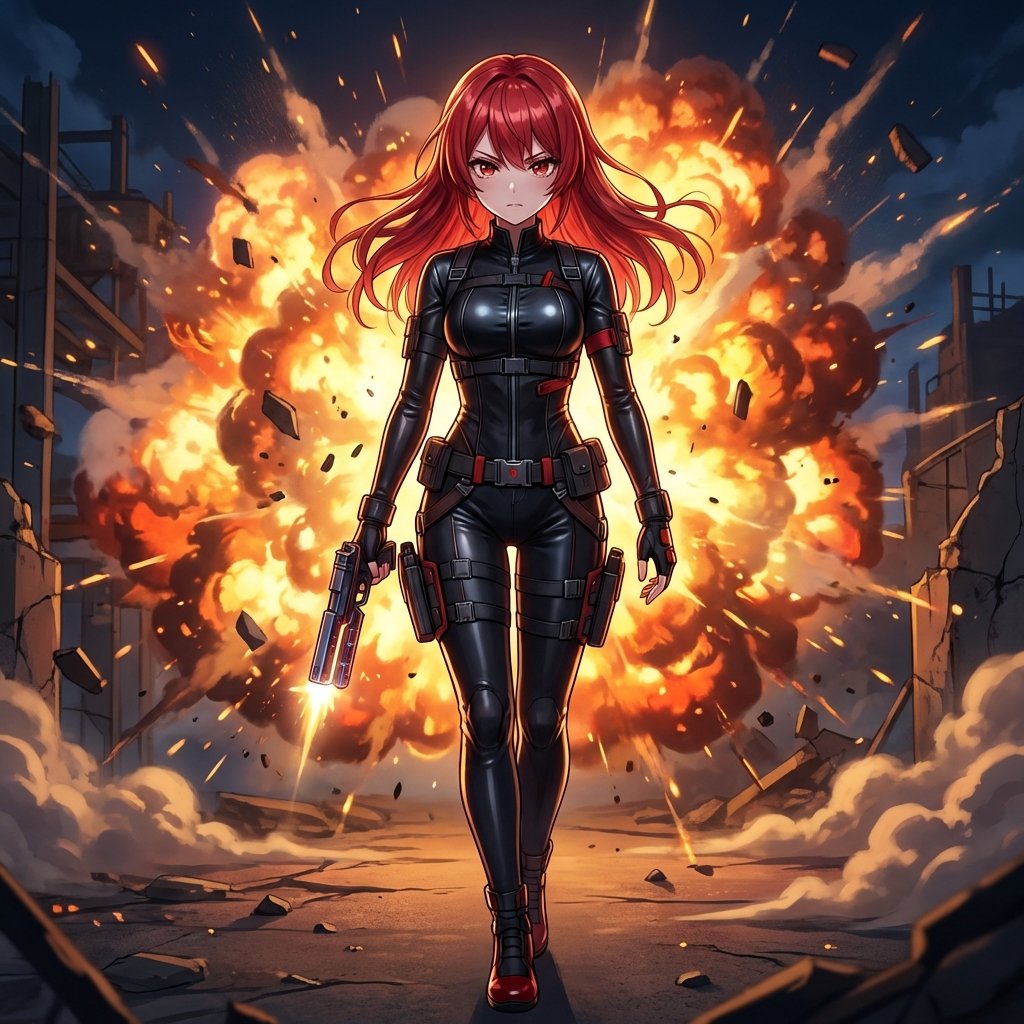
AI Action Movie Poster Prompt
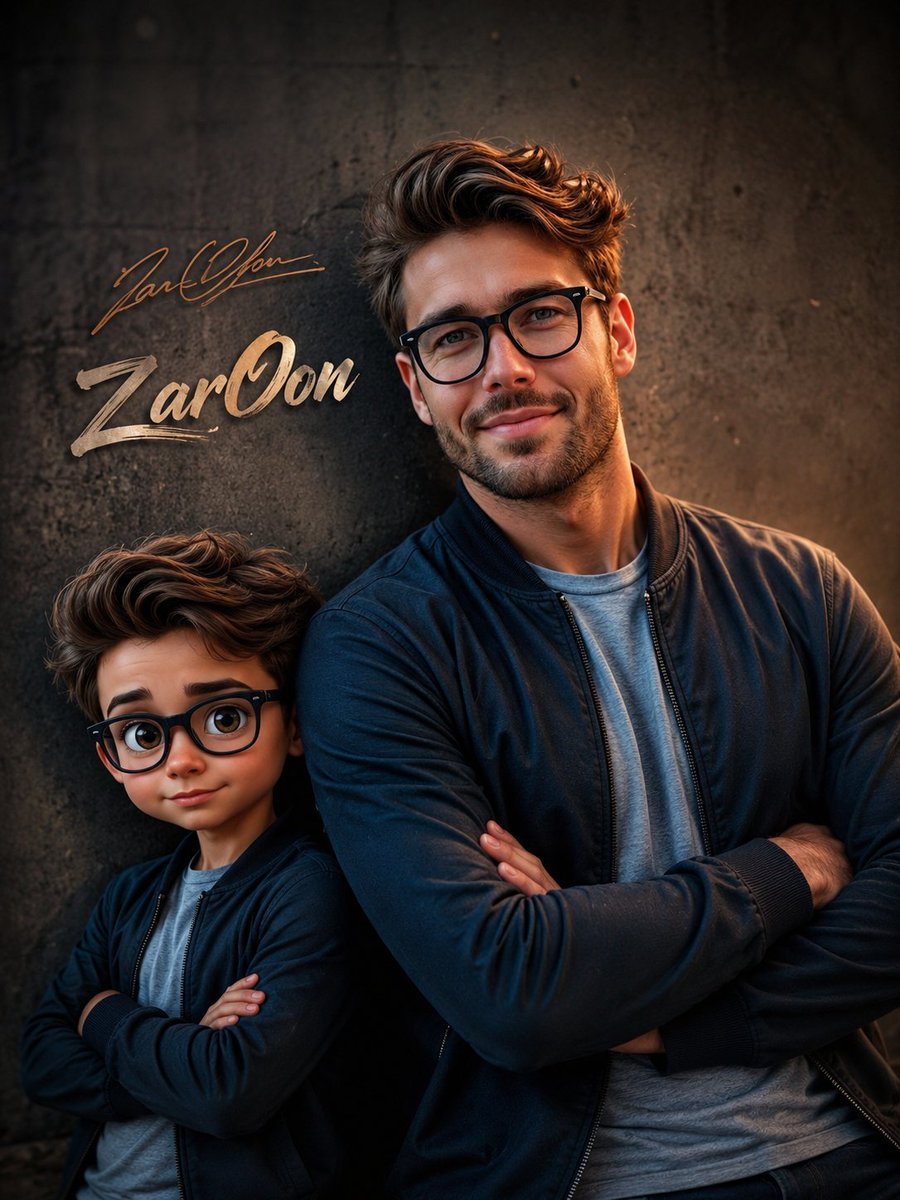
Cinematic Boy and Miniature Version
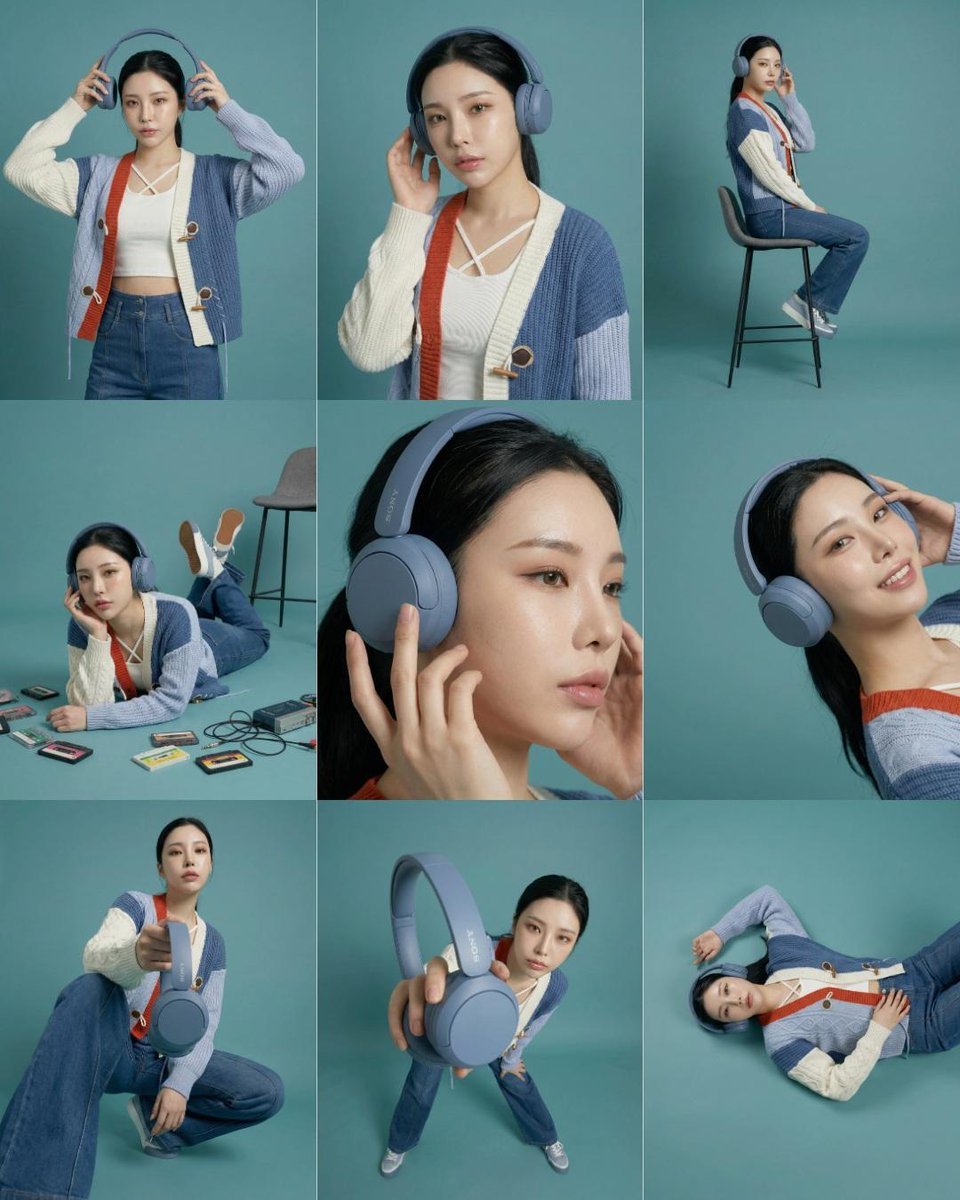
3x3 Storyboard Grid of a Young East Asian Woman
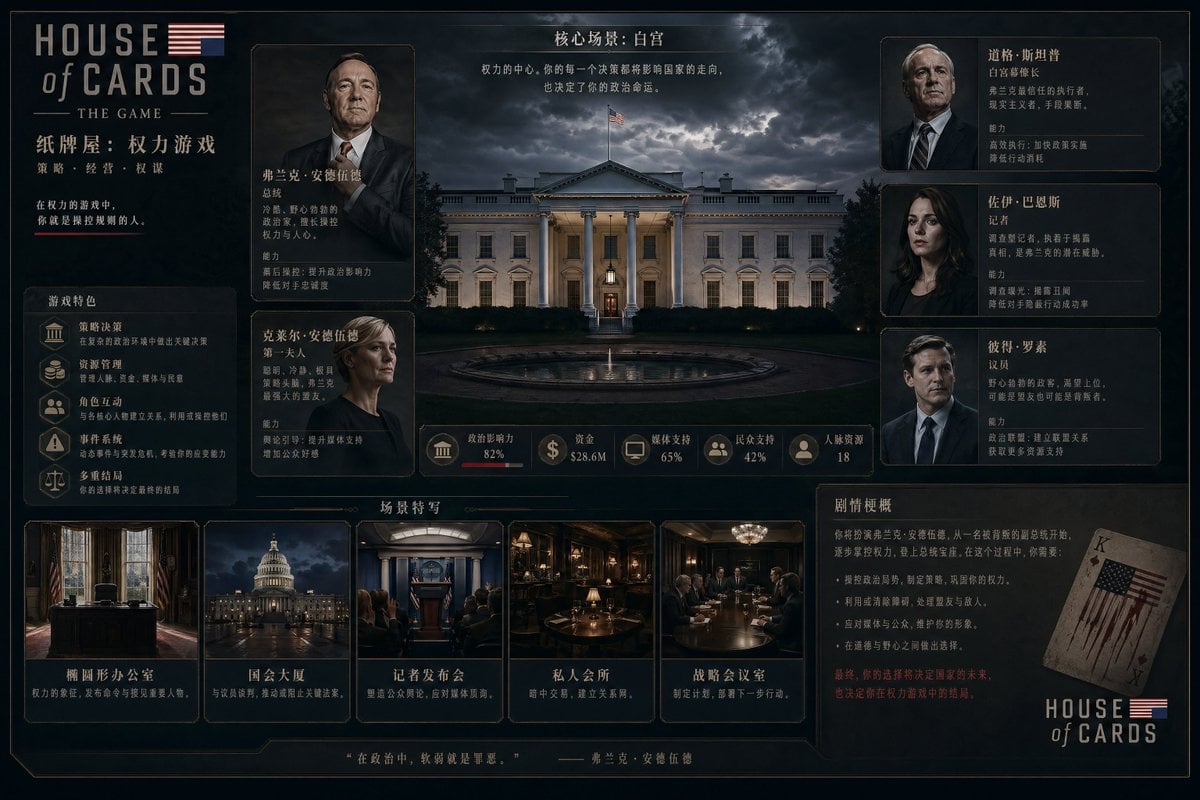
Video game management UI concept
Low-Light Smartphone Selfie in Gen Z Bedroom
SRK Motorcycle Jump Action Shot Prompt

Citrus Product Photography

Photorealistic CGI Big Head Caricature
Fisheye View from Inside a Cup
Laundry Balcony Vocabulary Journal
Browse template categories
E-commerce Studio Portrait with UI Overlay questions
How do I use the E-commerce Studio Portrait with UI Overlay template?
Add your photo if the template asks for one, edit the prompt if you like — the template's model and format are already selected — and press Generate. Your version opens in PicX Studio.
Can I customize the E-commerce Studio Portrait with UI Overlay template?
Yes. You can change the subject, setting, lighting, mood, format, and available model controls before creating your image.
Is the E-commerce Studio Portrait with UI Overlay template free?
Opening and editing this template is free. Generating uses credits, shown on the Generate button when you are signed in.
Which AI model should I use?
Start with Nano Banana 2, which is the model associated with this template. You can compare another compatible model for a different finish.
Looking for something else? Browse all templates.

Your photo, any look
Thousands of ready templates for every top image and video model, from one credit balance.