
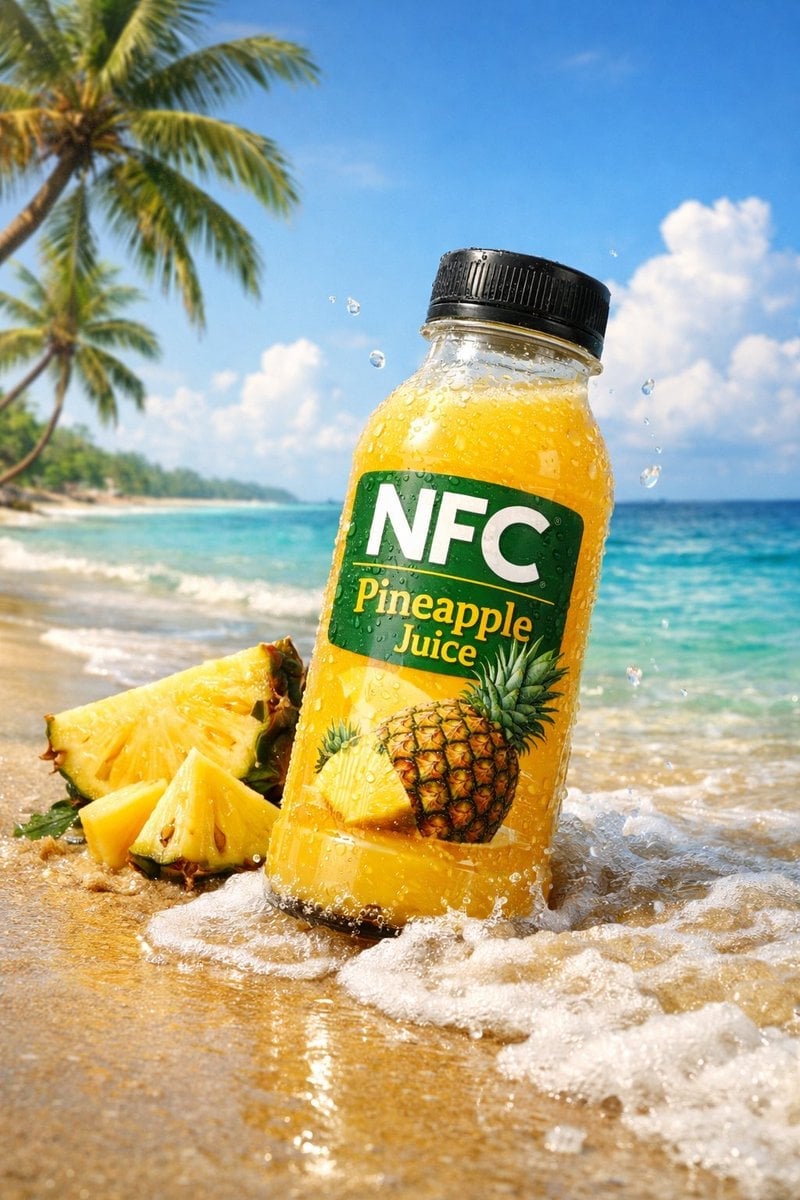
A small wave splashes lightly against the bottle base
[ { "id": "pineapple_beach_v2", "type": "photorealistic advertising shot", "subject": { "item": "pineapple juice bottle", "label_text": "NFC Pineapple Juice", "pose": "slightly tilted forward" }, "environment": {…
- Prompt included
- Model and format preset
- Premium template
The prompt behind this image
Copy the exact prompt behind A small wave splashes lightly against the bottle base, or open it in the studio and make it yours.
[ { "id": "pineapple_beach_v2", "type": "photorealistic advertising shot", "subject": { "item": "pineapple juice bottle", "label_text": "NFC Pineapple Juice", "pose": "slightly tilted forward" }, "environment": { "location": "tropical beach", "ground": "sunlit wet tropical sand", "background_elements": [ "gently swaying palm trees", "clear turquoise ocean with soft waves", "bright blue sky with thin clouds" ], "interactions": "a small wave splashes lightly against the bottle base" }, "surrounding_elements": [ "fresh pineapple slices with visible texture", "sparkling seawater droplets in mid-air" ], "lighting": { "description": "golden sunlight", "effects": "soft reflections on glass bottle" } }, { "id": "strawberry_mountain_v2", "type": "photorealistic advertising shot", "subject": { "item": "strawberry juice bottle", "label_text": "NFC Strawberry Juice", "details": "heavy condensation with frost accents" }, "environment": { "location": "high-altitude mountains", "ground": "icy rocks with light snow patches", "atmosphere": "crisp cold air with drifting mist" }, "surrounding_elements": [ "fresh strawberries partially resting on ice" ], "lighting": { "description": "soft sunrise light cutting through fog", "effects": "subtle glow around the bottle" }, "style_descriptors": [ "cinematic macro shot", "ultra high detail", "cold-meets-warm contrast", "deep red highlights", "fresh and premium feel", "hyper-realistic surface details" ], "parameters": "--ar 9:16 --stylize 250" }, { "id": "citrus_grove_v2", "type": "photorealistic advertising shot", "subject": { "item": "citrus blend juice bottle", "label_text": "NFC Citrus Mix", "pose": "centered upright" }, "environment": { "location": "lush citrus grove", "background_elements": [ "sunlit yellow and orange fruits hanging above", "soft green leaves framing the bottle" ] }, "action_elements": { "description": "fresh splash of clear water rising around the base", "items": [ "thin lemon slices", "juicy lime wedges", "bright orange segments" ] }, "lighting": { "description": "sun rays filtering through leaves", "tone": "vibrant citrus warmth" }, "parameters": "--ar 9:16 --stylize 250" }, { "id": "tropical_hammock_v2", "type": "photorealistic advertising shot", "subject": { "item": "tropical mixed Nestle juice bottle", "label_text": "NFC Tropical Juice", "pose": "relaxed tilt as if resting" }, "environment": { "location": "sunlit hammock between palm trees", "background": "soft-focus ocean horizon with glowing sunlight" }, "surrounding_elements": [ "fresh pineapple slices", "ripe mango slices", "orange wedges", "dragonfruit cubes" ], "mood_and_style": { "atmosphere": "luxury vacation vibe", "colors": "rich tropical saturation", "lighting": "warm cinematic highlights with soft shadows" }, "parameters": "--ar 9:16 --stylize 250" } ]
How to use A small wave splashes lightly against the bottle base in 3 steps
- 1
Open
The prompt is already in the box next to the preview, with the template's model and format selected.
- 2…a portrait of your subject in softgolden-hour light, 85mm…
Personalize
Edit the subject and creative details for your destination.
- 3Generate
Generate
Press Generate — your image is created in PicX Studio, so you can compare it with the original and refine one variable at a time.
More like this
Templates with the same subject, style or setup. Open one to see its prompt.
Slightly angled, front face visible, top frosting facing upward
Golden boiled dumplings filled with potato and cheese, lightly buttered
Thick molten chocolate splashes wrapping around the package
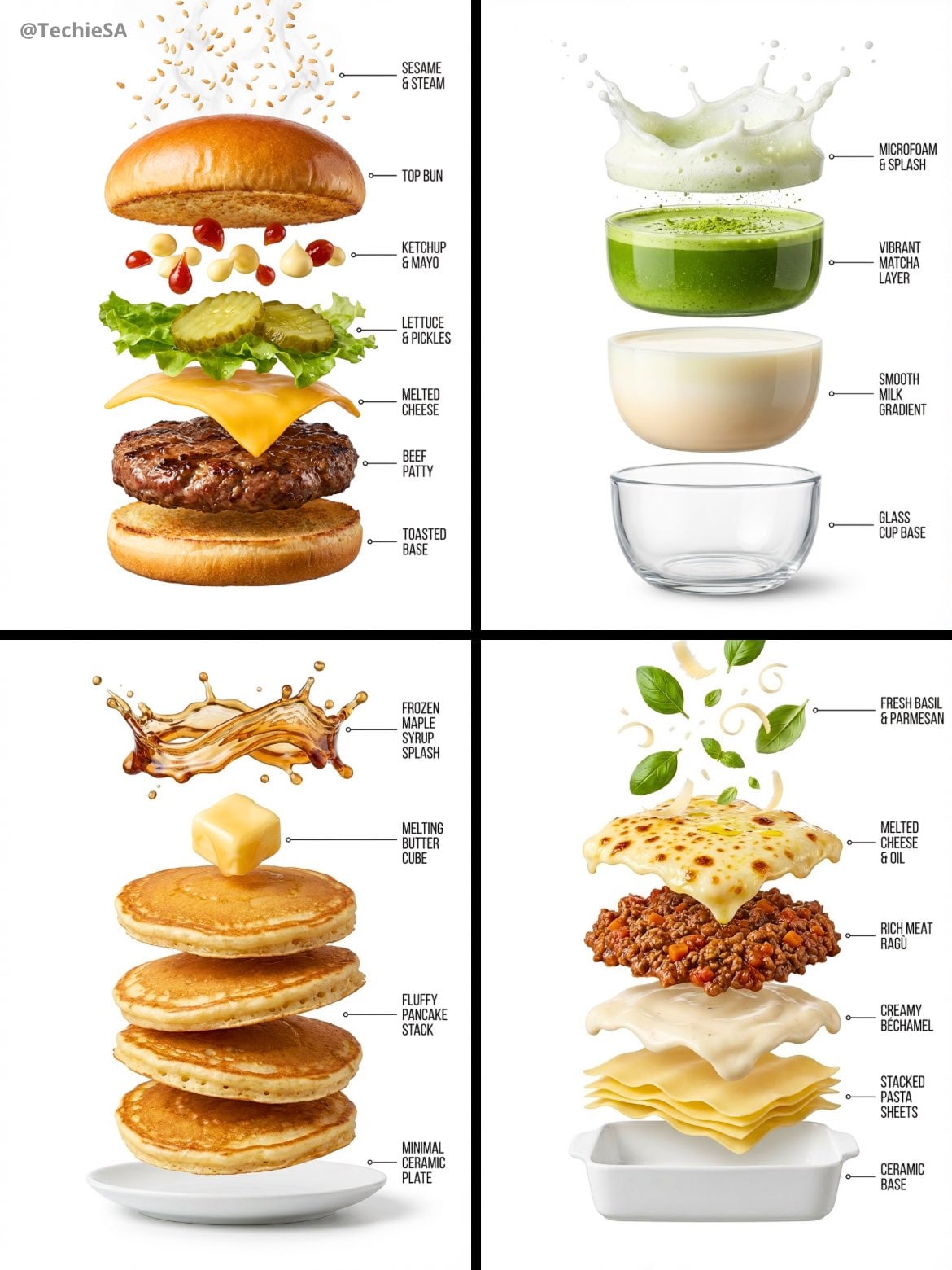
Hyper-realistic exploded vertical infographic composition
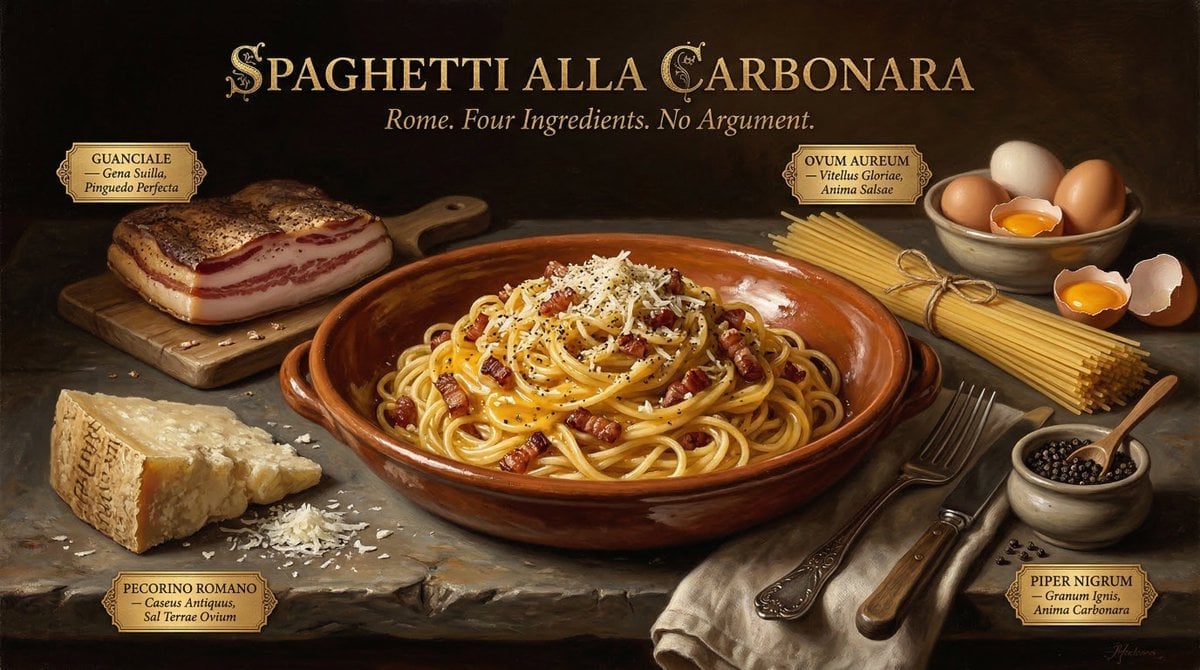
Food & Drink Prompt #913
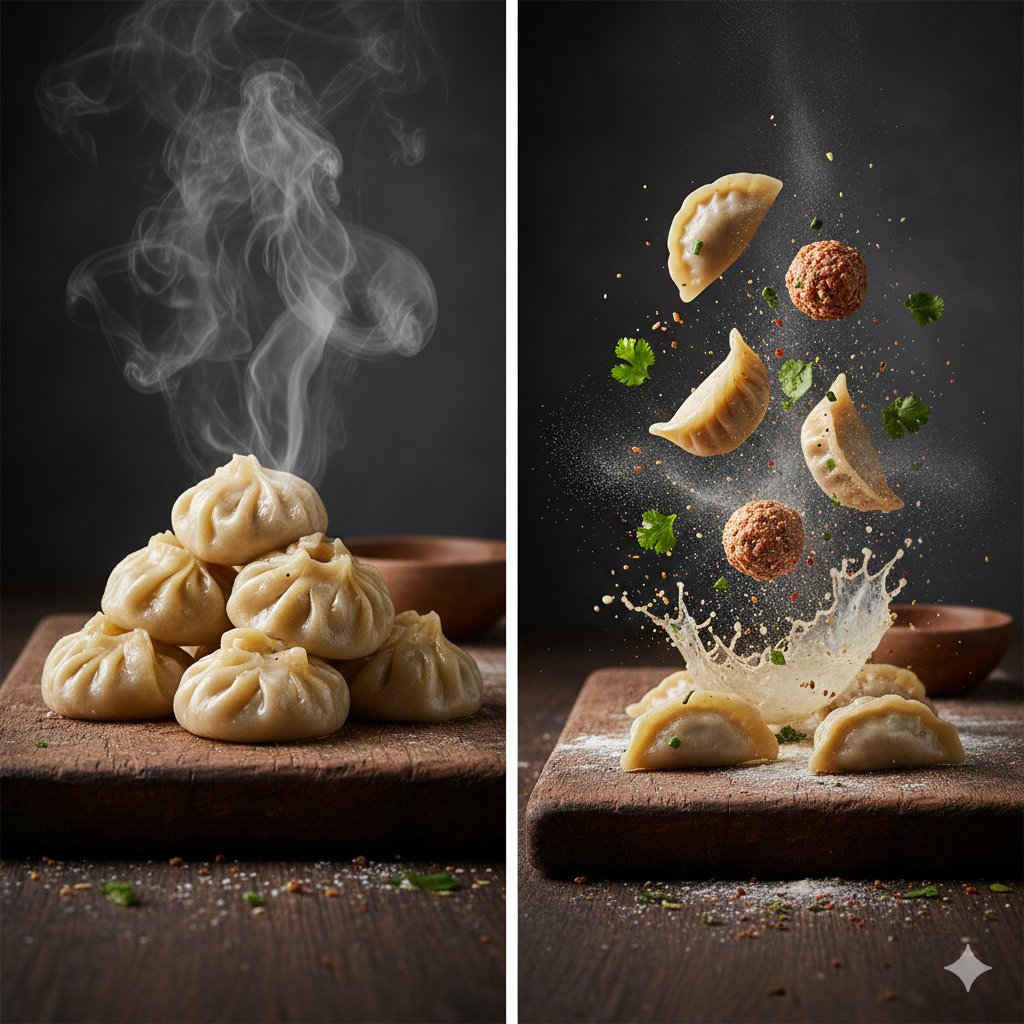
The Cinematic Momo Duo
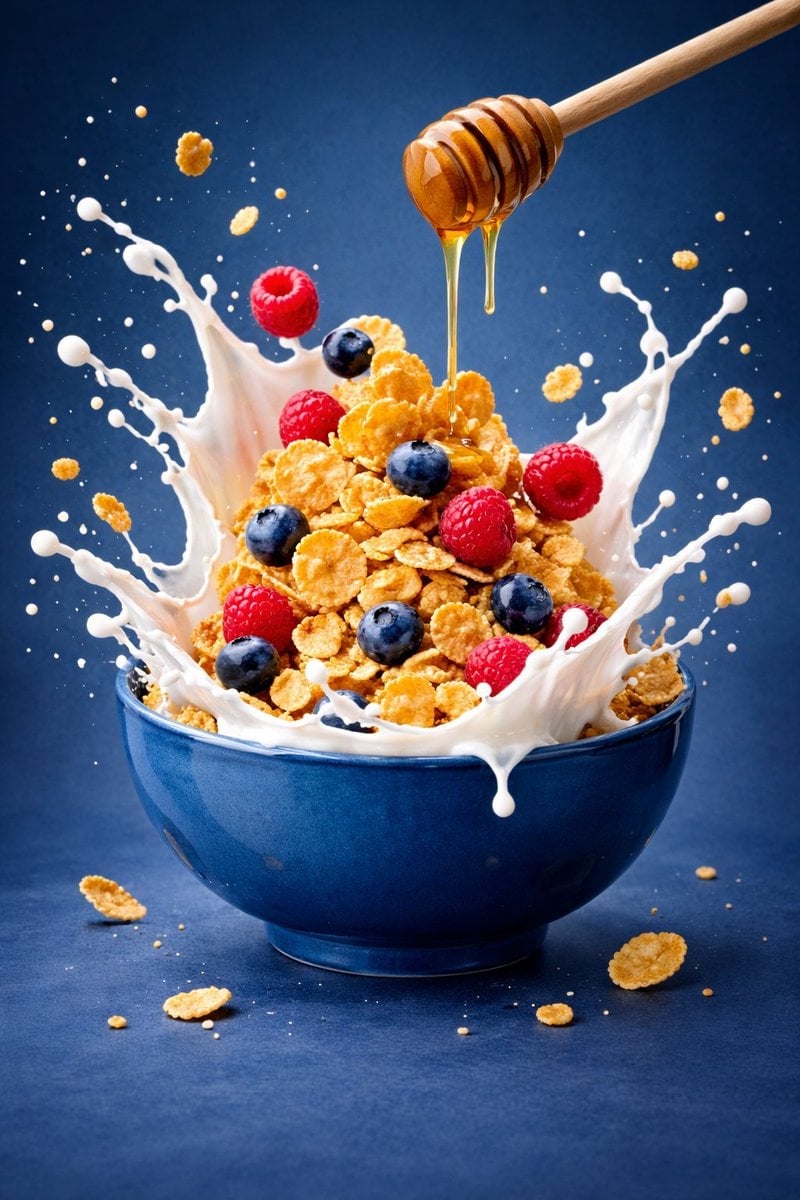
Ultra-premium cinematic food photography, 8K UHD, 3 4 aspect ratio
Food & Drink Prompt #1406

Bold, intense, premium, cinematic, high-impact food commercial aesthetic

Multiple dark purple berries erupting from inside the can
Each module shares structure but maintains unique visual dynamics
Enhanced realism, minimal alteration from original composition
Make it yours
A small wave splashes lightly against the bottle base works as-is. These are the safest ways to change it without losing the look.
Change one field
Copy a single group, rewrite it, and generate again so you can see what that field is doing.
Keep the frame, change the subject
Hold the composition and light of A small wave splashes lightly against the bottle base, then swap wardrobe, props or the person for a new take.
| If the result… | Why | Fix |
|---|---|---|
| The result drifts from the preview | Too many fields changed at once. | Reuse A small wave splashes lightly against the bottle base as-is first, then change one group — subject, light, or setting. |
| The model over-stylizes the scene | The prose prompt leaves finish and camera underspecified. | Add one camera or lighting sentence and stay on GPT Image 2. |
More GPT Image 2 templates
Other prompts made for GPT Image 2.

Six VTuber Japanese Logo Sheet

Realistic Portrait of Woman and Deer

The Vista Modular Condo Poster

AI Model Routing Comparison Infographic

2.5D Anime Art Board

Isometric Productivity Desk Scene

New York Double Exposure Poster

Four-Panel AI Landscape Comparison

Japanese Tatami Lifestyle Magazine Cover

NESCAFÉ Coffee Map Poster
More image prompts
Fresh picks from across the catalog.
Dark Goblin Shaman in Haunted Swamp
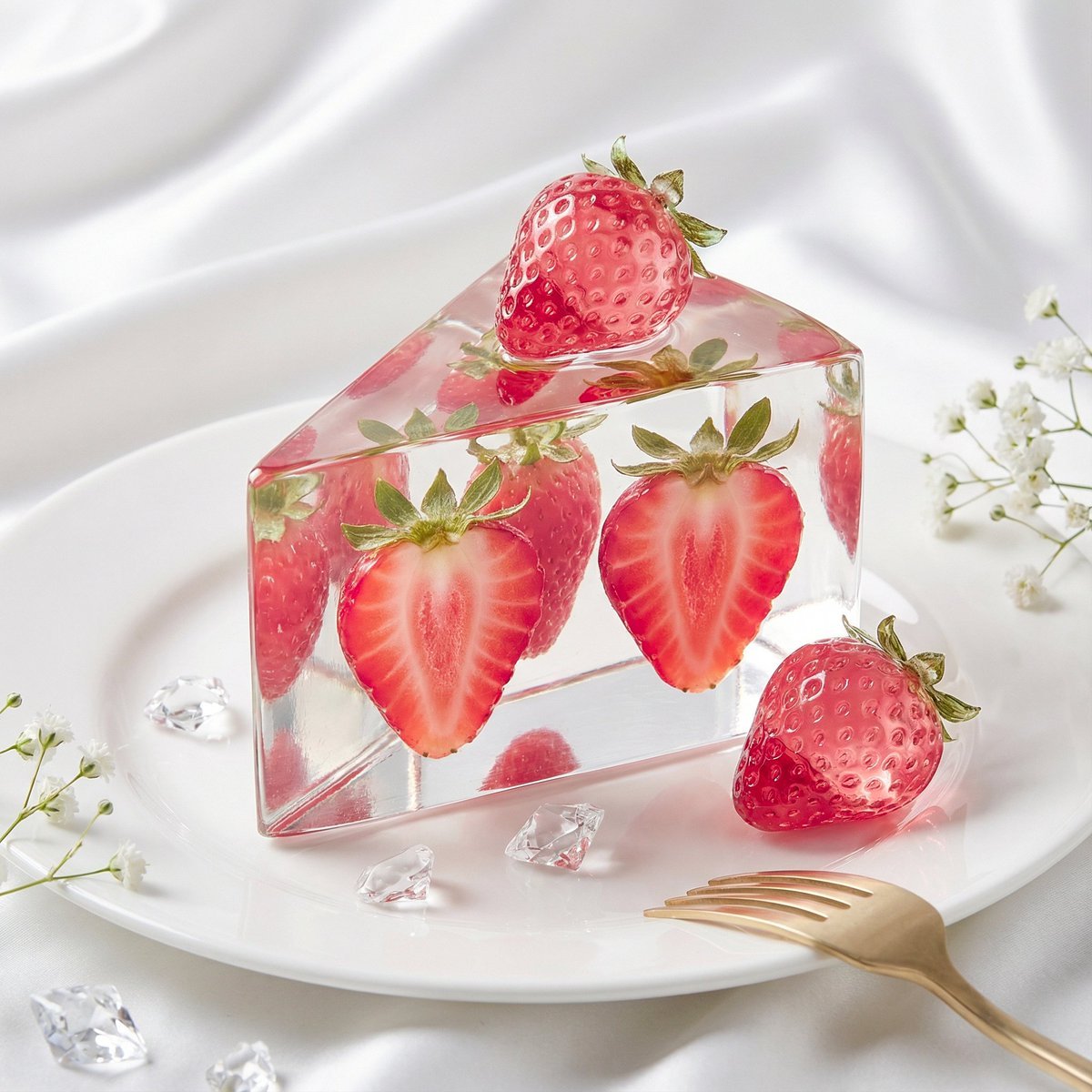
Glass Dessert Art Still Life Prompt (Fruit Crystal Cake)
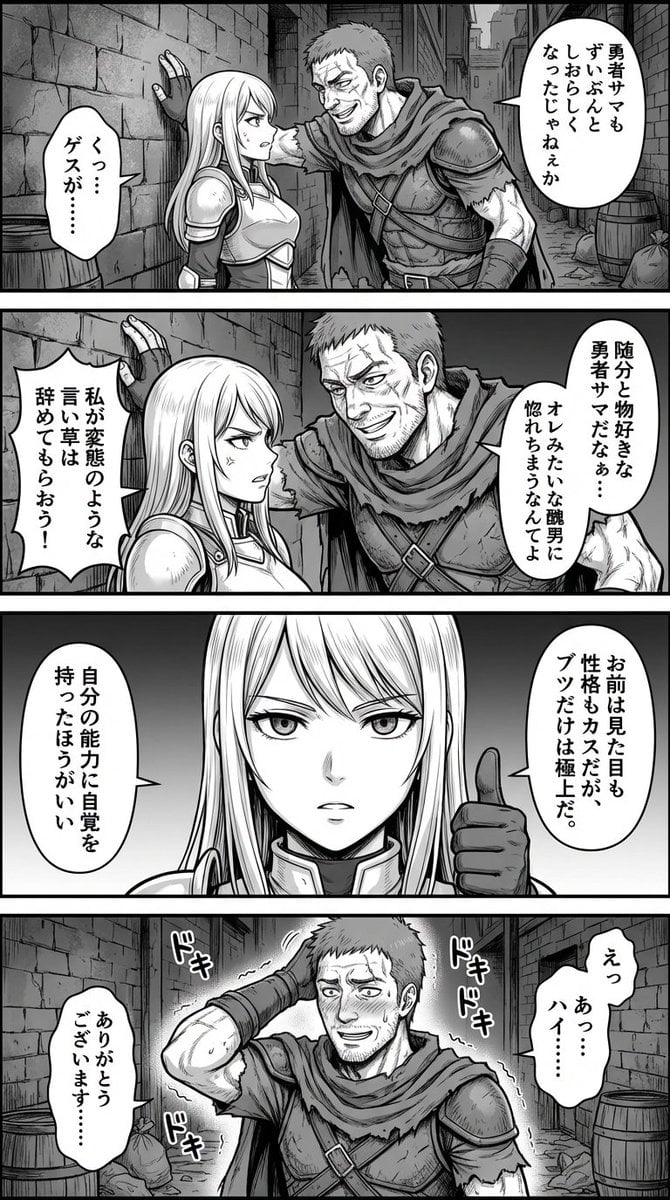
Four-Panel Manga: Fantasy Alleyway Wall-Slam
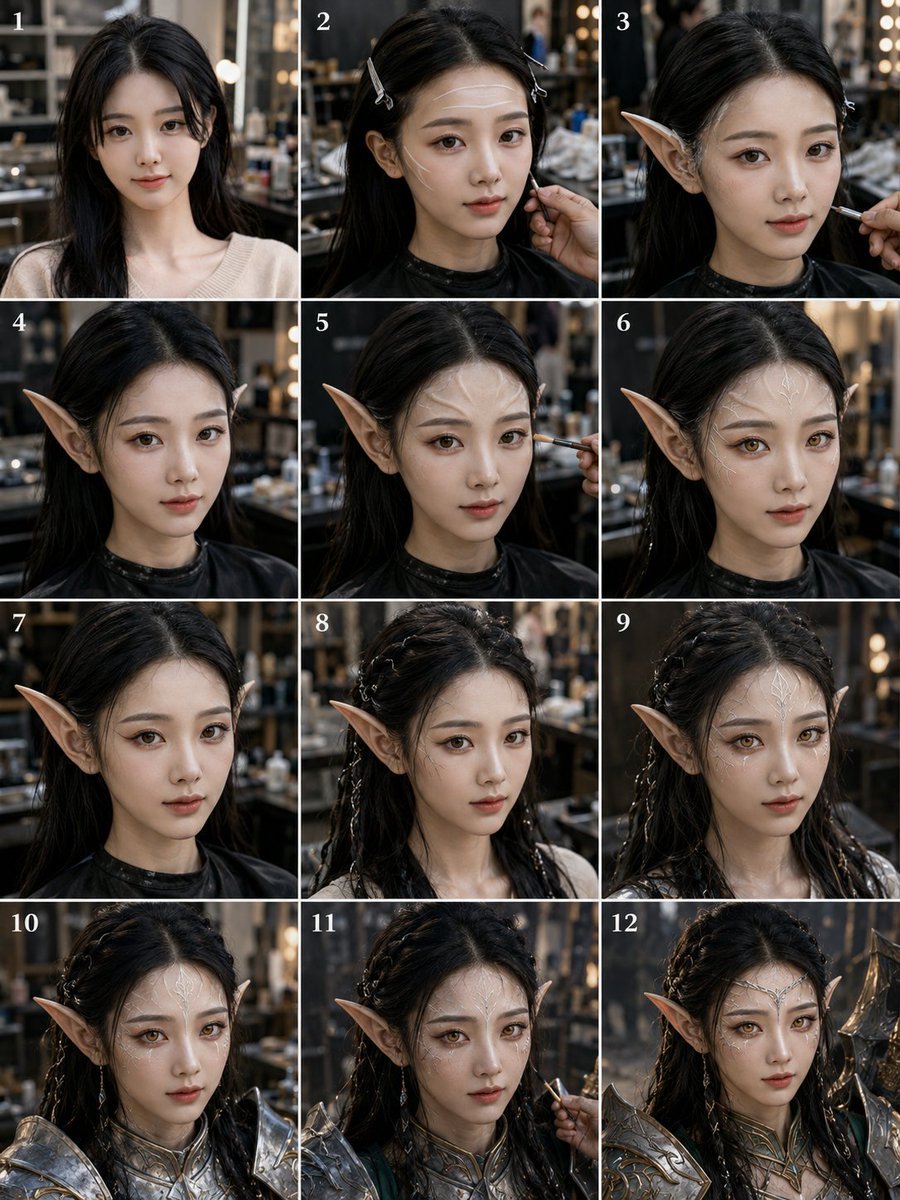
Panel Elf Warrior Transformation
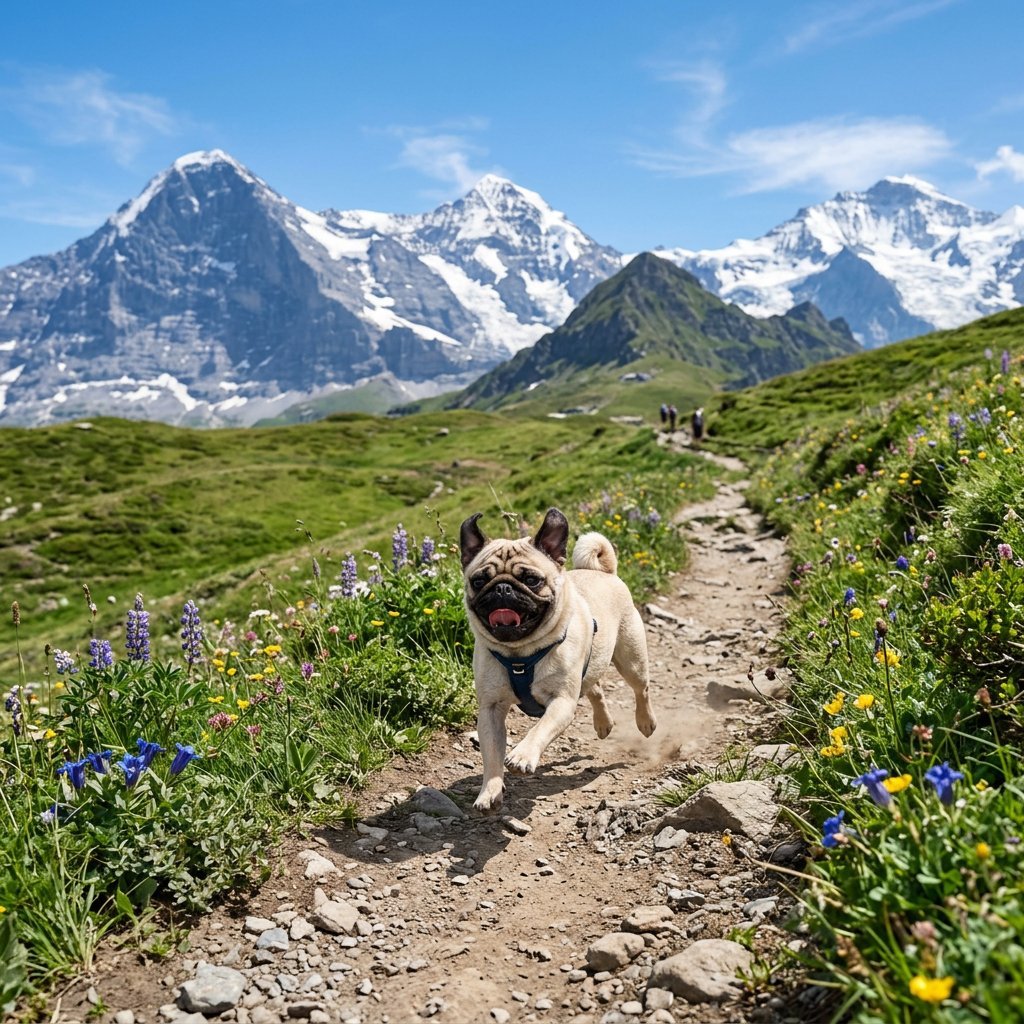
Pug Running on Alpine Trail
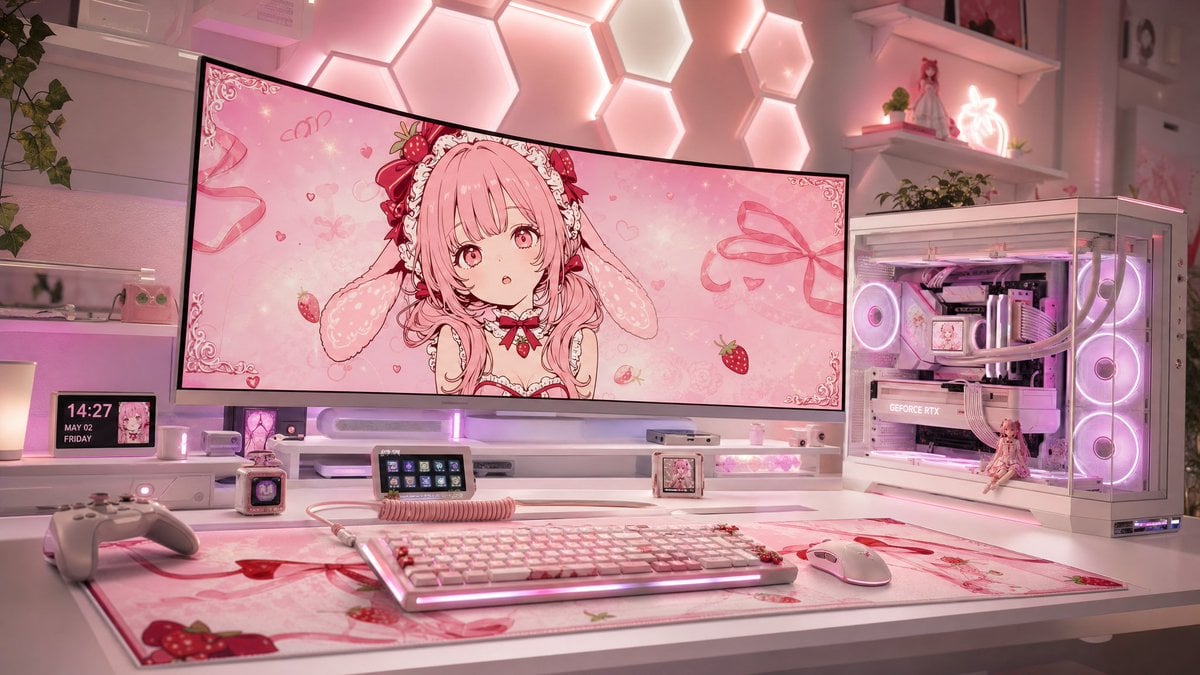
Pastel Pink Anime Gaming Desk Setup
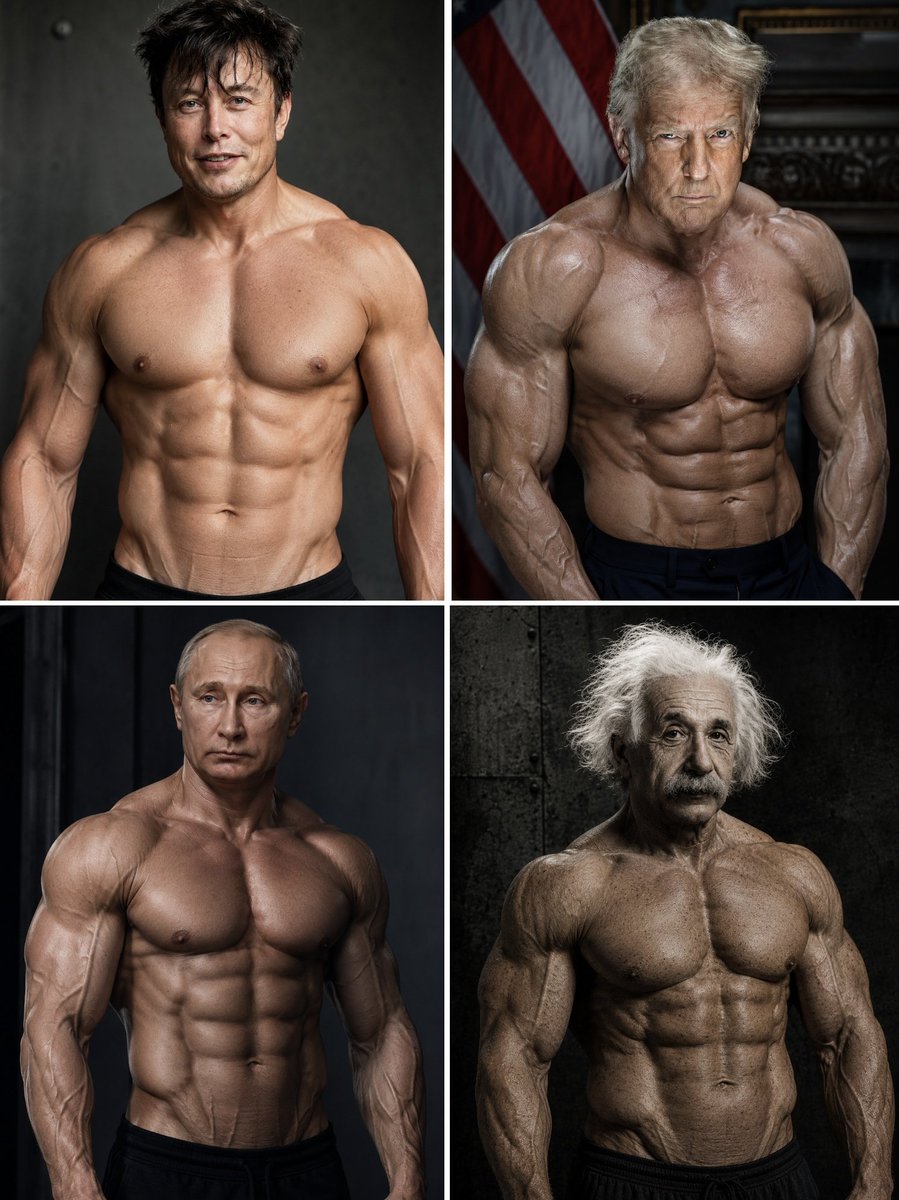
Hyper-Muscular Man 8K Portrait
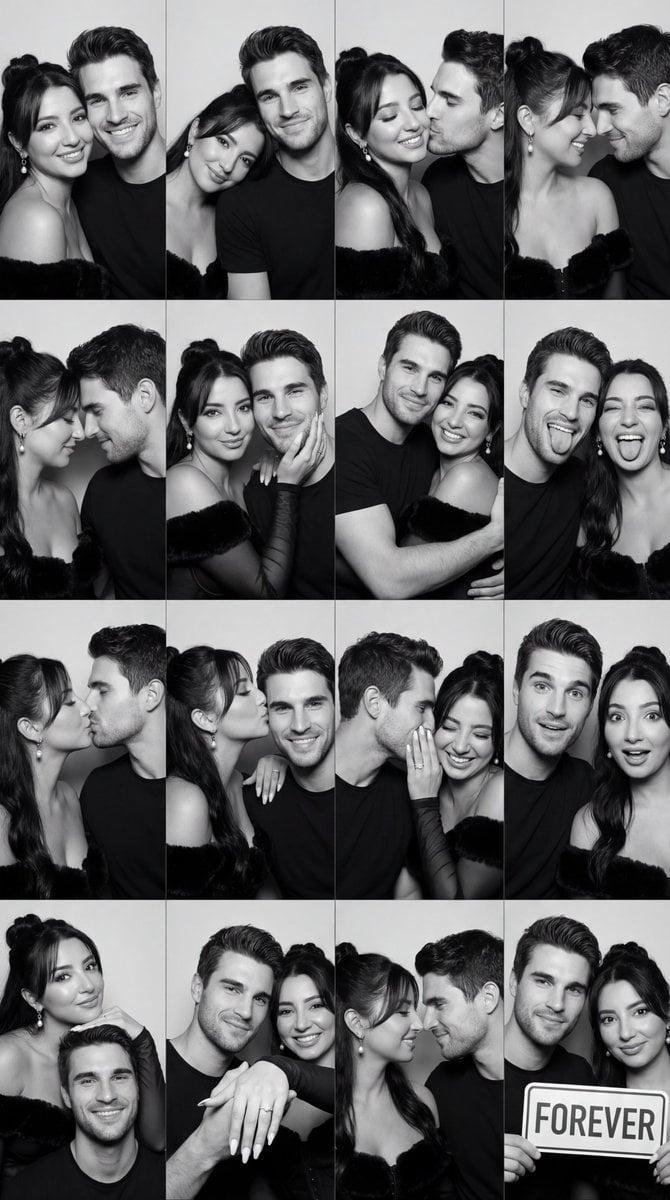
Black and White Photobooth Couple Grid Prompt (16 Panels)

Gpt2 Social Media Post Cinematic Chicken Momos Ad Poster
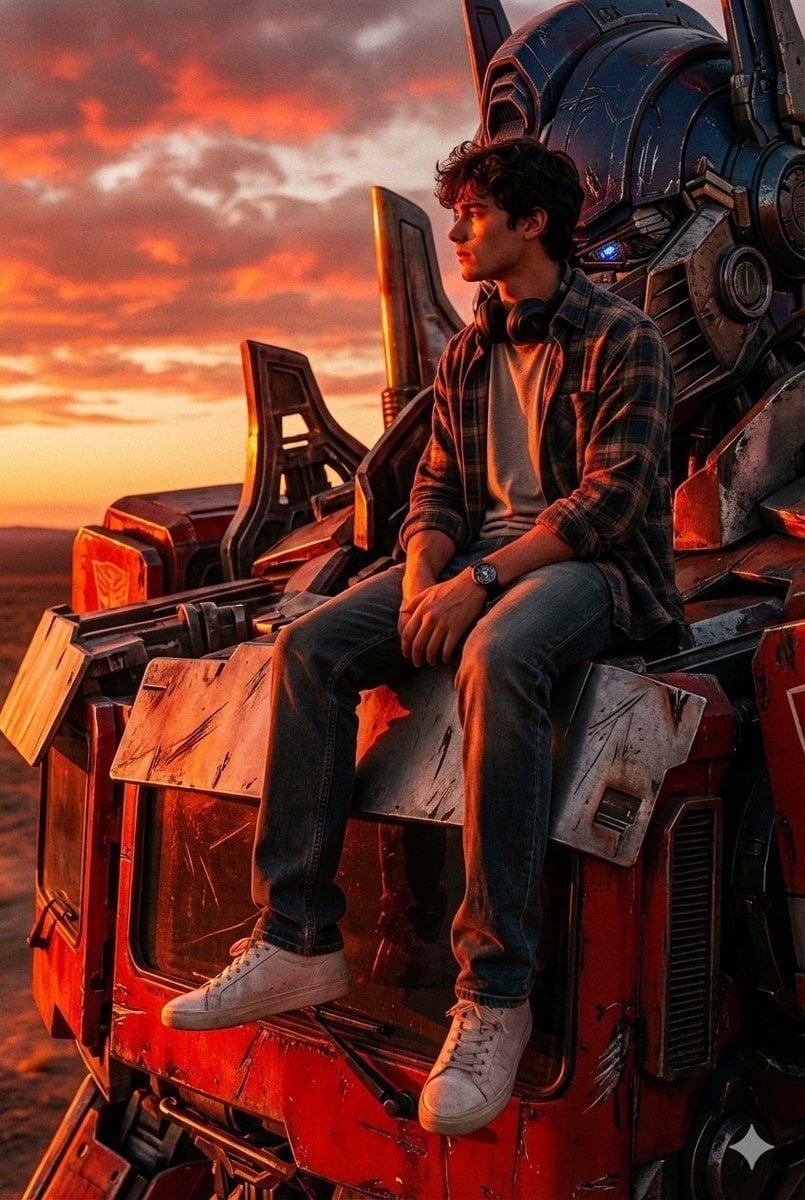
Colossal Optimus Prime and Human Cinematic Photo Prompt
Browse template categories
A small wave splashes lightly against the bottle base questions
How do I use the A small wave splashes lightly against the bottle base template?
Add your photo if the template asks for one, edit the prompt if you like — the template's model and format are already selected — and press Generate. Your version opens in PicX Studio.
Can I customize the A small wave splashes lightly against the bottle base template?
Yes. You can change the subject, setting, lighting, mood, format, and available model controls before creating your image.
Is the A small wave splashes lightly against the bottle base template free?
Opening and editing this template is free. Generating uses credits, shown on the Generate button when you are signed in.
Which AI model should I use?
Start with GPT Image 2, which is the model associated with this template. You can compare another compatible model for a different finish.
Looking for something else? Browse all templates.

Your photo, any look
Thousands of ready templates for every top image and video model, from one credit balance.