
Panel Elf Warrior Transformation
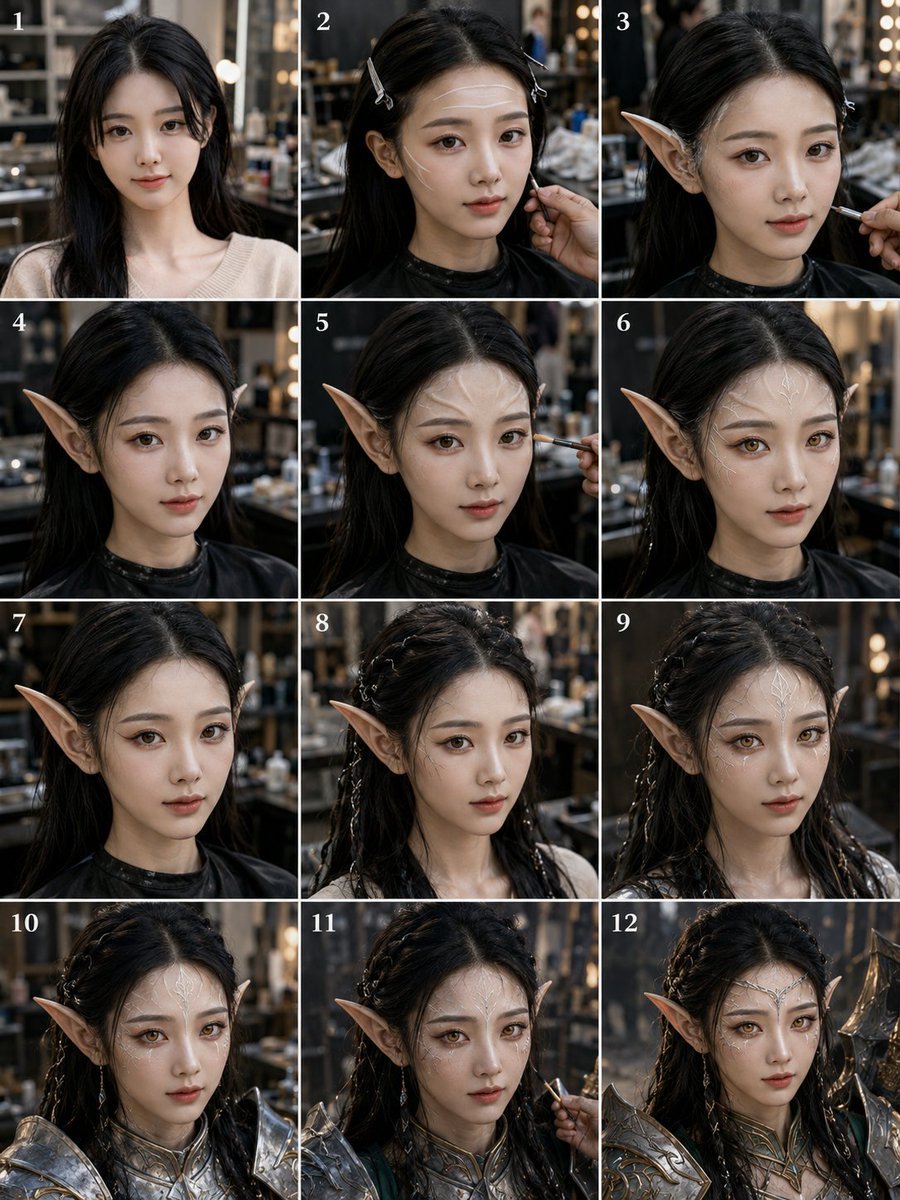
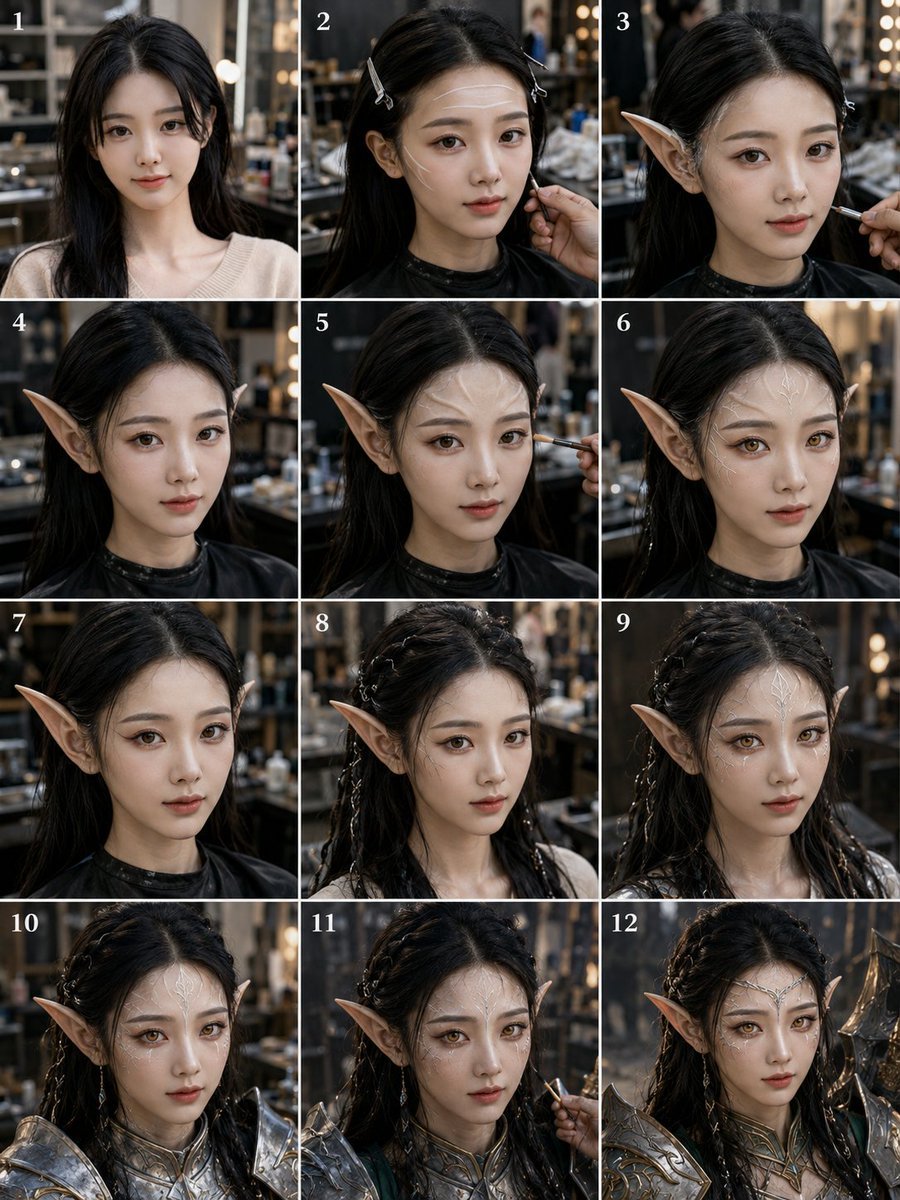
A photorealistic grid storyboard showing a staged beauty-studio transformation from ordinary portrait to armored elven warrior, useful for fantasy character process visuals.
- Prompt included
- Model and format preset
- Free template
The prompt behind this image
Copy the exact prompt behind Panel Elf Warrior Transformation, or open it in the studio and make it yours.
Goal: Create a realistic 12-panel vertical transformation storyboard showing a young woman being turned into a fantasy elf warrior in a dim, cinematic makeup studio. Canvas: Portrait 3:4 image arranged as a clean 3-column by 4-row grid, with thin white gutters between panels. Each panel is numbered in the top-left corner with small white serif numerals, exactly 12 labels: 1, 2, 3, 4, 5, 6, 7, 8, 9, 10, 11, 12. Subject: The same {argument name="character name" default="young East Asian woman"} appears in every panel, centered in a close-up bust portrait. She has long {argument name="hair color" default="black"} hair, pale skin, and a neutral forward-facing pose. Her face is deliberately hidden in every panel by a soft rectangular anonymizing blur in warm skin tones, covering the facial features but leaving hair, ears, neck, shoulders, and costume visible. Setting and style: Photorealistic backstage beauty studio or fantasy costume workshop, shallow depth of field, dark warm background, shelves, mirrors, bokeh vanity lights, makeup tools, cinematic lighting, high-detail textures, realistic camera perspective. The panels should look like sequential production stills from the same photoshoot. Panel sequence, exactly 12 discrete panels: 1. Natural starting look: long loose black hair, beige knit top, no elf ears, no armor, simple studio portrait. 2. Preparation stage: hair partially clipped back with two small silver hair clips, black salon cape around shoulders, a hand near the cheek adjusting makeup or prosthetics. 3. First elf-ear fitting: one long pointed prosthetic elf ear clearly visible on the left side of the image, makeup brush entering from the right, hair clipped back. 4. Both pointed elf ears visible, hair down and dark salon cape, transformation becoming obvious. 5. Makeup refinement: pointed ears visible, a brush touching the cheek from the right, same studio background. 6. Completed prosthetic ears and makeup base: pointed ears visible on both sides, no brush, hair loose, black cape. 7. Side emphasis: close portrait with the left pointed ear prominent, hair darker and sleeker, black cape, minimal accessories. 8. Hairstyling begins: hair braided into multiple small fantasy braids with tiny metallic beads or rings, pointed ears visible, beige/light top reappears. 9. More elaborate braided hair with thin silver accents, both pointed ears visible, ethereal fantasy styling, still no armor. 10. Armor fitting begins: ornate silver fantasy shoulder armor and chest collar added, braided hair with beads, pointed ears, close-up bust. 11. Final makeup touch-up: silver armor present, pointed ears and braids visible, a makeup brush entering from the right side near the cheek. 12. Completed fantasy warrior look: ornate silver-and-gold elven armor, decorative chest piece, braided hair with metallic accents, pointed ears, heroic polished final portrait. Constraints: Maintain the same person, angle, lighting, and studio across all panels. Use exactly 12 panels and exactly the numbered labels listed above. Keep the transformation progression clear from ordinary salon portrait to complete armored elf. No extra captions, no watermark, no logos, no visible readable text other than the panel numbers.
How to use Panel Elf Warrior Transformation in 3 steps
- 1Upload ImagePNG, JPG or paste
Add your photo
Upload the photo the template builds on. The prompt, model and format are already set.
- 2…a portrait of your subject in softgolden-hour light, 85mm…
Personalize
Edit the subject and creative details for your destination.
- 3Generate
Generate
Press Generate — your image is created in PicX Studio, so you can compare it with the original and refine one variable at a time.
More like this
Templates with the same subject, style or setup. Open one to see its prompt.
Elf Warrior Transformation Collage
Elf Warrior Transformation Collage

Panel Mirror Selfie Collage

Pixar 6-Panel Streethero Expression Grid
Panel Self-Care Infographic Grid
Mini-Me 3D Selfie Transformation
Seedance - Character Transition
Surreal Elf Couture Portrait
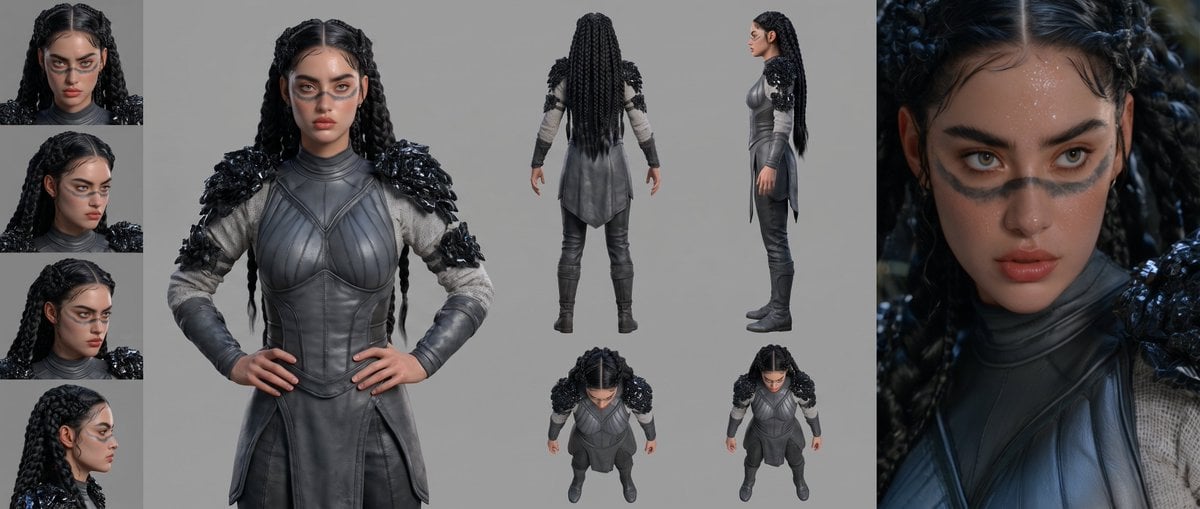
Mesoamerican Warrior Character Sheet

Anime Elf Maid Turnaround Sheet

Tribal Fantasy Warrior with Guardian Owl

Anime Alley Kick Transformation
Make it yours
Panel Elf Warrior Transformation works as-is. These are the safest ways to change it without losing the look.
Change one field
Copy a single group, rewrite it, and generate again so you can see what that field is doing.
Keep the frame, change the subject
Hold the composition and light of 12-Panel Elf Warrior Transformation, then swap wardrobe, props or the person for a new take.
| If the result… | Why | Fix |
|---|---|---|
| The result drifts from the preview | Too many fields changed at once. | Reuse 12-Panel Elf Warrior Transformation as-is first, then change one group — subject, light, or setting. |
| The model over-stylizes the scene | The prose prompt leaves finish and camera underspecified. | Add one camera or lighting sentence and stay on GPT Image 2. |
More GPT Image 2 templates
Other prompts made for GPT Image 2.

Six VTuber Japanese Logo Sheet

Realistic Portrait of Woman and Deer

The Vista Modular Condo Poster

AI Model Routing Comparison Infographic

2.5D Anime Art Board

Isometric Productivity Desk Scene

New York Double Exposure Poster

Japanese Tatami Lifestyle Magazine Cover

NESCAFÉ Coffee Map Poster

Brutalist Cogito Chinese Typography Poster
More image prompts
Fresh picks from across the catalog.
Cinematic Sport in Midjourney V7
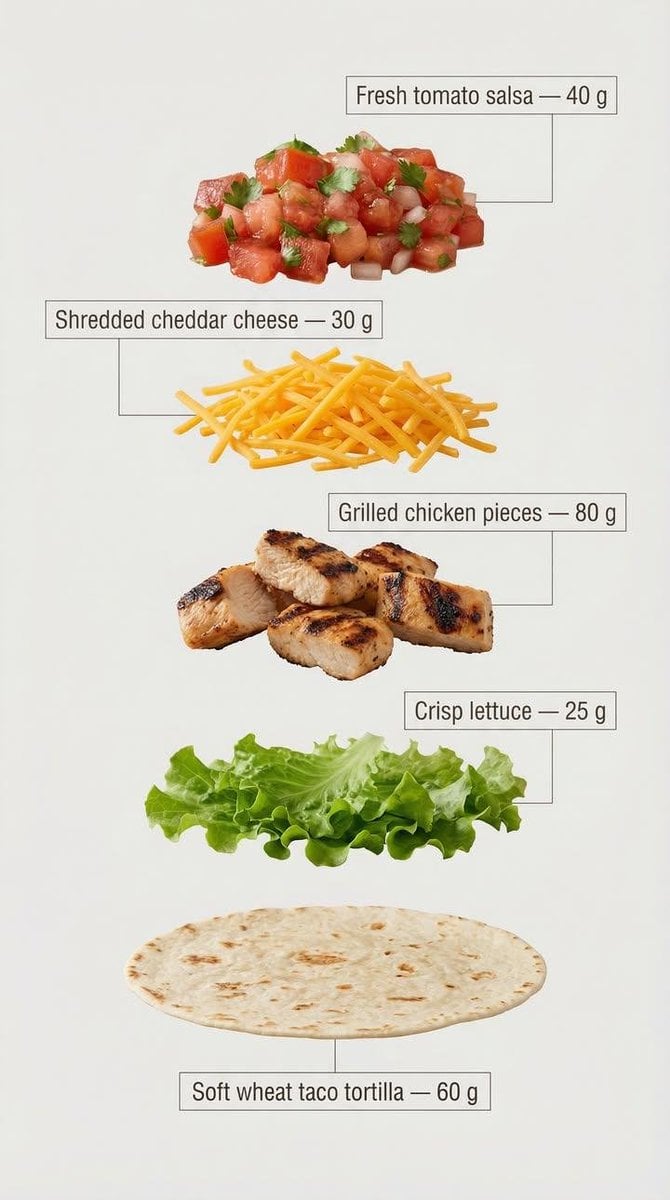
Exploded View Tacos Infographic for Marketing
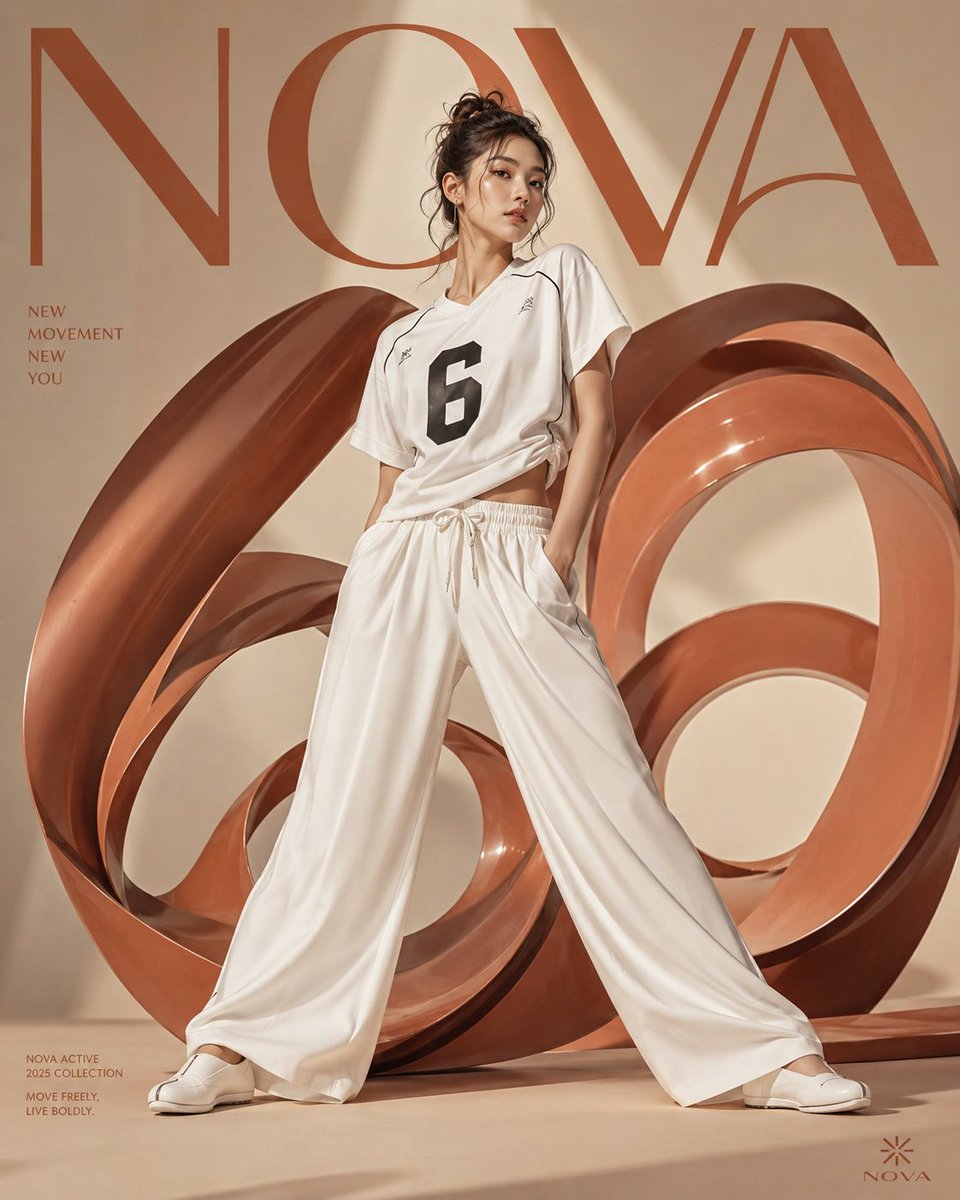
Korean Fashion Anime Editorial
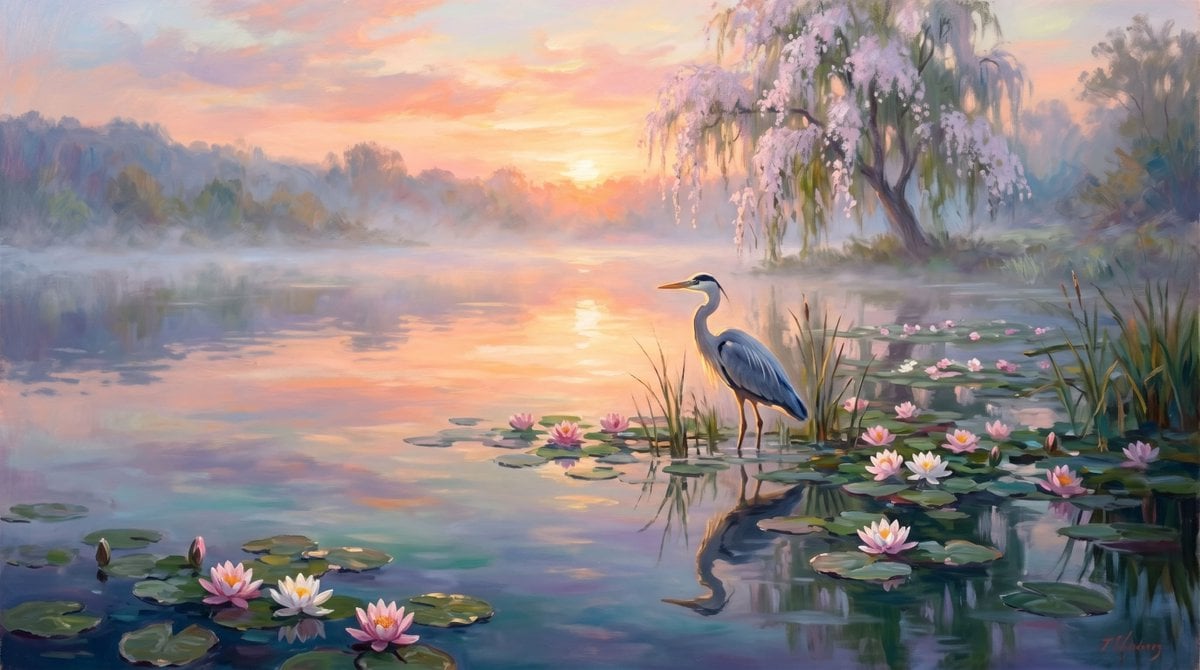
Calm Heron Sunrise Lake
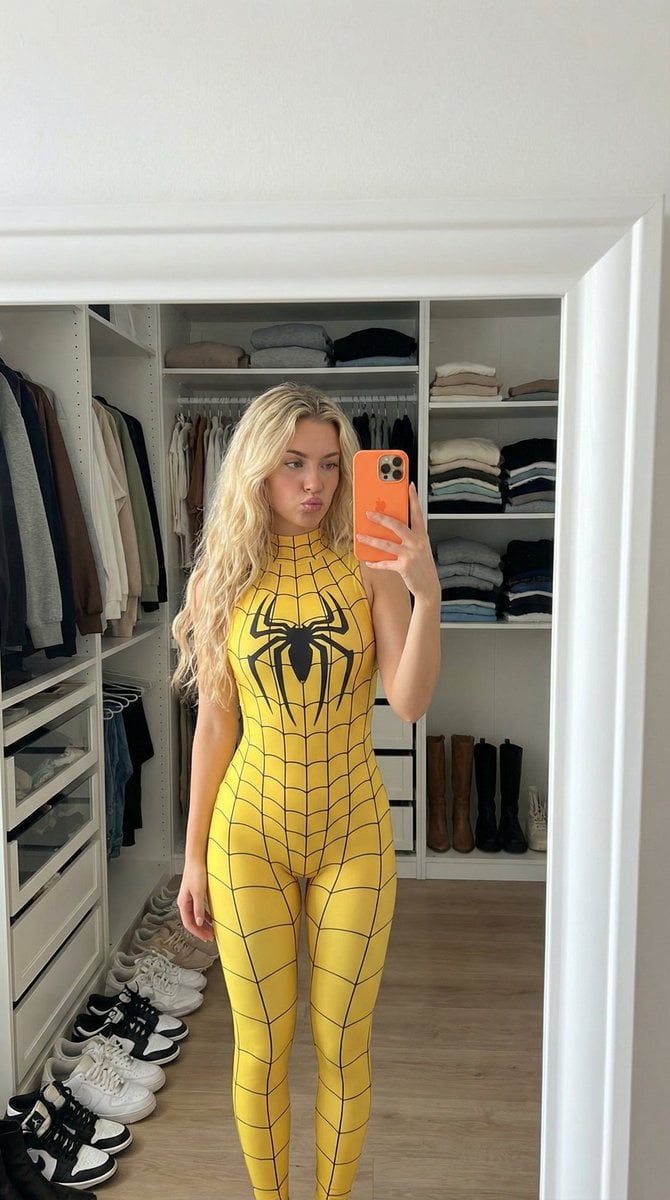
Spider-Girl Cosplay Selfie Prompt (Yellow)
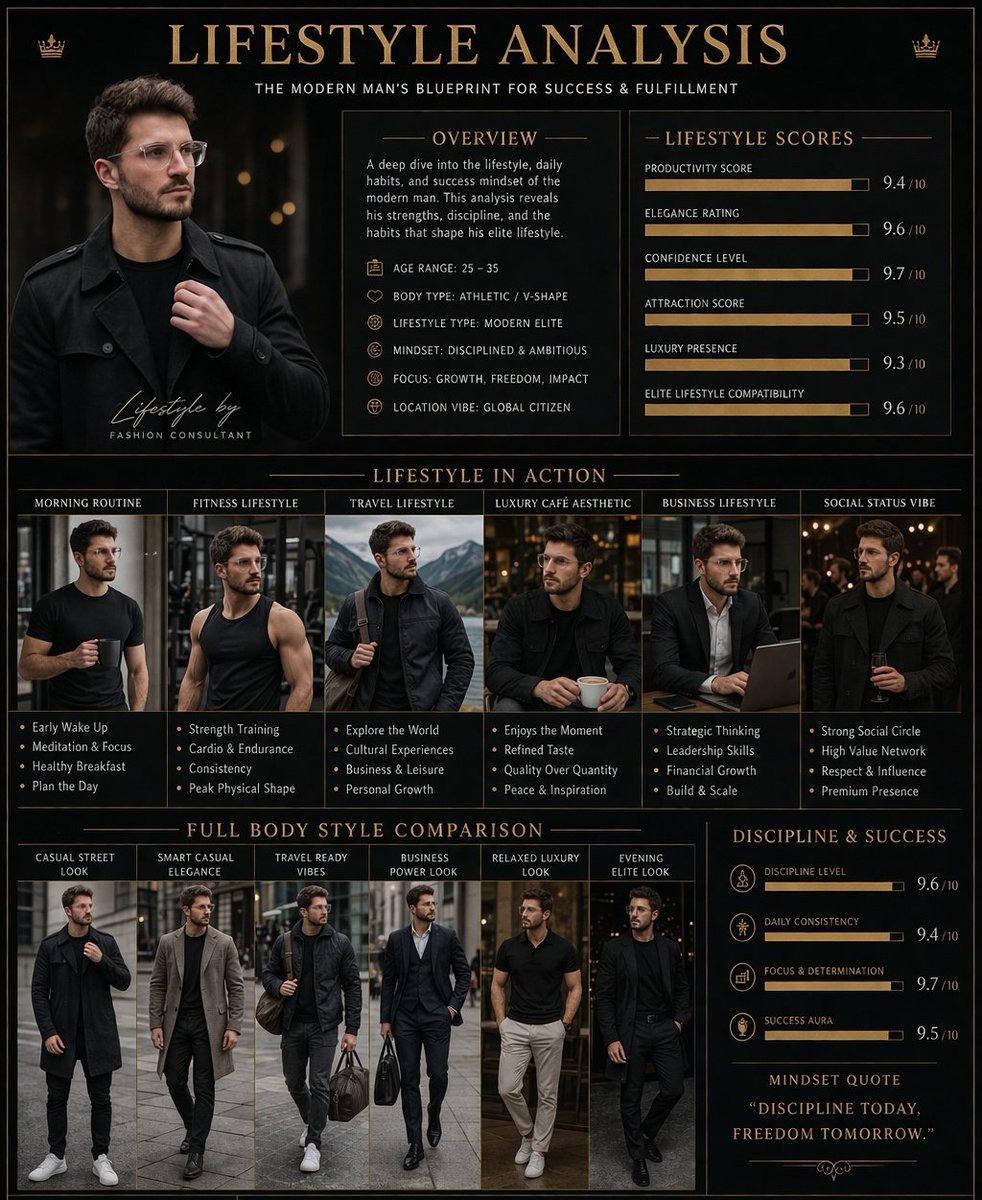
Luxury Lifestyle Analysis Poster
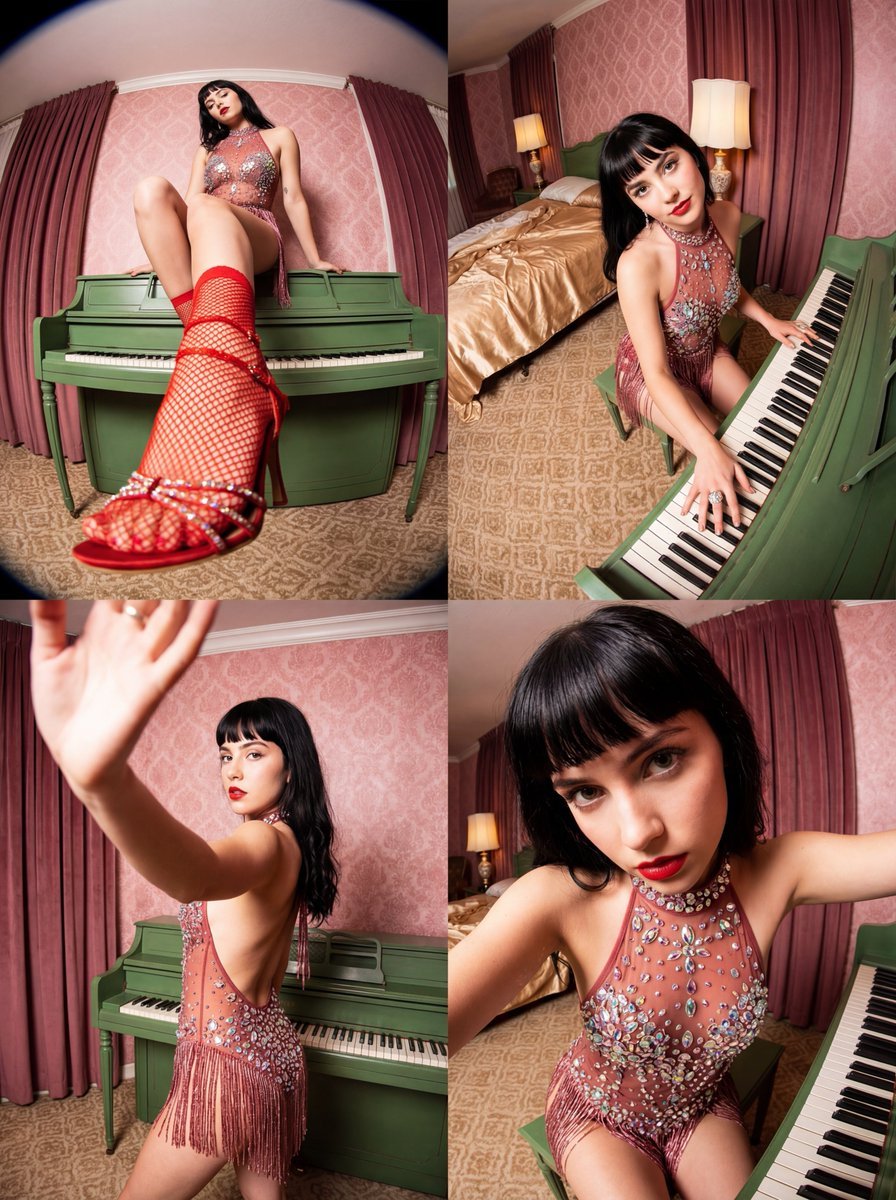
Vintage Glamour Piano Series Collage Prompt
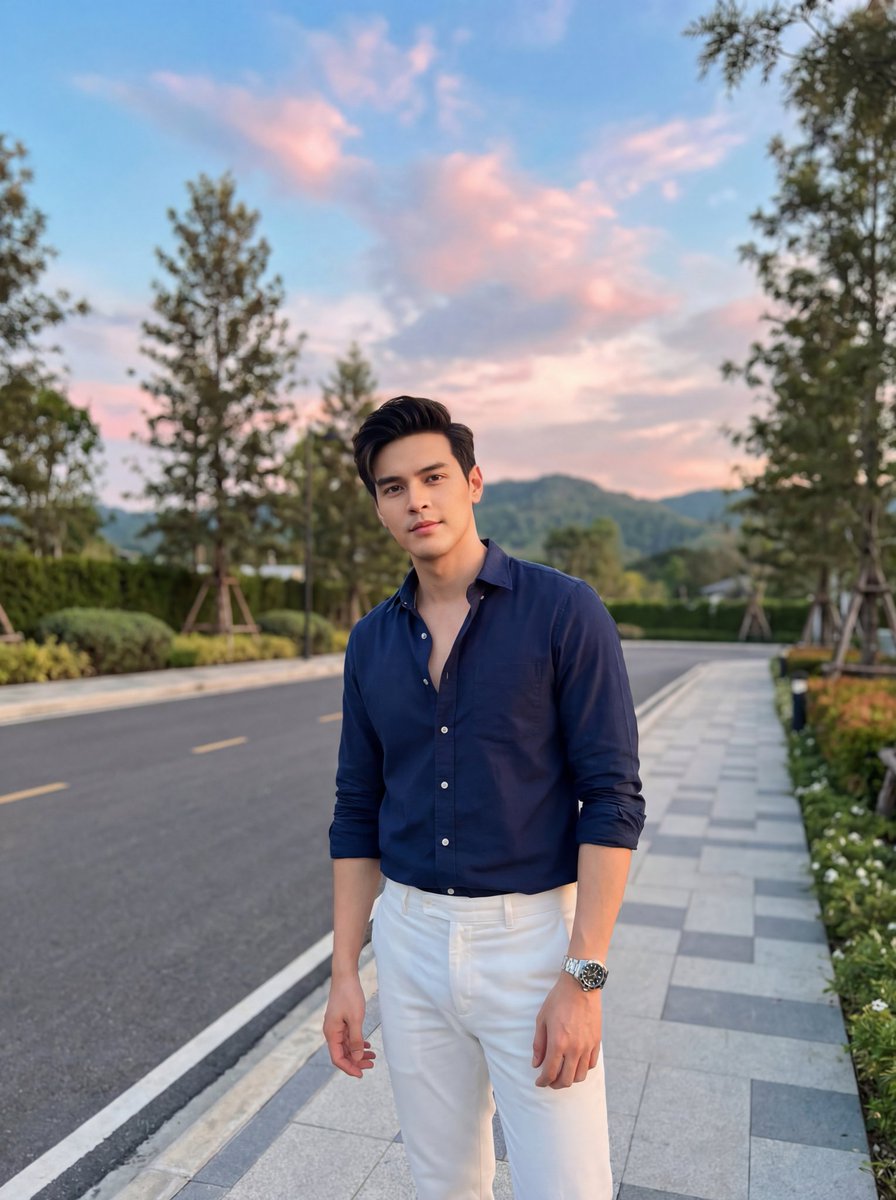
Stylish Man on Sidewalk at Sunset
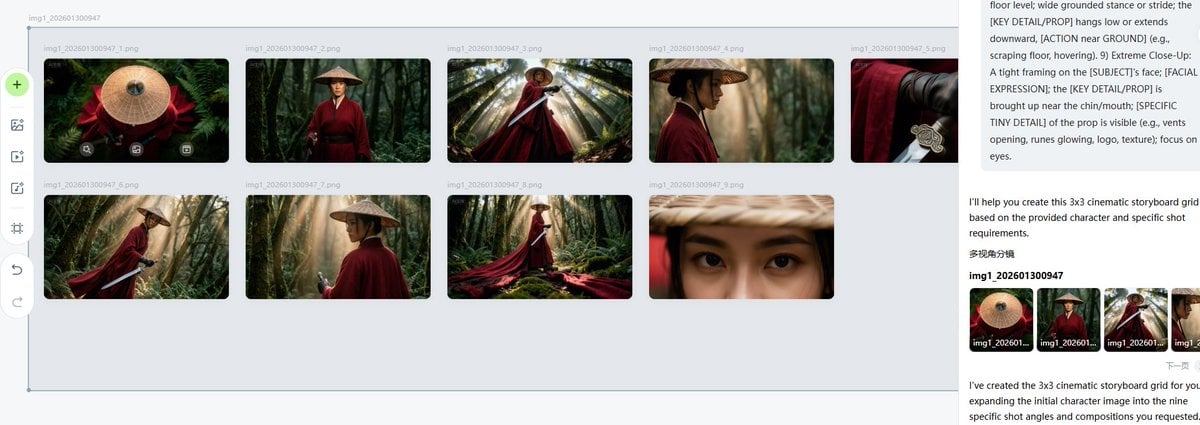
Cinematic Female Warrior Portrait Prompt
Line and Shape Hybrid Illustration Prompt
Browse template categories
Panel Elf Warrior Transformation questions
How do I use the 12-Panel Elf Warrior Transformation template?
Add your photo if the template asks for one, edit the prompt if you like — the template's model and format are already selected — and press Generate. Your version opens in PicX Studio.
Can I customize the 12-Panel Elf Warrior Transformation template?
Yes. You can change the subject, setting, lighting, mood, format, and available model controls before creating your image.
Is the 12-Panel Elf Warrior Transformation template free?
Opening and editing this template is free. Generating uses credits, shown on the Generate button when you are signed in.
Which AI model should I use?
Start with GPT Image 2, which is the model associated with this template. You can compare another compatible model for a different finish.
Looking for something else? Browse all templates.

Your photo, any look
Thousands of ready templates for every top image and video model, from one credit balance.