
Dark Goblin Shaman in Haunted Swamp
Generates a cinematic dark fantasy goblin creature crouching in a misty magical swamp, ideal for creature concept art or fantasy game visuals.
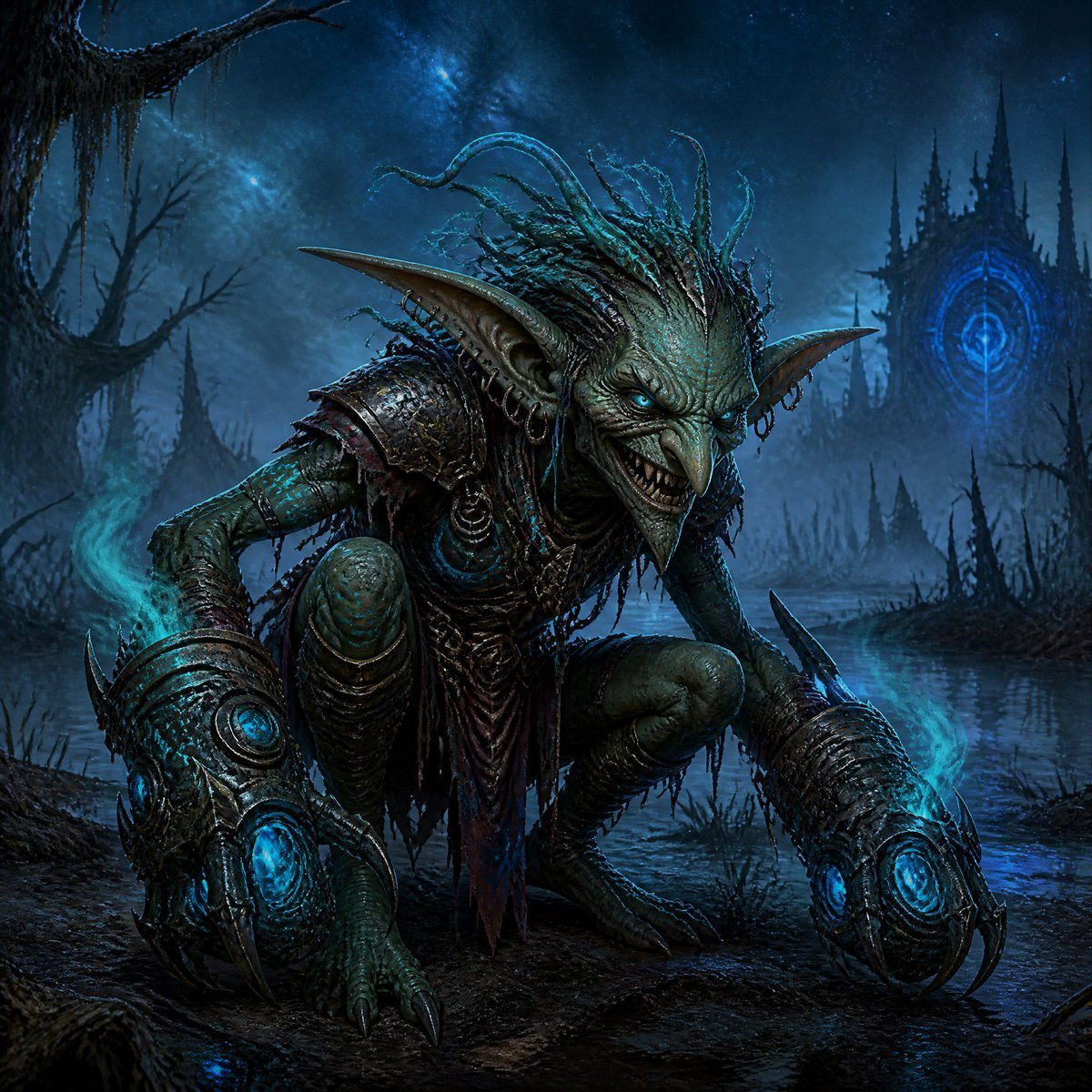
- Prompt included
- Model and format preset
- Free template
The prompt behind this image
Copy the exact prompt behind Dark Goblin Shaman in Haunted Swamp, or open it in the studio and make it yours.
Create a dark fantasy cinematic illustration of a sinister {argument name="creature type" default="goblin shaman-warrior"} crouching low in a haunted swamp at night, centered in a three-quarter view and staring directly at the viewer with a vicious grin. The creature has mottled green-blue leathery skin, a long hooked nose, glowing icy blue eyes, huge pointed ears with small rings and ornaments, sharp jagged teeth, clawed feet, wiry limbs, and a crown of tangled dreadlock-like tendrils rising from its head. Dress it in tattered tribal leather, ragged cloth strips, bone and metal trinkets, and worn dark shoulder armor. Both forearms are encased in oversized ancient gauntlets made of corroded bronze-black metal, each ending in long claw-like prongs and containing one large circular glowing cyan magical core, for a total of two glowing gauntlet cores. Add wisps of turquoise ghost-fire curling around the gauntlets and drifting through the air. The setting is a misty dead marsh with black mud, shallow reflective water, reeds, twisted leafless trees, hanging moss, and jagged thorn-like silhouettes. In the far background place a looming gothic dark citadel with many needle spires and one bright circular blue arcane sigil glowing on its facade. Use a deep midnight blue palette with cyan rim light and magical glow, wet reflective surfaces, heavy fog, high contrast, ultra-detailed creature anatomy, ornate armor texture, grim fairytale horror mood, dramatic low-angle composition, sharp focus on the goblin, cinematic concept art quality, square format.
How to use Dark Goblin Shaman in Haunted Swamp in 3 steps
- 1Upload ImagePNG, JPG or paste
Add your photo
Upload the photo the template builds on. The prompt, model and format are already set.
- 2…a portrait of your subject in softgolden-hour light, 85mm…
Personalize
Edit the subject and creative details for your destination.
- 3Generate
Generate
Press Generate — your image is created in PicX Studio, so you can compare it with the original and refine one variable at a time.
More like this
Templates with the same subject, style or setup. Open one to see its prompt.
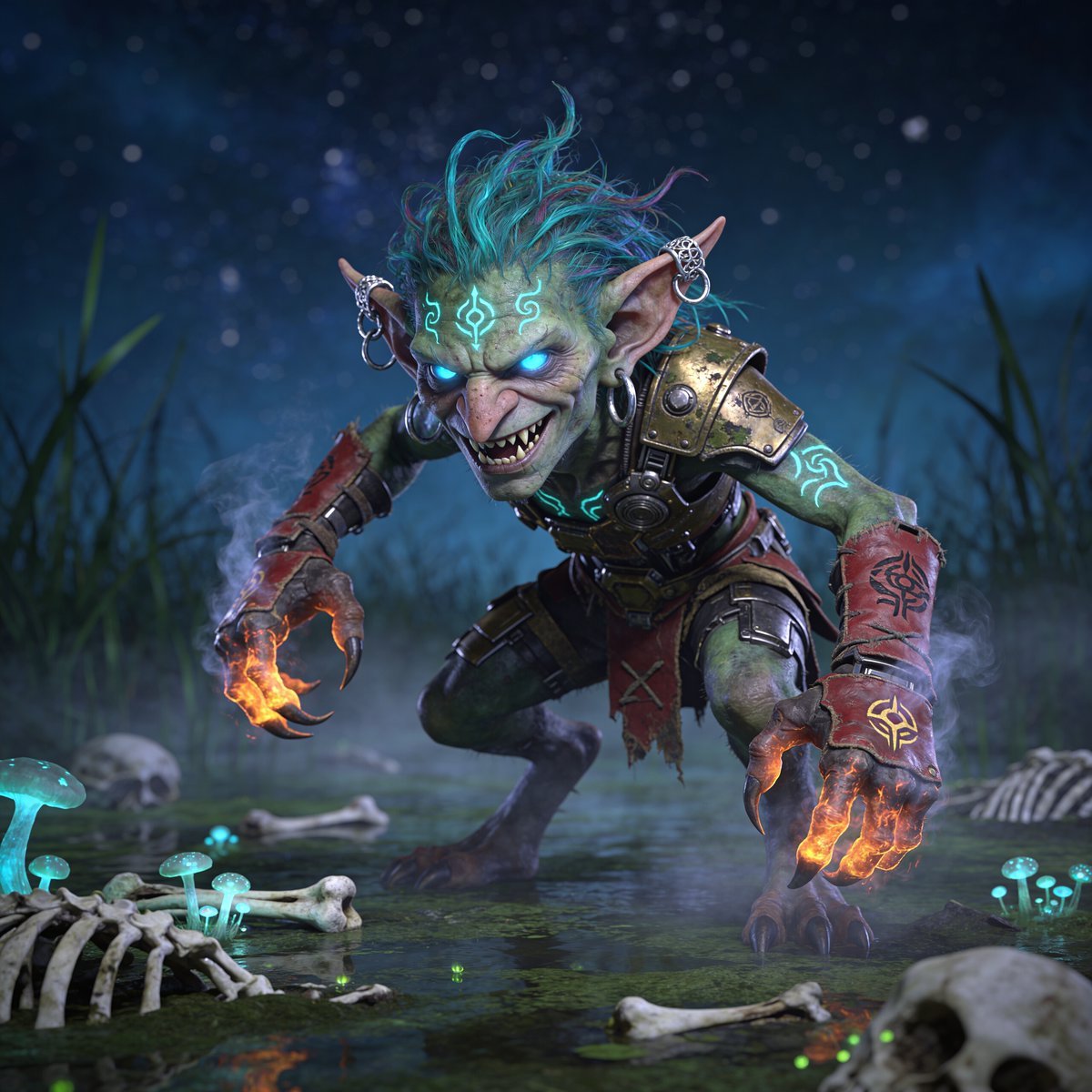
Glowing Goblin Shaman in Swamp

Selective Color Monochrome Football Poster
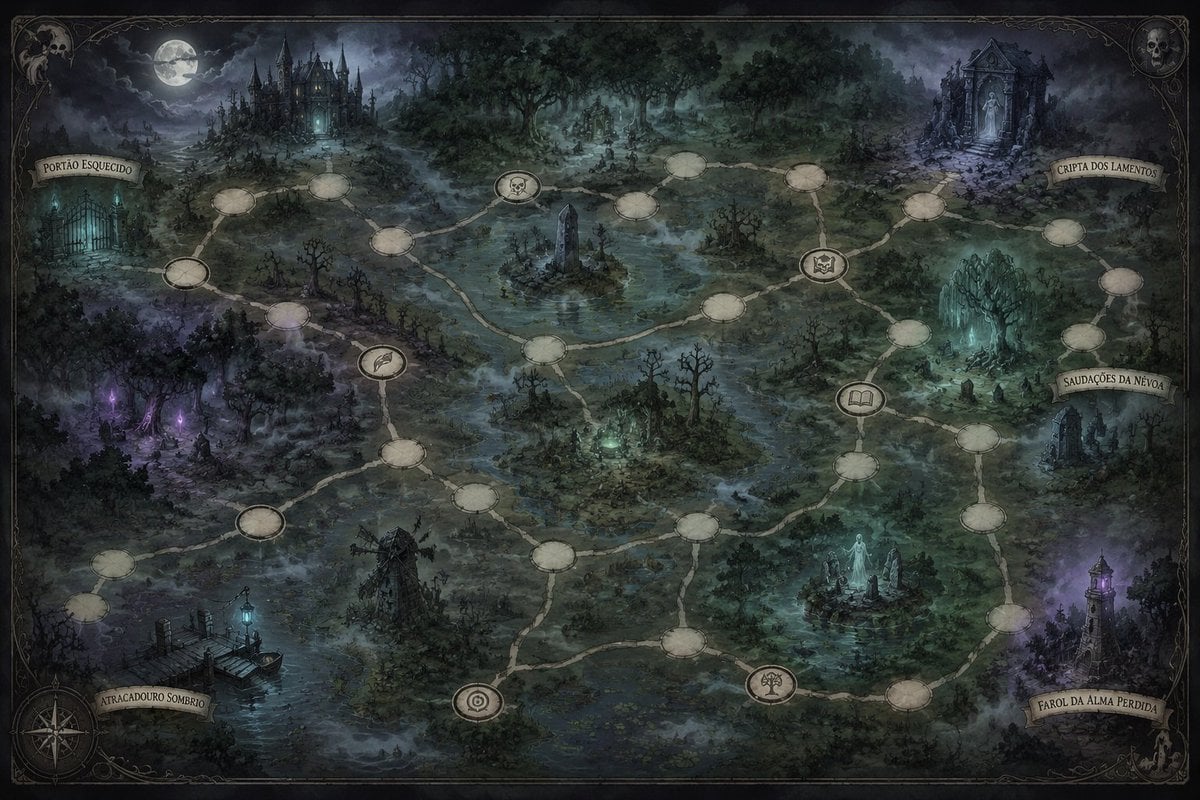
Gothic Haunted Swamp Map
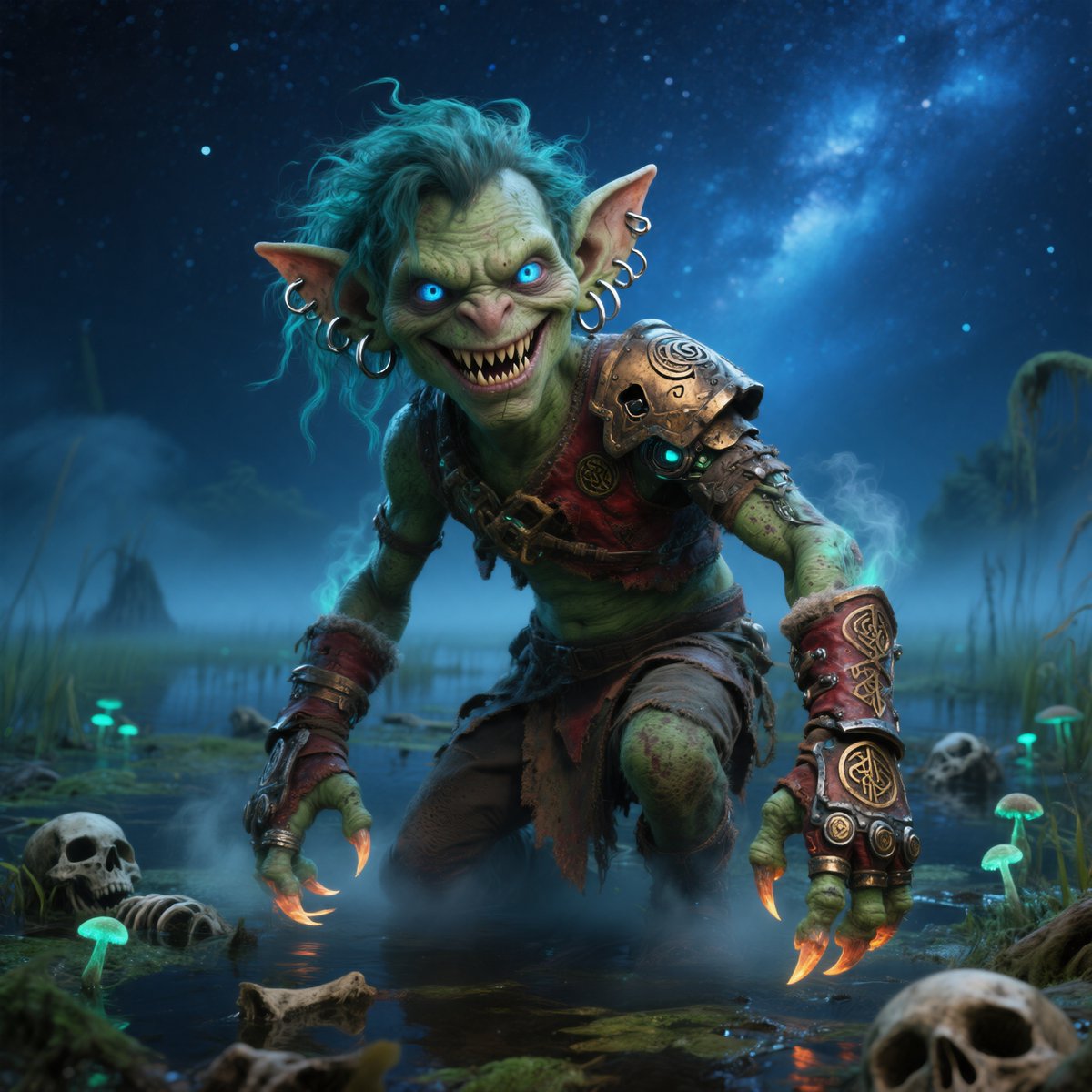
Moonlit Swamp Goblin Warrior

Night Sports Car Portrait — Cinematic Moody

Cinematic Eye Light Portraits — 3 Nano Banana Prompts

Horror Cinematic Portrait
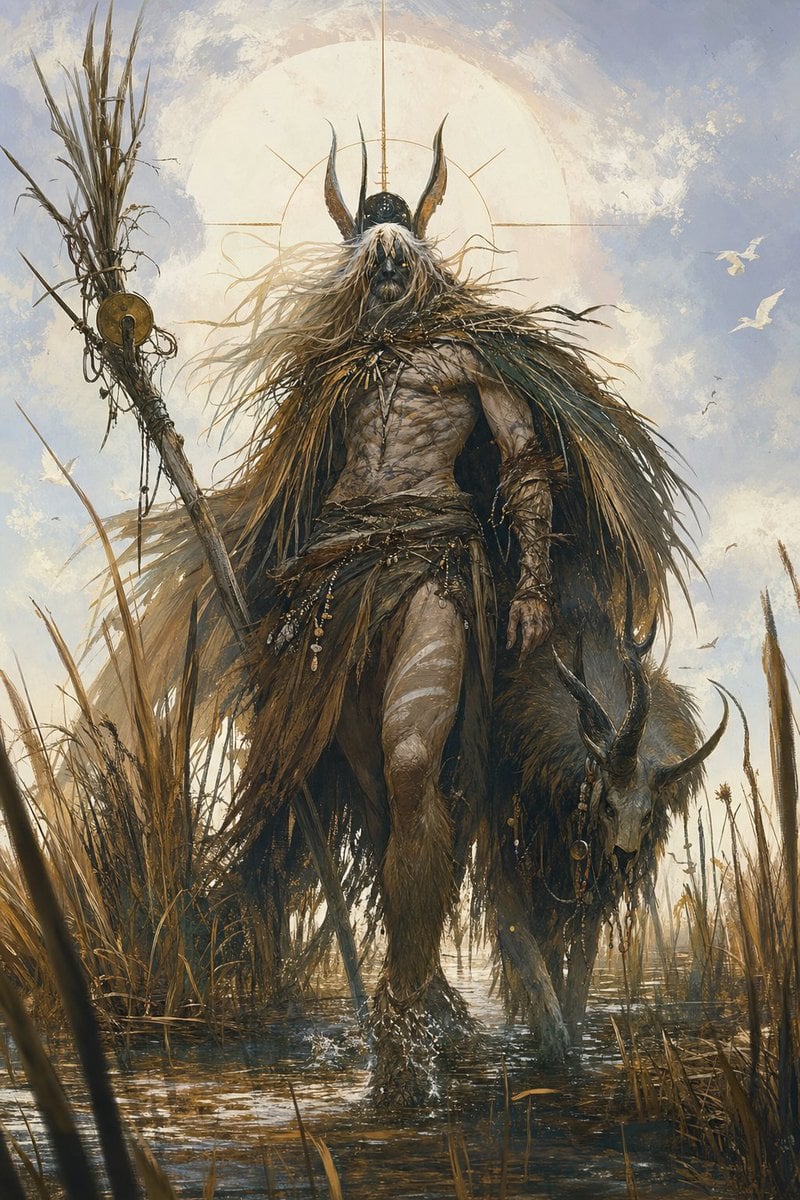
Marsh Shaman Demigod
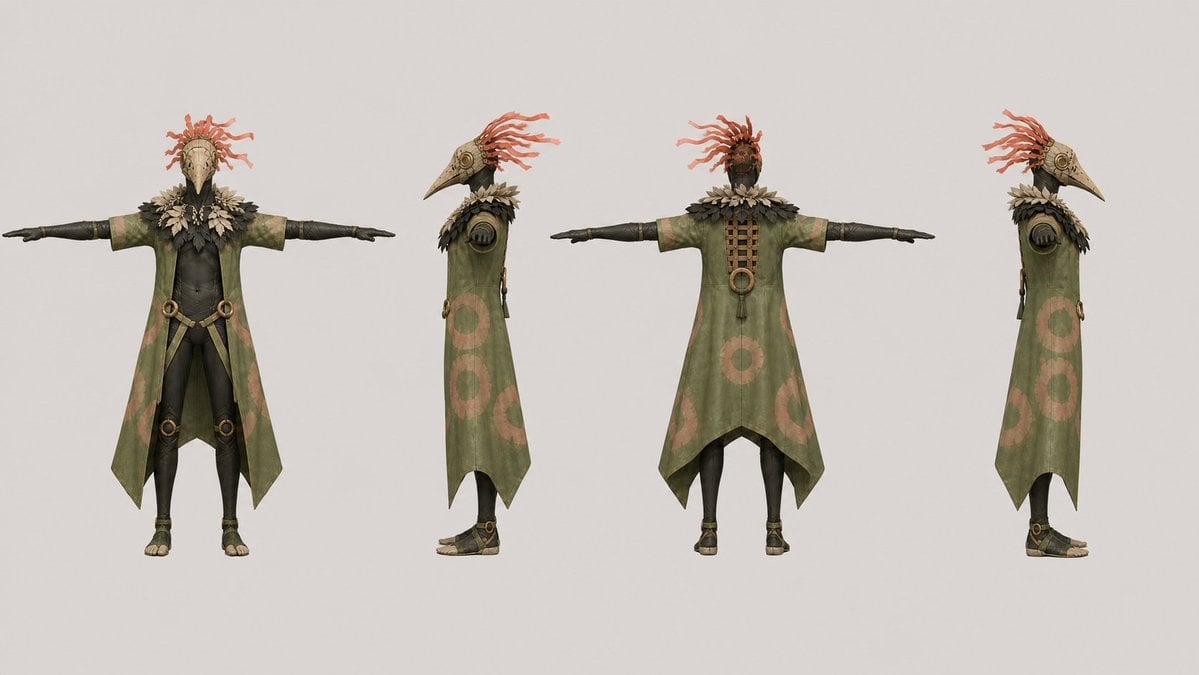
Bird Shaman Character Turnaround
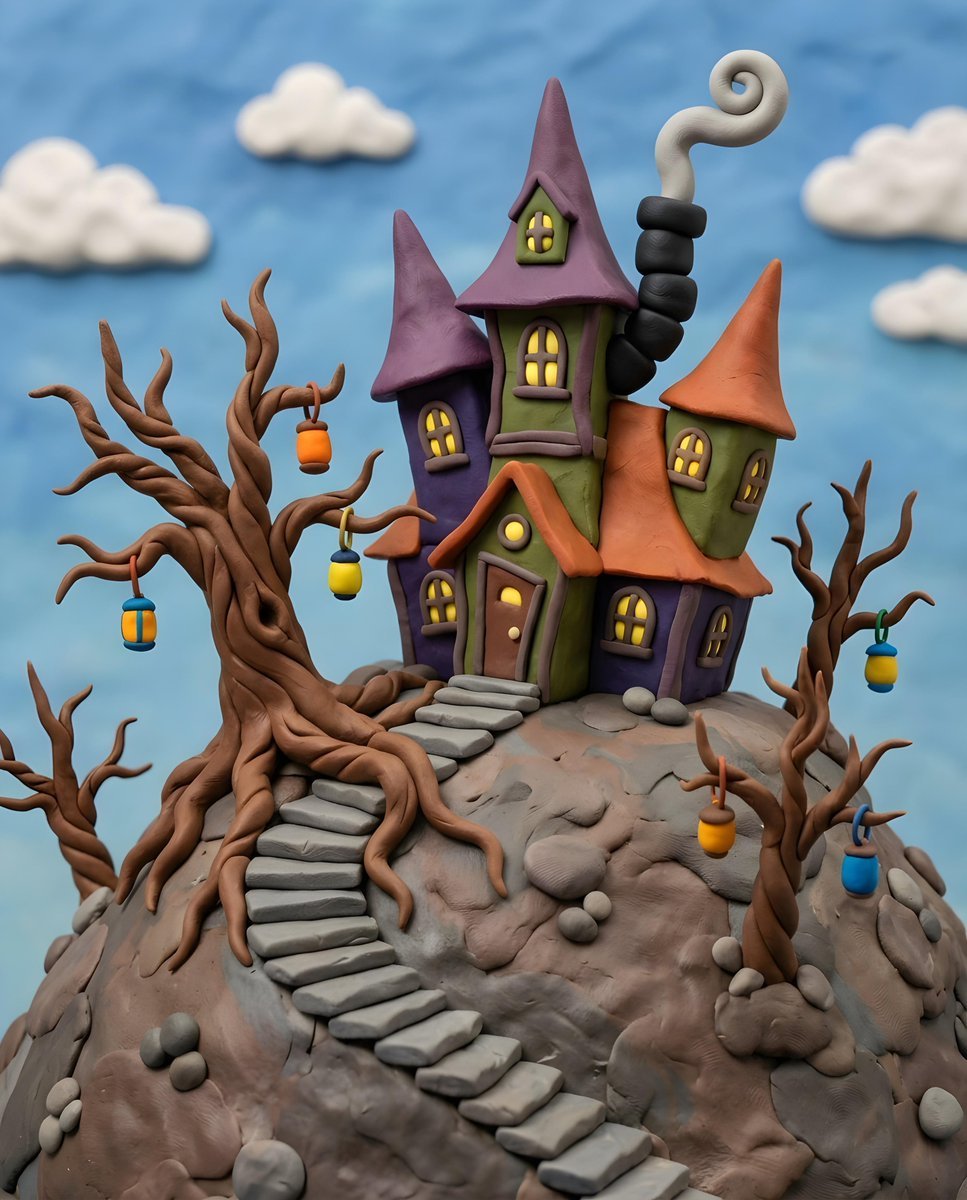
Gothic Whimsical Haunted House
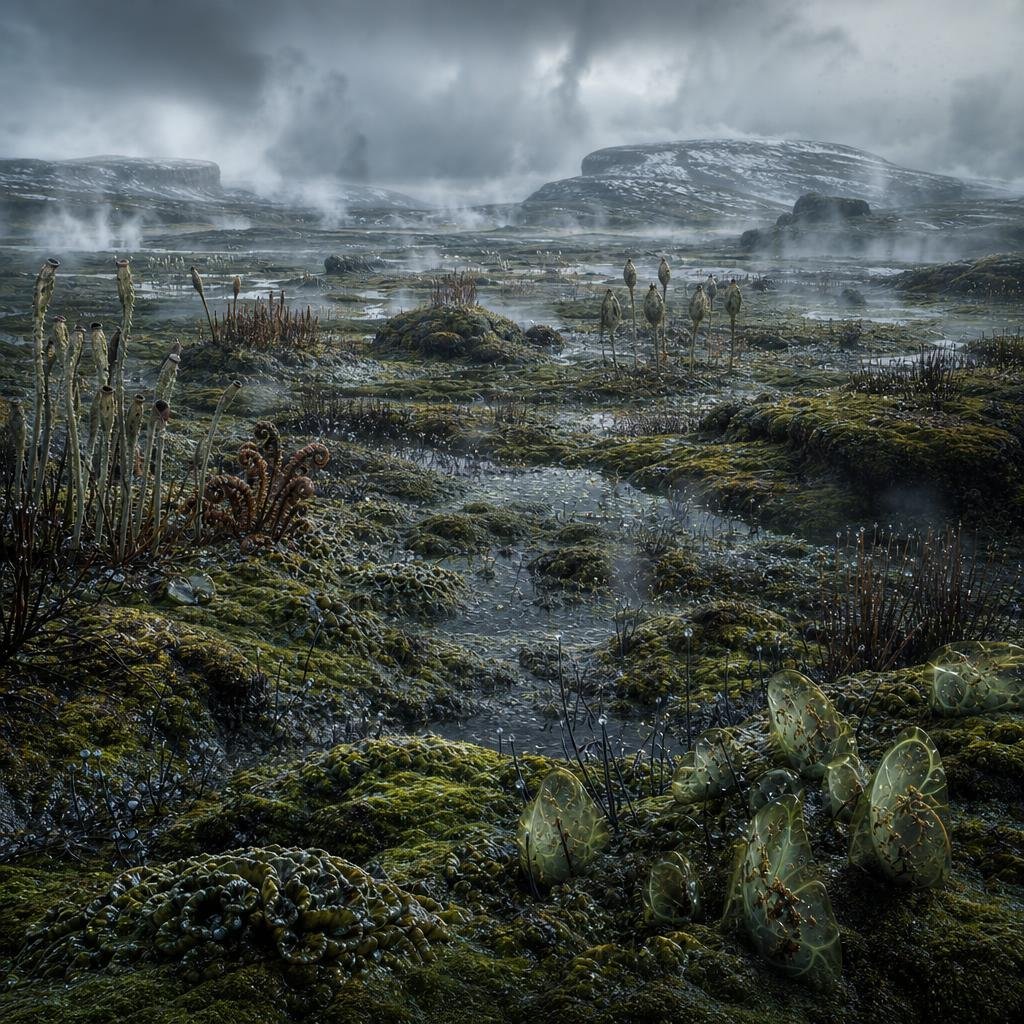
Ancient Prehistoric Swamp Landscape
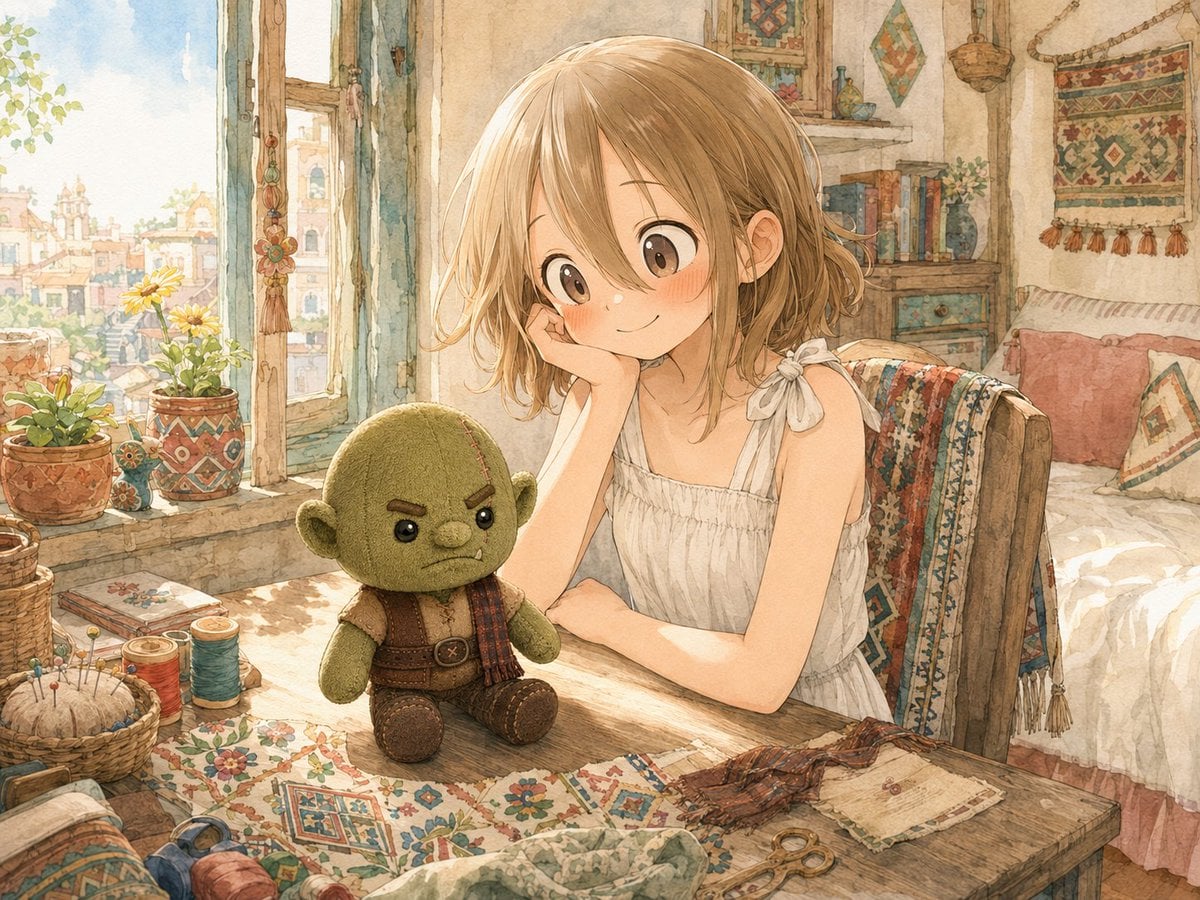
Girl Sewing Goblin Plush
Make it yours
Dark Goblin Shaman in Haunted Swamp works as-is. These are the safest ways to change it without losing the look.
Change one field
Copy a single group, rewrite it, and generate again so you can see what that field is doing.
Keep the frame, change the subject
Hold the composition and light of Dark Goblin Shaman in Haunted Swamp, then swap wardrobe, props or the person for a new take.
| If the result… | Why | Fix |
|---|---|---|
| The result drifts from the preview | Too many fields changed at once. | Reuse Dark Goblin Shaman in Haunted Swamp as-is first, then change one group — subject, light, or setting. |
| The model over-stylizes the scene | The prose prompt leaves finish and camera underspecified. | Add one camera or lighting sentence and stay on GPT Image 2. |
More GPT Image 2 templates
Other prompts made for GPT Image 2.

Six VTuber Japanese Logo Sheet

Realistic Portrait of Woman and Deer

The Vista Modular Condo Poster

AI Model Routing Comparison Infographic

2.5D Anime Art Board

Isometric Productivity Desk Scene

New York Double Exposure Poster

Four-Panel AI Landscape Comparison

Japanese Tatami Lifestyle Magazine Cover

NESCAFÉ Coffee Map Poster
More image prompts
Fresh picks from across the catalog.
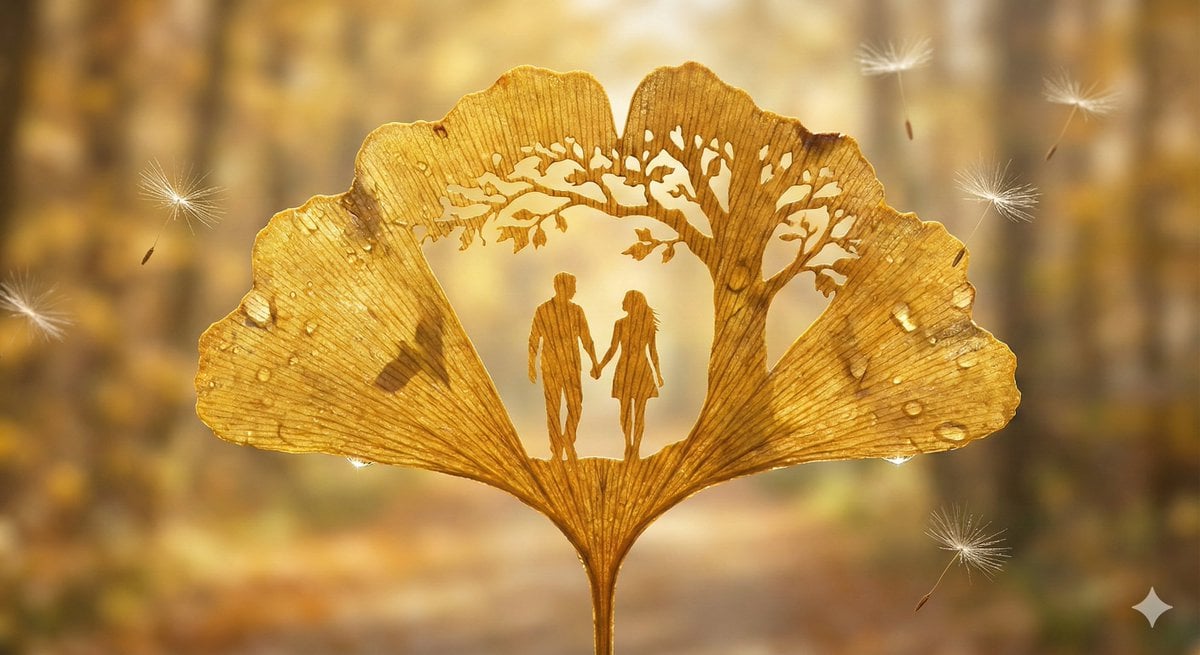
Leaf-Cutout Art Prompt Template and Examples
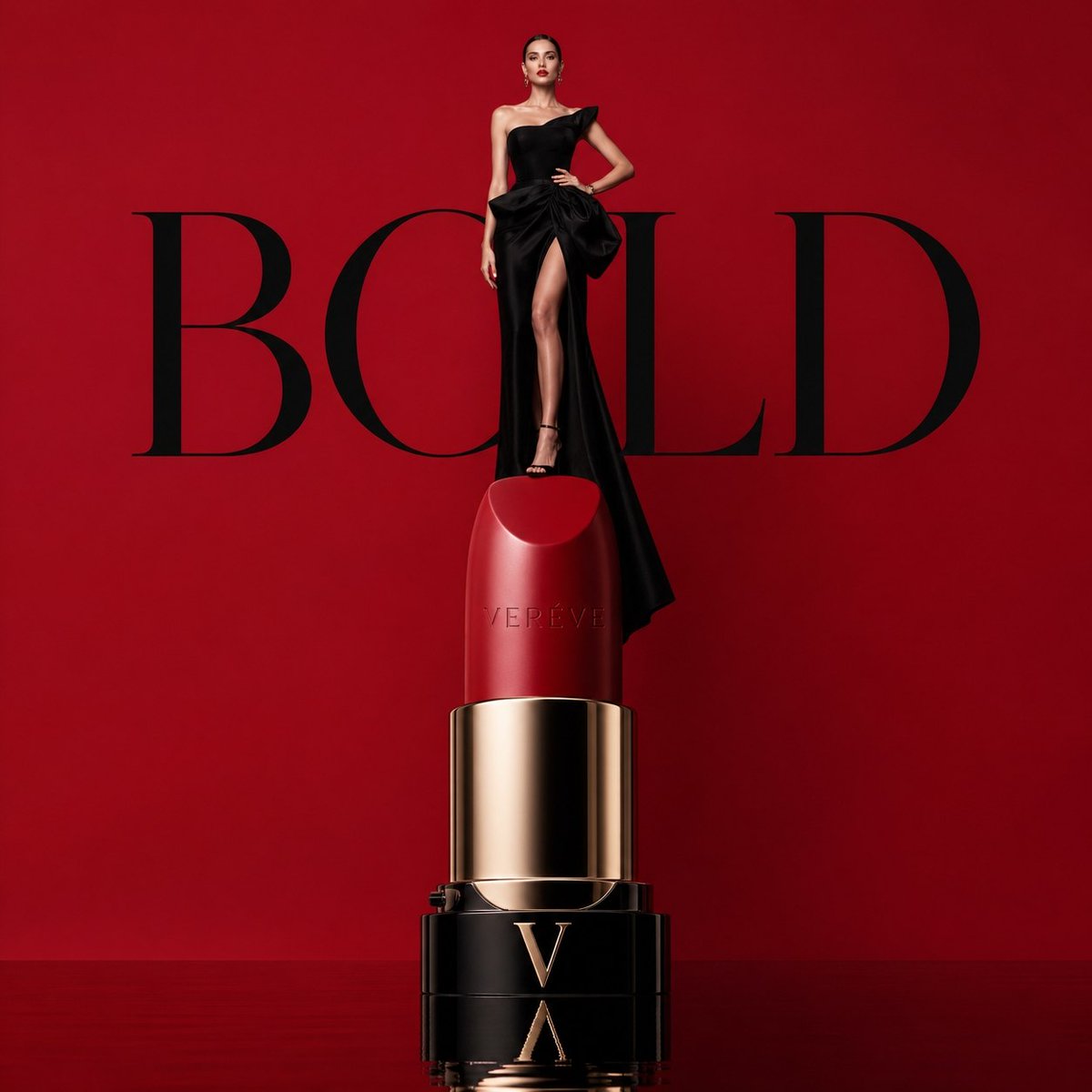
Avant-garde Luxury Beauty Campaign
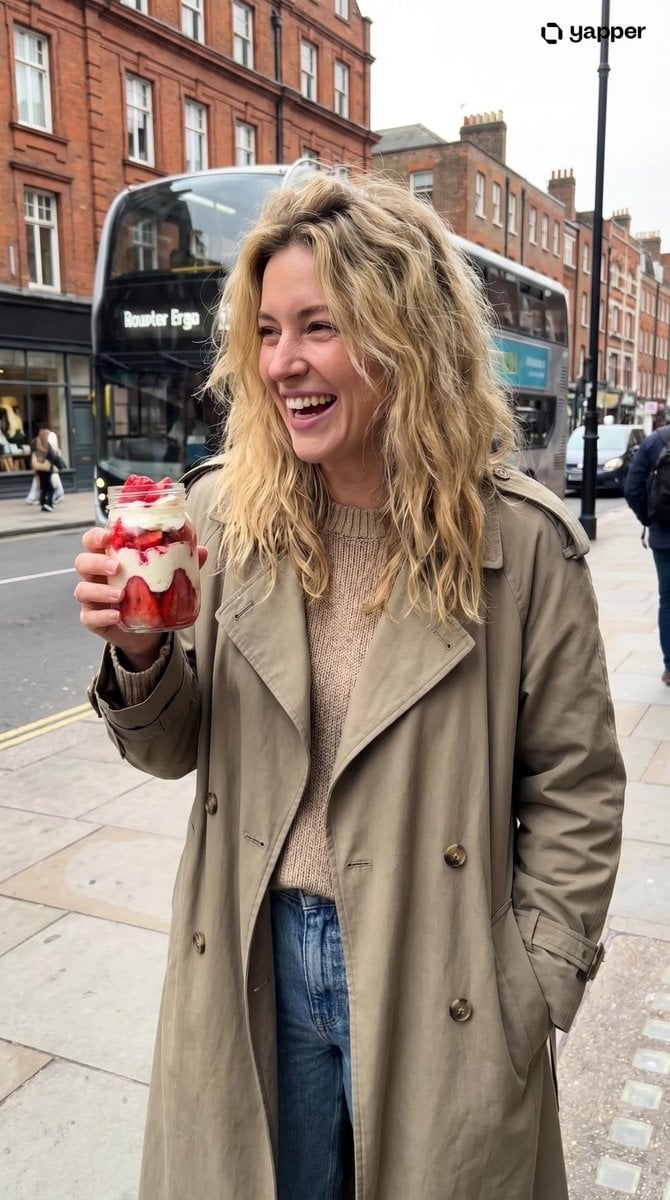
Urban Lifestyle Portrait
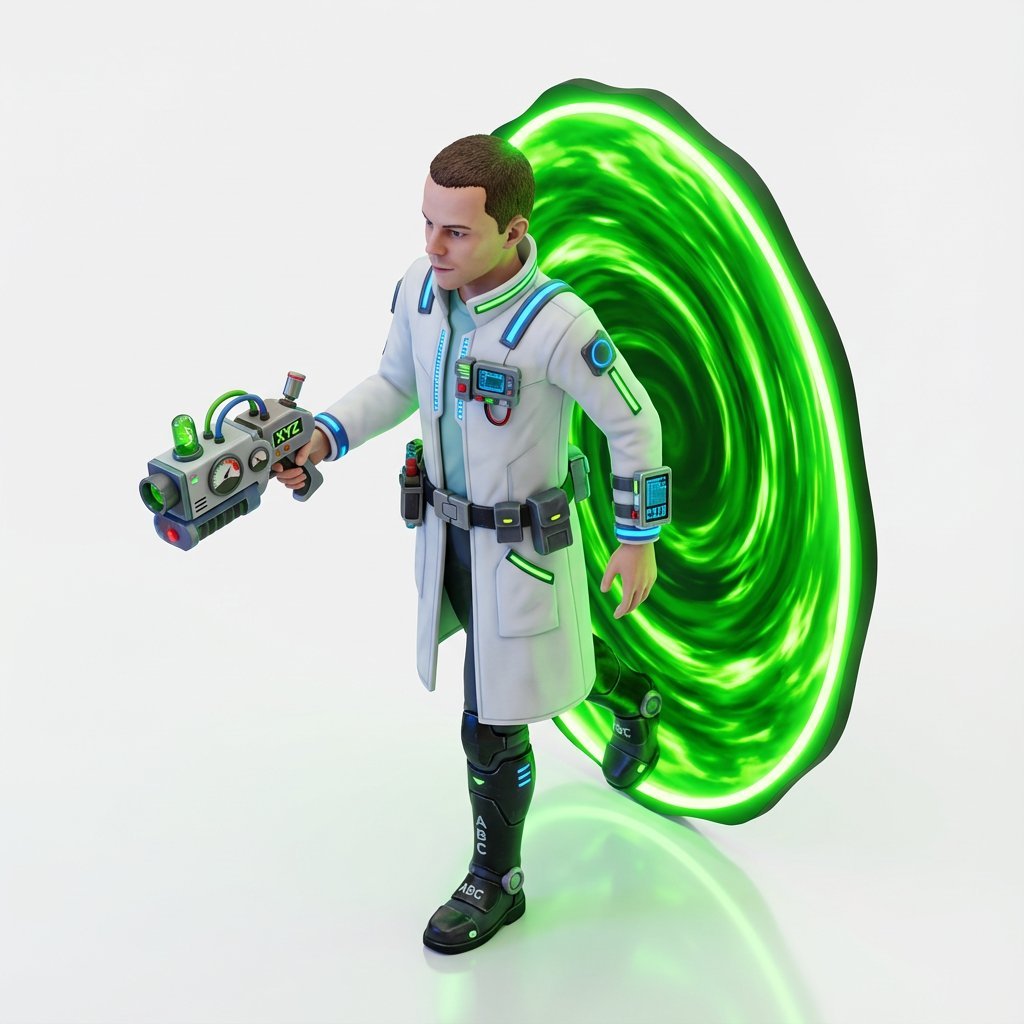
Miniature Isometric Figurine Prompt for nano banana pro
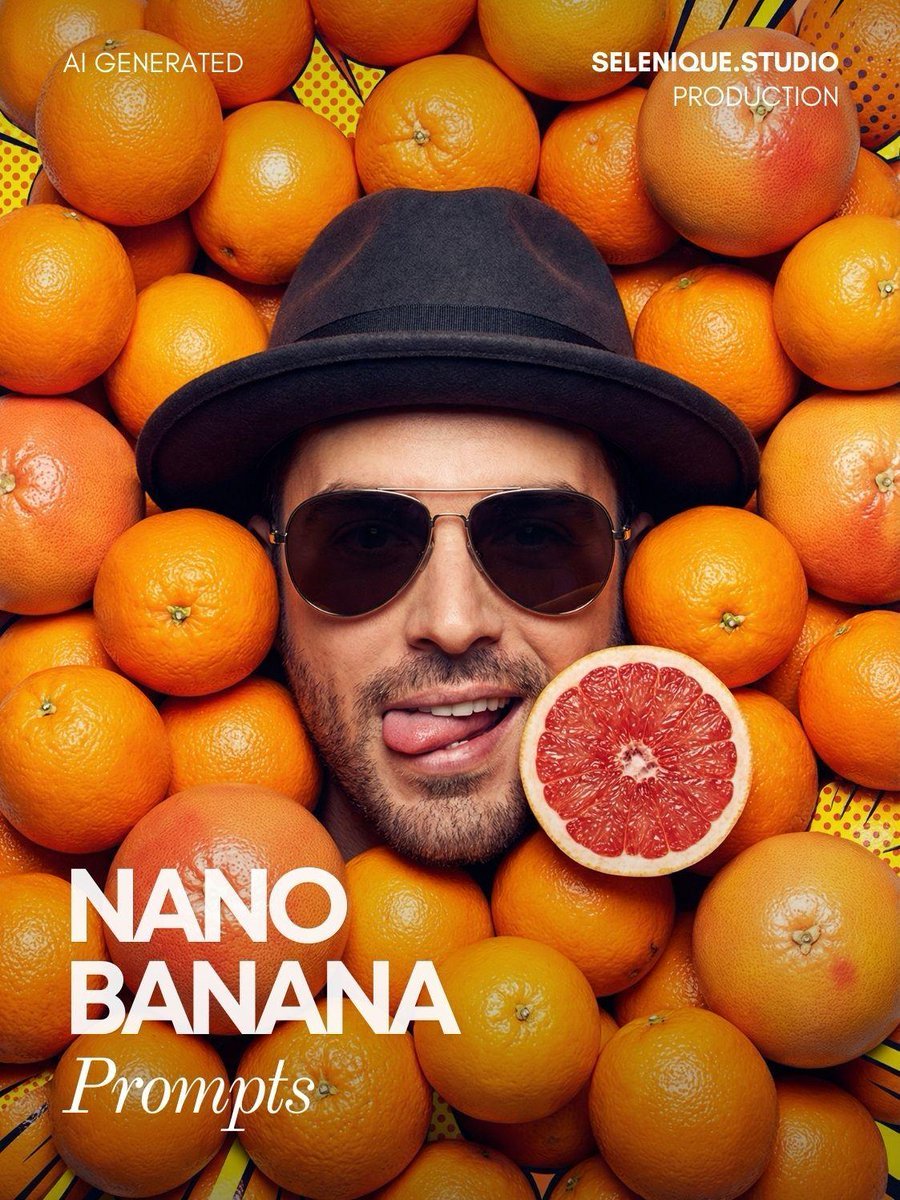
Surreal Pop-Art Citrus Editorial Portrait

Premium Masculine Editorial Portrait
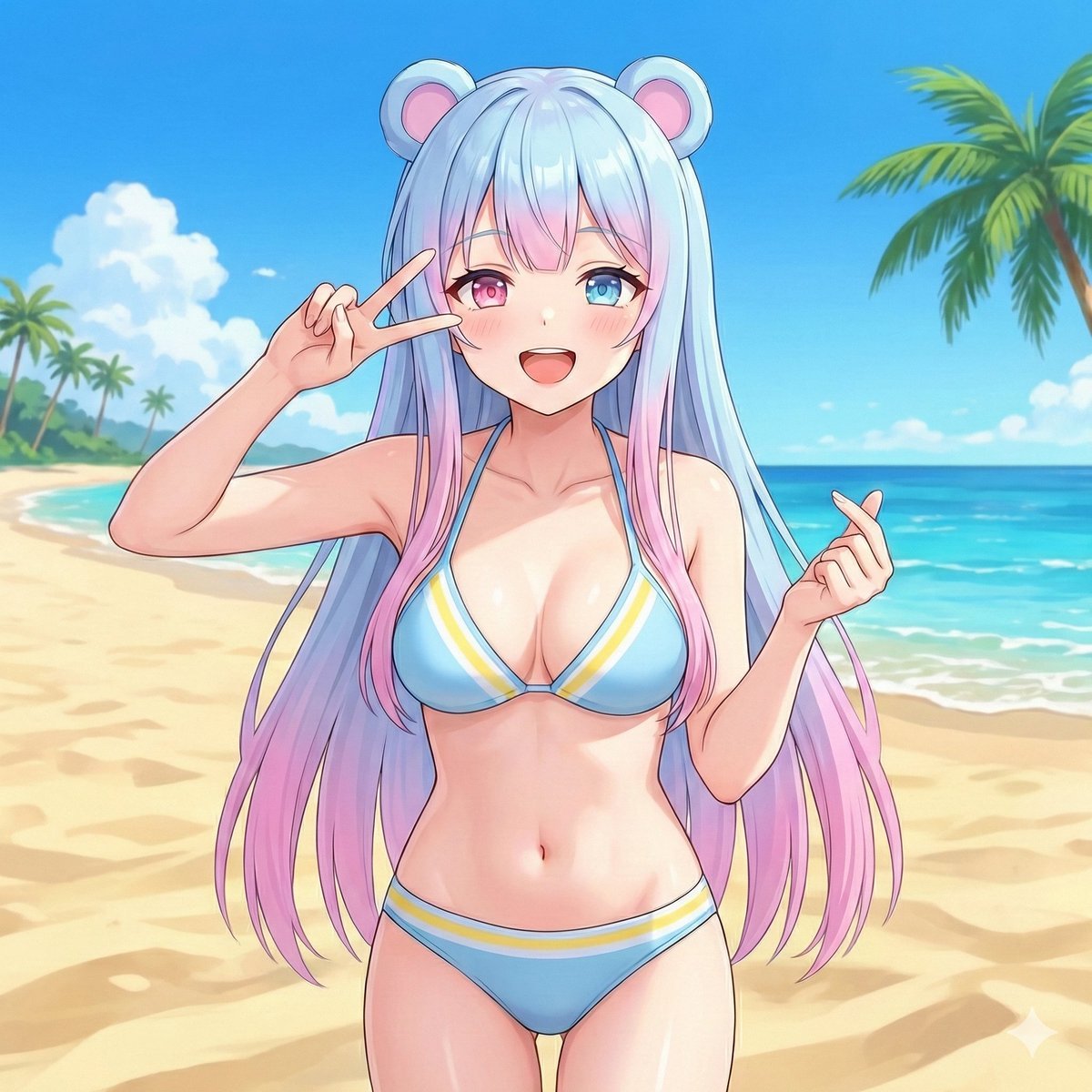
Beach Day Image Generation
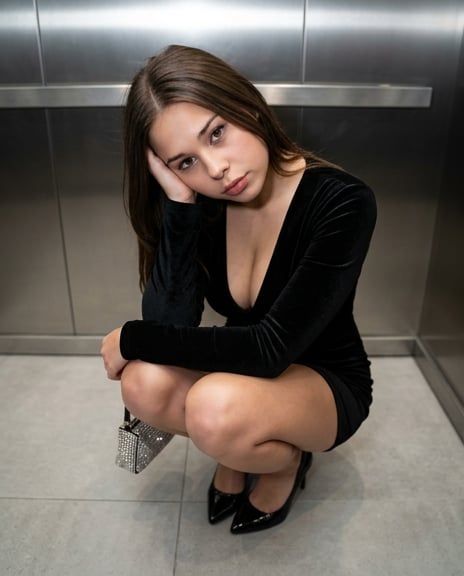
X Sumiturkude007 Image Description Subject
Seedance - Brand Commercial

3D Chibi Character Transformation Prompt for Nano Banana 2
Browse template categories
Dark Goblin Shaman in Haunted Swamp questions
How do I use the Dark Goblin Shaman in Haunted Swamp template?
Add your photo if the template asks for one, edit the prompt if you like — the template's model and format are already selected — and press Generate. Your version opens in PicX Studio.
Can I customize the Dark Goblin Shaman in Haunted Swamp template?
Yes. You can change the subject, setting, lighting, mood, format, and available model controls before creating your image.
Is the Dark Goblin Shaman in Haunted Swamp template free?
Opening and editing this template is free. Generating uses credits, shown on the Generate button when you are signed in.
Which AI model should I use?
Start with GPT Image 2, which is the model associated with this template. You can compare another compatible model for a different finish.
Looking for something else? Browse all templates.

Your photo, any look
Thousands of ready templates for every top image and video model, from one credit balance.