
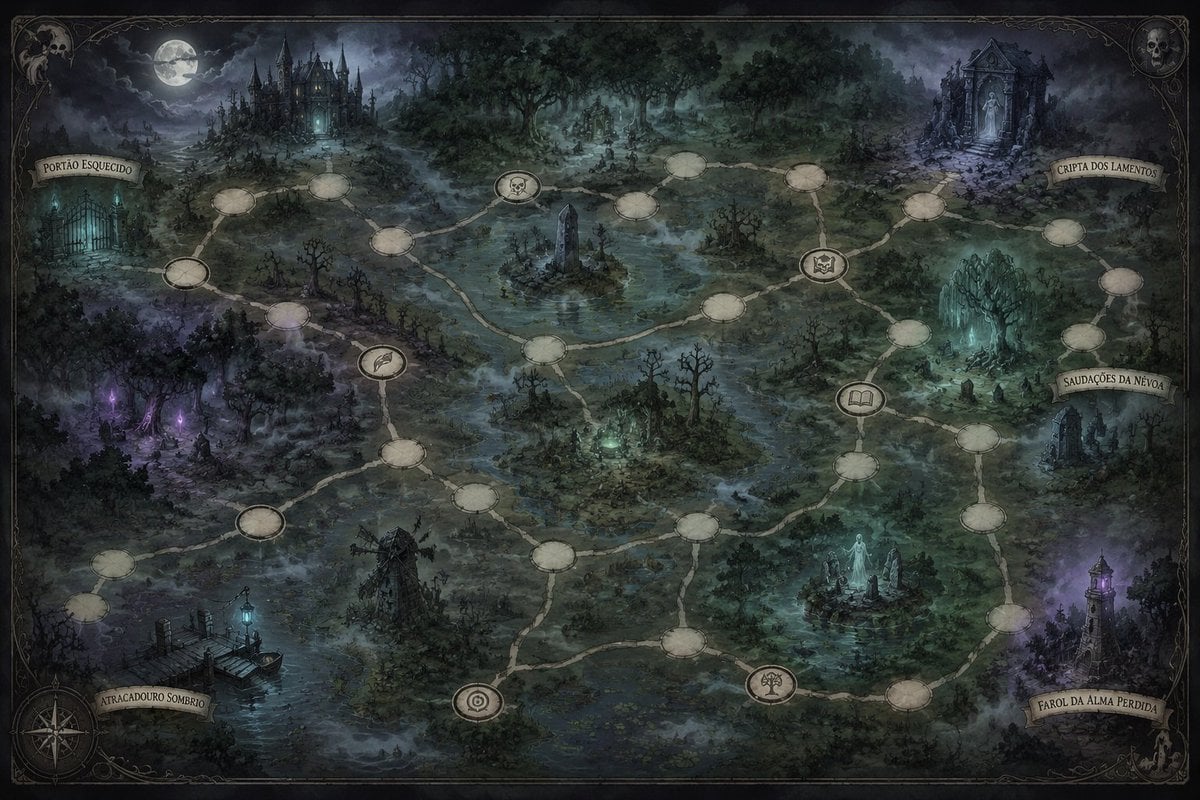
Gothic Haunted Swamp Map
Creates a detailed dark fantasy adventure map with haunted landmarks, branching route nodes, and Portuguese parchment labels for worldbuilding or tabletop campaigns.
- Prompt included
- Model and format preset
- Premium template
The prompt behind this image
Copy the exact prompt behind Gothic Haunted Swamp Map, or open it in the studio and make it yours.
Goal: Create a dark fantasy worldbuilding map for a gothic horror board game or campaign setting, showing a haunted swamp realm at night with branching travel routes. Canvas: Wide 16:9 illustrated map, antique parchment border, muted blue-green-gray palette, high-detail painterly fantasy concept art. The scene is viewed from above at a slight angle, like an illustrated adventure map. Layout: Fill the entire canvas with a misty marshland, twisted forests, bog water, ruins, and supernatural landmarks. Add an ornate thin black frame with delicate Victorian filigree corners, skull ornaments in the upper-left and upper-right corners, and a compass rose in the lower-left corner. Use moonlit lighting, fog layers, and small glowing cyan, violet, and ghostly green accents. Map route system: Draw exactly 34 connected circular route nodes across the map: 28 blank parchment oval nodes and 6 special illustrated medallion nodes. Connect the nodes with pale winding paths that snake through the marsh. The 6 special medallions should show, from left/center to right/bottom: a feather symbol, a skull symbol, a bat-or-crest symbol, an open book symbol, a target-like spiral symbol, and a dead tree symbol. Keep the nodes empty except for these icons; no numbers. Named location banners: Include exactly 5 curled parchment ribbon labels with readable Portuguese fantasy names: “{argument name="western gate label" default="PORTÃO ESQUECIDO"}” near the left haunted gate, “{argument name="upper right crypt label" default="CRIPTA DOS LAMENTOS"}” near the ruined crypt at the upper right, “{argument name="eastern ruins label" default="SAUDAÇÕES DA NÉVOA"}” near the right-side ruins, “{argument name="lower right lighthouse label" default="FAROL DA ALMA PERDIDA"}” near the lower-right lighthouse, and “{argument name="lower left dock label" default="ATRACADOURO SOMBRIO"}” near the lower-left dock. Landmark details: In the upper left, place a distant black gothic castle with many spires beneath a bright full moon and storm clouds. At far left, show an iron cemetery gate glowing faint cyan. In the upper right, show a crumbling mausoleum or crypt with a pale statue in the doorway. At right-center, show jagged ghostly turquoise crystal formations and ruined stones. At lower right, show a lonely crooked lighthouse glowing purple through fog. At lower left, show a rotting wooden dock over dark water with a cyan lantern. Near the center, include a flooded obelisk island, dead trees, swamp pools, a ruined windmill, ghostly figures, and scattered grave markers. Visual style: Grim, atmospheric, hand-painted, intricate, old-world fantasy cartography mixed with gothic illustration. Use desaturated colors, heavy mist, moonlight, painterly brushwork, and subtle paper texture. Avoid modern UI elements, bright colors, clean vector art, or extra labels beyond the 5 banners.
How to use Gothic Haunted Swamp Map in 3 steps
- 1Upload ImagePNG, JPG or paste
Add your photo
Upload the photo the template builds on. The prompt, model and format are already set.
- 2…a portrait of your subject in softgolden-hour light, 85mm…
Personalize
Edit the subject and creative details for your destination.
- 3Generate
Generate
Press Generate — your image is created in PicX Studio, so you can compare it with the original and refine one variable at a time.
More like this
Templates with the same subject, style or setup. Open one to see its prompt.
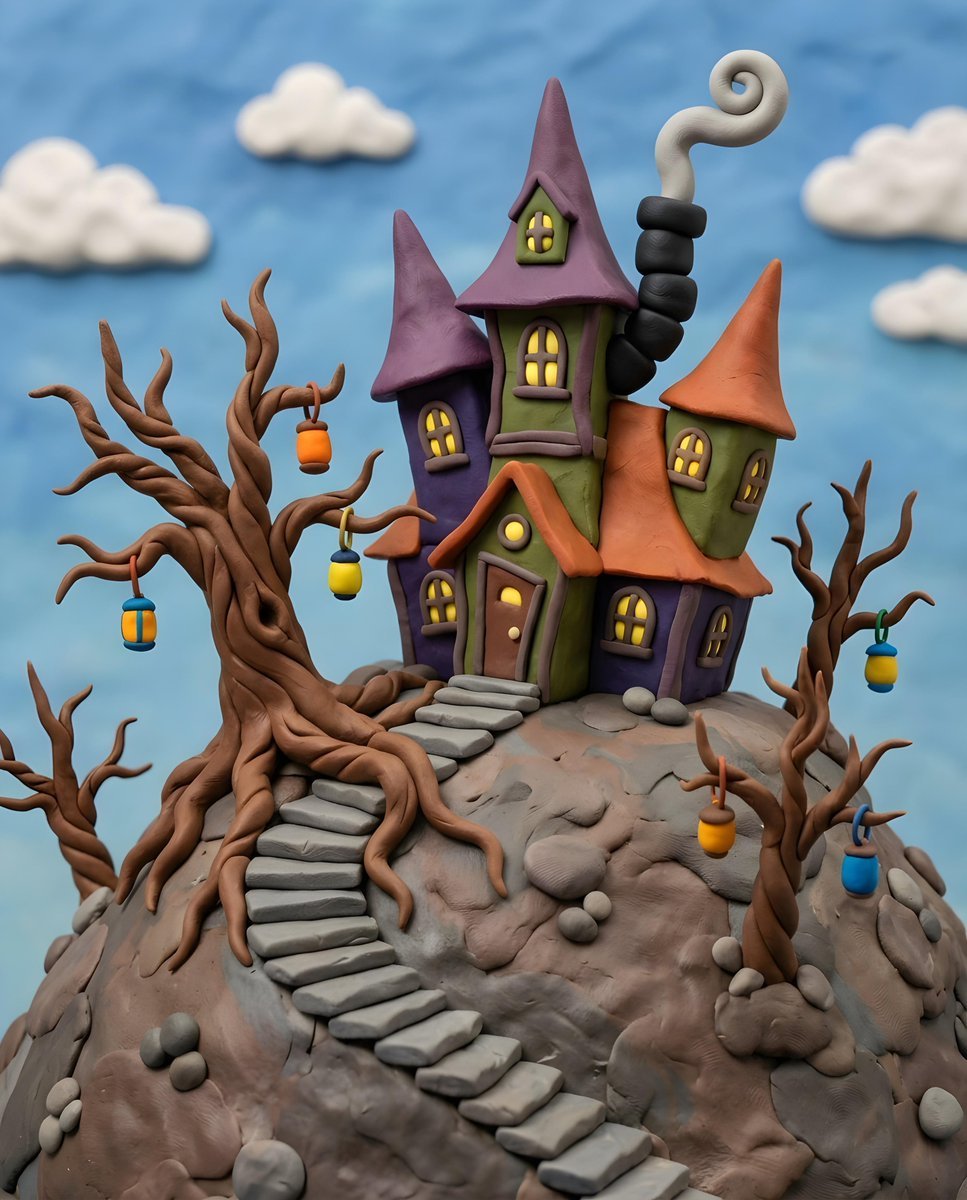
Gothic Whimsical Haunted House
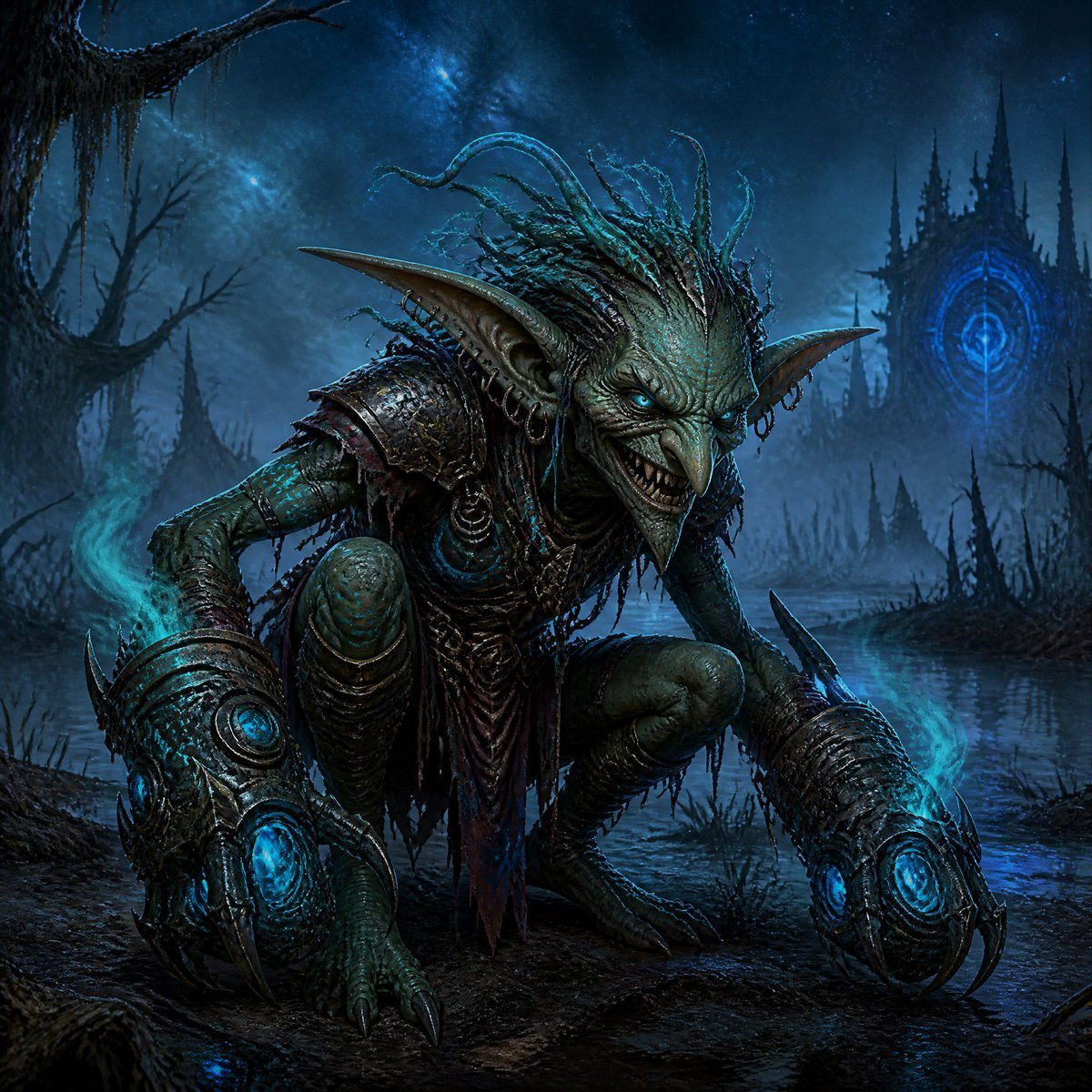
Dark Goblin Shaman in Haunted Swamp
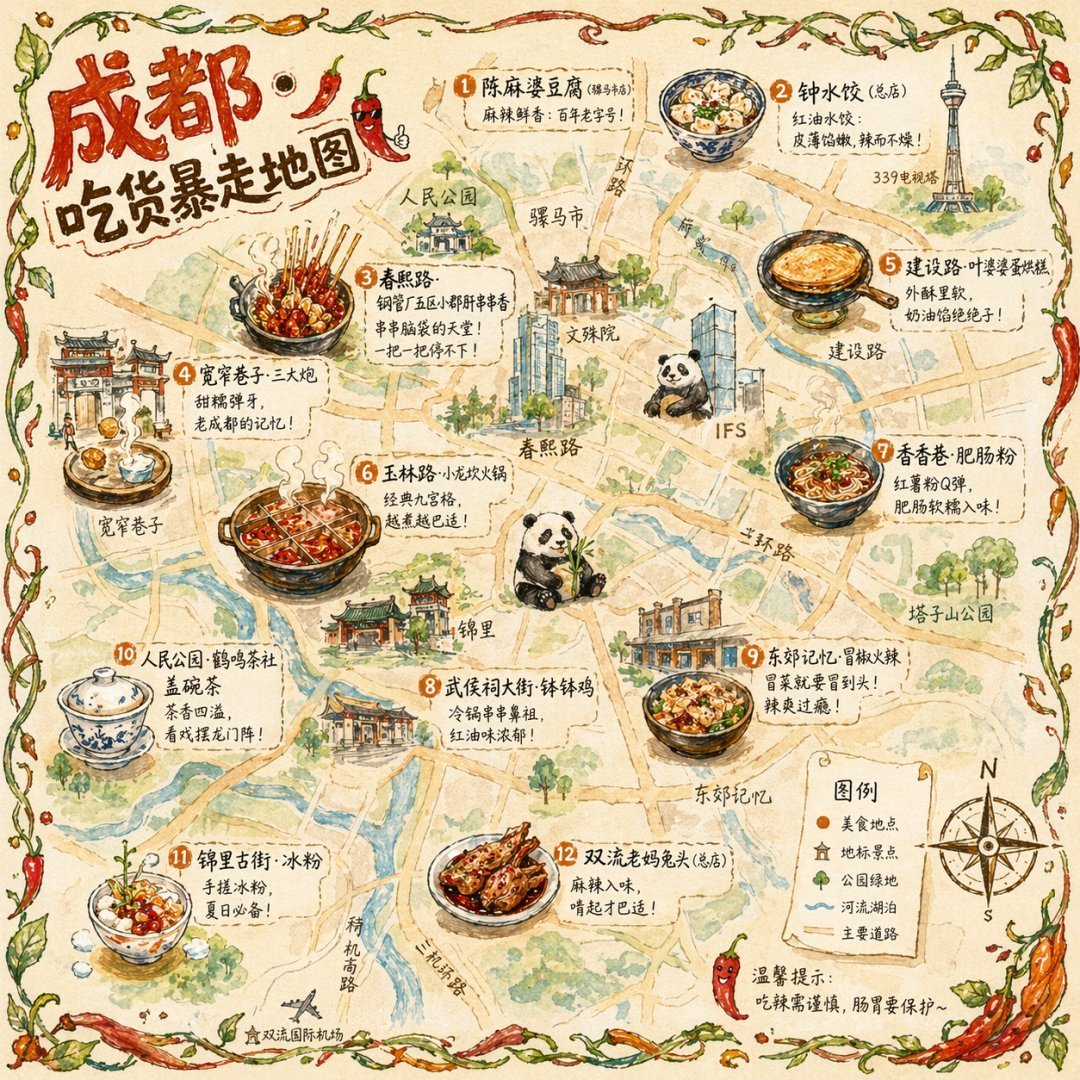
Gpt2 Illustrated City Food Map

Gothic Japanese Mobile Homepage

Burning Gothic Flood Escape

Satellite Map Medieval City
Ancient Prehistoric Swamp Landscape

NESCAFÉ Coffee Map Poster
Dark Gothic Lolita Static Portrait

Gothic Girl Character Turnaround Sheet
Fantasy RPG Region Map Sheet
Gothic Fantasy Diorama Room
Make it yours
Gothic Haunted Swamp Map works as-is. These are the safest ways to change it without losing the look.
Change one field
Copy a single group, rewrite it, and generate again so you can see what that field is doing.
Keep the frame, change the subject
Hold the composition and light of Gothic Haunted Swamp Map, then swap wardrobe, props or the person for a new take.
| If the result… | Why | Fix |
|---|---|---|
| The result drifts from the preview | Too many fields changed at once. | Reuse Gothic Haunted Swamp Map as-is first, then change one group — subject, light, or setting. |
| The model over-stylizes the scene | The prose prompt leaves finish and camera underspecified. | Add one camera or lighting sentence and stay on GPT Image 2. |
More GPT Image 2 templates
Other prompts made for GPT Image 2.

Six VTuber Japanese Logo Sheet

Realistic Portrait of Woman and Deer

The Vista Modular Condo Poster

AI Model Routing Comparison Infographic

2.5D Anime Art Board

Isometric Productivity Desk Scene

New York Double Exposure Poster

Four-Panel AI Landscape Comparison

Japanese Tatami Lifestyle Magazine Cover

Brutalist Cogito Chinese Typography Poster
More image prompts
Fresh picks from across the catalog.
Extreme Wide-Angle Perspective Transformation
Cinematic Fashion Portrait with Motion Blur Ghost Figures
Korean Style 2027 Illustrated Desktop Calendar

Photo-Booth Print Strip with Identity Lock

3D printed Corinthian netrunner helmet

2026 Year of the Horse Poster Design Prompt
1960s Art-House Film Poster

Fictional Anime Movie Poster
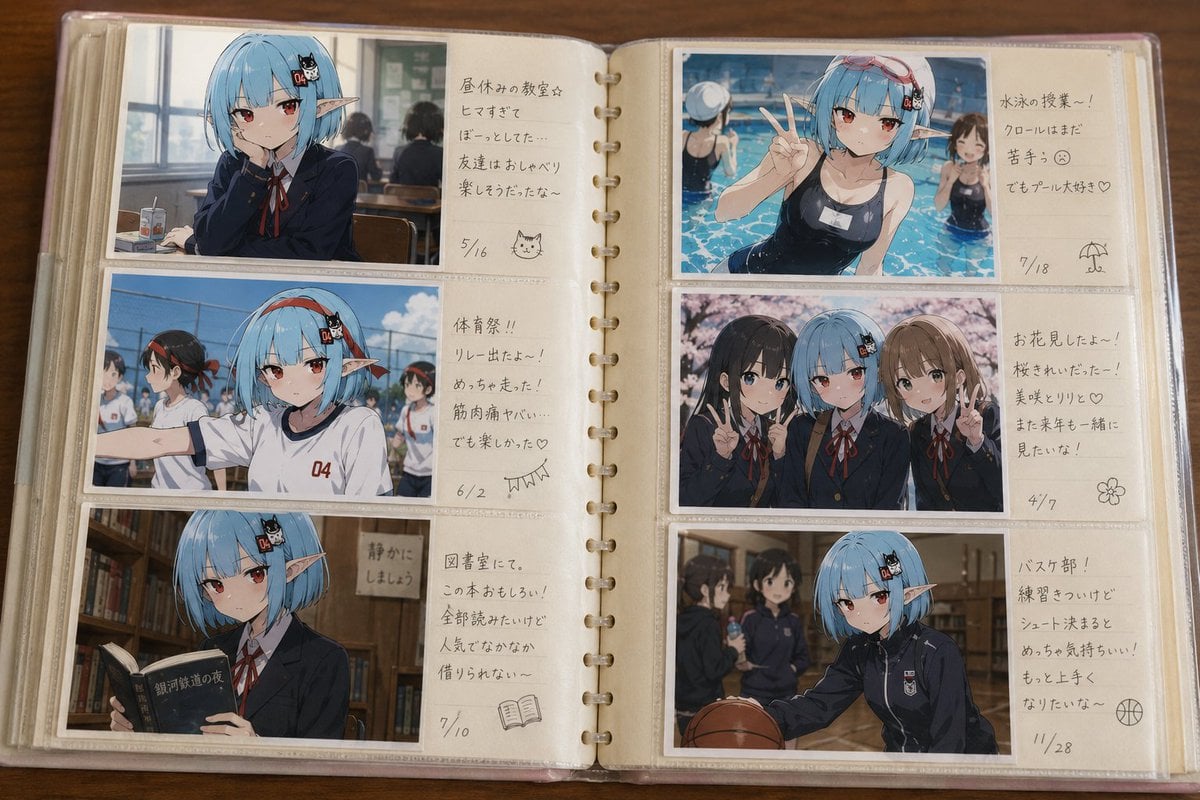
Character Memory Photo Album

16K Cinematic Night Portrait with Strict Identity Lock
Browse template categories
Gothic Haunted Swamp Map questions
How do I use the Gothic Haunted Swamp Map template?
Add your photo if the template asks for one, edit the prompt if you like — the template's model and format are already selected — and press Generate. Your version opens in PicX Studio.
Can I customize the Gothic Haunted Swamp Map template?
Yes. You can change the subject, setting, lighting, mood, format, and available model controls before creating your image.
Is the Gothic Haunted Swamp Map template free?
Opening and editing this template is free. Generating uses credits, shown on the Generate button when you are signed in.
Which AI model should I use?
Start with GPT Image 2, which is the model associated with this template. You can compare another compatible model for a different finish.
Looking for something else? Browse all templates.

Your photo, any look
Thousands of ready templates for every top image and video model, from one credit balance.