
Slightly angled, front face visible, top frosting facing upward
{ "image_type": "high-detail food photography, AI-edited surreal composition", "resolution": "8K ultra-high-definition", "aspect_ratio": "3:4", "main_subject": { "object": "single cube-shaped red velvet cake piece"…
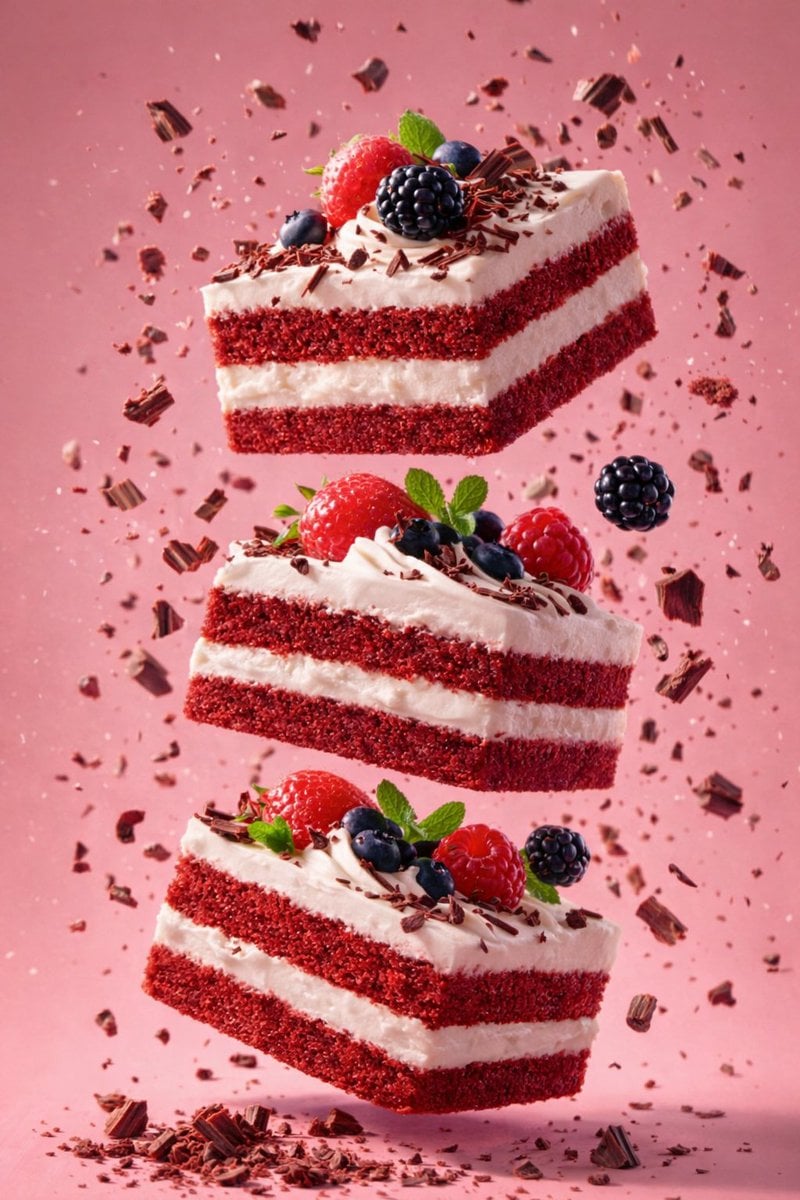
- Prompt included
- Model and format preset
- Premium template
The prompt behind this image
Copy the exact prompt behind Slightly angled, front face visible, top frosting facing upward, or open it in the studio and make it yours.
- Image Type
- high-detail food photography, AI-edited surreal composition
- Resolution
- 8K ultra-high-definition
- Aspect Ratio
- 3:4
- Main Subject › Object
- single cube-shaped red velvet cake piece
- Main Subject › Position
- floating in mid-air
- Main Subject › Orientation
- slightly angled, front face visible, top frosting facing upward
- Main Subject › Texture › Cake
- fine, dense crumb texture with visible granules
- Main Subject › Texture › Frosting
- smooth, creamy, thick layer with soft ridges
- Cake Details › Layers › 0 › Type
- red velvet sponge
- Cake Details › Layers › 0 › Color
- deep red
- Cake Details › Layers › 0 › Count
- 2
- Cake Details › Layers › 1 › Type
- cream filling
- Cake Details › Layers › 1 › Color
- pale off-white
- Cake Details › Layers › 1 › Count
- 1
- Cake Details › Layers › 1 › Position
- center layer
- Cake Details › Top Frosting › Style
- swirled frosting peak
- Cake Details › Top Frosting › Color
- off-white / cream
- Cake Details › Top Frosting › Surface Detail
- soft curved piping lines
- Cake Details › Top Frosting › Toppings
- small red velvet crumbs scattered on top
- Motion Elements › Crumbs › Presence
- true
- Motion Elements › Crumbs › Distribution
- scattered around the cake in mid-air
- Motion Elements › Crumbs › Size Variation
- fine dust to small chunks
- Motion Elements › Crumbs › Motion
- frozen mid-flight
- Secondary Object › Object
- metal spoon
Raw JSON
{
  "image_type": "high-detail food photography, AI-edited surreal composition",
  "resolution": "8K ultra-high-definition",
  "aspect_ratio": "3:4",
  "main_subject": {
    "object": "single cube-shaped red velvet cake piece",
    "position": "floating in mid-air",
    "orientation": "slightly angled, front face visible, top frosting facing upward",
    "texture": {
      "cake": "fine, dense crumb texture with visible granules",
      "frosting": "smooth, creamy, thick layer with soft ridges"
    }
  },
  "cake_details": {
    "layers": [
      {
        "type": "red velvet sponge",
        "color": "deep red",
        "count": 2
      },
      {
        "type": "cream filling",
        "color": "pale off-white",
        "count": 1,
        "position": "center layer"
      }
    ],
    "top_frosting": {
      "style": "swirled frosting peak",
      "color": "off-white / cream",
      "surface_detail": "soft curved piping lines",
      "toppings": "small red velvet crumbs scattered on top"
    }
  },
  "motion_elements": {
    "crumbs": {
      "presence": true,
      "distribution": "scattered around the cake in mid-air",
      "size_variation": "fine dust to small chunks",
      "motion": "frozen mid-flight"
    }
  },
  "secondary_object": {
    "object": "metal spoon",
    "material": "polished stainless steel",
    "position": "below the cake",
    "orientation": "slightly tilted upward",
    "reflection": "subtle reflections visible on spoon surface",
    "interaction": "crumbs falling toward spoon"
  },
  "lighting": {
    "style": "studio lighting",
    "direction": "soft directional light from upper side",
    "highlights": "gentle highlights on frosting and spoon",
    "shadows": "soft shadows, no harsh edges",
    "contrast": "moderate contrast emphasizing texture"
  },
  "background": {
    "color_palette": [
      "dark maroon",
      "deep burgundy",
      "muted pink gradient"
    ],
    "style": "smooth gradient backdrop",
    "depth": "shallow depth of field",
    "noise": "clean, minimal grain"
  },
  "color_profile": {
    "dominant_colors": [
      "deep red",
      "cream white",
      "dark maroon"
    ],
    "saturation": "rich but controlled",
    "tone": "luxurious and dramatic"
  },
  "composition": {
    "framing": "centered subject with vertical emphasis",
    "visual_balance": "cake centered, spoon offset below",
    "negative_space": "ample empty space around subject"
  },
  "style_tags": [
    "hyper-realistic",
    "AI-edited look",
    "surreal food photography",
    "freeze-motion effect",
    "premium dessert aesthetic"
  ],
  "camera_simulation": {
    "focus": "sharp focus on cake",
    "background_blur": "smooth bokeh-like gradient",
    "angle": "eye-level to slightly low angle"
  },
  "post_processing": {
    "clarity": "high",
    "sharpness": "very high",
    "color_grading": "cinematic dessert tones",
    "artifacts": "none visible"
  }
}How to use Slightly angled, front face visible, top frosting facing upward in 3 steps
- 1
Open
The prompt is already in the box next to the preview, with the template's model and format selected.
- 2…a portrait of your subject in softgolden-hour light, 85mm…
Personalize
Edit the subject and creative details for your destination.
- 3Generate
Generate
Press Generate — your image is created in PicX Studio, so you can compare it with the original and refine one variable at a time.
More like this
Templates with the same subject, style or setup. Open one to see its prompt.
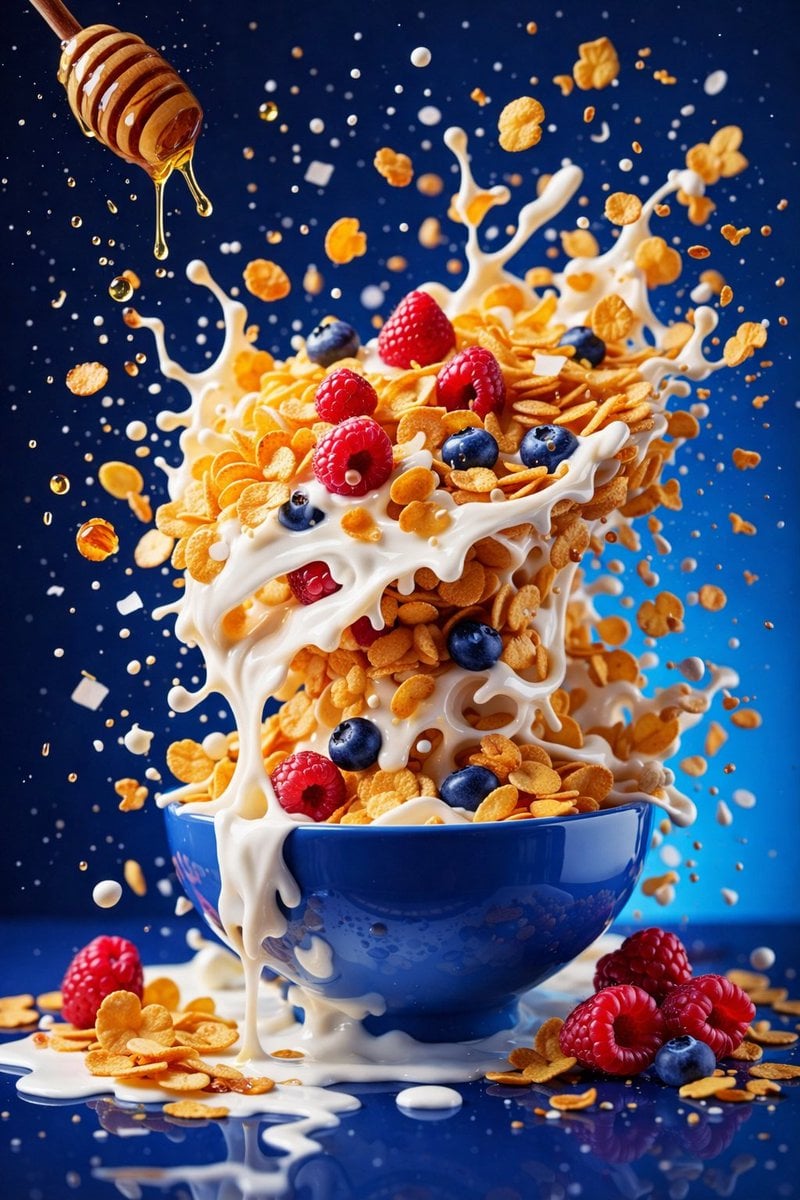
Soft but controlled studio lighting with visible highlights and splash
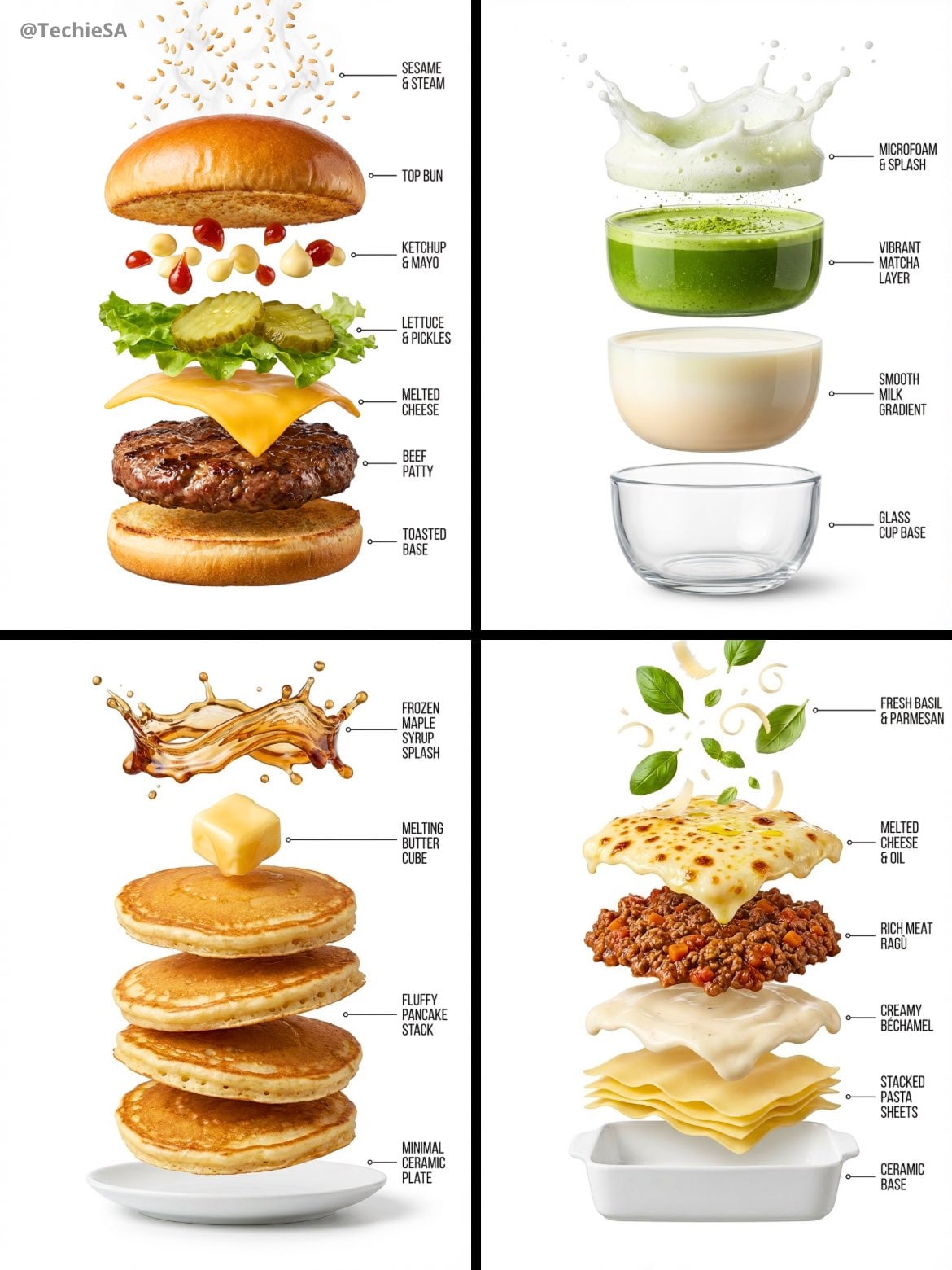
Hyper-realistic exploded vertical infographic composition
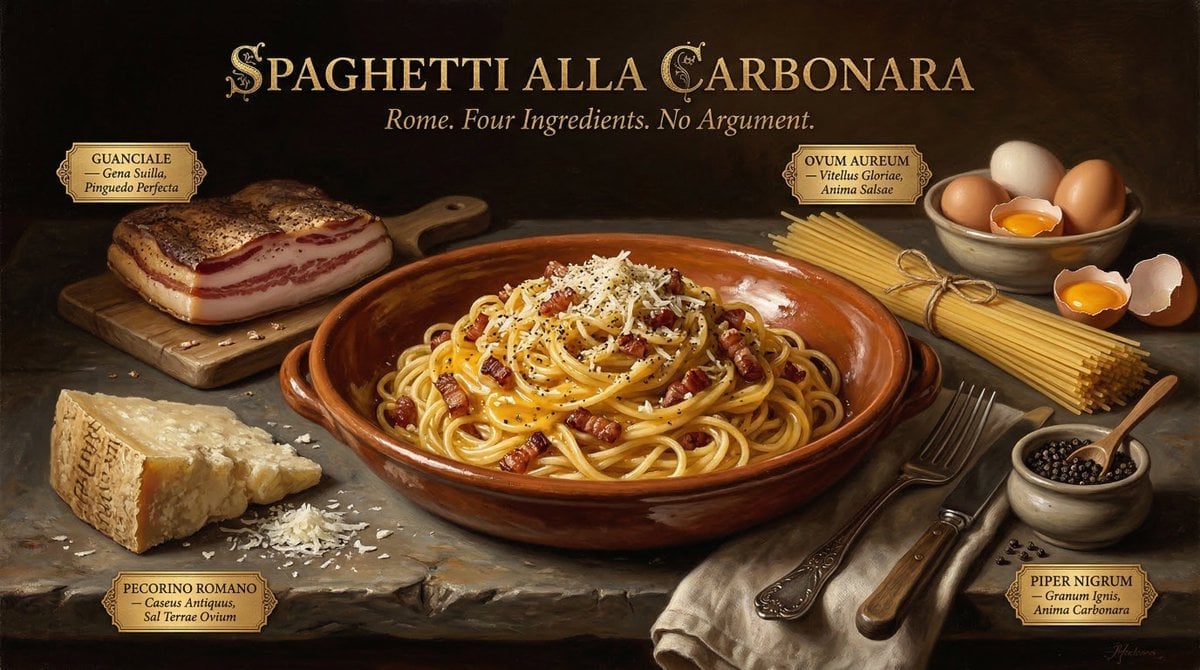
Food & Drink Prompt #913
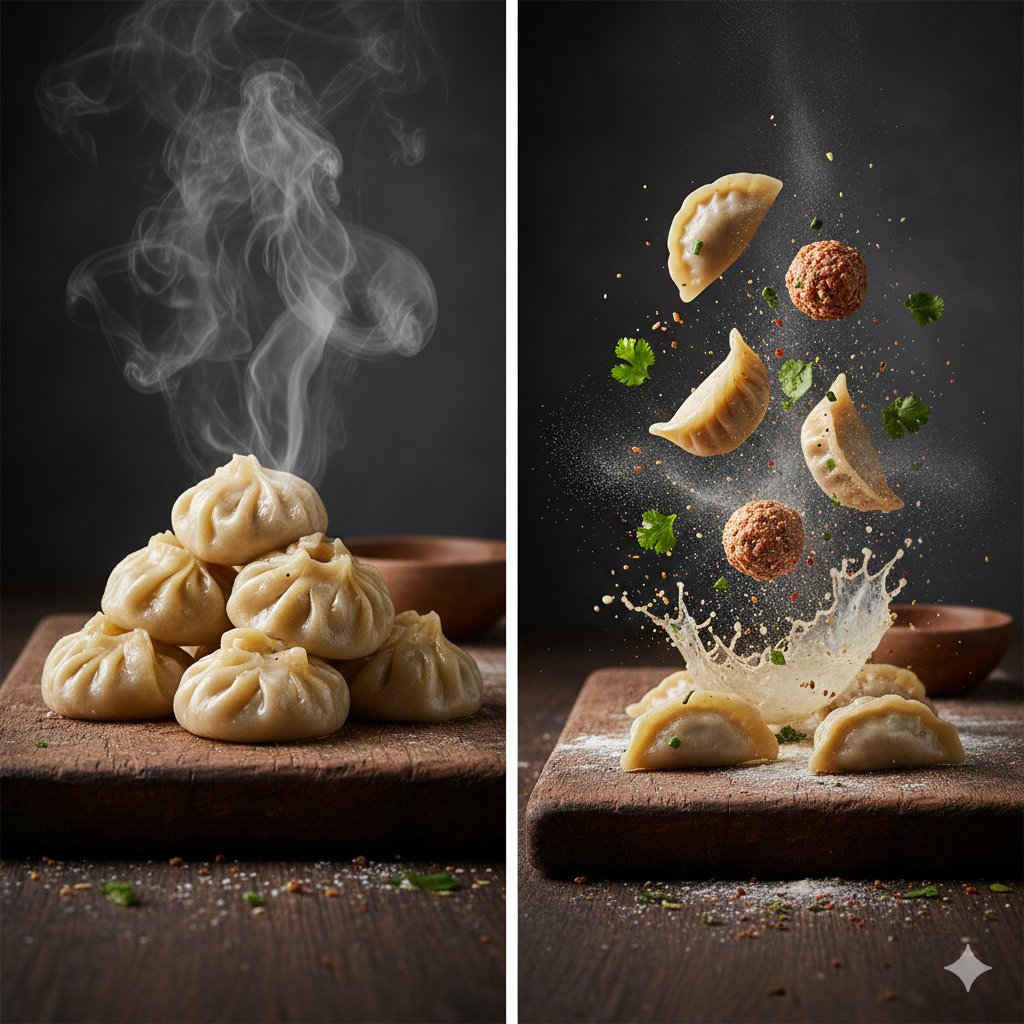
The Cinematic Momo Duo
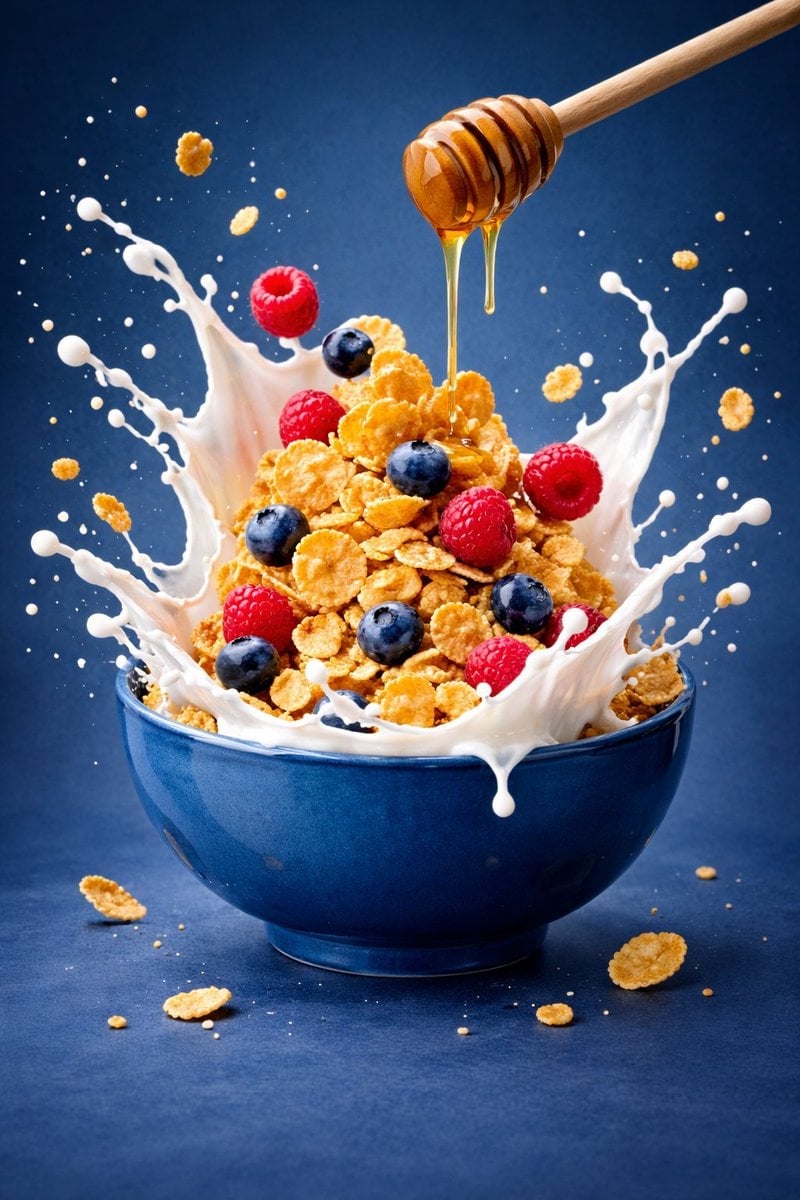
Ultra-premium cinematic food photography, 8K UHD, 3 4 aspect ratio
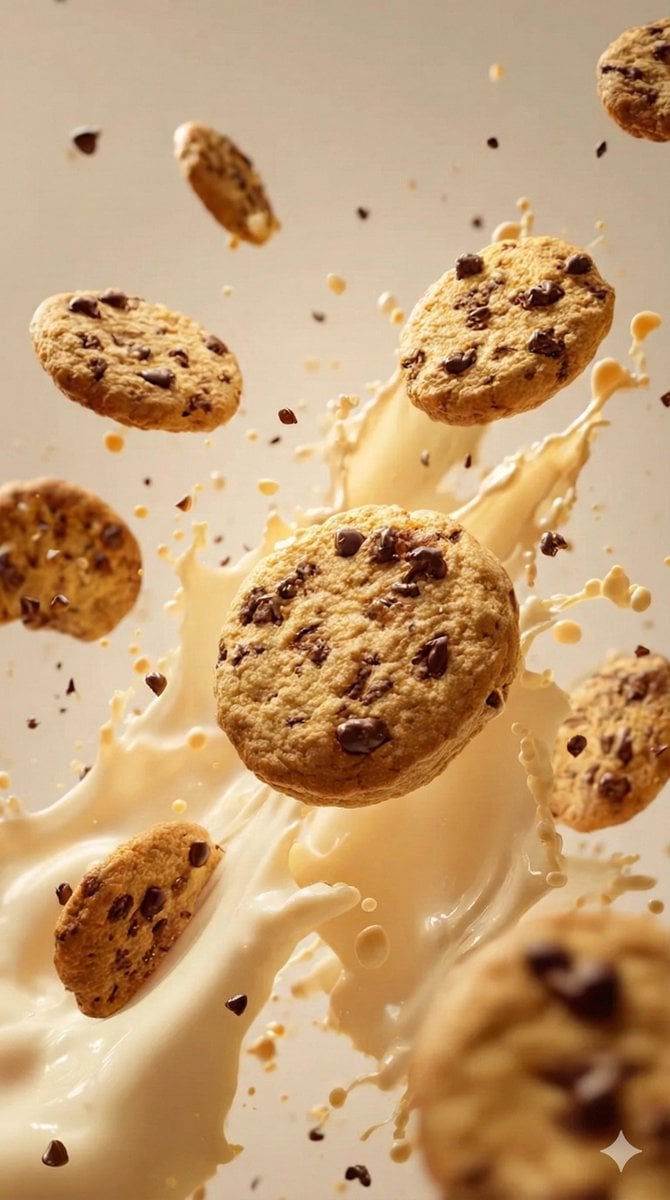
Food & Drink Prompt #1406
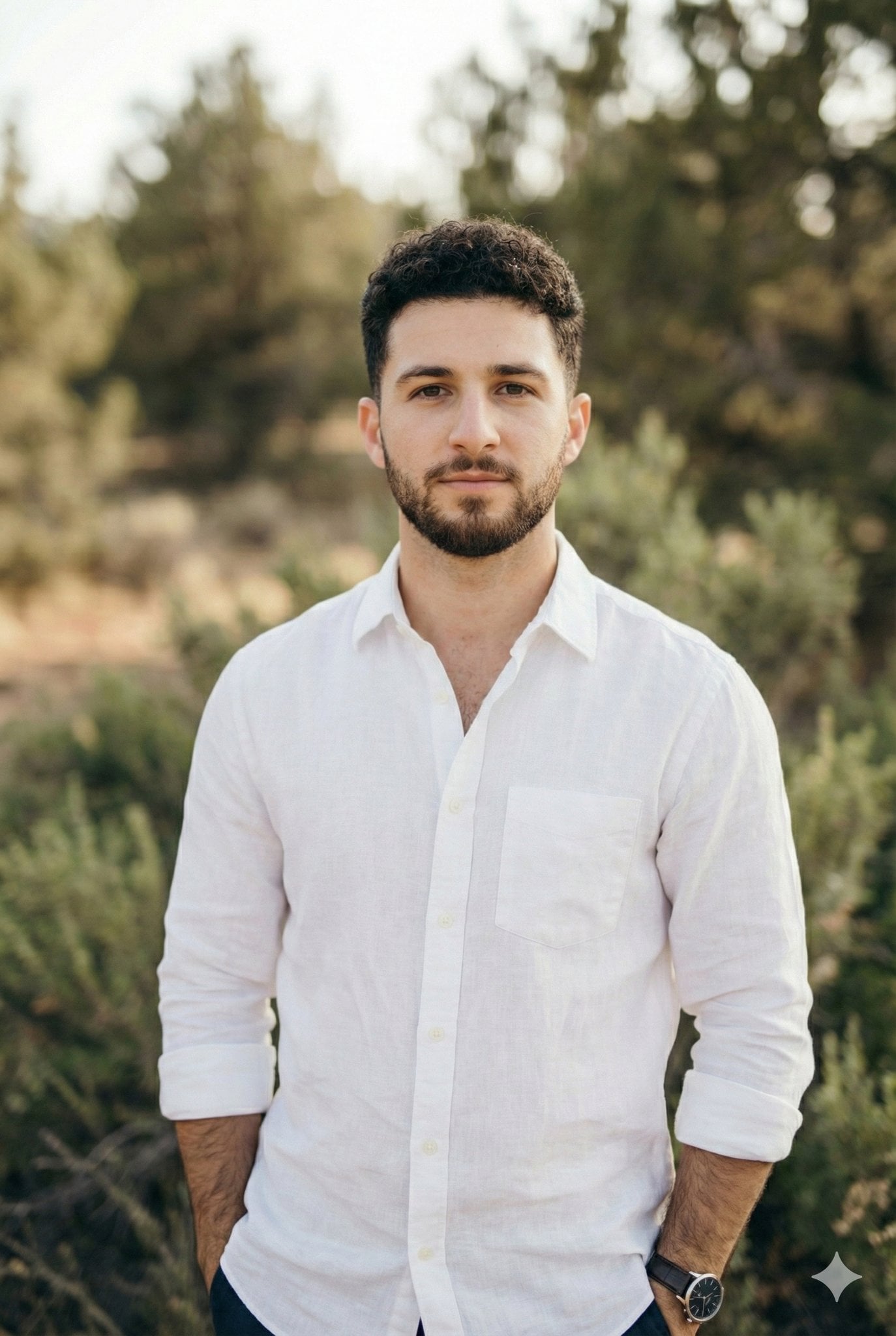
Arms crossed, body angled slightly to the right, head turned slightly

Bold, intense, premium, cinematic, high-impact food commercial aesthetic

Multiple dark purple berries erupting from inside the can
Each module shares structure but maintains unique visual dynamics
Enhanced realism, minimal alteration from original composition
Controlled studio lighting emphasizing texture, layers, and syrup
Make it yours
Slightly angled, front face visible, top frosting facing upward works as-is. These are the safest ways to change it without losing the look.
Swap the setting
Keep the rest of the prompt and replace the location block. The current setting is “dark maroon, deep burgundy, muted pink gradient”.
Swap the light
One lighting change is enough to compare takes. Current light: “studio lighting”.
Change one field
Copy a single group, rewrite it, and generate again so you can see what that field is doing.
| If the result… | Why | Fix |
|---|---|---|
| The result drifts from the preview | Too many fields changed at once. | Reuse Slightly angled, front face visible, top frosting facing upward as-is first, then change one group — subject, light, or setting. |
| GPT Image 2 ignores part of the JSON | Some models flatten or skip nested keys. | Keep the same values and paste them as a short paragraph instead. |
More GPT Image 2 templates
Other prompts made for GPT Image 2.

Six VTuber Japanese Logo Sheet

Realistic Portrait of Woman and Deer

The Vista Modular Condo Poster

AI Model Routing Comparison Infographic

2.5D Anime Art Board

Isometric Productivity Desk Scene

New York Double Exposure Poster

Four-Panel AI Landscape Comparison

Japanese Tatami Lifestyle Magazine Cover

NESCAFÉ Coffee Map Poster
More image prompts
Fresh picks from across the catalog.
Surreal Floating Head Cinematic Portrait
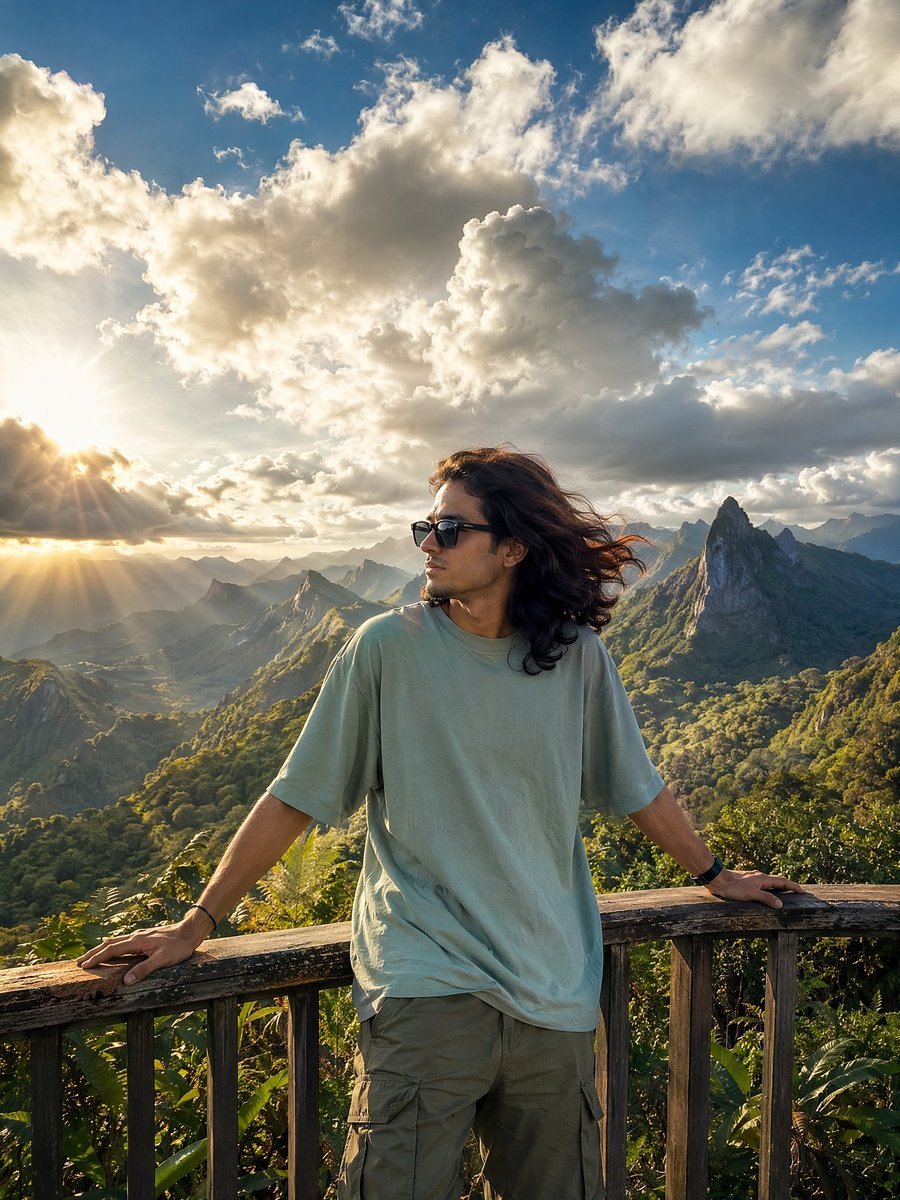
Golden Hour Mountain Viewpoint Portrait
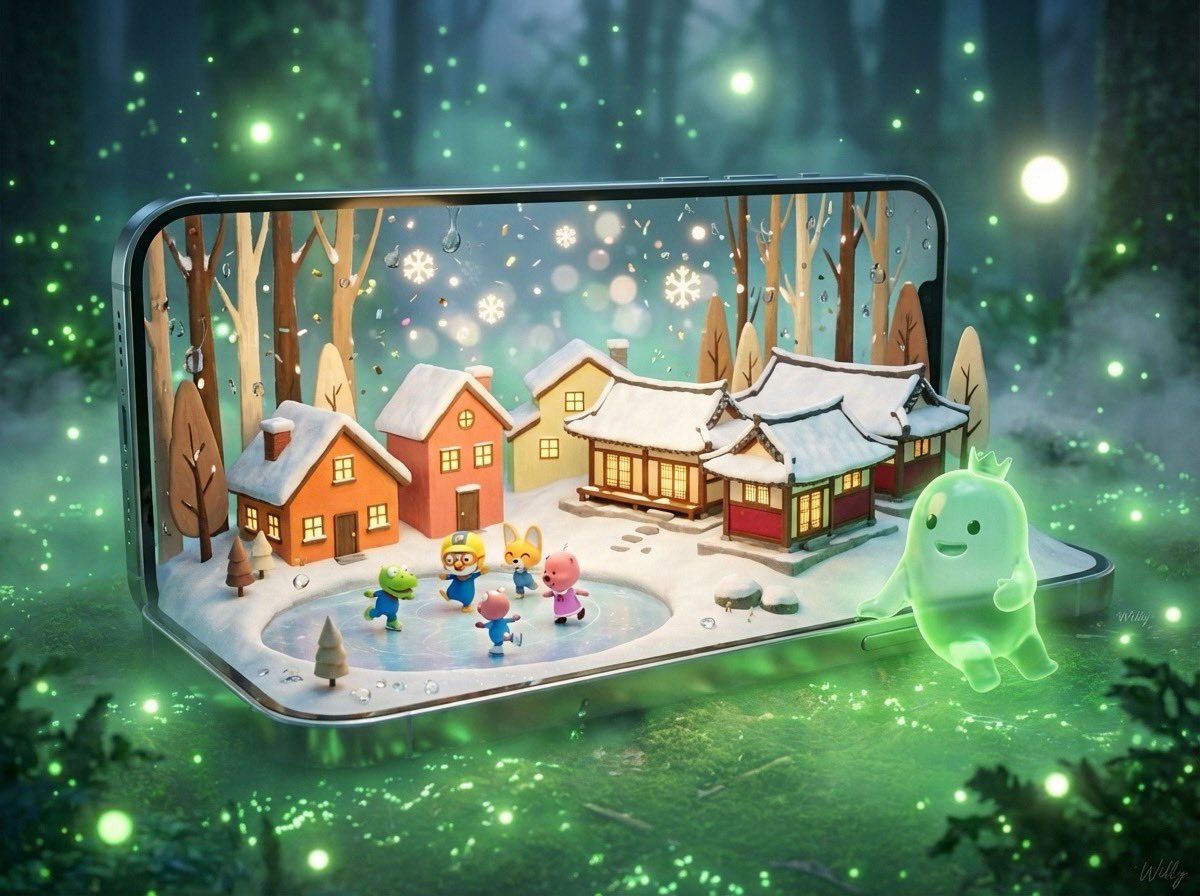
3D Pororo Winter Village Breaking the Fourth Wall
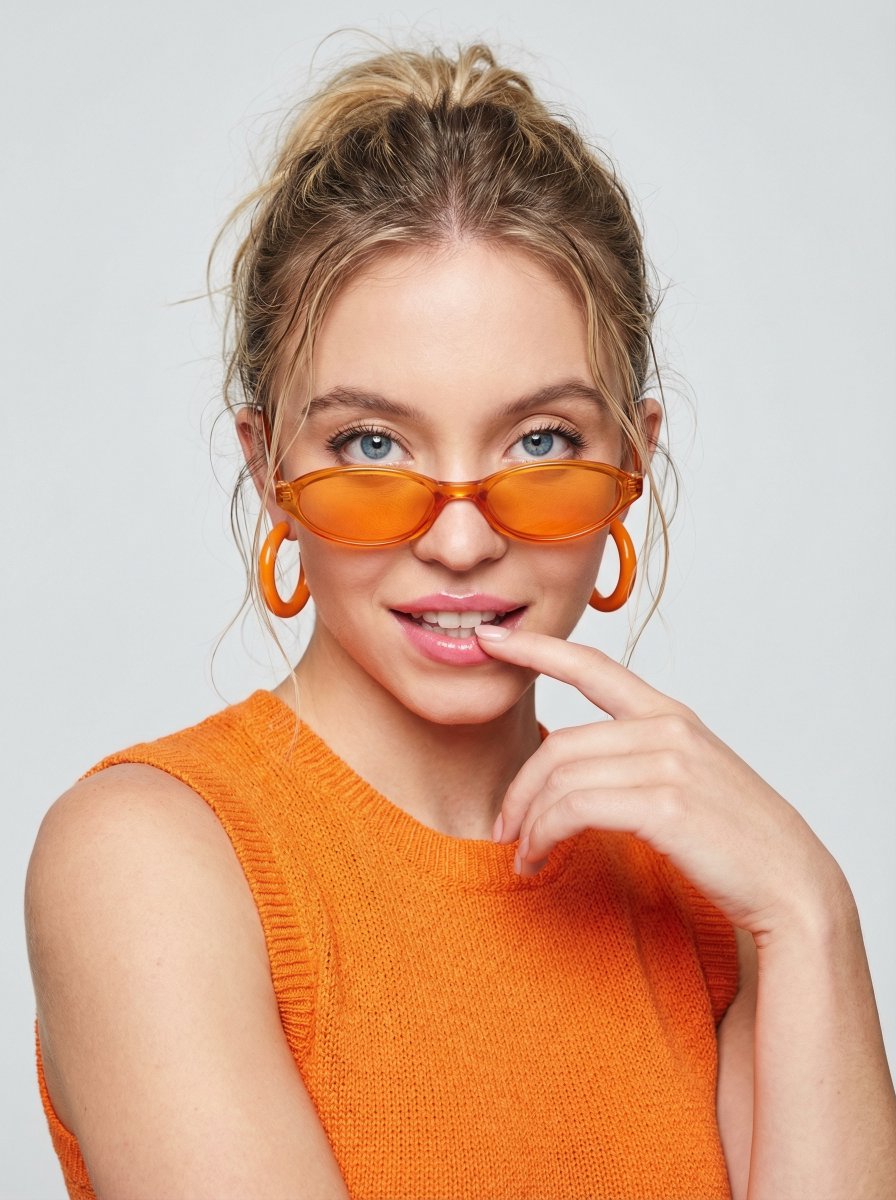
JSON Prompt for High-Fashion Orange Portrait with Reference Image
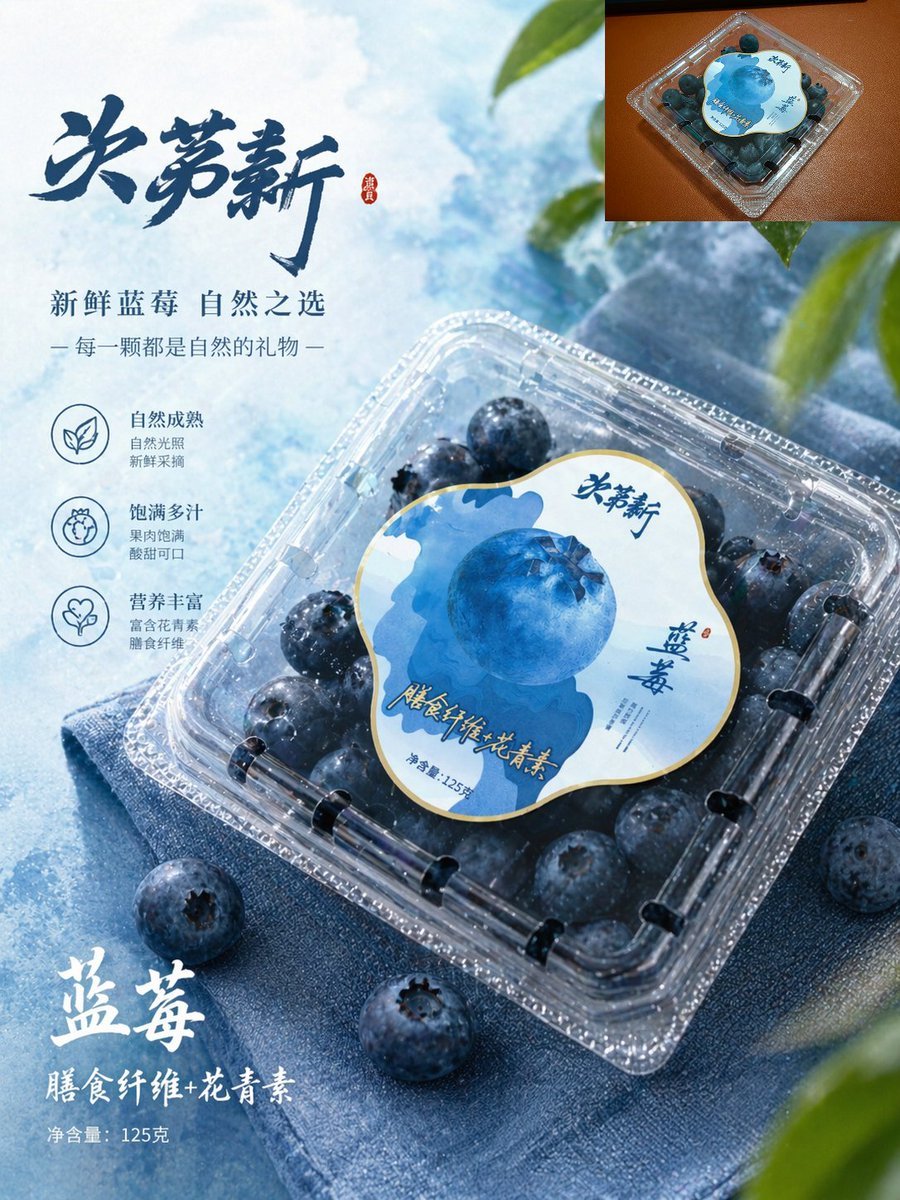
Premium Blueberry Product Poster
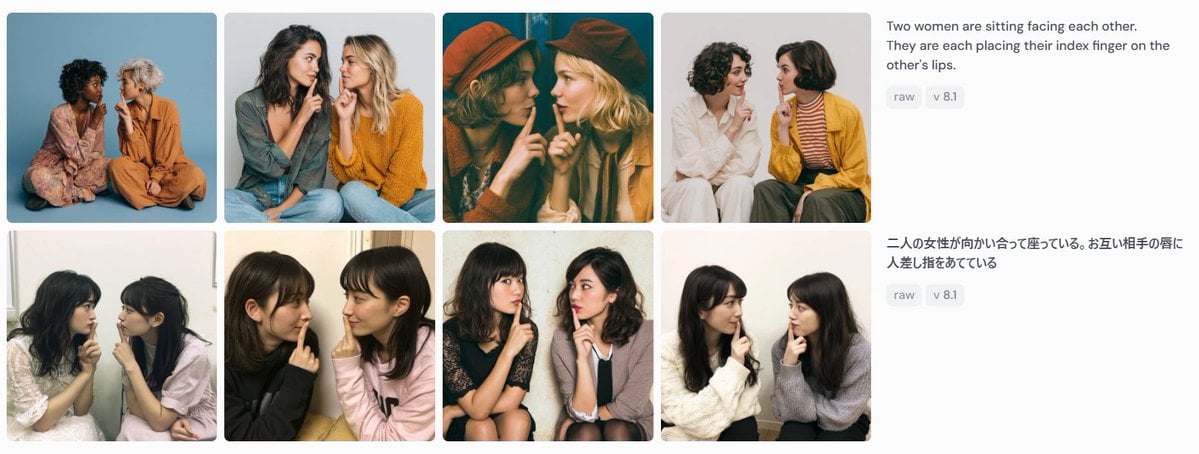
Bilingual Prompt Comparison Gallery
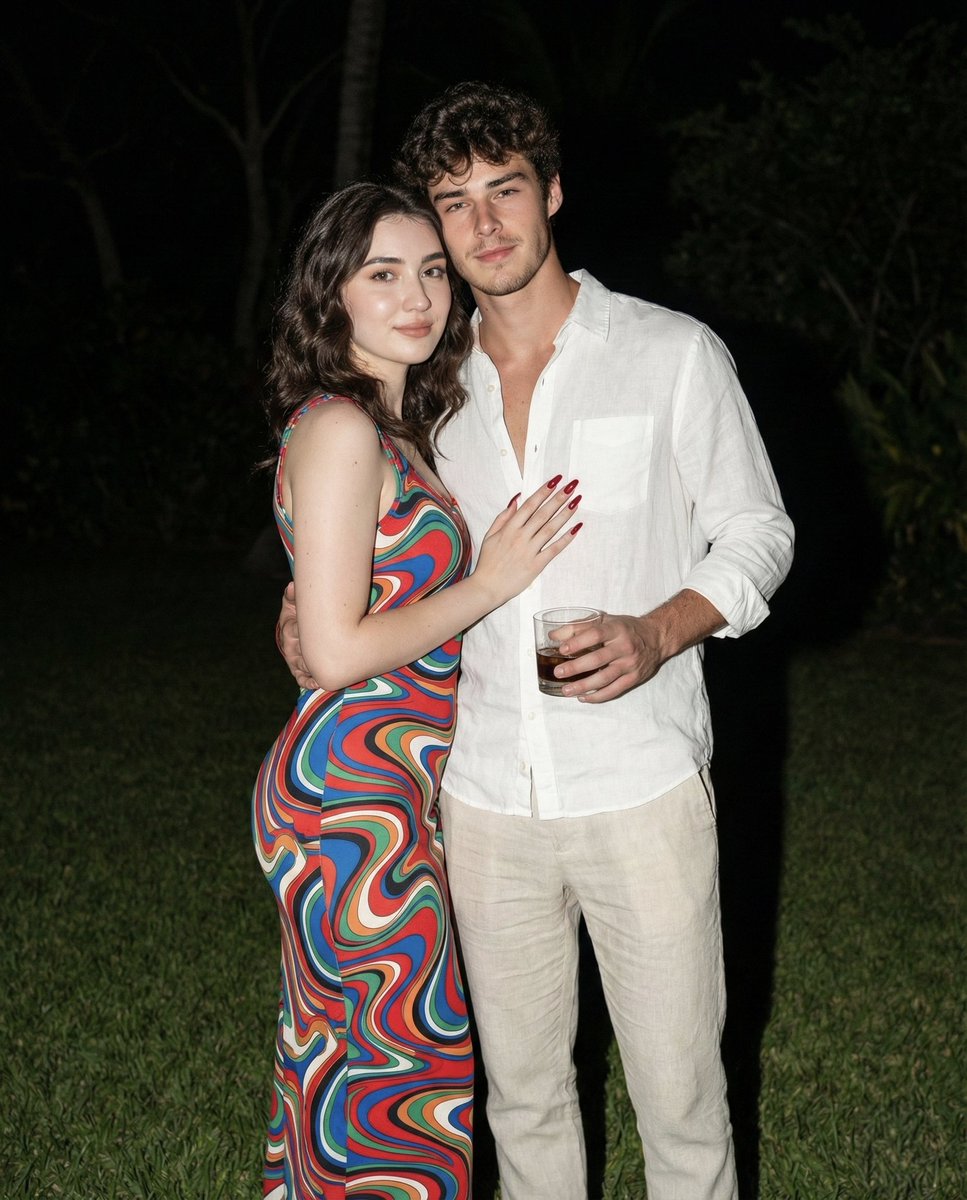
Nighttime Lifestyle Couple Portrait with Direct Flash Prompt
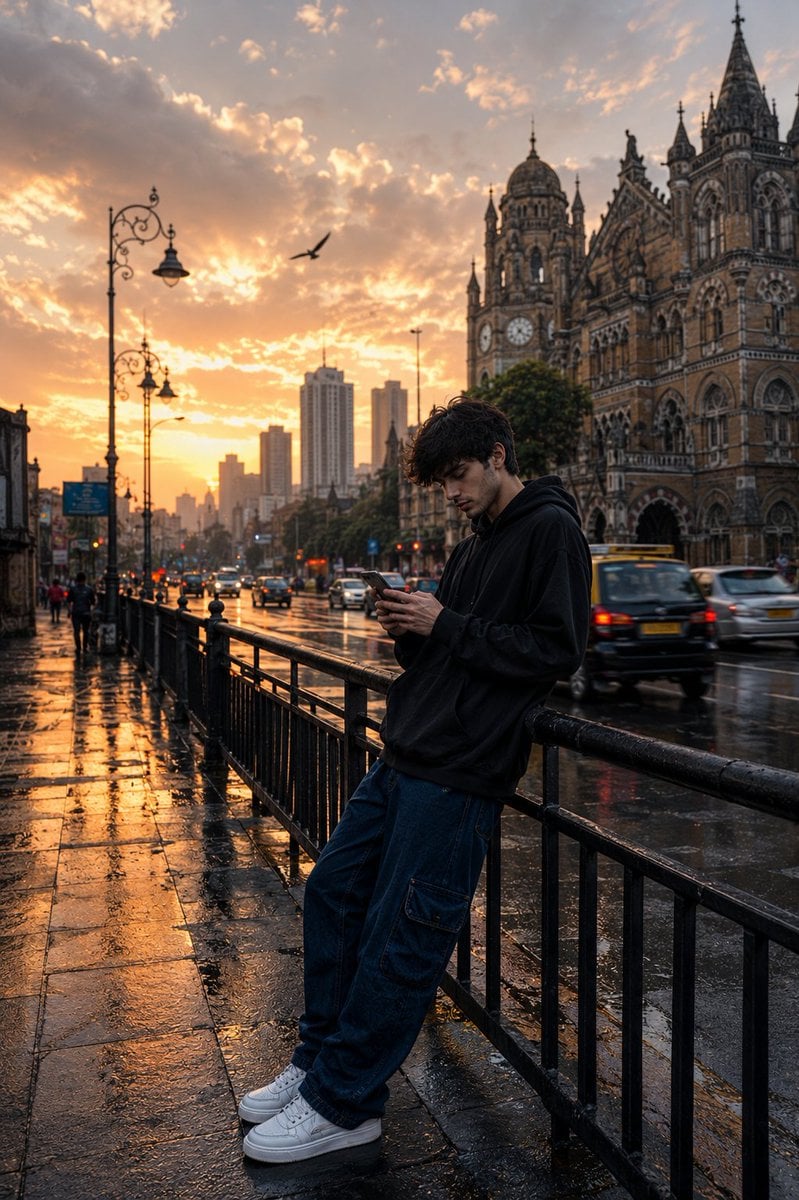
Mumbai Rainy Street Photography
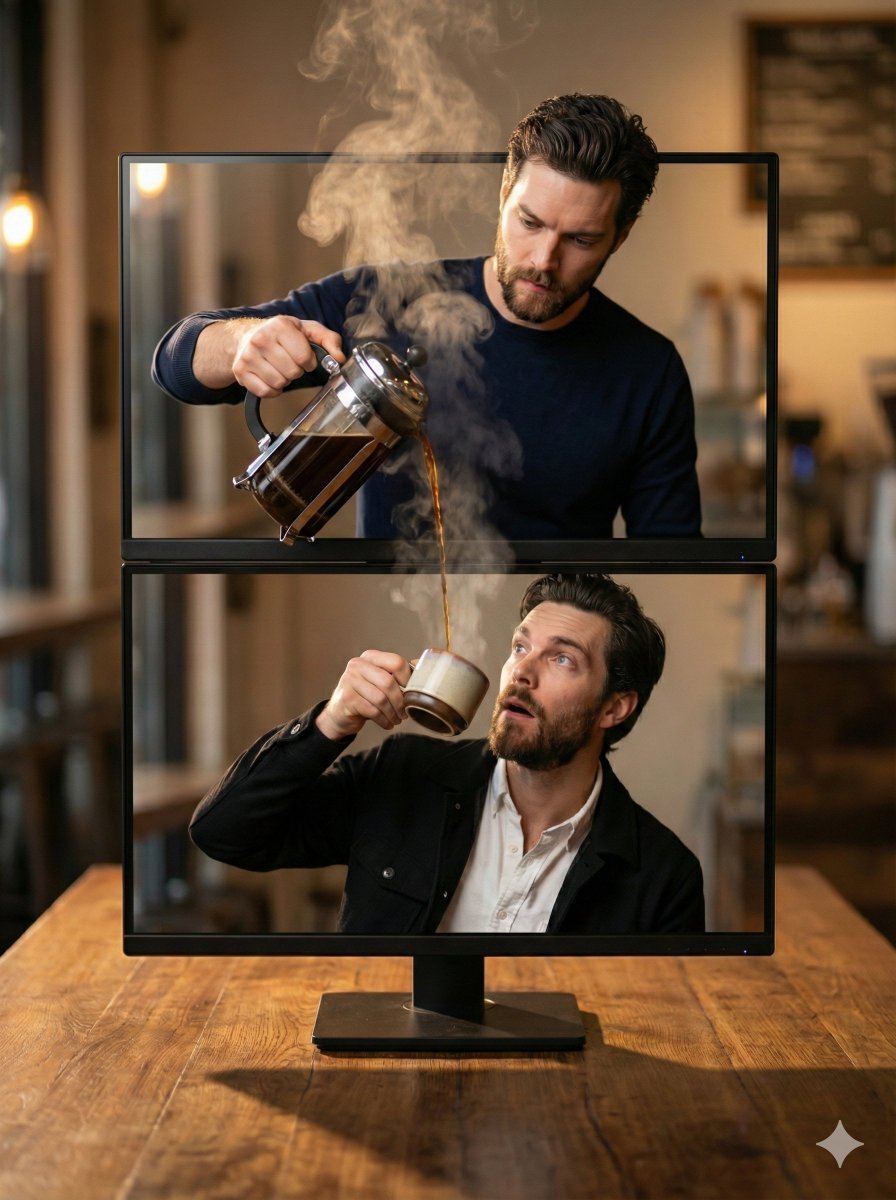
Coffee Pouring Cinematic Artwork (Dual Monitor)
High-Fidelity Fitness Portrait Prompt (Identity Locking)
Browse template categories
Slightly angled, front face visible, top frosting facing upward questions
How do I use the Slightly angled, front face visible, top frosting facing upward template?
Add your photo if the template asks for one, edit the prompt if you like — the template's model and format are already selected — and press Generate. Your version opens in PicX Studio.
Can I customize the Slightly angled, front face visible, top frosting facing upward template?
Yes. You can change the subject, setting, lighting, mood, format, and available model controls before creating your image.
Is the Slightly angled, front face visible, top frosting facing upward template free?
Opening and editing this template is free. Generating uses credits, shown on the Generate button when you are signed in.
Which AI model should I use?
Start with GPT Image 2, which is the model associated with this template. You can compare another compatible model for a different finish.
Looking for something else? Browse all templates.

Your photo, any look
Thousands of ready templates for every top image and video model, from one credit balance.