
Kawaii Miniature Girl in Capsule
A highly detailed macro photography prompt for creating a miniature Japanese-style diorama featuring a cute sailor girl inside a transparent capsule.
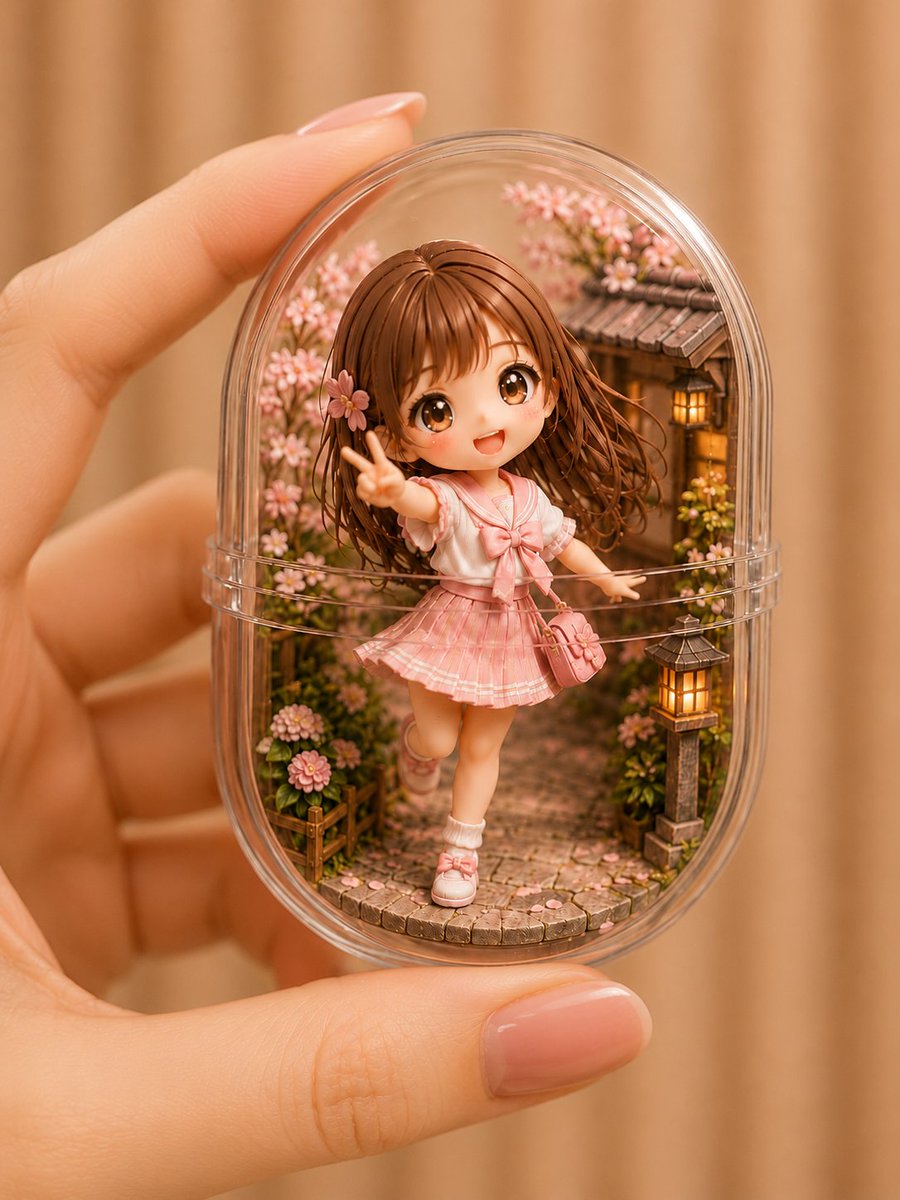
- Prompt included
- Model and format preset
- Free template
The prompt behind this image
Copy the exact prompt behind Kawaii Miniature Girl in Capsule, or open it in the studio and make it yours.
Theme: {argument name="theme" default="a pink sailor-uniform girl miniature enclosed in a transparent capsule"} / capsule miniature Character & Expression: a chibi-style girl with big eyes, {argument name="hairstyle" default="soft brown long hair"}, with bangs, a flower hair accessory, soft fluffy blush, a bright, innocent smile, making a cute peace sign Outfit & Pose: {argument name="outfit" default="a pale pink sailor-style school uniform"}, a large white-and-pink ribbon, a slightly short pleated skirt, white socks and pink shoes, a small shoulder bag, a light pose with one leg slightly raised Background & Lighting: a small Japanese-style alley space inside the transparent capsule, a stone-paved path, a row of wooden houses, Japanese-style stone lanterns, a charming garden with blooming cherry blossoms and small flowers, the background is a warm beige blur, gentle enveloping natural light Composition & Camera: macro photography, vertical composition, the entire capsule centered in frame, a composition of it held between the fingers, shallow depth of field, sharp focus on the figure's face, the background heavily and softly blurred Texture & Style: high definition, 4K quality, ultra-intricate miniature diorama rendering, natural reflections on the transparent plastic, a soft, fair, well-groomed woman's hand, pale pink nails, a delicate, cute chibi-style figure, a sweet, dreamy-cute color tone, a warm toy-photography style, Japanese-style miniature art that emphasizes cuteness Negative: low quality, unnatural face, unnatural hands, extra fingers, missing fingers, distorted fingers, distorted eyes, asymmetrical face, malformed skirt, cloudy capsule, excessive reflections, messy background, duplicated props, text, logo, watermark
How to use Kawaii Miniature Girl in Capsule in 3 steps
- 1
Open
The prompt is already in the box next to the preview, with the template's model and format selected.
- 2…a portrait of your subject in softgolden-hour light, 85mm…
Personalize
Edit the subject and creative details for your destination.
- 3Generate
Generate
Press Generate — your image is created in PicX Studio, so you can compare it with the original and refine one variable at a time.
More like this
Templates with the same subject, style or setup. Open one to see its prompt.

Cute Layered Paper Cut Chibi Girl

Teen Girl Alpine Lake Mountain View

Paper Tunnel Book Architecture

Isometric Brand Store Diorama
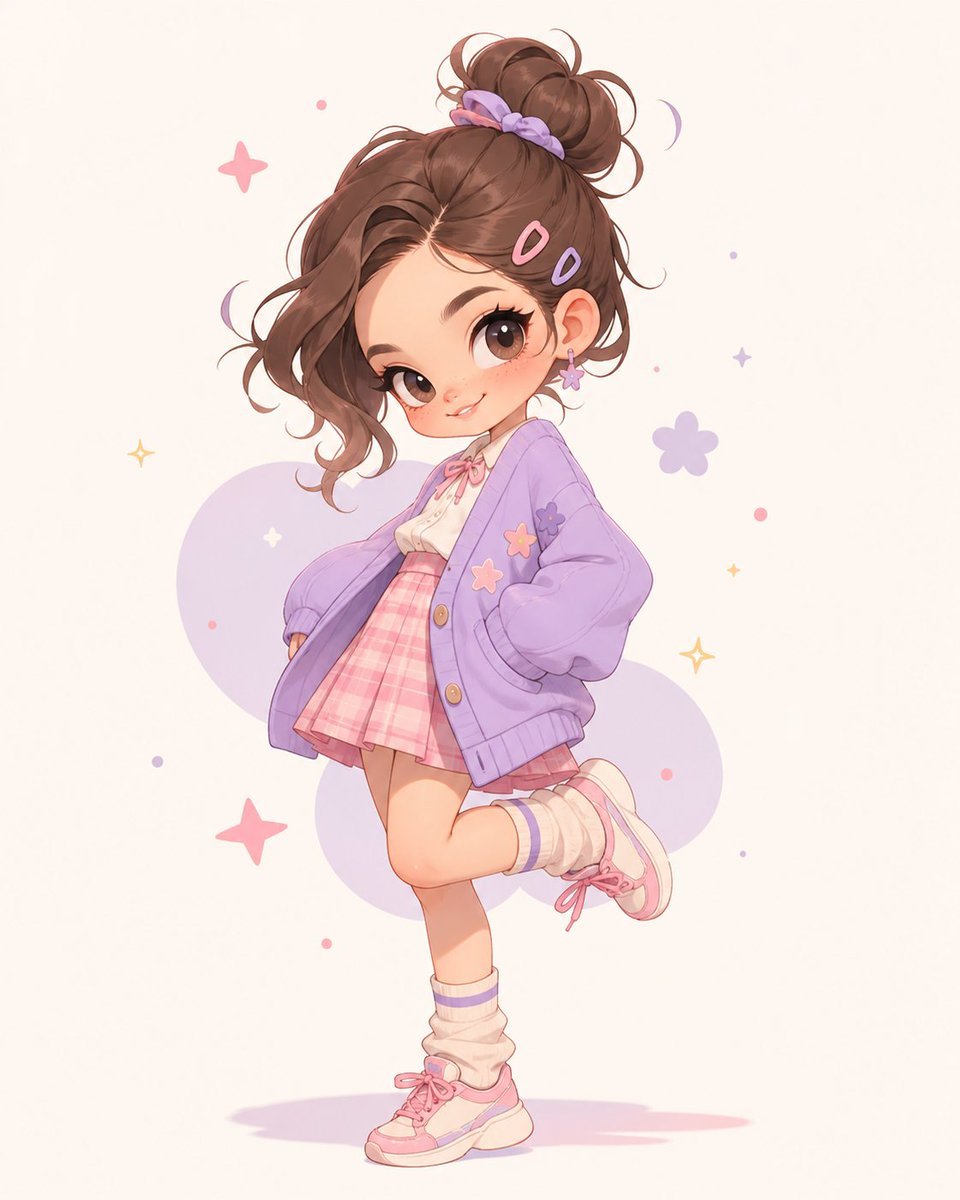
Pastel Kawaii Girl Fashion Portrait
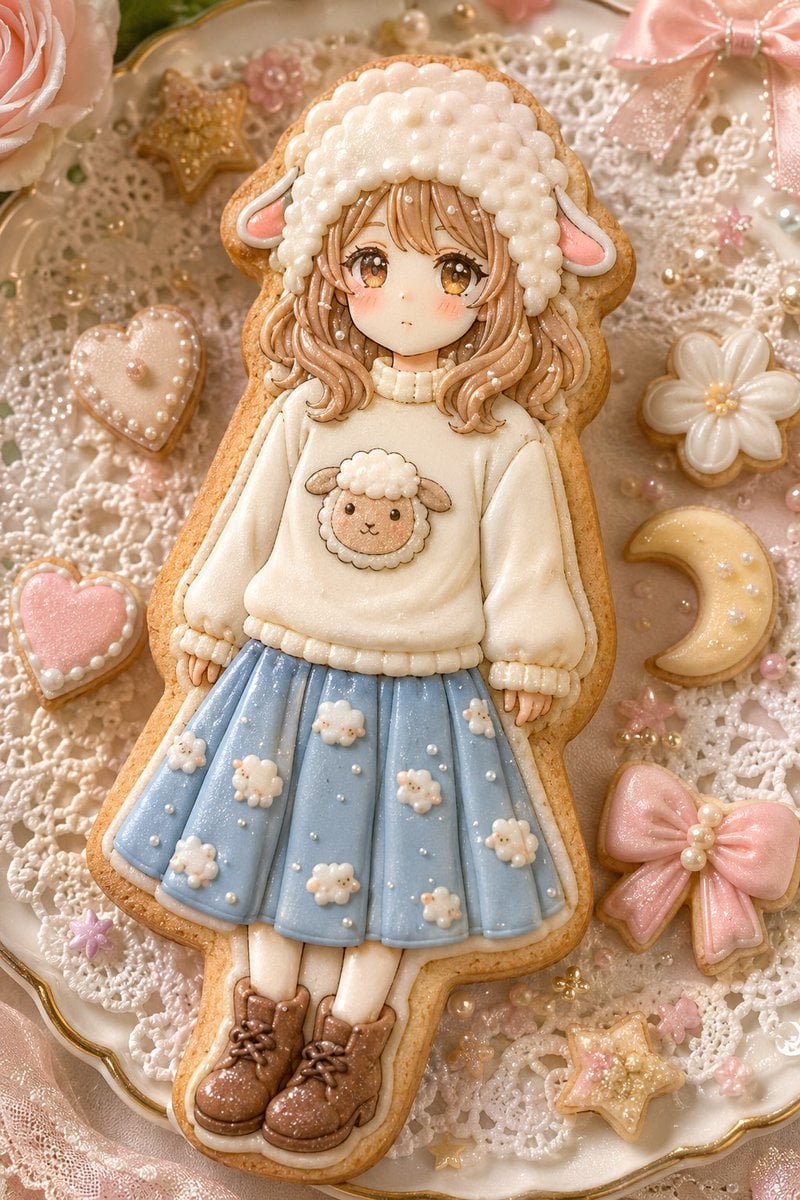
Kawaii Sheep Girl Icing Cookie
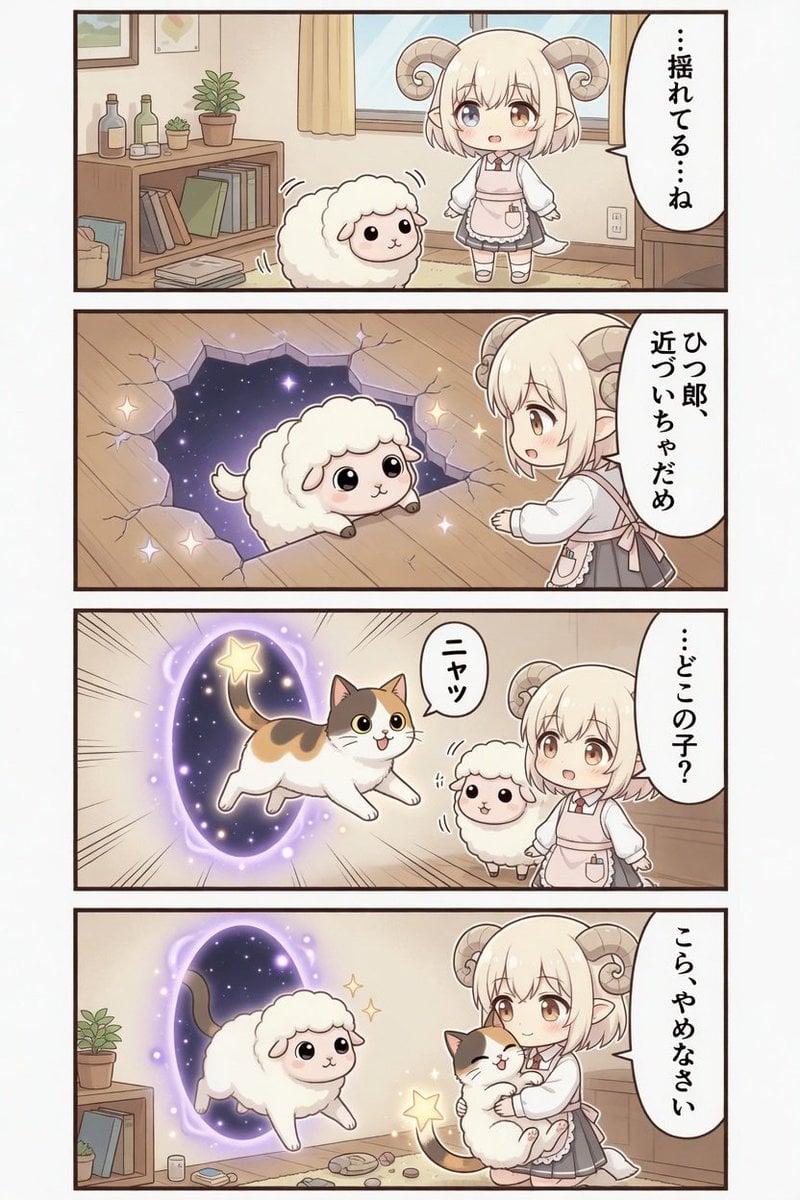
Kawaii Sheep Girl Portal Comic
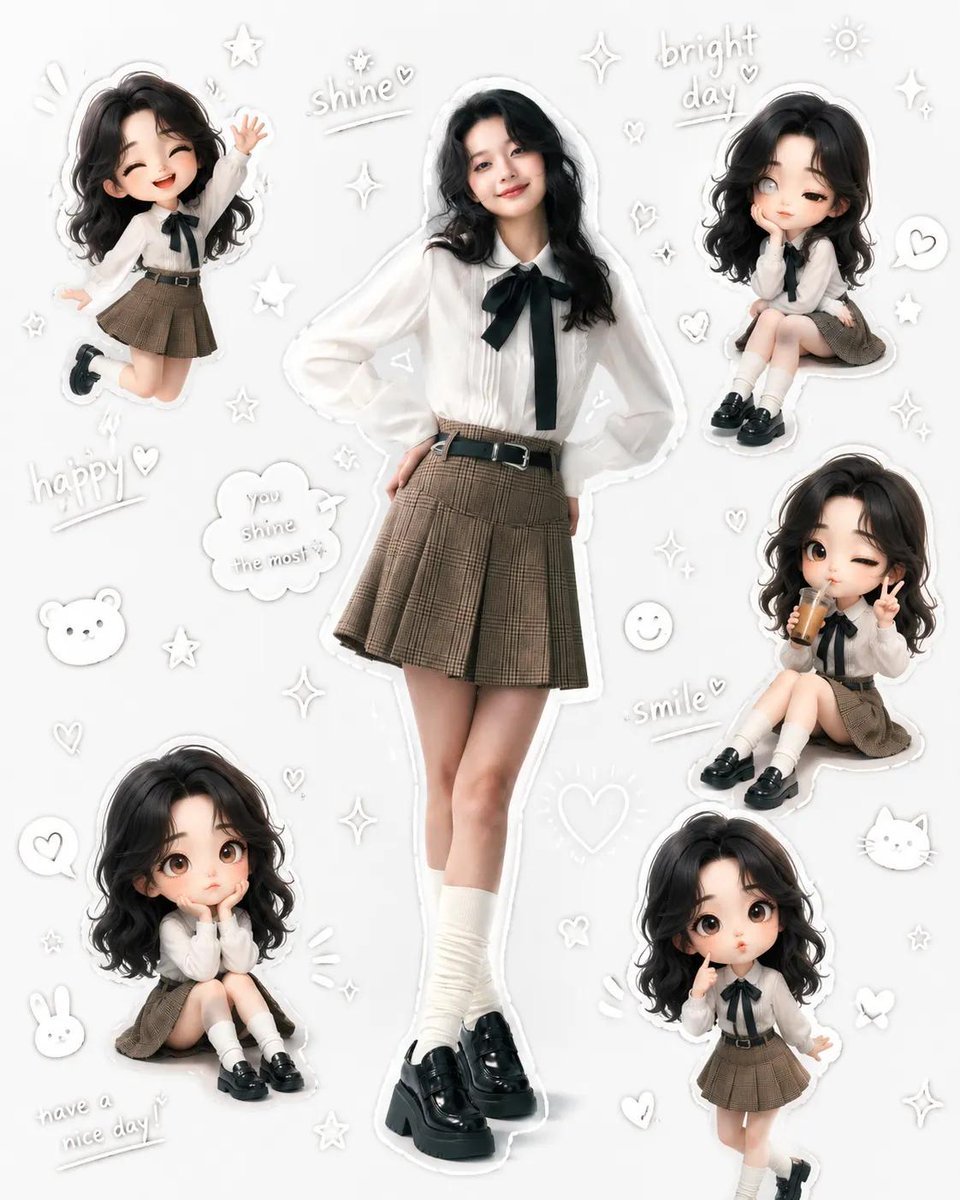
Kawaii School Girl Aesthetic Collage
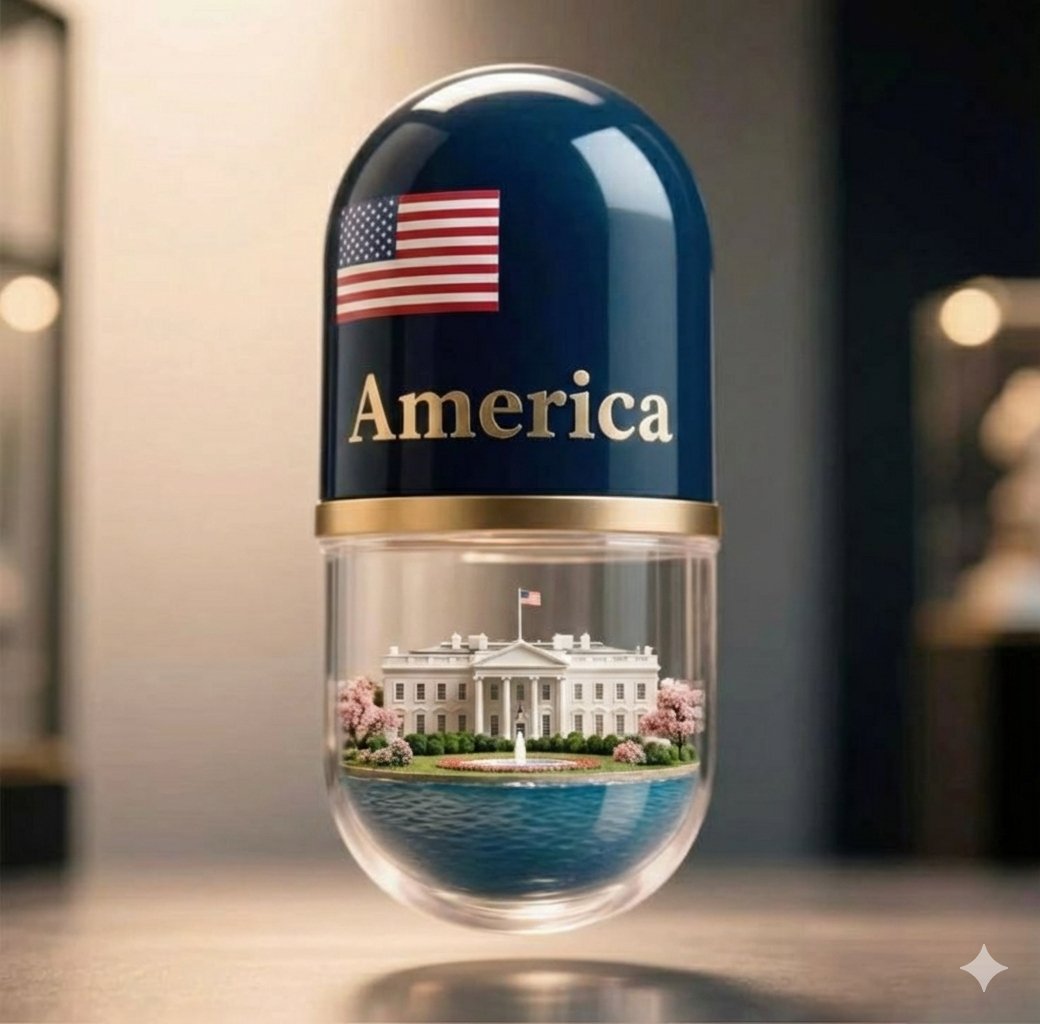
Giant Pharmaceutical Capsule with White House Miniature
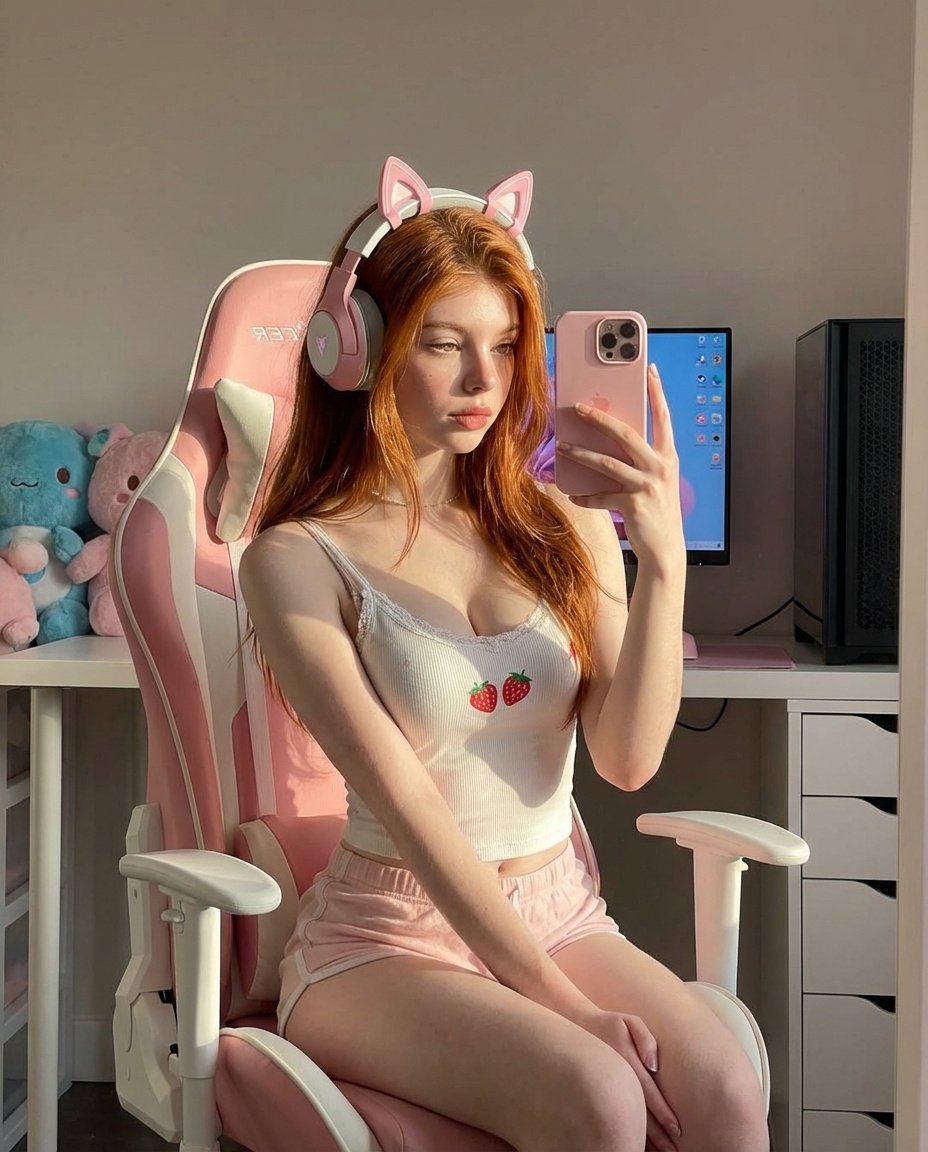
Ultra Realistic Kawaii Gamer Girl Mirror Selfie
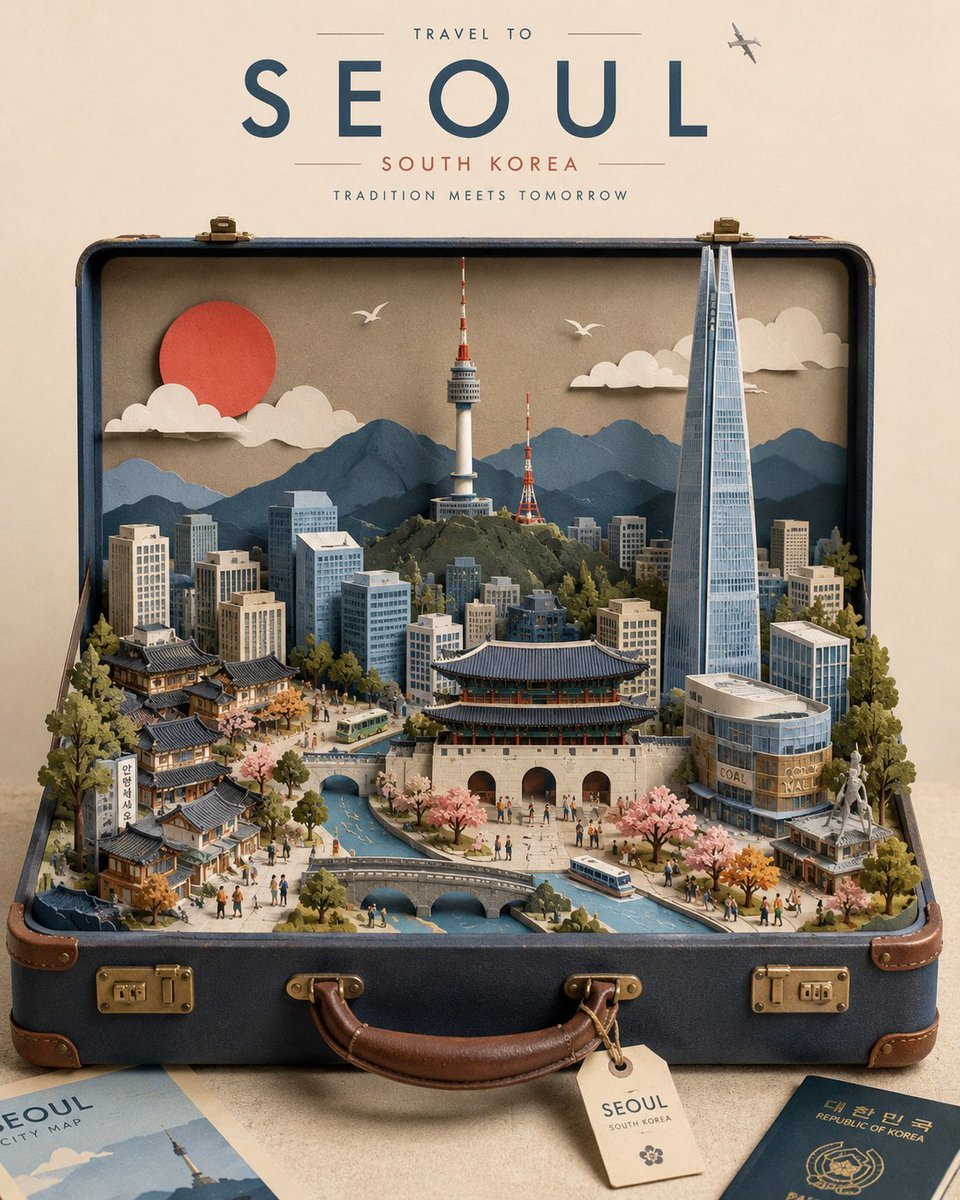
Miniature Suitcase Travel Poster
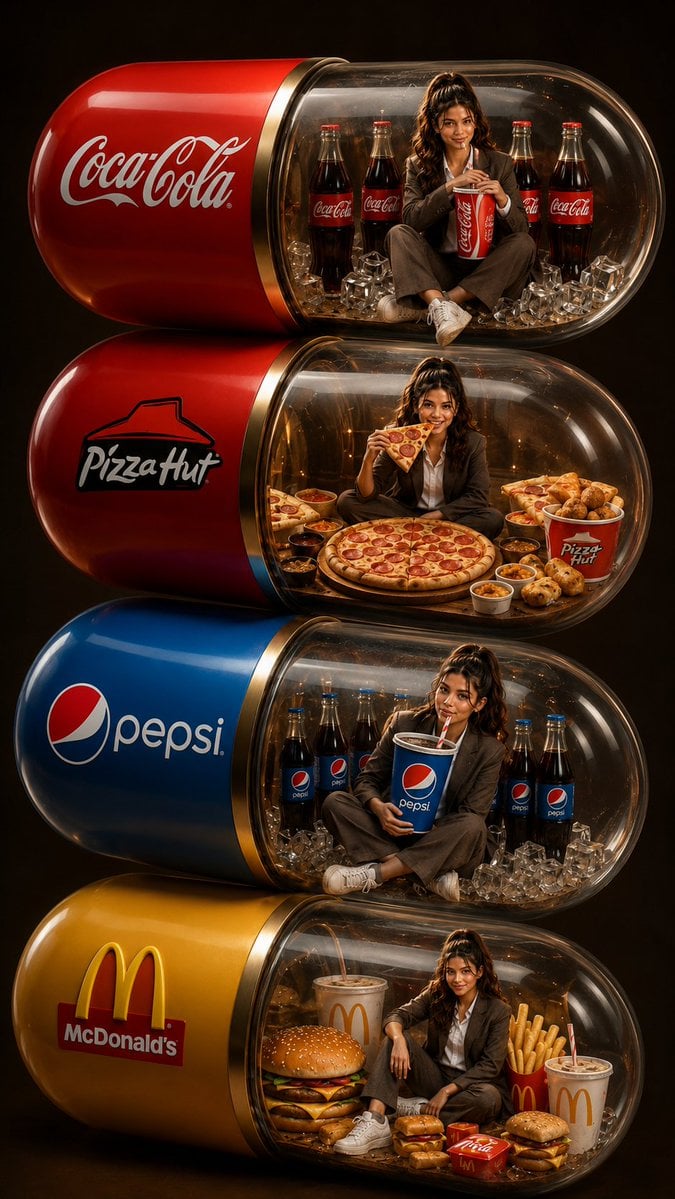
Stacked Fast Food Capsule Ads
Make it yours
Kawaii Miniature Girl in Capsule works as-is. These are the safest ways to change it without losing the look.
Change one field
Copy a single group, rewrite it, and generate again so you can see what that field is doing.
Keep the frame, change the subject
Hold the composition and light of Kawaii Miniature Girl in Capsule, then swap wardrobe, props or the person for a new take.
| If the result… | Why | Fix |
|---|---|---|
| The result drifts from the preview | Too many fields changed at once. | Reuse Kawaii Miniature Girl in Capsule as-is first, then change one group — subject, light, or setting. |
| The model over-stylizes the scene | The prose prompt leaves finish and camera underspecified. | Add one camera or lighting sentence and stay on GPT Image 2. |
More GPT Image 2 templates
Other prompts made for GPT Image 2.

Six VTuber Japanese Logo Sheet

Realistic Portrait of Woman and Deer

The Vista Modular Condo Poster

AI Model Routing Comparison Infographic

2.5D Anime Art Board

Isometric Productivity Desk Scene

New York Double Exposure Poster

Four-Panel AI Landscape Comparison

Japanese Tatami Lifestyle Magazine Cover

NESCAFÉ Coffee Map Poster
More image prompts
Fresh picks from across the catalog.
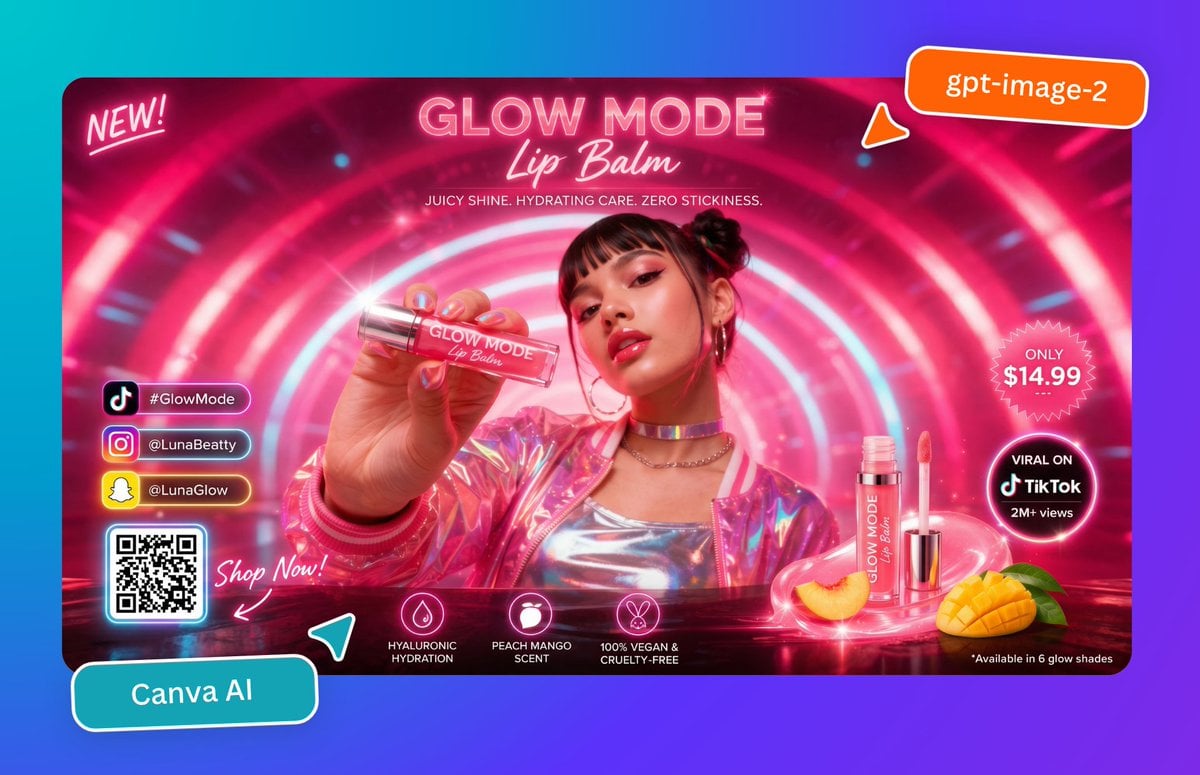
Neon Lip Balm Launch Ad
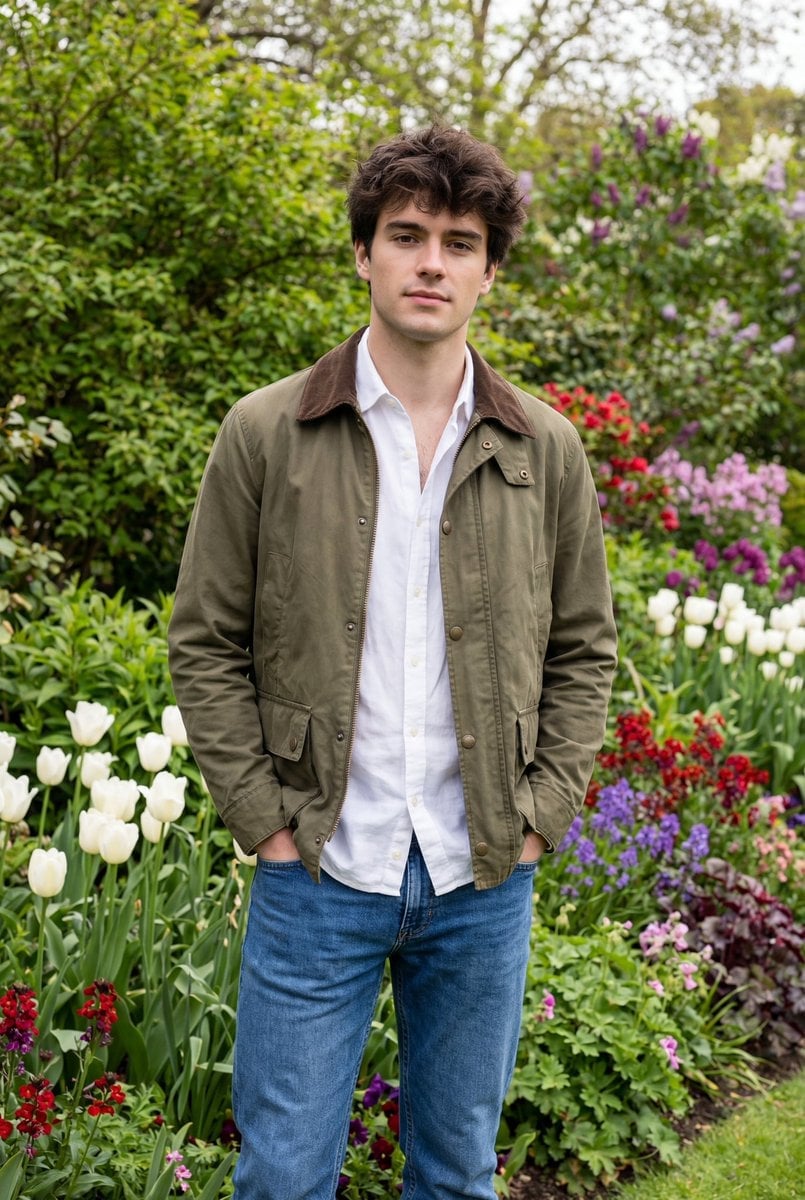
Natural Editorial Portrait of a Man in a Garden

World Baseball Classic Scene Generation
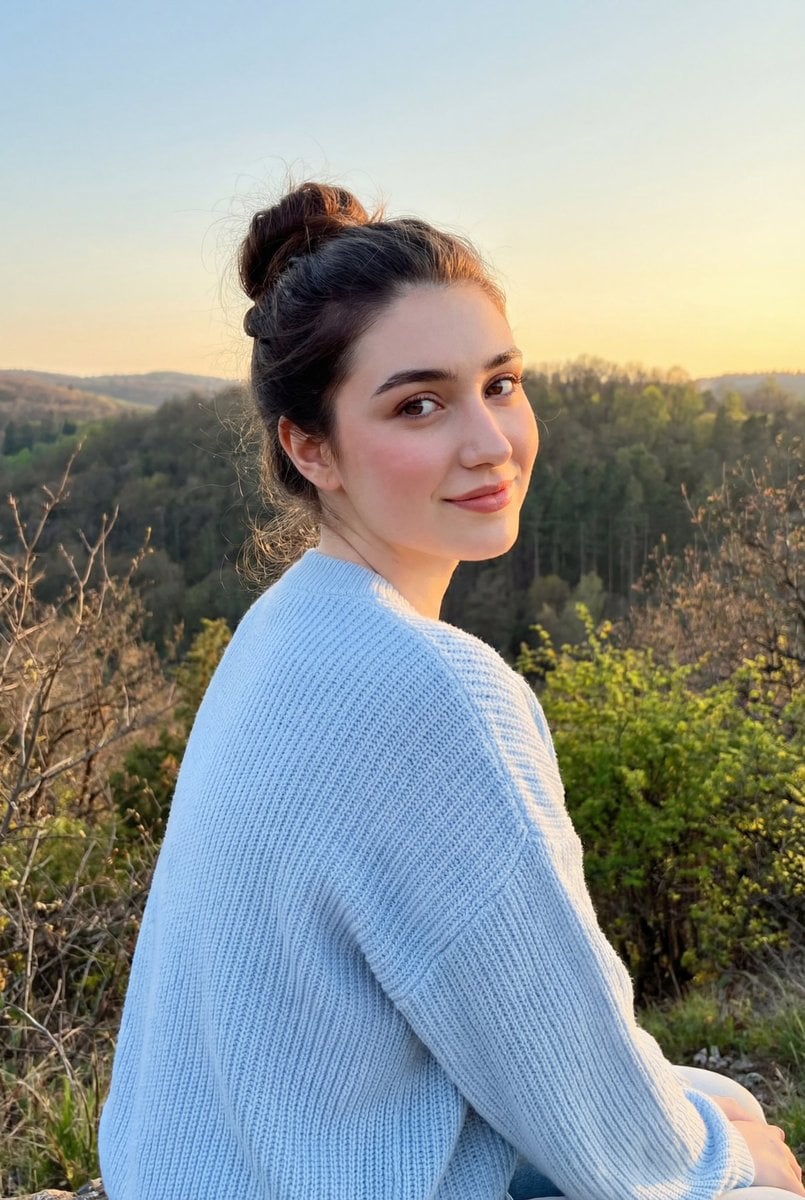
Cinematic Golden Hour Portrait on a Hillside
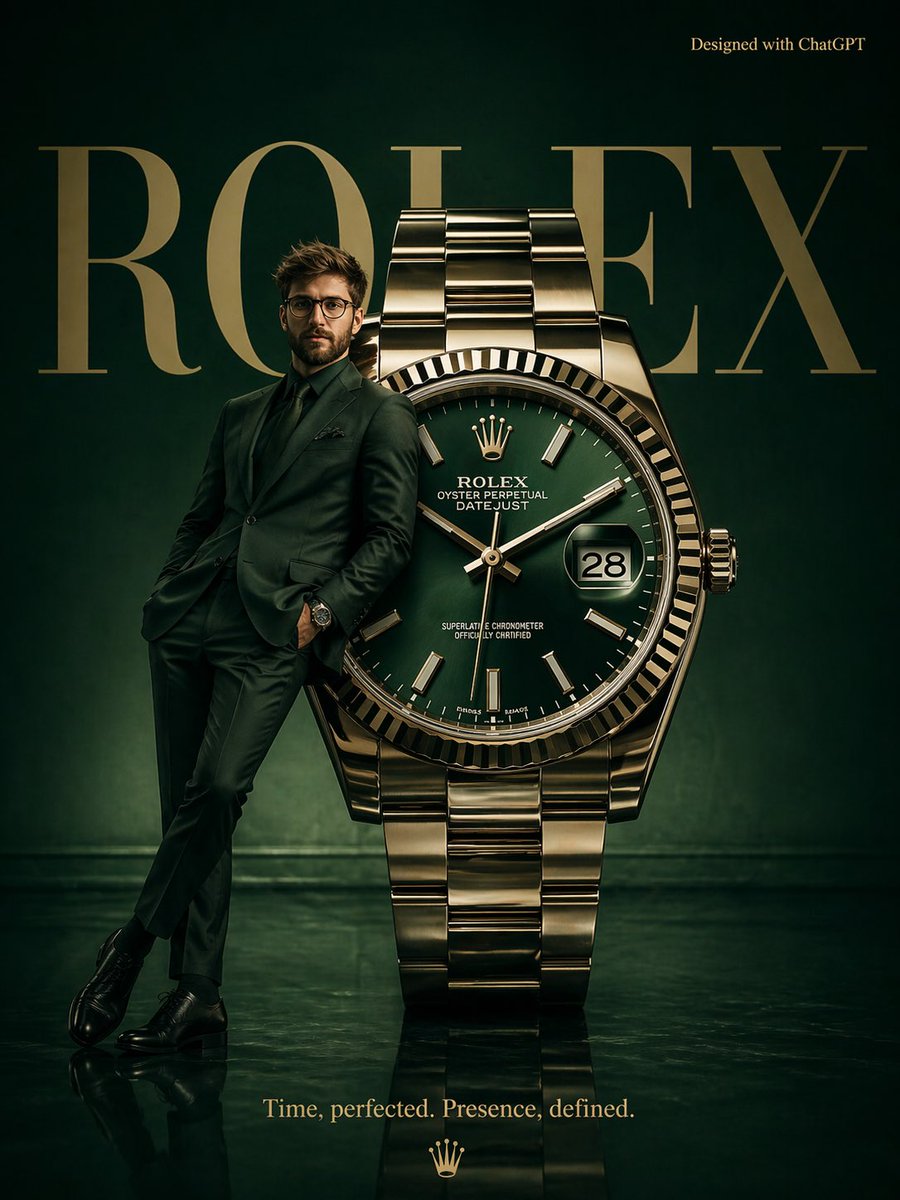
Surrealist Rolex Advertisement Poster
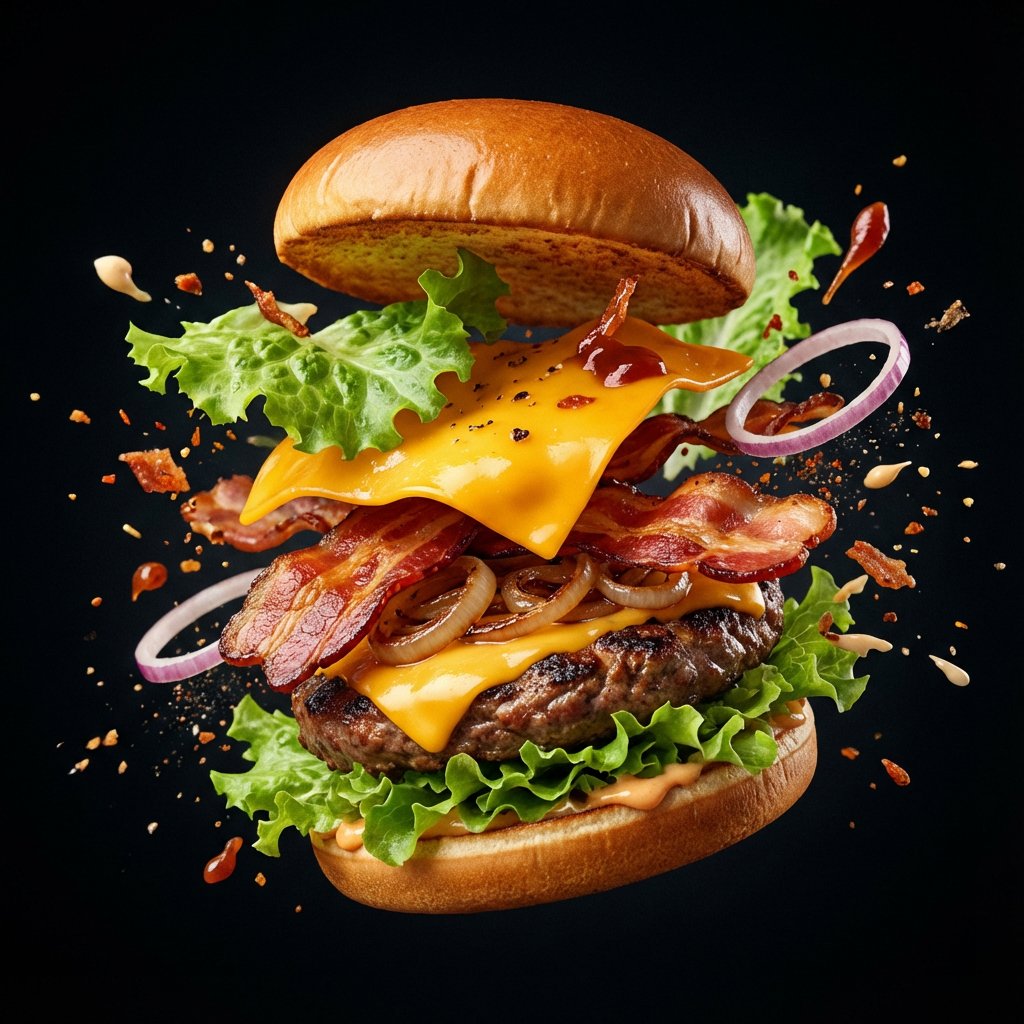
Explosion Food Poster for Marketing
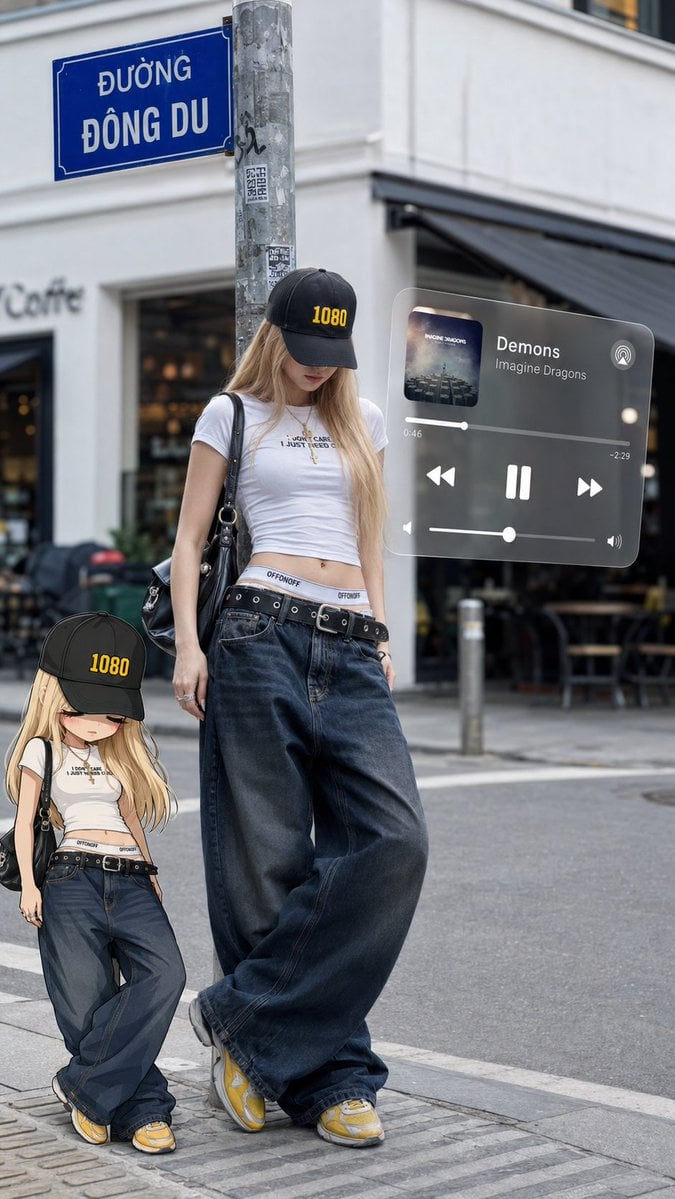
Urban street fashion portrait with AR overlays
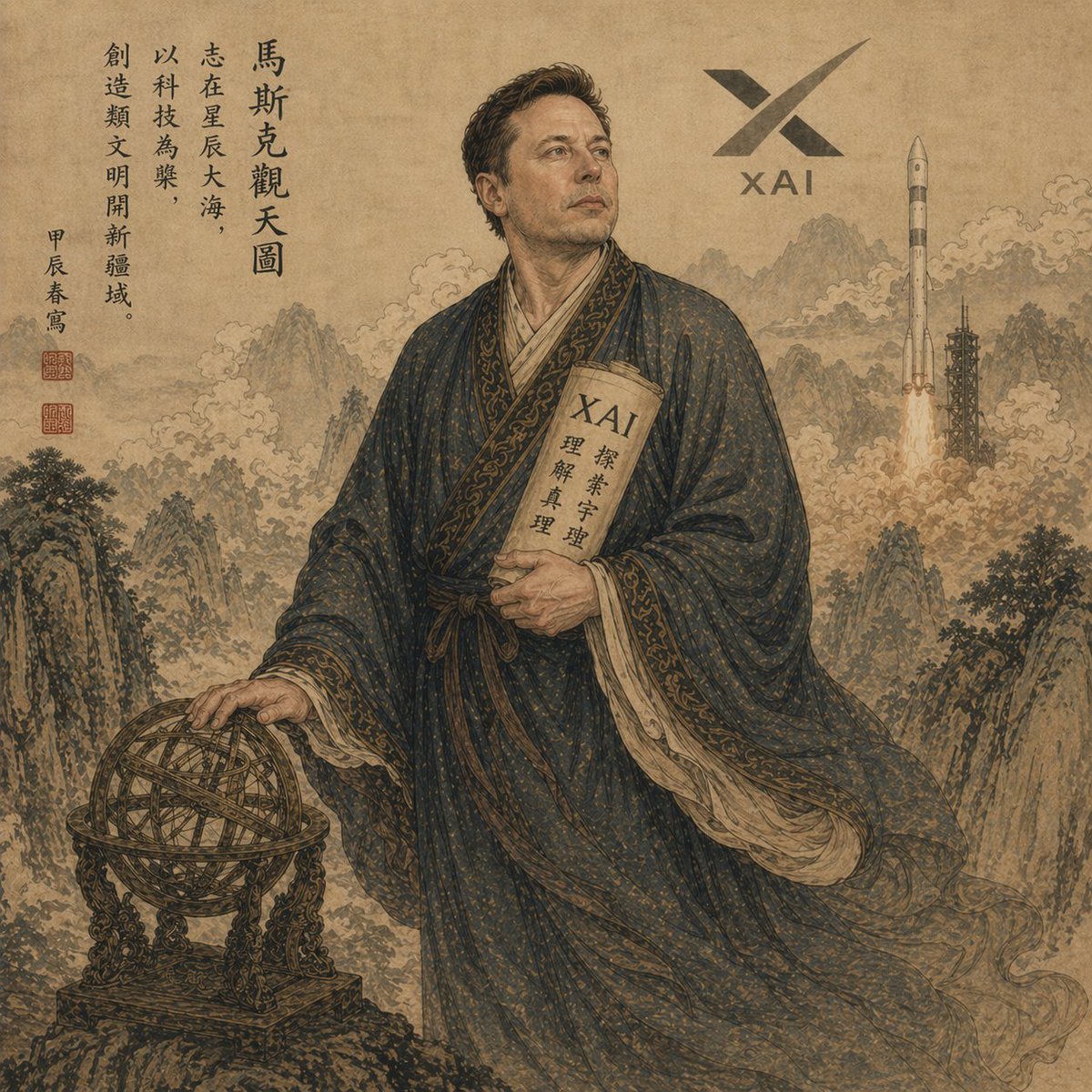
Classical Chinese Scholar with XAI Motif
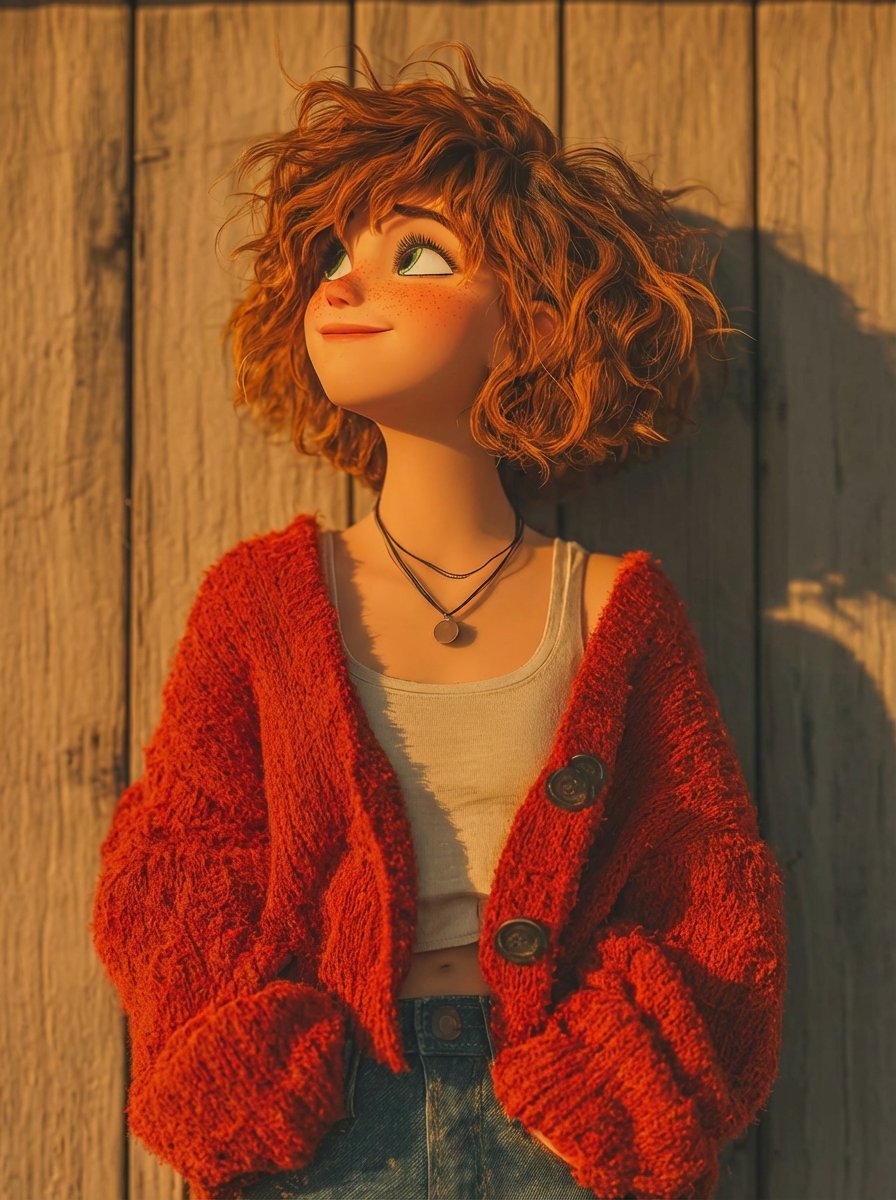
Pixar-Style 3D Animated Character Portraits
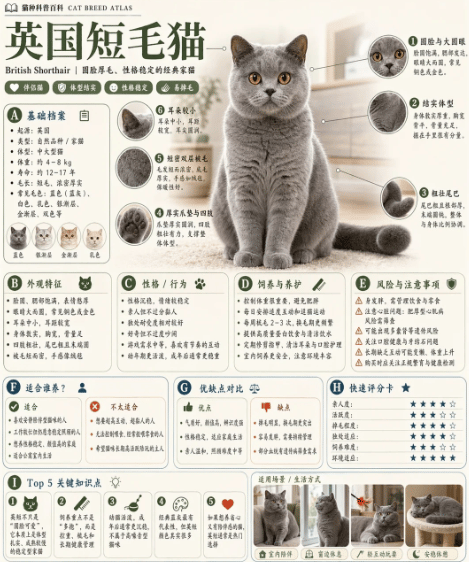
British Shorthair Encyclopedia Card
Browse template categories
Kawaii Miniature Girl in Capsule questions
How do I use the Kawaii Miniature Girl in Capsule template?
Add your photo if the template asks for one, edit the prompt if you like — the template's model and format are already selected — and press Generate. Your version opens in PicX Studio.
Can I customize the Kawaii Miniature Girl in Capsule template?
Yes. You can change the subject, setting, lighting, mood, format, and available model controls before creating your image.
Is the Kawaii Miniature Girl in Capsule template free?
Opening and editing this template is free. Generating uses credits, shown on the Generate button when you are signed in.
Which AI model should I use?
Start with GPT Image 2, which is the model associated with this template. You can compare another compatible model for a different finish.
Looking for something else? Browse all templates.

Your photo, any look
Thousands of ready templates for every top image and video model, from one credit balance.