
Authentic Desert Wanderer Portrait
Authentic Desert Wanderer Portrait is a ready photo look.
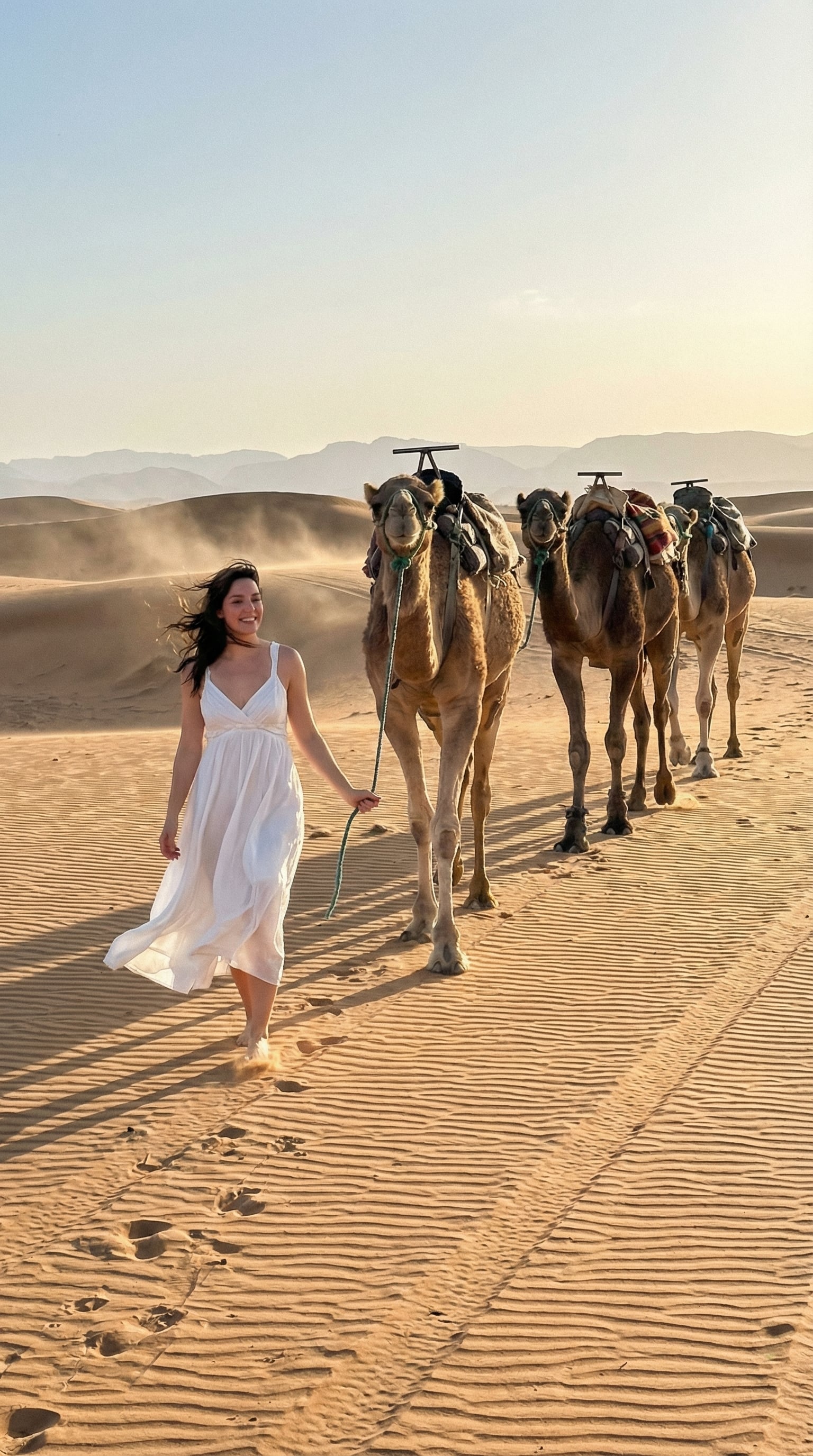
- Prompt included
- Model and format preset
- Free template
The prompt behind this image
Copy the exact prompt behind Authentic Desert Wanderer Portrait, or open it in the studio and make it yours.
Use the uploaded image as the main reference and keep the exact same person, same face, same body proportions, and same natural details. Create a completely realistic travel photograph of the person walking in a vast desert landscape during golden hour. The person is wearing a flowy white summer dress with natural fabric movement caused by a light desert breeze. Hair looks naturally wind-blown, not styled or artificial. Facial expression is relaxed, confident, and candid, like a real travel moment captured unexpectedly. The person is holding a camel rope, walking beside real camels with traditional saddles, showing natural shadows and dust on the sand. The desert environment should include uneven sand textures, natural footprints, subtle dust particles, and soft horizon blur, exactly like a real location shoot. Lighting should be natural sunlight only — warm golden tones, realistic highlights, soft shadows, no studio lighting, no cinematic glow. Camera feel: – Shot on a real DSLR / iPhone camera – Slight natural grain – Imperfect framing – True depth of field – No over-sharp edges The final image must look 100% real, like a raw travel photograph, not staged, not edited, not AI-generated, not cinematic. 🔒 REALISM LOCK (MOST IMPORTANT – last line zaroor add karo) No artificial effects, no beauty filters, no cinematic color grading, no smooth skin, no fantasy look. The image must look like a real unedited photo taken by a camera. 📐 Optional (Instagram/Twitter ke liye) Ensure the image is in 9:16 vertical aspect ratio, suitable for social media.
How to use Authentic Desert Wanderer Portrait in 3 steps
- 1Upload ImagePNG, JPG or paste
Add your photo
Upload the photo the template builds on. The prompt, model and format are already set.
- 2…a portrait of your subject in softgolden-hour light, 85mm…
Personalize
Edit the subject and creative details for your destination.
- 3Generate
Generate
Press Generate — your image is created in PicX Studio, so you can compare it with the original and refine one variable at a time.
More like this
Templates with the same subject, style or setup. Open one to see its prompt.
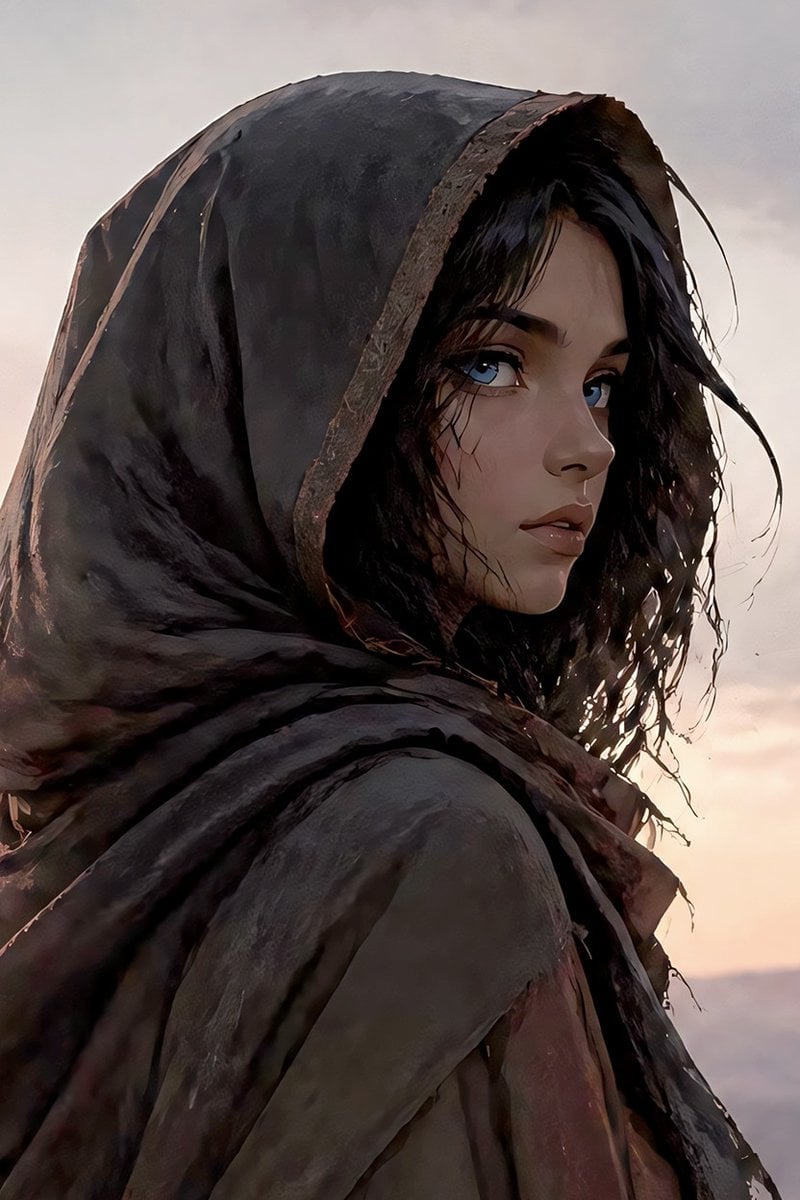
Hooded Desert Wanderer Portrait

Found Photograph: Us, 1970

80s Couple Studio Portrait

80s Bollywood Star

80s Golden Hour Cinema

Me in 1985

1985 Studio Portrait

Hyper-Realistic Minecraft POV Portrait

Rooftop Fisheye — Cat-Ear Balaclava at Golden Hour

Saudi Arabia Paper Cut Travel Poster

Rainy Café Window Moody Portrait
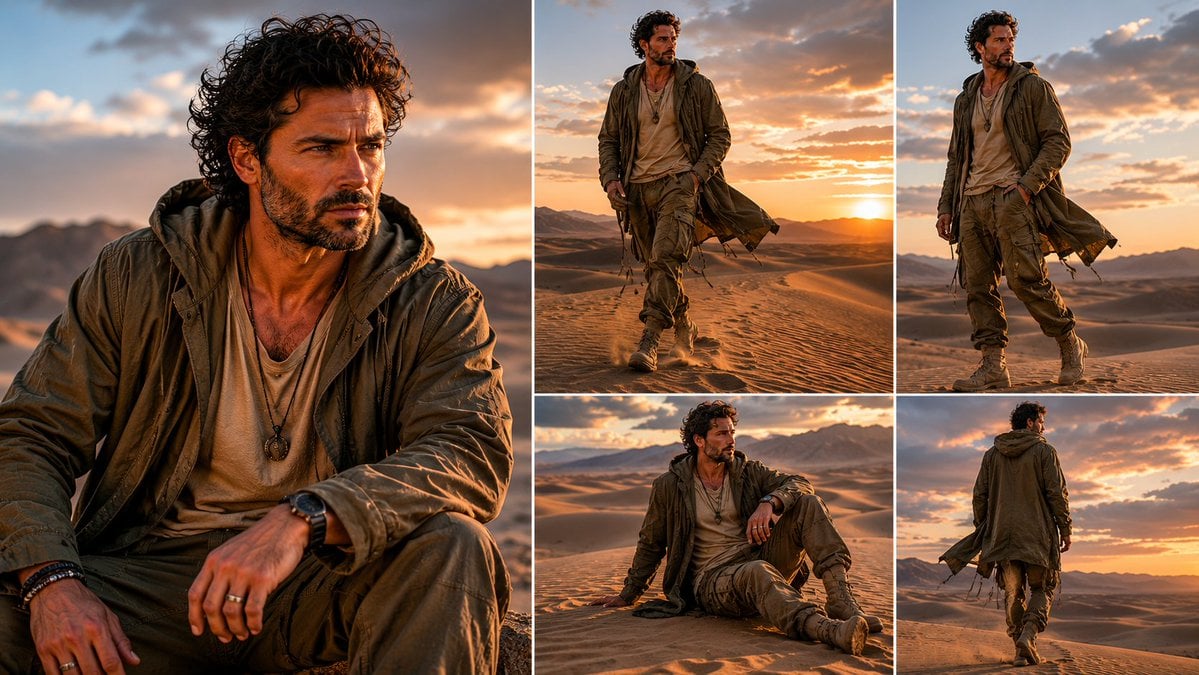
Desert Wanderer Five-Panel Collage
Make it yours
Authentic Desert Wanderer Portrait works as-is. These are the safest ways to change it without losing the look.
Change one field
Copy a single group, rewrite it, and generate again so you can see what that field is doing.
Keep the frame, change the subject
Hold the composition and light of Authentic Desert Wanderer Portrait, then swap wardrobe, props or the person for a new take.
| If the result… | Why | Fix |
|---|---|---|
| The result drifts from the preview | Too many fields changed at once. | Reuse Authentic Desert Wanderer Portrait as-is first, then change one group — subject, light, or setting. |
| The model over-stylizes the scene | The prose prompt leaves finish and camera underspecified. | Add one camera or lighting sentence and stay on PicX Studio. |
More image prompts
Fresh picks from across the catalog.
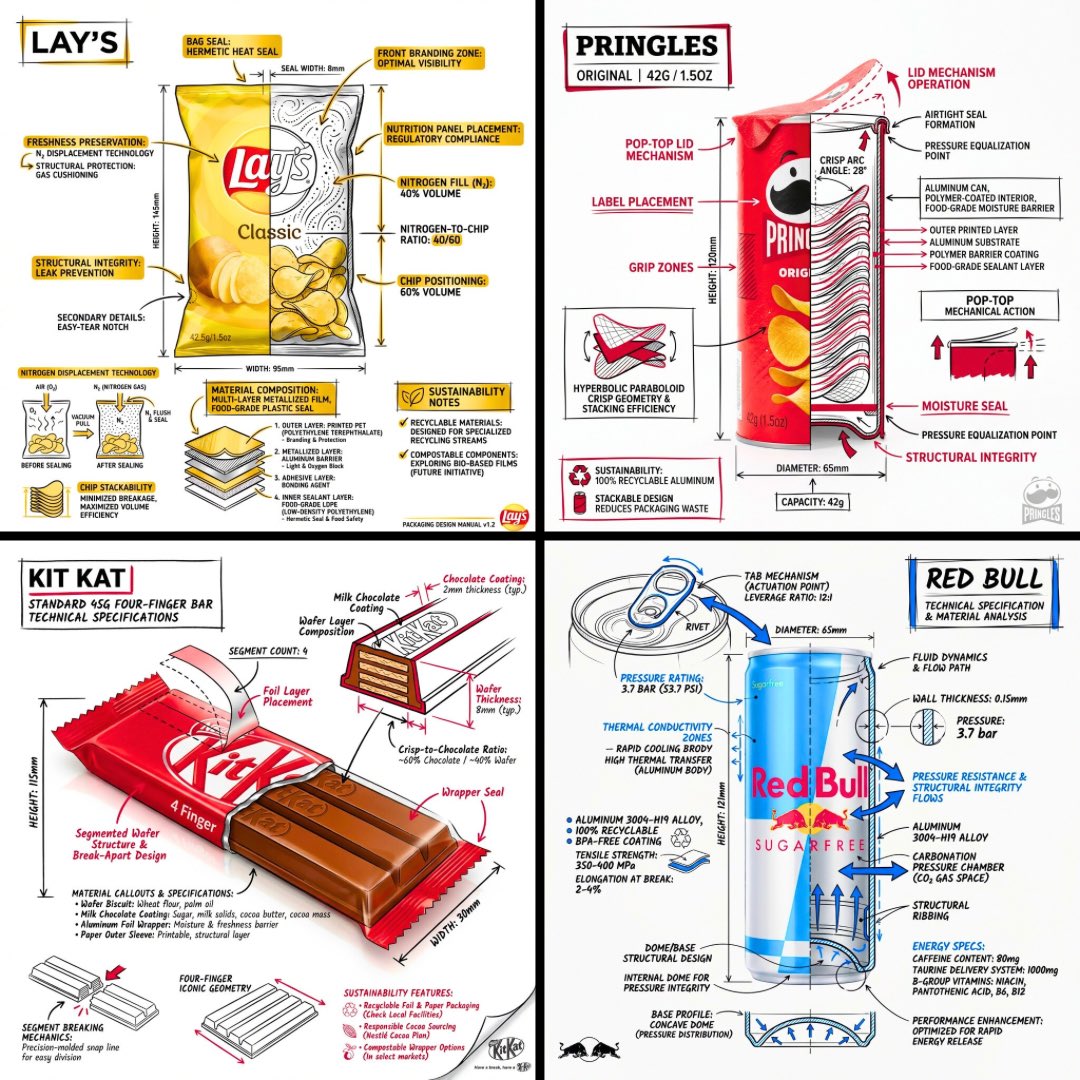
Technical Engineering Product Infographic
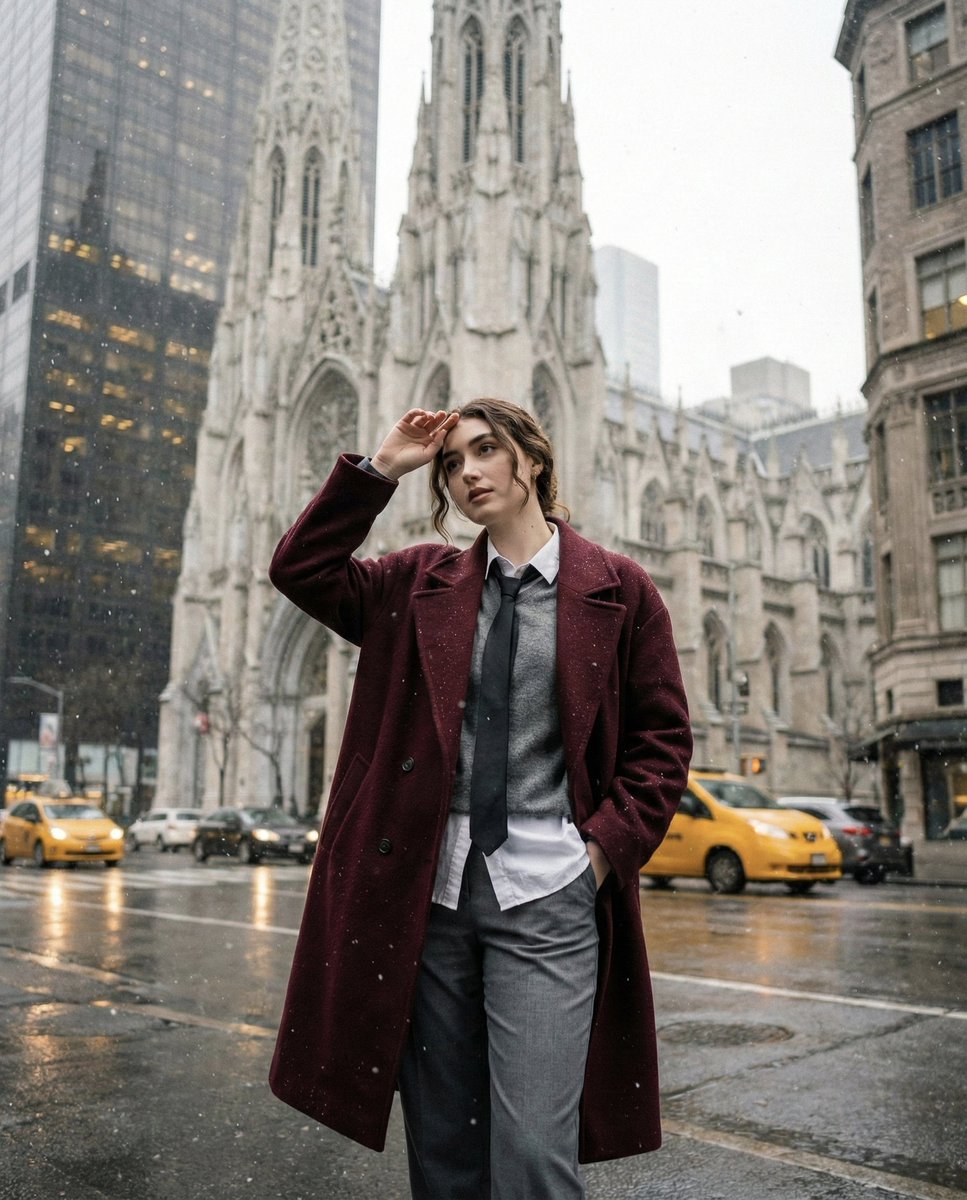
Candid Winter City Portrait during Snowfall
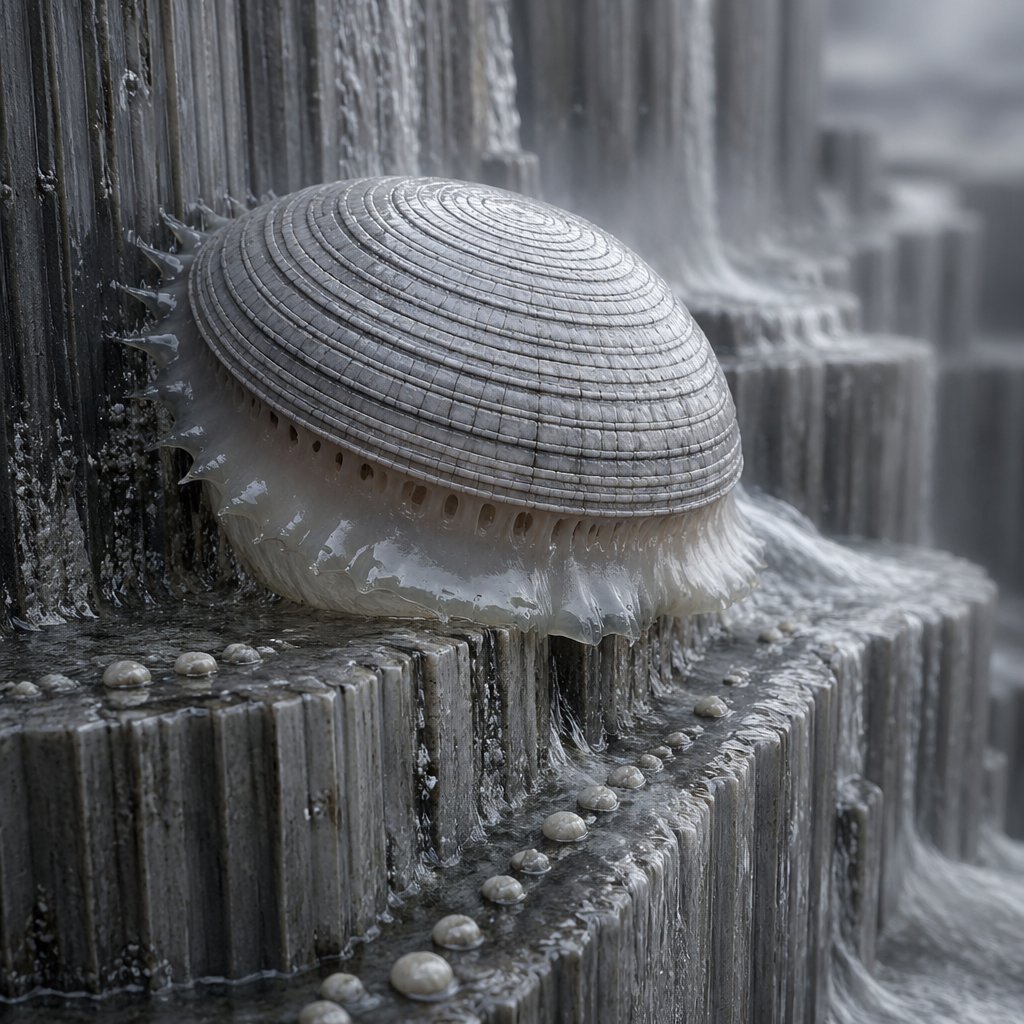
Macro Shell Jelly on Wet Basalt

Vlog Style Video Generation Prompt
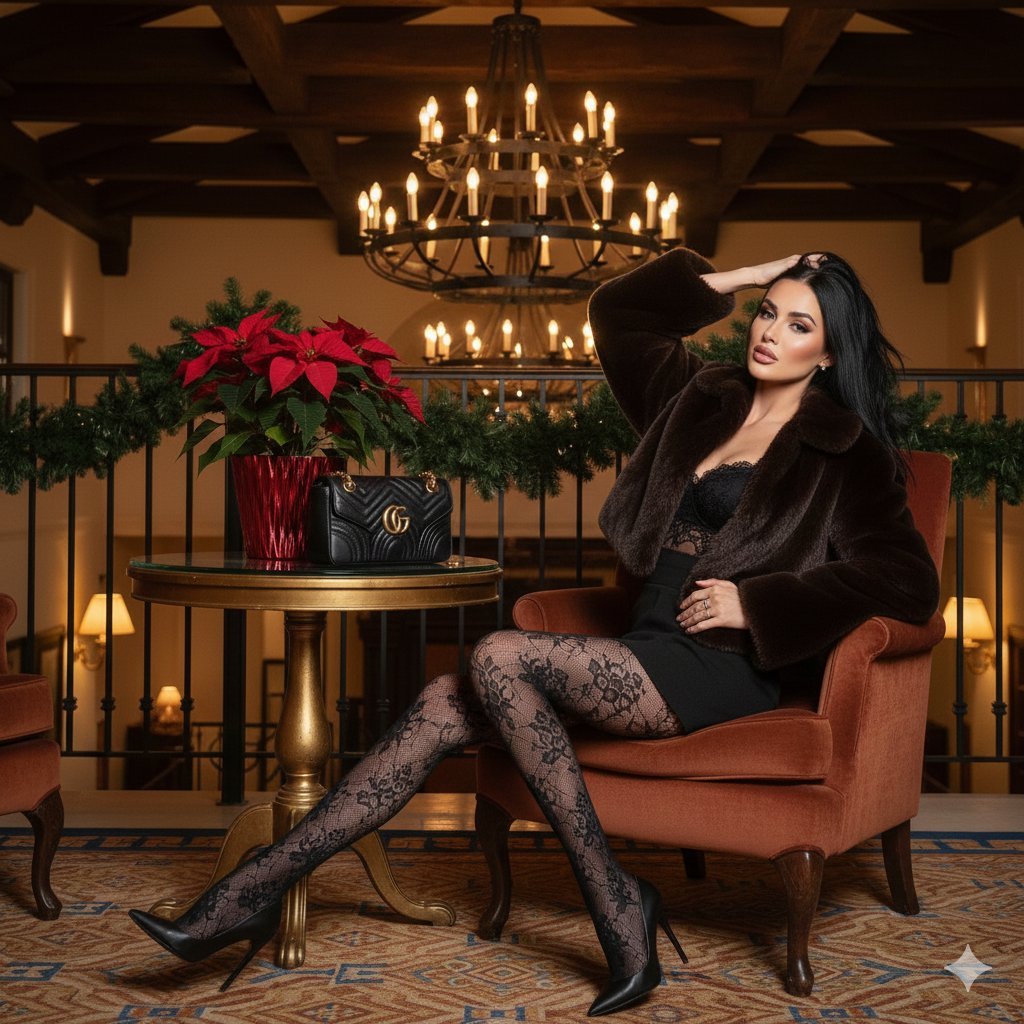
High-Fashion 'Old Money' Winter Scene
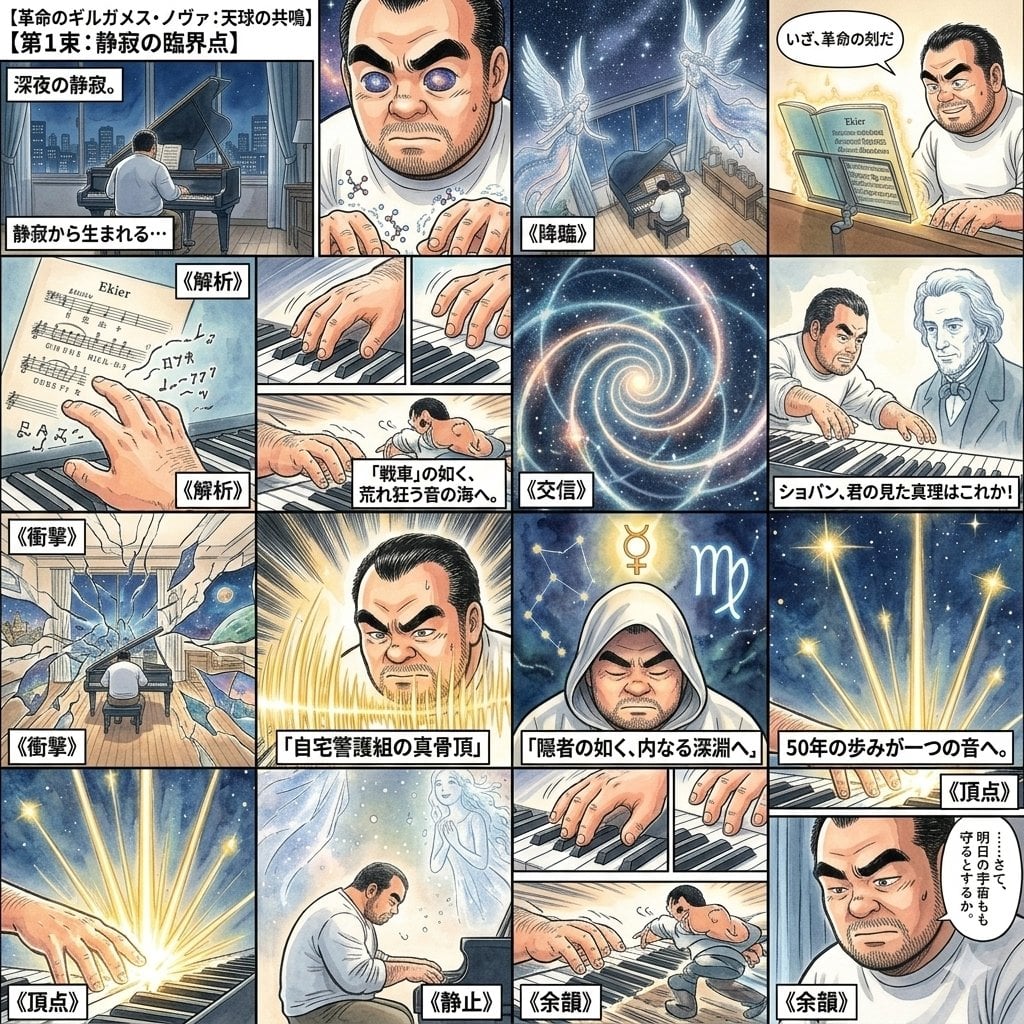
Chopin's Revolutionary Etude Image Prompt
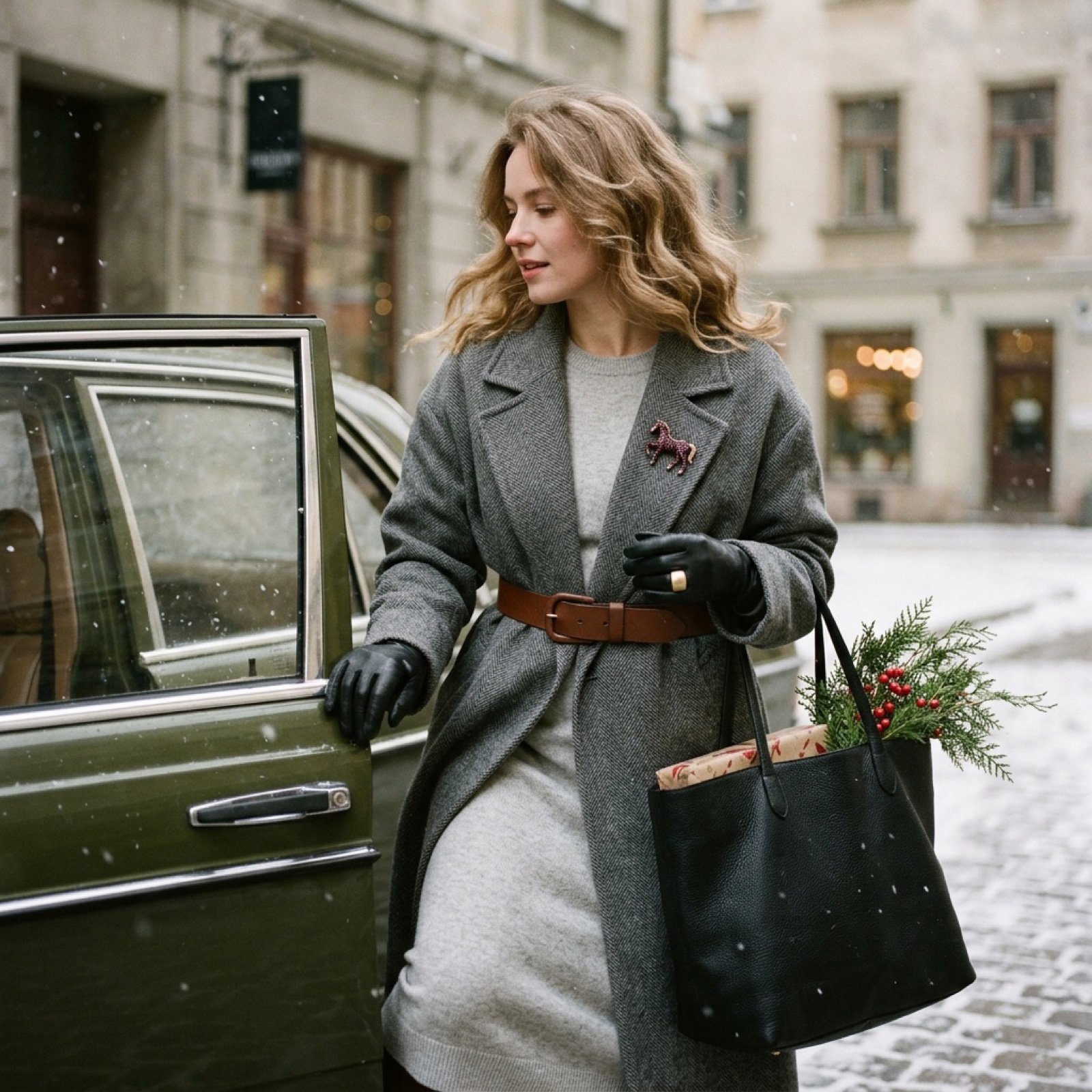
Nostalgic Winter Street Fashion Editorial Prompt
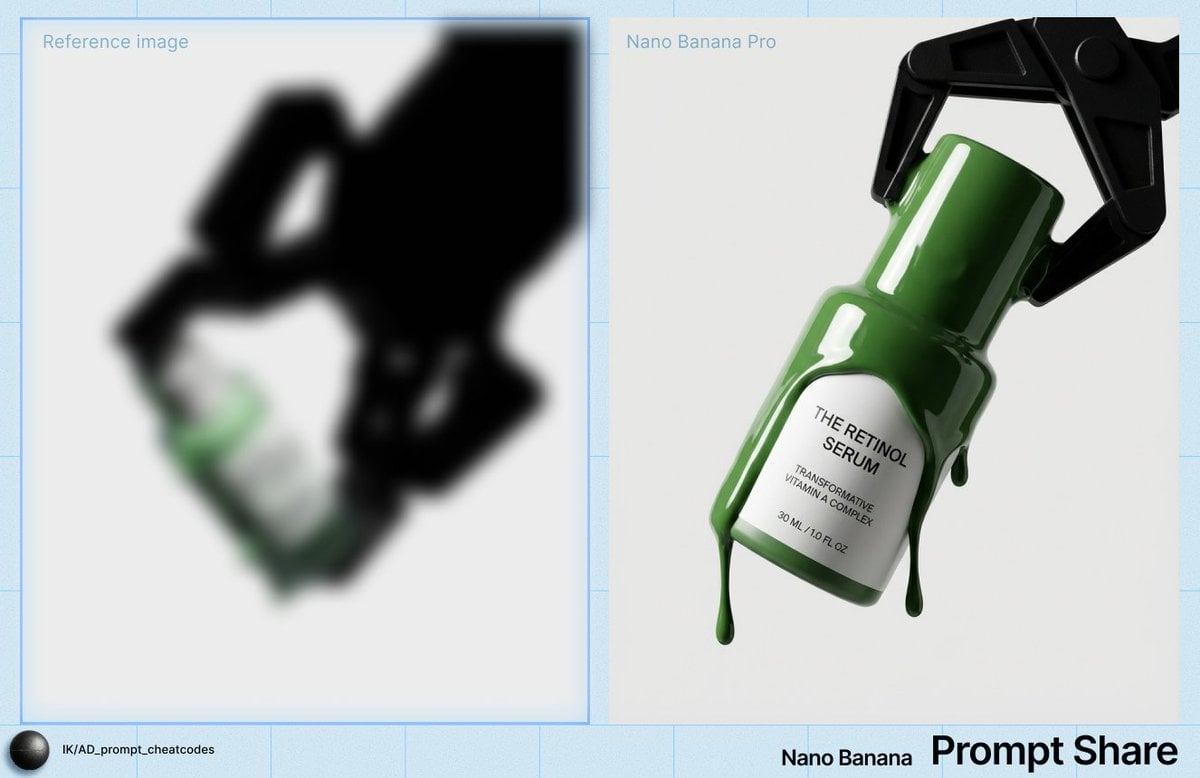
High-Contrast Studio Product Shot of Serum Bottle
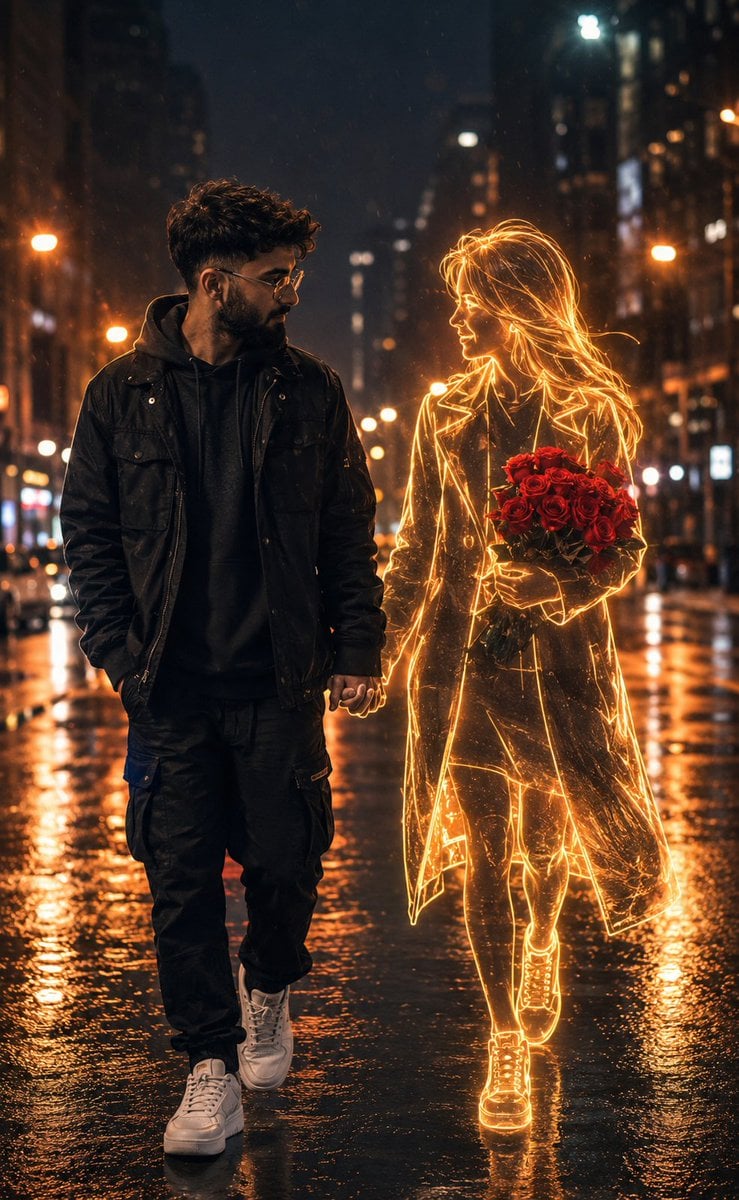
Holographic Woman in Urban Night
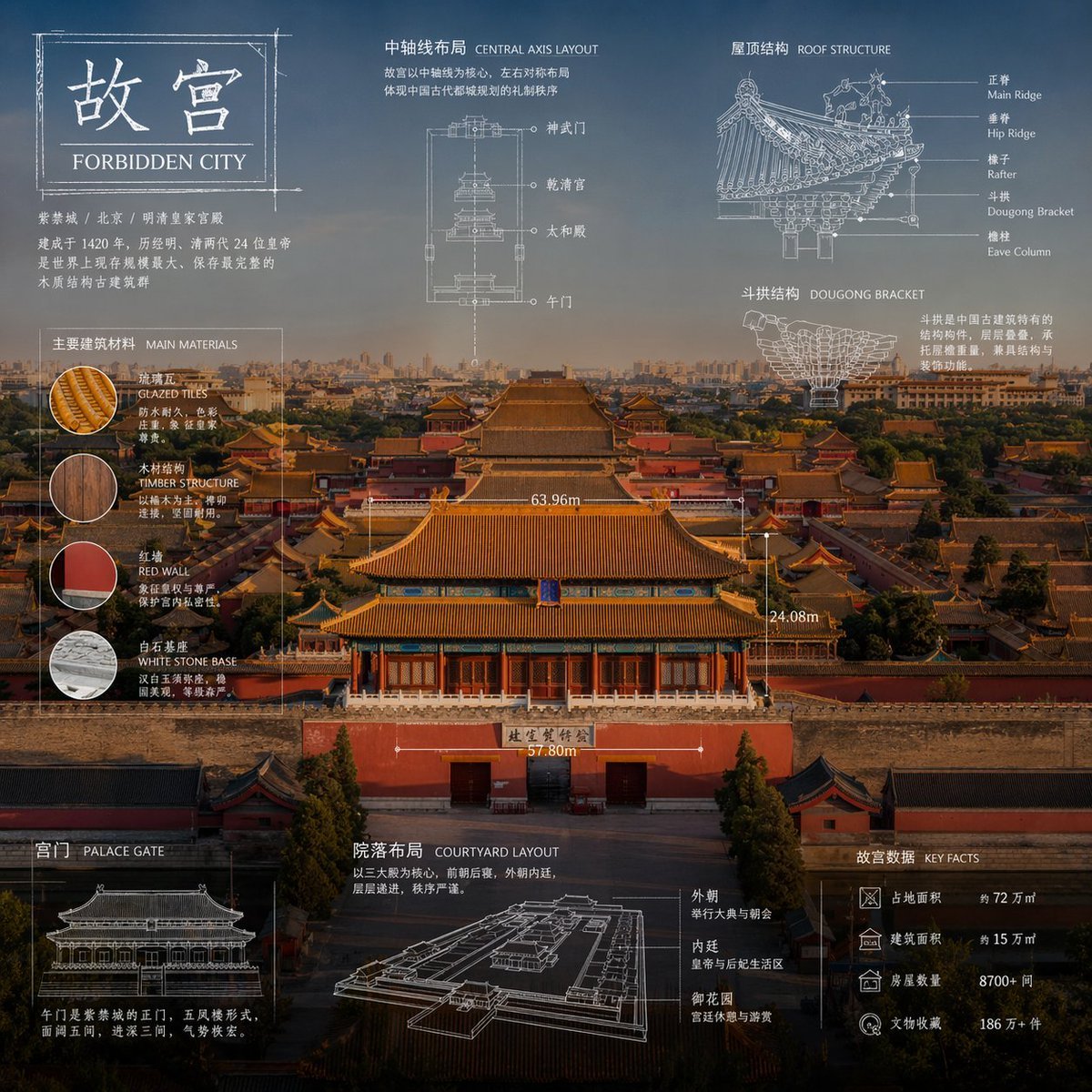
Technical Blueprint Infographic Style
Browse template categories
Authentic Desert Wanderer Portrait questions
How do I use the Authentic Desert Wanderer Portrait template?
Add your photo if the template asks for one, edit the prompt if you like — the template's model and format are already selected — and press Generate. Your version opens in PicX Studio.
Can I customize the Authentic Desert Wanderer Portrait template?
Yes. You can change the subject, setting, lighting, mood, format, and available model controls before creating your image.
Is the Authentic Desert Wanderer Portrait template free?
Opening and editing this template is free. Generating uses credits, shown on the Generate button when you are signed in.
Which AI model should I use?
Choose a compatible model in PicX Studio based on the style, speed, and output controls your project needs.
Looking for something else? Browse all templates.

Your photo, any look
Thousands of ready templates for every top image and video model, from one credit balance.