
Era
Era is a ready photo look.
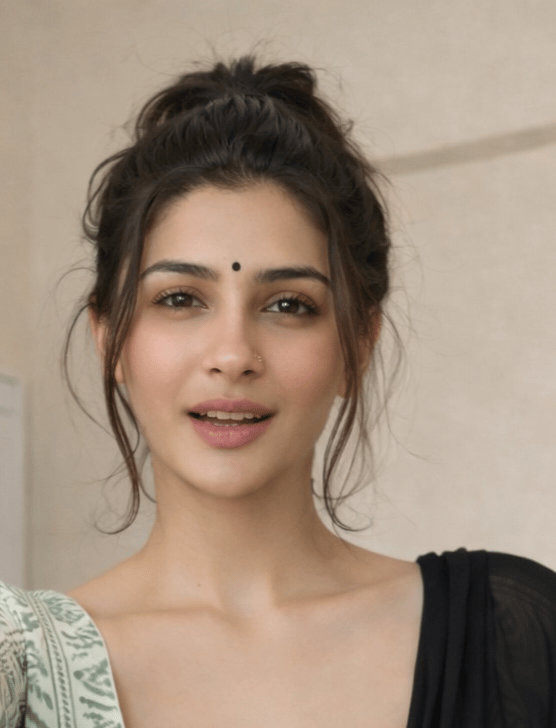
- Prompt included
- Model and format preset
- Free template
The prompt behind this image
Copy the exact prompt behind Era, or open it in the studio and make it yours.
Create a glamorous editorial portrait in a vintage elevator with wooden panels: a women in a black strapless corset dress with a high hip slit, a gold cuff bracelet, and hoop earrings. Pose: lean slightly against the brass rail with one hand, using the other to push your hair back as you lean forward to emphasize your collarbones and sculpted arms.Warm, cinematic overhead lighting with soft highlights on the skin,deep shadows & slight lens flare; high contrast,subtle film grain.
How to use Era in 3 steps
- 1
Open
The prompt is already in the box next to the preview, with the template's model and format selected.
- 2…a portrait of your subject in softgolden-hour light, 85mm…
Personalize
Edit the subject and creative details for your destination.
- 3Generate
Generate
Press Generate — your image is created in PicX Studio, so you can compare it with the original and refine one variable at a time.
More like this
Templates with the same subject, style or setup. Open one to see its prompt.
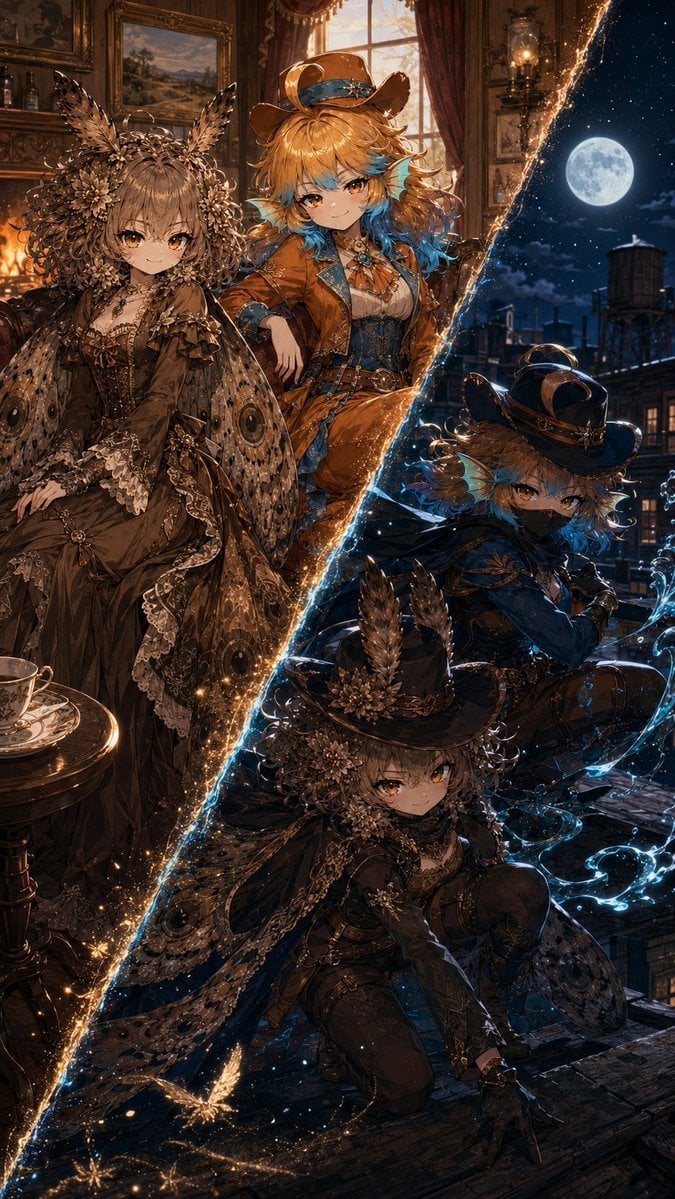
Superhero Era Transformation Split Portrait
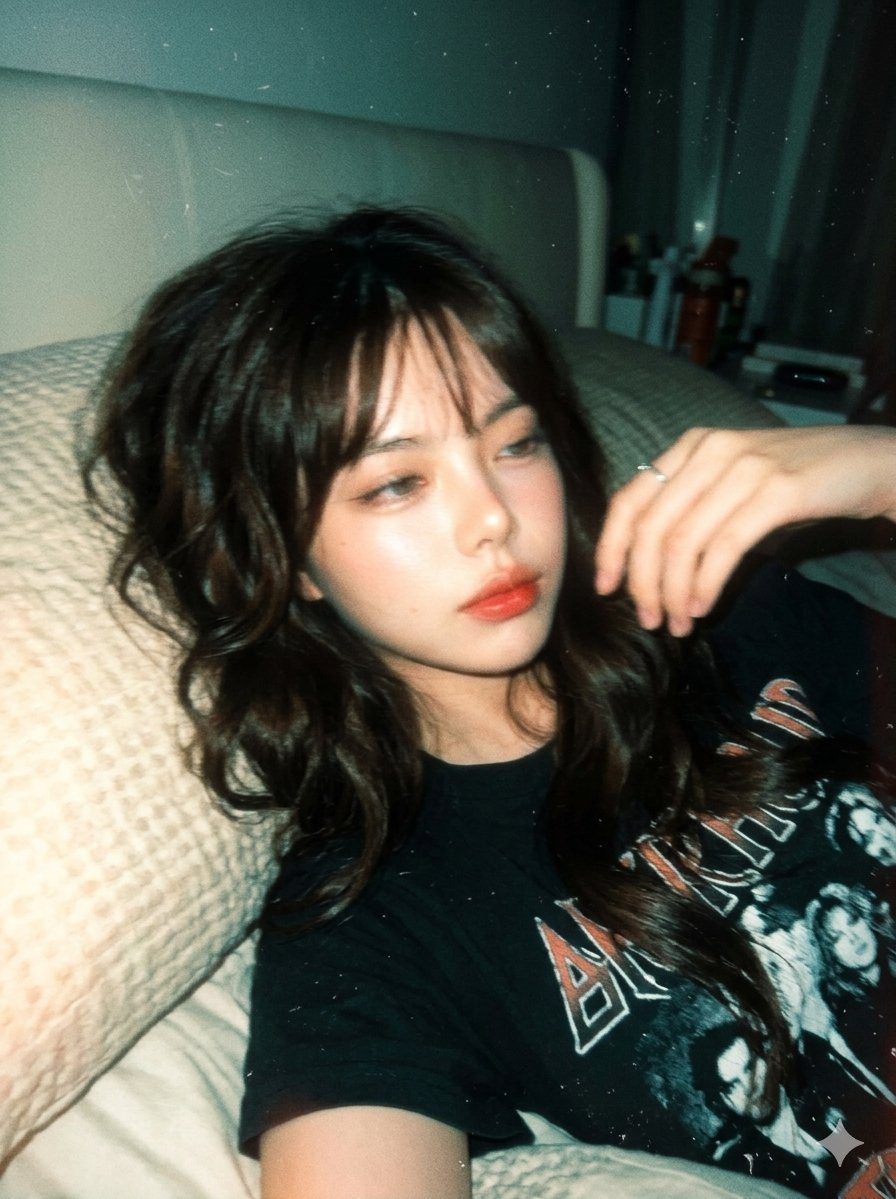
Y2K Disposable Camera Aesthetic
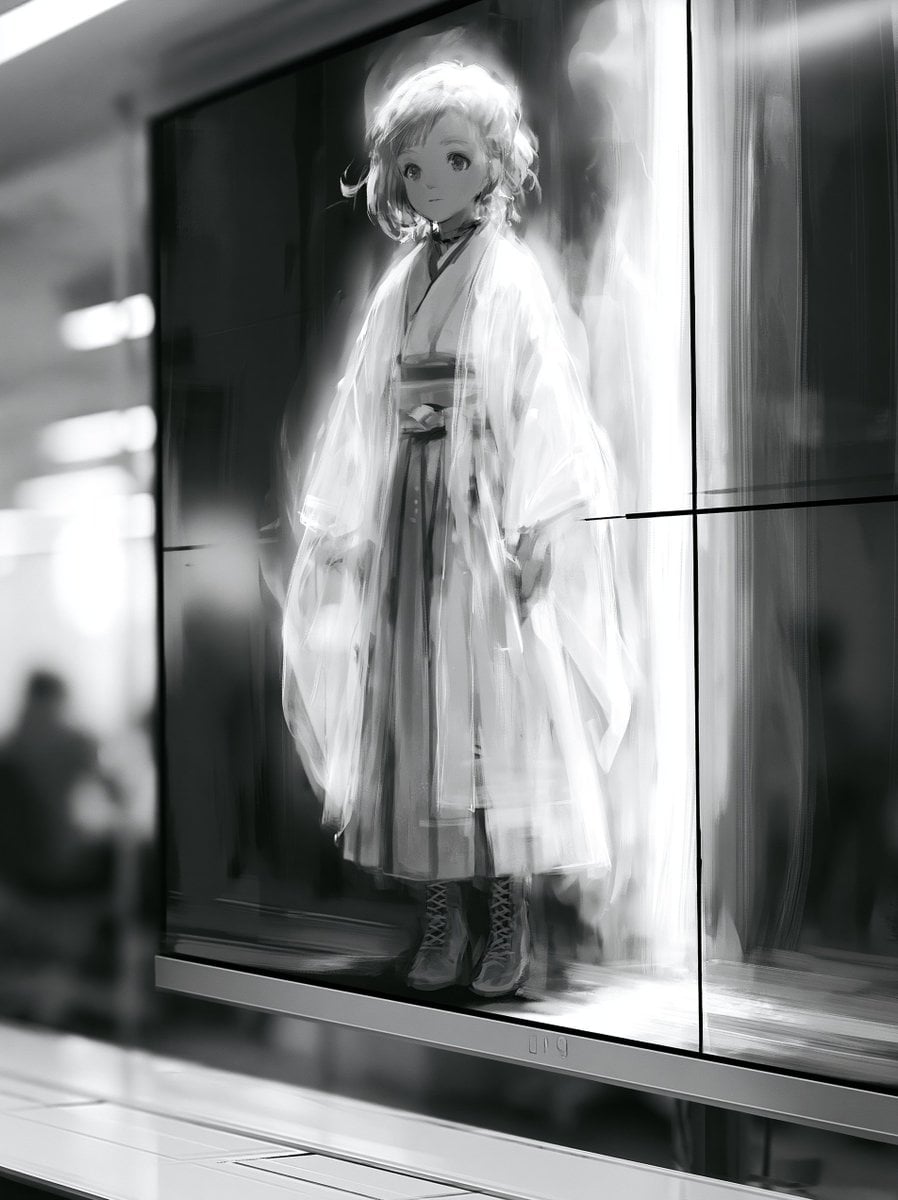
Taisho Era Girl Remote Work Presentation
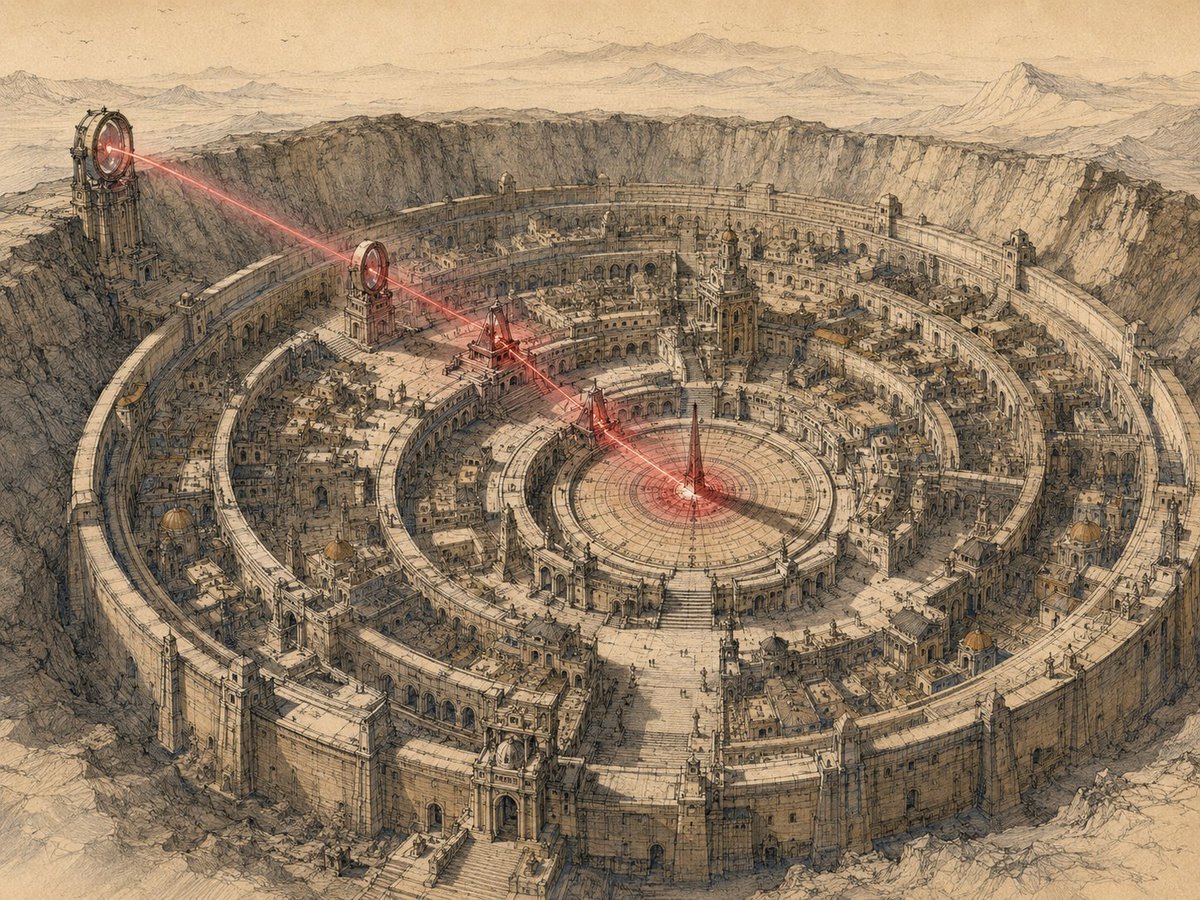
Redphase Survey Prompt Generator
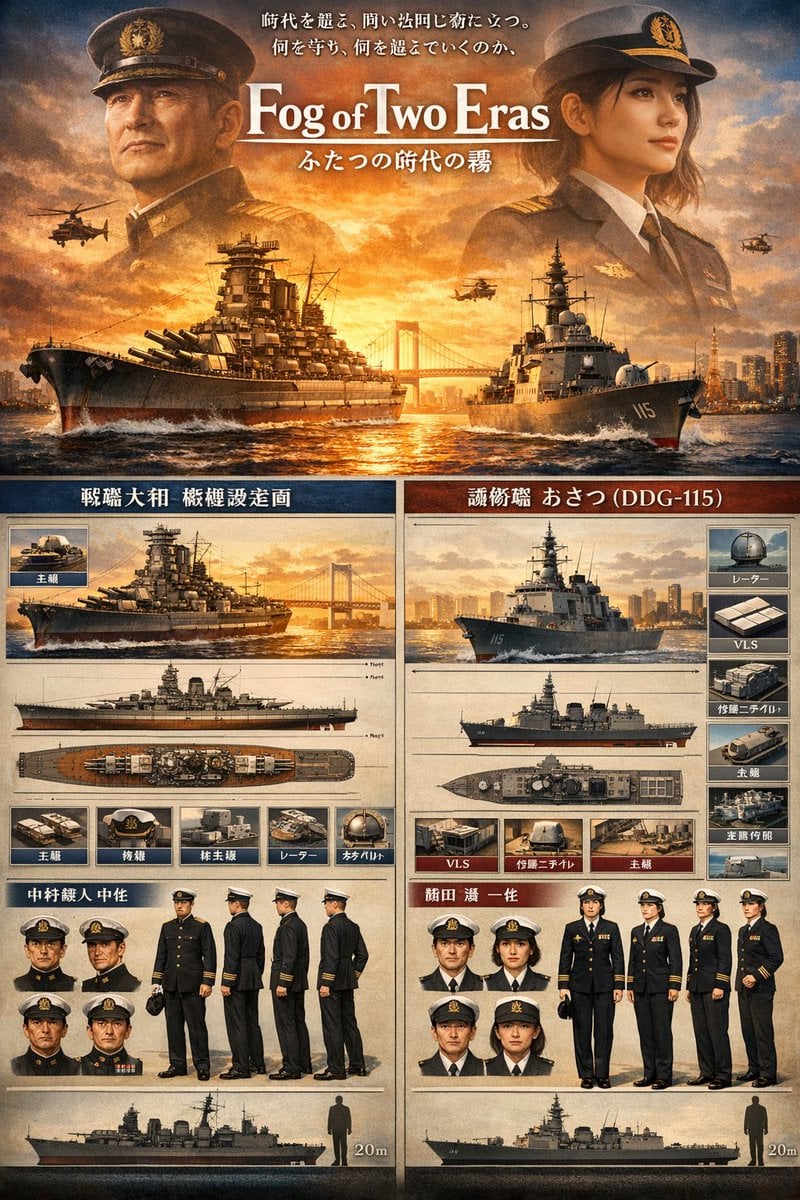
Two-Era Naval Comparison Poster

Dense Anime AI Era Poster
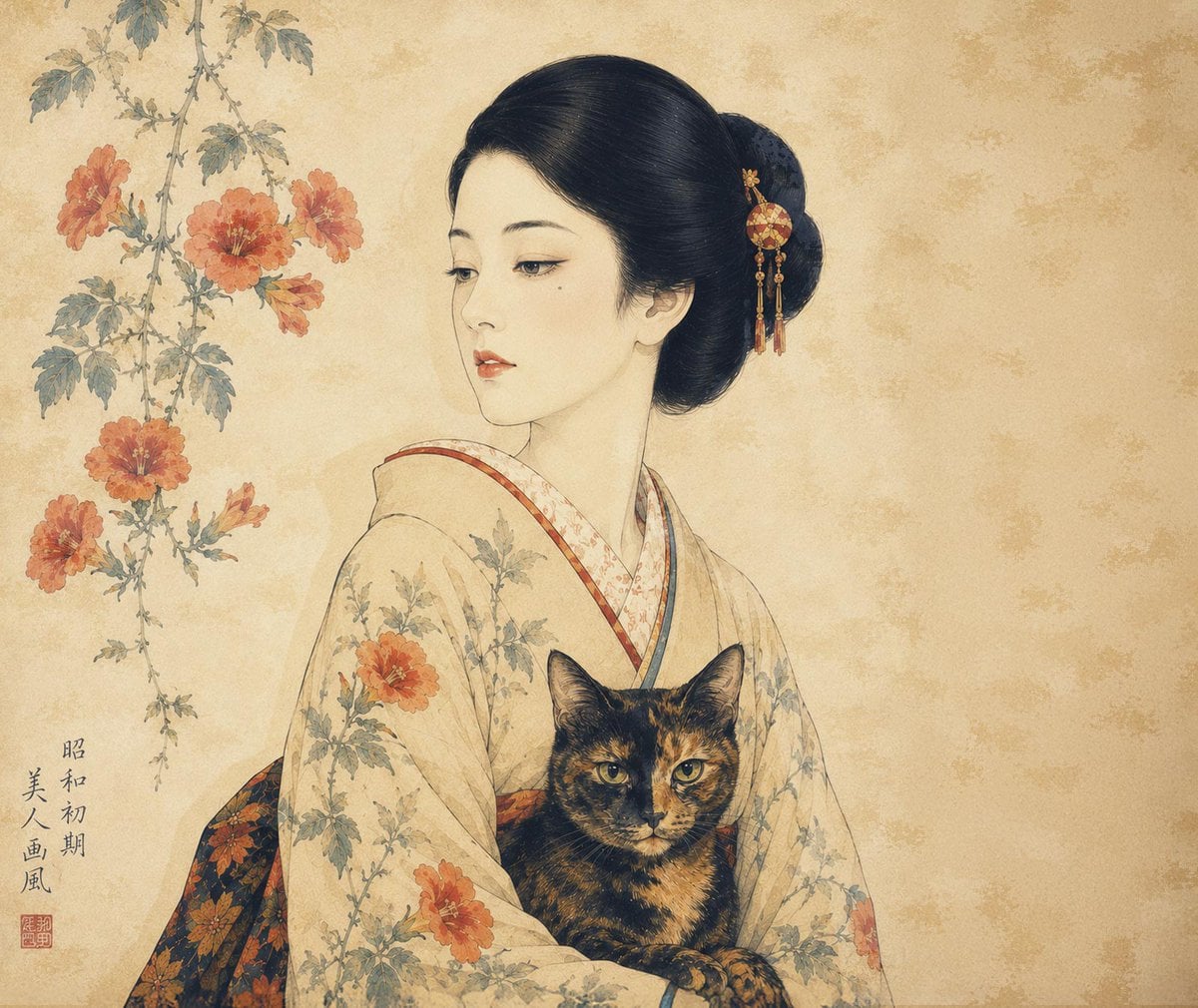
Showa Era Japanese Painting Style
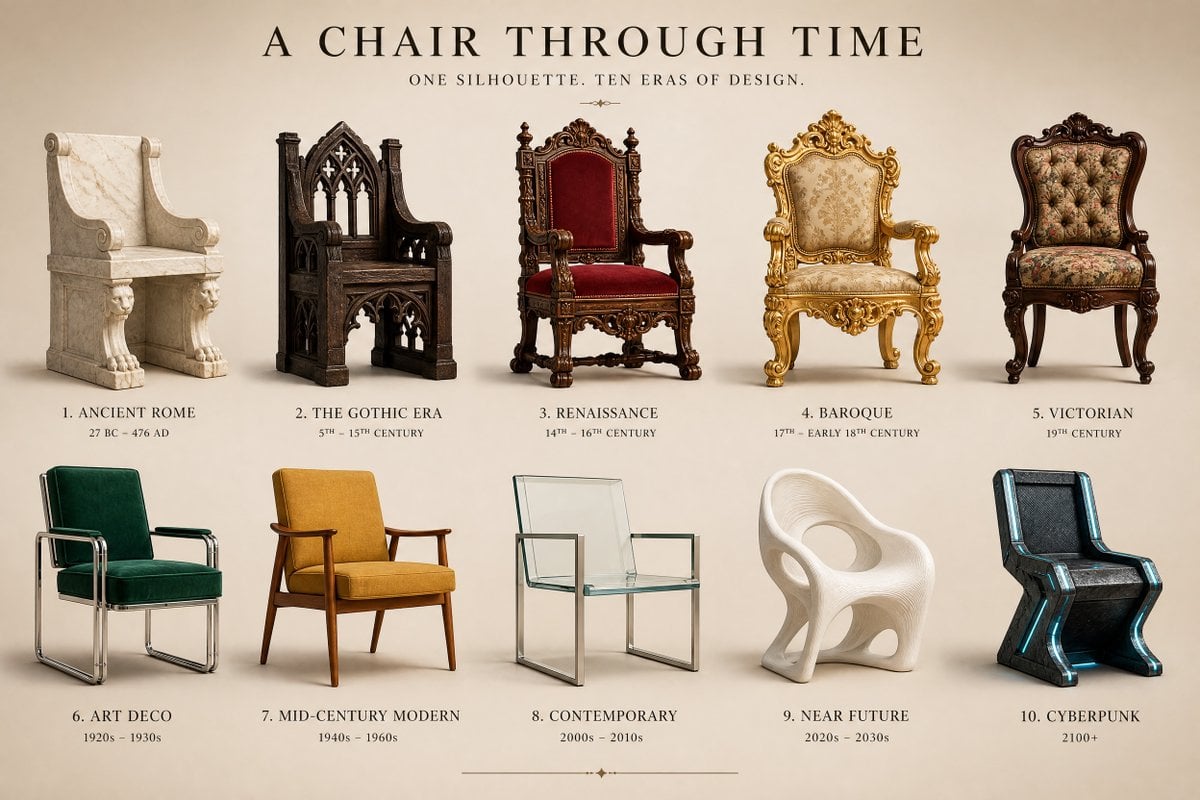
Historical Era Design Comparison
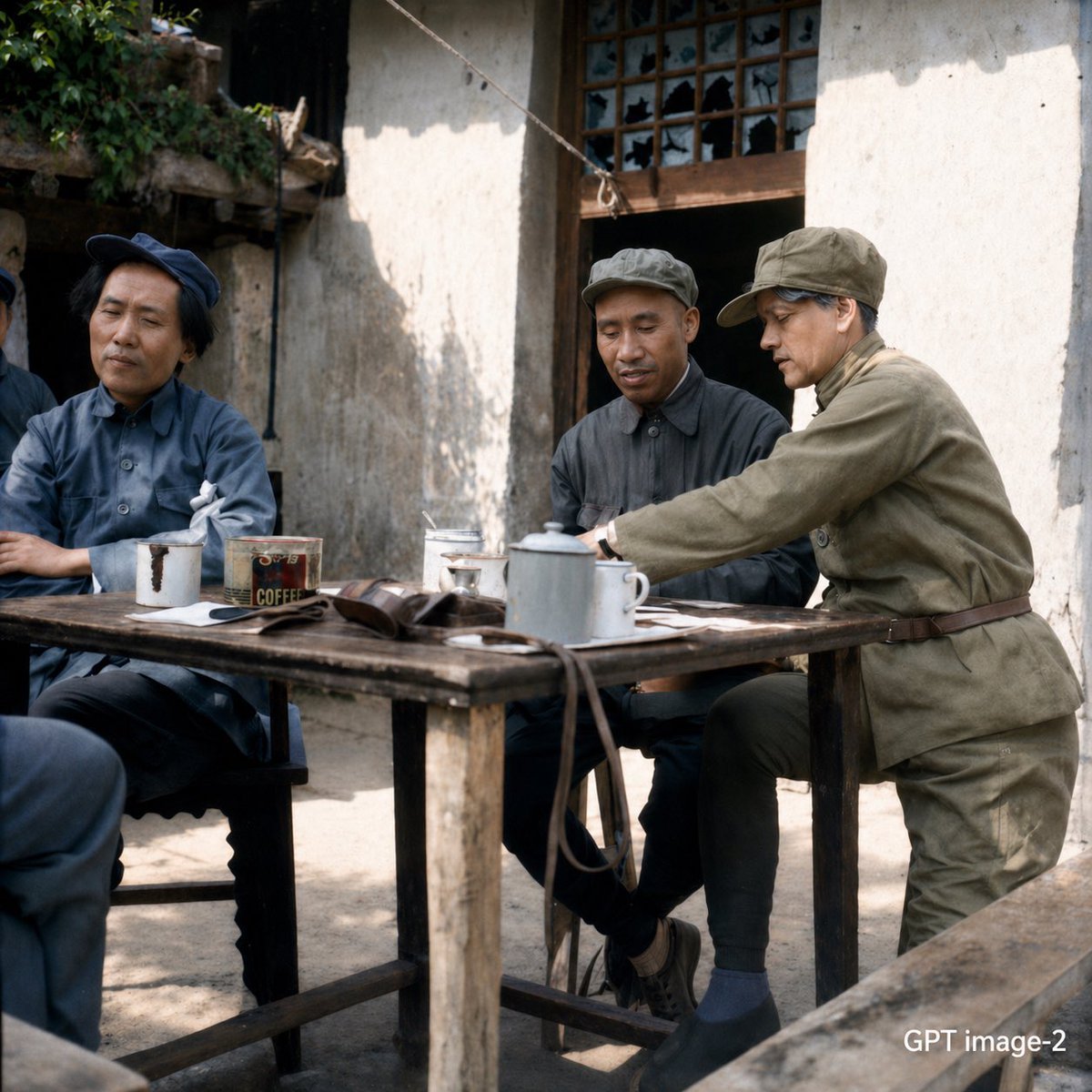
Mao-Era Courtyard Meeting Photo
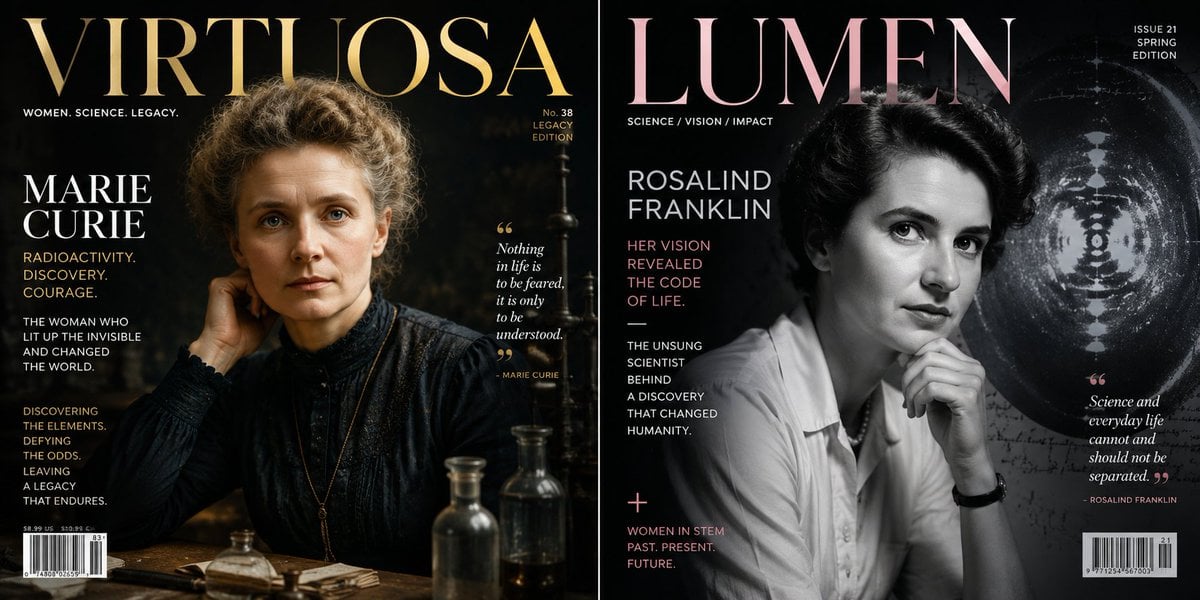
Historical Figure Magazine Cover Generator
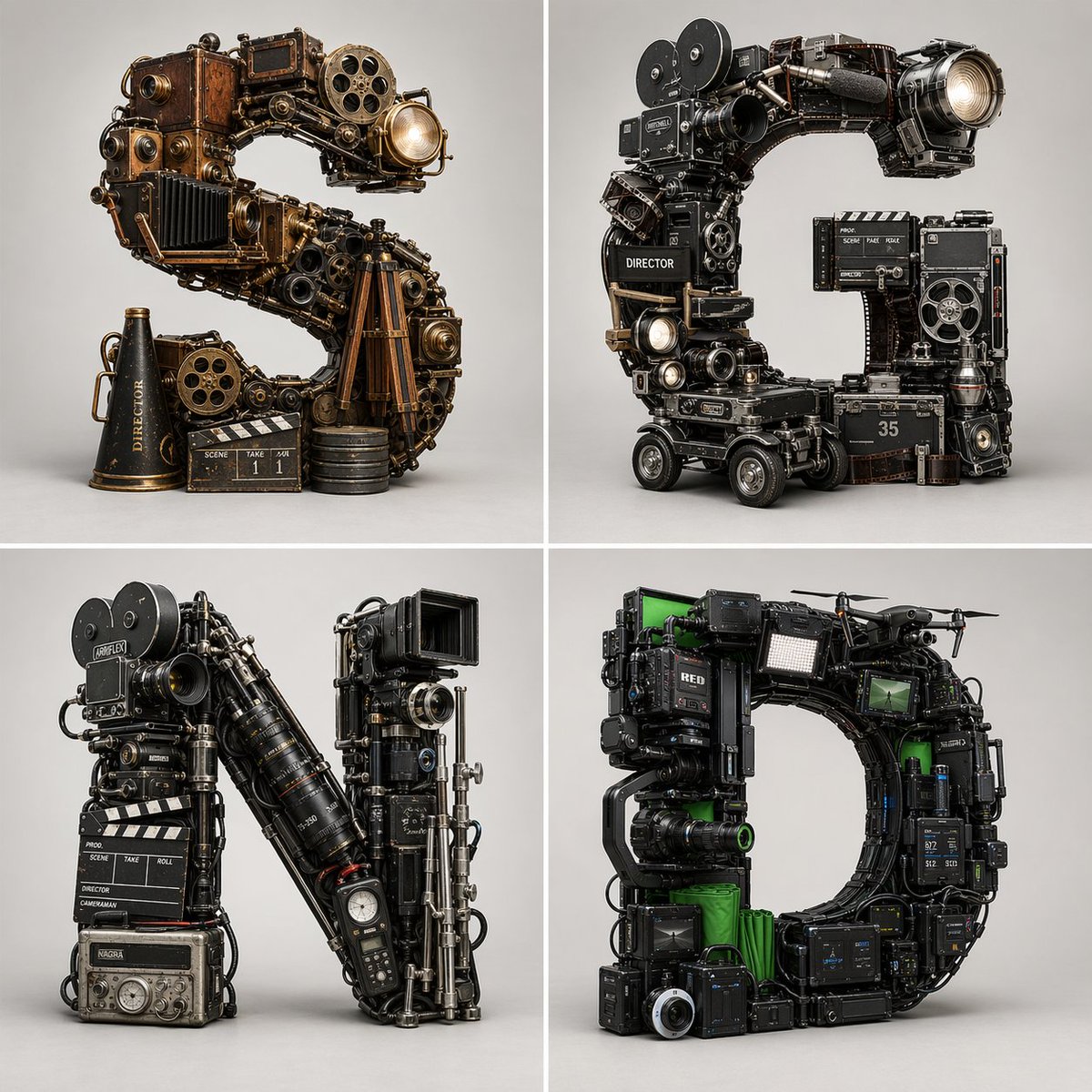
Filmmaking Eras Typographic Grid
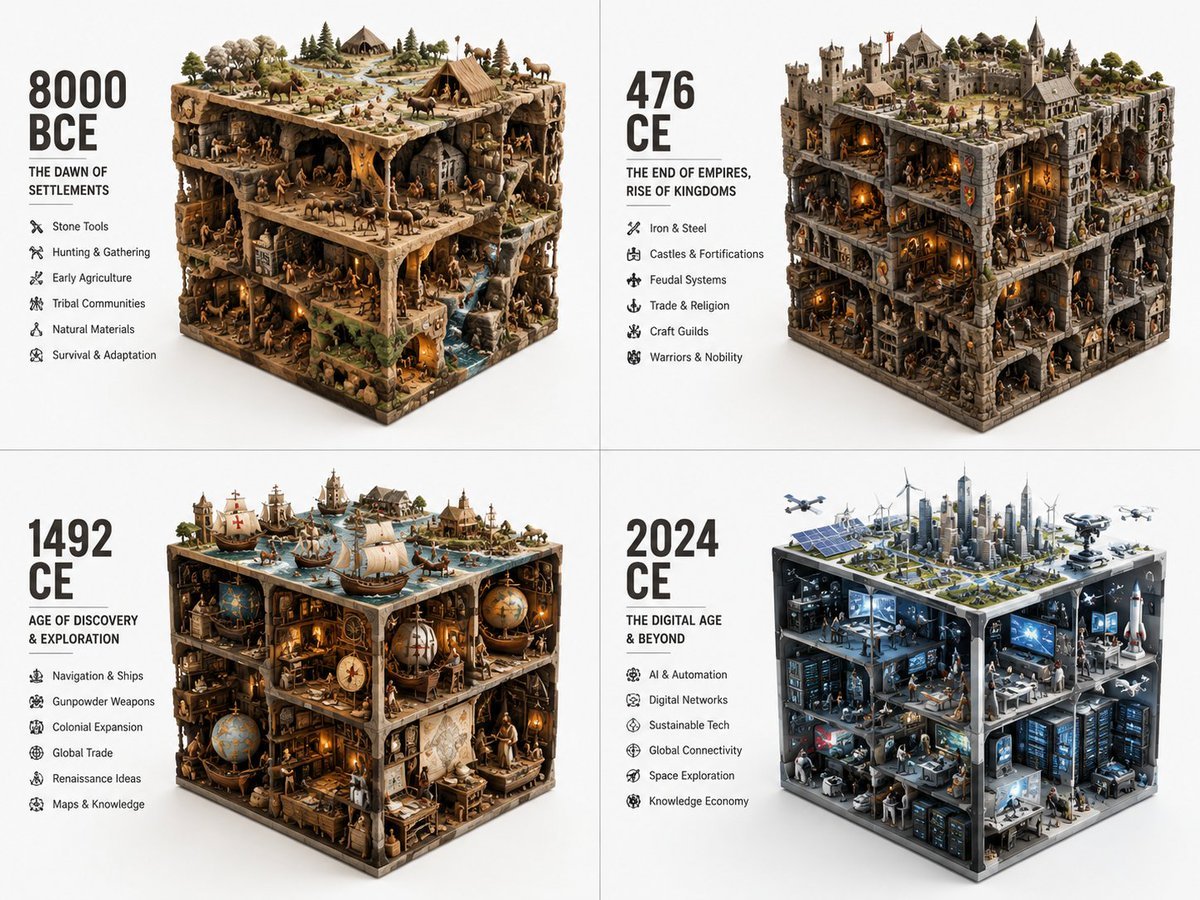
Historical Era Visualization Cube
Make it yours
Era works as-is. These are the safest ways to change it without losing the look.
Change one field
Copy a single group, rewrite it, and generate again so you can see what that field is doing.
Keep the frame, change the subject
Hold the composition and light of Era, then swap wardrobe, props or the person for a new take.
| If the result… | Why | Fix |
|---|---|---|
| The result drifts from the preview | Too many fields changed at once. | Reuse Era as-is first, then change one group — subject, light, or setting. |
| The model over-stylizes the scene | The prose prompt leaves finish and camera underspecified. | Add one camera or lighting sentence and stay on PicX Studio. |
More image prompts
Fresh picks from across the catalog.
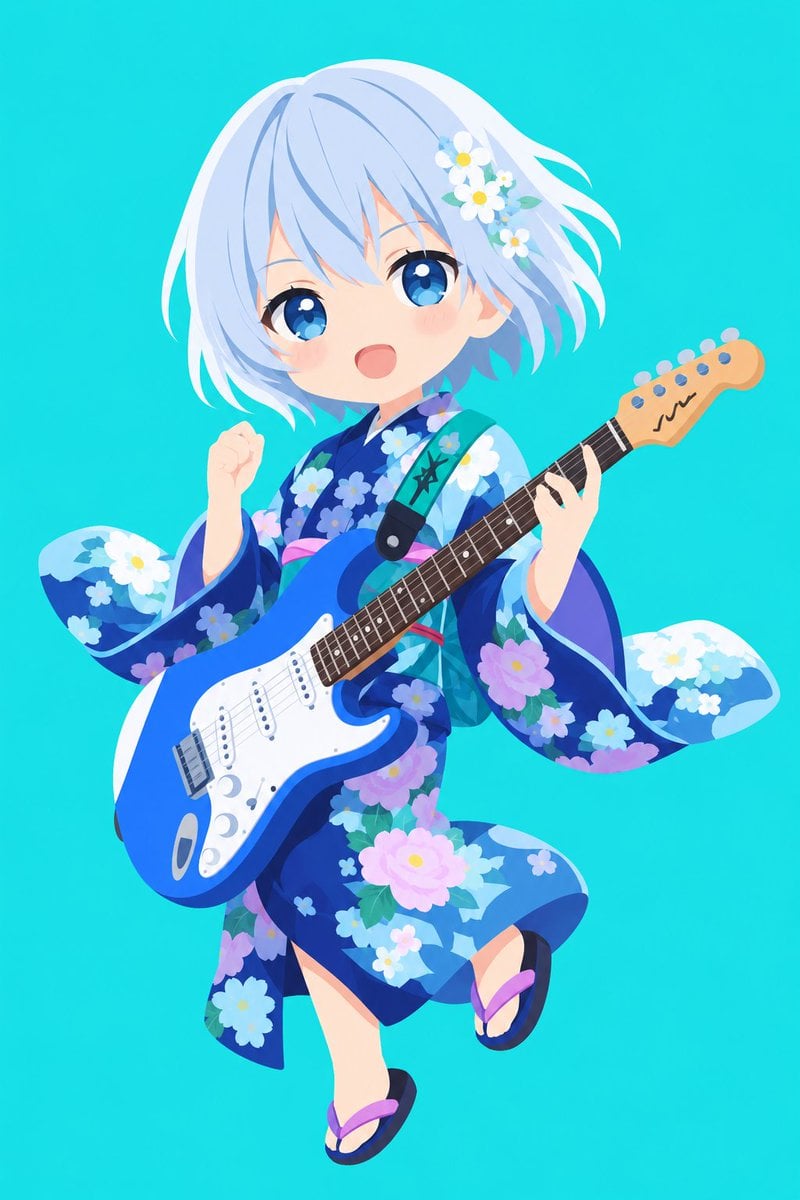
Vector Style Character Redraw
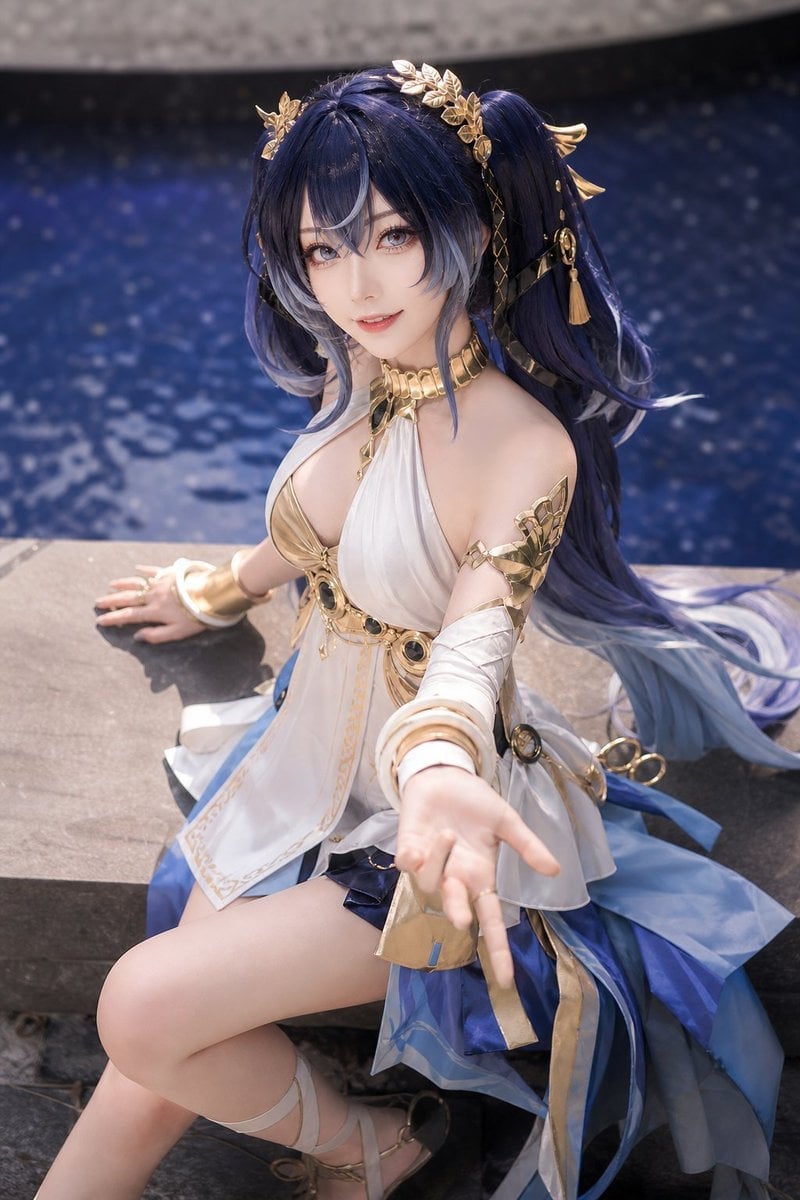
Realistic Blue Water Goddess Cosplay
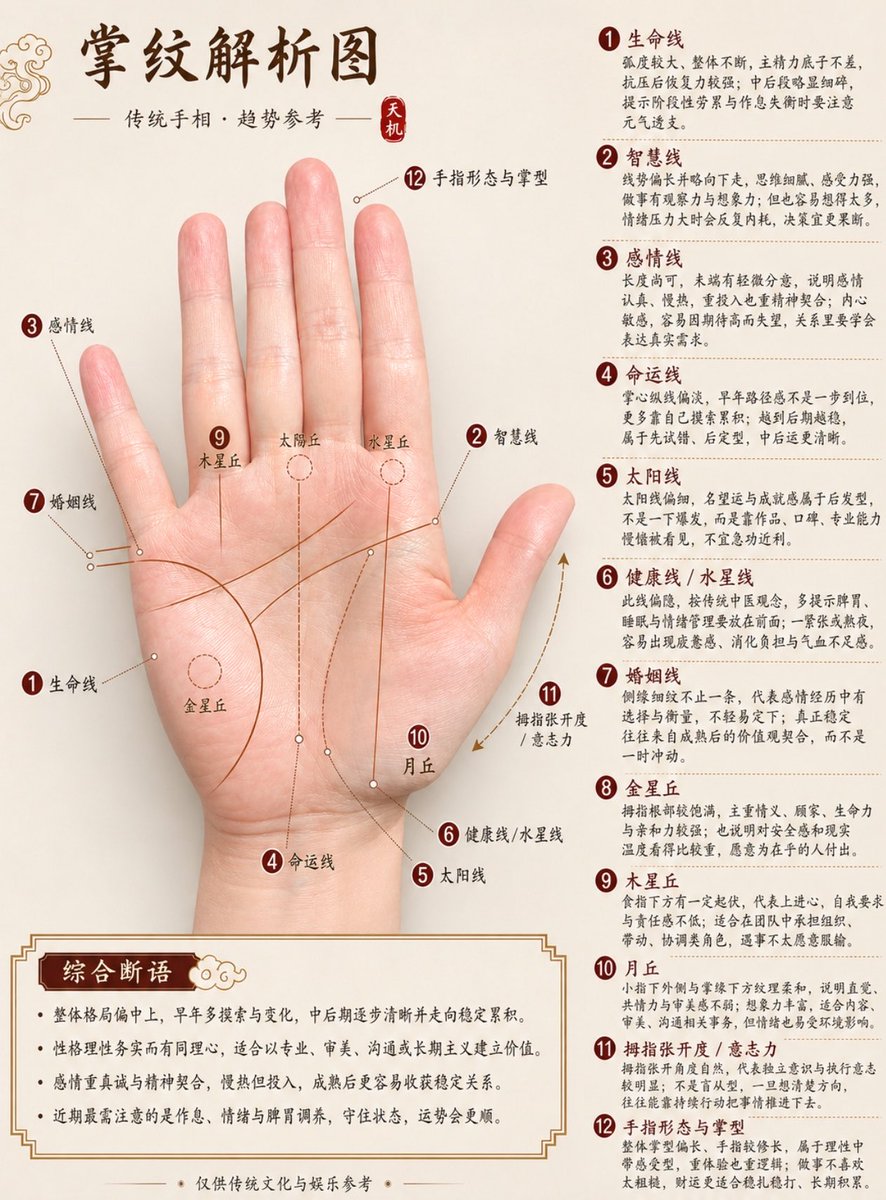
Professional Chinese Palmistry Analysis Chart
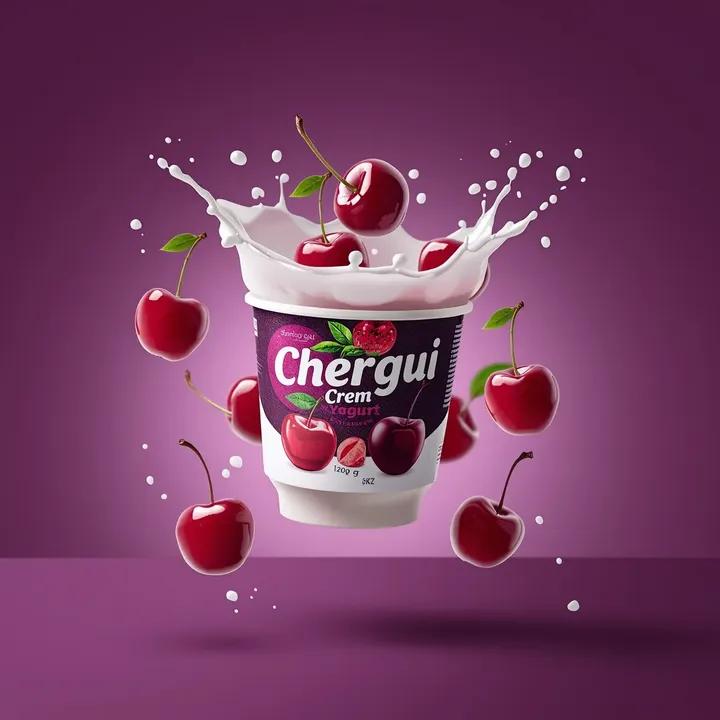
High-End Commercial Yogurt Product Photography
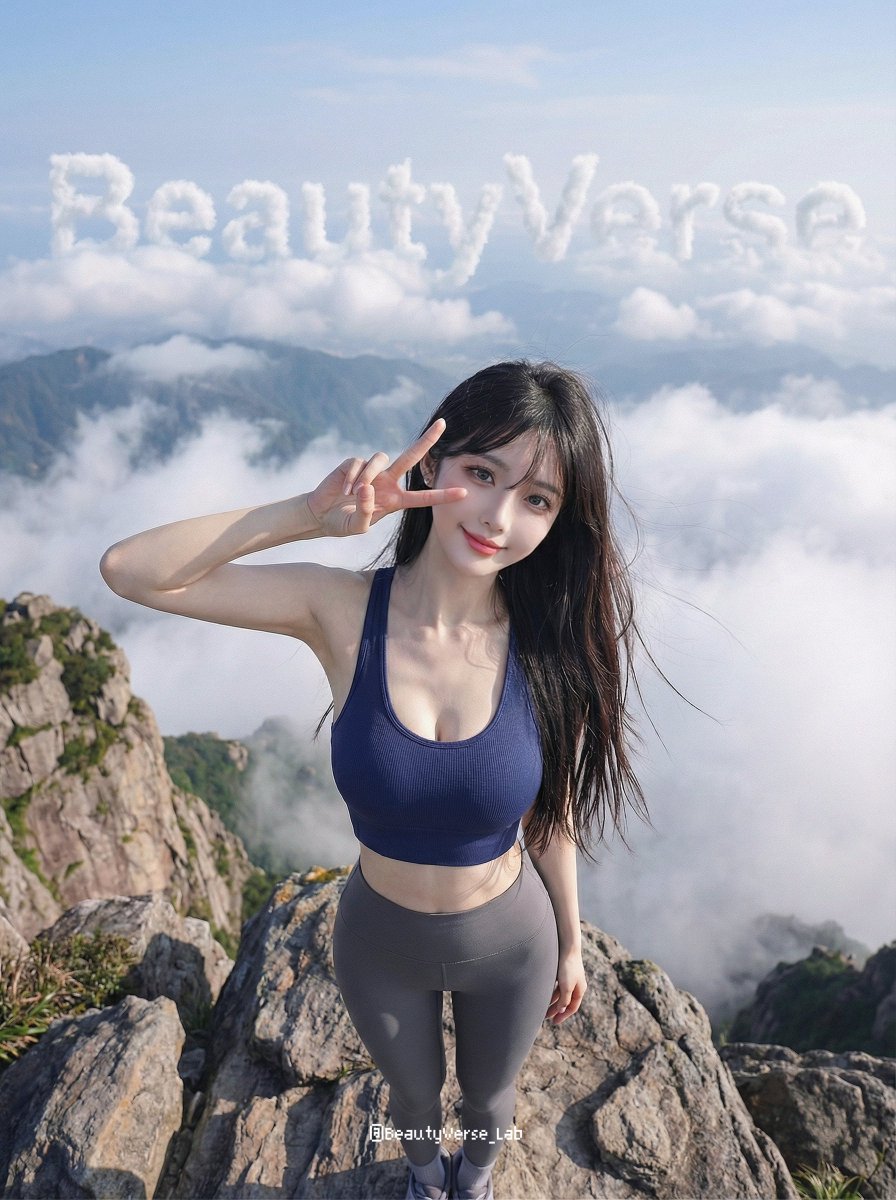
High-Energy Character Transformation with Extreme Perspective
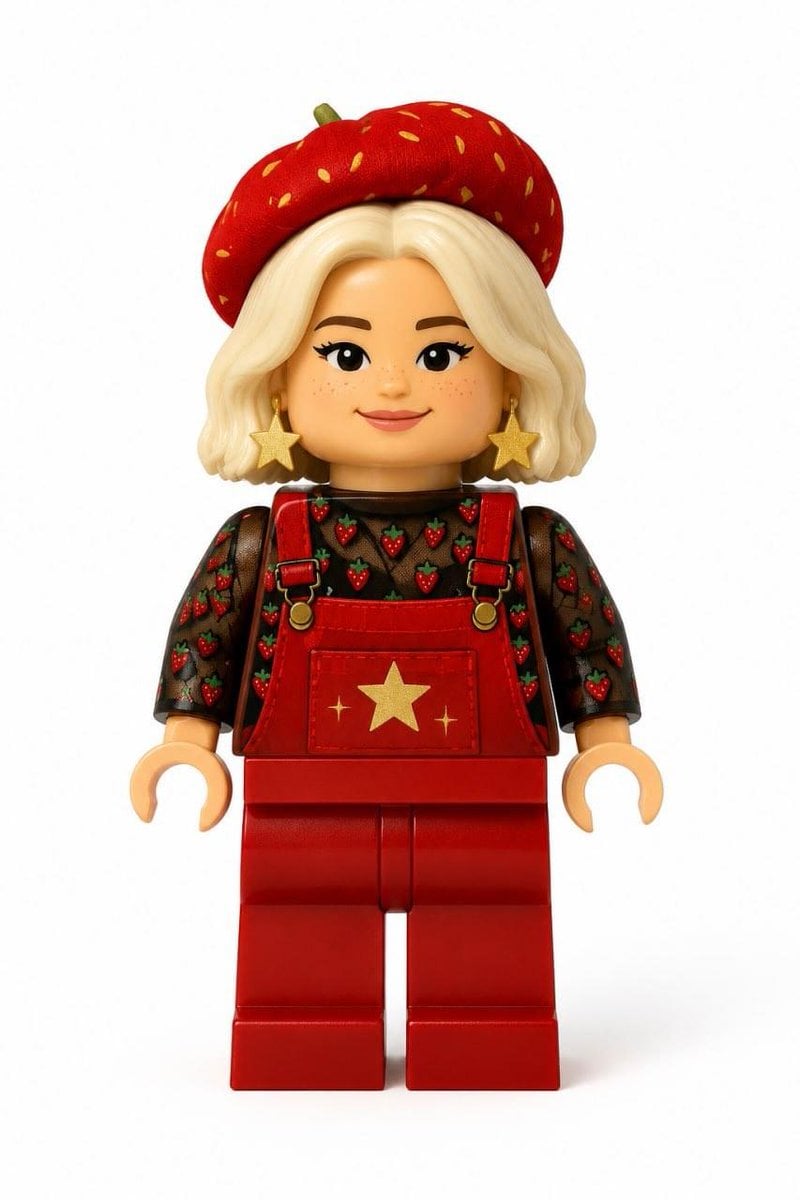
Realistic LEGO Minifigure Transformation
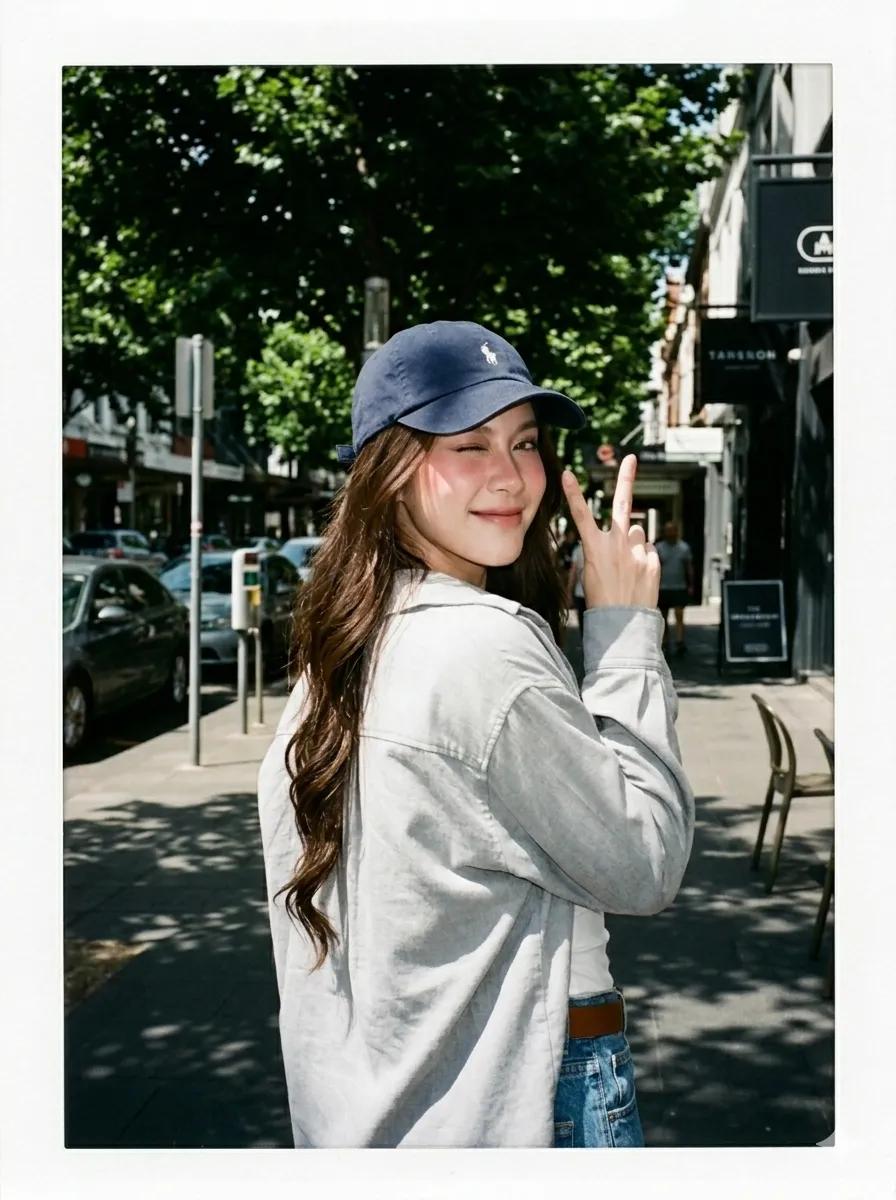
Summer Street Lifestyle Photography
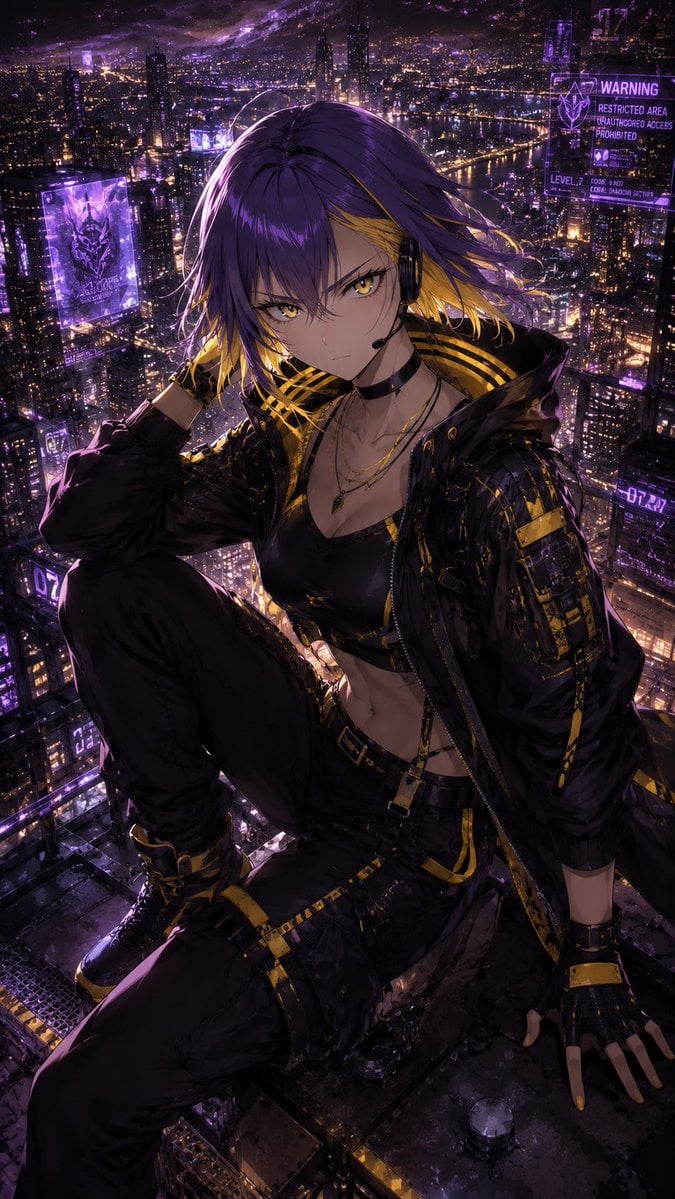
Consistent Character Illustration with Stylish Pose
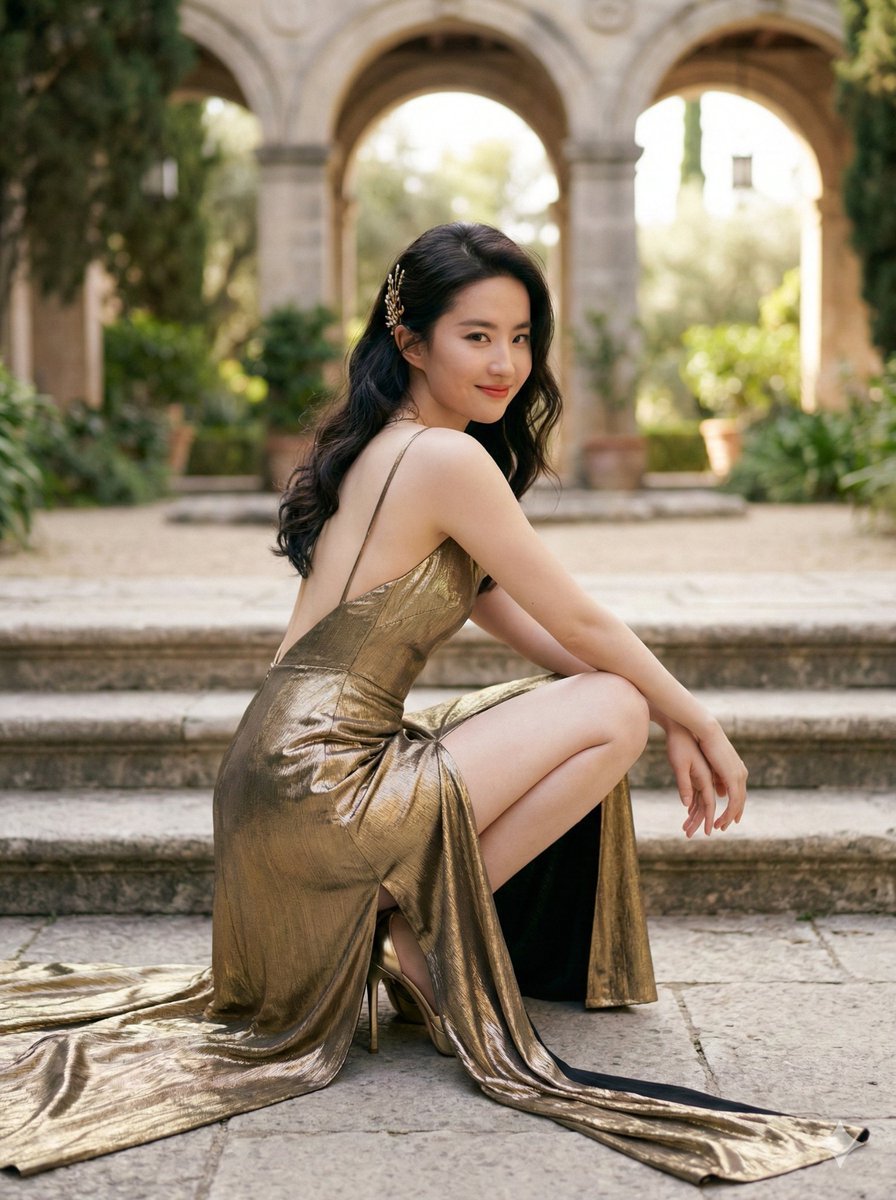
Elegant Outdoor Portrait in Gold Evening Gown

Anachronistic Beauty Tutorial
Featured in prompt roundups
Hand-picked collections that include this template.
Browse template categories
Era questions
How do I use the Era template?
Add your photo if the template asks for one, edit the prompt if you like — the template's model and format are already selected — and press Generate. Your version opens in PicX Studio.
Can I customize the Era template?
Yes. You can change the subject, setting, lighting, mood, format, and available model controls before creating your image.
Is the Era template free?
Opening and editing this template is free. Generating uses credits, shown on the Generate button when you are signed in.
Which AI model should I use?
Choose a compatible model in PicX Studio based on the style, speed, and output controls your project needs.
Looking for something else? Browse all templates.

Your photo, any look
Thousands of ready templates for every top image and video model, from one credit balance.