
Two-Era Naval Comparison Poster
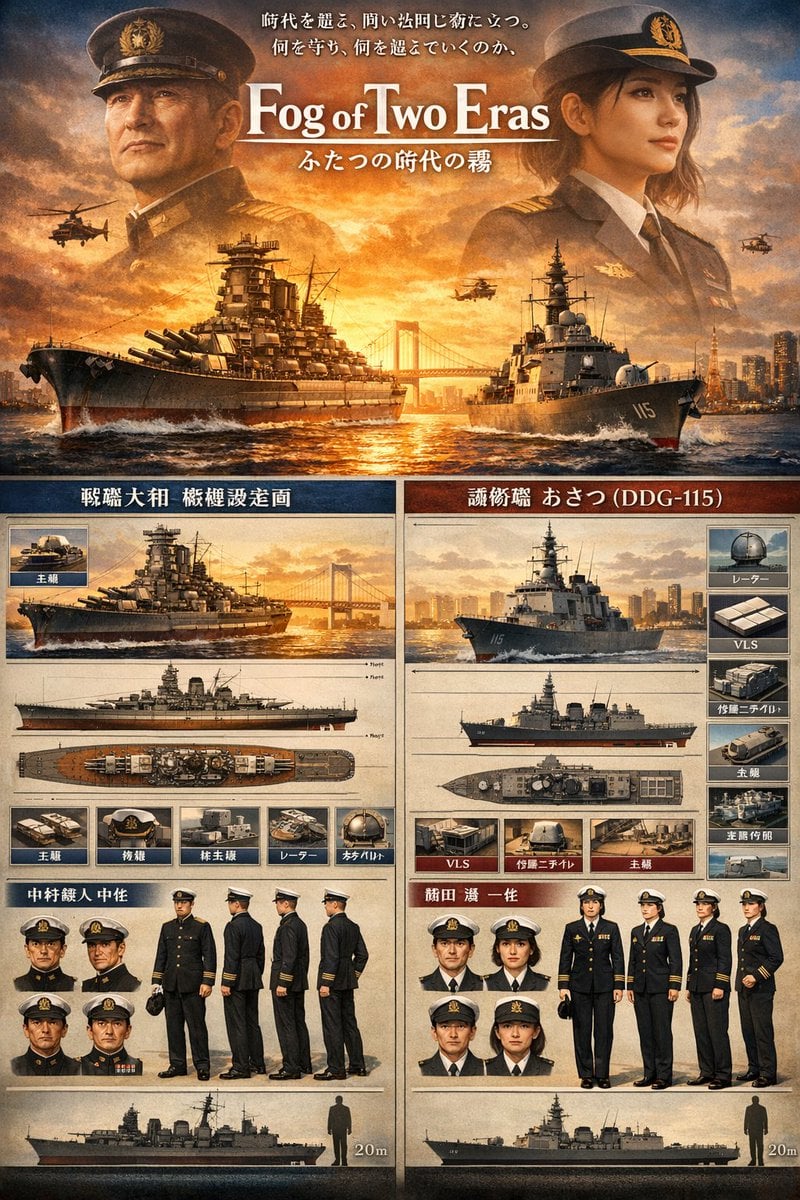
A cinematic Japanese military-style poster comparing a WWII battleship and a modern destroyer, ideal for presentation covers, history visuals, or dramatic concept key art.
- Prompt included
- Model and format preset
- Free template
The prompt behind this image
Copy the exact prompt behind Two-Era Naval Comparison Poster, or open it in the studio and make it yours.
Create a cinematic Japanese naval comparison poster in a highly detailed, photorealistic concept-art style with a warm amber sunset palette, dramatic clouds, glowing backlight, and a premium movie-poster plus technical-reference-sheet layout. The composition is vertically stacked in 2 main zones. In the top hero zone, show 2 large semi-transparent officer portraits facing inward, one on the left in an older imperial-era naval uniform and one on the right in a modern maritime self-defense force style dress uniform, both wearing peaked caps and formal dark coats, with a blazing sunset sky behind them. Centered between them, place a large serif English title reading {argument name="headline text" default="Fog of Two Eras"}, with a smaller Japanese subtitle beneath it reading ふたつの時代の霧, and 2 lines of Japanese tagline text above the title. Below the title, on the ocean at golden hour, show 2 warships moving forward on slightly converging paths: on the left, a massive World War II-era battleship with many large gun turrets, tower superstructure, weathered dark hull, and white bow spray; on the right, a modern gray guided-missile destroyer with hull number 115 visible on the bow, sleek radar-equipped superstructure, and foamy wake. Add exactly 4 helicopters in the sky, 2 on the left side and 2 on the right side, plus a suspension bridge and distant modern city skyline on the horizon. In the lower reference-sheet zone, split the page into 2 vertical panels, left for the historical ship and right for the modern ship, each panel styled like a parchment-toned military specification board with dark blue and dark red header bars, fine dividing lines, inset image boxes, and Japanese labels. The left panel should present exactly 1 large perspective render of the battleship, 3 orthographic ship views beneath it, 5 small labeled equipment/detail thumbnails in a row, 4 small head-and-shoulders uniform portraits, 4 full-body character turnaround views of a male naval officer, and 1 bottom scale silhouette of the ship beside a human figure with a 20m marker. The right panel should present exactly 1 large perspective render of the modern destroyer, 3 orthographic ship views beneath it, 6 small labeled equipment/detail thumbnails arranged around the ship references, 4 small head-and-shoulders uniform portraits, 4 full-body character lineup views including a central female officer in white cap and dark uniform, and 1 bottom scale silhouette of the ship beside a human figure with a 20m marker. Use visible Japanese headers and labels throughout, including a left historical title area and a right title area naming the ship as 護衛艦 あさつ (DDG-115). Make the whole image feel like a museum exhibition poster, military design sheet, and prestige historical sci-fi drama key art combined, with ultra-sharp detail, realistic metal textures, ocean reflections, aged paper panels, symmetrical balance, and polished editorial typography.
How to use Two-Era Naval Comparison Poster in 3 steps
- 1Upload ImagePNG, JPG or paste
Add your photo
Upload the photo the template builds on. The prompt, model and format are already set.
- 2…a portrait of your subject in softgolden-hour light, 85mm…
Personalize
Edit the subject and creative details for your destination.
- 3Generate
Generate
Press Generate — your image is created in PicX Studio, so you can compare it with the original and refine one variable at a time.
More like this
Templates with the same subject, style or setup. Open one to see its prompt.
Dual-Era Naval Drama Poster & Spec Sheet

Japan Travel Brochure Poster

Cartoon TV Show Poster Pack

Trendy Cafe Drink Promo Poster

Urban Fashion Editorial Collage Streetwear Poster

Premium Fashion Editorial Cover Layout System

Polo Ralph Lauren Luxury American Heritage Fashion Campaign

Monochrome Halftone Editorial Fashion Poster

Retro Mirror Luxury Fashion Campaign Poster

Luxury Fashion Campaign Typography Poster System

Premium Fashion Editorial Campaign Poster System

Ultra-Stylized High-Fashion Streetwear Poster
Make it yours
Two-Era Naval Comparison Poster works as-is. These are the safest ways to change it without losing the look.
Change one field
Copy a single group, rewrite it, and generate again so you can see what that field is doing.
Keep the frame, change the subject
Hold the composition and light of Two-Era Naval Comparison Poster, then swap wardrobe, props or the person for a new take.
| If the result… | Why | Fix |
|---|---|---|
| The result drifts from the preview | Too many fields changed at once. | Reuse Two-Era Naval Comparison Poster as-is first, then change one group — subject, light, or setting. |
| The model over-stylizes the scene | The prose prompt leaves finish and camera underspecified. | Add one camera or lighting sentence and stay on GPT Image 2. |
More GPT Image 2 templates
Other prompts made for GPT Image 2.

Six VTuber Japanese Logo Sheet

Realistic Portrait of Woman and Deer

The Vista Modular Condo Poster

AI Model Routing Comparison Infographic

2.5D Anime Art Board

Isometric Productivity Desk Scene

New York Double Exposure Poster

Four-Panel AI Landscape Comparison

Japanese Tatami Lifestyle Magazine Cover

NESCAFÉ Coffee Map Poster
More image prompts
Fresh picks from across the catalog.
Dramatic Spotlight Studio Portrait

WhatsApp Group Profile Avatar
Nano Banana Pro-themed hero image (duplicate Chinese prompt 2)
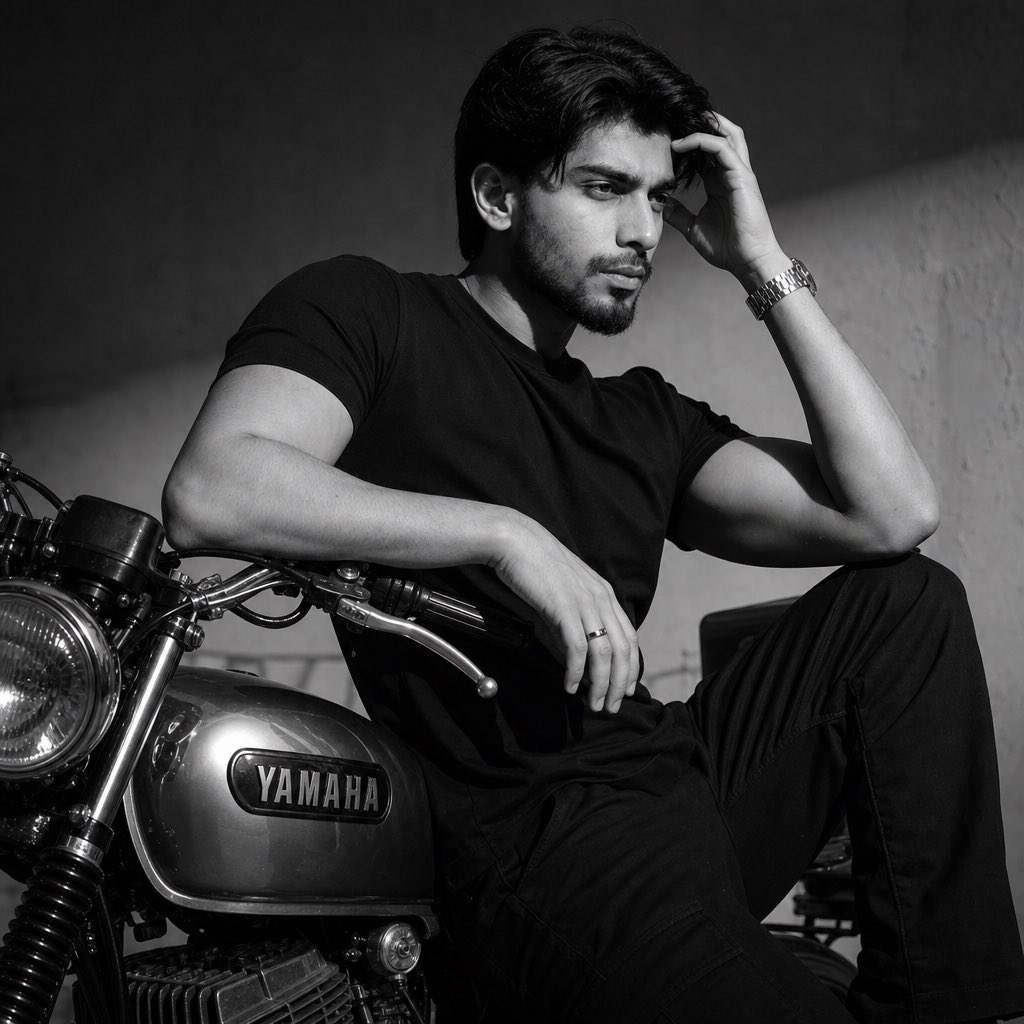
Nostalgic Black and White Portrait
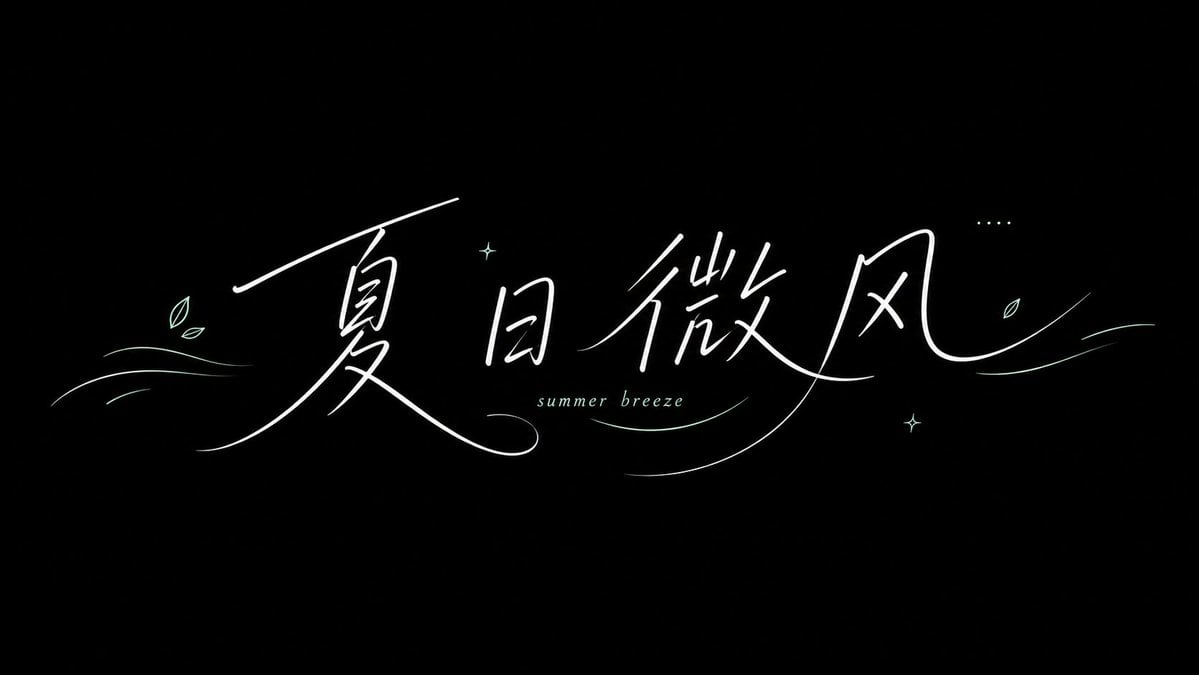
Summer Breeze Handwritten Typography
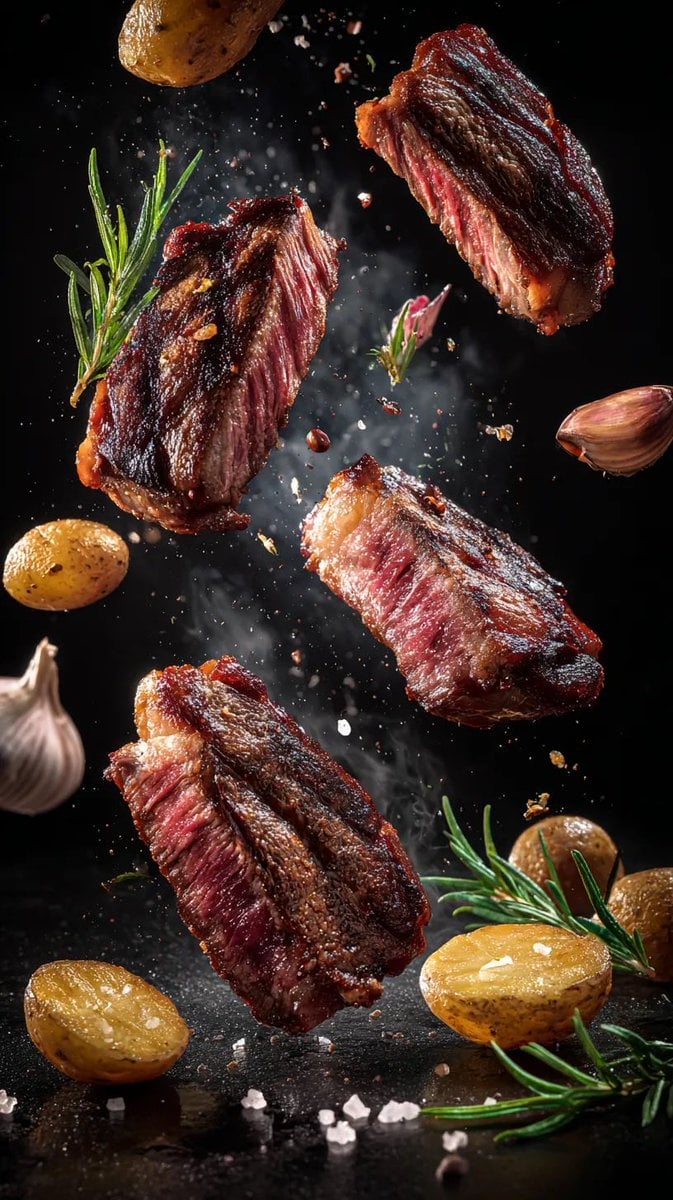
Cinematic Food Photography Prompts for Floating Steak and Shrimp
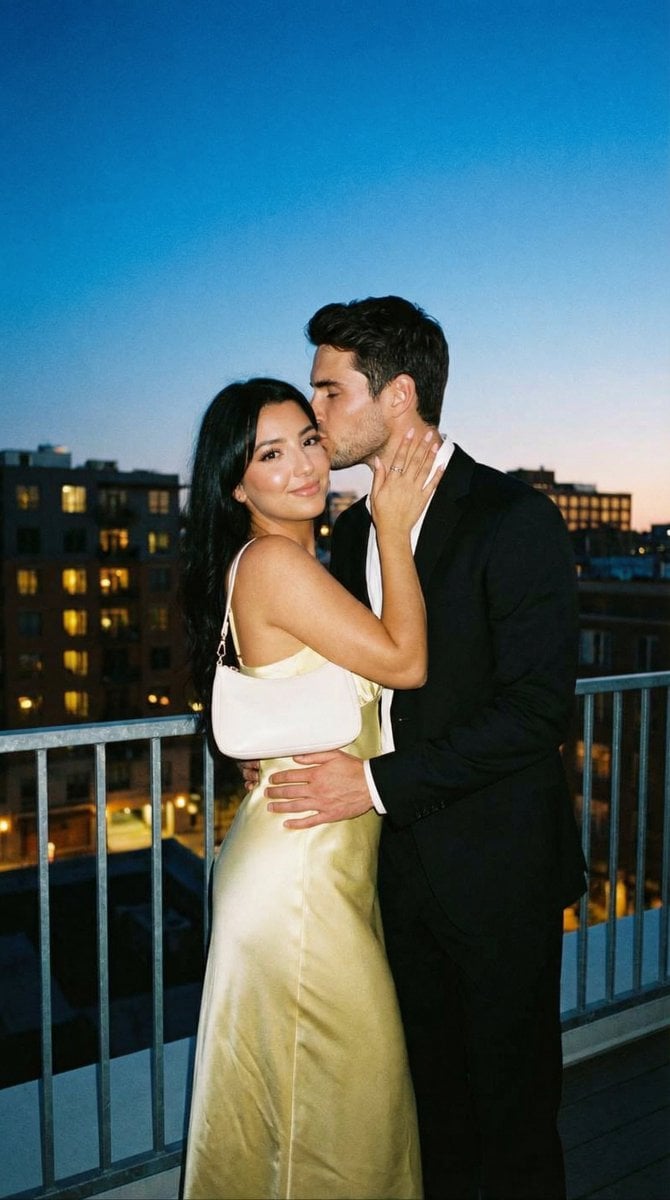
Candid Rooftop Kiss with Direct Flash at Blue Hour

Dramatic High-Contrast Portrait with Window Lighting

Spontaneous Twilight Rome Convertible Shot
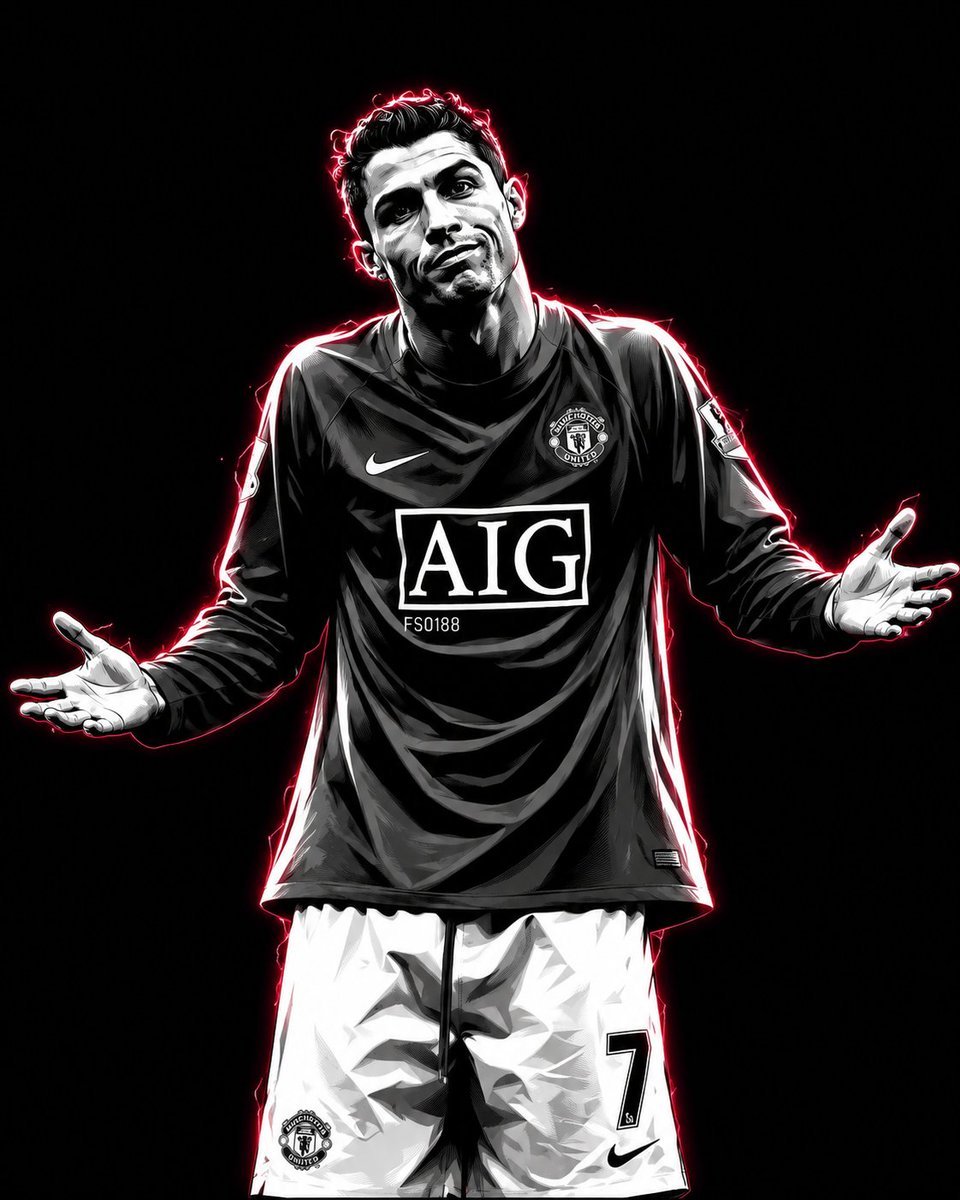
Vector Art Sports Portrait
Browse template categories
Two-Era Naval Comparison Poster questions
How do I use the Two-Era Naval Comparison Poster template?
Add your photo if the template asks for one, edit the prompt if you like — the template's model and format are already selected — and press Generate. Your version opens in PicX Studio.
Can I customize the Two-Era Naval Comparison Poster template?
Yes. You can change the subject, setting, lighting, mood, format, and available model controls before creating your image.
Is the Two-Era Naval Comparison Poster template free?
Opening and editing this template is free. Generating uses credits, shown on the Generate button when you are signed in.
Which AI model should I use?
Start with GPT Image 2, which is the model associated with this template. You can compare another compatible model for a different finish.
Looking for something else? Browse all templates.

Your photo, any look
Thousands of ready templates for every top image and video model, from one credit balance.