
Dense Anime AI Era Poster
Generates a packed Japanese anime infographic poster celebrating modern AI tools across creativity, work, research, social media, and daily life.
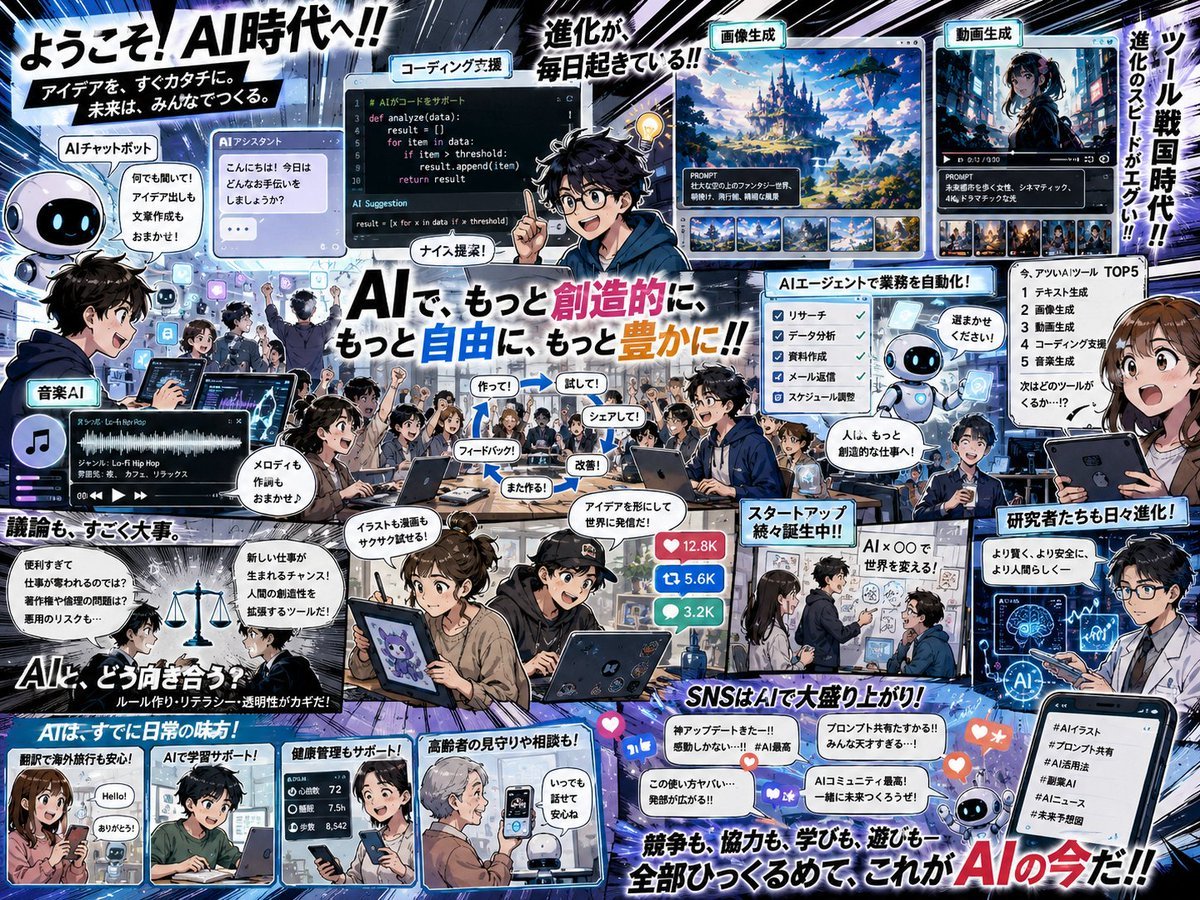
- Prompt included
- Model and format preset
- Free template
The prompt behind this image
Copy the exact prompt behind Dense Anime AI Era Poster, or open it in the studio and make it yours.
Goal: Create an extremely dense Japanese anime-style promotional collage poster about {argument name="topic" default="the current AI era with GPT-image2 and 5.5 Thinking"}, showing AI tools transforming everyday life, work, research, creativity, social media, and learning. Canvas: 4:3 horizontal poster, 1024×768 feel, packed edge-to-edge like a futuristic magazine spread. Use high-contrast manga advertising design with diagonal speed lines, glowing blue UI panels, white speech bubbles, thick black outlines, neon cyan highlights, red emphasis words, and dramatic perspective. No empty space. Layout: Build one large central headline and surrounding mini-panels in a chaotic but readable collage. Include exactly 16 distinct content zones: 1 huge top-left welcome headline, 1 central main slogan, 1 central crowd/workspace scene, 1 coding support panel, 1 image-generation gallery panel, 1 video-generation panel, 1 tool-war vertical banner, 1 AI-agent automation checklist, 1 music-AI waveform panel, 1 debate/legal scales panel, 1 startup meeting panel, 1 researcher evolution panel, 1 social-media excitement strip, and 3 bottom everyday-life support cards. Main text: The top-left headline should be {argument name="welcome headline" default="ようこそ! AI時代へ!!"}. The central slogan should be {argument name="central slogan" default="AIで、もっと創造的に、もっと自由に、もっと豊かに!!"}. Add a top-center burst reading {argument name="evolution headline" default="進化が、毎日起きている!!"}. Add a right vertical banner reading {argument name="tool banner" default="ツール戦国時代!! 進化のスピードがエグい!!"}. Add a bottom-right final proclamation reading {argument name="final slogan" default="競争も、協力も、学びも、遊びも──全部ひっくるめて、これがAIの今だ!!"}. Surround everything with many smaller Japanese-style captions, exclamation bubbles, tags, arrows, badges, and UI labels; they should look authentic but may be tiny and partially unreadable. Subject details: Central scene shows a crowded modern co-working hall filled with excited young anime creators, office workers, students, researchers, and startup founders using laptops, tablets, holographic screens, phones, and AI dashboards. Many human faces should be intentionally anonymized with soft square blur masks, while hair, poses, clothing, and devices remain visible. Add multiple cute white-and-blue robot mascots with black oval faces and glowing cyan eyes; include exactly 4 robots: one large robot at top left, one small robot beside the automation checklist, one tiny robot in the social-media strip, and one small robot in the elderly-support card. Panel details and exact counted elements: The image-generation panel contains exactly 1 large fantasy castle preview and 5 thumbnail variations below it. The video-generation panel contains exactly 1 large cyberpunk anime girl preview and 6 small thumbnails below it. The AI-agent panel contains exactly 5 checklist items with checkmarks, suggesting research, data analysis, document creation, email sending, and scheduling. The music-AI panel contains exactly 1 large music-note icon, 1 waveform display, and 4 playback controls. The debate/legal panel contains exactly 1 balance-scale icon and 2 debating figures. The social-media area contains exactly 3 metric badges with heart, repost, and comment icons, showing large numbers such as 12.8K, 5.6K, and 3.2K, plus floating hearts and stars. The bottom strip contains exactly 4 everyday-support cards: translation/travel chat, AI learning support, health management support, and elderly monitoring/consultation. Visual style: Polished anime illustration mixed with UI mockup, infographic, and manga advertisement aesthetics. Use saturated electric blues, blacks, whites, red accents, yellow lightbulb highlights, and glossy screen reflections. Fonts should be bold Japanese display fonts with heavy outlines, drop shadows, and slanted dynamic emphasis. Add motion streaks, comic bursts, arrows, stickers, holographic overlays, browser windows, code snippets, waveform graphs, data charts, smartphone screens, notification icons, and social media UI. Constraints: Keep the poster extremely information-dense and energetic. Use Japanese typography throughout the design, but prioritize the five specified headline texts. Make the human characters clearly anime-style and varied in age and occupation. Maintain a celebratory, optimistic tone about AI becoming part of everyday life. Do not include real company logos or watermarks.
How to use Dense Anime AI Era Poster in 3 steps
- 1Upload ImagePNG, JPG or paste
Add your photo
Upload the photo the template builds on. The prompt, model and format are already set.
- 2…a portrait of your subject in softgolden-hour light, 85mm…
Personalize
Edit the subject and creative details for your destination.
- 3Generate
Generate
Press Generate — your image is created in PicX Studio, so you can compare it with the original and refine one variable at a time.
More like this
Templates with the same subject, style or setup. Open one to see its prompt.
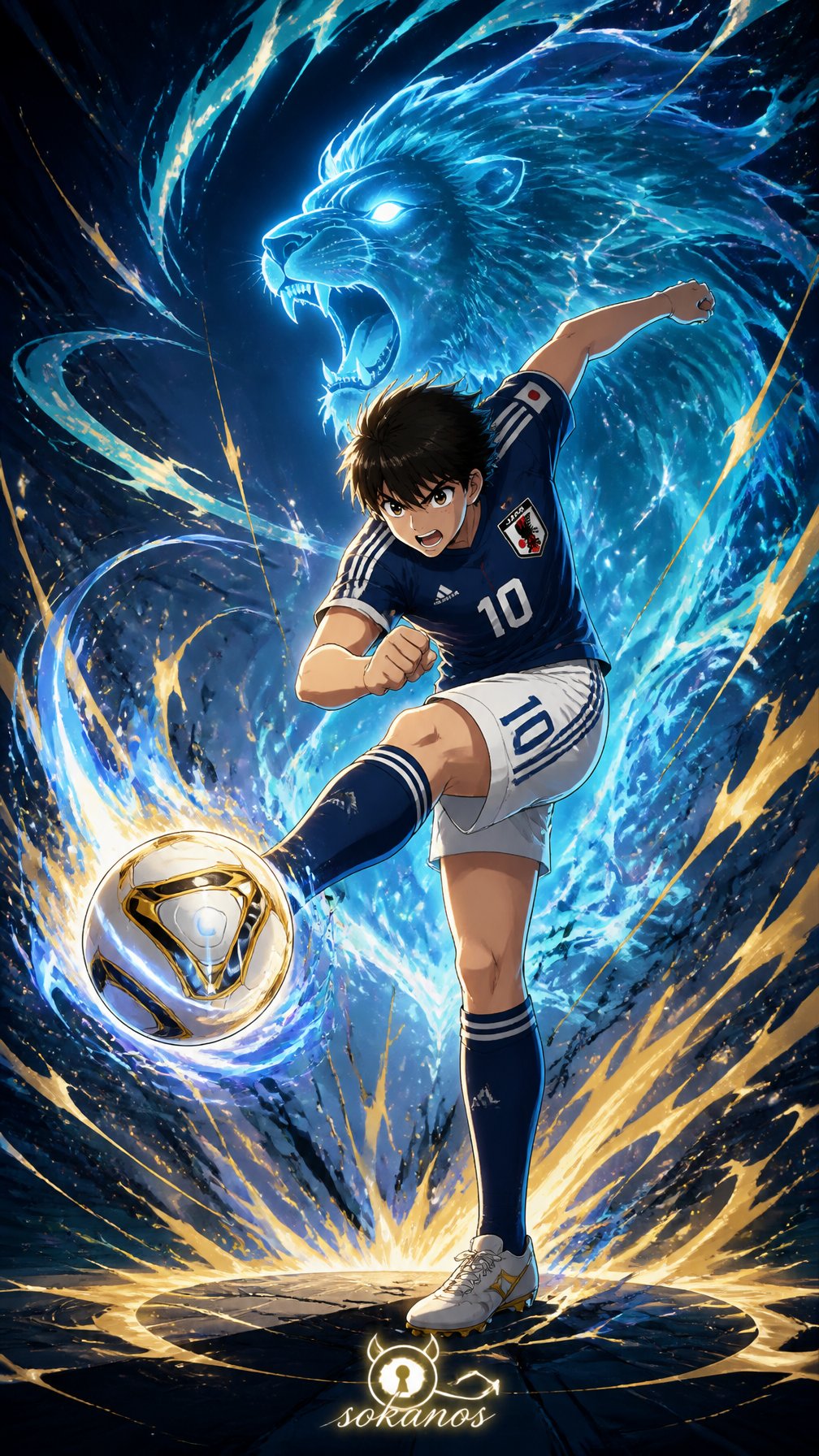
Captain Tsubasa Anime World Cup Poster
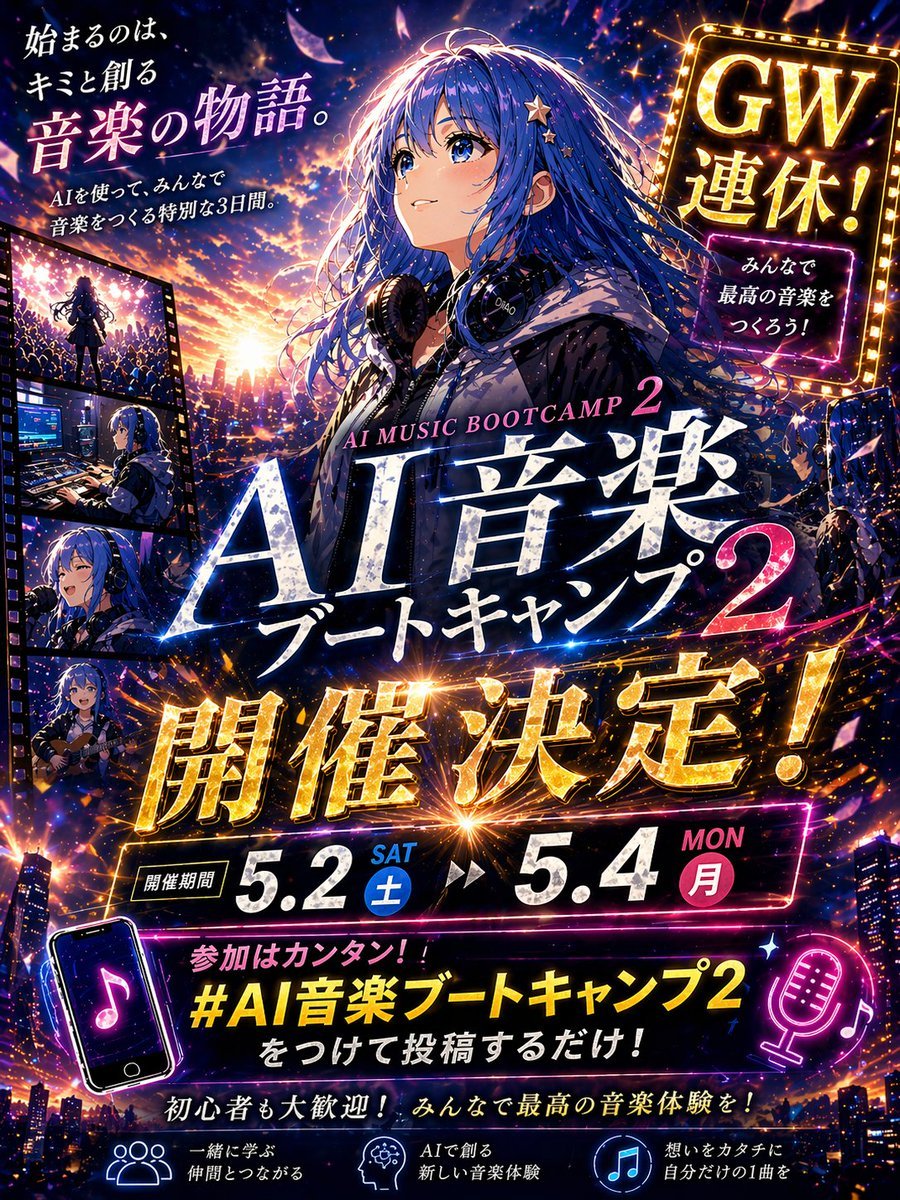
Gpt2 Youtube Thumbnail Anime Music Bootcamp Promo Poster

Japan Travel Brochure Poster
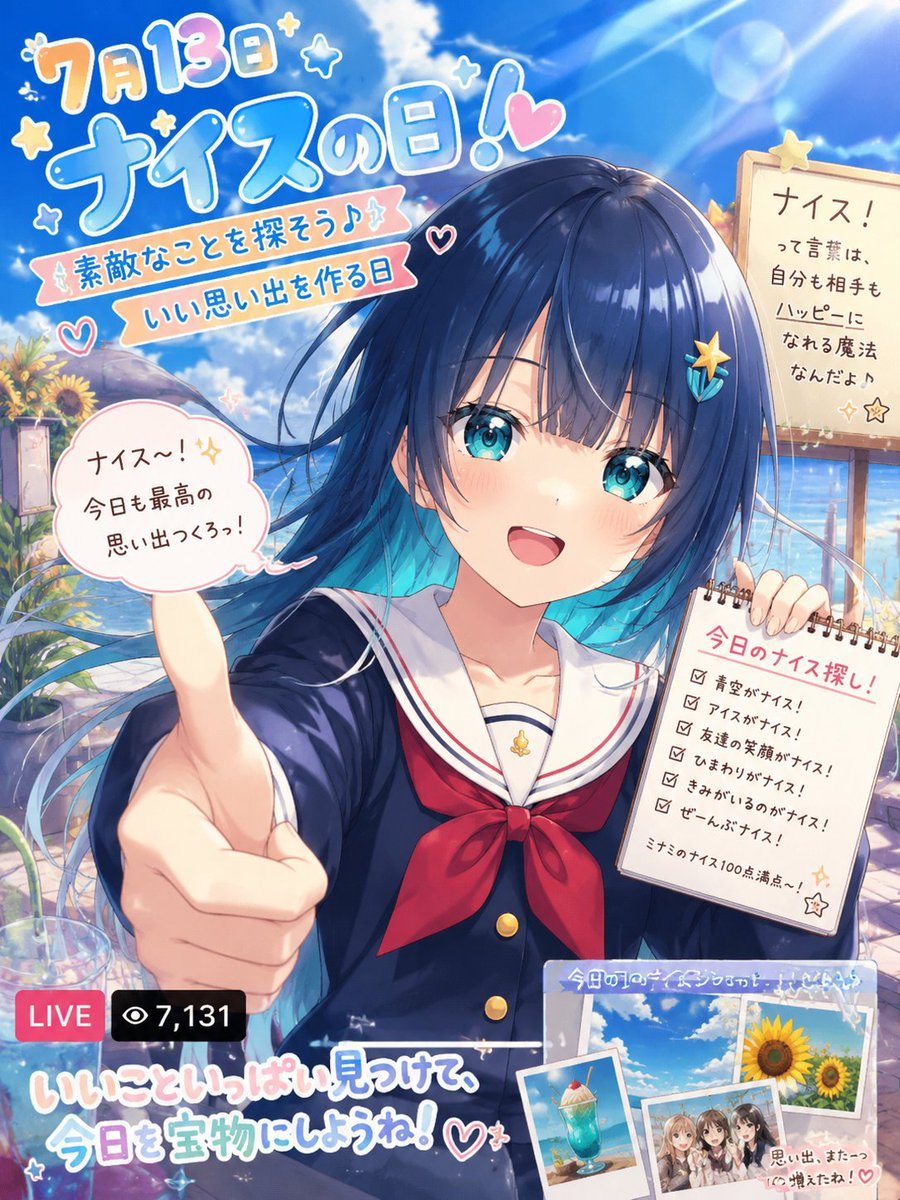
Nice Day Anime Poster
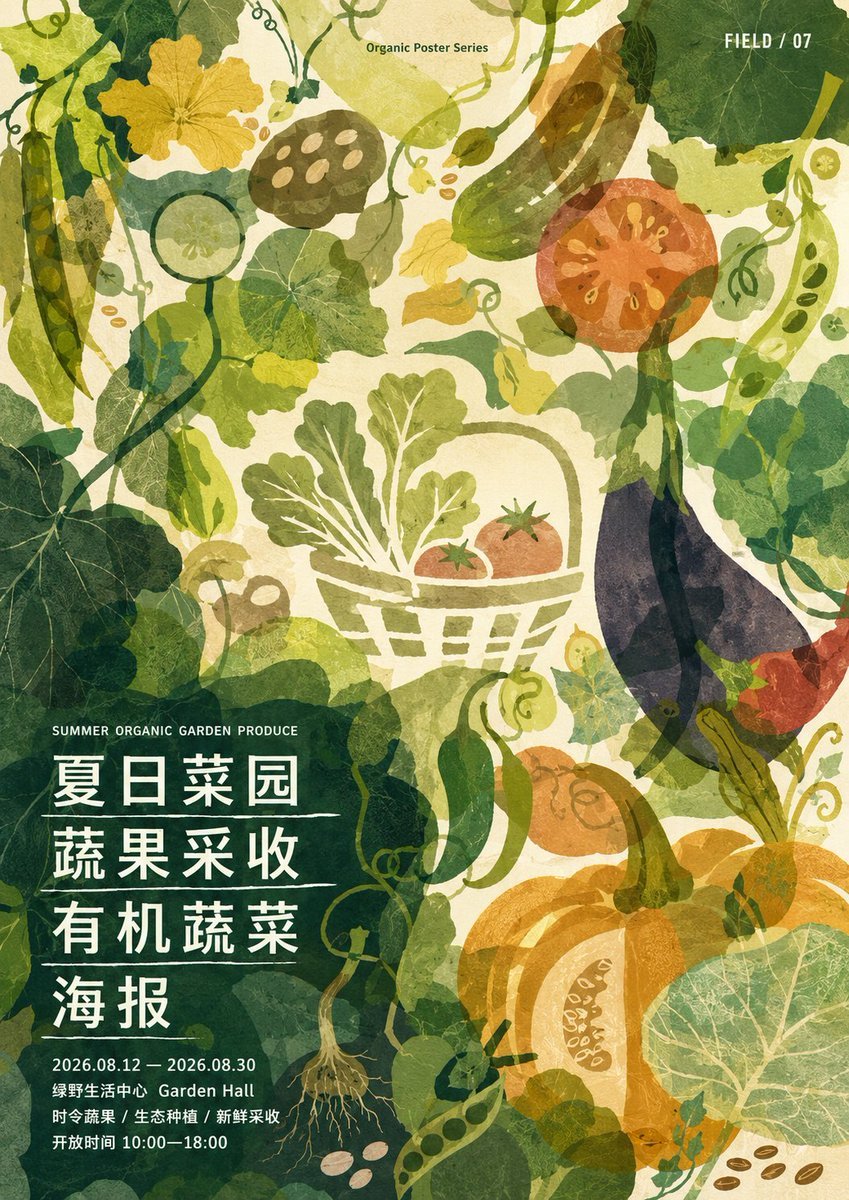
Dense Organic Garden Harvest Poster

Cel 2D Finale Fireworks

Cel 2D Garden Maze

Cel 2D Rooftop Concert
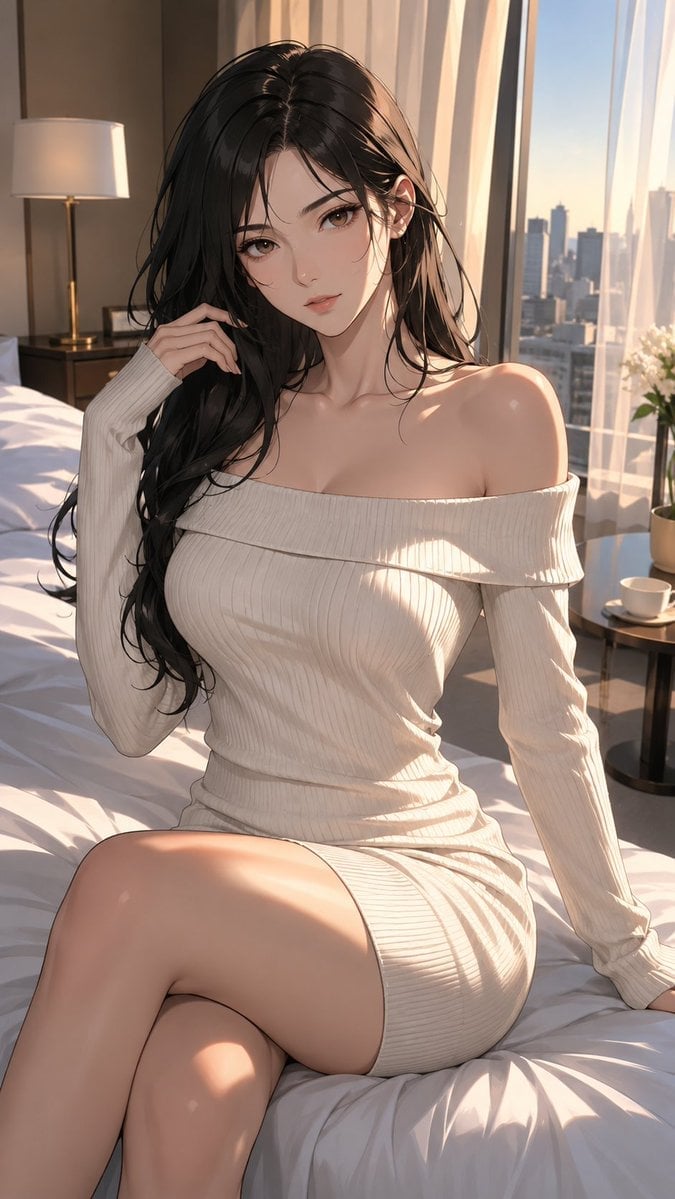
Cel 2D Bicycle Coast

Cel 2D Castle Gate
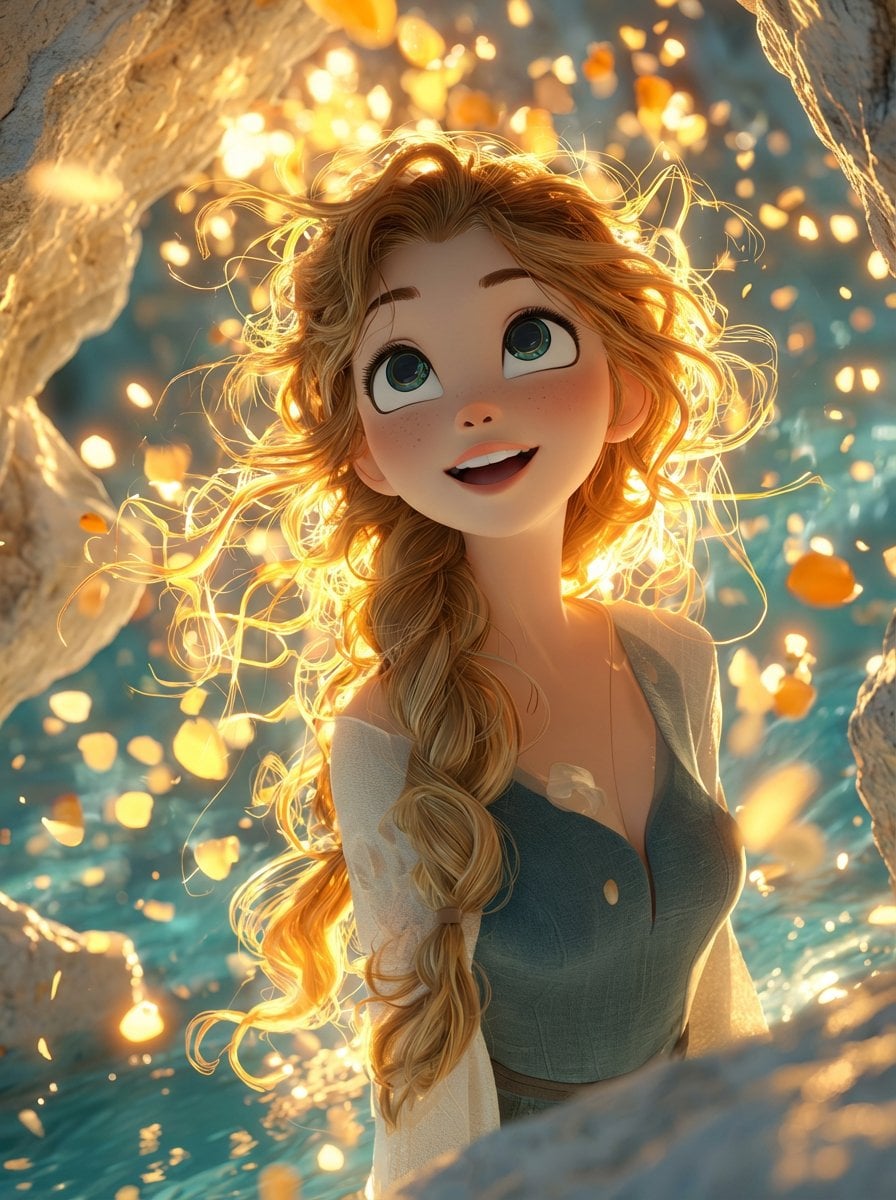
Cel 2D Kitchen Chaos
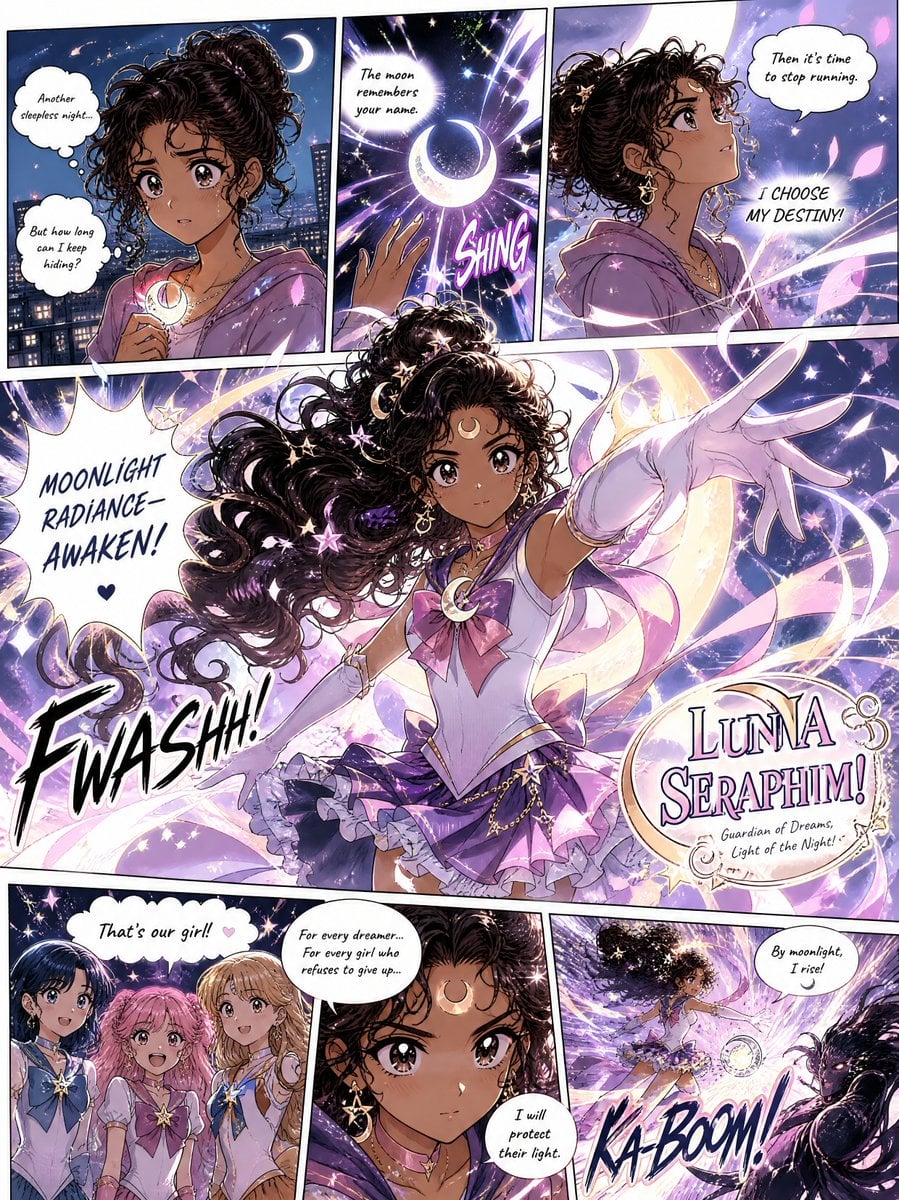
Cel 2D Carnival Ride
Make it yours
Dense Anime AI Era Poster works as-is. These are the safest ways to change it without losing the look.
Change one field
Copy a single group, rewrite it, and generate again so you can see what that field is doing.
Keep the frame, change the subject
Hold the composition and light of Dense Anime AI Era Poster, then swap wardrobe, props or the person for a new take.
| If the result… | Why | Fix |
|---|---|---|
| The result drifts from the preview | Too many fields changed at once. | Reuse Dense Anime AI Era Poster as-is first, then change one group — subject, light, or setting. |
| The model over-stylizes the scene | The prose prompt leaves finish and camera underspecified. | Add one camera or lighting sentence and stay on GPT Image 2. |
More GPT Image 2 templates
Other prompts made for GPT Image 2.

Six VTuber Japanese Logo Sheet

Realistic Portrait of Woman and Deer

The Vista Modular Condo Poster

AI Model Routing Comparison Infographic

2.5D Anime Art Board

Isometric Productivity Desk Scene

New York Double Exposure Poster

Four-Panel AI Landscape Comparison

Japanese Tatami Lifestyle Magazine Cover

NESCAFÉ Coffee Map Poster
More image prompts
Fresh picks from across the catalog.
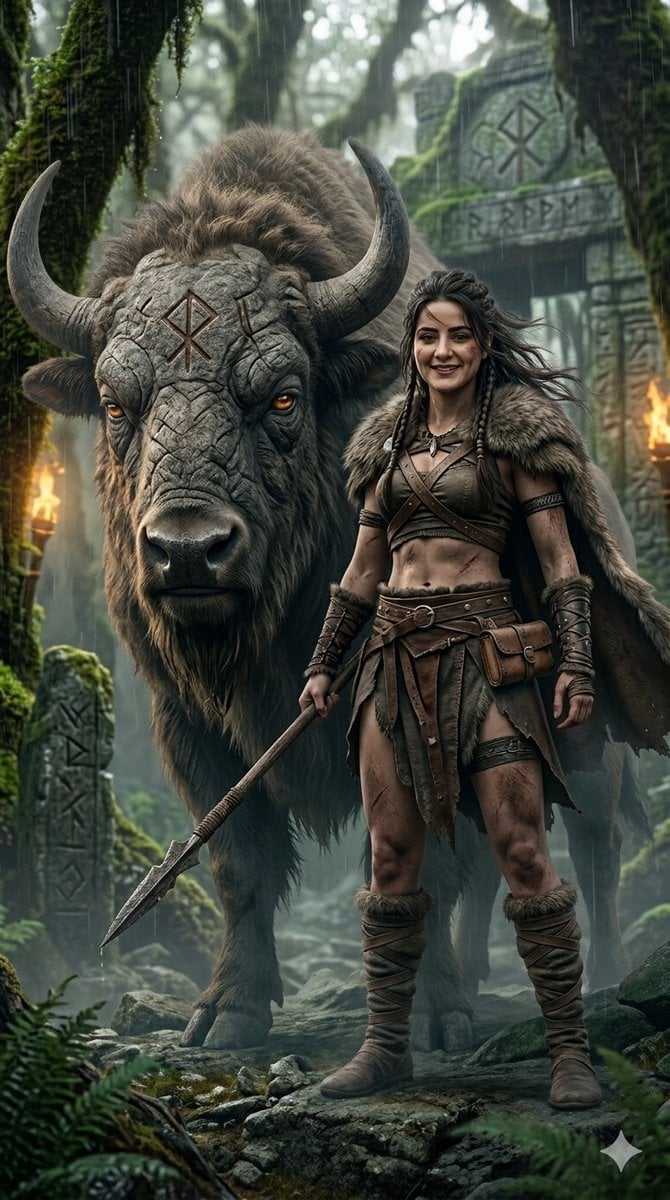
Fantasy Huntress and Ancient Beast
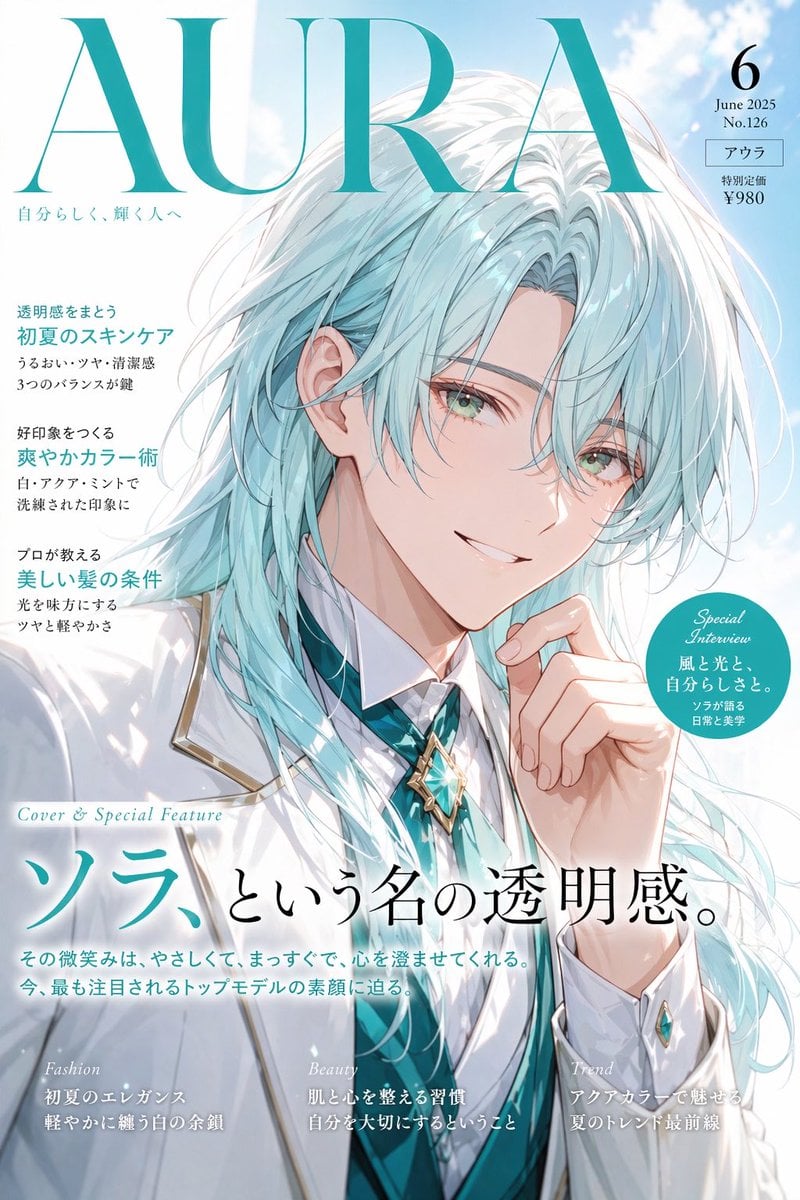
Japanese Aqua Fashion Magazine Cover
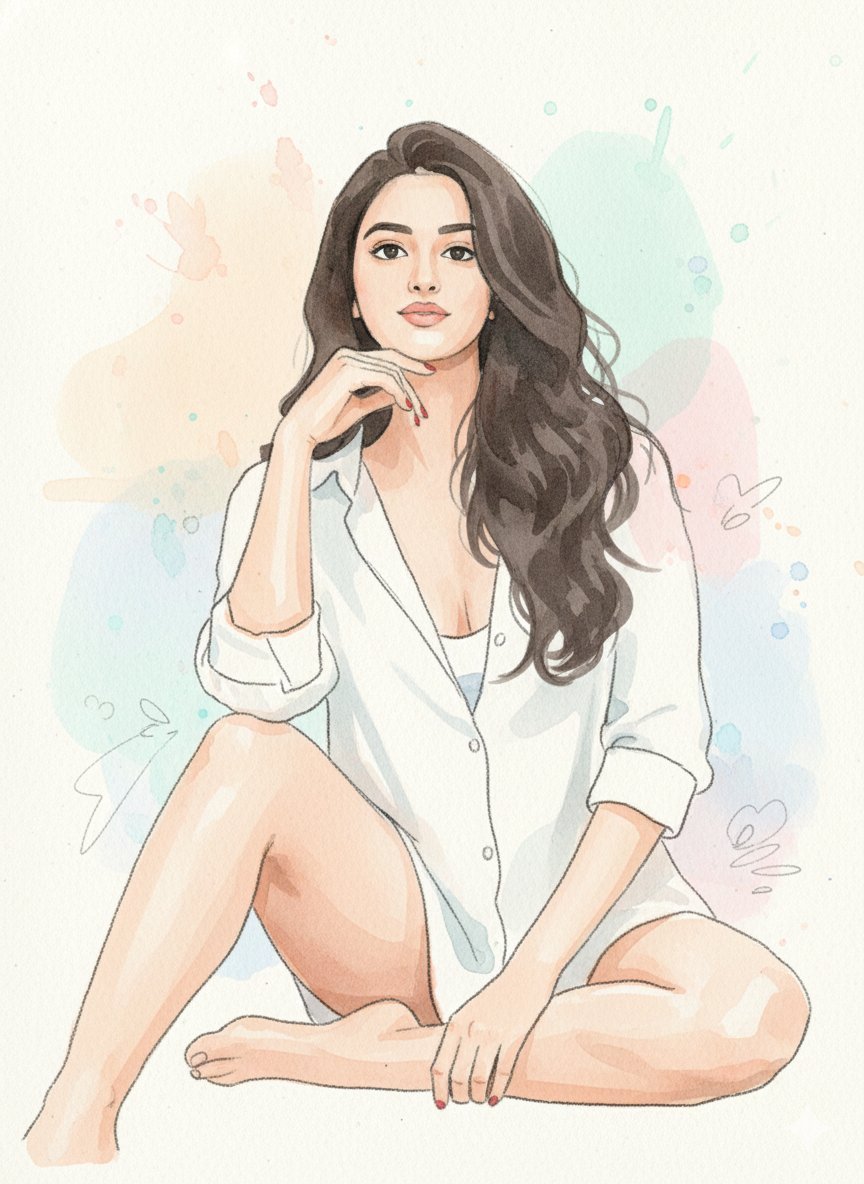
Watercolor Blob Doodle Identity Preservation Prompt
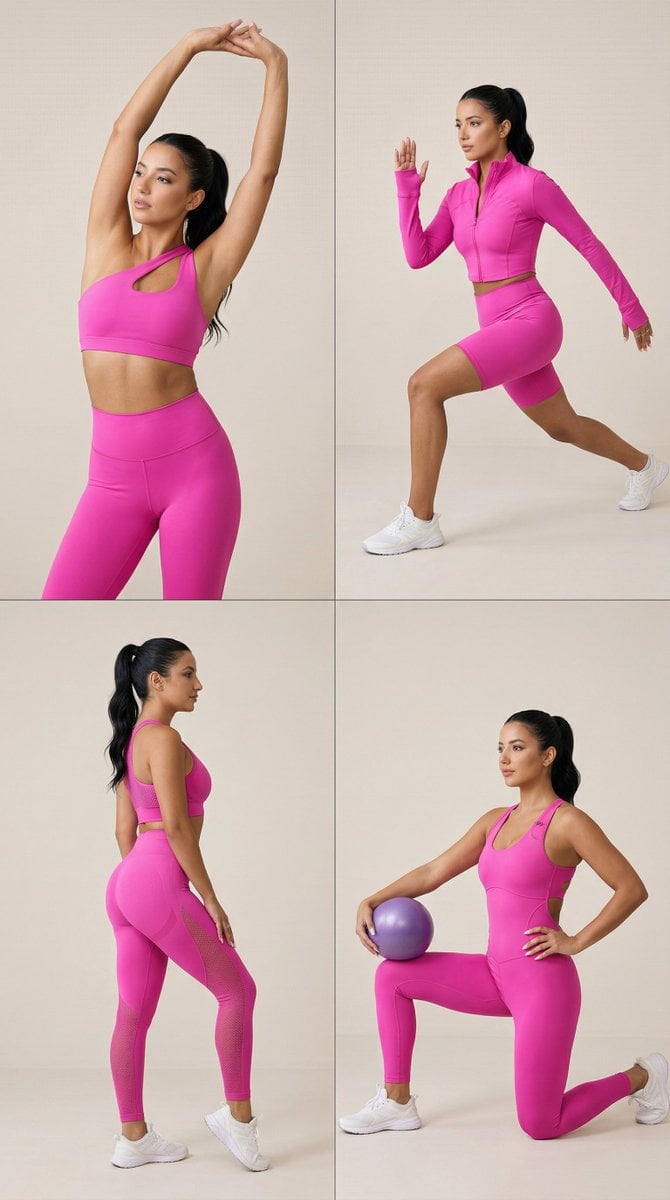
Nano Banana Pro Fitness Editorial Grid Prompt (Pink Activewear)
Cinematic Night Taxi Portrait with Teal and Orange Grading
Cinematic Orange Soda Ad Poster
Cute Winking Schoolgirl Peace Sign
Americana Dive Bar Editorial Scene
Editorial Nighttime Urban Portrait with Identity Preservation
Absurd Book Title Image Generation
Browse template categories
Dense Anime AI Era Poster questions
How do I use the Dense Anime AI Era Poster template?
Add your photo if the template asks for one, edit the prompt if you like — the template's model and format are already selected — and press Generate. Your version opens in PicX Studio.
Can I customize the Dense Anime AI Era Poster template?
Yes. You can change the subject, setting, lighting, mood, format, and available model controls before creating your image.
Is the Dense Anime AI Era Poster template free?
Opening and editing this template is free. Generating uses credits, shown on the Generate button when you are signed in.
Which AI model should I use?
Start with GPT Image 2, which is the model associated with this template. You can compare another compatible model for a different finish.
Looking for something else? Browse all templates.

Your photo, any look
Thousands of ready templates for every top image and video model, from one credit balance.