
Dense Organic Garden Harvest Poster
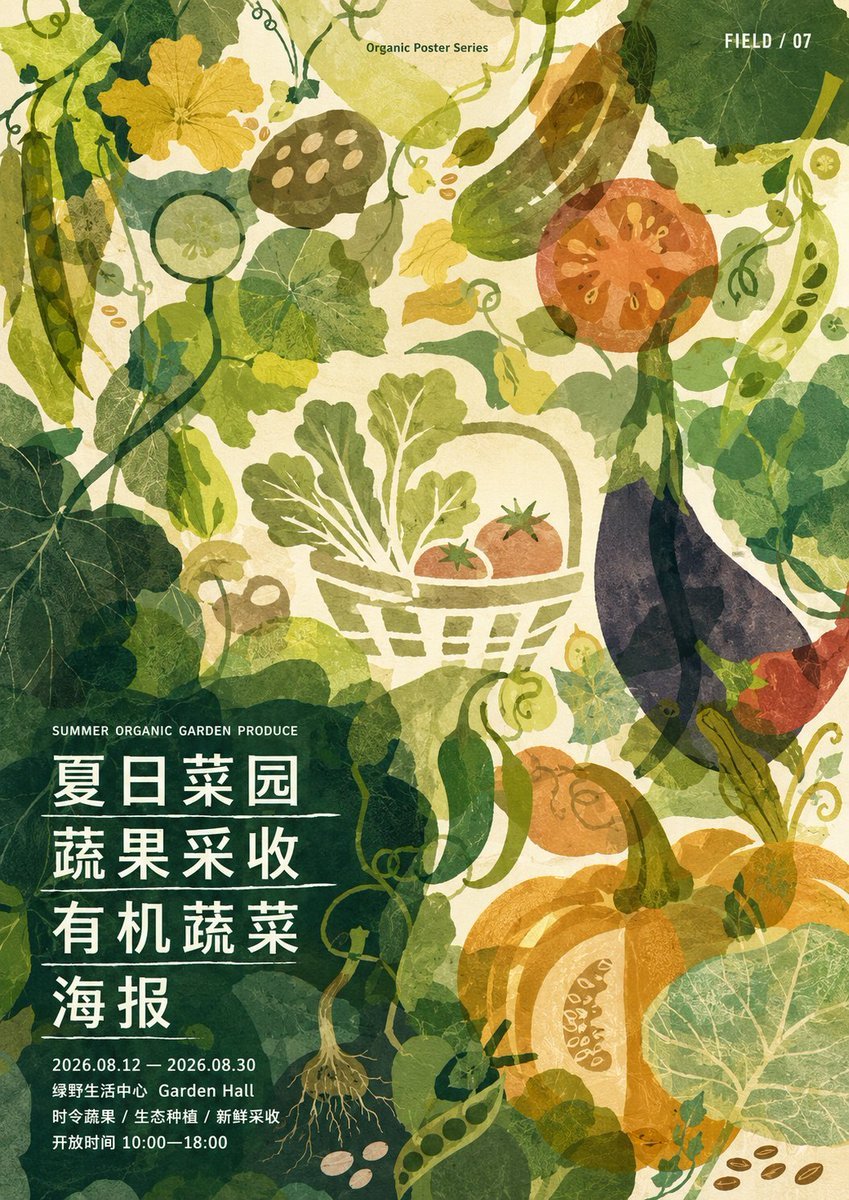
Generates a textured vertical botanical event poster with layered vegetable silhouettes and Chinese harvest festival typography.
- Prompt included
- Model and format preset
- Premium template
The prompt behind this image
Copy the exact prompt behind Dense Organic Garden Harvest Poster, or open it in the studio and make it yours.
Goal: Create a dense organic silhouette poster for a summer vegetable garden harvest event, with layered translucent botanical cutout shapes and a handmade paper texture. Canvas: Vertical poster, approximately 2:3 ratio, warm cream background with grainy recycled-paper texture. Fill the entire canvas edge-to-edge with overlapping vegetables, vines, leaves, tendrils, seeds, and transparent watercolor-like silhouettes. Overall palette: deep forest green, olive, moss, yellow-green, ochre, tomato red, pumpkin orange, eggplant purple, muted teal, and off-white. Layout: Use a crowded all-over botanical composition with the main text block anchored in the lower-left quadrant over a dark green translucent leaf mass. Place small English header text near the upper center reading “Organic Poster Series”. Place small white issue text in the upper-right corner reading “FIELD / 07”. Keep the center slightly brighter so a pale basket illustration stands out. Botanical elements: Include exactly 14 prominent produce/plant motifs distributed across the poster: 1 tall pea pod on the far left, 1 yellow squash blossom near the upper left, 1 cucumber slice near upper left-center, 1 lotus-root slice near top center-left, 1 long green cucumber near the top center-right, 1 red tomato cross-section in the upper right, 1 pale harvest basket with leafy greens and 2 tomatoes in the center, 1 dark purple eggplant on the right side, 1 red chili or pepper at lower right of the eggplant, 1 orange pumpkin in the lower right, 1 green squash or gourd near lower center, 1 small onion or root vegetable with roots near bottom center-left, 1 round leafy nasturtium-like leaf in the lower right corner, and 1 cluster of loose brown seeds near the bottom right edge. Surround these with many overlapping vine curls, pea tendrils, semi-transparent round leaves, broad squash leaves, and small abstract seed shapes, using dense coverage without empty borders. Text content: In the lower-left text block, set a small uppercase English line: “SUMMER ORGANIC GARDEN PRODUCE”. Beneath it, place four large bold white Chinese headline lines with thin white dividers between them: “夏日菜园”, “蔬果采收”, “有机蔬菜”, “海报”. Below, add smaller white event details: “2026.08.12 — 2026.08.30”, “绿野生活中心 Garden Hall”, “时令蔬果 / 生态种植 / 新鲜采收”, and “开放时间 10:00—18:00”. Visual style: Flat graphic botanical poster, organic silhouettes, translucent collage layers, soft misregistration, uneven ink opacity, visible fibers, screen-print and risograph influence, painterly paper grain, slightly faded vintage agricultural poster feel. Text is crisp white sans-serif with strong contrast, while illustration shapes remain soft, layered, and textured. Constraints: Keep the composition dense and immersive, avoid photorealism, avoid shadows or 3D rendering, avoid extra logos or watermarks, and preserve the exact listed text placement and issue label.
How to use Dense Organic Garden Harvest Poster in 3 steps
- 1Upload ImagePNG, JPG or paste
Add your photo
Upload the photo the template builds on. The prompt, model and format are already set.
- 2…a portrait of your subject in softgolden-hour light, 85mm…
Personalize
Edit the subject and creative details for your destination.
- 3Generate
Generate
Press Generate — your image is created in PicX Studio, so you can compare it with the original and refine one variable at a time.
More like this
Templates with the same subject, style or setup. Open one to see its prompt.

Japan Travel Brochure Poster

Cartoon TV Show Poster Pack

Trendy Cafe Drink Promo Poster

Urban Fashion Editorial Collage Streetwear Poster

Premium Fashion Editorial Cover Layout System

Polo Ralph Lauren Luxury American Heritage Fashion Campaign

Monochrome Halftone Editorial Fashion Poster

Retro Mirror Luxury Fashion Campaign Poster

Luxury Fashion Campaign Typography Poster System

Premium Fashion Editorial Campaign Poster System

Ultra-Stylized High-Fashion Streetwear Poster

Urban Fashion Editorial Collage Poster
Make it yours
Dense Organic Garden Harvest Poster works as-is. These are the safest ways to change it without losing the look.
Change one field
Copy a single group, rewrite it, and generate again so you can see what that field is doing.
Keep the frame, change the subject
Hold the composition and light of Dense Organic Garden Harvest Poster, then swap wardrobe, props or the person for a new take.
| If the result… | Why | Fix |
|---|---|---|
| The result drifts from the preview | Too many fields changed at once. | Reuse Dense Organic Garden Harvest Poster as-is first, then change one group — subject, light, or setting. |
| The model over-stylizes the scene | The prose prompt leaves finish and camera underspecified. | Add one camera or lighting sentence and stay on GPT Image 2. |
More GPT Image 2 templates
Other prompts made for GPT Image 2.

Six VTuber Japanese Logo Sheet

Realistic Portrait of Woman and Deer

The Vista Modular Condo Poster

AI Model Routing Comparison Infographic

2.5D Anime Art Board

Isometric Productivity Desk Scene

New York Double Exposure Poster

Four-Panel AI Landscape Comparison

Japanese Tatami Lifestyle Magazine Cover

NESCAFÉ Coffee Map Poster
More image prompts
Fresh picks from across the catalog.

Surreal Giant Aluminum Can Waterfall Prompt for Nano Banana 2

Spring Fashion Photo Collage
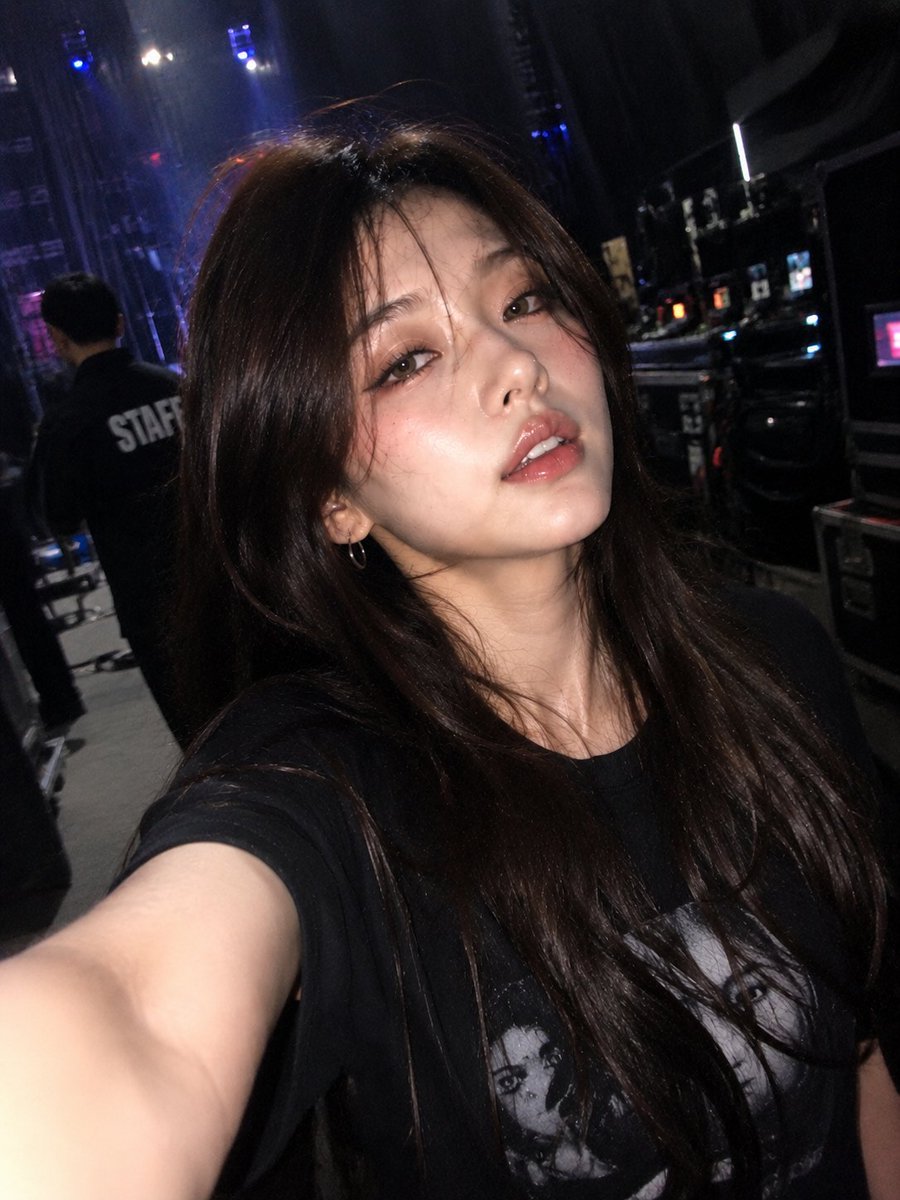
Accidental iPhone Front Camera Selfie
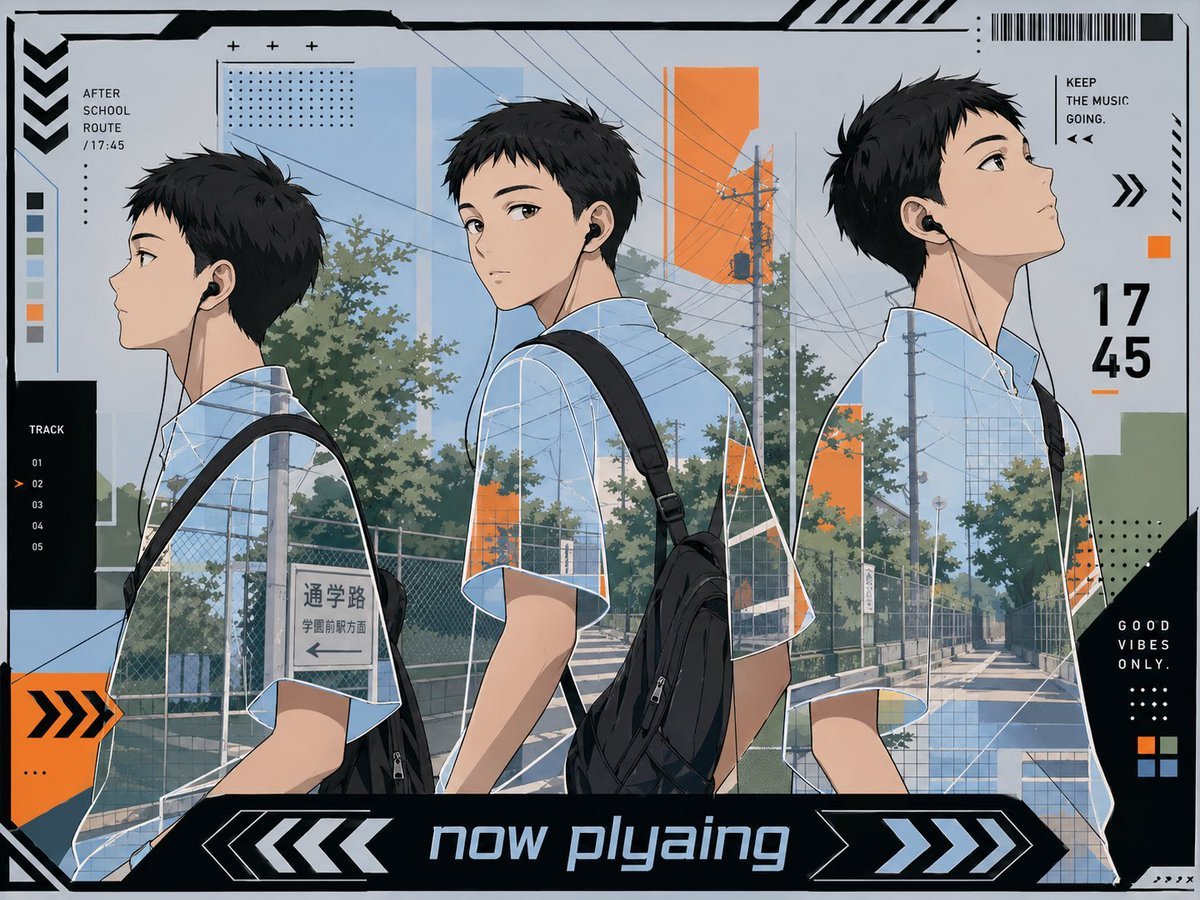
Anime Now Playing School Route Poster

Isometric Cross-Section Illustration of a Floating Modular Apartment Building
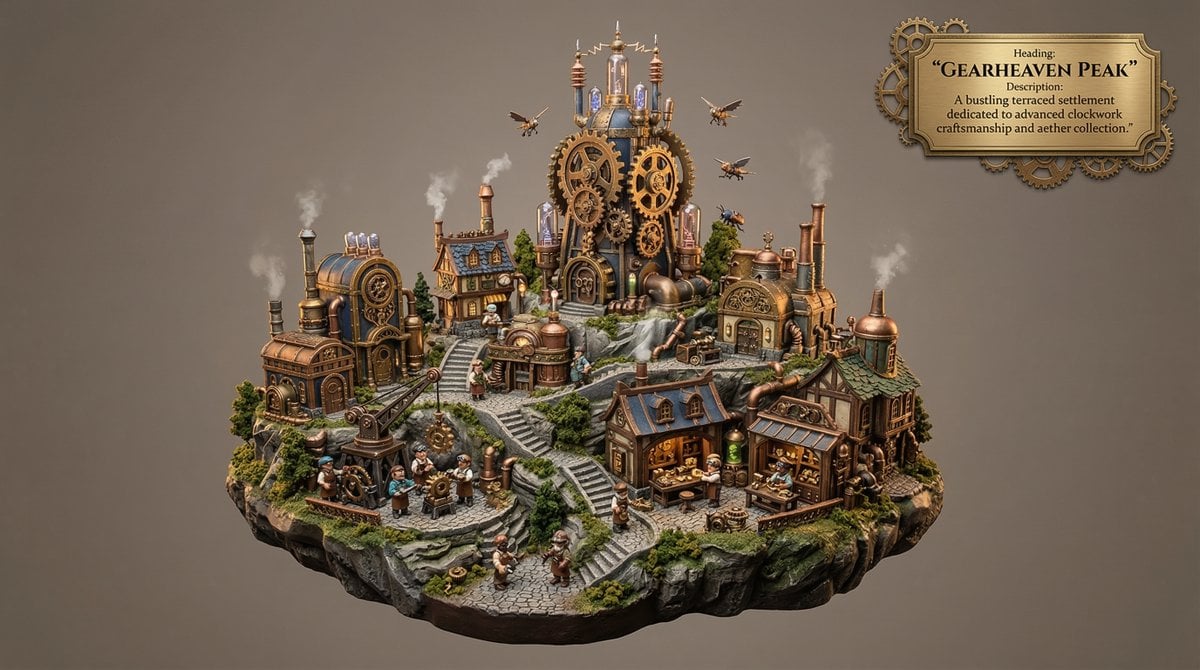
Whimsical Mono-Punk Floating Miniature Diorama Generator

Grok Video Prompt: High-Speed Skydiving Action

panoramic image

Melancholic Cinematic Portrait Prompt for Nano Banana Pro

Isometric Business People Set
Browse template categories
Dense Organic Garden Harvest Poster questions
How do I use the Dense Organic Garden Harvest Poster template?
Add your photo if the template asks for one, edit the prompt if you like — the template's model and format are already selected — and press Generate. Your version opens in PicX Studio.
Can I customize the Dense Organic Garden Harvest Poster template?
Yes. You can change the subject, setting, lighting, mood, format, and available model controls before creating your image.
Is the Dense Organic Garden Harvest Poster template free?
Opening and editing this template is free. Generating uses credits, shown on the Generate button when you are signed in.
Which AI model should I use?
Start with GPT Image 2, which is the model associated with this template. You can compare another compatible model for a different finish.
Looking for something else? Browse all templates.

Your photo, any look
Thousands of ready templates for every top image and video model, from one credit balance.