
Spring Fashion Photo Collage
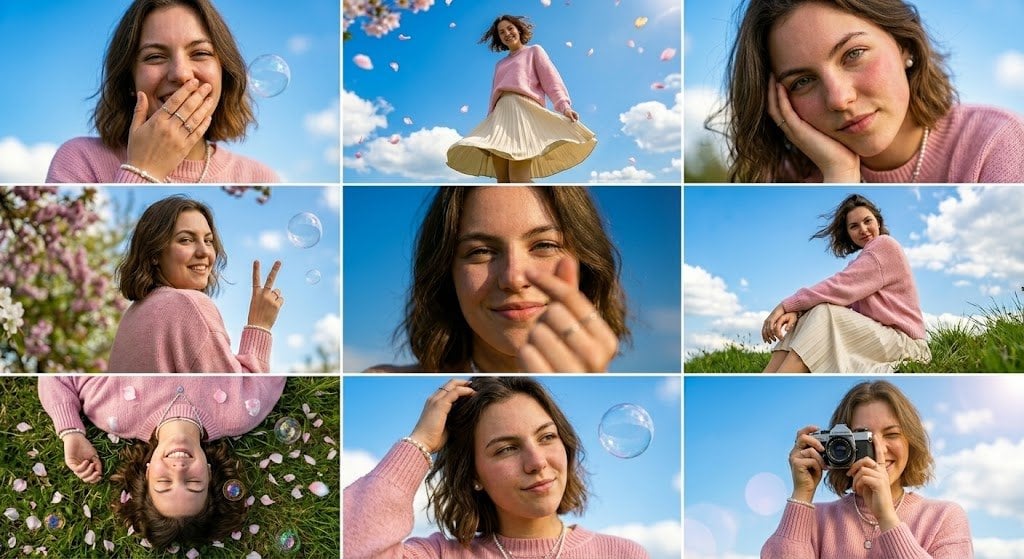
A photorealistic 3x3 spring lifestyle collage of a pastel-dressed woman in a meadow with bubbles, petals, and privacy-obscured portraits.
- Prompt included
- Model and format preset
- Free template
The prompt behind this image
Copy the exact prompt behind Spring Fashion Photo Collage, or open it in the studio and make it yours.
Goal: Create a bright spring lifestyle photo collage featuring {argument name="character description" default="a young woman with shoulder-length wavy brown hair"} in a dreamy outdoor meadow setting, with her face intentionally obscured by a soft-edged rectangular skin-tone privacy block in every panel. Canvas: Wide horizontal collage, 16:9 aspect ratio, arranged as a clean 3 by 3 grid with thin white gutters between panels. Use natural daylight, vivid blue skies, fluffy white clouds, soft bokeh, and pastel spring colors. Visual style: Photorealistic editorial fashion photography with a whimsical, airy mood. Shallow depth of field in close-ups, crisp sunlight, gentle lens flare, floating soap bubbles, pink flower petals, and blooming cherry blossoms. Color palette: sky blue, grass green, pale pink, cream, and warm skin tones. Subject styling: The same woman appears throughout all 9 panels wearing {argument name="outfit" default="a fuzzy pastel pink sweater, a cream pleated skirt, a pearl necklace, and a pearl bracelet"}. Her hair is tousled by wind, and the overall feeling is playful, soft, feminine, and nostalgic. Layout: Include exactly 9 distinct panels: 1. Top-left panel: close-up portrait from chest up against blue sky, woman in pink sweater holding a hand near her mouth, one translucent soap bubble floating beside her head. 2. Top-center panel: low-angle full-body shot of the woman standing under a bright sky, holding out the cream pleated skirt as it flares, pink petals drifting overhead. 3. Top-right panel: close-up portrait cropped tightly, windblown hair and pink sweater visible, blue sky background. 4. Middle-left panel: side-profile medium shot near blooming pink-and-white blossoms, woman making a peace sign, soap bubble floating in the sky. 5. Middle-center panel: very tight close-up of hair and shoulder with a hand near the face, blue sky background, strongest face-obscuring rectangle. 6. Middle-right panel: seated full-body/three-quarter shot on a grassy hill, woman wearing pink sweater and cream skirt, knees drawn up, looking toward the open sky. 7. Bottom-left panel: overhead shot of the woman lying on green grass scattered with pink petals and multiple soap bubbles, her head upside down in frame, pink sweater and hair spread around. 8. Bottom-center panel: close portrait from below, woman raising one hand to her hair, a large soap bubble floating to the right against the blue sky. 9. Bottom-right panel: portrait of the woman holding {argument name="camera type" default="a black vintage film camera"} up to her face as if taking a photo, with blue sky, soft clouds, and circular lens flare. Constraints: Keep all panels consistent as the same character and outfit. Use exactly 9 panels in a 3x3 grid. Add no text, logos, captions, or watermark. The face must be hidden in each panel by a simple rectangular skin-tone blur/block while preserving the fashion-photo composition.
How to use Spring Fashion Photo Collage in 3 steps
- 1Upload ImagePNG, JPG or paste
Add your photo
Upload the photo the template builds on. The prompt, model and format are already set.
- 2…a portrait of your subject in softgolden-hour light, 85mm…
Personalize
Edit the subject and creative details for your destination.
- 3Generate
Generate
Press Generate — your image is created in PicX Studio, so you can compare it with the original and refine one variable at a time.
More like this
Templates with the same subject, style or setup. Open one to see its prompt.

Miniature Self Portrait Collage

80s College Gate

1988 Mall Style

80s Polka Dot Saree
Indian Anarkali Fashion Collage
Spring Fashion Garden Editorial

Rainy Monsoon Fashion Collage
Futuristic Ice Palace Fashion Collage
Luxury Spring Peony Fashion Poster
Luxury Fashion Editorial Spring Portrait

Paper Cut Finale Fireworks

Paper Cut Garden Maze
Make it yours
Spring Fashion Photo Collage works as-is. These are the safest ways to change it without losing the look.
Change one field
Copy a single group, rewrite it, and generate again so you can see what that field is doing.
Keep the frame, change the subject
Hold the composition and light of Spring Fashion Photo Collage, then swap wardrobe, props or the person for a new take.
| If the result… | Why | Fix |
|---|---|---|
| The result drifts from the preview | Too many fields changed at once. | Reuse Spring Fashion Photo Collage as-is first, then change one group — subject, light, or setting. |
| The model over-stylizes the scene | The prose prompt leaves finish and camera underspecified. | Add one camera or lighting sentence and stay on GPT Image 2. |
More GPT Image 2 templates
Other prompts made for GPT Image 2.

Six VTuber Japanese Logo Sheet

Realistic Portrait of Woman and Deer

The Vista Modular Condo Poster

AI Model Routing Comparison Infographic

2.5D Anime Art Board

Isometric Productivity Desk Scene

New York Double Exposure Poster

Four-Panel AI Landscape Comparison

Japanese Tatami Lifestyle Magazine Cover

NESCAFÉ Coffee Map Poster
More image prompts
Fresh picks from across the catalog.

Epic Fantasy Double Exposure Silhouette
8K Close-Up Portrait of Joyful Laughter
Looking Back Portrait

Gemini 3 Story Creation and Nano Banana Pro Manga Generation
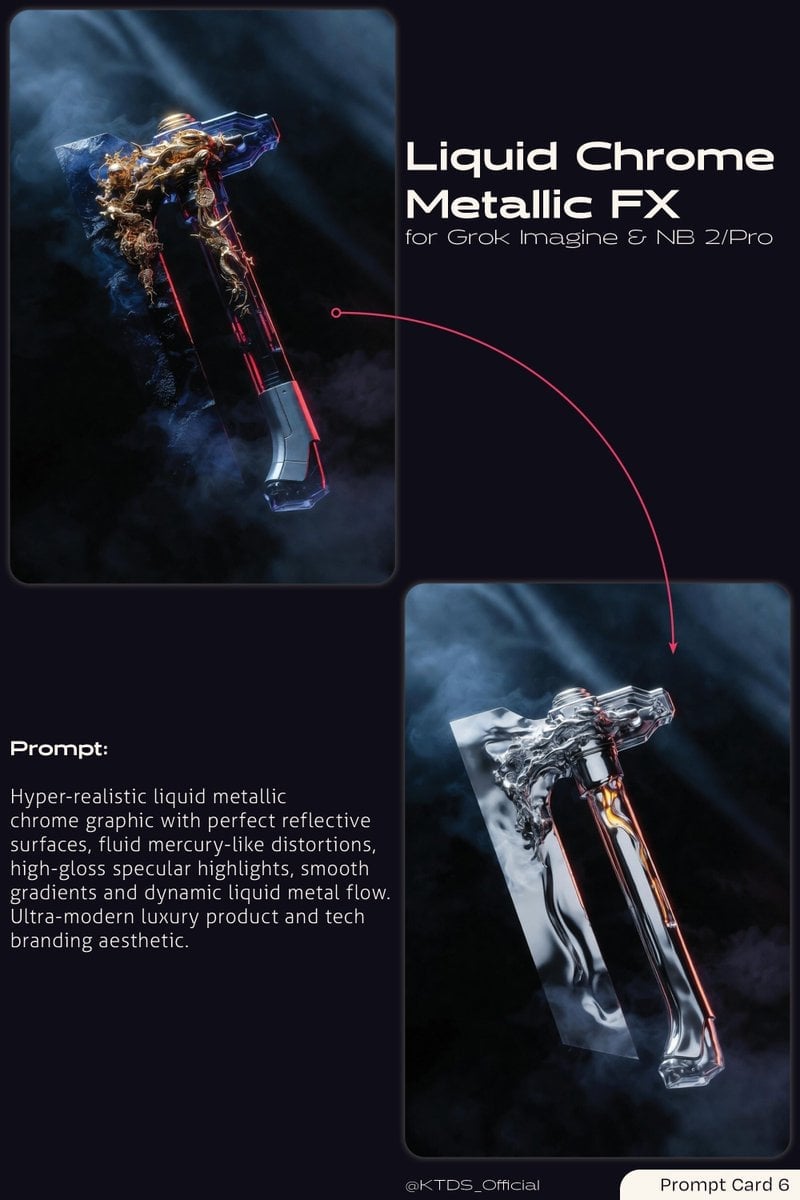
Liquid Chrome Metallic FX Prompt
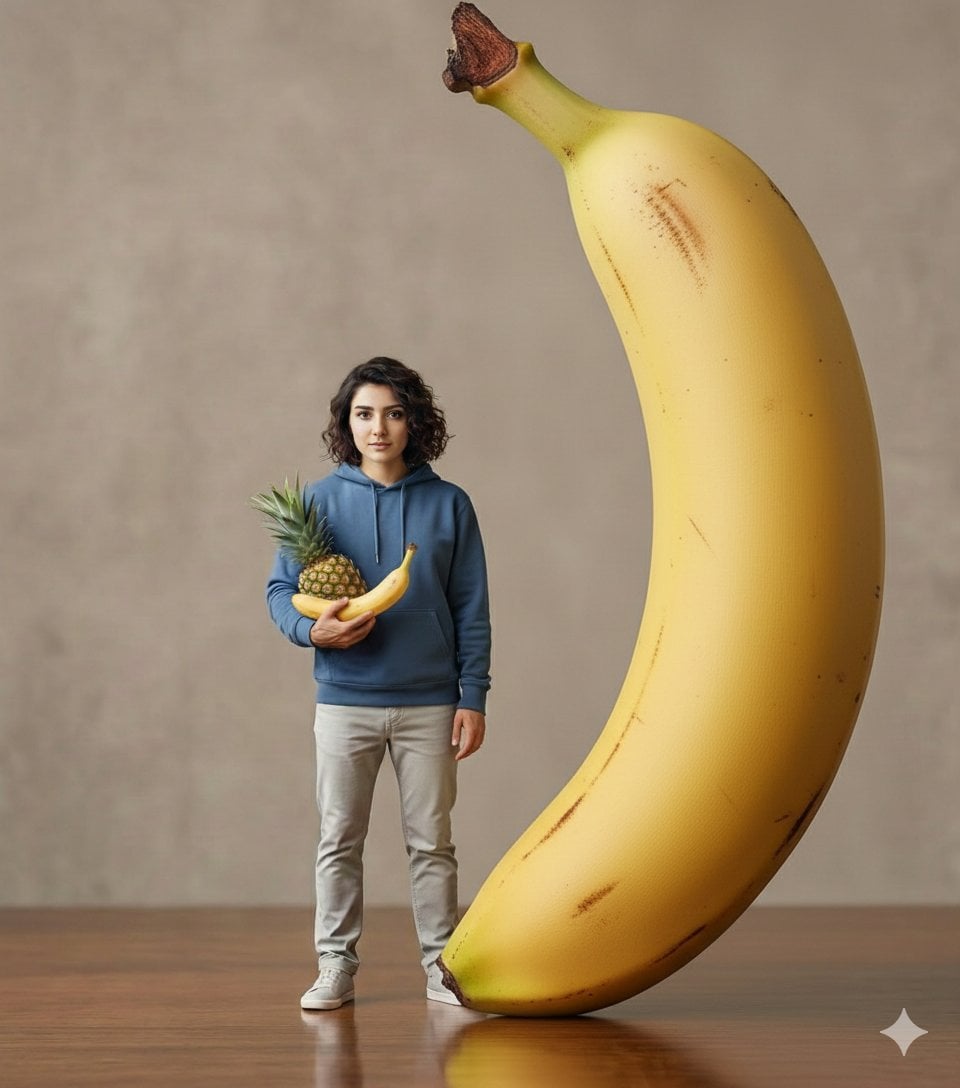
Hyper-realistic Giant Strawberry with Tiny Subject
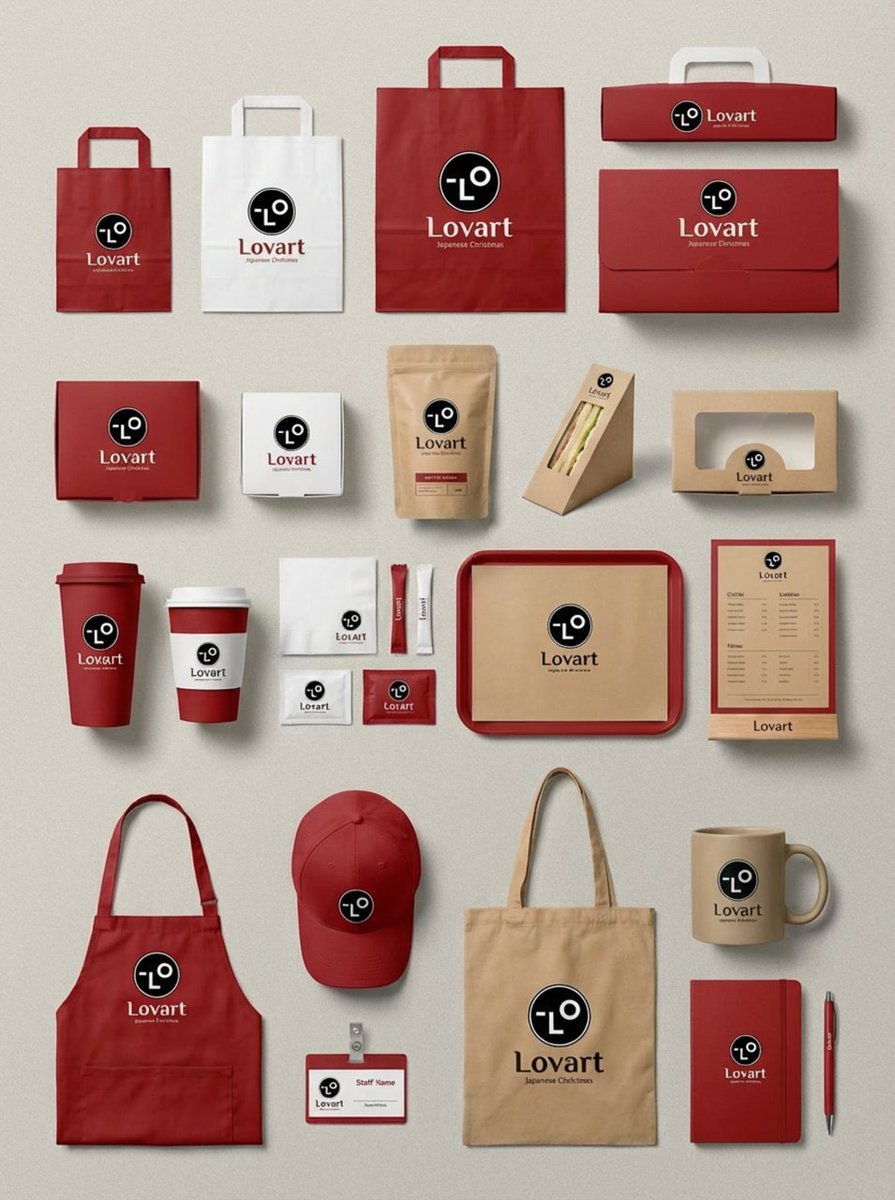
Flagship Brand Identity Mockup (Nano Banana Pro)
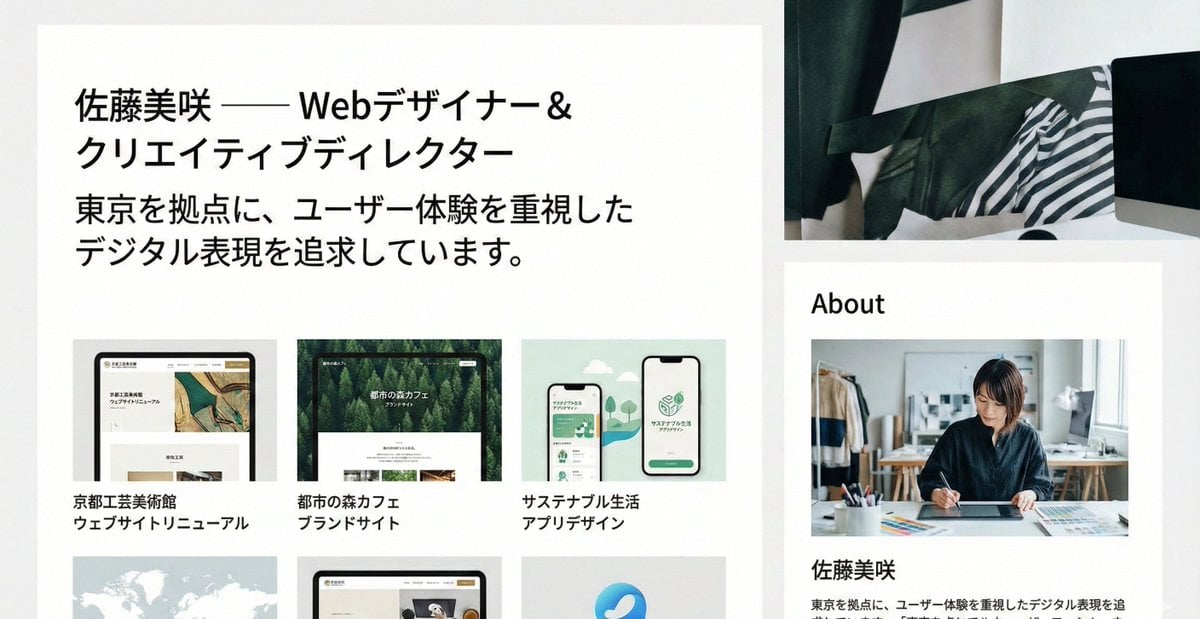
Portfolio image for a fictional web designer

Text Rendering Control Template and Example Prompt

Coca-Cola Product and Lifestyle Shots
Browse template categories
Spring Fashion Photo Collage questions
How do I use the Spring Fashion Photo Collage template?
Add your photo if the template asks for one, edit the prompt if you like — the template's model and format are already selected — and press Generate. Your version opens in PicX Studio.
Can I customize the Spring Fashion Photo Collage template?
Yes. You can change the subject, setting, lighting, mood, format, and available model controls before creating your image.
Is the Spring Fashion Photo Collage template free?
Opening and editing this template is free. Generating uses credits, shown on the Generate button when you are signed in.
Which AI model should I use?
Start with GPT Image 2, which is the model associated with this template. You can compare another compatible model for a different finish.
Looking for something else? Browse all templates.

Your photo, any look
Thousands of ready templates for every top image and video model, from one credit balance.