
Isometric Business People Set
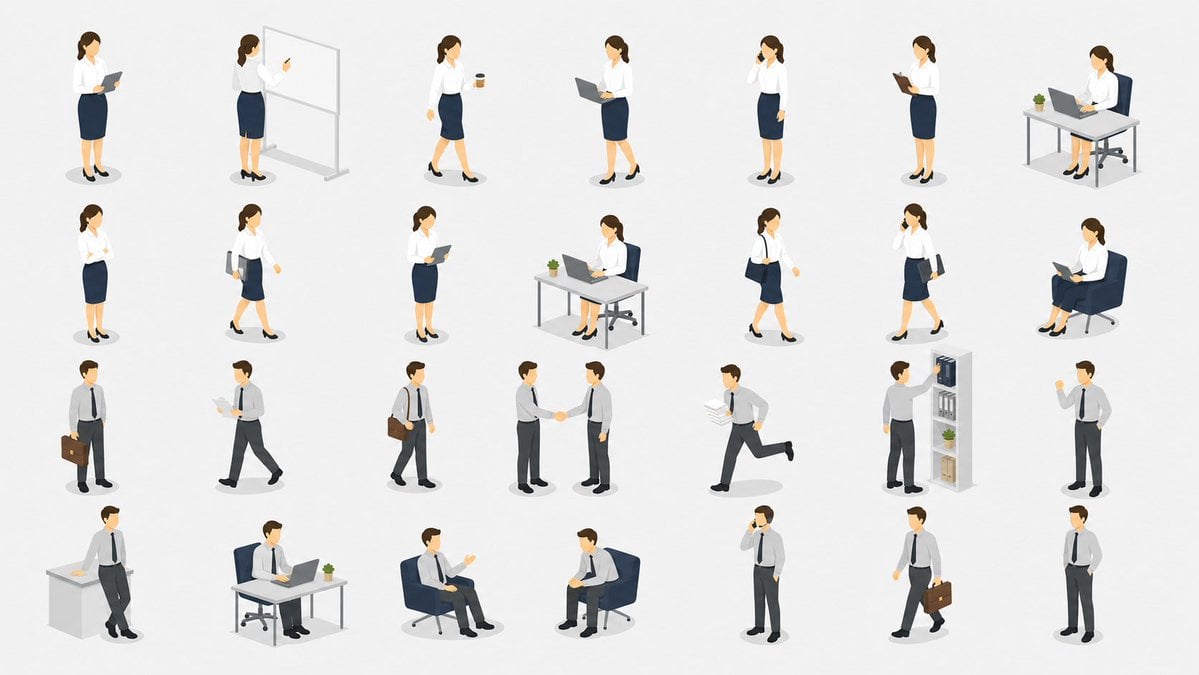
Generates a cohesive 28-pose isometric office worker illustration sheet for presentation slides, service pages, and corporate materials.
- Prompt included
- Model and format preset
- Free template
The prompt behind this image
Copy the exact prompt behind Isometric Business People Set, or open it in the studio and make it yours.
- Type
- isometric business people illustration set
- Style
- clean vector-like 3D isometric office illustration, minimal corporate presentation style, soft shadows, white background, consistent scale, rounded simplified faces without detailed features, muted colors, crisp edges, no text
- Layout › Canvas
- wide 16:9 sheet with evenly spaced individual figures arranged in a grid
- Layout › Count
- 28 separate isometric character vignettes
- Layout › Grid
- 4 rows by 7 columns, each vignette isolated with a small soft oval shadow
- Characters › Female Employee › Appearance
- {argument name="female employee appearance" default="young adult businesswoman with brown hair tied back, white blouse, navy pencil skirt, black heels"}
- Characters › Female Employee › Poses Count
- 14
- Characters › Male Employee › Appearance
- {argument name="male employee appearance" default="young adult businessman with short brown hair, light gray dress shirt, dark tie, charcoal slacks, black shoes"}
- Characters › Male Employee › Poses Count
- 14
- Vignettes › 0 › Row
- 1
- Vignettes › 0 › Count
- 7
- Vignettes › 0 › Items
- businesswoman standing and reading a tablet, businesswoman presenting at a freestanding whiteboard and pointing with one hand, businesswoman walking while holding a takeaway coffee cup, businesswoman standing with an open laptop, businesswoman standing and talking on a smartphone, businesswoman standing and writing on a clipboard, businesswoman seated at a desk with laptop, office chair, and small potted plant
- Vignettes › 1 › Row
- 2
- Vignettes › 1 › Count
- 7
- Vignettes › 1 › Items
- businesswoman standing confidently with arms crossed, businesswoman walking with a shoulder bag and documents, businesswoman standing and reading a tablet, businesswoman seated at a desk working on a laptop with a small plant, businesswoman walking with a shoulder bag, businesswoman walking while talking on a smartphone and carrying a folder, businesswoman seated in a lounge chair reading an open book
- Vignettes › 2 › Row
- 3
- Vignettes › 2 › Count
- 7
- Vignettes › 2 › Items
- businessman standing with a briefcase, businessman walking while reading papers, businessman walking with a shoulder bag, two businessmen shaking hands, businessman running while carrying stacked documents, businessman placing or retrieving files from a bookshelf with binders, books, boxes, and a plant, businessman standing and gesturing while holding papers
- Vignettes › 3 › Row
- 4
- Vignettes › 3 › Count
- 7
- Vignettes › 3 › Items
- businessman leaning against a reception counter or office cabinet, businessman seated at a desk using a laptop with a small plant, businessman seated in a lounge chair gesturing in conversation, businessman seated in a lounge chair holding papers in a meeting pose, businessman standing and talking on a smartphone, businessman walking with a briefcase, businessman standing neutrally with hands in pockets
- Props › Office Items
- {argument name="office props" default="laptops, tablets, clipboard, whiteboard, desks, chairs, bookshelf, briefcase, shoulder bag, documents, coffee cup, smartphone, small potted plants"}
- Props › Background
- {argument name="background color" default="plain white"}
- Color Palette
- {argument name="color palette" default="navy, white, light gray, charcoal, brown hair tones, small green plant accents"}
Raw JSON
{"type":"isometric business people illustration set","style":"clean vector-like 3D isometric office illustration, minimal corporate presentation style, soft shadows, white background, consistent scale, rounded simplified faces without detailed features, muted colors, crisp edges, no text","layout":{"canvas":"wide 16:9 sheet with evenly spaced individual figures arranged in a grid","count":"28 separate isometric character vignettes","grid":"4 rows by 7 columns, each vignette isolated with a small soft oval shadow"},"characters":{"female_employee":{"appearance":"{argument name=\"female employee appearance\" default=\"young adult businesswoman with brown hair tied back, white blouse, navy pencil skirt, black heels\"}","poses_count":14},"male_employee":{"appearance":"{argument name=\"male employee appearance\" default=\"young adult businessman with short brown hair, light gray dress shirt, dark tie, charcoal slacks, black shoes\"}","poses_count":14}},"vignettes":[{"row":1,"count":7,"items":["businesswoman standing and reading a tablet","businesswoman presenting at a freestanding whiteboard and pointing with one hand","businesswoman walking while holding a takeaway coffee cup","businesswoman standing with an open laptop","businesswoman standing and talking on a smartphone","businesswoman standing and writing on a clipboard","businesswoman seated at a desk with laptop, office chair, and small potted plant"]},{"row":2,"count":7,"items":["businesswoman standing confidently with arms crossed","businesswoman walking with a shoulder bag and documents","businesswoman standing and reading a tablet","businesswoman seated at a desk working on a laptop with a small plant","businesswoman walking with a shoulder bag","businesswoman walking while talking on a smartphone and carrying a folder","businesswoman seated in a lounge chair reading an open book"]},{"row":3,"count":7,"items":["businessman standing with a briefcase","businessman walking while reading papers","businessman walking with a shoulder bag","two businessmen shaking hands","businessman running while carrying stacked documents","businessman placing or retrieving files from a bookshelf with binders, books, boxes, and a plant","businessman standing and gesturing while holding papers"]},{"row":4,"count":7,"items":["businessman leaning against a reception counter or office cabinet","businessman seated at a desk using a laptop with a small plant","businessman seated in a lounge chair gesturing in conversation","businessman seated in a lounge chair holding papers in a meeting pose","businessman standing and talking on a smartphone","businessman walking with a briefcase","businessman standing neutrally with hands in pockets"]}],"props":{"office_items":"{argument name=\"office props\" default=\"laptops, tablets, clipboard, whiteboard, desks, chairs, bookshelf, briefcase, shoulder bag, documents, coffee cup, smartphone, small potted plants\"}","background":"{argument name=\"background color\" default=\"plain white\"}"},"color_palette":"{argument name=\"color palette\" default=\"navy, white, light gray, charcoal, brown hair tones, small green plant accents\"}","rendering_instructions":"Generate a cohesive set of reusable office-service presentation illustrations. Keep every figure in the same isometric camera angle and scale, with generous whitespace between the 28 items, no labels, no borders, no logos, no decorative background."}How to use Isometric Business People Set in 3 steps
- 1Upload ImagePNG, JPG or paste
Add your photo
Upload the photo the template builds on. The prompt, model and format are already set.
- 2…a portrait of your subject in softgolden-hour light, 85mm…
Personalize
Edit the subject and creative details for your destination.
- 3Generate
Generate
Press Generate — your image is created in PicX Studio, so you can compare it with the original and refine one variable at a time.
More like this
Templates with the same subject, style or setup. Open one to see its prompt.
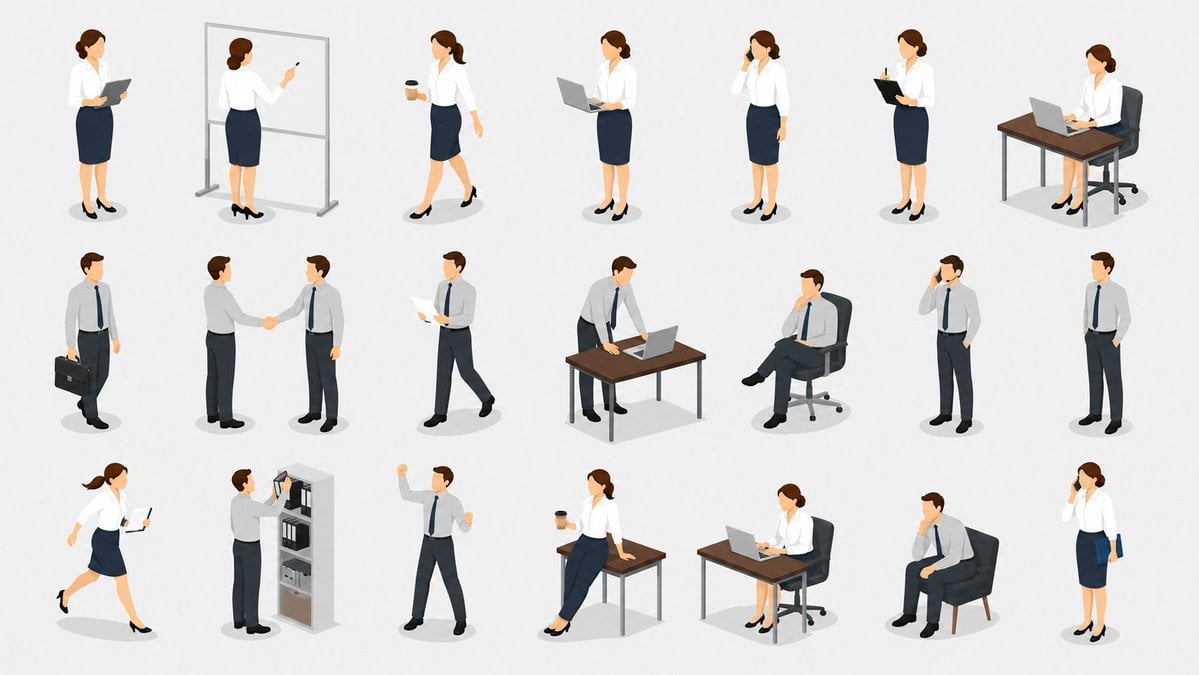
Isometric Business People Asset Sheet
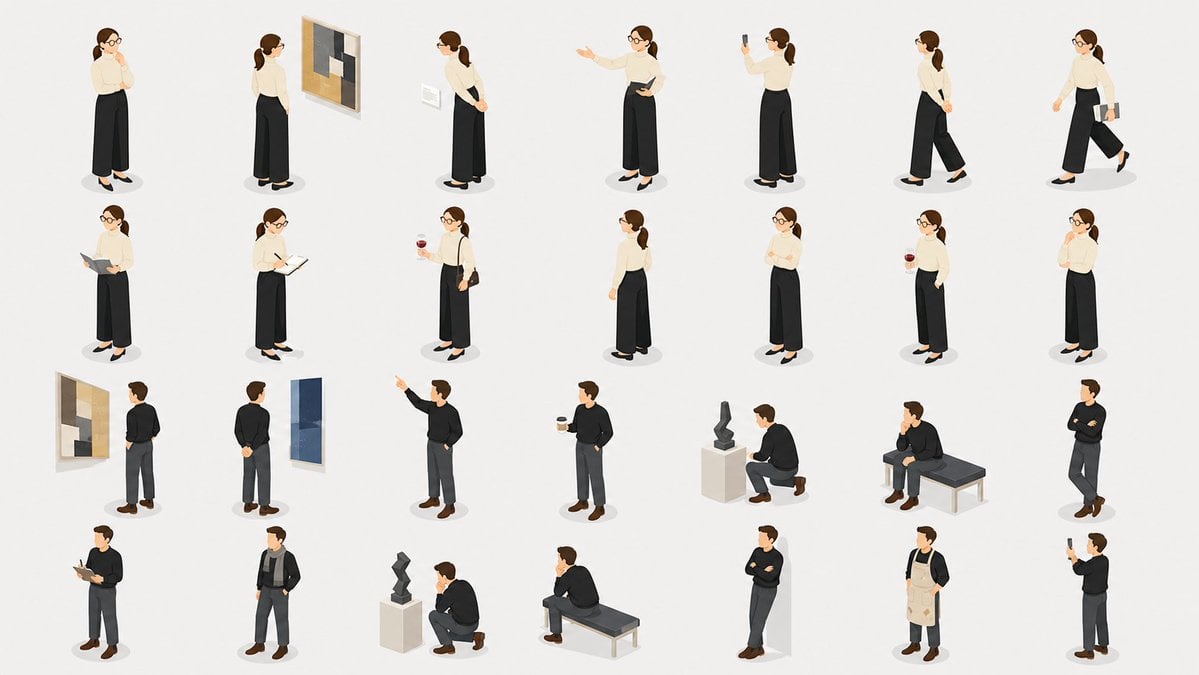
Isometric Gallery People Set

Isometric Process Educational Diorama

Isometric Brand Store Diorama

Isometric Vehicle Teardown Infographic Template

Business Presentation Icon Set
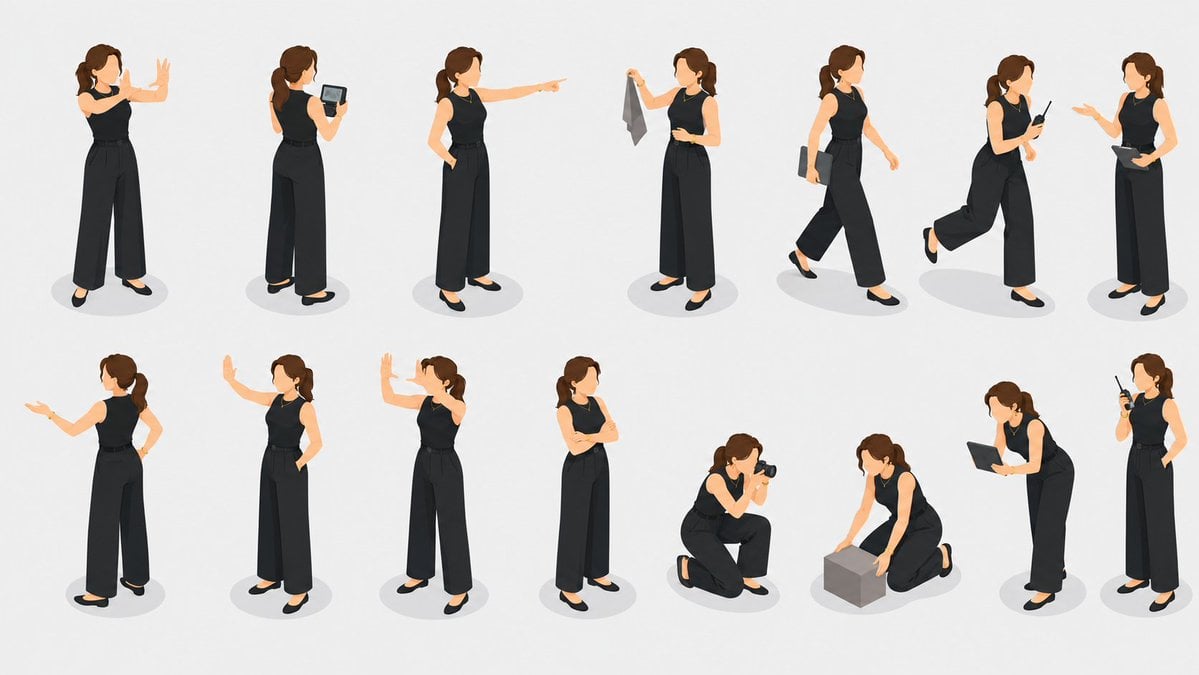
Isometric Businesswoman Pose Sheet
High Angle Photoshoot

Our Song was on a Cassette
Business Online Summit Ad Banner

Cinematic Studio Portrait Lighting Setup

Golden Retriever Sunset Campfire Photography
Make it yours
Isometric Business People Set works as-is. These are the safest ways to change it without losing the look.
Swap the setting
Keep the rest of the prompt and replace the location block. The current setting is “{argument name="background color" default="plain white"}”.
Change one field
Copy a single group, rewrite it, and generate again so you can see what that field is doing.
Keep the frame, change the subject
Hold the composition and light of Isometric Business People Set, then swap wardrobe, props or the person for a new take.
| If the result… | Why | Fix |
|---|---|---|
| The result drifts from the preview | Too many fields changed at once. | Reuse Isometric Business People Set as-is first, then change one group — subject, light, or setting. |
| GPT Image 2 ignores part of the JSON | Some models flatten or skip nested keys. | Keep the same values and paste them as a short paragraph instead. |
More GPT Image 2 templates
Other prompts made for GPT Image 2.

Six VTuber Japanese Logo Sheet

Realistic Portrait of Woman and Deer

The Vista Modular Condo Poster

AI Model Routing Comparison Infographic

2.5D Anime Art Board

New York Double Exposure Poster

Four-Panel AI Landscape Comparison

Japanese Tatami Lifestyle Magazine Cover

NESCAFÉ Coffee Map Poster

Brutalist Cogito Chinese Typography Poster
More image prompts
Fresh picks from across the catalog.
Olive Studio Butterfly Editorial Grid Prompt
Chibi Scrapbook Photo Transformation

Harsh Flash Fashion Portrait in Flower Field Prompt

High-Fashion Portrait of an Asian Woman with a Black Cat
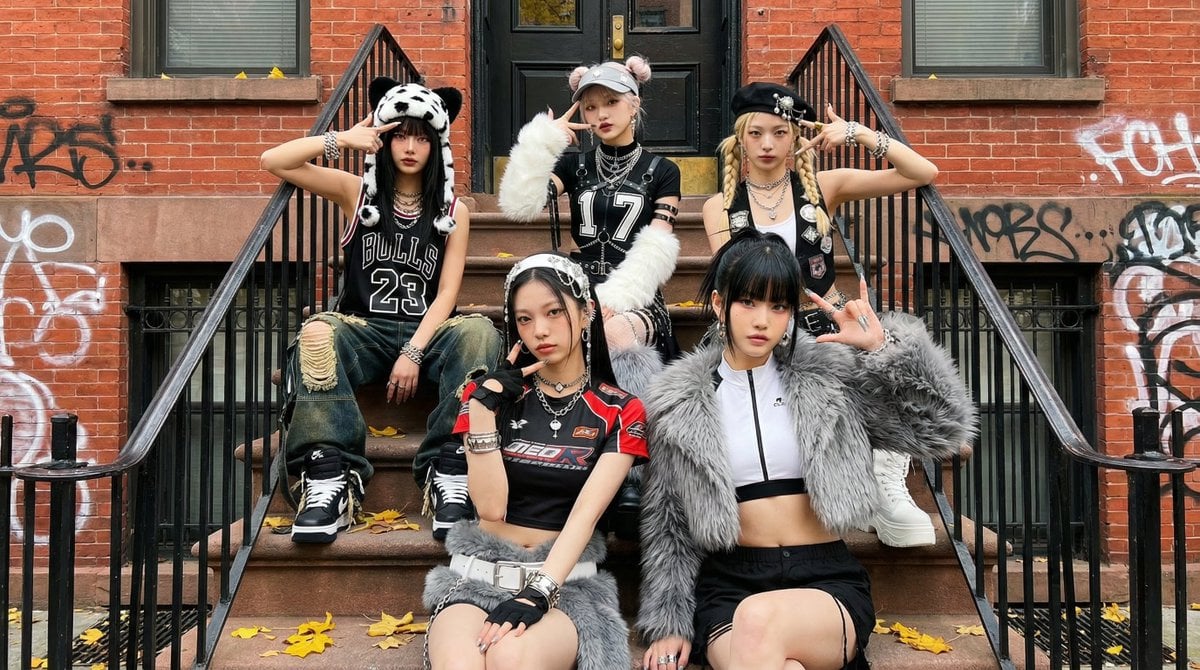
Fictional K-pop Artist Image Generation (Reference Based)

Cinematic Low-Light Subway Portrait

Watercolor Korean Couple Portrait
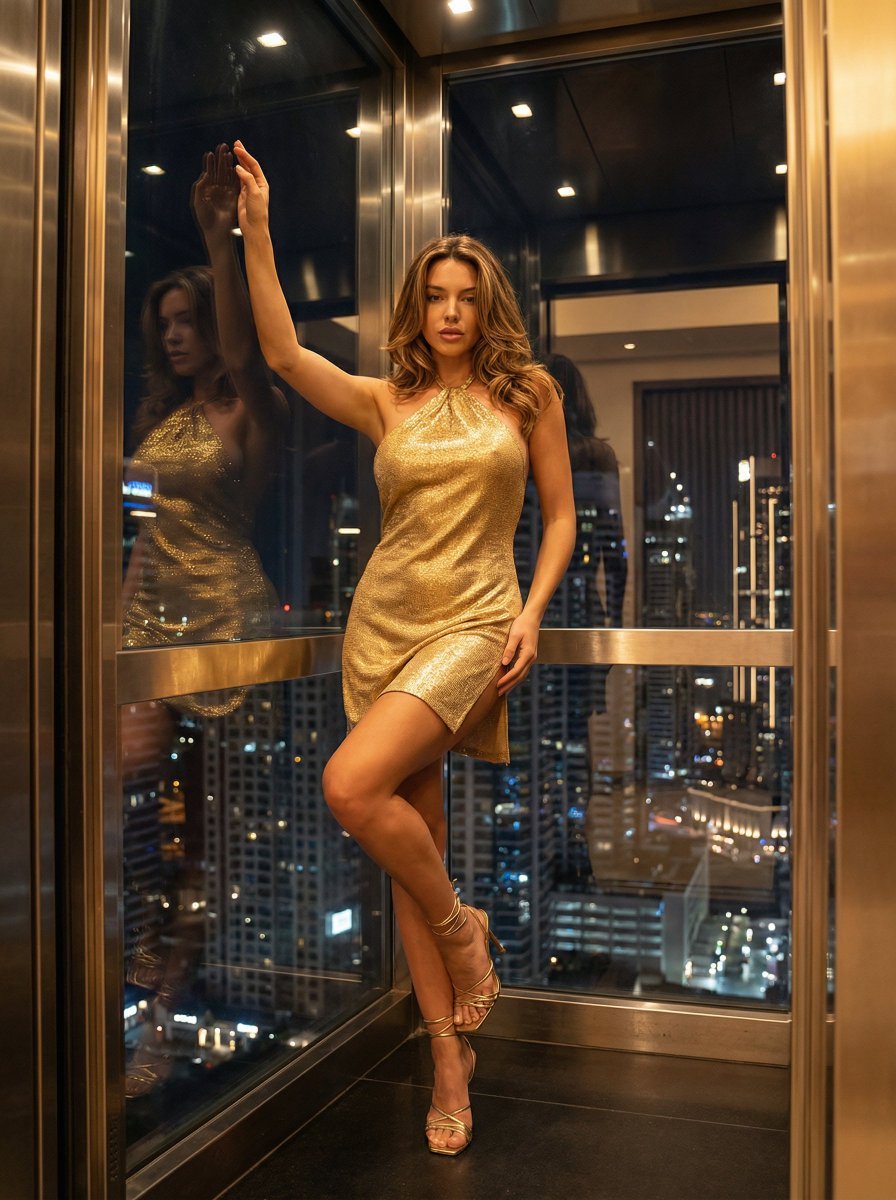
Nightlife Glamour Fashion Shoot in Glass Elevator
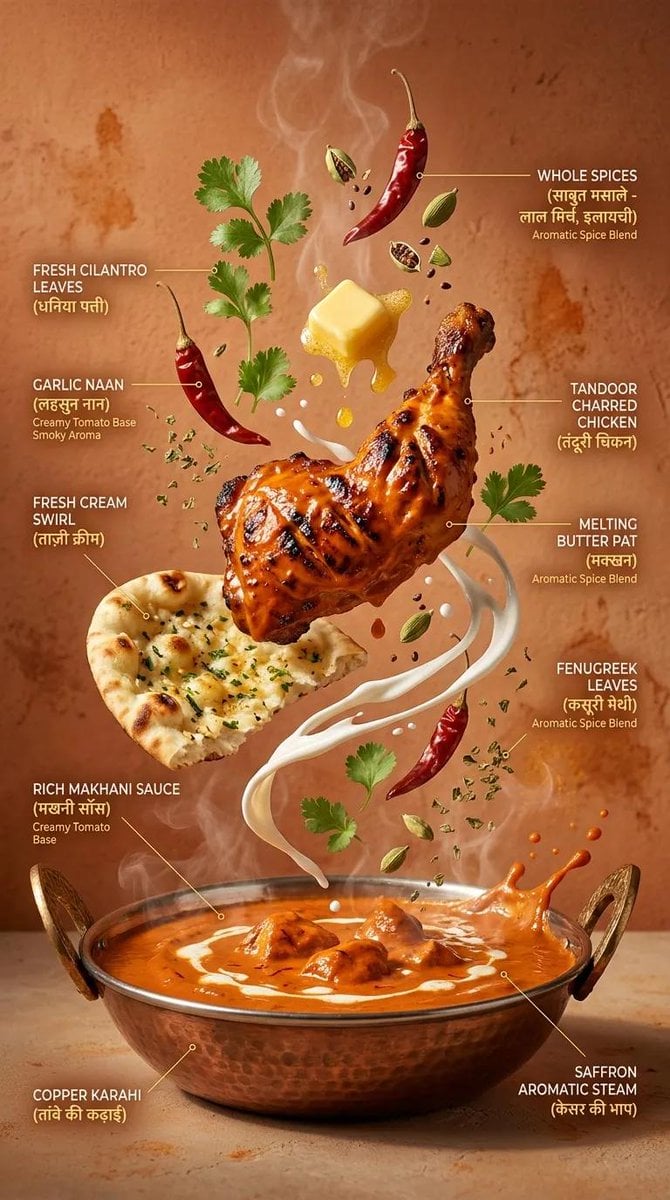
Cinematic Exploding Ramen Infographic
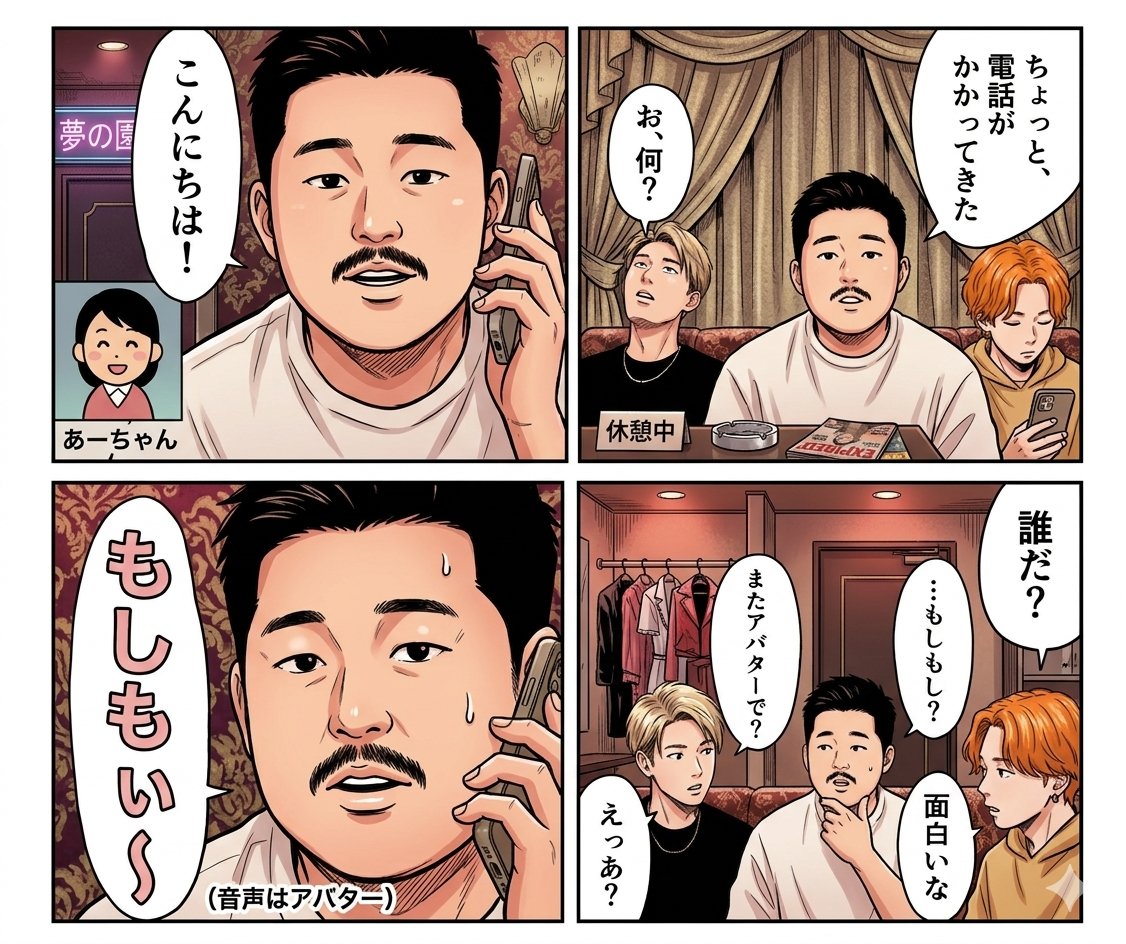
Panel Manga Dialogue Prompt
Browse template categories
Isometric Business People Set questions
How do I use the Isometric Business People Set template?
Add your photo if the template asks for one, edit the prompt if you like — the template's model and format are already selected — and press Generate. Your version opens in PicX Studio.
Can I customize the Isometric Business People Set template?
Yes. You can change the subject, setting, lighting, mood, format, and available model controls before creating your image.
Is the Isometric Business People Set template free?
Opening and editing this template is free. Generating uses credits, shown on the Generate button when you are signed in.
Which AI model should I use?
Start with GPT Image 2, which is the model associated with this template. You can compare another compatible model for a different finish.
Looking for something else? Browse all templates.

Your photo, any look
Thousands of ready templates for every top image and video model, from one credit balance.