
Isometric Gallery People Set
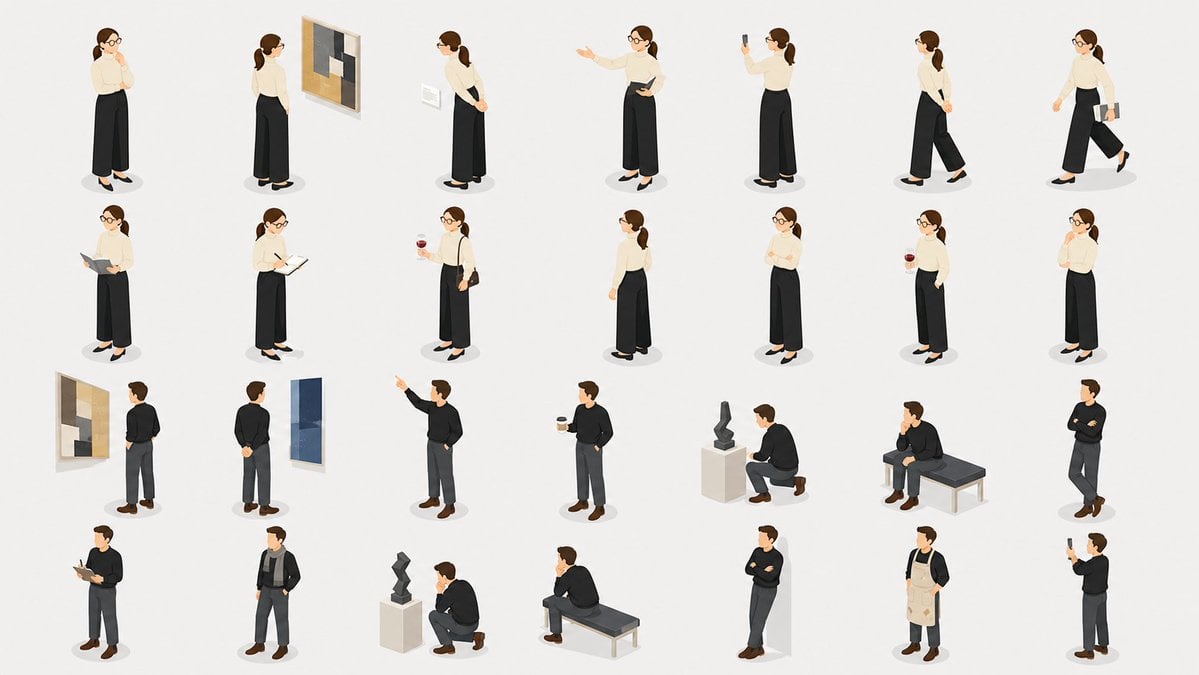
Generates a cohesive 28-pose isometric people illustration sheet for presentation slides, service pages, and corporate visual assets.
- Prompt included
- Model and format preset
- Free template
The prompt behind this image
Copy the exact prompt behind Isometric Gallery People Set, or open it in the studio and make it yours.
- Type
- isometric people illustration set for presentations and service pages
- Style
- clean flat-vector isometric illustration, soft 3D-like shading, minimal facial features, muted corporate colors, consistent proportions, white background, subtle oval gray shadows under each person, no text, no borders, no labels
- Canvas
- wide 16:9 composition with a neat grid of 28 separate full-body figure poses, evenly spaced with generous white space
- Characters › Female Character
- {argument name="female character description" default="young adult woman with brown hair in a low ponytail, round glasses, cream blouse, high-waisted black wide-leg trousers, black flats"}
- Characters › Male Character
- {argument name="male character description" default="young adult man with short brown hair, black sweater or dark jacket, charcoal trousers, brown shoes"}
- Layout › Count
- 28
- Layout › Arrangement
- 4 rows with 7 figures per row
- Layout › Row 1 › Count
- 7
- Layout › Row 1 › Figures
- female standing thoughtfully with hands near face, female viewed from behind studying a framed abstract painting, female side view with hands clasped behind back looking at a wall label, female presenting or pointing with one arm while holding a tablet, female from behind taking a phone photo, female walking in profile with hands clasped behind back, female walking while carrying a book or folder
- Layout › Row 2 › Count
- 7
- Layout › Row 2 › Figures
- female holding a tablet or clipboard and reading, female writing in a notebook with pen, female holding a takeaway coffee cup and carrying a small bag, female back view standing casually, female front view with arms folded, female holding a drink with one hand behind her back, female standing shyly with one hand near her chin
- Layout › Row 3 › Count
- 7
- Layout › Row 3 › Figures
- male seen from behind looking at a framed abstract painting, male rear view with hands clasped behind back facing a tall blue artwork, male pointing upward with one arm extended, male holding a takeaway coffee cup in a relaxed stance, male crouching beside a pedestal sculpture, male sitting on a gallery bench with hand on chin, male standing with arms crossed
- Layout › Row 4 › Count
- 7
- Layout › Row 4 › Figures
- male using a tablet while standing, male standing casually in a dark open jacket and scarf, male crouching and observing a small abstract sculpture on a pedestal, male sitting on a bench in a thinking pose, male leaning or standing with arms crossed beside a pale geometric block, male wearing a beige apron over dark clothing like a gallery staff member or artist, male standing sideways taking a phone photo
- Environmental Objects › Count
- 7
- Environmental Objects › Items
- 2 framed abstract paintings on walls, 1 tall blue wall artwork, 2 small wall-label placards, 2 abstract sculptures on pedestals, 2 simple gallery benches, multiple handheld props including phones, tablet, notebook, coffee cups, folder, and bag
- Rendering Instructions
- Generate a cohesive reusable illustration asset sheet, not a scene. Keep every figure isolated, in the same isometric angle and scale, suitable for PowerPoint diagrams, website sections, business presentations, museum or gallery service illustrations. Use {argument name="background color" default="pure white"} background, {argument name="accent color palette" default="cream, black, charcoal gray, warm brown, muted beige, soft blue"}, and {argument name="overall mood" default="calm, professional, refined museum-gallery atmosphere"}.
Raw JSON
{"type":"isometric people illustration set for presentations and service pages","style":"clean flat-vector isometric illustration, soft 3D-like shading, minimal facial features, muted corporate colors, consistent proportions, white background, subtle oval gray shadows under each person, no text, no borders, no labels","canvas":"wide 16:9 composition with a neat grid of 28 separate full-body figure poses, evenly spaced with generous white space","characters":{"female character":"{argument name=\"female character description\" default=\"young adult woman with brown hair in a low ponytail, round glasses, cream blouse, high-waisted black wide-leg trousers, black flats\"}","male character":"{argument name=\"male character description\" default=\"young adult man with short brown hair, black sweater or dark jacket, charcoal trousers, brown shoes\"}"},"layout":{"count":28,"arrangement":"4 rows with 7 figures per row","row 1":{"count":7,"figures":["female standing thoughtfully with hands near face","female viewed from behind studying a framed abstract painting","female side view with hands clasped behind back looking at a wall label","female presenting or pointing with one arm while holding a tablet","female from behind taking a phone photo","female walking in profile with hands clasped behind back","female walking while carrying a book or folder"]},"row 2":{"count":7,"figures":["female holding a tablet or clipboard and reading","female writing in a notebook with pen","female holding a takeaway coffee cup and carrying a small bag","female back view standing casually","female front view with arms folded","female holding a drink with one hand behind her back","female standing shyly with one hand near her chin"]},"row 3":{"count":7,"figures":["male seen from behind looking at a framed abstract painting","male rear view with hands clasped behind back facing a tall blue artwork","male pointing upward with one arm extended","male holding a takeaway coffee cup in a relaxed stance","male crouching beside a pedestal sculpture","male sitting on a gallery bench with hand on chin","male standing with arms crossed"]},"row 4":{"count":7,"figures":["male using a tablet while standing","male standing casually in a dark open jacket and scarf","male crouching and observing a small abstract sculpture on a pedestal","male sitting on a bench in a thinking pose","male leaning or standing with arms crossed beside a pale geometric block","male wearing a beige apron over dark clothing like a gallery staff member or artist","male standing sideways taking a phone photo"]}},"environmental objects":{"count":7,"items":["2 framed abstract paintings on walls","1 tall blue wall artwork","2 small wall-label placards","2 abstract sculptures on pedestals","2 simple gallery benches","multiple handheld props including phones, tablet, notebook, coffee cups, folder, and bag"]},"rendering instructions":"Generate a cohesive reusable illustration asset sheet, not a scene. Keep every figure isolated, in the same isometric angle and scale, suitable for PowerPoint diagrams, website sections, business presentations, museum or gallery service illustrations. Use {argument name=\"background color\" default=\"pure white\"} background, {argument name=\"accent color palette\" default=\"cream, black, charcoal gray, warm brown, muted beige, soft blue\"}, and {argument name=\"overall mood\" default=\"calm, professional, refined museum-gallery atmosphere\"}."}How to use Isometric Gallery People Set in 3 steps
- 1Upload ImagePNG, JPG or paste
Add your photo
Upload the photo the template builds on. The prompt, model and format are already set.
- 2…a portrait of your subject in softgolden-hour light, 85mm…
Personalize
Edit the subject and creative details for your destination.
- 3Generate
Generate
Press Generate — your image is created in PicX Studio, so you can compare it with the original and refine one variable at a time.
More like this
Templates with the same subject, style or setup. Open one to see its prompt.
Isometric Business People Set
Isometric Business People Asset Sheet

Isometric Process Educational Diorama

Isometric Brand Store Diorama

Isometric Vehicle Teardown Infographic Template
High Angle Photoshoot

Our Song was on a Cassette

Cinematic Studio Portrait Lighting Setup

Golden Retriever Sunset Campfire Photography

Ultra-Realistic Yacht Sunset Portrait

Cozy Isometric Bathroom Miniature Diorama

Clear, 45 top-down isometric miniature 3D cartoon scene of the iconic
Make it yours
Isometric Gallery People Set works as-is. These are the safest ways to change it without losing the look.
Swap the setting
Keep the rest of the prompt and replace the location block. The current setting is “7”.
Change one field
Copy a single group, rewrite it, and generate again so you can see what that field is doing.
Keep the frame, change the subject
Hold the composition and light of Isometric Gallery People Set, then swap wardrobe, props or the person for a new take.
| If the result… | Why | Fix |
|---|---|---|
| The result drifts from the preview | Too many fields changed at once. | Reuse Isometric Gallery People Set as-is first, then change one group — subject, light, or setting. |
| GPT Image 2 ignores part of the JSON | Some models flatten or skip nested keys. | Keep the same values and paste them as a short paragraph instead. |
More GPT Image 2 templates
Other prompts made for GPT Image 2.

Six VTuber Japanese Logo Sheet

Realistic Portrait of Woman and Deer

The Vista Modular Condo Poster

AI Model Routing Comparison Infographic

2.5D Anime Art Board

New York Double Exposure Poster

Four-Panel AI Landscape Comparison

Japanese Tatami Lifestyle Magazine Cover

NESCAFÉ Coffee Map Poster

Brutalist Cogito Chinese Typography Poster
More image prompts
Fresh picks from across the catalog.
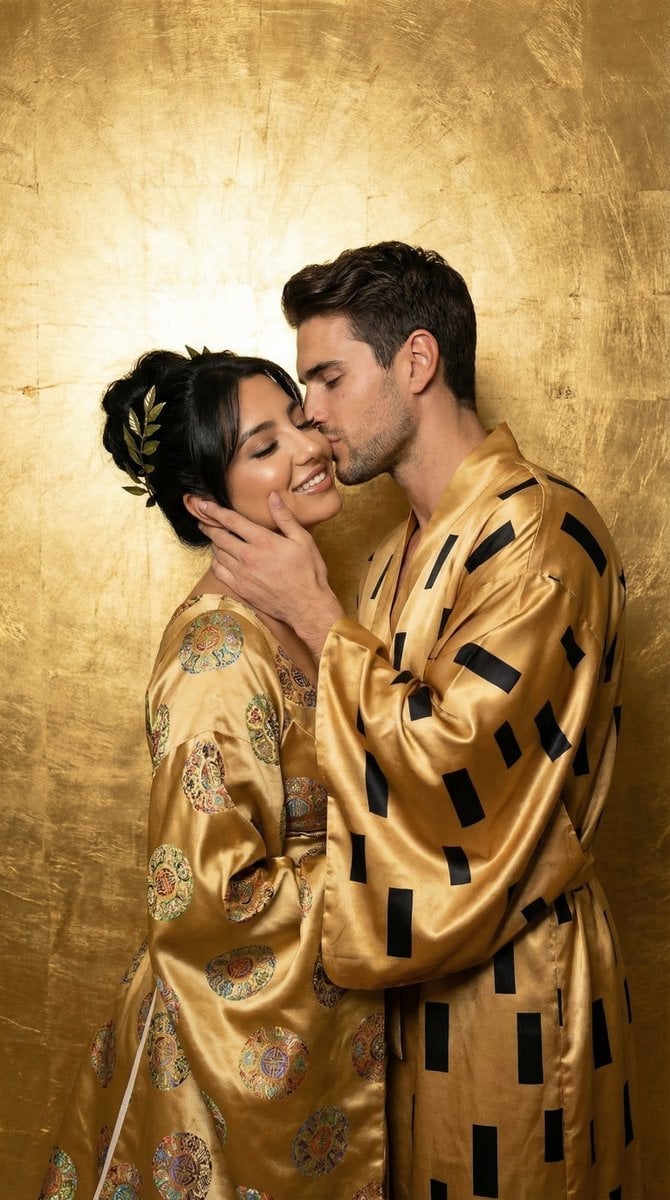
Fine-Art Fashion Editorial Inspired by Gold Mosaic Aesthetics
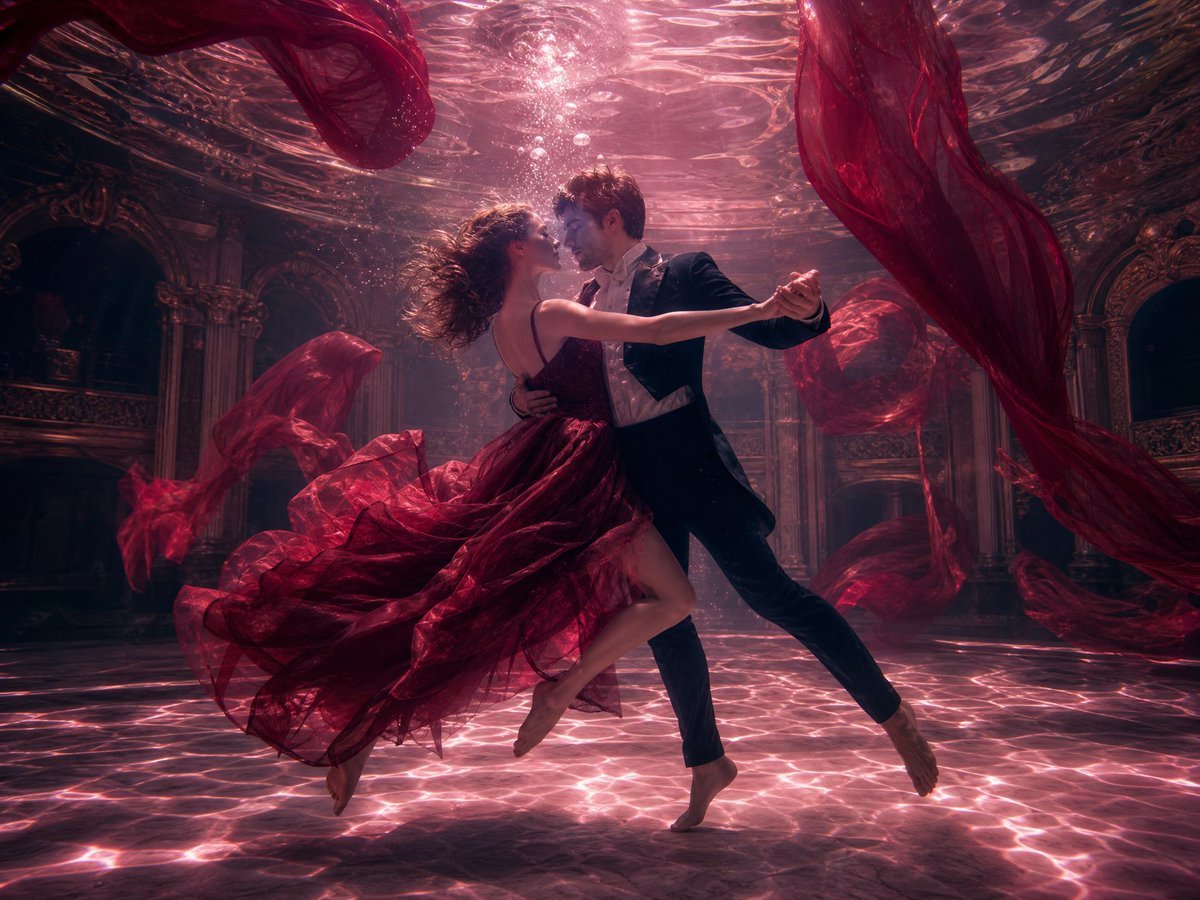
Atmospheric Underwater Photography Template
Four-Panel Manga: The Darkness of SNS (Part 1)

Manga Body Swap Band Panic

Ultra-Realistic Beverage Product Photography
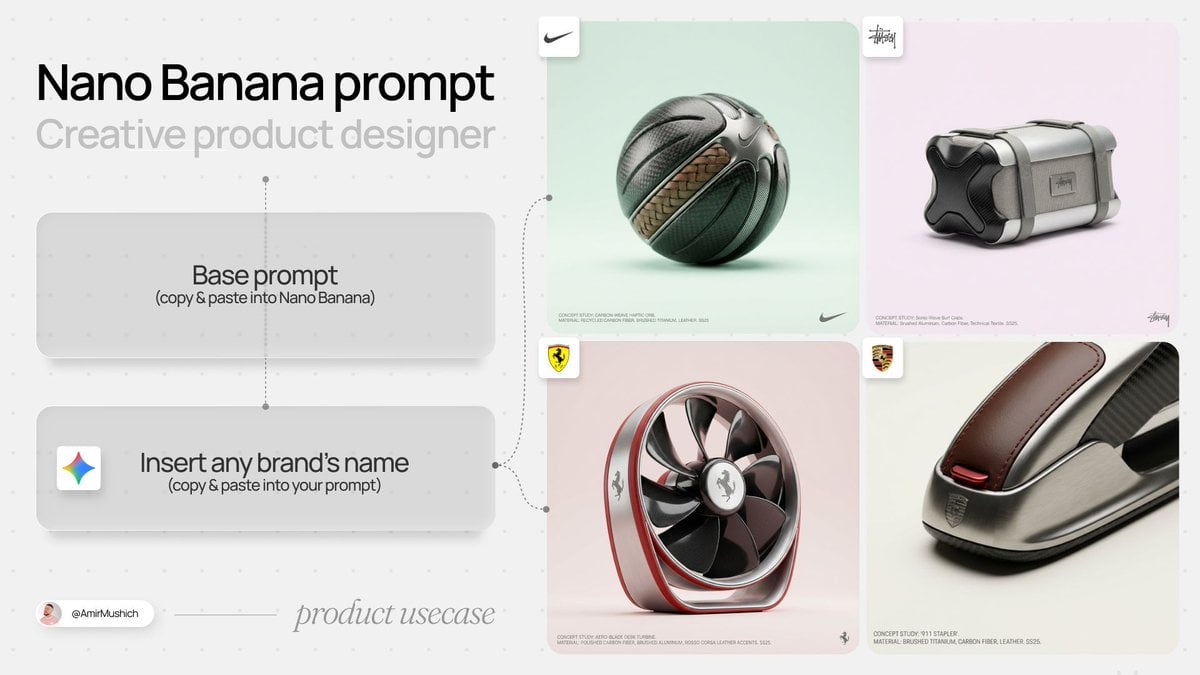
High-End Concept Art Magazine Editorial Prompt
Dual Style Image Generation (Indian Traditional and Western)

Hyper-Realistic Cinematic Night Portrait in Rain
Authentic Japanese Kimono Selfie Portrait
Terminator Girl
Browse template categories
Isometric Gallery People Set questions
How do I use the Isometric Gallery People Set template?
Add your photo if the template asks for one, edit the prompt if you like — the template's model and format are already selected — and press Generate. Your version opens in PicX Studio.
Can I customize the Isometric Gallery People Set template?
Yes. You can change the subject, setting, lighting, mood, format, and available model controls before creating your image.
Is the Isometric Gallery People Set template free?
Opening and editing this template is free. Generating uses credits, shown on the Generate button when you are signed in.
Which AI model should I use?
Start with GPT Image 2, which is the model associated with this template. You can compare another compatible model for a different finish.
Looking for something else? Browse all templates.

Your photo, any look
Thousands of ready templates for every top image and video model, from one credit balance.