
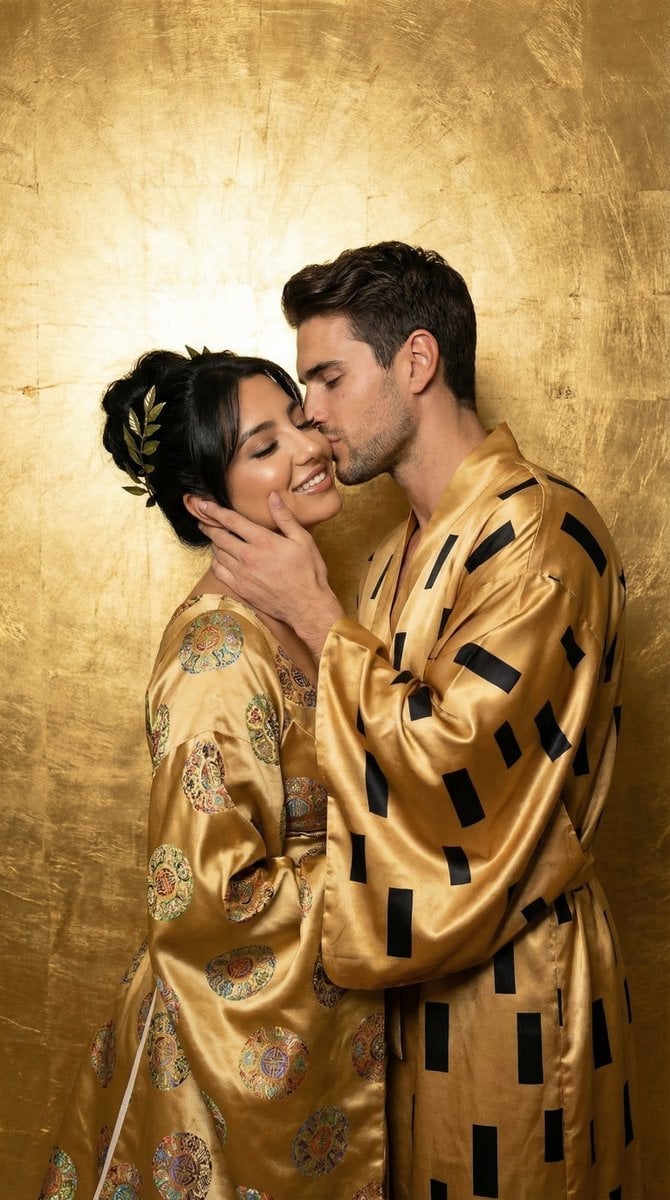
Fine-Art Fashion Editorial Inspired by Gold Mosaic Aesthetics
A highly detailed, structured JSON prompt for generating a fine-art fashion photograph featuring two subjects in an intimate embrace, dressed in luxurious gold garments with geometric mosaic patterns, set against a…
- Prompt included
- Model and format preset
- Free template
The prompt behind this image
Copy the exact prompt behind Fine-Art Fashion Editorial Inspired by Gold Mosaic Aesthetics, or open it in the studio and make it yours.
{ "generation_request": { "meta_data": { "task_type": "photoreal_cinematic_fineart_fashion_recreation", "language": "en", "priority": "highest", "version": "v1.0_GOLDEN_EMBRACE_MOSAIC_ROBES_FINEART_NO_TEXT" }, "output": { "aspect_ratio": "4:5", "resolution": "high", "num_images": 4 }, "scene": { "concept": "A high-end fine-art fashion editorial inspired by early 20th-century gold mosaic aesthetics: two lovers in an intimate embrace, wrapped in luxurious gold garments with geometric black rectangles and colorful circular motifs. The composition is tight and tender, focusing on hands, faces, and the ornamental textile patterns, set against a shimmering gold textured backdrop.", "environment": { "location": "fine-art studio set", "background": "rich gold leaf / mosaic-like textured wall with subtle speckle and patina, painterly depth, no visible props", "mood": "romantic, intimate, museum-grade, cinematic stillness" }, "subjects": { "couple": { "type": "two adults", "pose": "standing close; one partner cradles the other’s face with both hands; gentle kiss on the cheek/temple; the other leans back slightly with closed eyes, serene", "expression": "tender, intimate, dreamy", "styling": { "partner_1": { "outfit": "long gold satin robe/kimono with bold geometric black rectangles and a few muted silver blocks; premium sheen, heavy drape", "hair": "dark curly hair with a small green laurel-like accent woven in", "details": "hands prominent, fingers softly pressing the jawline, natural skin texture" }, "partner_2": { "outfit": "fitted gold gown with colorful circular motifs ({argument name=\"partner 2 motif colors\" default=\"turquoise, magenta, cobalt, red\"}) placed like mosaic medallions; subtle embroidery and beadwork near hem", "hair": "{argument name=\"partner 2 hair color\" default=\"vibrant copper/red\"} hair styled softly with a small purple ribbon or clip", "details": "minimal jewelry; soft blush; natural skin texture" } } } } }, "camera": { "framing": "medium full shot, couple centered slightly to the right, ornamental gold negative space to the left", "lens": "50mm", "aperture": "f/2.2", "depth_of_field": "shallow to medium; faces and hands sharp, background softly textured", "perspective": "natural, straight-on, no warp" }, "lighting": { "style": "museum-style soft key light with warm gold bounce", "key_light": "large diffused source from upper left", "fill": "gentle fill to preserve detail in gold fabric", "look": "controlled highlights on satin, no harsh specular blowout, subtle film grain, no HDR glow" }, "color_grading": { "palette": "dominant golds and ambers, black geometric accents, jewel-tone circular motifs"
How to use Fine-Art Fashion Editorial Inspired by Gold Mosaic Aesthetics in 3 steps
- 1
Open
The prompt is already in the box next to the preview, with the template's model and format selected.
- 2…a portrait of your subject in softgolden-hour light, 85mm…
Personalize
Edit the subject and creative details for your destination.
- 3Generate
Generate
Press Generate — your image is created in PicX Studio, so you can compare it with the original and refine one variable at a time.
More like this
Templates with the same subject, style or setup. Open one to see its prompt.

Fine Art Monochrome Fashion Portrait

untitled

Google Gemini Nano Banana Pro

Conceptual Fashion Portrait in Spider We

01 Skincare Split Portrait — Nano Banana 2

24 The Getty Center — California Series

21 Glass Floor Skyscraper — California Series

19 Luxury Helicopter Travel — California Series

08 Rodeo Drive Luxury Exit — California Series

03 Beverly Hills Convertible — California Series

Gpt Image 2 Fashion Portrait

Caution Tape Fashion — Industrial Editorial
Make it yours
Fine-Art Fashion Editorial Inspired by Gold Mosaic Aesthetics works as-is. These are the safest ways to change it without losing the look.
Change one field
Copy a single group, rewrite it, and generate again so you can see what that field is doing.
Keep the frame, change the subject
Hold the composition and light of Fine-Art Fashion Editorial Inspired by Gold Mosaic Aesthetics, then swap wardrobe, props or the person for a new take.
| If the result… | Why | Fix |
|---|---|---|
| The result drifts from the preview | Too many fields changed at once. | Reuse Fine-Art Fashion Editorial Inspired by Gold Mosaic Aesthetics as-is first, then change one group — subject, light, or setting. |
| The model over-stylizes the scene | The prose prompt leaves finish and camera underspecified. | Add one camera or lighting sentence and stay on Nano Banana 2. |
More Nano Banana 2 templates
Other prompts made for Nano Banana 2.

Photorealistic Leaf Shaped Like a Dragon

K-Pop Idol Portrait Grid for Rapid Selection

Poetic Rain Forest Portrait During Golden Hour

Urban Street Portrait with Cartoon Inner Self Duo

Candid Nighttime Photo with Cat Prompt

High-Concept 3D Diorama Generation Prompt

Cinematic Futuristic Studio Portrait Template

Skincare Editorial Photography Collage Prompt

Hyper-Realistic Commercial Product Photography (Splash Effect)

Hyper-Realistic Nightclub Portrait Prompt
More image prompts
Fresh picks from across the catalog.
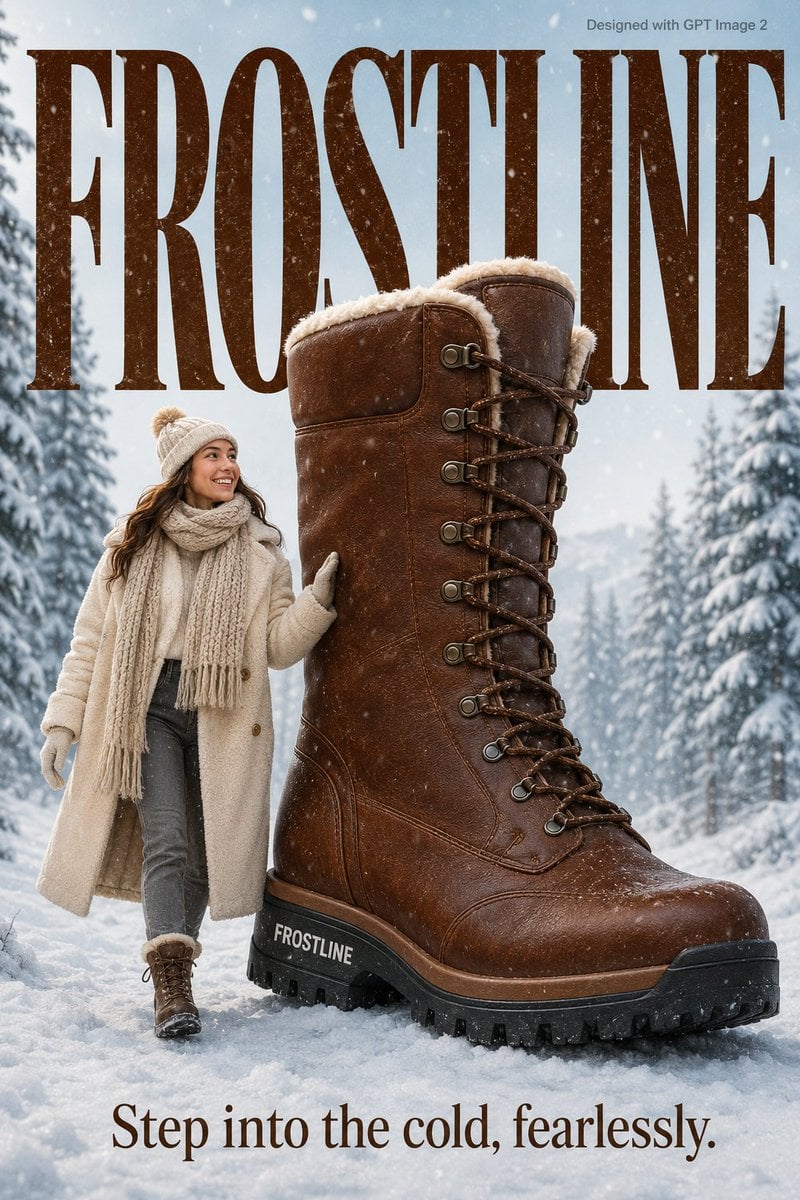
Cozy Winter Lifestyle Brand Advertisement
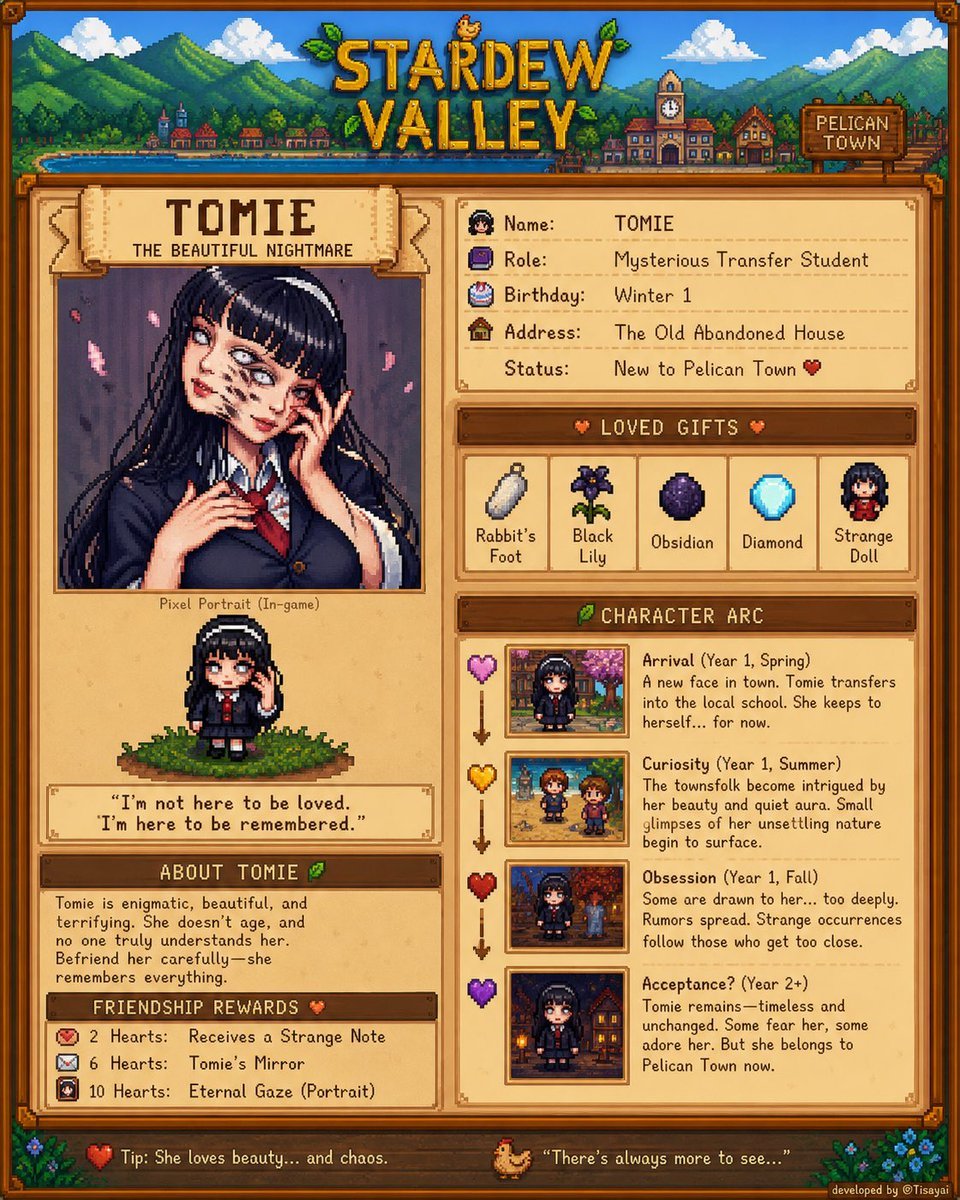
Stardew Valley Character Wiki Poster

Japanese Office LINE Sticker Sheet

HIX.AI Slide Update Banner
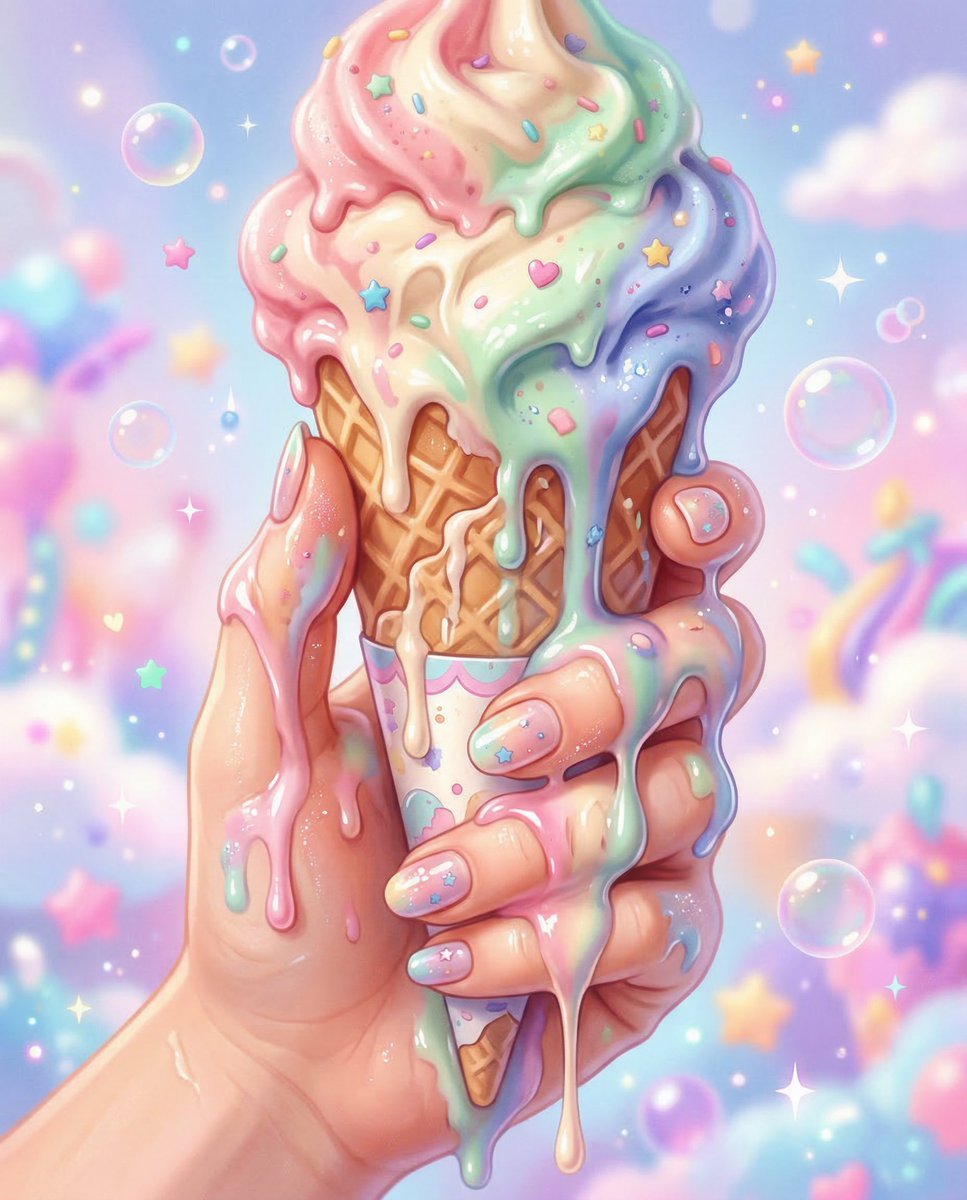
Kawaii Pop Surreal Ice Cream Hand

JRPG Hatsune Miku Fantasy Logo
Ultra-Photorealistic Portrait of a Young Woman in Hawaiian Tropic Attire
Y2K Fish-eye 2x2 Photo Booth Collage
Realistic AI Face Generation Prompt for Gemini
Macro Food Photography of Blueberries and Yogurt
Browse template categories
Fine-Art Fashion Editorial Inspired by Gold Mosaic Aesthetics questions
How do I use the Fine-Art Fashion Editorial Inspired by Gold Mosaic Aesthetics template?
Add your photo if the template asks for one, edit the prompt if you like — the template's model and format are already selected — and press Generate. Your version opens in PicX Studio.
Can I customize the Fine-Art Fashion Editorial Inspired by Gold Mosaic Aesthetics template?
Yes. You can change the subject, setting, lighting, mood, format, and available model controls before creating your image.
Is the Fine-Art Fashion Editorial Inspired by Gold Mosaic Aesthetics template free?
Opening and editing this template is free. Generating uses credits, shown on the Generate button when you are signed in.
Which AI model should I use?
Start with Nano Banana 2, which is the model associated with this template. You can compare another compatible model for a different finish.
Looking for something else? Browse all templates.

Your photo, any look
Thousands of ready templates for every top image and video model, from one credit balance.