
Watercolor Korean Couple Portrait
A detailed prompt for creating a romantic watercolor illustration of a Korean couple in a spring garden, emphasizing soft textures and an editorial fashion aesthetic.
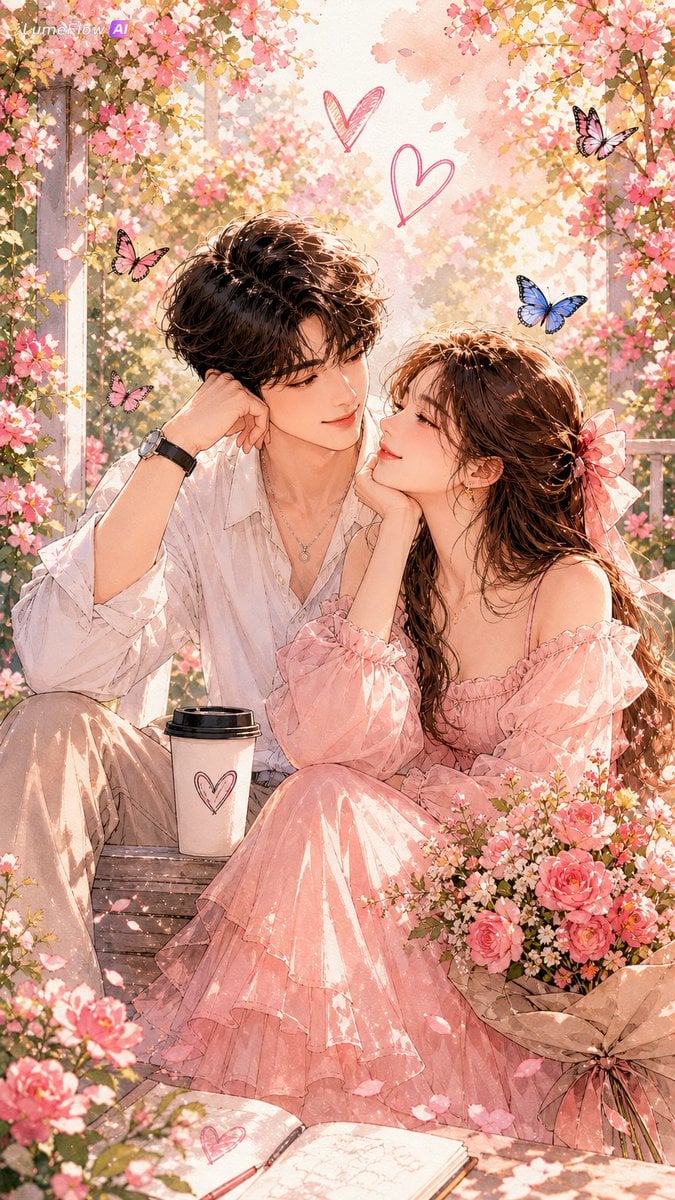
- Prompt included
- Model and format preset
- Free template
The prompt behind this image
Copy the exact prompt behind Watercolor Korean Couple Portrait, or open it in the studio and make it yours.
Fashion editorial watercolor portrait illustration of a romantic {argument name="couple type" default="young Korean couple"} in a {argument name="floral setting" default="blooming spring garden"}, standing close together in a soft intimate moment — the boy gently holding the girl's hand while she leans slightly toward him with a warm shy smile. The woman wears an {argument name="woman outfit" default="elegant flowing blush-pink dress"} with delicate fabric movement, while the man wears a soft ivory-beige shirt layered with a light pastel cardigan, creating a dreamy romantic harmony. Soft Korean facial features, healthy glowing skin texture, subtle natural makeup, calm affectionate expressions, relaxed posture, gentle head tilt, slight three-quarter angle, waist-up framing. Set in a glowing May flower garden filled with delicate pastel blossoms, fluttering petals, and warm spring sunlight filtering softly through flowers and greenery. Romantic atmosphere with soft emotional chemistry, dreamy yet elegant mood. Rendered in a minimalist contemporary watercolor fashion sketch aesthetic, featuring fine delicate ink and pencil linework layered over translucent watercolor washes, loose fluid brush strokes, wet-on-wet blending, soft bleeding edges, unfinished artistic brush textures, visible premium watercolor paper grain, elegant negative space. Soft blush pinks, warm peach tones, creamy whites, faded sage greens, and delicate floral hues naturally melting into the background. Flat editorial lighting, refined luxury magazine illustration feel, poetic spring romance atmosphere. No photorealism, no 3D render, no bokeh, no depth-of-field blur, no harsh outlines, no caricature, no cluttered background, no over-detailing.
How to use Watercolor Korean Couple Portrait in 3 steps
- 1
Open
The prompt is already in the box next to the preview, with the template's model and format selected.
- 2…a portrait of your subject in softgolden-hour light, 85mm…
Personalize
Edit the subject and creative details for your destination.
- 3Generate
Generate
Press Generate — your image is created in PicX Studio, so you can compare it with the original and refine one variable at a time.
More like this
Templates with the same subject, style or setup. Open one to see its prompt.

Found Photograph: Us, 1970

80s Couple Studio Portrait

Cinema Date Popcorn Realistic By Nano Ba

Enchanted Forest Root Kiss Scene By Nano

Romantic Cinematic Still of a Couple in

Nano Banana Pro Photoreal Playful Couple

Couple Goals from the Google Gemini Nano

Festive Couple Holiday Magic Template

Sunday Afternoon, 1988

Two Tickets, One Night

If We Met in 1985

One Dance Before Midnight
Make it yours
Watercolor Korean Couple Portrait works as-is. These are the safest ways to change it without losing the look.
Change one field
Copy a single group, rewrite it, and generate again so you can see what that field is doing.
Keep the frame, change the subject
Hold the composition and light of Watercolor Korean Couple Portrait, then swap wardrobe, props or the person for a new take.
| If the result… | Why | Fix |
|---|---|---|
| The result drifts from the preview | Too many fields changed at once. | Reuse Watercolor Korean Couple Portrait as-is first, then change one group — subject, light, or setting. |
| The model over-stylizes the scene | The prose prompt leaves finish and camera underspecified. | Add one camera or lighting sentence and stay on GPT Image 2. |
More GPT Image 2 templates
Other prompts made for GPT Image 2.

Six VTuber Japanese Logo Sheet

Realistic Portrait of Woman and Deer

The Vista Modular Condo Poster

AI Model Routing Comparison Infographic

2.5D Anime Art Board

Isometric Productivity Desk Scene

New York Double Exposure Poster

Four-Panel AI Landscape Comparison

Japanese Tatami Lifestyle Magazine Cover

NESCAFÉ Coffee Map Poster
More image prompts
Fresh picks from across the catalog.
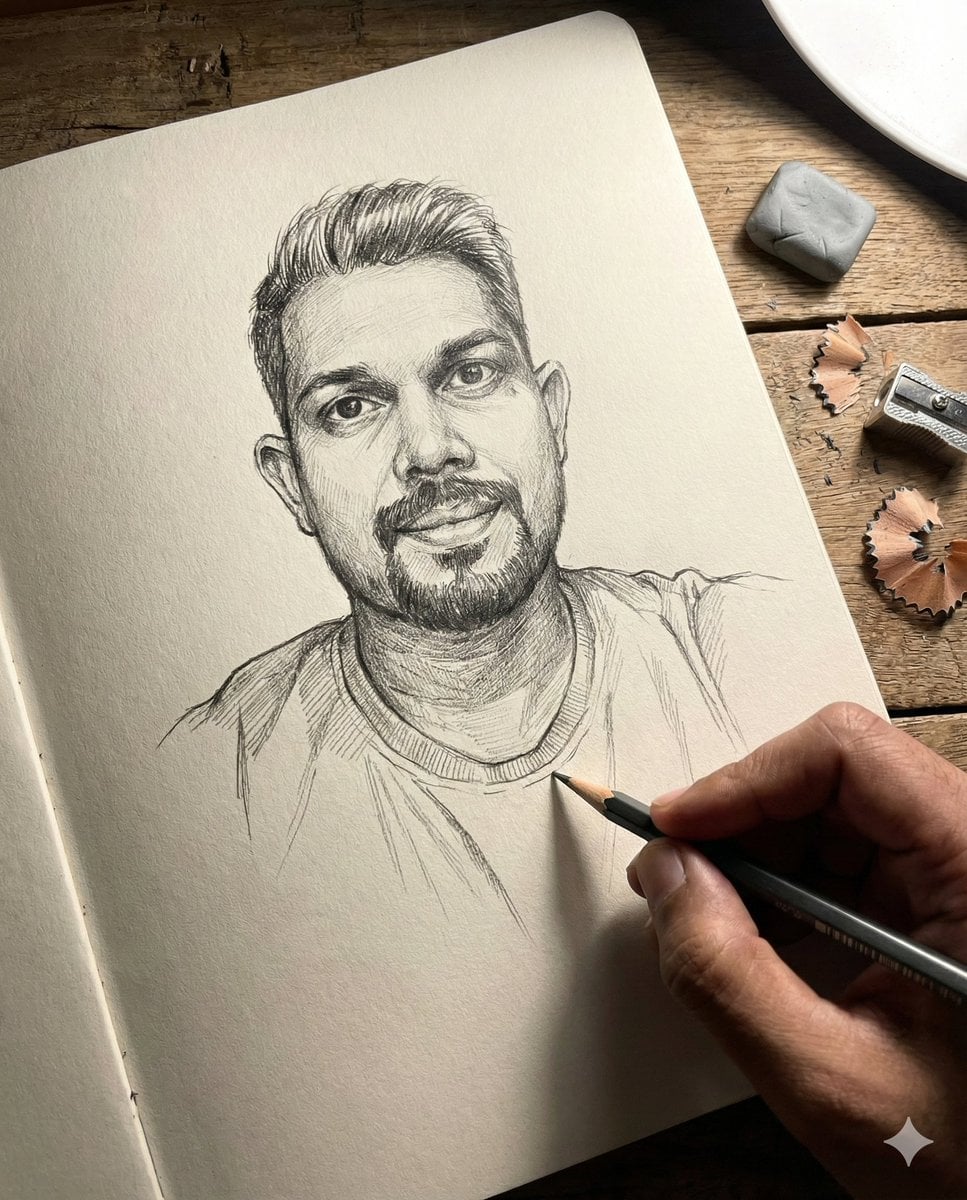
Anamorphic Graphite Sketch Illusion Prompt
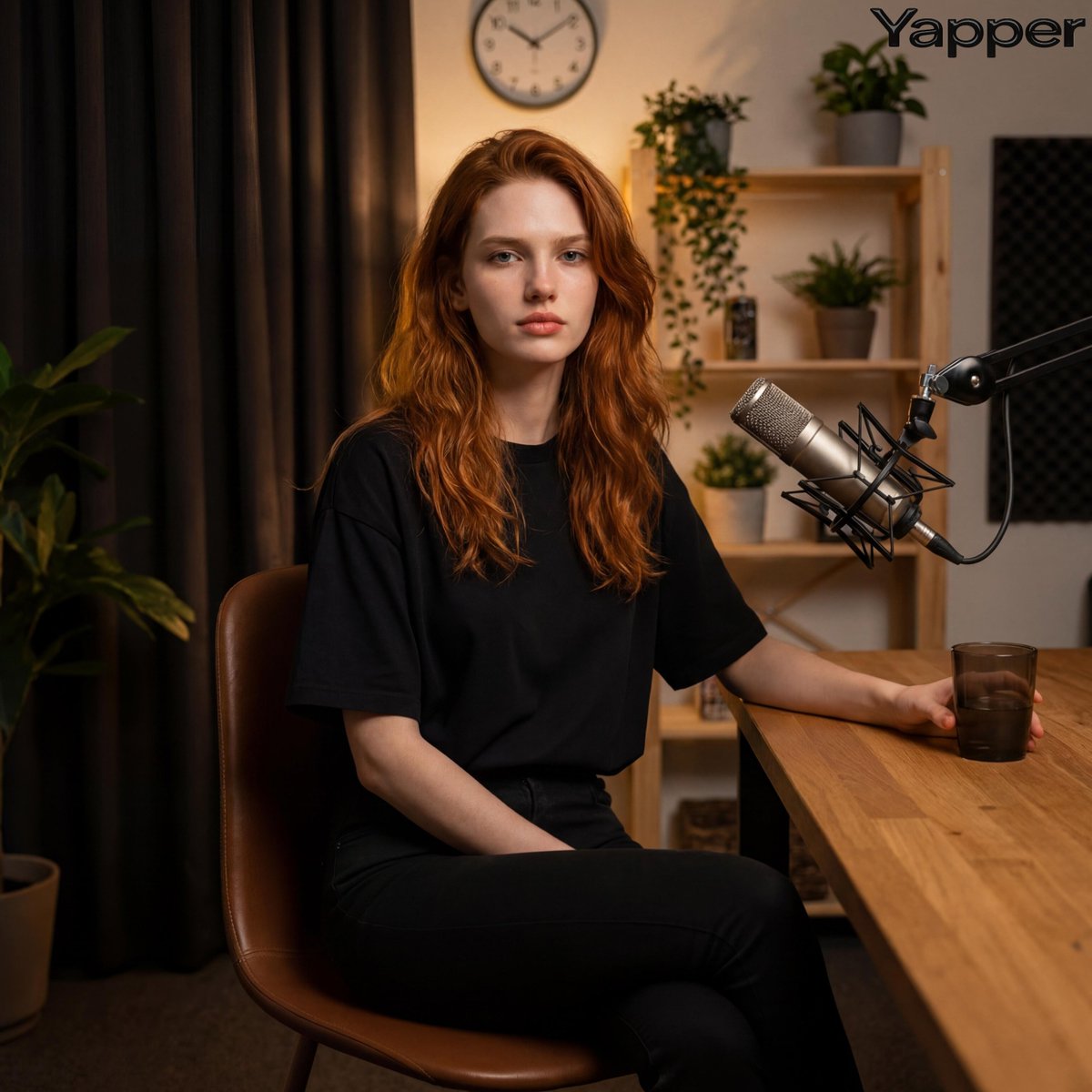
Photorealistic Portrait in a Warm Recording Studio

Tropical Dessert Product Photography with Milk Splash
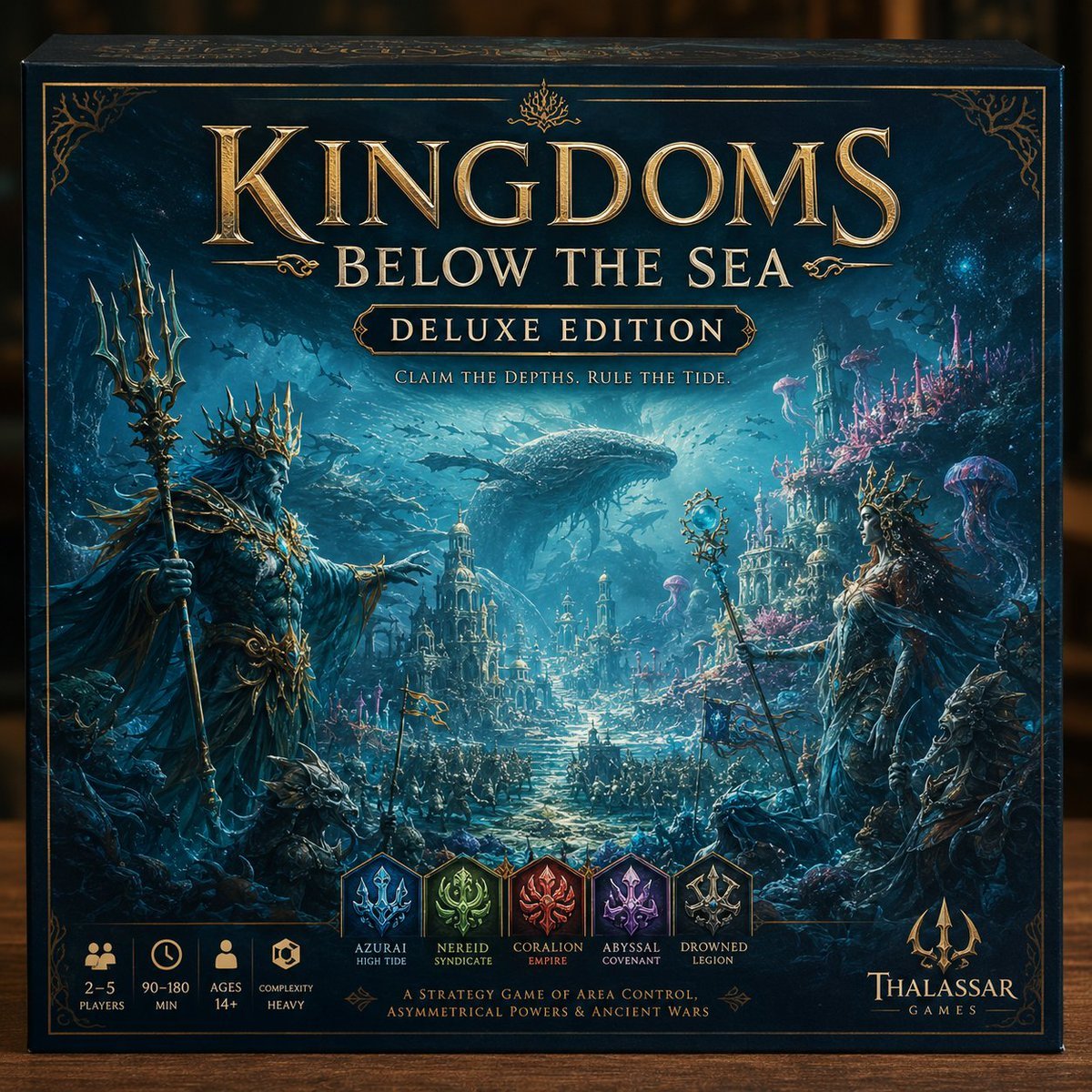
Deluxe Underwater Kingdom Board Game Box
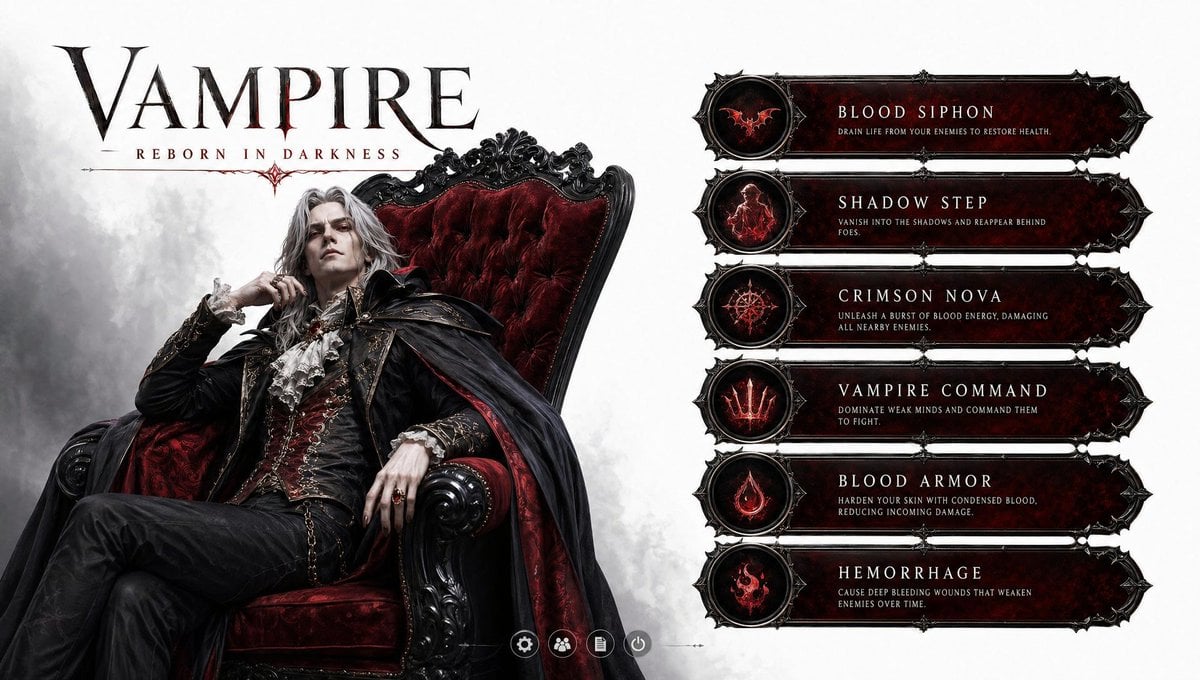
3D Vampire Gaming Character
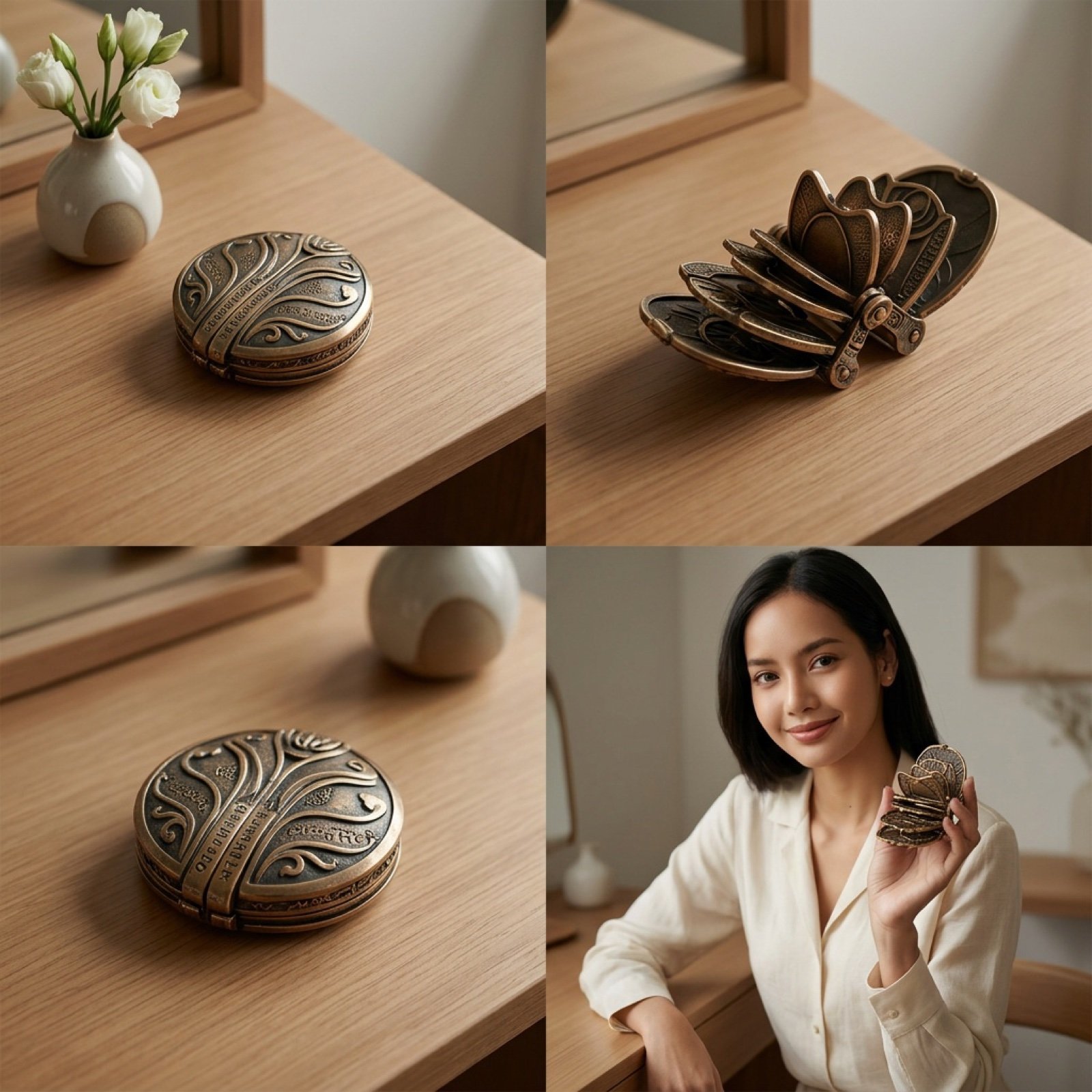
Detailed Video Generation Prompt for Product Display
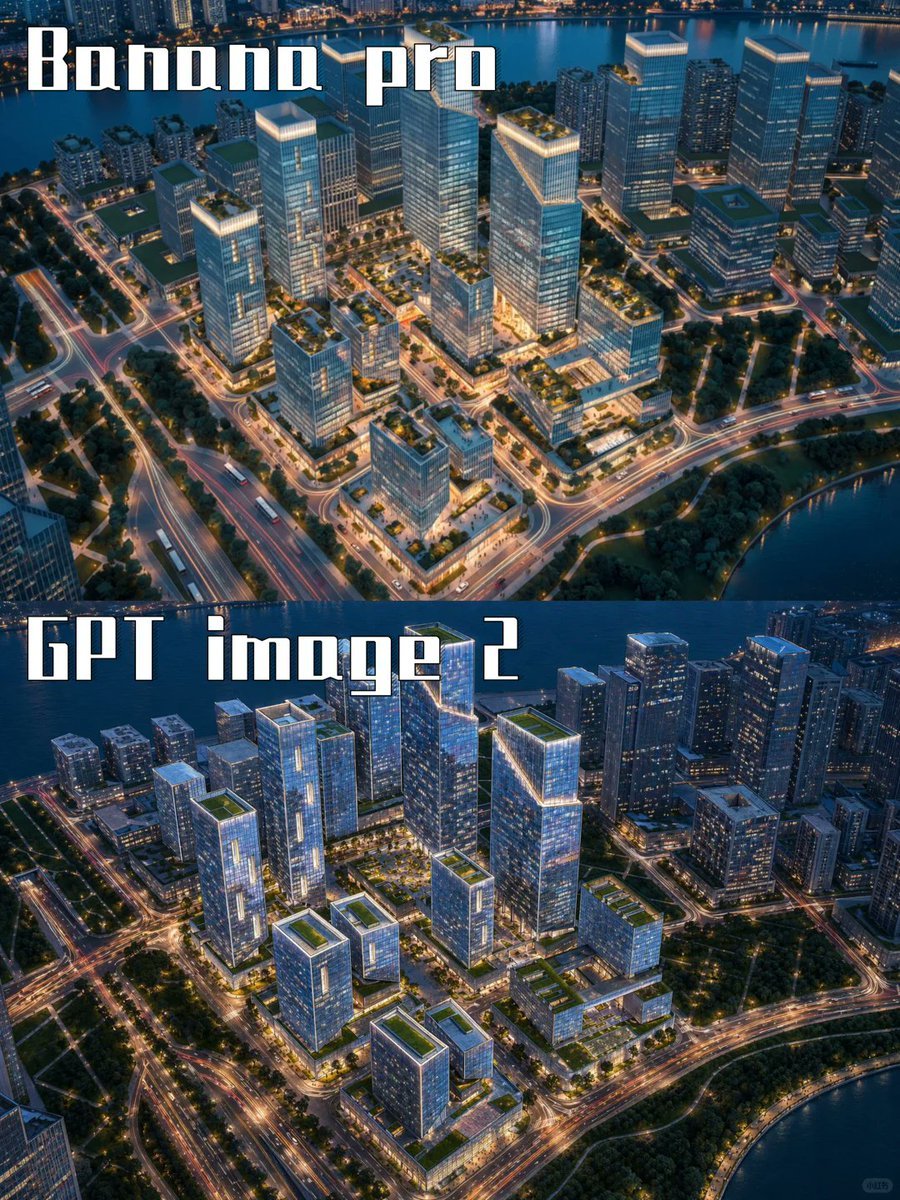
AI City Rendering Comparison Poster
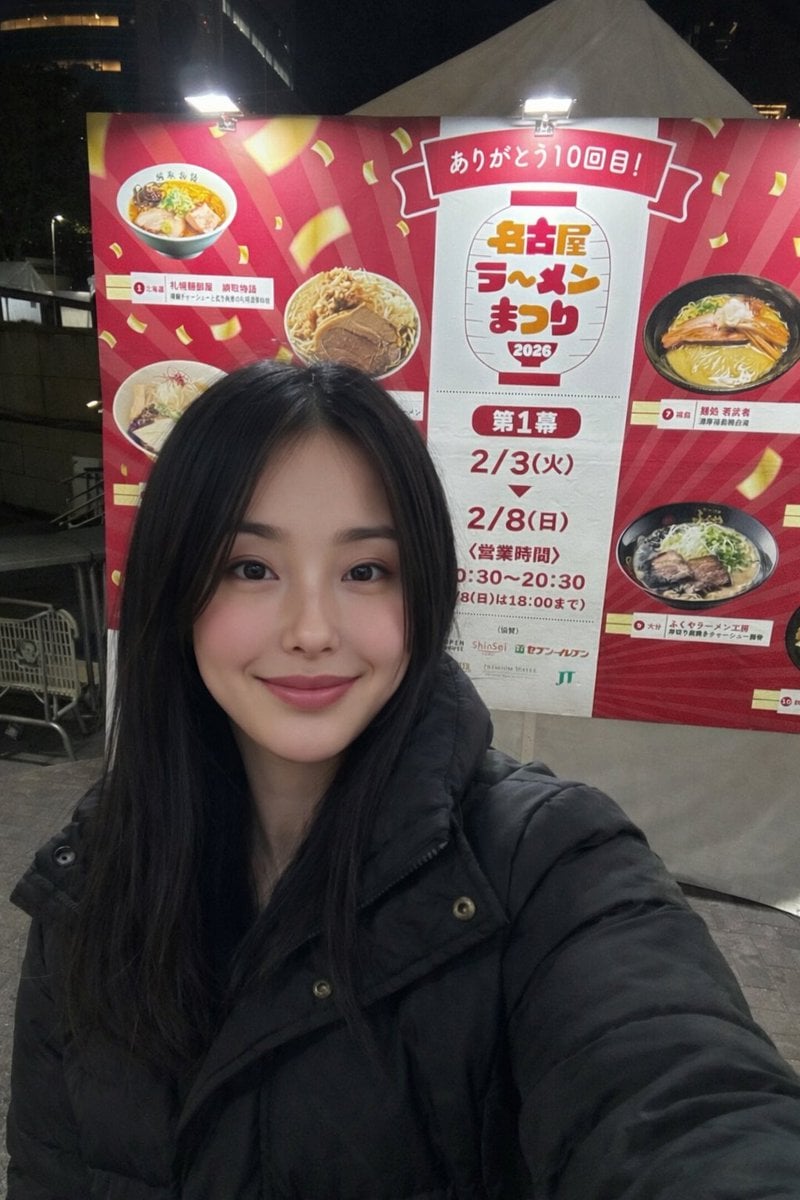
Inpainting with Nano Banana Pro and Drawthings

Minimalist Single Line Social Media Avatar
Minimalist Fashion Portrait with Sculptural Bodice
Browse template categories
Watercolor Korean Couple Portrait questions
How do I use the Watercolor Korean Couple Portrait template?
Add your photo if the template asks for one, edit the prompt if you like — the template's model and format are already selected — and press Generate. Your version opens in PicX Studio.
Can I customize the Watercolor Korean Couple Portrait template?
Yes. You can change the subject, setting, lighting, mood, format, and available model controls before creating your image.
Is the Watercolor Korean Couple Portrait template free?
Opening and editing this template is free. Generating uses credits, shown on the Generate button when you are signed in.
Which AI model should I use?
Start with GPT Image 2, which is the model associated with this template. You can compare another compatible model for a different finish.
Looking for something else? Browse all templates.

Your photo, any look
Thousands of ready templates for every top image and video model, from one credit balance.