
Cinematic Orange Soda Ad Poster
A hyper-realistic vertical beverage advertisement featuring a young woman holding an orange soda bottle in a fantastical citrus splash world.
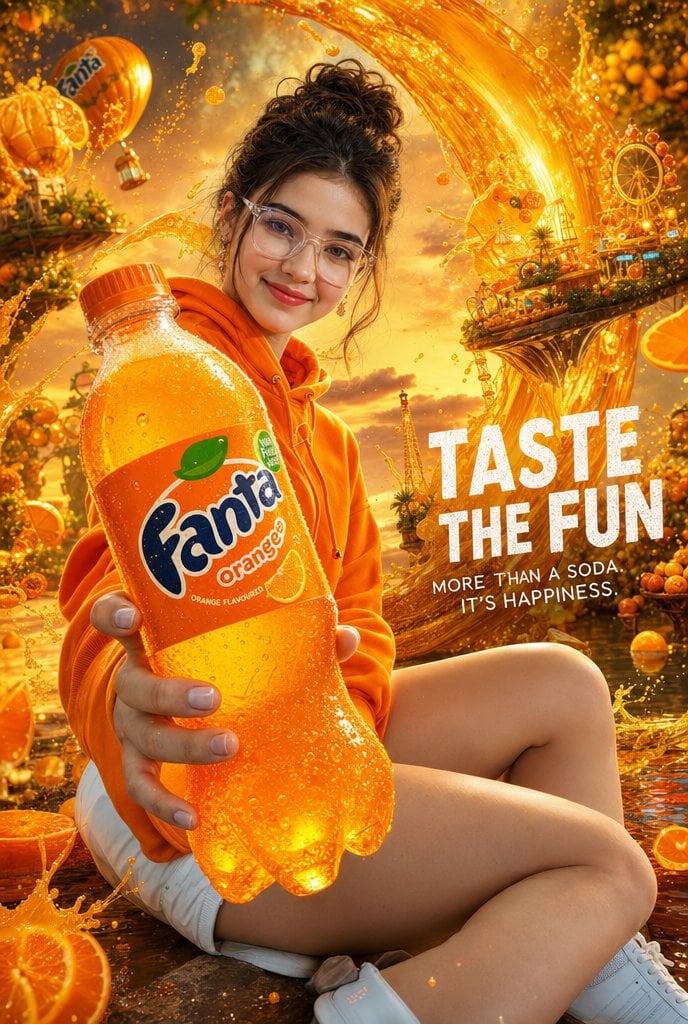
- Prompt included
- Model and format preset
- Free template
The prompt behind this image
Copy the exact prompt behind Cinematic Orange Soda Ad Poster, or open it in the studio and make it yours.
Create a vertical hyper-realistic cinematic soda advertisement poster for {argument name="soda brand" default="Fanta Orange"} in a luxury beverage commercial style. A cheerful stylish young woman sits casually in the foreground, wearing an oversized vivid orange hoodie, white shorts, and white sneakers; her dark messy hair is tied up in a loose bun, and her face is intentionally covered by a centered plain tan square censor block. She holds a large chilled orange soda bottle toward the camera with strong foreshortening, making the bottle the dominant foreground subject; the bottle is covered in condensation droplets and sparkling bubbles, with an orange label showing the Fanta-style logo, orange slice graphics, and small flavor text. The background is an extravagant fantasy orange-soda world at golden hour: huge arcing waves of glowing orange liquid splash across the sky, floating orange slices, citrus trees heavy with fruit, sparkling droplets, a small orange hot-air balloon with a soda logo, tiny carnival-like platforms, a Ferris wheel, and warm sunset clouds. Add bold white distressed uppercase advertising text on the right reading {argument name="headline text" default="TASTE THE FUN"}, with smaller white subtext beneath reading {argument name="tagline" default="MORE THAN A SODA. IT'S HAPPINESS."}. Use saturated orange and gold color grading, dramatic rim light, shallow depth of field, ultra-detailed realistic skin and fabric texture, glossy bottle plastic, crisp commercial photography, energetic splash motion, premium poster composition, no extra logos beyond the soda branding, no watermark.
How to use Cinematic Orange Soda Ad Poster in 3 steps
- 1Upload ImagePNG, JPG or paste
Add your photo
Upload the photo the template builds on. The prompt, model and format are already set.
- 2…a portrait of your subject in softgolden-hour light, 85mm…
Personalize
Edit the subject and creative details for your destination.
- 3Generate
Generate
Press Generate — your image is created in PicX Studio, so you can compare it with the original and refine one variable at a time.
More like this
Templates with the same subject, style or setup. Open one to see its prompt.

Japan Travel Brochure Poster

Cartoon TV Show Poster Pack

Trendy Cafe Drink Promo Poster

Urban Fashion Editorial Collage Streetwear Poster

Premium Fashion Editorial Cover Layout System

Polo Ralph Lauren Luxury American Heritage Fashion Campaign

Monochrome Halftone Editorial Fashion Poster

Retro Mirror Luxury Fashion Campaign Poster

Luxury Fashion Campaign Typography Poster System

Premium Fashion Editorial Campaign Poster System

Ultra-Stylized High-Fashion Streetwear Poster

Urban Fashion Editorial Collage Poster
Make it yours
Cinematic Orange Soda Ad Poster works as-is. These are the safest ways to change it without losing the look.
Change one field
Copy a single group, rewrite it, and generate again so you can see what that field is doing.
Keep the frame, change the subject
Hold the composition and light of Cinematic Orange Soda Ad Poster, then swap wardrobe, props or the person for a new take.
| If the result… | Why | Fix |
|---|---|---|
| The result drifts from the preview | Too many fields changed at once. | Reuse Cinematic Orange Soda Ad Poster as-is first, then change one group — subject, light, or setting. |
| The model over-stylizes the scene | The prose prompt leaves finish and camera underspecified. | Add one camera or lighting sentence and stay on GPT Image 2. |
More GPT Image 2 templates
Other prompts made for GPT Image 2.

Six VTuber Japanese Logo Sheet

Realistic Portrait of Woman and Deer

The Vista Modular Condo Poster

AI Model Routing Comparison Infographic

2.5D Anime Art Board

Isometric Productivity Desk Scene

New York Double Exposure Poster

Four-Panel AI Landscape Comparison

Japanese Tatami Lifestyle Magazine Cover

NESCAFÉ Coffee Map Poster
More image prompts
Fresh picks from across the catalog.
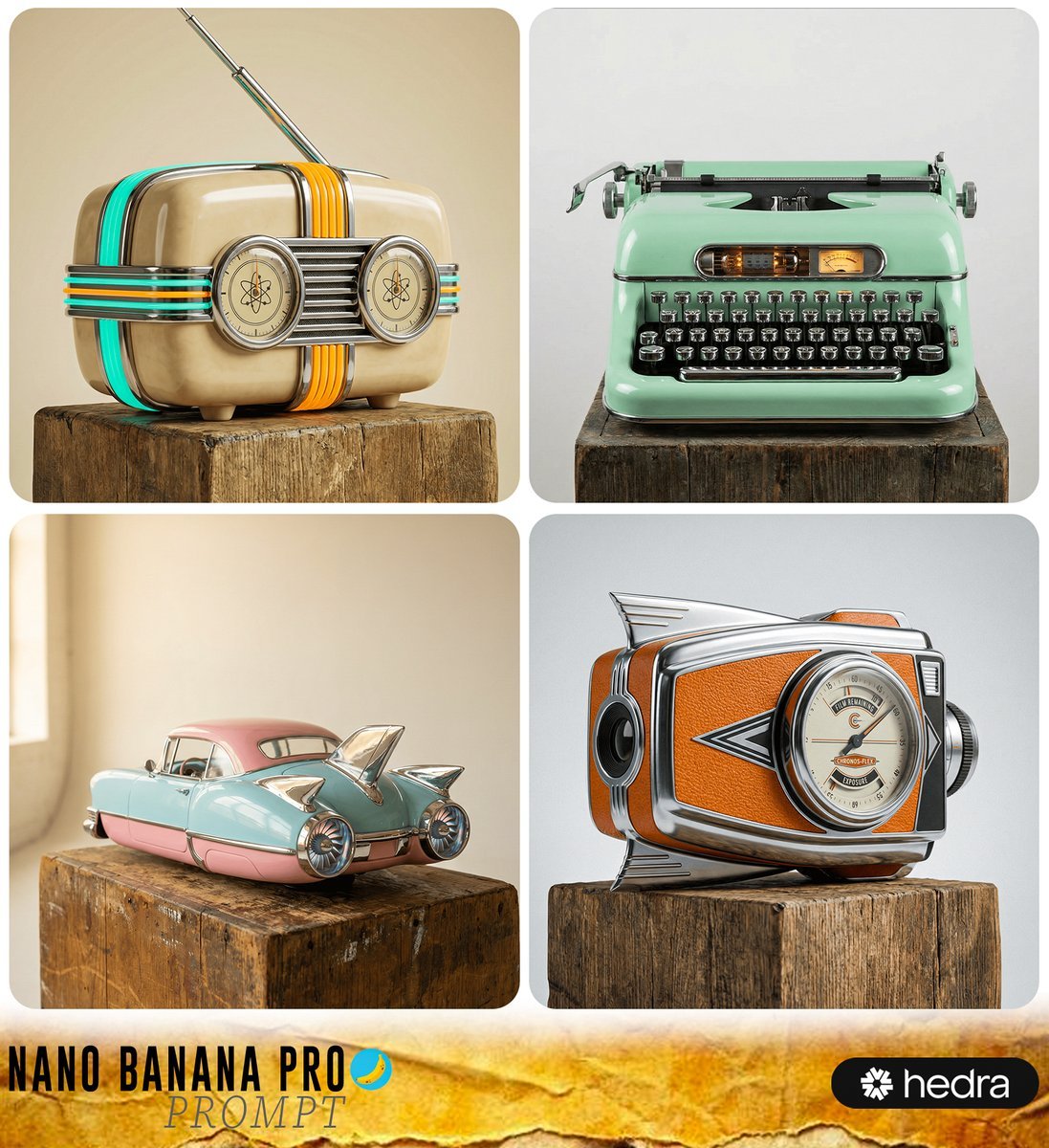
Retro-Futuristic Product Photography Prompt
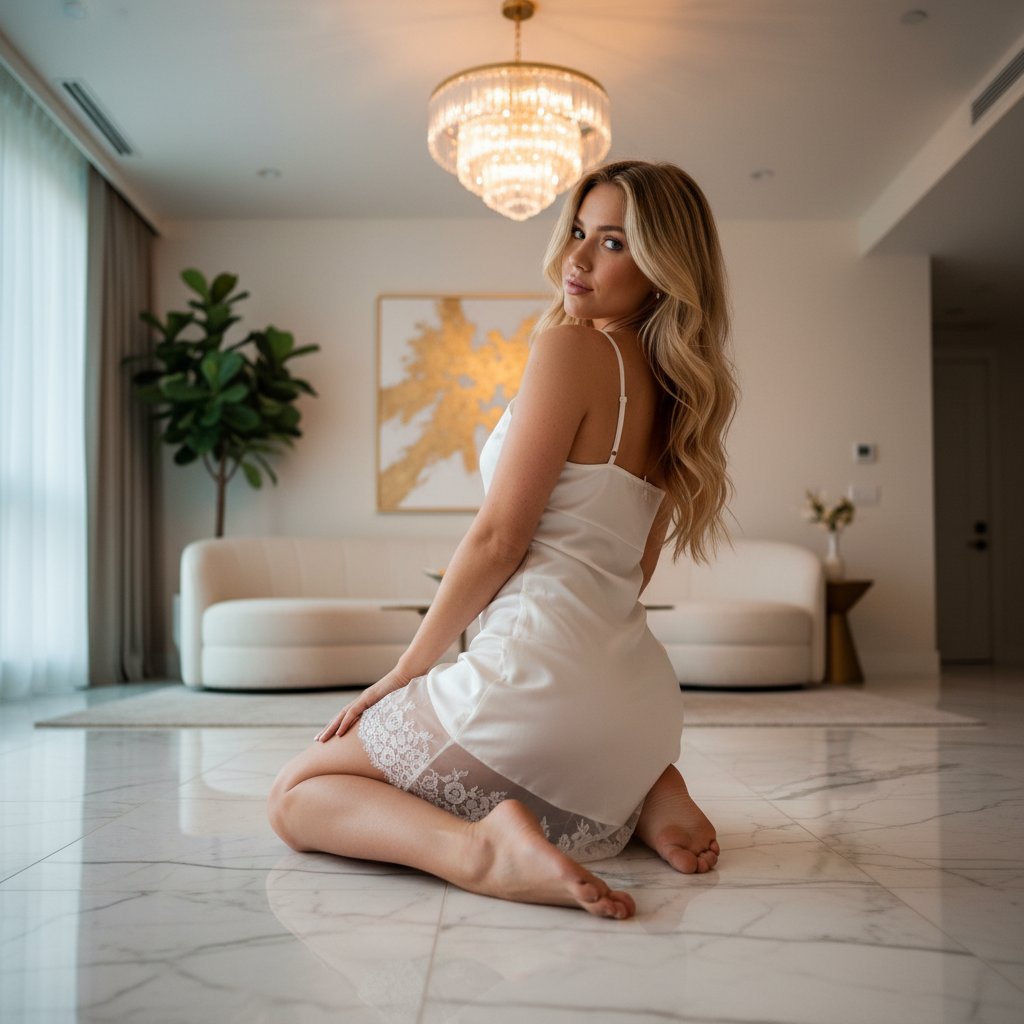
Ethereal Opulence: High-Fashion Editorial Portrait
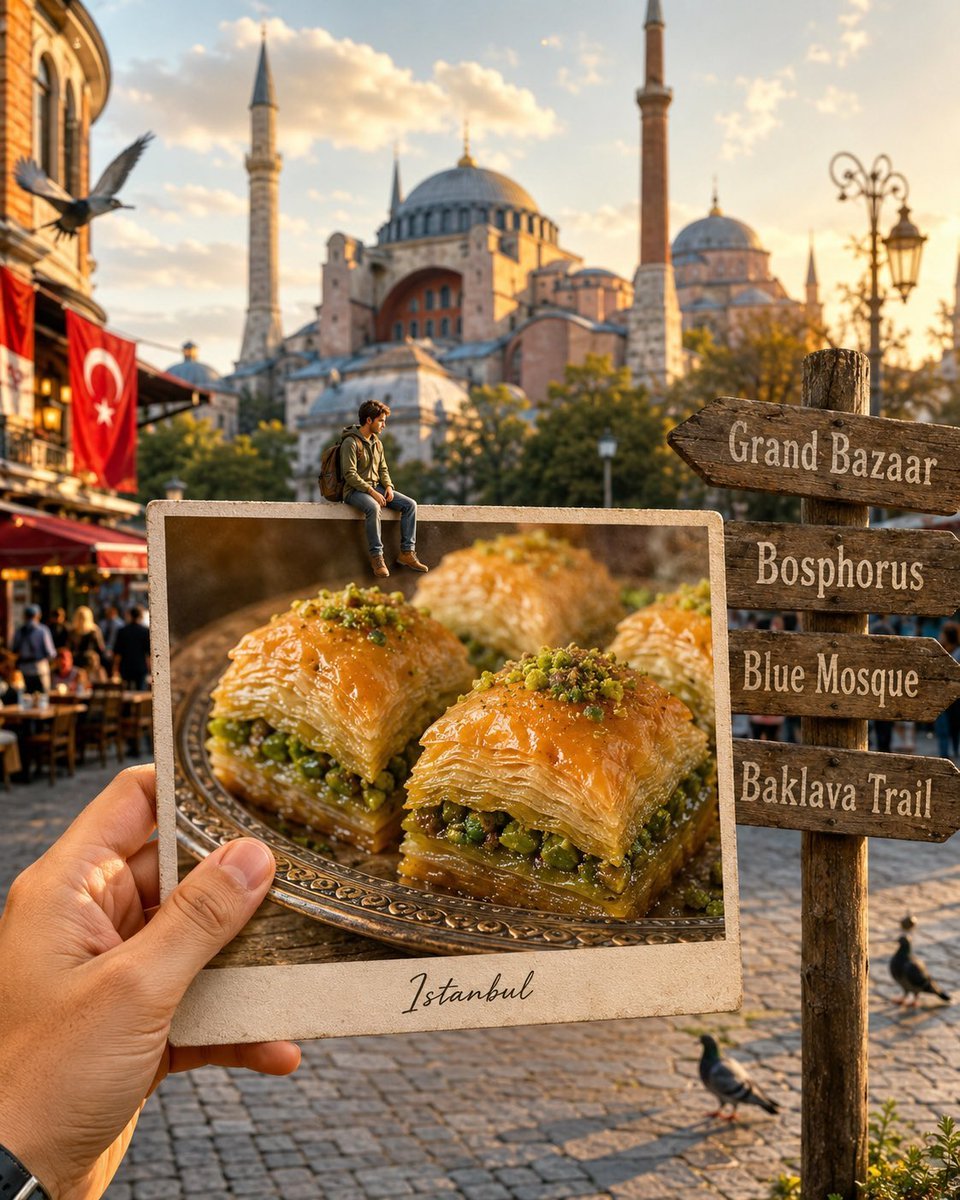
Hyper-realistic Travel Food Postcard
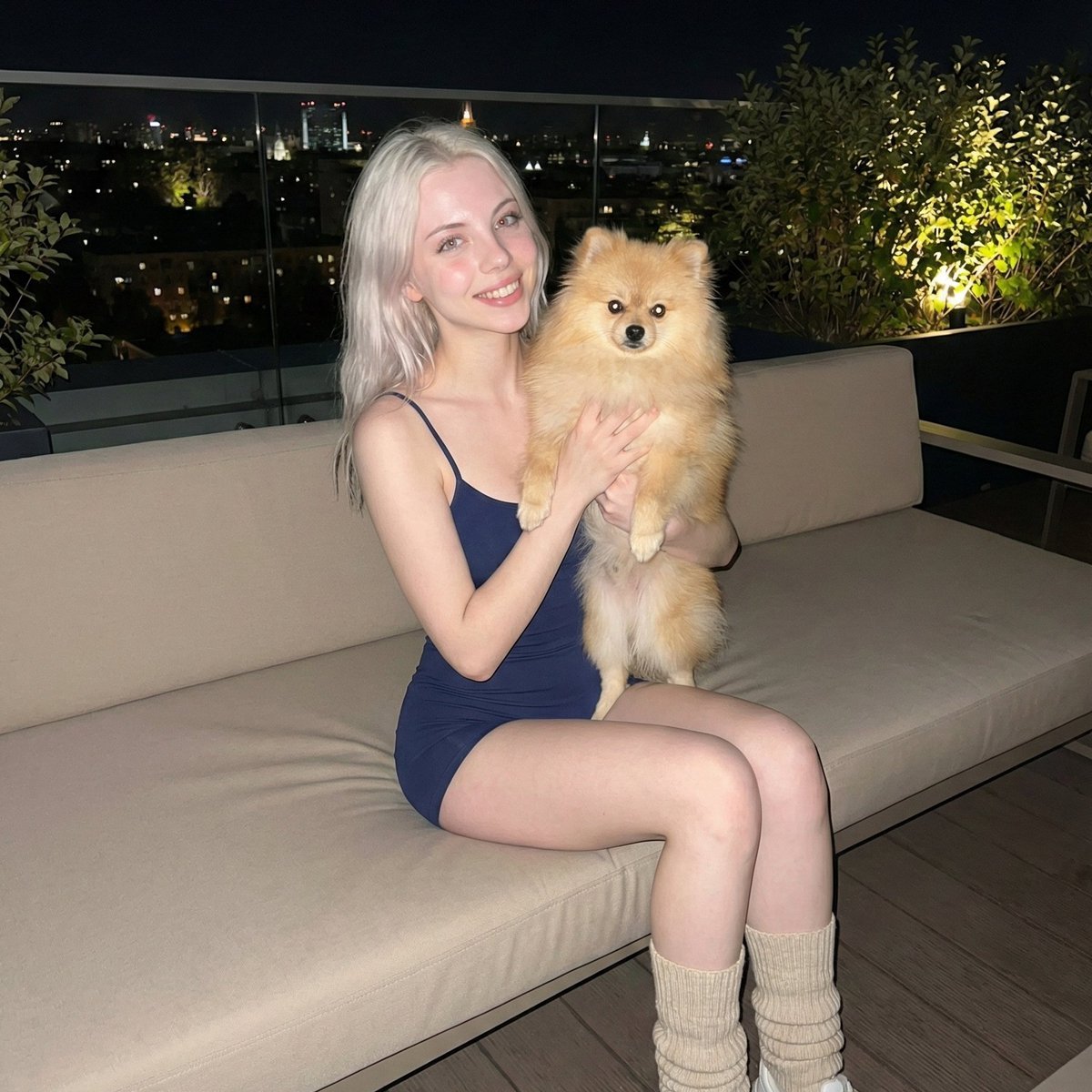
Photorealistic Portrait of Woman Holding a Pomeranian (iPhone Style)
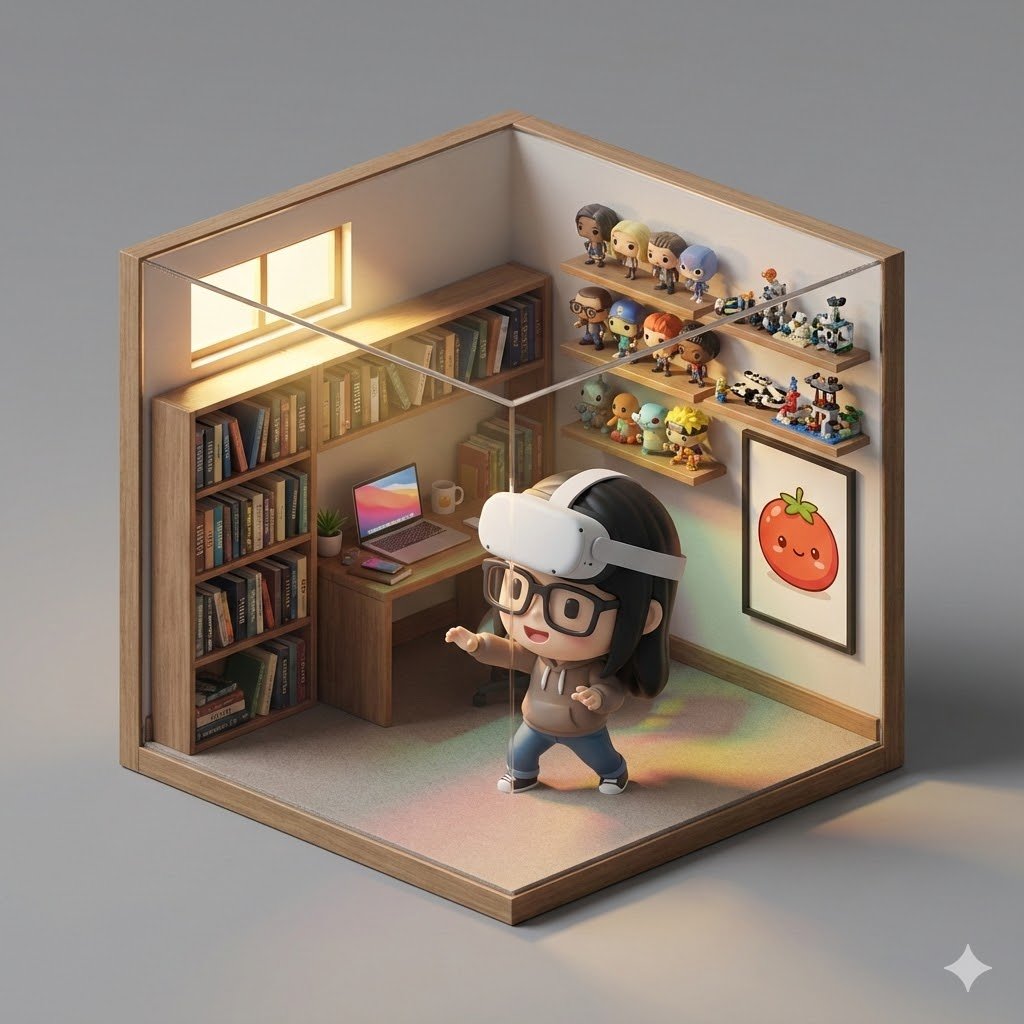
Isometric 3D Cube Prompt

Ultra-realistic Portrait of a Young Man
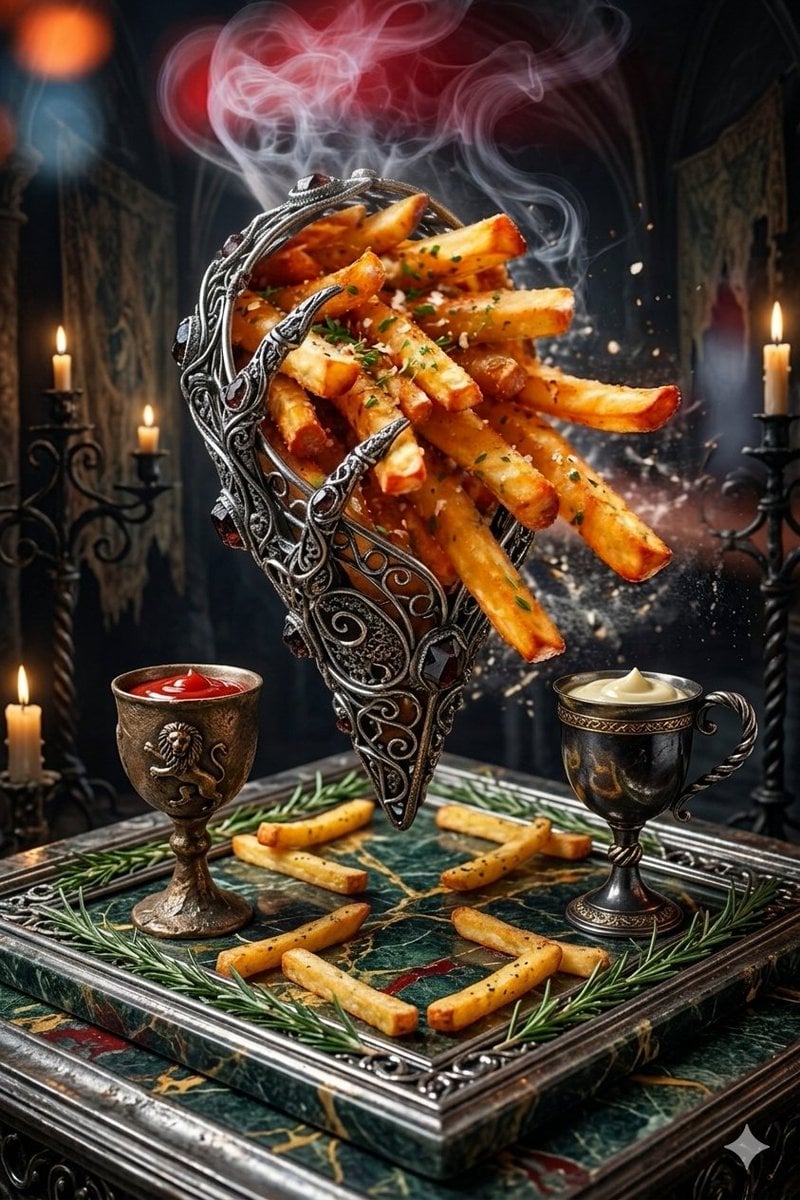
Gothic Fantasy Food Photography
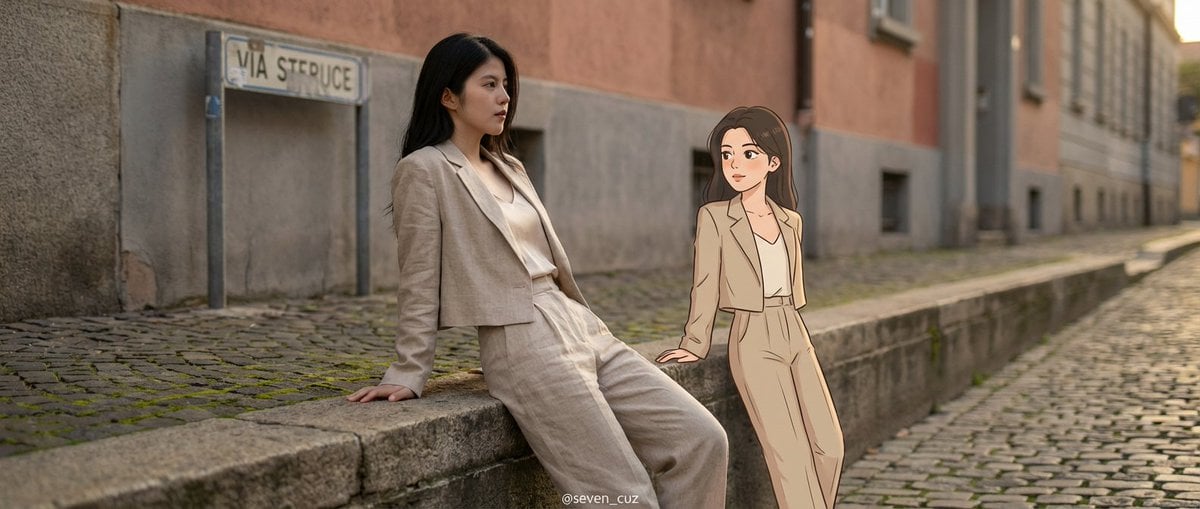
Mixed-Media Crossover Portrait (Real and Cartoon)
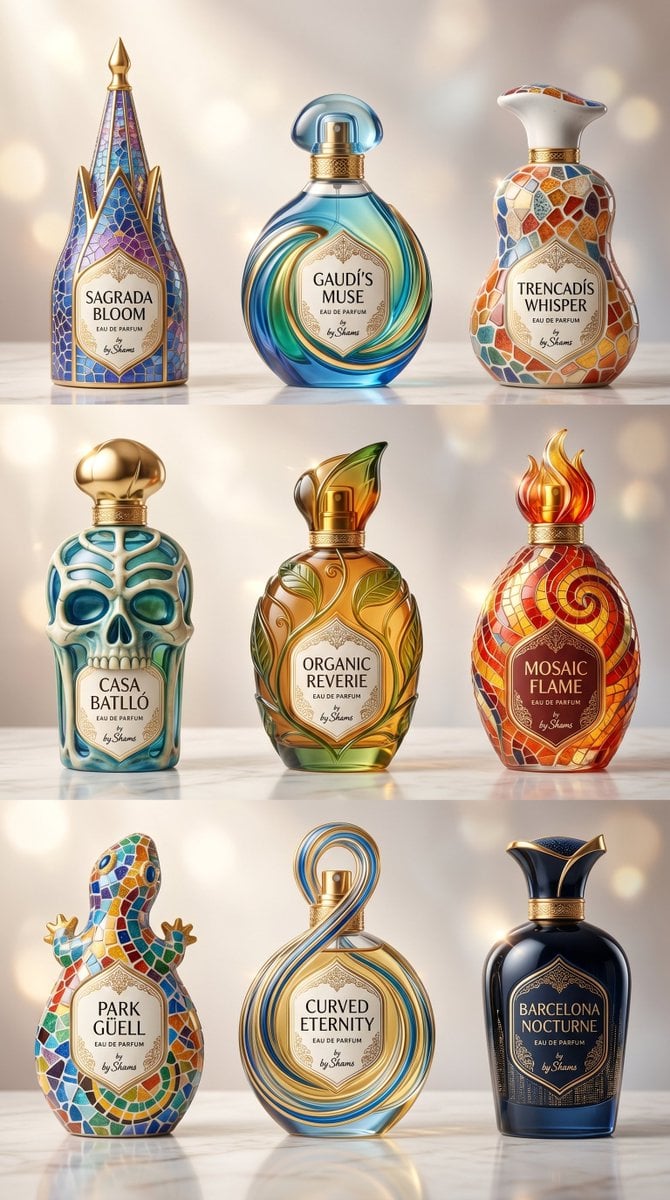
Gaudí-Inspired Perfume Bottle Grid

Structured Prompt for Natural Soft Portrait in Bedroom
Browse template categories
Cinematic Orange Soda Ad Poster questions
How do I use the Cinematic Orange Soda Ad Poster template?
Add your photo if the template asks for one, edit the prompt if you like — the template's model and format are already selected — and press Generate. Your version opens in PicX Studio.
Can I customize the Cinematic Orange Soda Ad Poster template?
Yes. You can change the subject, setting, lighting, mood, format, and available model controls before creating your image.
Is the Cinematic Orange Soda Ad Poster template free?
Opening and editing this template is free. Generating uses credits, shown on the Generate button when you are signed in.
Which AI model should I use?
Start with GPT Image 2, which is the model associated with this template. You can compare another compatible model for a different finish.
Looking for something else? Browse all templates.

Your photo, any look
Thousands of ready templates for every top image and video model, from one credit balance.