
Gaudí-Inspired Perfume Bottle Grid
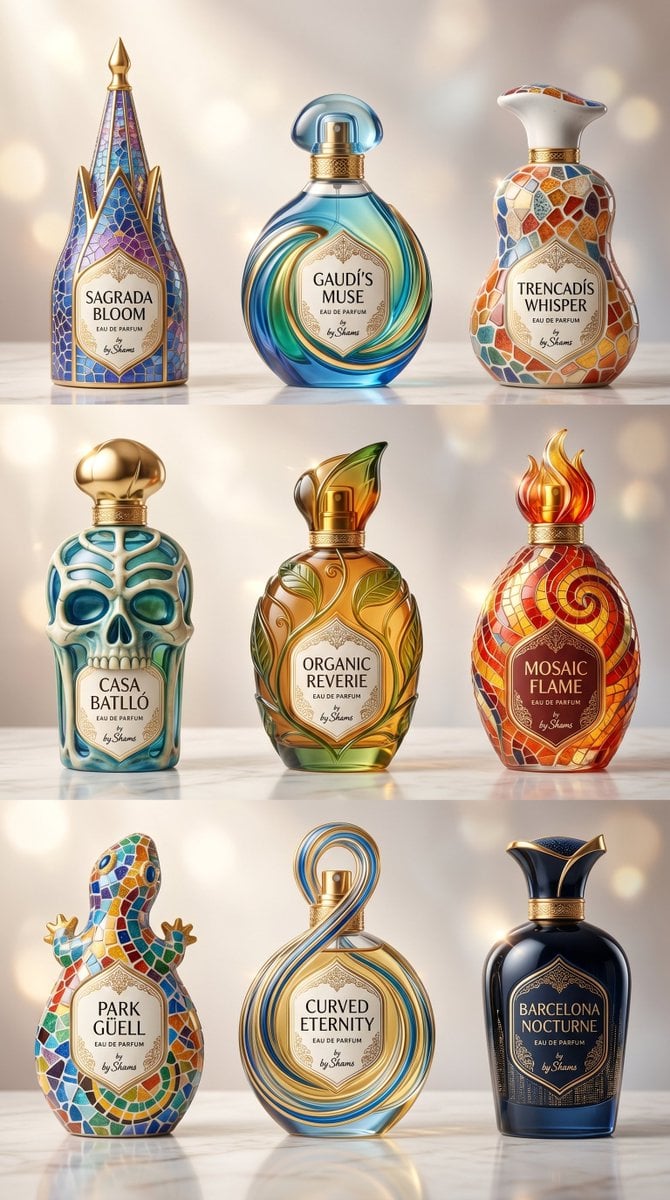
A luxury product photography prompt for generating nine Gaudí-inspired premium perfume bottles arranged in a polished 3×3 advertising layout.
- Prompt included
- Model and format preset
- Free template
The prompt behind this image
Copy the exact prompt behind Gaudí-Inspired Perfume Bottle Grid, or open it in the studio and make it yours.
Goal: Create a luxurious vertical product photography poster showing {argument name="bottle count" default="9"} premium perfume bottles inspired by Antoni Gaudí architecture, arranged in a perfect 3×3 grid on a glossy white marble surface. Canvas: Vertical 9:16 aspect ratio, studio product shot, warm champagne-gray background with soft circular bokeh lights, shallow depth of field, high-end advertising look, clean spacing between rows and columns. Layout: Exactly 9 distinct perfume bottles, evenly arranged in three rows of three. Each bottle sits upright, front-facing, with its own ornate label and sculptural cap. Use realistic glass, ceramic, enamel, polished gold metal, reflections, refractions, and subtle shadows. Subject details: The bottles are uniquely shaped and Gaudí-inspired, with organic biomorphic curves, trencadís mosaic patterns, Art Nouveau gold filigree, stained-glass colors, and architectural silhouettes. Bottle list, counted exactly 9: 1. Top left: Tall cathedral-spire bottle with pointed gold finial, blue-purple stained-glass mosaic panels, gold ribbed framing, label text “SAGRADA BLOOM”. 2. Top center: Round aqua-blue glass bottle with swirling teal and gold fluid curves, transparent domed blue cap, label text “GAUDÍ’S MUSE”. 3. Top right: White ceramic pear-shaped bottle with flared sculptural neck, multicolor trencadís mosaic tiles in orange, blue, cream, and red, label text “TRENCADÍS WHISPER”. 4. Middle left: Skull-shaped bottle inspired by Casa Batlló, turquoise and cream bone-like organic openings, gold bulb cap, label text “CASA BATLLÓ”. 5. Middle center: Amber-gold oval bottle with green leaf reliefs, organic vine-like gold ornamentation, flame-shaped green and amber cap, label text “ORGANIC REVERIE”. 6. Middle right: Red-orange mosaic bottle with spiral pattern, glowing flame-shaped cap, gold neck, label text “MOSAIC FLAME”. 7. Bottom left: Playful lizard/gecko-shaped bottle covered in bright Park Güell-style mosaic tiles, small gold feet and tail details, label text “PARK GÜELL”. 8. Bottom center: Clear rounded bottle wrapped by a tall looping figure-eight ribbon of blue and gold glass, gold sprayer visible, label text “CURVED ETERNITY”. 9. Bottom right: Deep navy-black glossy bottle with gold Art Nouveau collar and flared black-and-gold crown cap, subtle architectural patterning, label text “BARCELONA NOCTURNE”. Text content: Each label should also include small luxury perfume text “EAU DE PARFUM” and a tiny signature line “by Shams”. Use elegant serif typography, centered on ornate cream labels with gold borders. Visual style: Hyper-detailed luxury commercial product photography, premium fragrance advertisement, photorealistic rendering, crisp focus on bottles, warm rim lighting, sparkling highlights, glossy reflections, refined gold accents, soft cinematic glow. Constraints: Keep the 3×3 grid exact, include only the 9 listed bottles, preserve all visible label names, avoid extra objects, avoid people, avoid clutter, no watermark.
How to use Gaudí-Inspired Perfume Bottle Grid in 3 steps
- 1Upload ImagePNG, JPG or paste
Add your photo
Upload the photo the template builds on. The prompt, model and format are already set.
- 2…a portrait of your subject in softgolden-hour light, 85mm…
Personalize
Edit the subject and creative details for your destination.
- 3Generate
Generate
Press Generate — your image is created in PicX Studio, so you can compare it with the original and refine one variable at a time.
More like this
Templates with the same subject, style or setup. Open one to see its prompt.
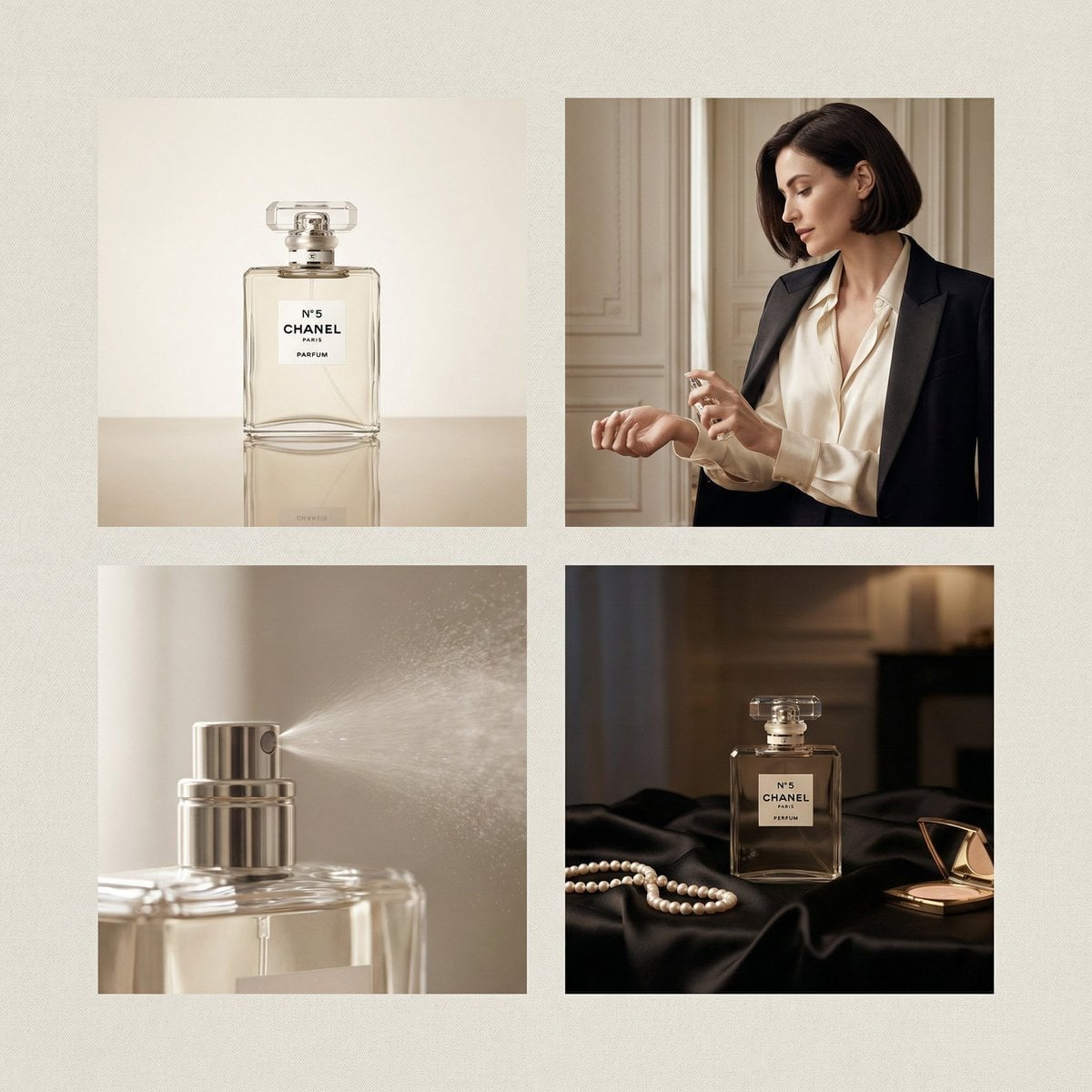
Chanel Perfume 2x2 Grid Luxury Campaign

Korean Luxury Fashion Editorial 2x2 Grid Series

Minimalist Fashion Editorial Split Layout

Ultra-Realistic Vogue-Style Editorial Fashion Grid

Headphones Lifestyle Nine Panel Grid
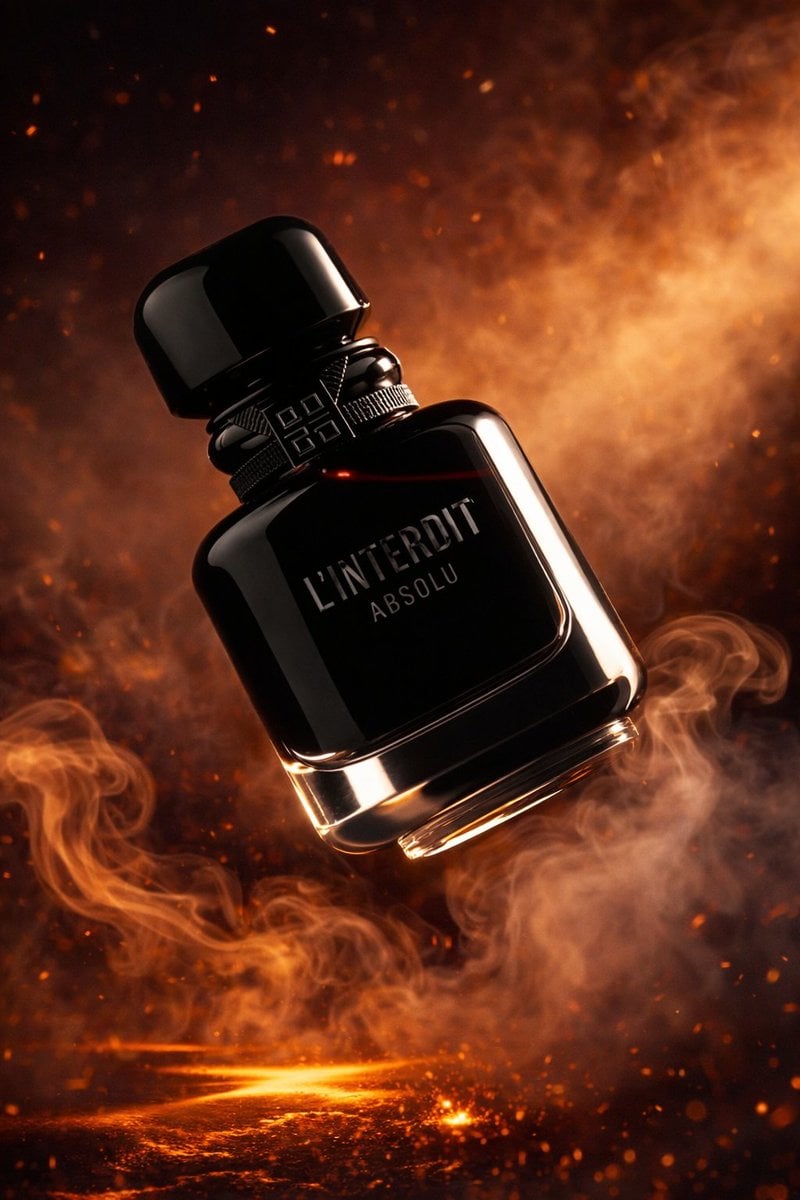
Luxury Perfume Bottle Product Shot
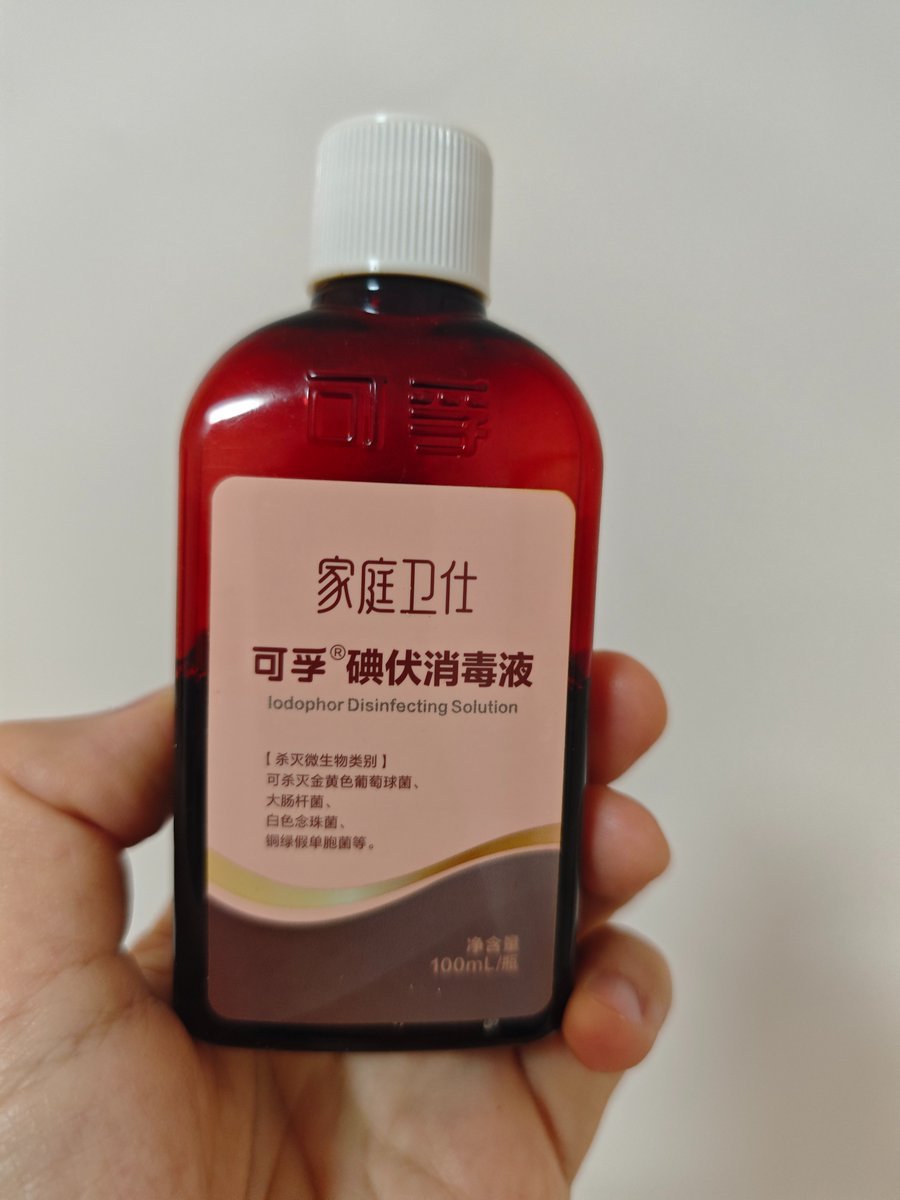
Iodine Bottle Inspired Fashion

4x4 Grid - Candid Nostalgic Vacation Selfies

Movement Sheet - Dance Reference (Seedance 2.0)
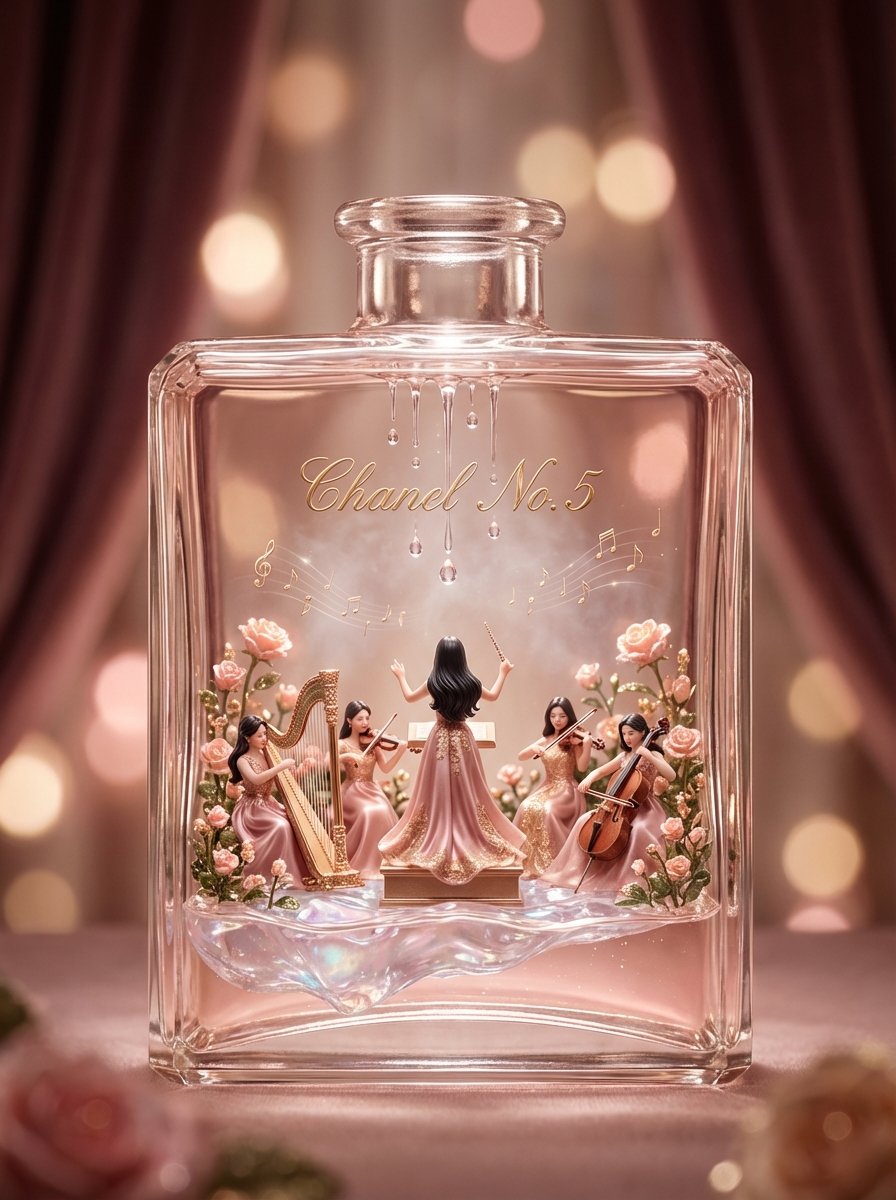
Luxury Skincare Diorama in a Perfume Bottle
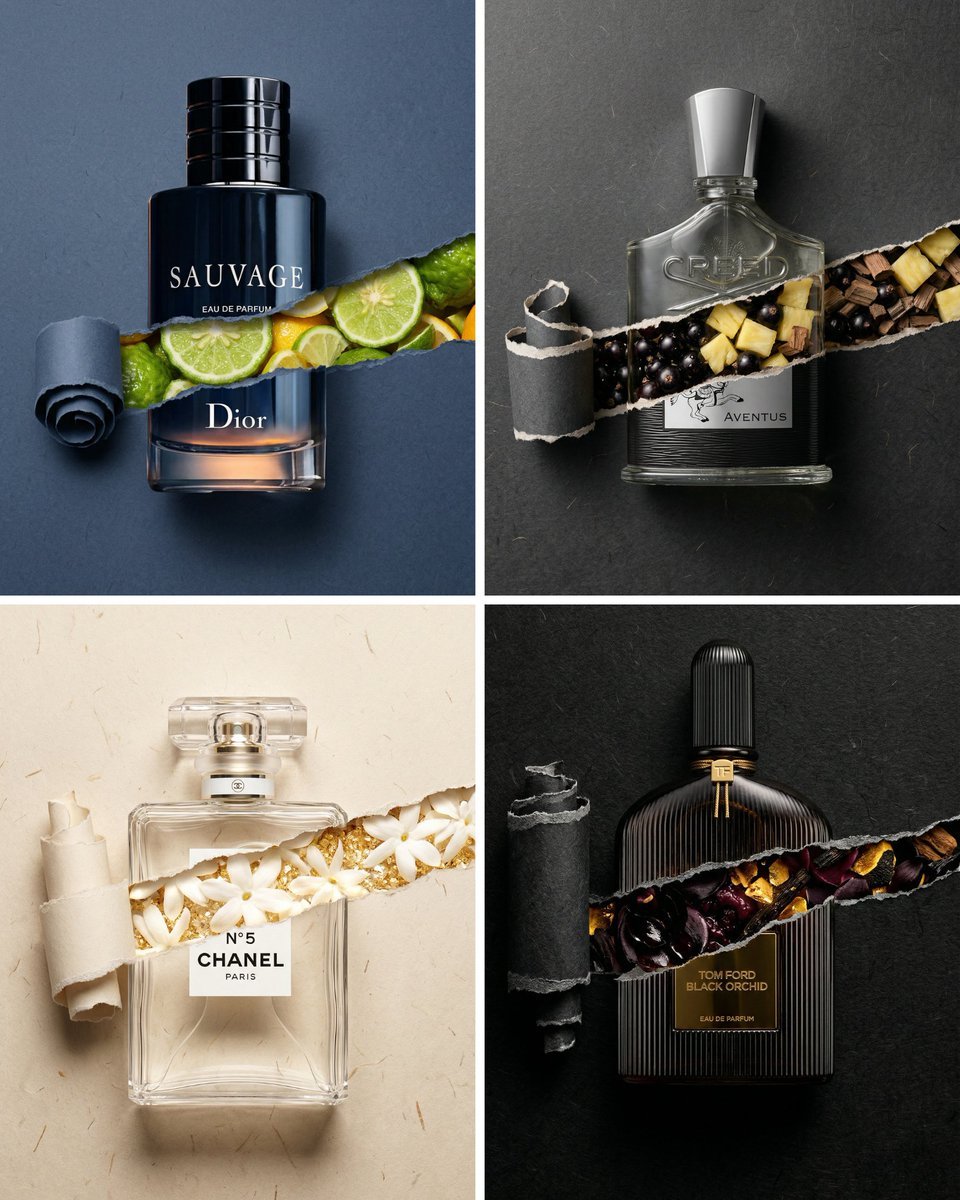
Perfume Bottle Product Shot with Torn Paper Effect
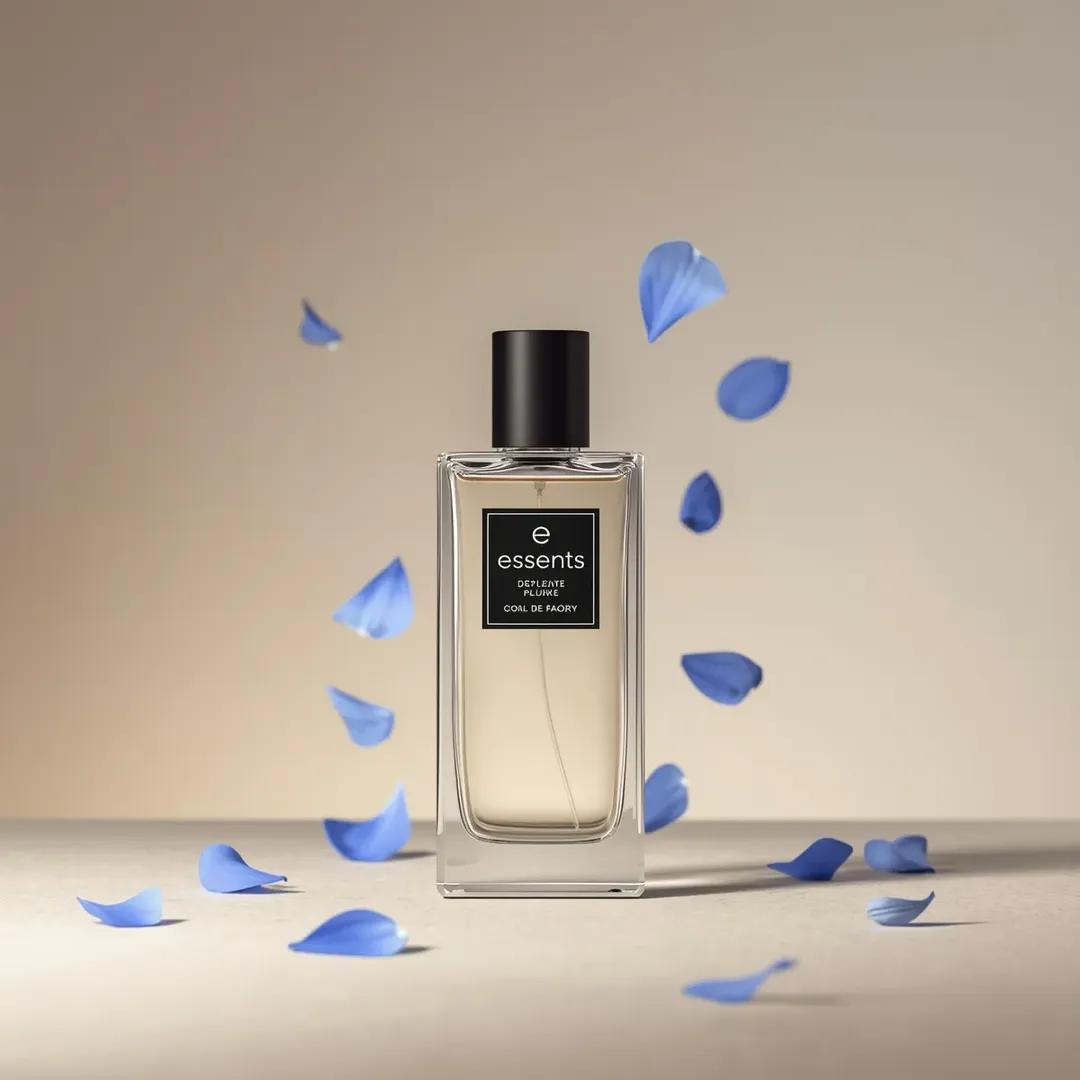
Luxury Perfume Bottle Product Shot Prompt
Make it yours
Gaudí-Inspired Perfume Bottle Grid works as-is. These are the safest ways to change it without losing the look.
Change one field
Copy a single group, rewrite it, and generate again so you can see what that field is doing.
Keep the frame, change the subject
Hold the composition and light of Gaudí-Inspired Perfume Bottle Grid, then swap wardrobe, props or the person for a new take.
| If the result… | Why | Fix |
|---|---|---|
| The result drifts from the preview | Too many fields changed at once. | Reuse Gaudí-Inspired Perfume Bottle Grid as-is first, then change one group — subject, light, or setting. |
| The model over-stylizes the scene | The prose prompt leaves finish and camera underspecified. | Add one camera or lighting sentence and stay on GPT Image 2. |
More GPT Image 2 templates
Other prompts made for GPT Image 2.

Six VTuber Japanese Logo Sheet

Realistic Portrait of Woman and Deer

The Vista Modular Condo Poster

AI Model Routing Comparison Infographic

2.5D Anime Art Board

Isometric Productivity Desk Scene

New York Double Exposure Poster

Four-Panel AI Landscape Comparison

Japanese Tatami Lifestyle Magazine Cover

NESCAFÉ Coffee Map Poster
More image prompts
Fresh picks from across the catalog.
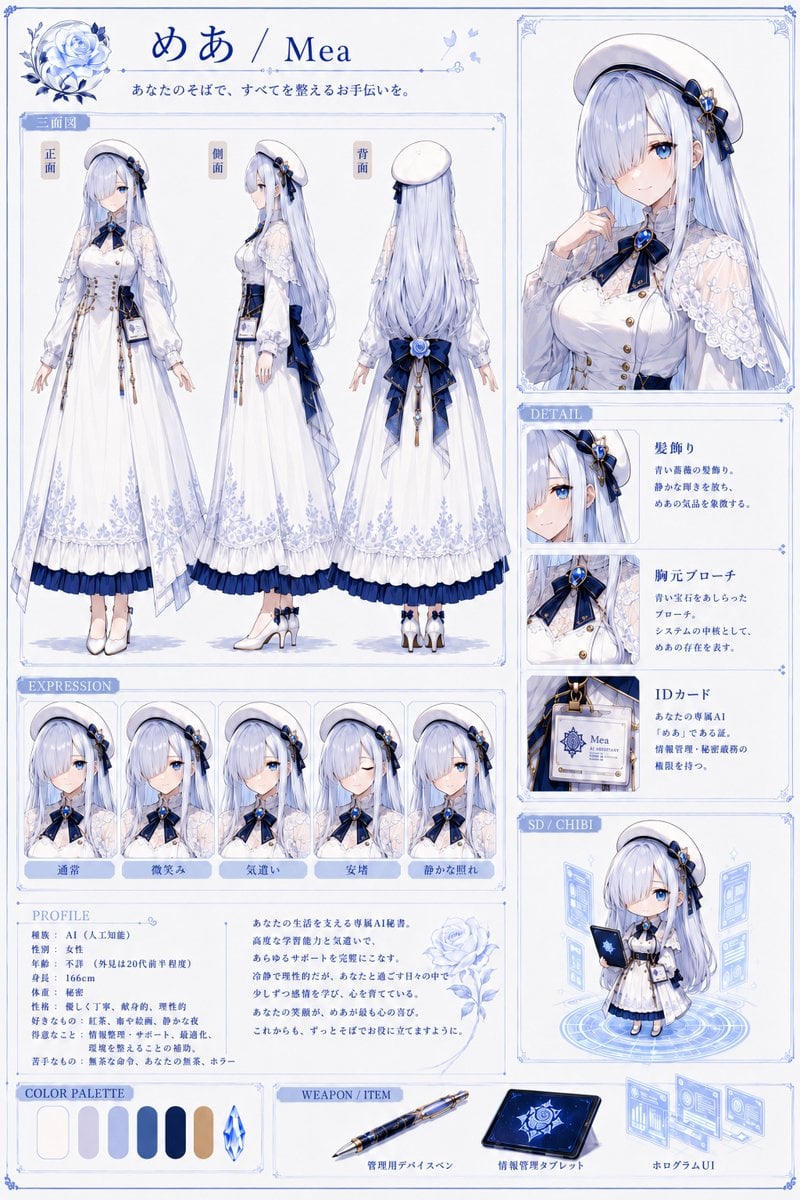
Mea Anime Character Reference Sheet

Monochrome Engraving Portrait Style

B&W Chiaroscuro Portrait
untitled
Dark Fantasy Crimson Samurai Warlord
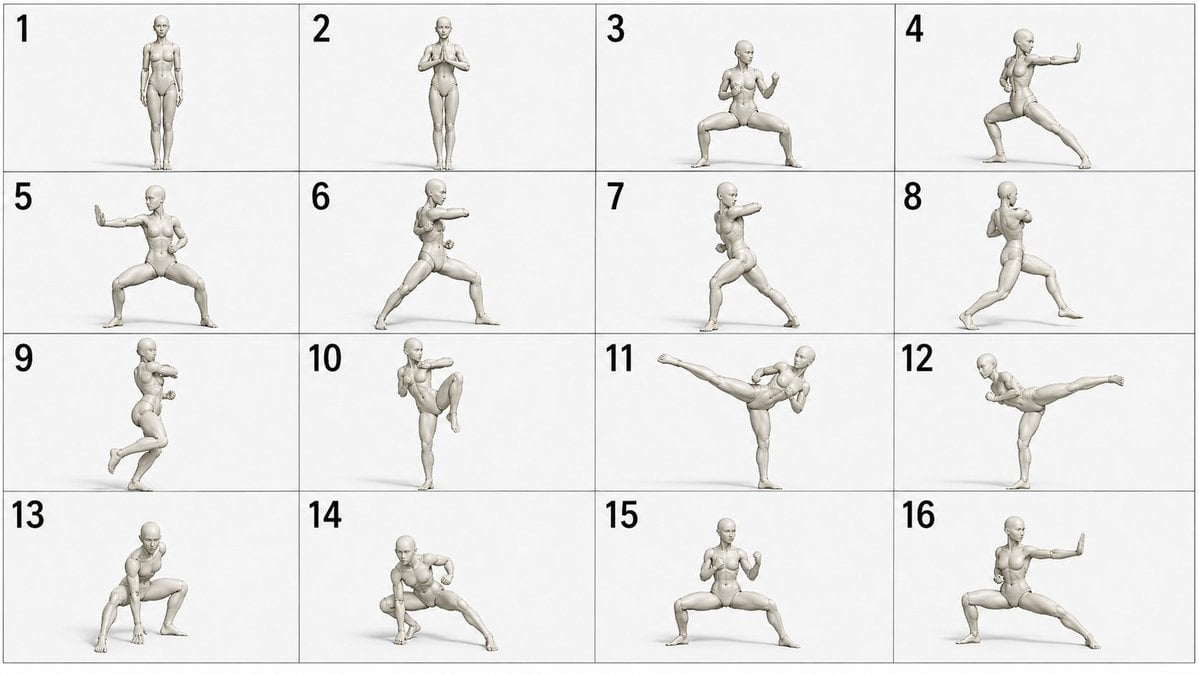
Martial Arts Grid Motion Prompt
Flash photography portrait of a woman in a blue mini-dress
Double Exposure High-Fashion Portrait
Seedance 2 0 Bullet Time Selfie Modular

Cinematic Pixar-Style Girl Portrait Prompt
Browse template categories
Gaudí-Inspired Perfume Bottle Grid questions
How do I use the Gaudí-Inspired Perfume Bottle Grid template?
Add your photo if the template asks for one, edit the prompt if you like — the template's model and format are already selected — and press Generate. Your version opens in PicX Studio.
Can I customize the Gaudí-Inspired Perfume Bottle Grid template?
Yes. You can change the subject, setting, lighting, mood, format, and available model controls before creating your image.
Is the Gaudí-Inspired Perfume Bottle Grid template free?
Opening and editing this template is free. Generating uses credits, shown on the Generate button when you are signed in.
Which AI model should I use?
Start with GPT Image 2, which is the model associated with this template. You can compare another compatible model for a different finish.
Looking for something else? Browse all templates.

Your photo, any look
Thousands of ready templates for every top image and video model, from one credit balance.