
untitled
untitled is a ready photo look for Seedance 2.0 Standard.
- Prompt included
- Model and format preset
- Premium template
The prompt behind this image
Copy the exact prompt behind untitled, or open it in the studio and make it yours.
Cinematographic video, 8 seconds. Picking up from the swirling vortex of glowing blue morpho butterflies. The massive cloud of butterflies rapidly converges into a dark, foggy void. In a flash of ethereal light, the swarm materializes a stunning woman wearing an elegant deep-blue evening gown embroidered with shimmering butterflies. She possesses massive, majestic, glowing blue morpho wings. As she materializes, she begins a fluid, expressive contemporary dance. Her movements are graceful and emotive, with long, sweeping arm gestures that mimic the flow of the butterflies. The camera performs a slow, orbit around her, capturing the swirling fabric of her dress and the iridescent light from her wings. She performs a slow, elegant pirouette, her wings softly beating in sync with her dance. Just as the dance reaches its peak, she gracefully sweeps her wings forward, and her entire form instantly shatters back into a massive vortex of thousands of glowing blue butterflies that explode directly toward the camera lens, filling the entire screen. The final frame of the video is identical to the first frame, creating a perfect, seamless looping effect. Surreal masterpiece, hyper-realistic physics, 8k.
How to use untitled in 3 steps
- 1
Open
The prompt is already in the box next to the preview, with the template's model and format selected.
- 2…a portrait of your subject in softgolden-hour light, 85mm…
Personalize
Edit the subject and creative details for your destination.
- 3Generate
Generate
Press Generate — your image is created in PicX Studio, so you can compare it with the original and refine one variable at a time.
More like this
Templates with the same subject, style or setup. Open one to see its prompt.








Make it yours
untitled works as-is. These are the safest ways to change it without losing the look.
Change one field
Copy a single group, rewrite it, and generate again so you can see what that field is doing.
Keep the frame, change the subject
Hold the composition and light of 61-untitled, then swap wardrobe, props or the person for a new take.
| If the result… | Why | Fix |
|---|---|---|
| The result drifts from the preview | Too many fields changed at once. | Reuse 61-untitled as-is first, then change one group — subject, light, or setting. |
| The model over-stylizes the scene | The prose prompt leaves finish and camera underspecified. | Add one camera or lighting sentence and stay on Seedance 2.0 Standard. |
More Seedance 2.0 Standard templates
Other prompts made for Seedance 2.0 Standard.





More image prompts
Fresh picks from across the catalog.
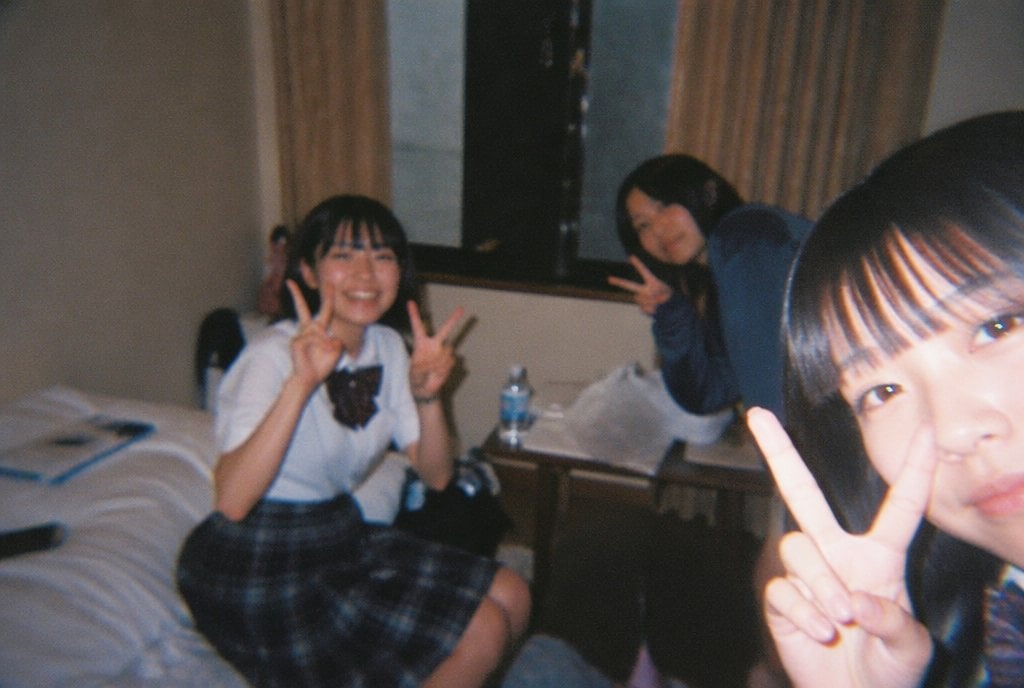
Nostalgic Disposable Camera Snap Prompt
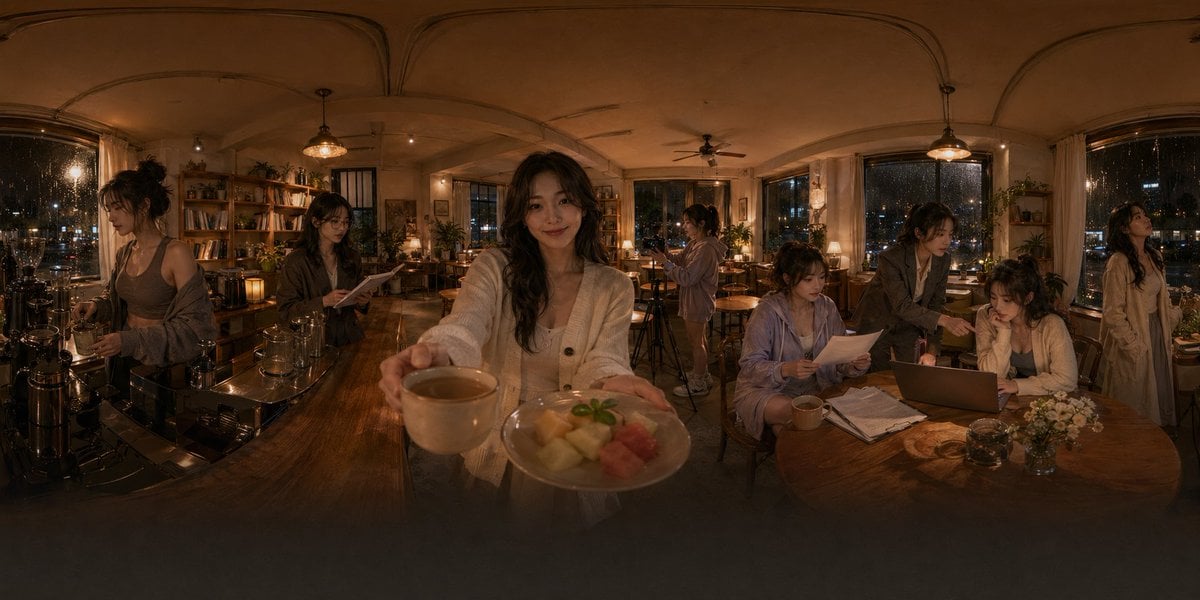
Rainy Night Café 360 Panorama
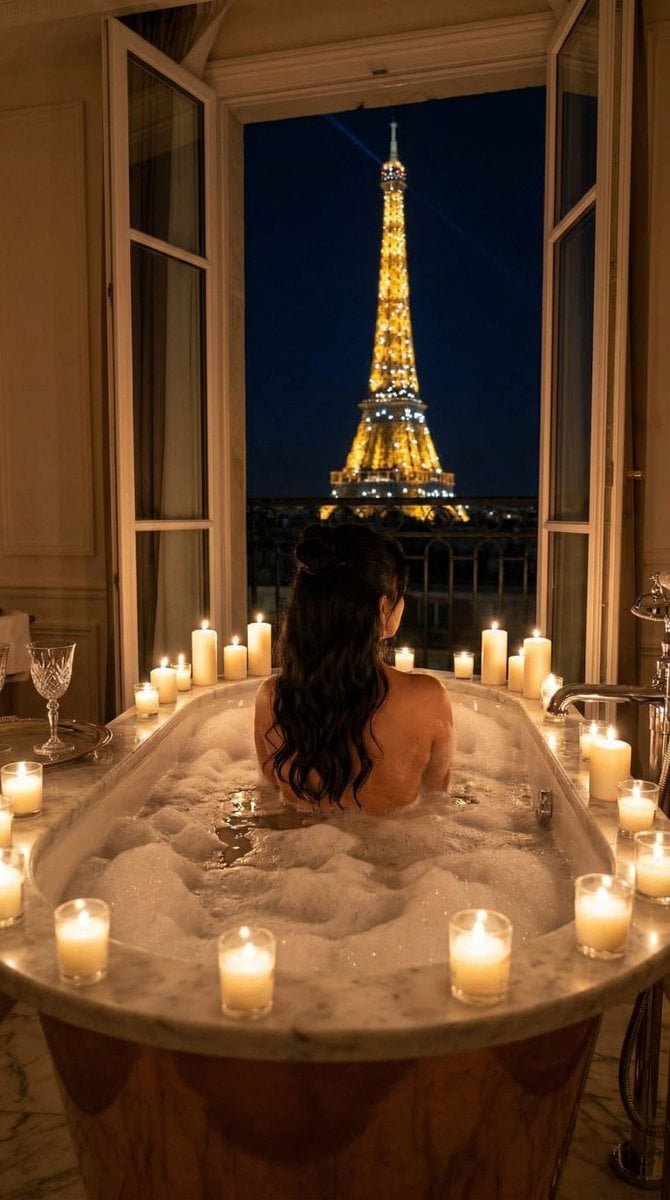
Nano Banana - Paris Balcony Night Eiffel
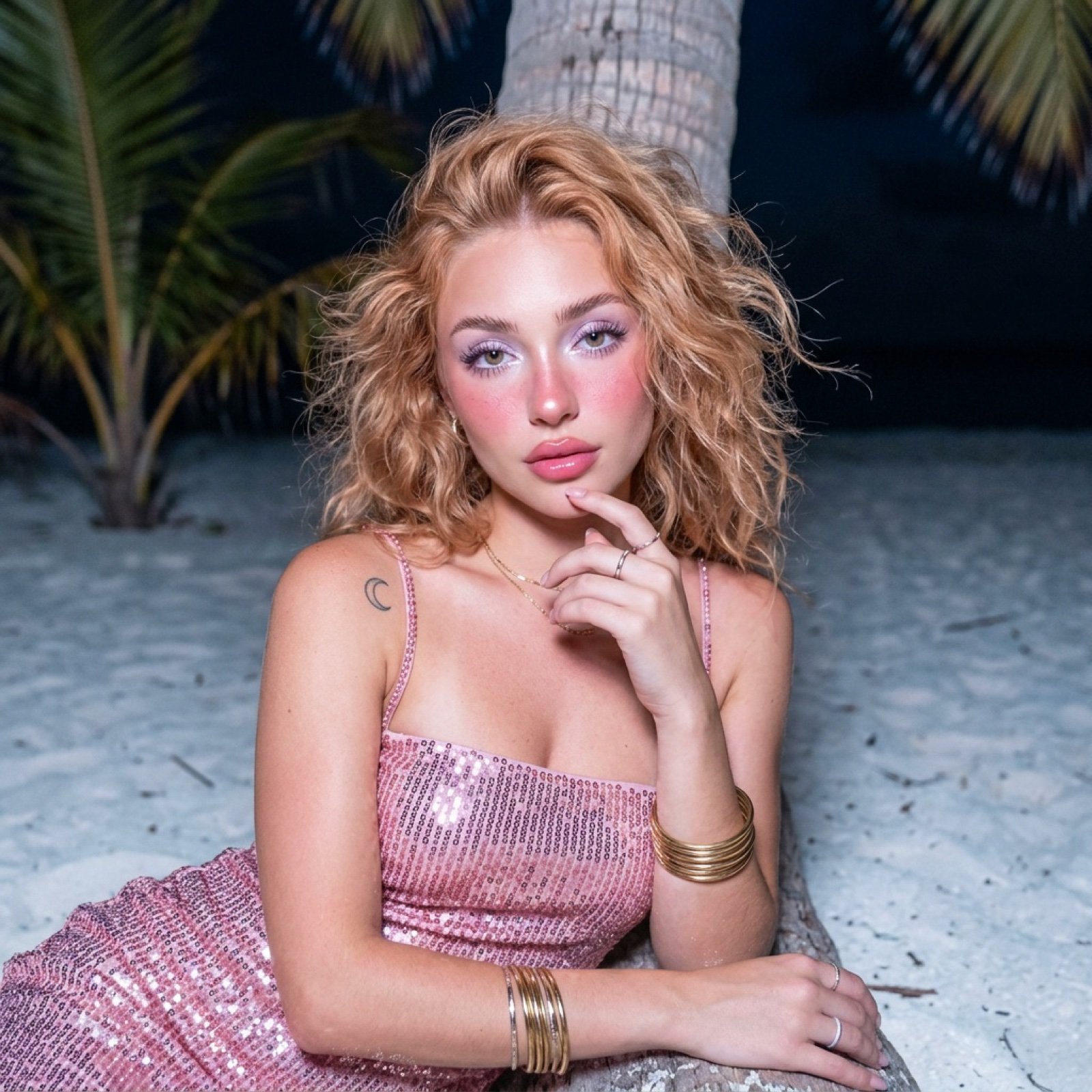
Tropical Beach Night Glamour Shot Prompt
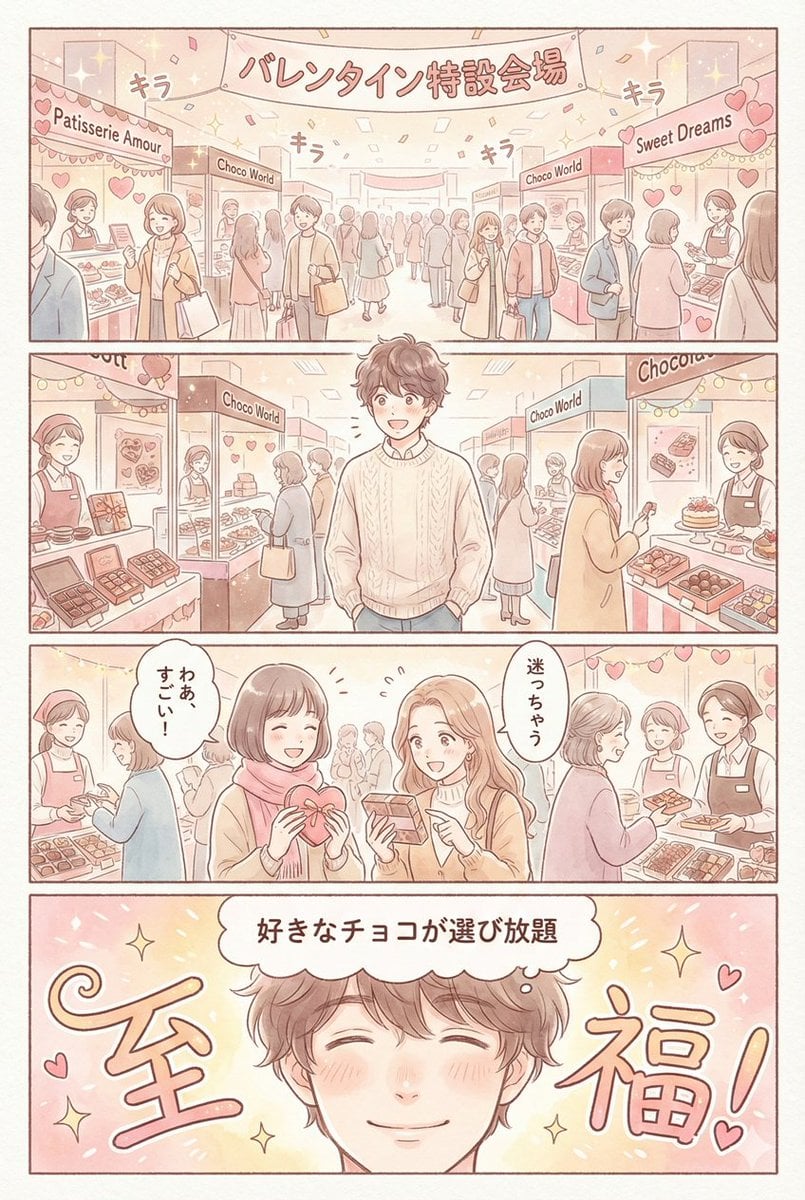
Valentine's Chocolate Shopping Manga Panel Generation
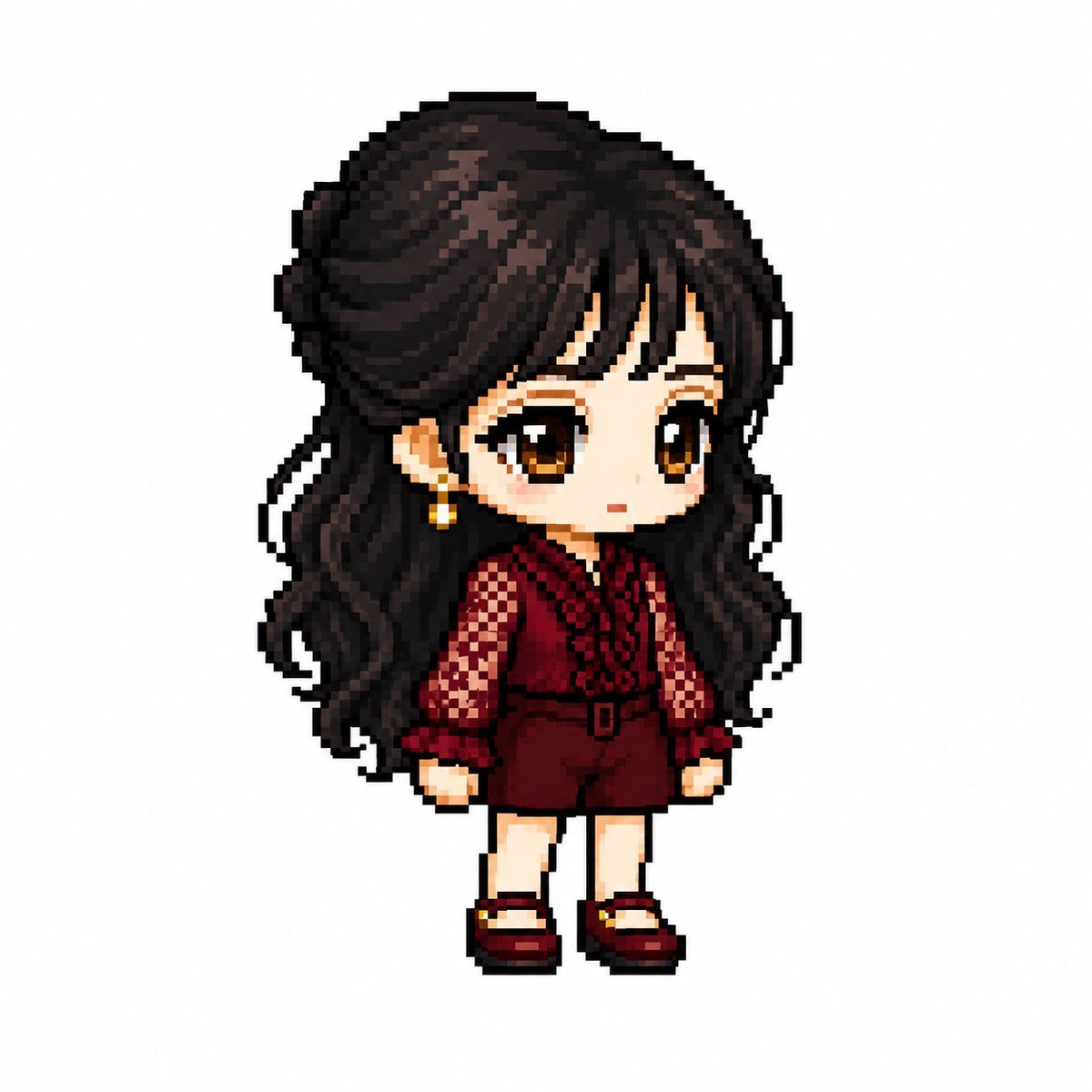
MapleStory Style Pixel Art Avatar
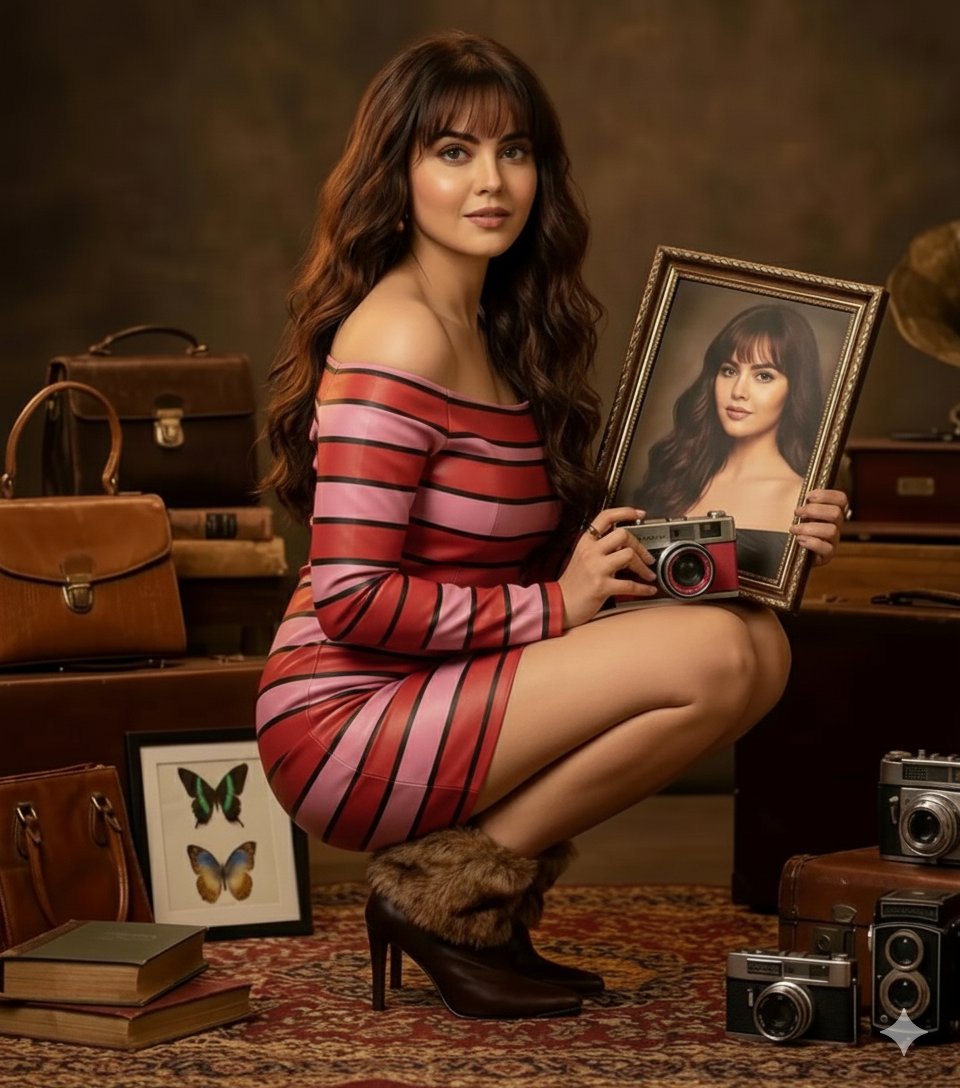
Vintage Studio Portrait with Picture-in-Picture Effect
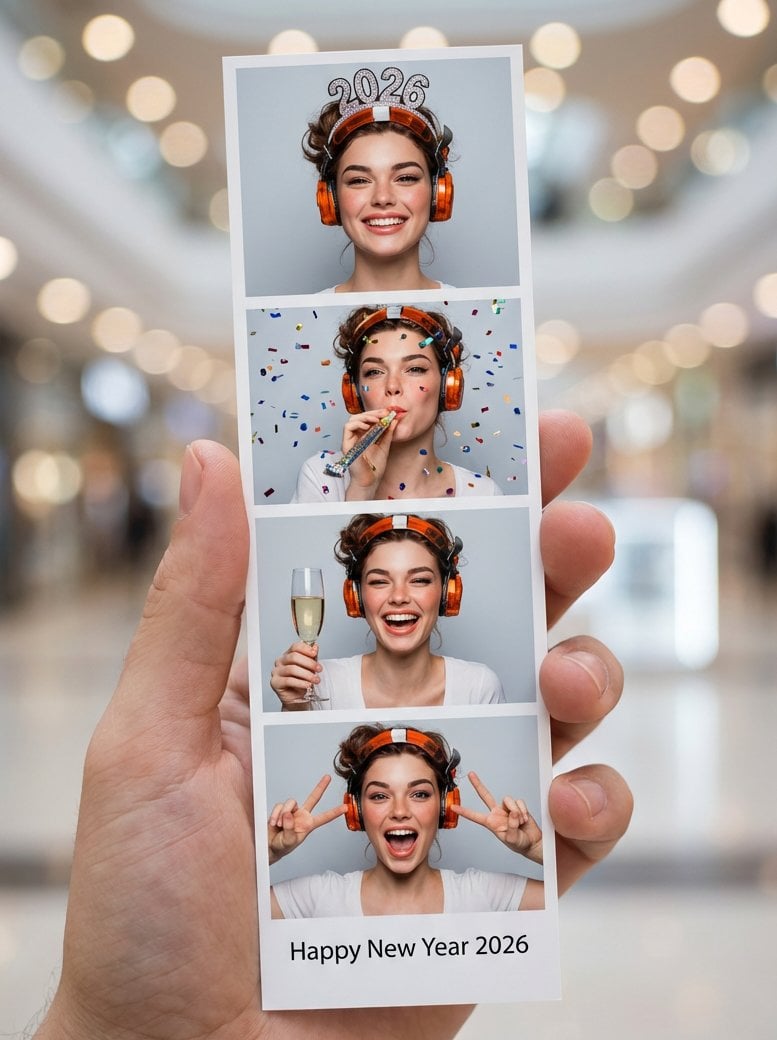
Photo-Booth Print Strip with Identity Lock
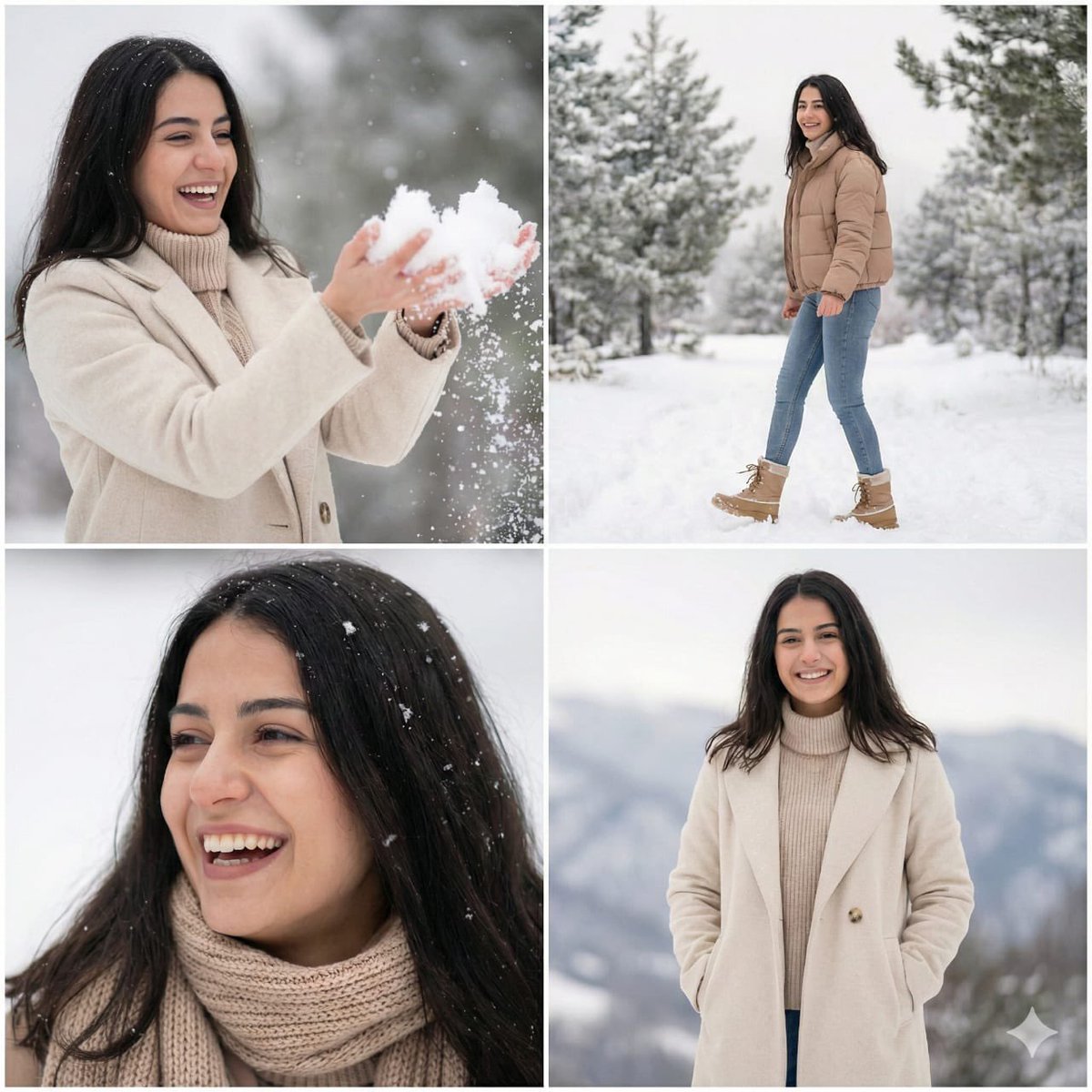
Modern Winter Aesthetic Collage
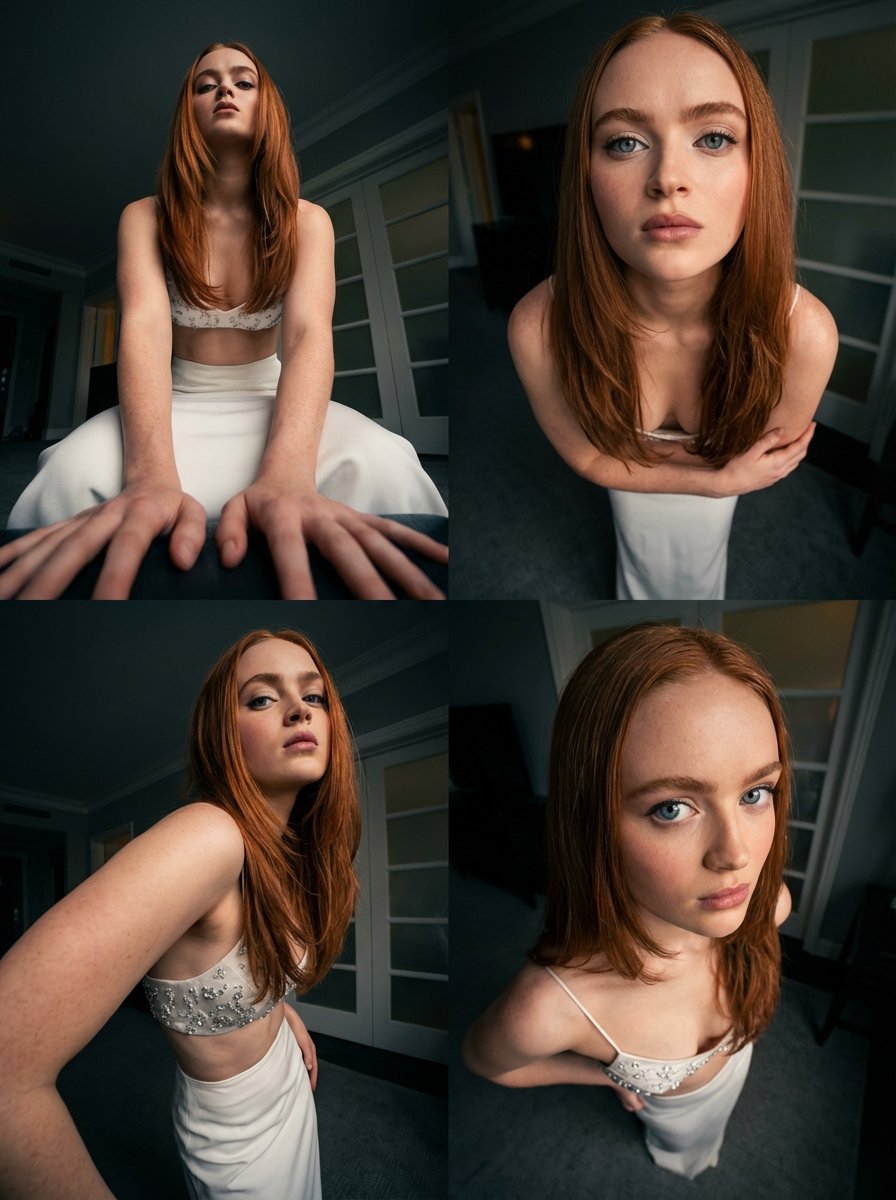
Dynamic Multi-Angle Portrait Grid Generation
Browse template categories
untitled questions
How do I use the 61-untitled template?
Add your photo if the template asks for one, edit the prompt if you like — the template's model and format are already selected — and press Generate. Your version opens in PicX Studio.
Can I customize the 61-untitled template?
Yes. You can change the subject, setting, lighting, mood, format, and available model controls before creating your image.
Is the 61-untitled template free?
Opening and editing this template is free. Generating uses credits, shown on the Generate button when you are signed in.
Which AI model should I use?
Start with Seedance 2.0 Standard, which is the model associated with this template. You can compare another compatible model for a different finish.
Looking for something else? Browse all templates.

Your photo, any look
Thousands of ready templates for every top image and video model, from one credit balance.