
Japanese Aqua Fashion Magazine Cover
This prompt generates a refined anime-style Japanese beauty and fashion magazine cover, useful for editorial mockups, character branding, and cross-media visual identity.
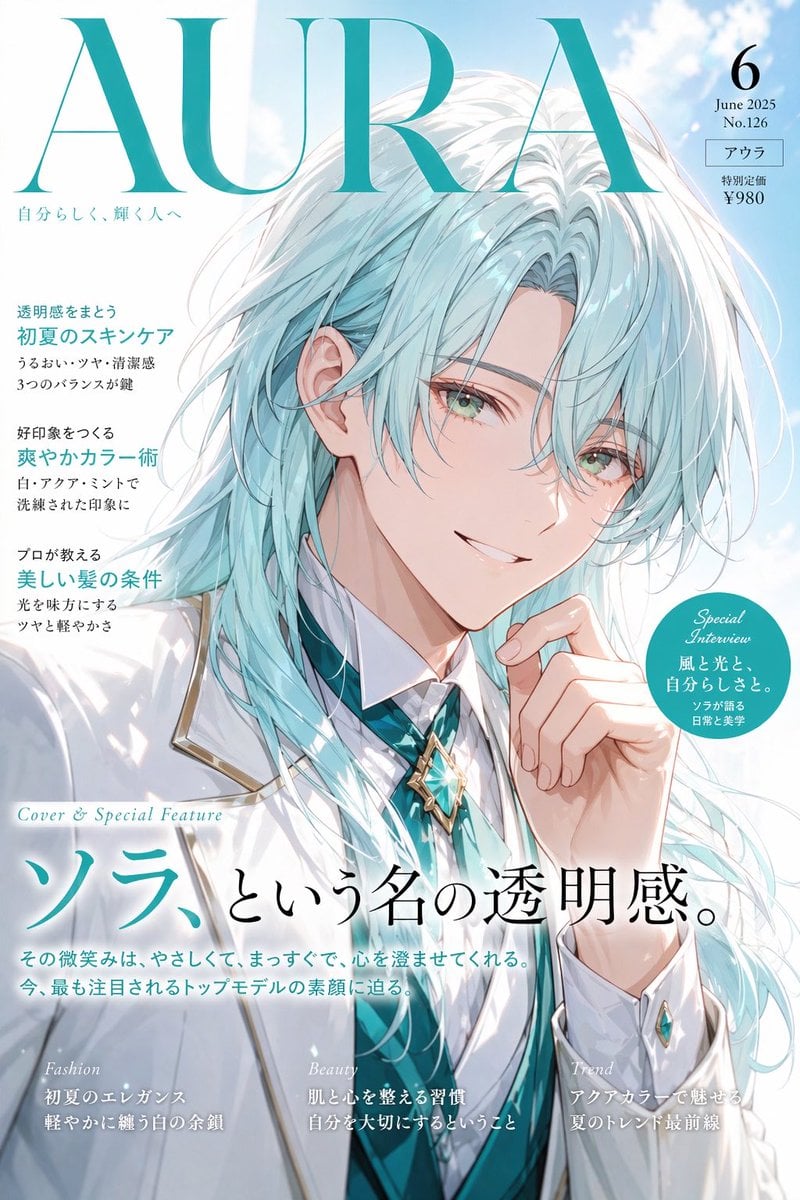
- Prompt included
- Model and format preset
- Free template
The prompt behind this image
Copy the exact prompt behind Japanese Aqua Fashion Magazine Cover, or open it in the studio and make it yours.
A polished Japanese fashion magazine cover illustration in elegant contemporary editorial style, vertical full-page composition. The cover title is a huge teal serif masthead reading "AURA" across the top. In the upper right, include 4 stacked issue details: "6", "June 2025", "No.126", and a small boxed label "アウラ", followed by the price line "特別定価 ¥980". The background is a bright pale blue sky with soft white clouds. Center the portrait of an androgynous, ethereal young model, shown from chest up, wearing a crisp white tailored jacket with subtle gold piping, a white shirt, a vivid aqua-teal vest or tie layer, and a gemstone-like star brooch at the collar. The character has very long, layered, windswept hair in {argument name="hair color" default="icy white with pale aqua tint"}, with glossy strands flowing across the shoulders, and fair luminous skin. The face is largely obscured by a centered rectangular censor block in muted gray-blue to pale pink gradient, covering the eyes, nose, and upper cheeks; the visible lower face shows a soft mouth and refined chin. One hand is raised near the lips in a thoughtful fashion-portrait pose. Use delicate anime-inspired linework, airy lighting, translucent highlights, and luxury beauty-editorial rendering. Add 3 left-column cover blurbs in Japanese with teal headlines and smaller black body text: first, "透明感をまとう 初夏のスキンケア" with 2 smaller lines beneath; second, "好印象をつくる 爽やかカラー術" with 2 smaller lines beneath; third, "プロが教える 美しい髪の条件" with 2 smaller lines beneath. Add a teal circular badge on the right with 4 lines of white text: "Special Interview", "風と光と、", "自分らしさと。", and "ソラが語る 日常と美学". Near the lower center, place a small italic English line "Cover & Special Feature" above the large Japanese main headline "ソラ、という名の透明感。" with the first word in teal and the rest in black. Under that, add 2 lines of smaller Japanese subheadline text. Along the bottom edge, create 3 feature teasers with pale italic English category labels and Japanese copy beneath: left label "Fashion", center label "Beauty", right label "Trend", each with 2 short Japanese lines. Overall mood: serene, luxurious, airy, refreshing early-summer beauty fashion cover with cohesive aqua-and-white color design.
How to use Japanese Aqua Fashion Magazine Cover in 3 steps
- 1Upload ImagePNG, JPG or paste
Add your photo
Upload the photo the template builds on. The prompt, model and format are already set.
- 2…a portrait of your subject in softgolden-hour light, 85mm…
Personalize
Edit the subject and creative details for your destination.
- 3Generate
Generate
Press Generate — your image is created in PicX Studio, so you can compare it with the original and refine one variable at a time.
More like this
Templates with the same subject, style or setup. Open one to see its prompt.

High-Fashion Editorial Magazine Cover ICON

Korean Model Floating Magazine Pages Campaign

Blue Backdrop Luxury Fashion Portrait Campaign
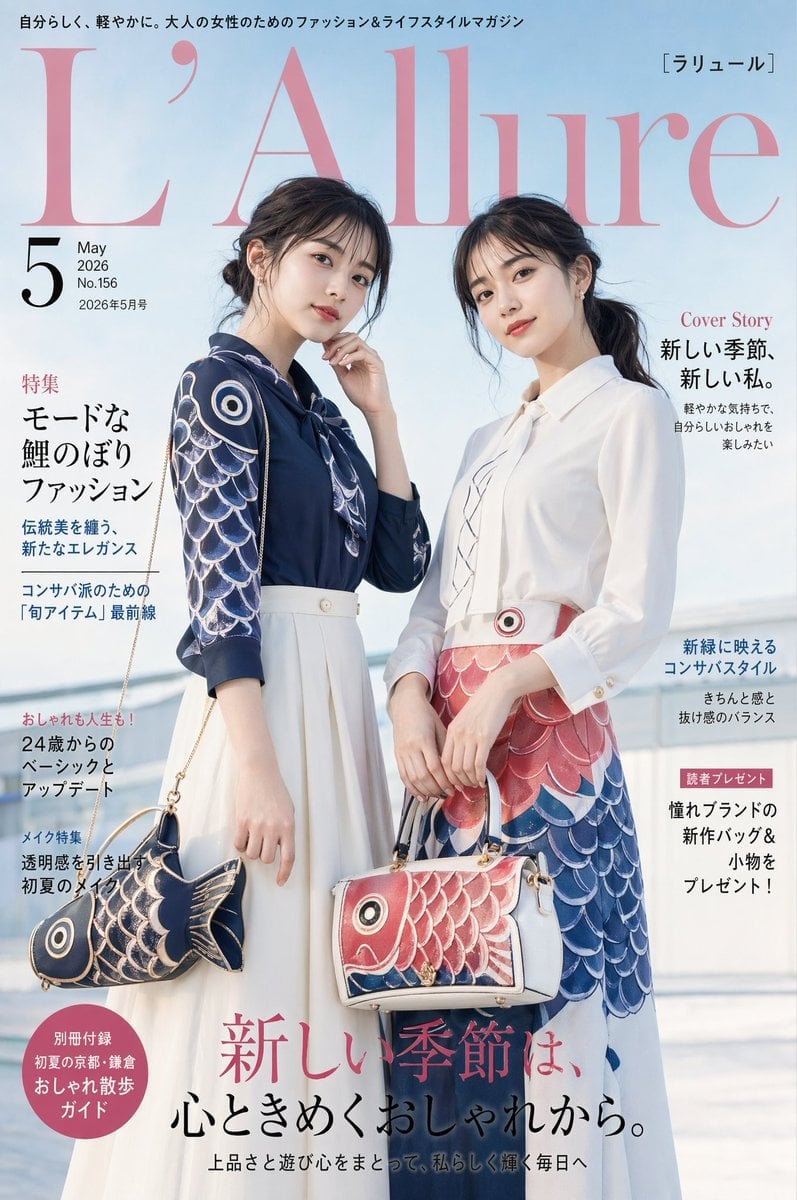
Japanese Koinobori Fashion Magazine Cover
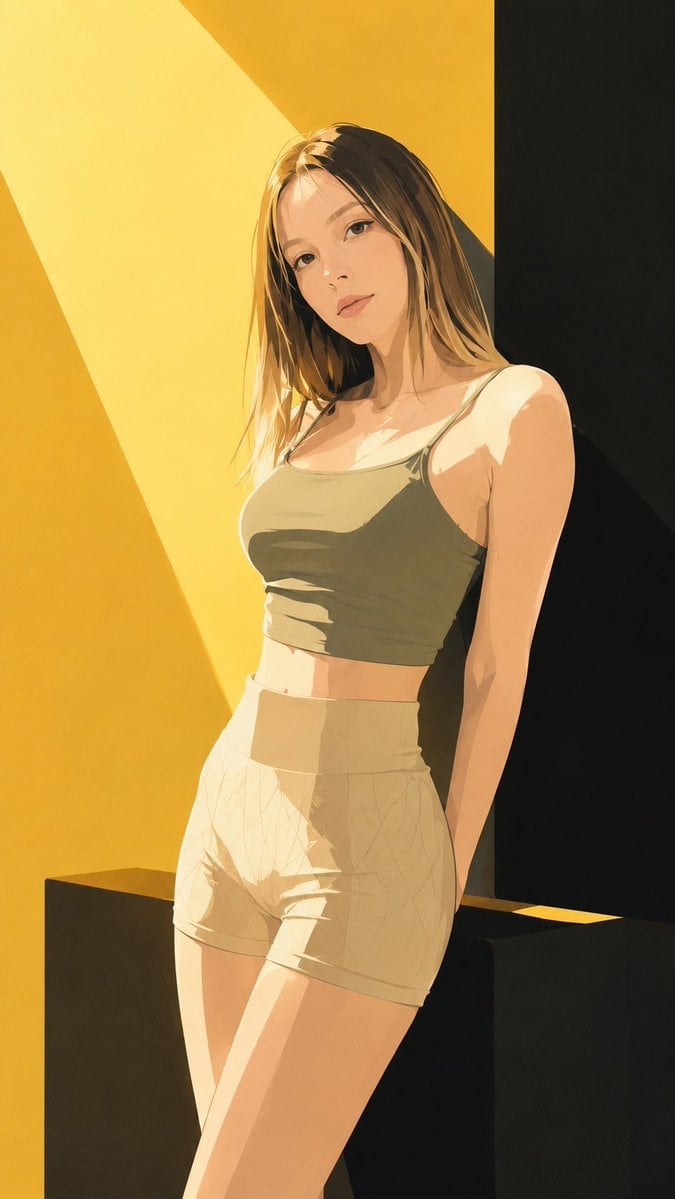
Japanese Fashion Magazine Anime Cover

Off Duty Fashion Magazine Cover

Japanese Tatami Lifestyle Magazine Cover

High-Fashion Magazine Cover Portrait

Blue Hour Editorial Fashion Portrait
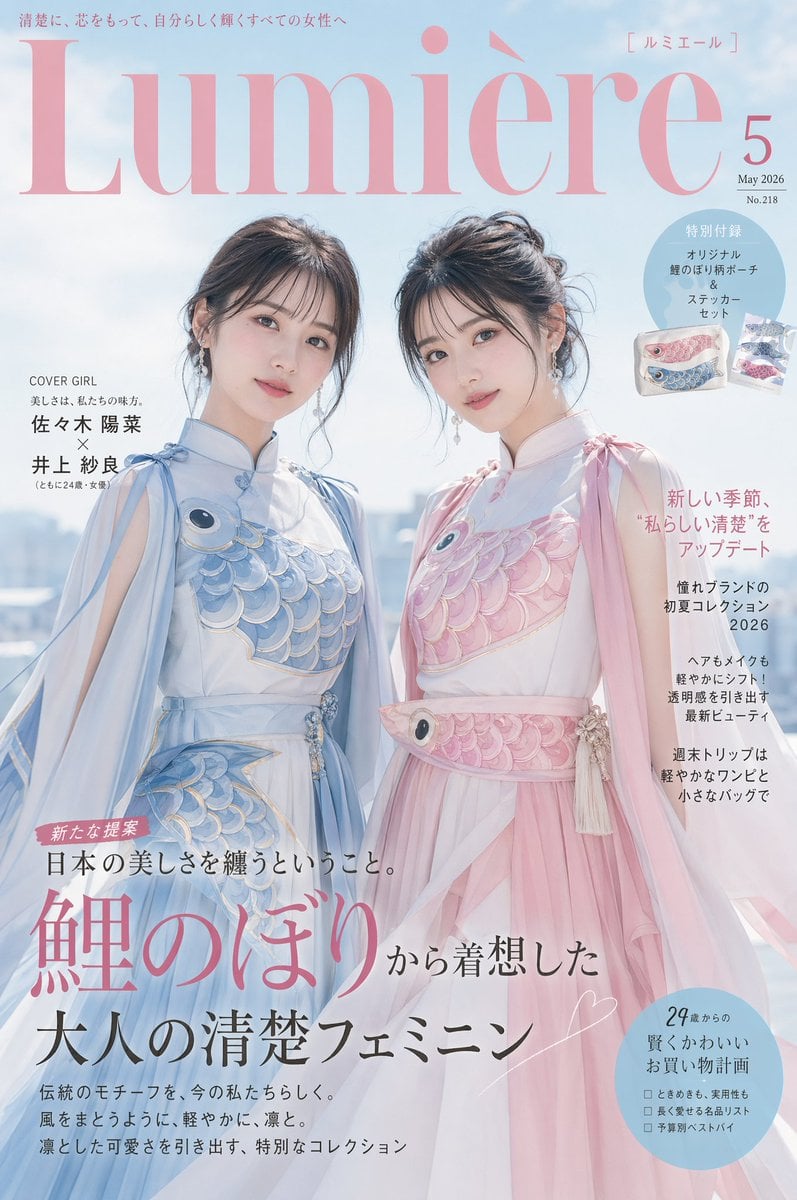
Japanese Fashion Cover with Koinobori Dresses
Cyberpunk Fashion Magazine Cover

80s College Gate
Make it yours
Japanese Aqua Fashion Magazine Cover works as-is. These are the safest ways to change it without losing the look.
Change one field
Copy a single group, rewrite it, and generate again so you can see what that field is doing.
Keep the frame, change the subject
Hold the composition and light of Japanese Aqua Fashion Magazine Cover, then swap wardrobe, props or the person for a new take.
| If the result… | Why | Fix |
|---|---|---|
| The result drifts from the preview | Too many fields changed at once. | Reuse Japanese Aqua Fashion Magazine Cover as-is first, then change one group — subject, light, or setting. |
| The model over-stylizes the scene | The prose prompt leaves finish and camera underspecified. | Add one camera or lighting sentence and stay on GPT Image 2. |
More GPT Image 2 templates
Other prompts made for GPT Image 2.

Six VTuber Japanese Logo Sheet

Realistic Portrait of Woman and Deer

The Vista Modular Condo Poster

AI Model Routing Comparison Infographic

2.5D Anime Art Board

Isometric Productivity Desk Scene

New York Double Exposure Poster

Four-Panel AI Landscape Comparison

NESCAFÉ Coffee Map Poster

Brutalist Cogito Chinese Typography Poster
More image prompts
Fresh picks from across the catalog.
Fictional Newspaper Newspaper Extra

Infinite Decorative Text Generator Prompt for Nano Banana 2
Gemini Nano Banana Realistic Portrait Re
One Flower, One World City Illustration
VR Headset Exploded View Poster

Mechanic Garage Selfie with iPhone 17 Pro Max Specs (JSON)
Macro Portrait with Wink and Pucker
Winter Concrete Salt Damage Close-Up

Kawaii Punk Band Studio Scene

Cinematic Genius Portrait
Browse template categories
Japanese Aqua Fashion Magazine Cover questions
How do I use the Japanese Aqua Fashion Magazine Cover template?
Add your photo if the template asks for one, edit the prompt if you like — the template's model and format are already selected — and press Generate. Your version opens in PicX Studio.
Can I customize the Japanese Aqua Fashion Magazine Cover template?
Yes. You can change the subject, setting, lighting, mood, format, and available model controls before creating your image.
Is the Japanese Aqua Fashion Magazine Cover template free?
Opening and editing this template is free. Generating uses credits, shown on the Generate button when you are signed in.
Which AI model should I use?
Start with GPT Image 2, which is the model associated with this template. You can compare another compatible model for a different finish.
Looking for something else? Browse all templates.

Your photo, any look
Thousands of ready templates for every top image and video model, from one credit balance.