
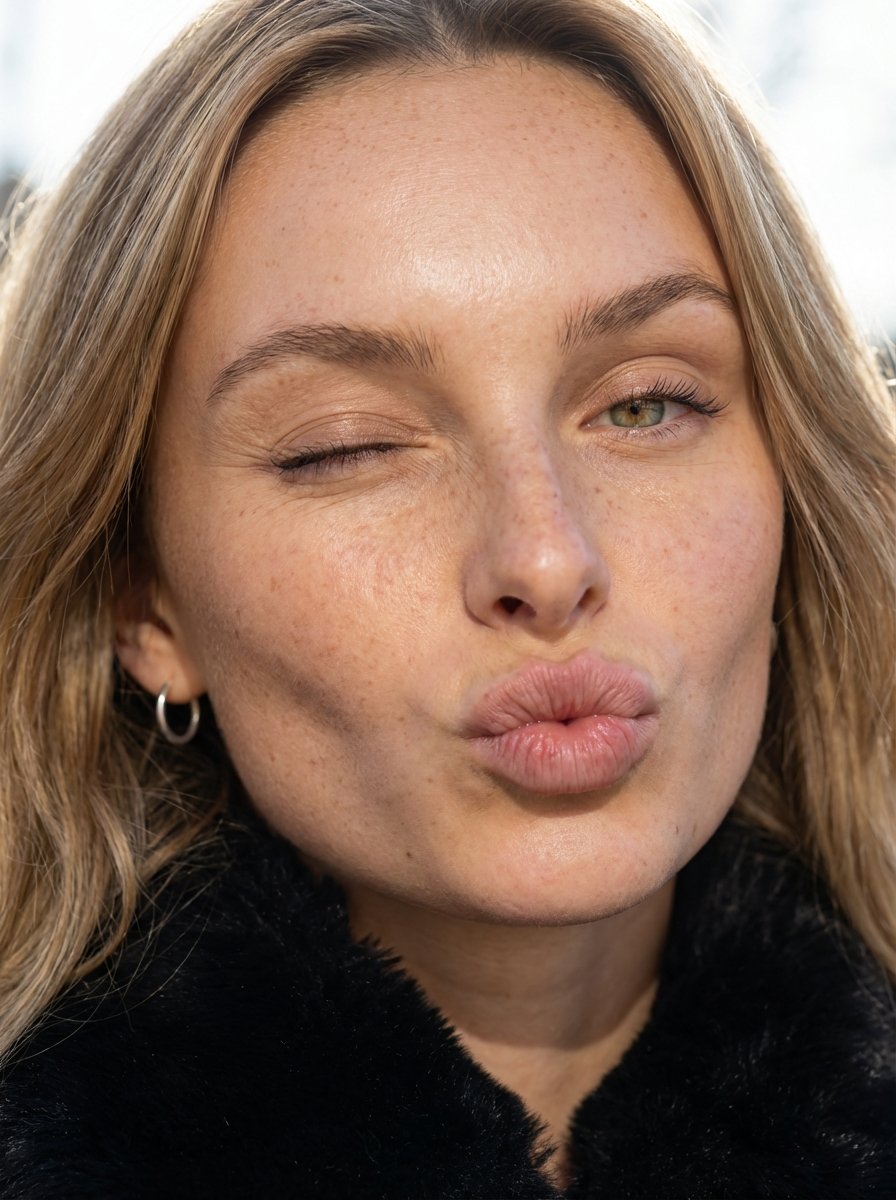
Macro Portrait with Wink and Pucker
A highly detailed, technical prompt for generating an 8K macro portrait focusing on the face of a young woman executing a deliberate wink and a puckered pout, emphasizing hyper-visible skin texture, natural…
- Prompt included
- Model and format preset
- Premium template
The prompt behind this image
Copy the exact prompt behind Macro Portrait with Wink and Pucker, or open it in the studio and make it yours.
{ "subject": { "demographics": "Young woman of European descent, mid-20s, olive-toned complexion with subtle warm undertones.", "hair": "brunette to blonde ombre wavy hair, natural texture with individual strand definition and visible root depth.", "face": "Prominent; one hazel brown eye open with defined lashes; one eye closed in a deliberate wink; puckered pout (kiss-face) showing high-definition vertical lip texture.", "anatomy": "Macro-level skin fidelity focusing on the malar and nasal regions. Hyper-visible follicular pores, natural fine lines (orbicularis oculi creases) around the winked eye, and authentic skin texture including micro-creases. The lips exhibit soft tissue compression and puckering striae without artificial smoothing or volume normalization.", "attire": "Deep black high-pile faux fur or shearling texture visible at the base of the neckline.", "accessories": "Minimalist polished silver hoop earrings, catching specular highlights." }, "pose": { "type": "Extreme close-up macro portrait.", "details": "Head tilted at a 15-degree lateral angle toward the right; asymmetrical facial compression due to the wink and pucker." }, "environment": { "location": "High-key outdoor setting.", "elements": "Diffuse, overexposed background bokeh suggesting a bright, open-air luxury environment." }, "camera": { "shot_type": "Macro Portrait", "focal_length": "85mm Macro lens for compression and high-fidelity detail.", "perspective": "Extreme proximity to eliminate background context and force focus on facial topography." }, "lighting": { "setup": "High-intensity diffuse natural daylight.", "details": "Soft directional light creating gentle shadows in the nasolabial folds and highlighting the skin's natural sebum sheen and textural irregularities." }, "mood_and_expression": { "mood": "Playful and flirtatiously candid.", "expression": "Wink and a pucker; high-energy, sophisticated luxury lifestyle vibe." }, "style_and_realism": { "fidelity": "Unfiltered macro texture, visible skin pores, fine lines, and natural lip striae. Zero AI smoothing." }, "colors_and_tone": { "palette": "Rich burgundy and deep blacks contrasted against warm skin tones and a high-key white background." }, "quality_and_technical_details": { "resolution": "8k", "grain": "ISO 100, sharp focus on the central facial features with shallow depth of field." }, "aspect_ratio_and_output": { "ratio": "9:16" }, "controlnet": { "pose_control": { "model_type": "OpenPose", "purpose": "Exact facial feature lock for asymmetrical expression", "recommended_weight": 1.0 }, "depth_control": { "model_type": "MiDaS", "purpose": "Volume preservation of the facial features during puckering", "recommended_weight": 0.8 } }, "negative_prompt": {
How to use Macro Portrait with Wink and Pucker in 3 steps
- 1
Open
The prompt is already in the box next to the preview, with the template's model and format selected.
- 2…a portrait of your subject in softgolden-hour light, 85mm…
Personalize
Edit the subject and creative details for your destination.
- 3Generate
Generate
Press Generate — your image is created in PicX Studio, so you can compare it with the original and refine one variable at a time.
More like this
Templates with the same subject, style or setup. Open one to see its prompt.

Found Photograph: Us, 1970

80s Couple Studio Portrait

80s Bollywood Star

80s Golden Hour Cinema

Me in 1985

1985 Studio Portrait

Hyper-Realistic Minecraft POV Portrait

Rooftop Fisheye — Cat-Ear Balaclava at Golden Hour

Rainy Café Window Moody Portrait

untitled

2025 Aesthetic Photography

Nano Banana Is So Addictive
Make it yours
Macro Portrait with Wink and Pucker works as-is. These are the safest ways to change it without losing the look.
Change one field
Copy a single group, rewrite it, and generate again so you can see what that field is doing.
Keep the frame, change the subject
Hold the composition and light of Macro Portrait with Wink and Pucker, then swap wardrobe, props or the person for a new take.
| If the result… | Why | Fix |
|---|---|---|
| The result drifts from the preview | Too many fields changed at once. | Reuse Macro Portrait with Wink and Pucker as-is first, then change one group — subject, light, or setting. |
| The model over-stylizes the scene | The prose prompt leaves finish and camera underspecified. | Add one camera or lighting sentence and stay on Nano Banana 2. |
More Nano Banana 2 templates
Other prompts made for Nano Banana 2.

Photorealistic Leaf Shaped Like a Dragon

K-Pop Idol Portrait Grid for Rapid Selection

Poetic Rain Forest Portrait During Golden Hour

Urban Street Portrait with Cartoon Inner Self Duo

Candid Nighttime Photo with Cat Prompt

High-Concept 3D Diorama Generation Prompt

Cinematic Futuristic Studio Portrait Template

Skincare Editorial Photography Collage Prompt

Hyper-Realistic Commercial Product Photography (Splash Effect)

Hyper-Realistic Nightclub Portrait Prompt
More image prompts
Fresh picks from across the catalog.
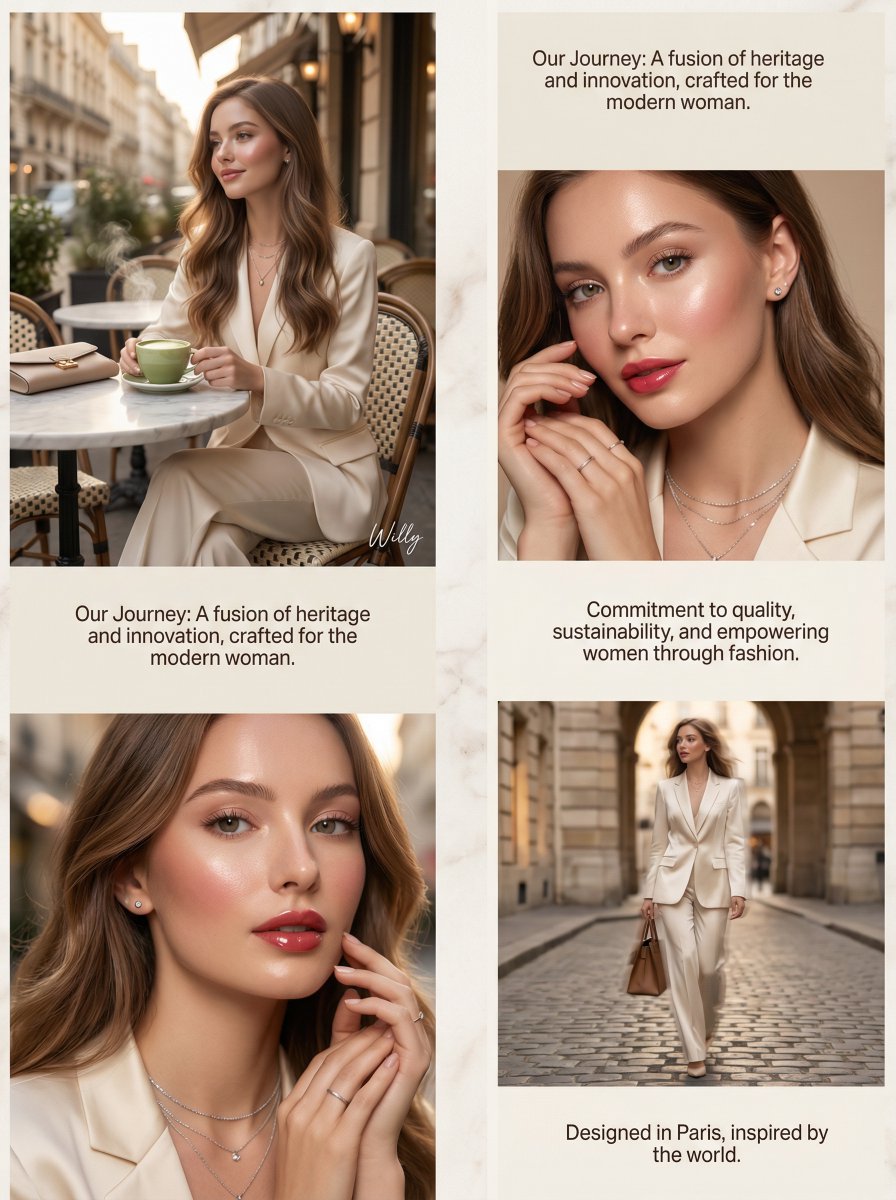
Luxury Brand About Page Storytelling Layout
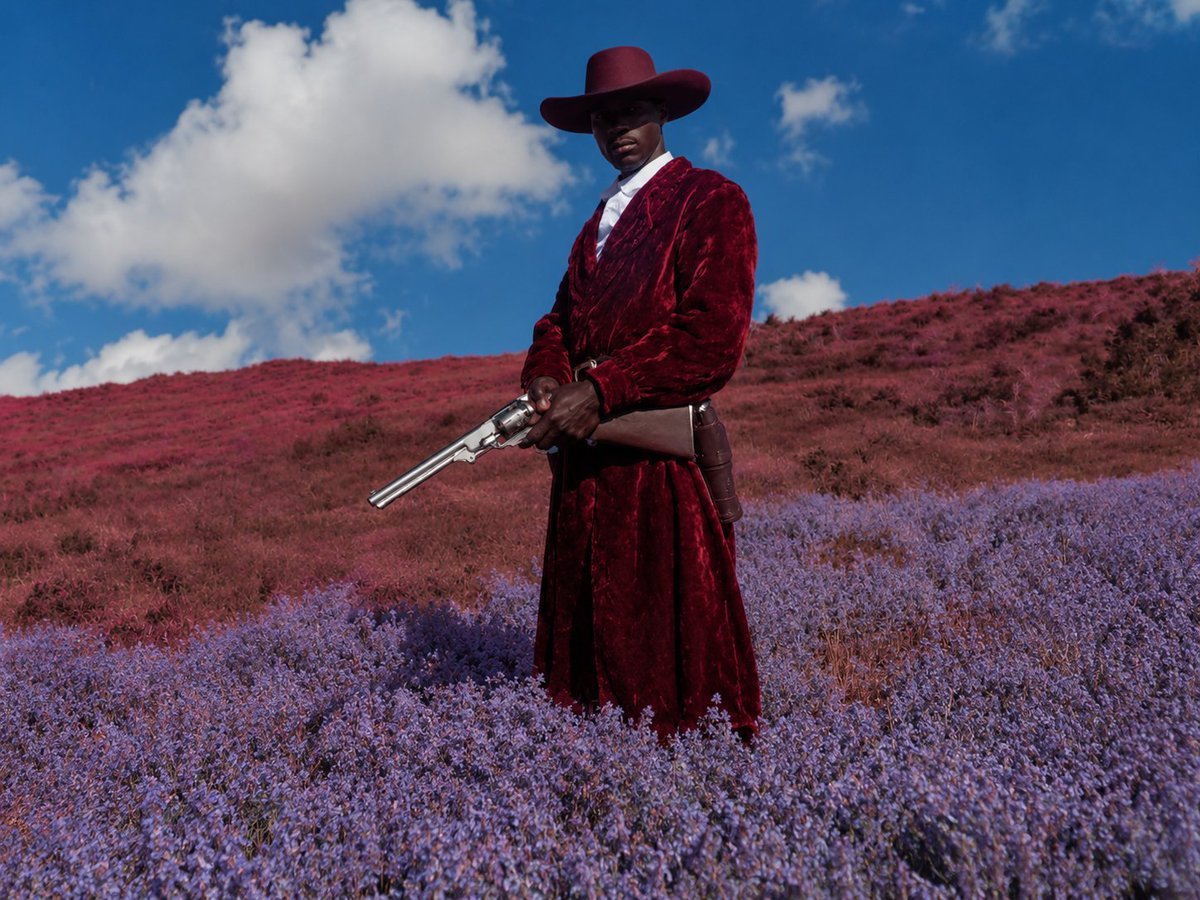
Surreal Crimson Cowboy Portrait
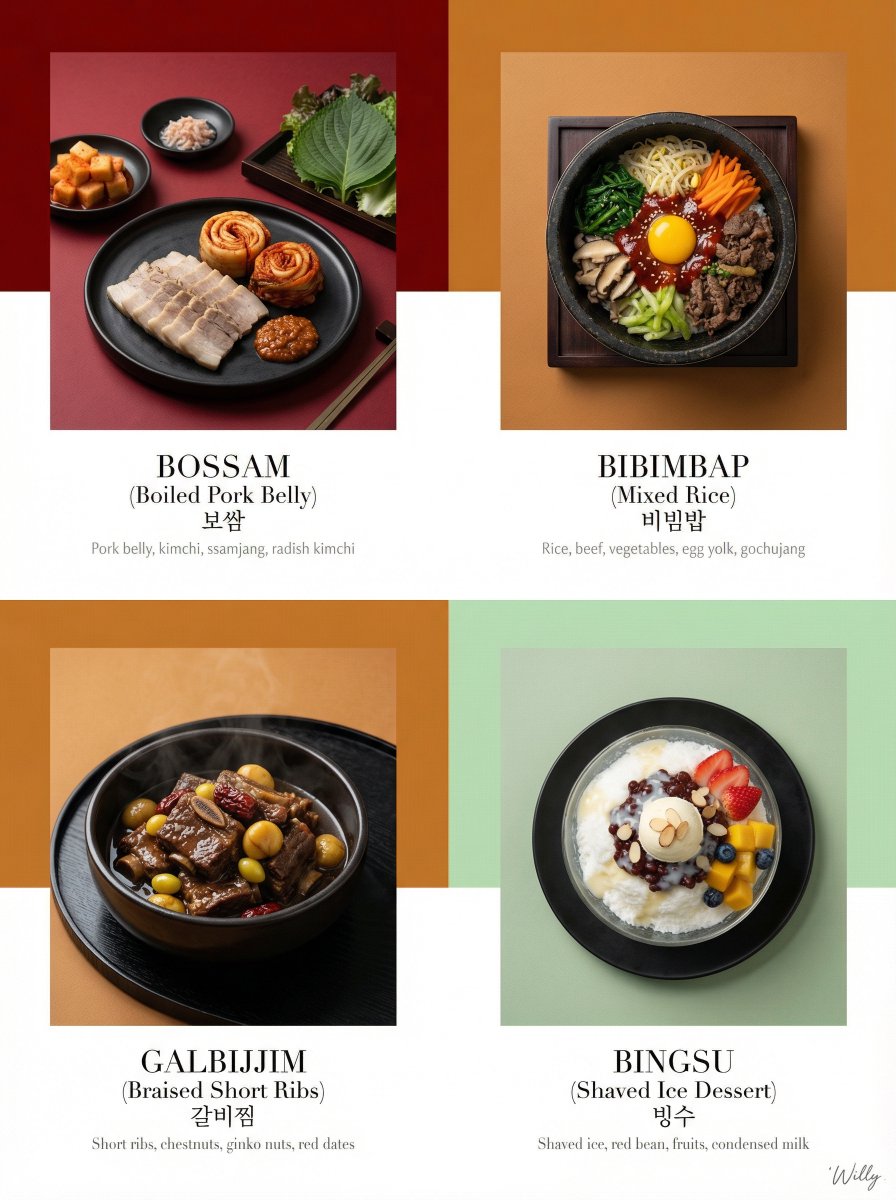
Luxury Korean Tasting Menu Editorial Layout Prompt
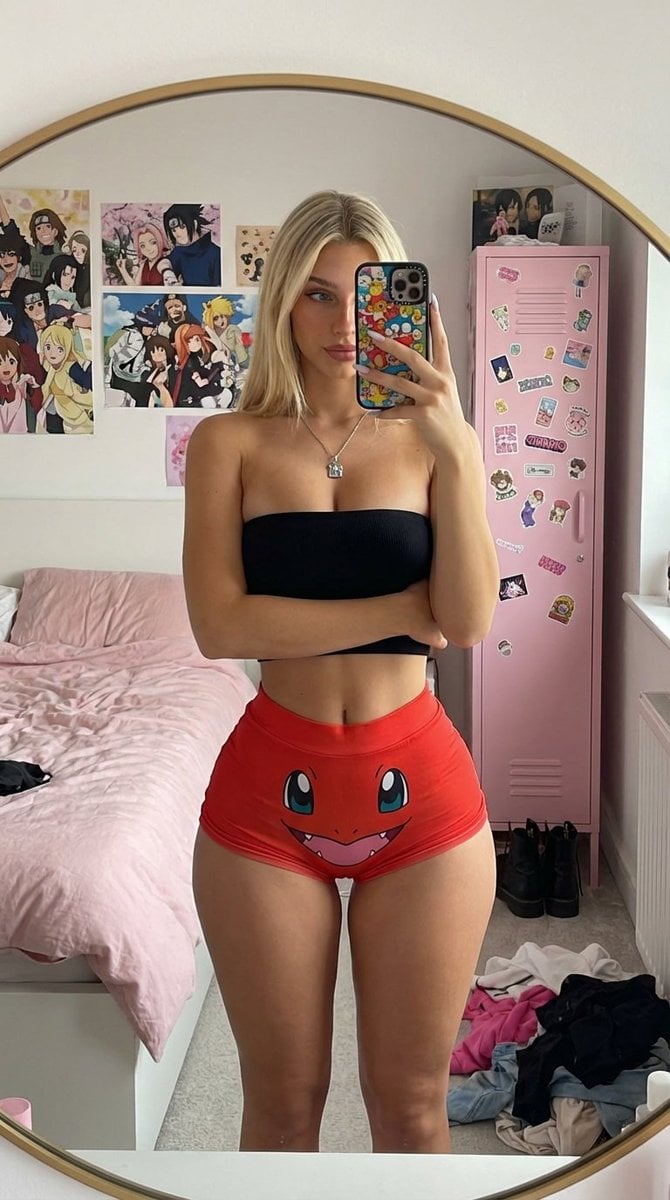
Mirror Selfie with Exaggerated Hourglass Figure and Charmander Shorts

Darkly Comic Bug Spray Ad

Cinematic Porsche Motorsport Poster

08 Rodeo Drive Luxury Exit — California Series
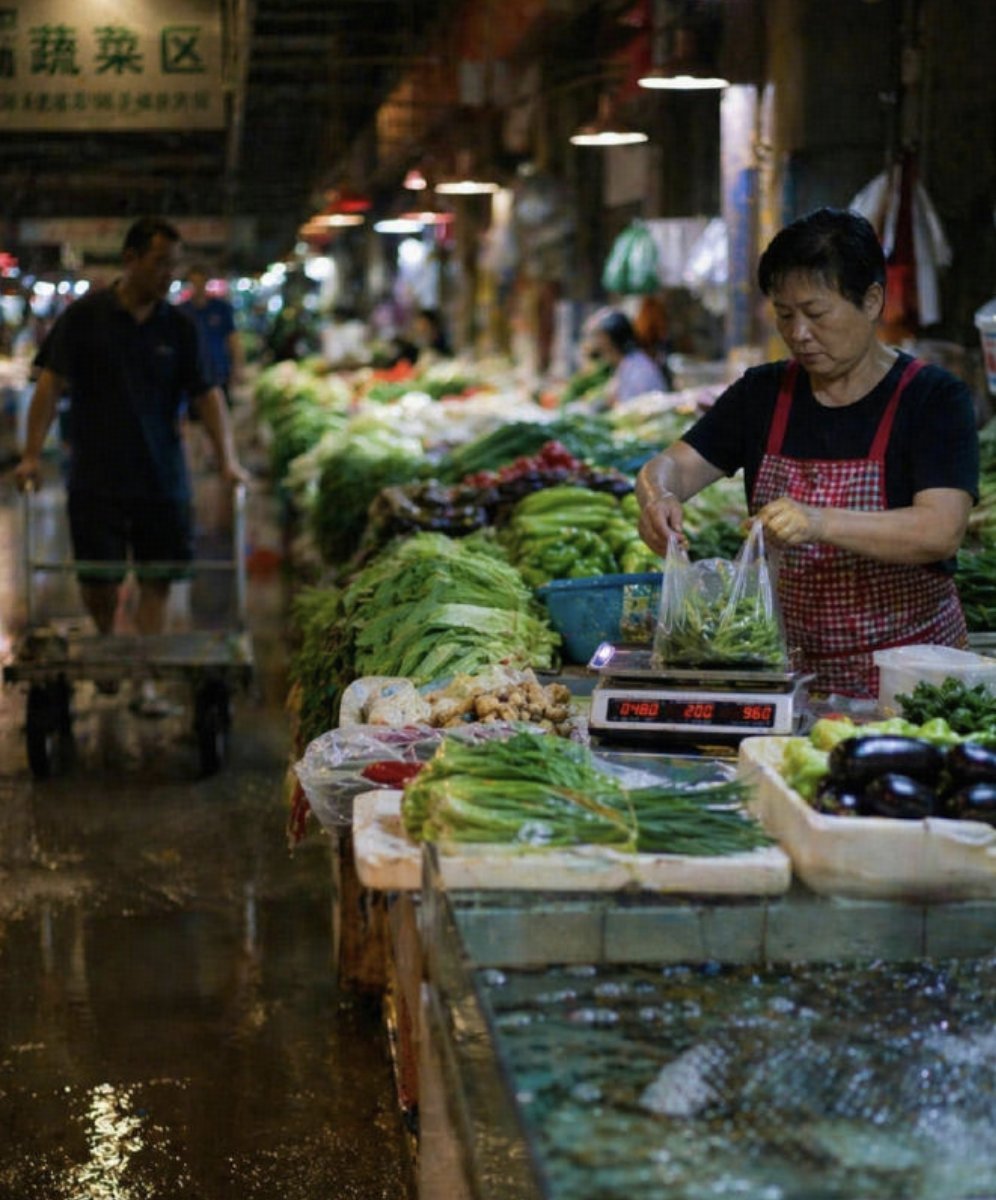
Wet Chinese Night Market Scene
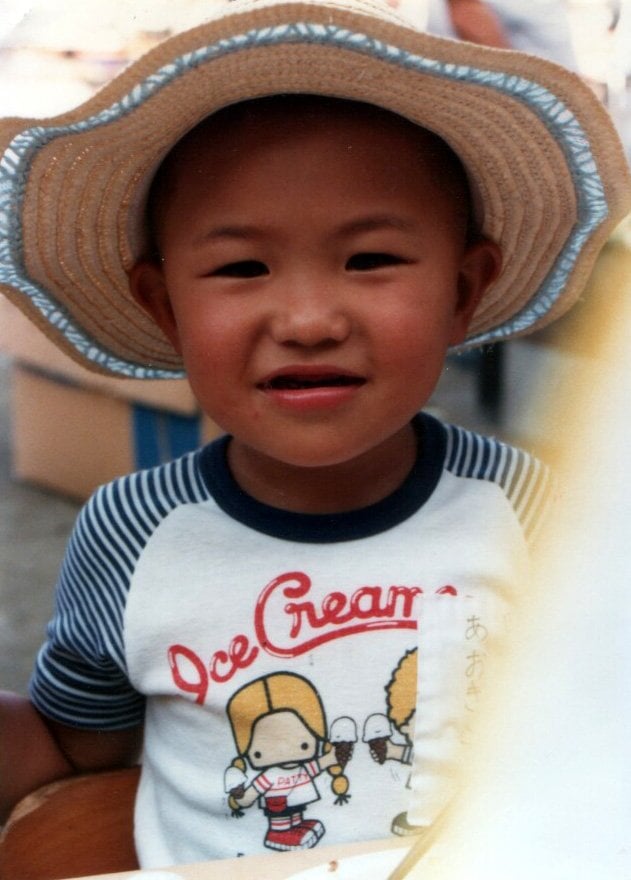
Modern Old Photo Restoration Prompt
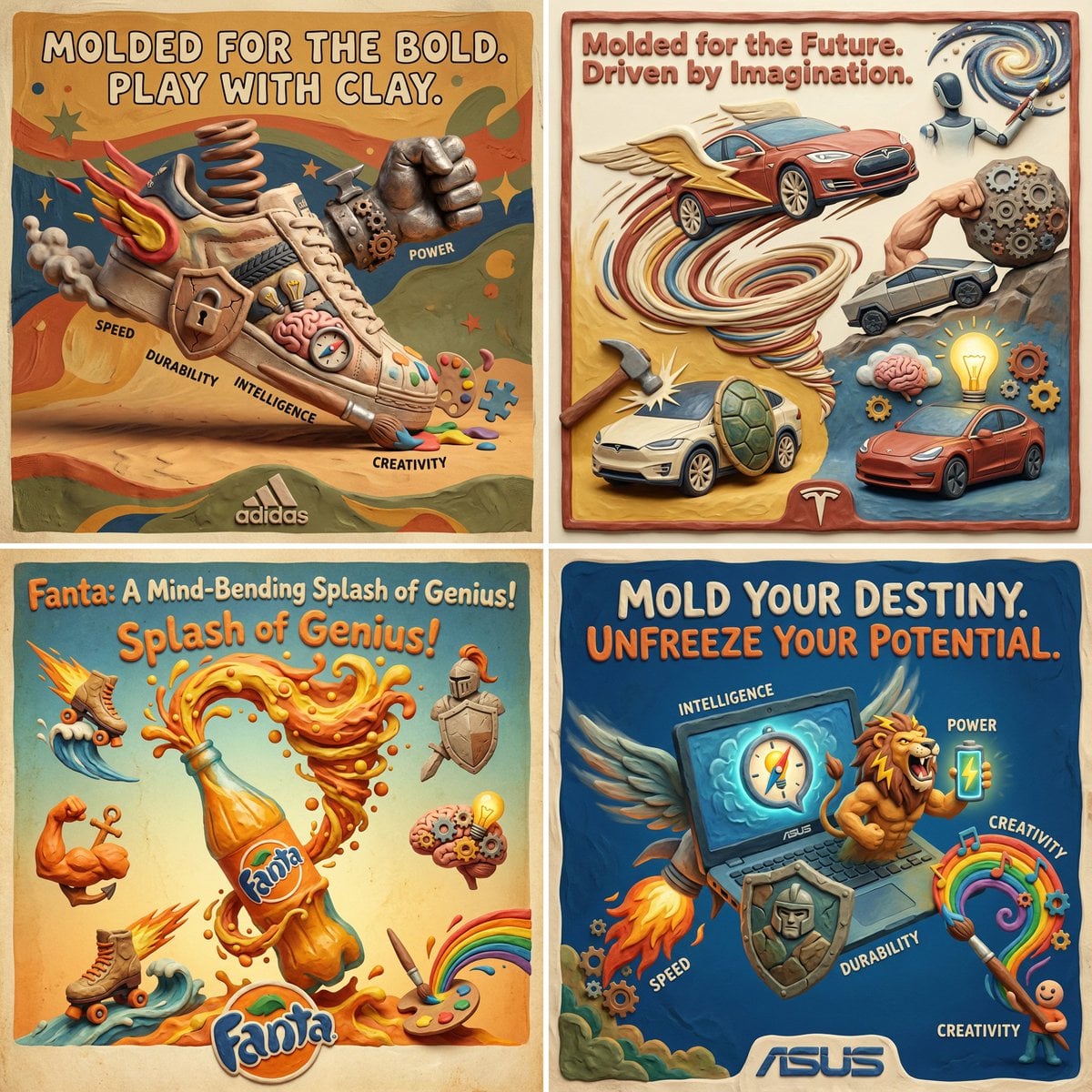
Clay Velocity Product Ad
Browse template categories
Macro Portrait with Wink and Pucker questions
How do I use the Macro Portrait with Wink and Pucker template?
Add your photo if the template asks for one, edit the prompt if you like — the template's model and format are already selected — and press Generate. Your version opens in PicX Studio.
Can I customize the Macro Portrait with Wink and Pucker template?
Yes. You can change the subject, setting, lighting, mood, format, and available model controls before creating your image.
Is the Macro Portrait with Wink and Pucker template free?
Opening and editing this template is free. Generating uses credits, shown on the Generate button when you are signed in.
Which AI model should I use?
Start with Nano Banana 2, which is the model associated with this template. You can compare another compatible model for a different finish.
Looking for something else? Browse all templates.

Your photo, any look
Thousands of ready templates for every top image and video model, from one credit balance.