
Cinematic Porsche Motorsport Poster
A structured prompt for generating a dramatic black-and-gold vertical Porsche-style race car poster with technical specs and premium motorsport branding.
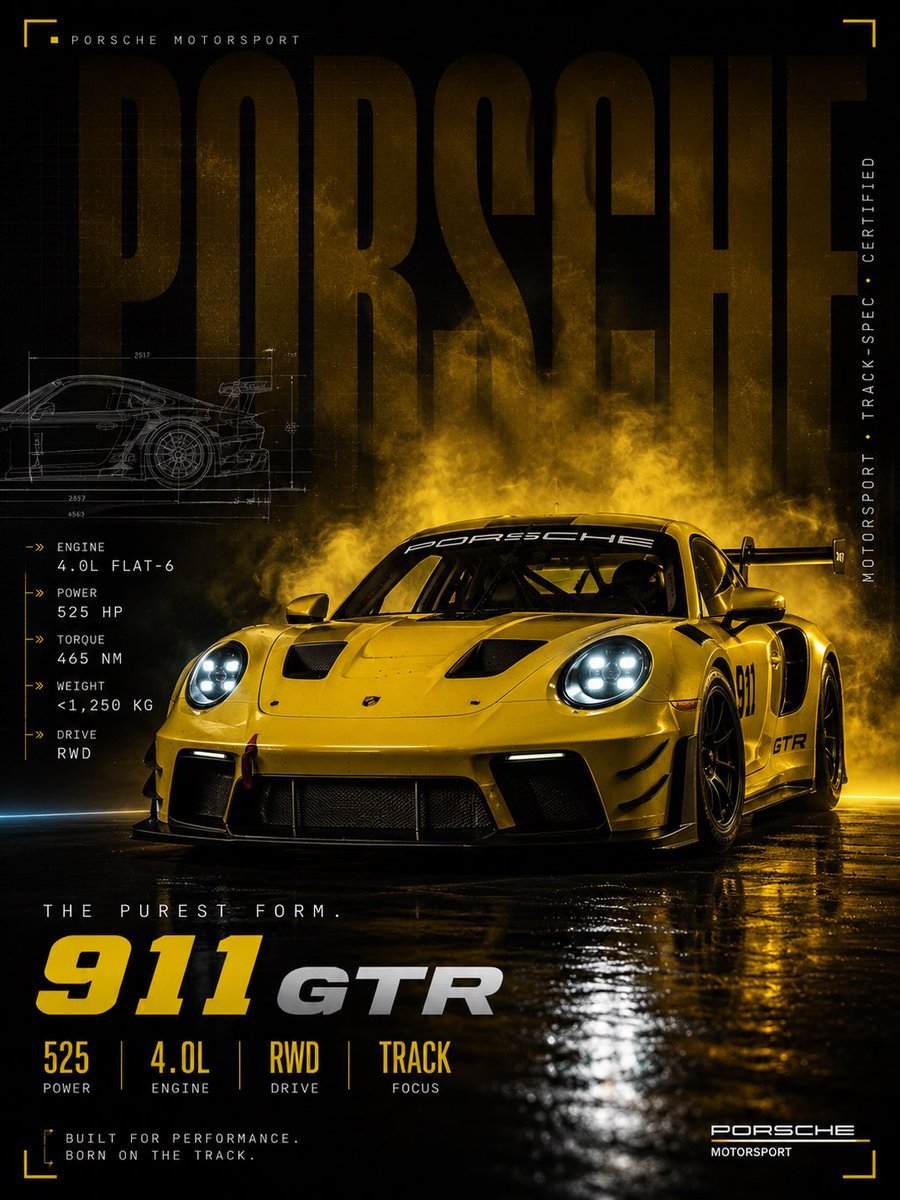
- Prompt included
- Model and format preset
- Free template
The prompt behind this image
Copy the exact prompt behind Cinematic Porsche Motorsport Poster, or open it in the studio and make it yours.
Goal: Create a full-bleed vertical cinematic motorsport poster for a {argument name="car model" default="Porsche 911 GTR"}, styled like a premium race-team advertisement. Canvas: Portrait poster, 3:4 aspect ratio, dark black background with deep gold/yellow lighting, high contrast, glossy reflections, gritty racing atmosphere, no white border. Main subject: A bright {argument name="car color" default="yellow"} Porsche-style GT race car dominates the lower half to lower two-thirds of the frame, shown from a low front-facing three-quarter angle, nose pointed slightly left, wide aggressive body kit, large rear wing, black wheels, front splitter, hood vents, side air intakes, visible roll cage, glowing cool-white circular LED headlights, windshield banner reading “PORSSCHE” or stylized “Porsche,” door number “911,” and small “GTR” marking near the side skirt. The car sits on a wet reflective black studio floor with strong gold reflections and puddle shine. Background and mood: Behind the car, create a dramatic cloud of smoky golden mist rising upward, backlit like race-track fog. Place one enormous semi-transparent word “PORSCHE” across the entire upper background in dark bronze-gold block letters, partially obscured by smoke and the car. Add faint technical grid texture and subtle grunge speckles. Layout and graphic elements: Add four thin yellow corner-bracket accents, one near each corner. At the top left, small spaced text reads “PORSCHE MOTORSPORT” with a tiny yellow square marker. At the right edge, set vertical spaced text reading “MOTORSPORT · TRACK-SPEC · CERTIFIED” with a tiny yellow dot. On the upper left, include a faint white technical blueprint side-view drawing of the race car with dimension lines. Text content: On the left side beneath the blueprint, include exactly 5 technical spec rows with small yellow arrow markers: 1) “ENGINE / 4.0L FLAT-6”, 2) “POWER / 525 HP”, 3) “TORQUE / 465 NM”, 4) “WEIGHT / <1,250 KG”, 5) “DRIVE / RWD”. Near the bottom left, add the tagline “THE PUREST FORM.” Below it, create a bold title line: huge yellow “911” followed by metallic silver “GTR”. Under that title, include exactly 4 bottom stat blocks separated by thin yellow vertical lines: 1) “525 / POWER”, 2) “4.0L / ENGINE”, 3) “RWD / DRIVE”, 4) “TRACK / FOCUS”. At the very bottom left, add small caption text: “BUILT FOR PERFORMANCE. BORN ON THE TRACK.” At the bottom right, add the logo text “PORSCHE” with smaller “MOTORSPORT” beneath it and a thin yellow line. Visual style: Hyper-realistic automotive photography blended with premium poster design, cinematic lighting, sharp details on the car, dramatic gold smoke, black-and-yellow racing palette, metallic typography, wet asphalt reflections, luxury motorsport branding, high-resolution print quality. Constraints: Keep the composition vertically centered and poster-like; use exactly 5 left-side spec rows and exactly 4 bottom stat blocks; avoid extra cars, people, sponsor clutter, or unrelated logos; make all visible text crisp and legible where possible.
How to use Cinematic Porsche Motorsport Poster in 3 steps
- 1Upload ImagePNG, JPG or paste
Add your photo
Upload the photo the template builds on. The prompt, model and format are already set.
- 2…a portrait of your subject in softgolden-hour light, 85mm…
Personalize
Edit the subject and creative details for your destination.
- 3Generate
Generate
Press Generate — your image is created in PicX Studio, so you can compare it with the original and refine one variable at a time.
More like this
Templates with the same subject, style or setup. Open one to see its prompt.
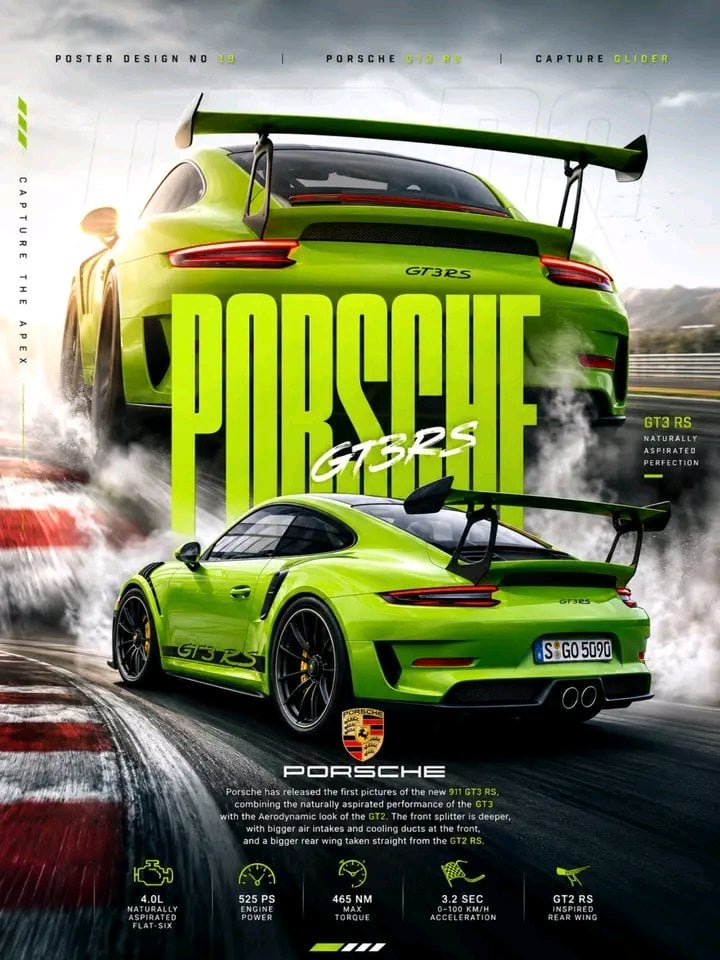
Porsche 911 GT3 RS Motorsport Poster

Japan Travel Brochure Poster

Cartoon TV Show Poster Pack

Trendy Cafe Drink Promo Poster

Urban Fashion Editorial Collage Streetwear Poster

Premium Fashion Editorial Cover Layout System

Polo Ralph Lauren Luxury American Heritage Fashion Campaign

Monochrome Halftone Editorial Fashion Poster

Retro Mirror Luxury Fashion Campaign Poster

Luxury Fashion Campaign Typography Poster System

Premium Fashion Editorial Campaign Poster System

Ultra-Stylized High-Fashion Streetwear Poster
Make it yours
Cinematic Porsche Motorsport Poster works as-is. These are the safest ways to change it without losing the look.
Change one field
Copy a single group, rewrite it, and generate again so you can see what that field is doing.
Keep the frame, change the subject
Hold the composition and light of Cinematic Porsche Motorsport Poster, then swap wardrobe, props or the person for a new take.
| If the result… | Why | Fix |
|---|---|---|
| The result drifts from the preview | Too many fields changed at once. | Reuse Cinematic Porsche Motorsport Poster as-is first, then change one group — subject, light, or setting. |
| The model over-stylizes the scene | The prose prompt leaves finish and camera underspecified. | Add one camera or lighting sentence and stay on GPT Image 2. |
More GPT Image 2 templates
Other prompts made for GPT Image 2.

Six VTuber Japanese Logo Sheet

Realistic Portrait of Woman and Deer

The Vista Modular Condo Poster

AI Model Routing Comparison Infographic

2.5D Anime Art Board

Isometric Productivity Desk Scene

New York Double Exposure Poster

Four-Panel AI Landscape Comparison

Japanese Tatami Lifestyle Magazine Cover

NESCAFÉ Coffee Map Poster
More image prompts
Fresh picks from across the catalog.
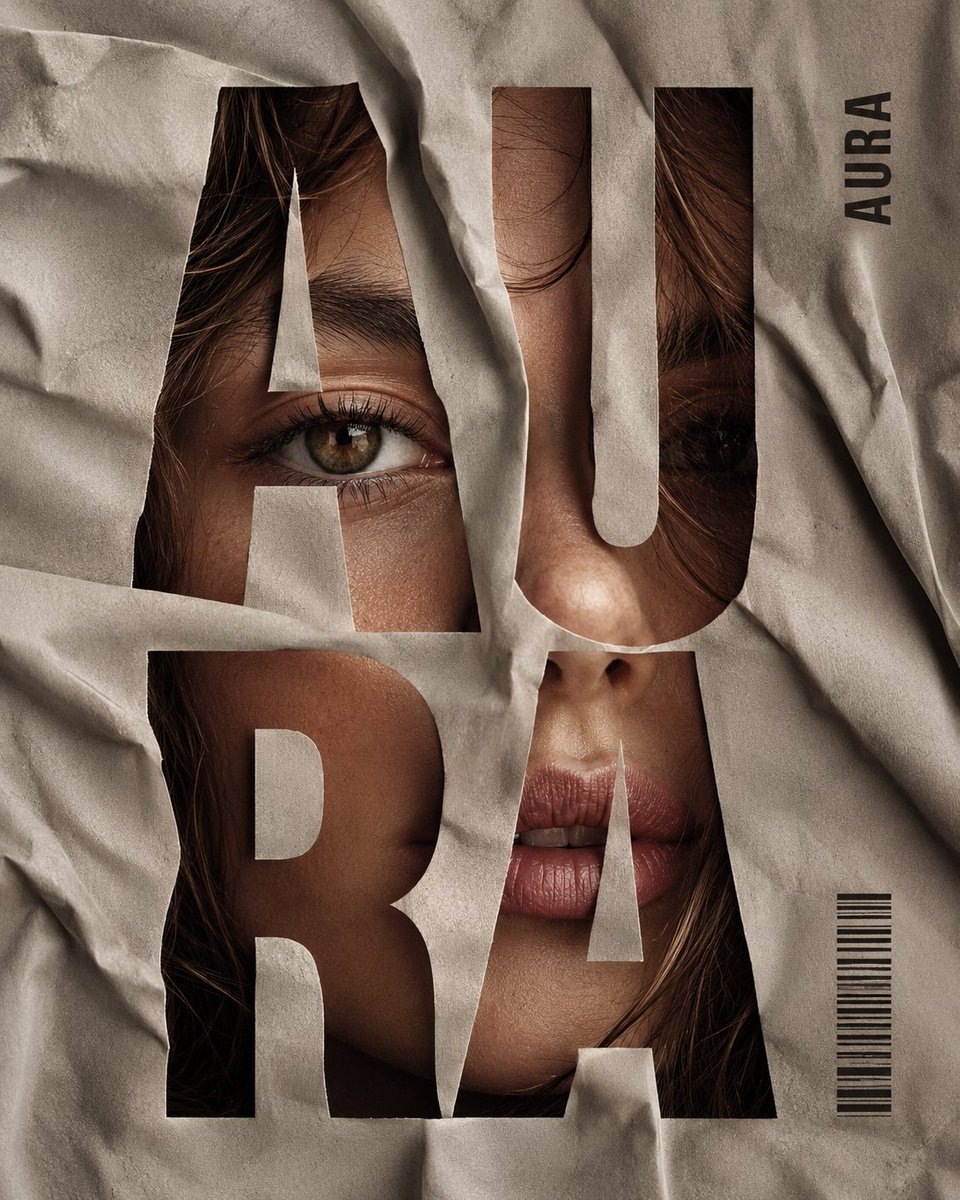
Crumpled Fabric Editorial Poster
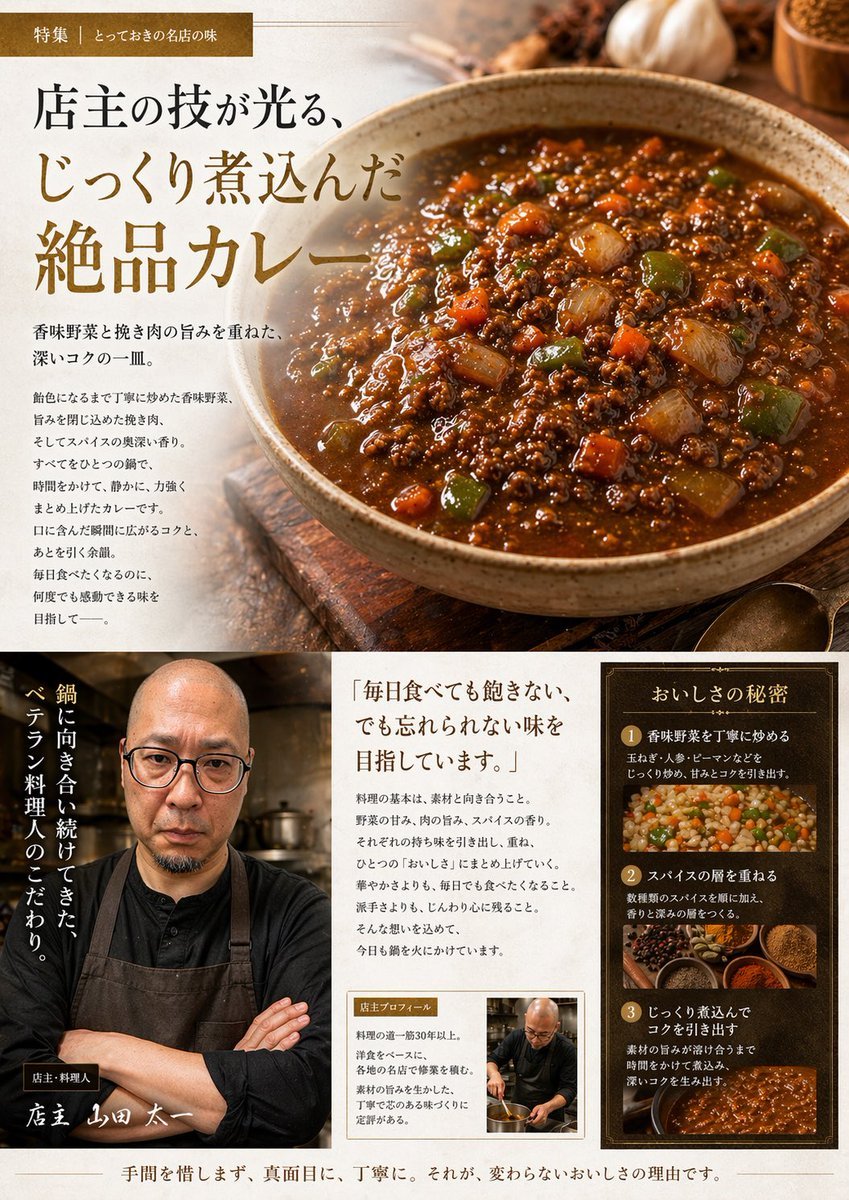
Japanese Gourmet Curry Ad Layout
AI Transformation to Dragonewt
Blue-Haired Festival Portrait
High-Fashion Editorial of Zhao Lusi in Black Bow Gown
Hand-Drawn Linear Sketch Art

Anime Character Noodle Delivery
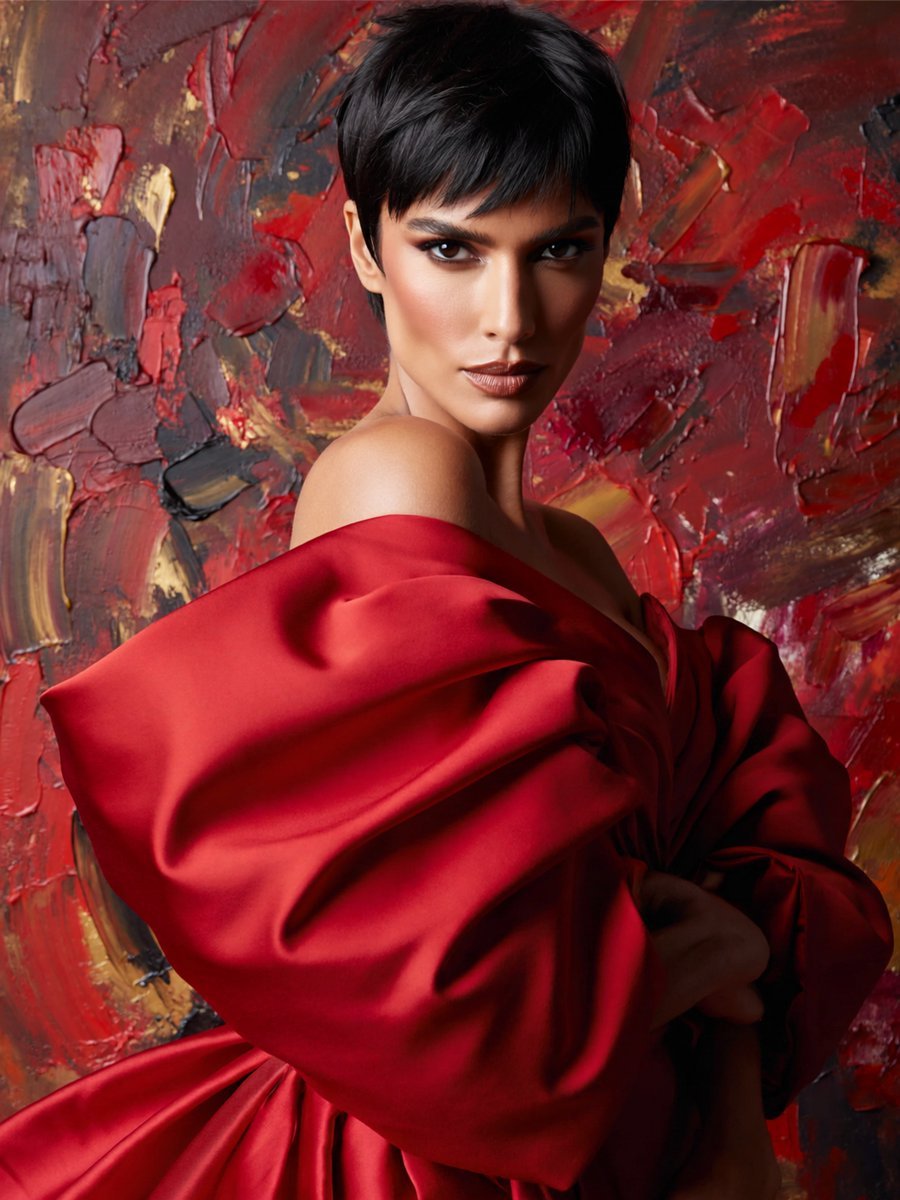
Anonymous Red Couture Portrait
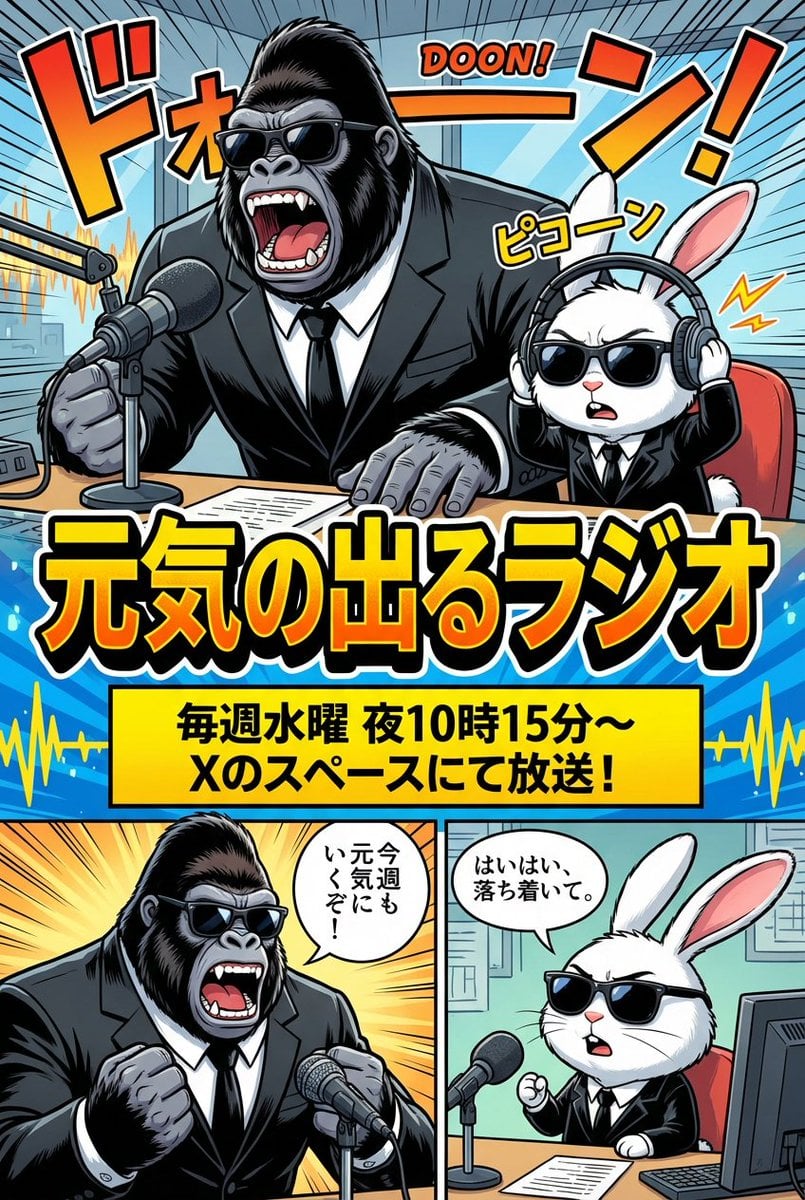
Ad manga for a radio show with a gorilla and rabbit
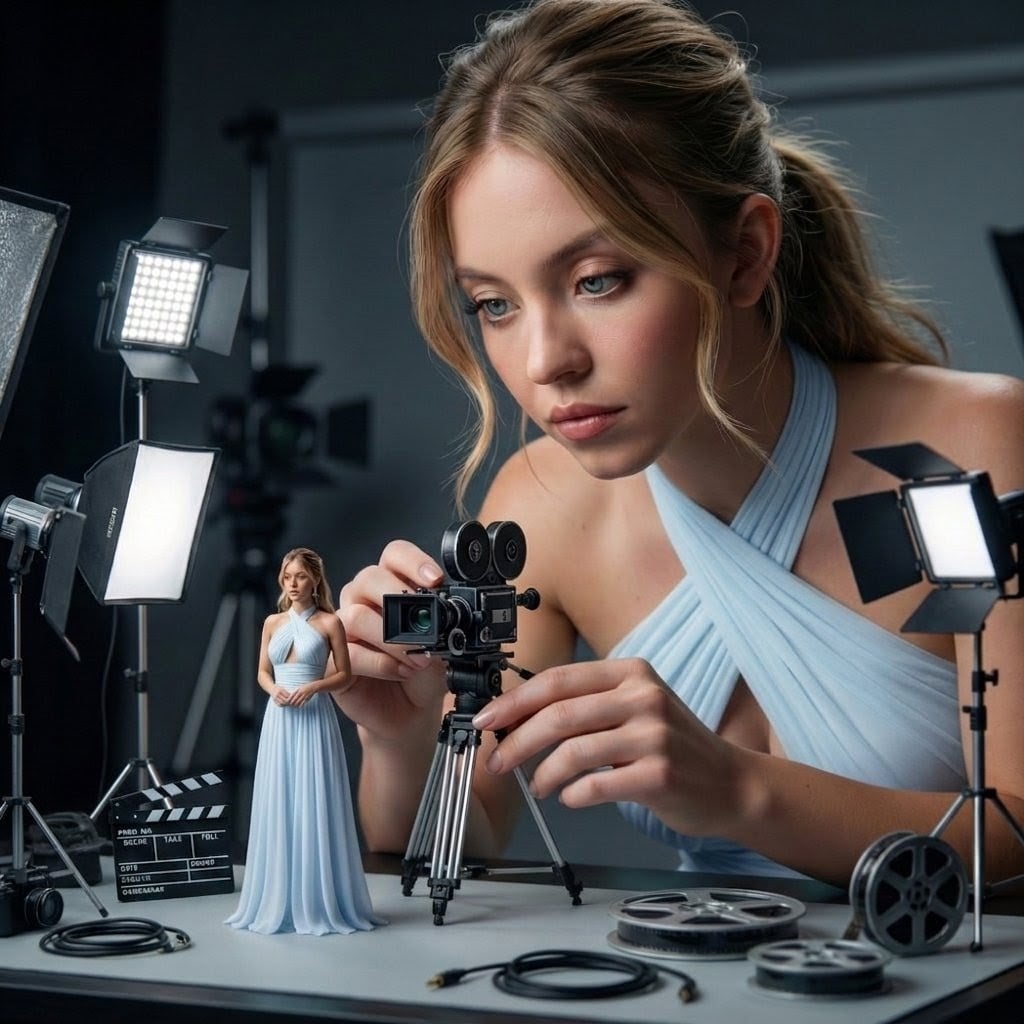
Giant Woman Filmmaker with Miniature Model
Browse template categories
Cinematic Porsche Motorsport Poster questions
How do I use the Cinematic Porsche Motorsport Poster template?
Add your photo if the template asks for one, edit the prompt if you like — the template's model and format are already selected — and press Generate. Your version opens in PicX Studio.
Can I customize the Cinematic Porsche Motorsport Poster template?
Yes. You can change the subject, setting, lighting, mood, format, and available model controls before creating your image.
Is the Cinematic Porsche Motorsport Poster template free?
Opening and editing this template is free. Generating uses credits, shown on the Generate button when you are signed in.
Which AI model should I use?
Start with GPT Image 2, which is the model associated with this template. You can compare another compatible model for a different finish.
Looking for something else? Browse all templates.

Your photo, any look
Thousands of ready templates for every top image and video model, from one credit balance.