
Japanese Gourmet Curry Ad Layout
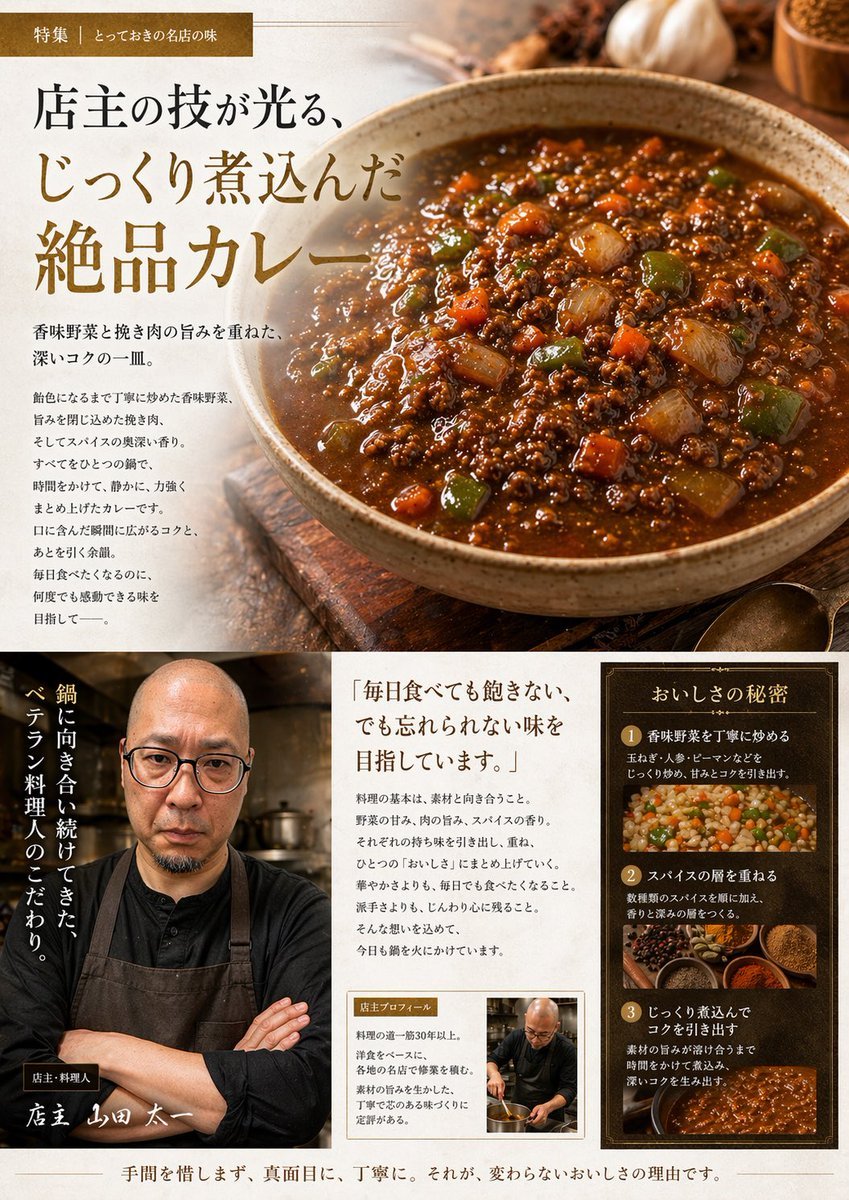
This prompt turns a reference photo of homemade curry into a premium Japanese restaurant-style editorial advertisement page for menus, promos, or social posts.
- Prompt included
- Model and format preset
- Free template
The prompt behind this image
Copy the exact prompt behind Japanese Gourmet Curry Ad Layout, or open it in the studio and make it yours.
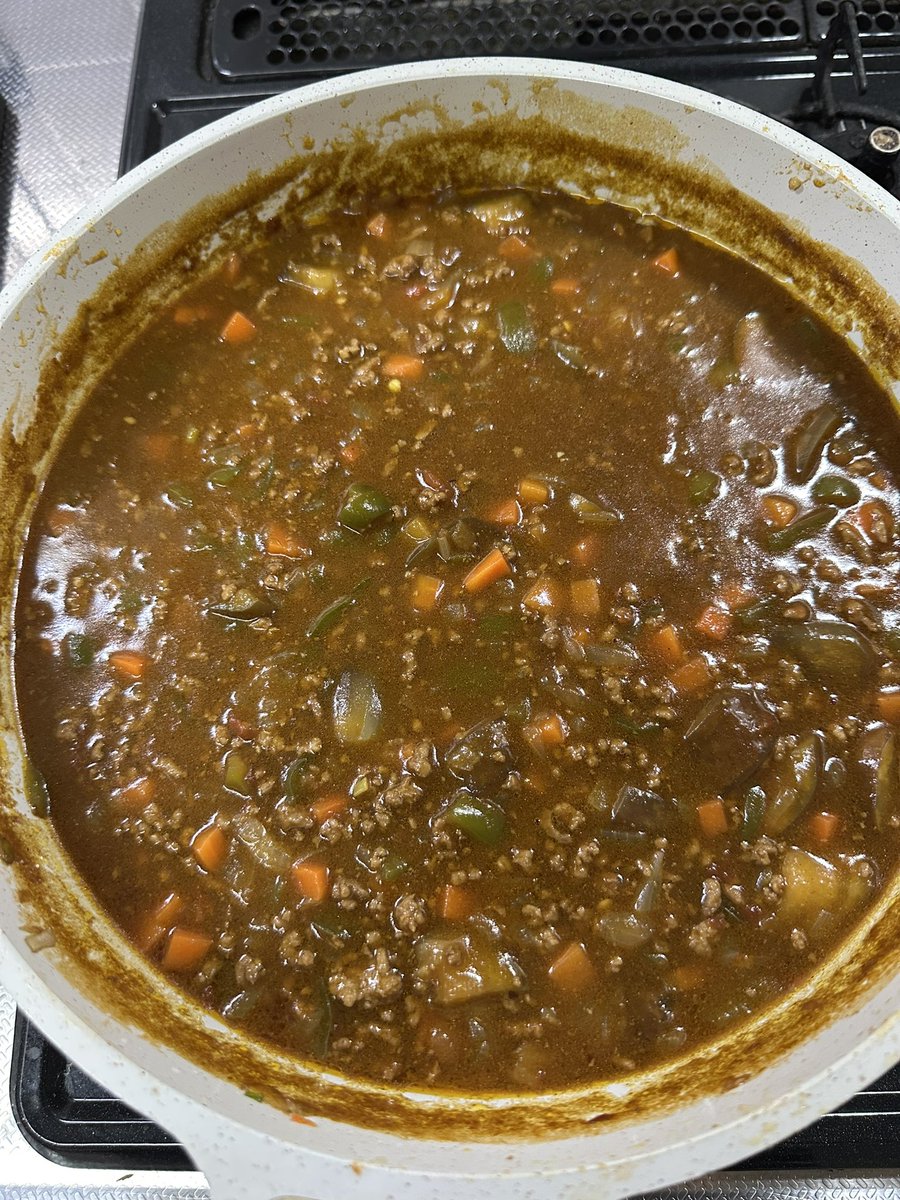
Using the provided reference image of the curry in the pan, transform it into a polished Japanese gourmet magazine advertisement page for {argument name="dish name" default="キーマカレー"}. Keep the curry recognizable as the same dish, but restyle it as a premium food photograph served in a rustic ceramic bowl on a wooden tabletop, with richer gloss, deeper color contrast, and more appetizing texture. Create a full editorial layout with 3 main content areas: 1) a large hero section at the top featuring the plated curry on the right and Japanese promotional copy on the left, including a small top banner label and a large headline; 2) a bottom-left chef profile area with 1 portrait of a chef in dark workwear and apron, arms crossed in a restaurant kitchen, plus vertical Japanese copy and a handwritten-style name caption; 3) a bottom-right information area containing 1 quote block and 1 framed “secret of deliciousness” panel with exactly 3 numbered steps, each paired with a food or cooking image. Add warm ambient lighting, shallow depth of field, spices and garlic props around the hero dish, and an upscale traditional restaurant branding feel. Include Japanese text throughout, with the main headline emphasizing slow-cooked, exquisite curry, and use elegant Mincho-style typography in brown, cream, and gold tones. The final composition should look like a high-end restaurant feature article or promotional brochure page.
Reference images included
Japanese Gourmet Curry Ad Layout needs input media to work. They load alongside the prompt when you open it in the studio.
How to use Japanese Gourmet Curry Ad Layout in 3 steps
- 1Upload ImagePNG, JPG or paste
Add your photo
Upload the photo the template builds on. The prompt, model and format are already set.
- 2…a portrait of your subject in softgolden-hour light, 85mm…
Personalize
Edit the subject and creative details for your destination.
- 3Generate
Generate
Press Generate — your image is created in PicX Studio, so you can compare it with the original and refine one variable at a time.
More like this
Templates with the same subject, style or setup. Open one to see its prompt.
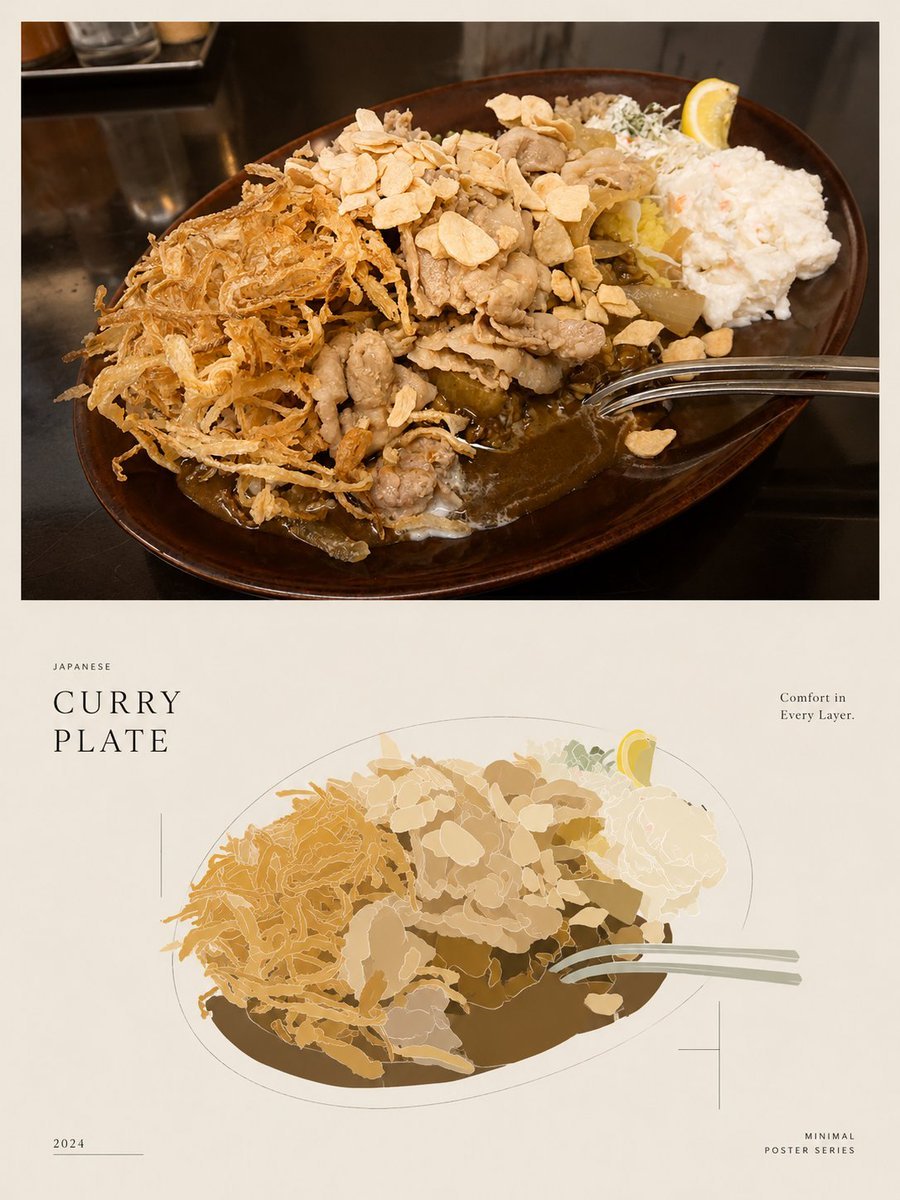
Minimal Japanese Curry Plate Poster

Minecraft Japanese Research Lab Exploration

Japanese Architectural Concrete Studio Fashion Campaign

Japanese Minimalist Concrete Studio Fashion Editorial

Open Magazine Luxury Fashion Editorial Layout

Premium Fashion Editorial Cover Layout System

Blue Backdrop Luxury Fashion Portrait Campaign
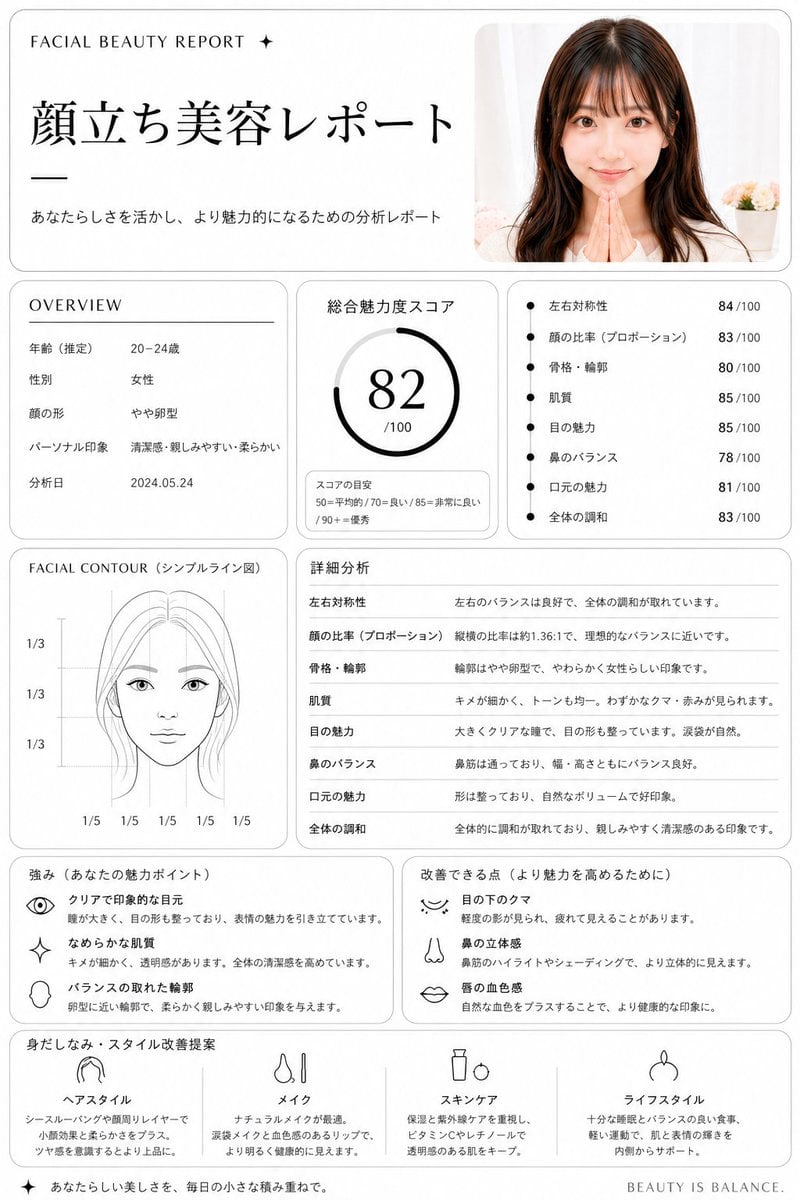
Japanese Facial Beauty Report Layout
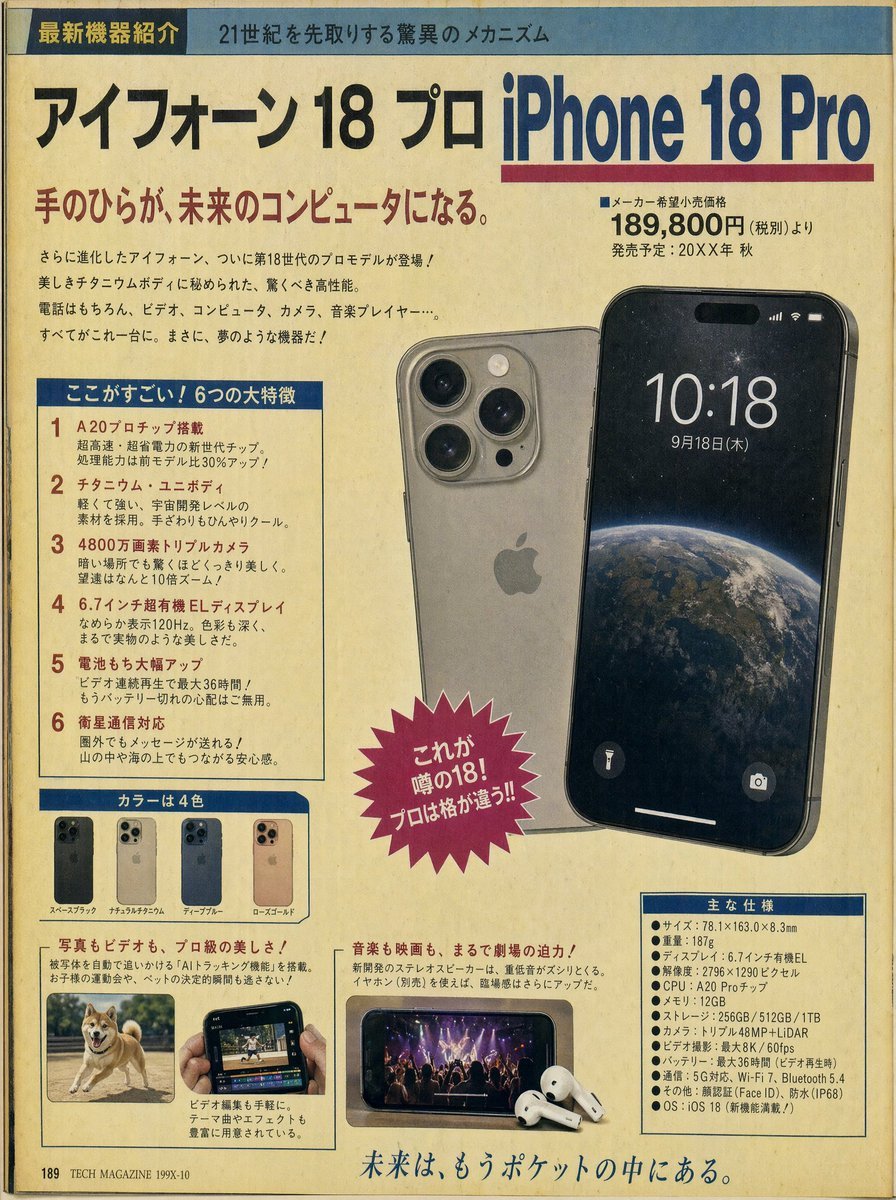
Retro Japanese Tech Magazine Layout

Japanese Gourmet Dessert Shop Branding

Japanese Film Reflection Idol
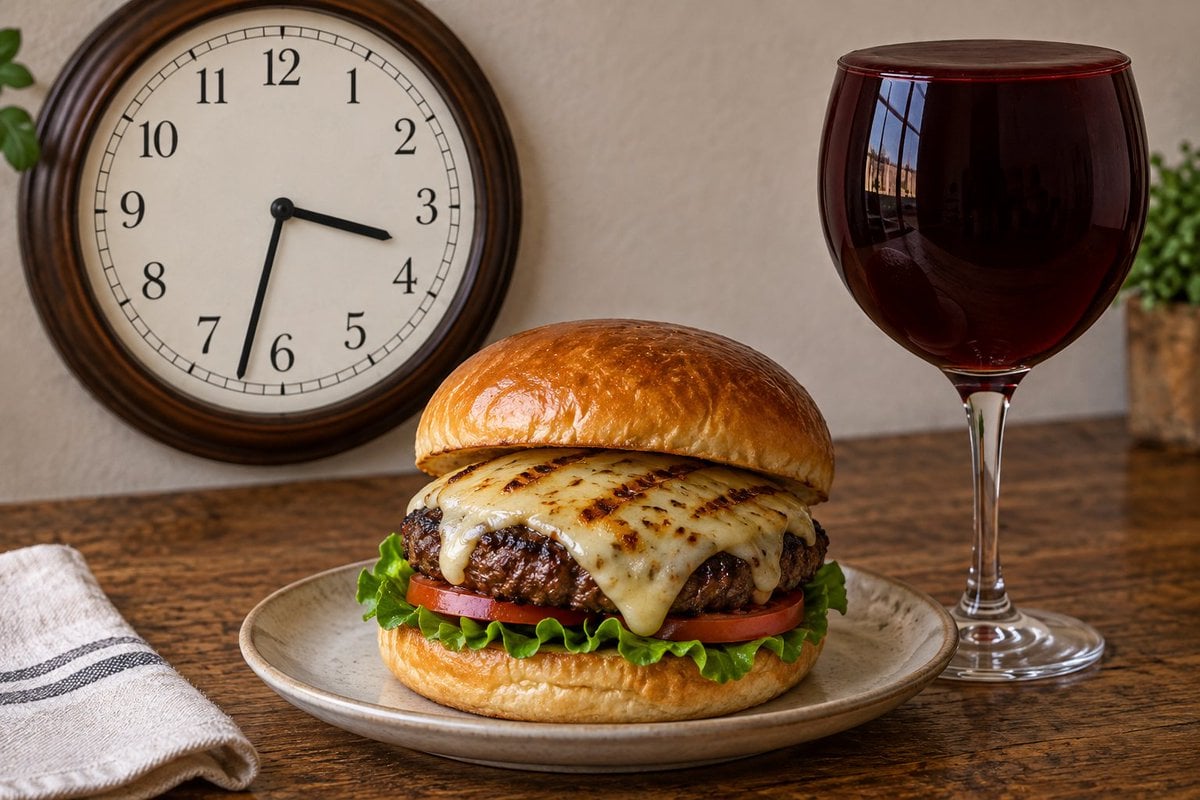
Analog Clock and Gourmet Burger Benchmark
Make it yours
Japanese Gourmet Curry Ad Layout works as-is. These are the safest ways to change it without losing the look.
Change one field
Copy a single group, rewrite it, and generate again so you can see what that field is doing.
Keep the frame, change the subject
Hold the composition and light of Japanese Gourmet Curry Ad Layout, then swap wardrobe, props or the person for a new take.
| If the result… | Why | Fix |
|---|---|---|
| The result drifts from the preview | Too many fields changed at once. | Reuse Japanese Gourmet Curry Ad Layout as-is first, then change one group — subject, light, or setting. |
| The model over-stylizes the scene | The prose prompt leaves finish and camera underspecified. | Add one camera or lighting sentence and stay on GPT Image 2. |
More GPT Image 2 templates
Other prompts made for GPT Image 2.

Realistic Portrait of Woman and Deer

The Vista Modular Condo Poster

AI Model Routing Comparison Infographic

2.5D Anime Art Board

Isometric Productivity Desk Scene

New York Double Exposure Poster

Four-Panel AI Landscape Comparison

Japanese Tatami Lifestyle Magazine Cover

NESCAFÉ Coffee Map Poster

Brutalist Cogito Chinese Typography Poster
More image prompts
Fresh picks from across the catalog.
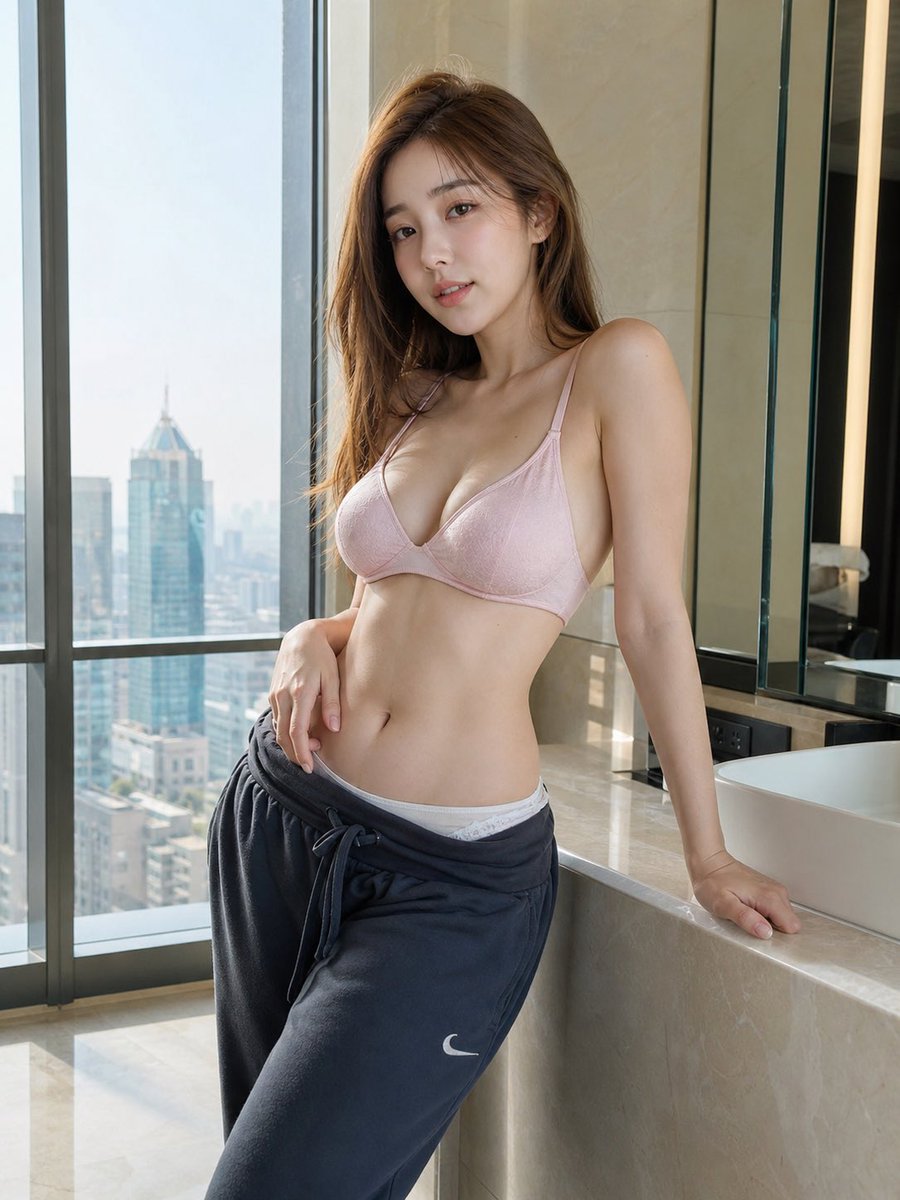
Hyper-realistic Apartment Interior Portrait
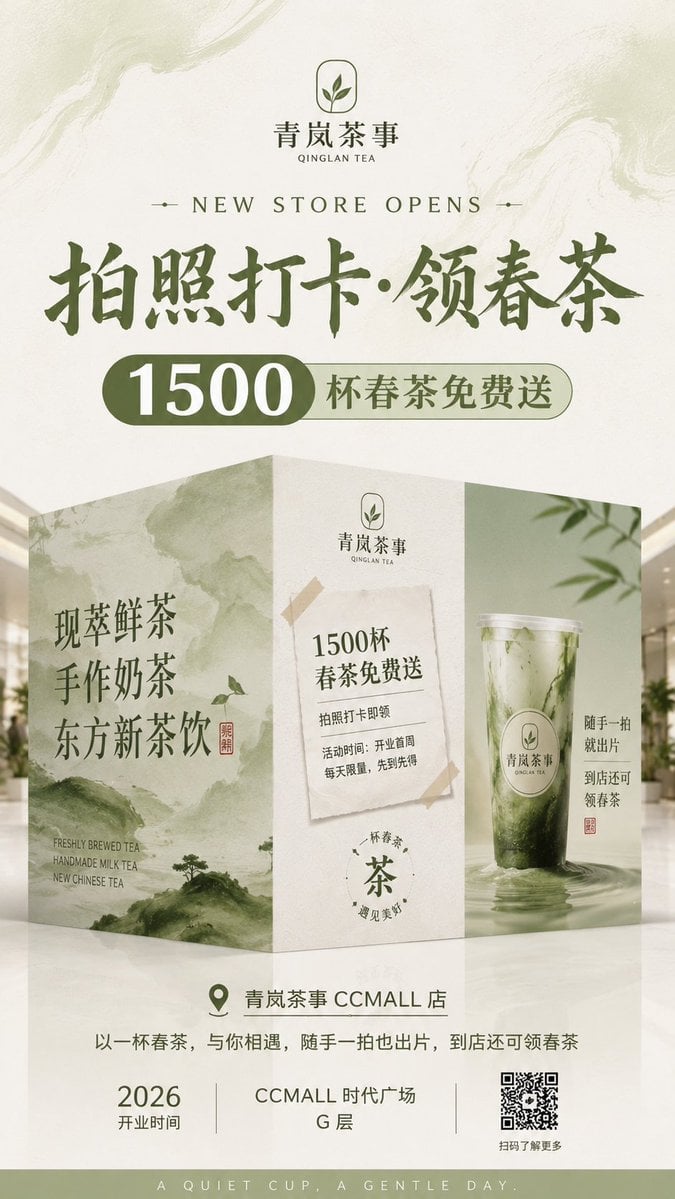
New Chinese Tea Store Hoarding Poster
Neo-Traditional Tattoo Flash Prompt
Sacred Alchemy Surreal Beauty Portrait Prompt
LA Streetwear Influencer Photo Prompt (Maroon)
Hyper-Realistic Commercial Fashion Photo Prompt for Nano Banana Pro
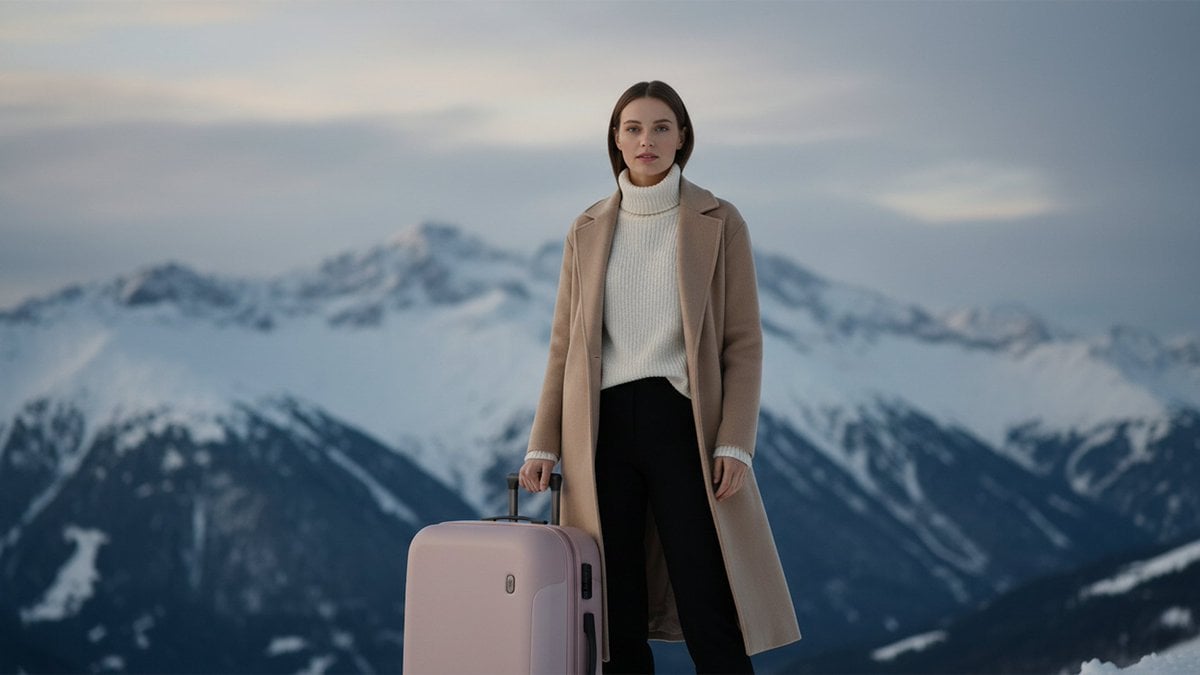
Cinematic Editorial in Snowy Mountains
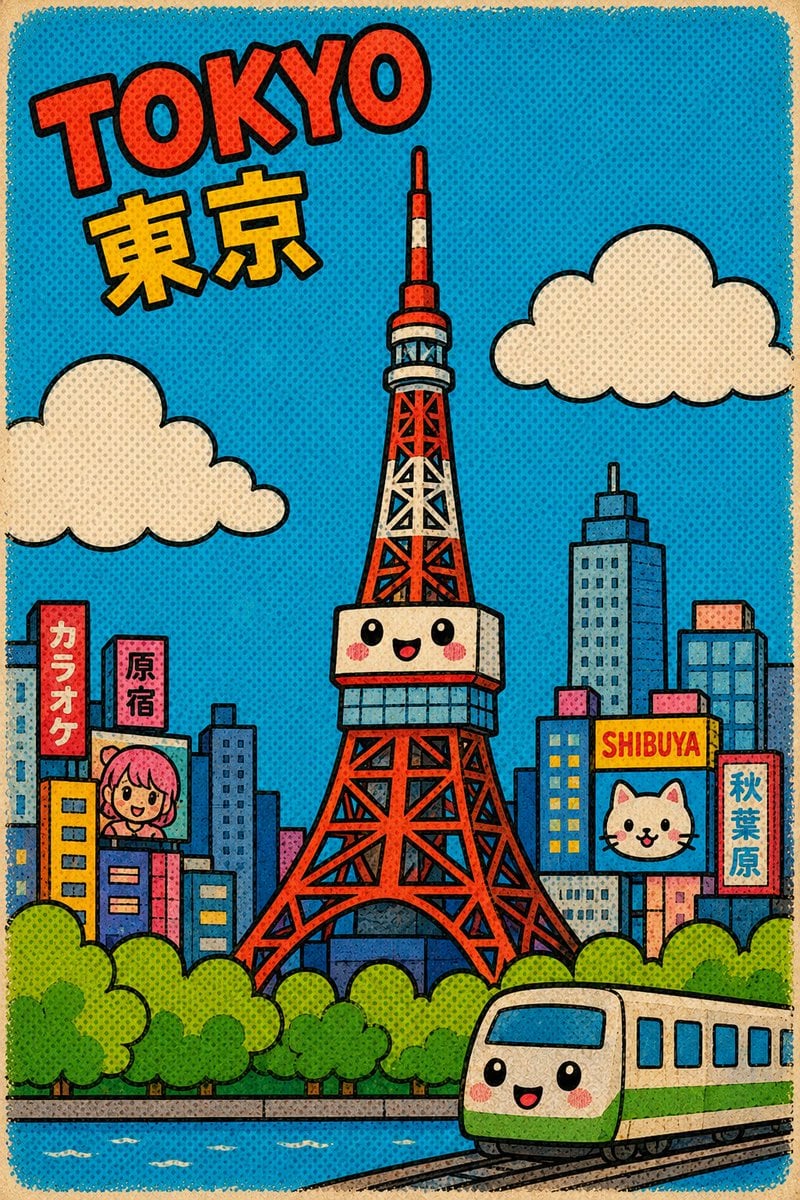
Retro Kawaii Tokyo Postcard
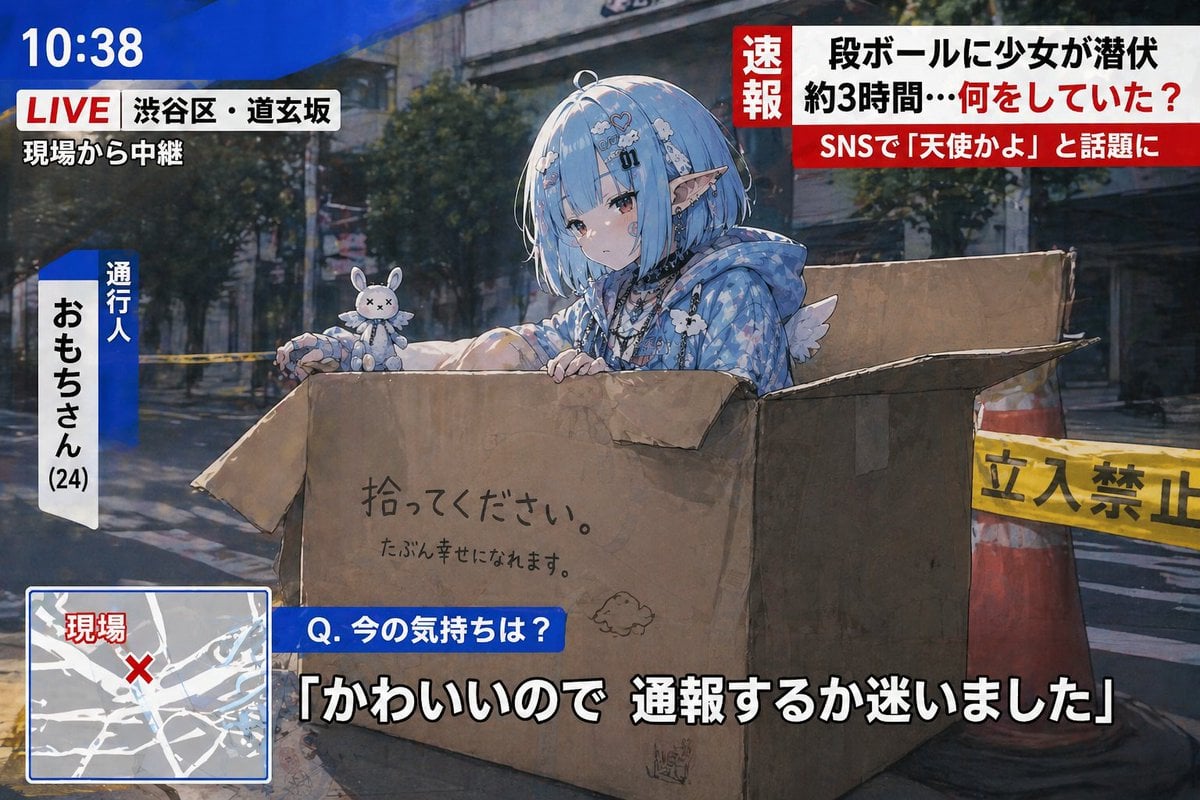
Breaking News Style Character Art
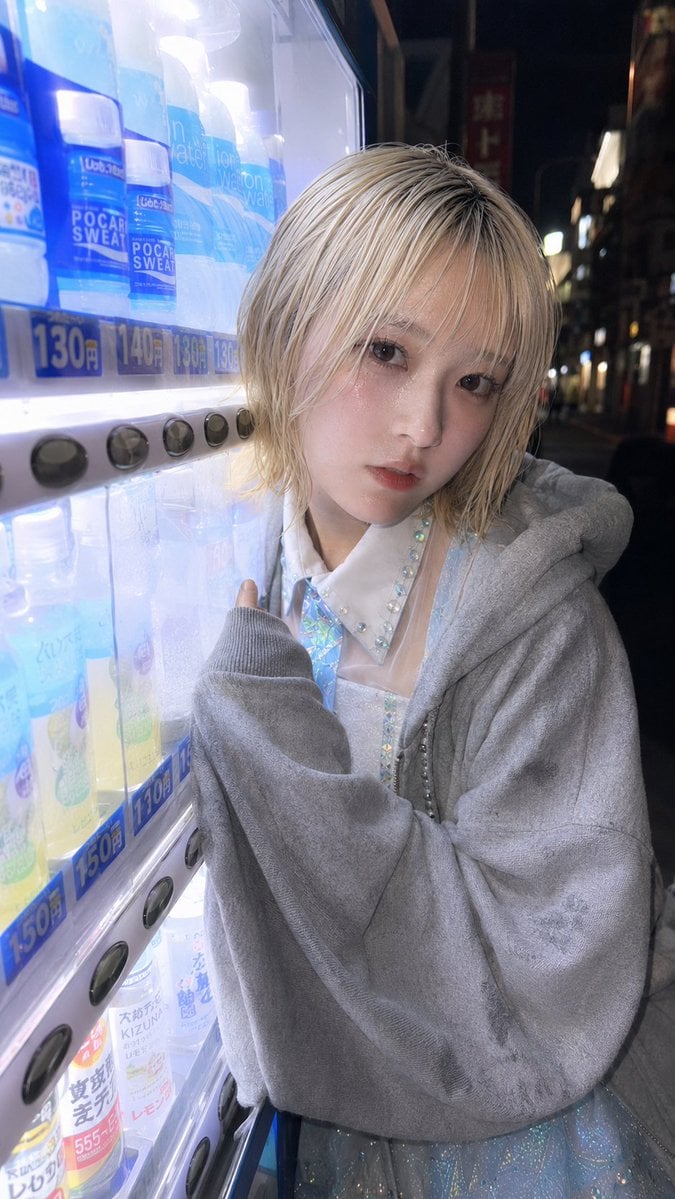
Ultra-Wide Vending Machine Portrait
Browse template categories
Japanese Gourmet Curry Ad Layout questions
How do I use the Japanese Gourmet Curry Ad Layout template?
Add your photo if the template asks for one, edit the prompt if you like — the template's model and format are already selected — and press Generate. Your version opens in PicX Studio.
Can I customize the Japanese Gourmet Curry Ad Layout template?
Yes. You can change the subject, setting, lighting, mood, format, and available model controls before creating your image.
Is the Japanese Gourmet Curry Ad Layout template free?
Opening and editing this template is free. Generating uses credits, shown on the Generate button when you are signed in.
Which AI model should I use?
Start with GPT Image 2, which is the model associated with this template. You can compare another compatible model for a different finish.
Looking for something else? Browse all templates.

Your photo, any look
Thousands of ready templates for every top image and video model, from one credit balance.