
Gatebox3 Hologram Device Ad
This prompt generates a polished futuristic Japanese product advertisement for a hologram companion device, suitable for tech marketing visuals and concept campaigns.
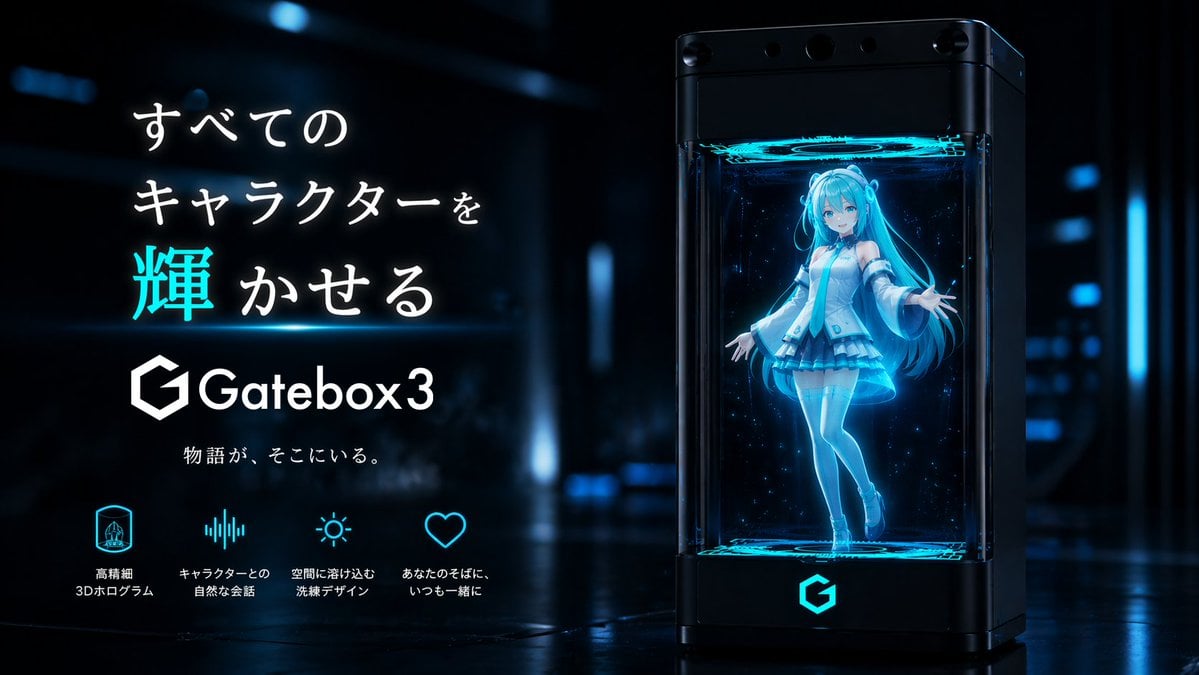
- Prompt included
- Model and format preset
- Free template
The prompt behind this image
Copy the exact prompt behind Gatebox3 Hologram Device Ad, or open it in the studio and make it yours.
A sleek futuristic Japanese tech advertisement in a dark sci-fi showroom with glossy reflective floors and soft blue neon bokeh lights in the background. On the right side, show a tall black rectangular hologram device with transparent glass front and sides, rounded edges, and subtle camera-like sensors across the top. The device is labeled Gatebox3 and glows with cyan-blue light, including a bright cyan logo on the base. Inside the chamber, display a full-body anime virtual girl hologram floating slightly above the bottom platform, rendered as a luminous translucent blue projection with particle sparkles. She has very long twin-tail hair, a youthful idol-like design, and a futuristic white and cyan outfit with detached sleeves, short skirt, thigh-high stockings, and heeled shoes. Her face is intentionally simplified or softly obscured, and she poses with one leg bent and both arms open in a welcoming gesture. Add glowing circular projection rings at the top and bottom inside the chamber. On the left side, place a clean Japanese promotional text layout with large headline text reading 「すべてのキャラクターを輝かせる」, with the single kanji 「輝」 emphasized in bright cyan and the rest in white. Beneath it, place the Gatebox3 logo and product name in white, followed by smaller tagline text 「物語が、そこにいる。」. Along the bottom left, include exactly 4 feature icons with Japanese labels in white and cyan: 1 hologram icon with 「高精細 3Dホログラム」, 1 audio waveform icon with 「キャラクターとの 自然な会話」, 1 sun-like ambient light icon with 「空間に溶け込む 洗練デザイン」, and 1 heart icon with 「あなたのそばに いつも一緒に」. High-end commercial product visualization, premium cyber-blue color palette, cinematic rim lighting, polished reflections, ultra-clean composition, realistic device rendering combined with anime hologram character, sharp focus on the product and typography.
How to use Gatebox3 Hologram Device Ad in 3 steps
- 1Upload ImagePNG, JPG or paste
Add your photo
Upload the photo the template builds on. The prompt, model and format are already set.
- 2…a portrait of your subject in softgolden-hour light, 85mm…
Personalize
Edit the subject and creative details for your destination.
- 3Generate
Generate
Press Generate — your image is created in PicX Studio, so you can compare it with the original and refine one variable at a time.
More like this
Templates with the same subject, style or setup. Open one to see its prompt.
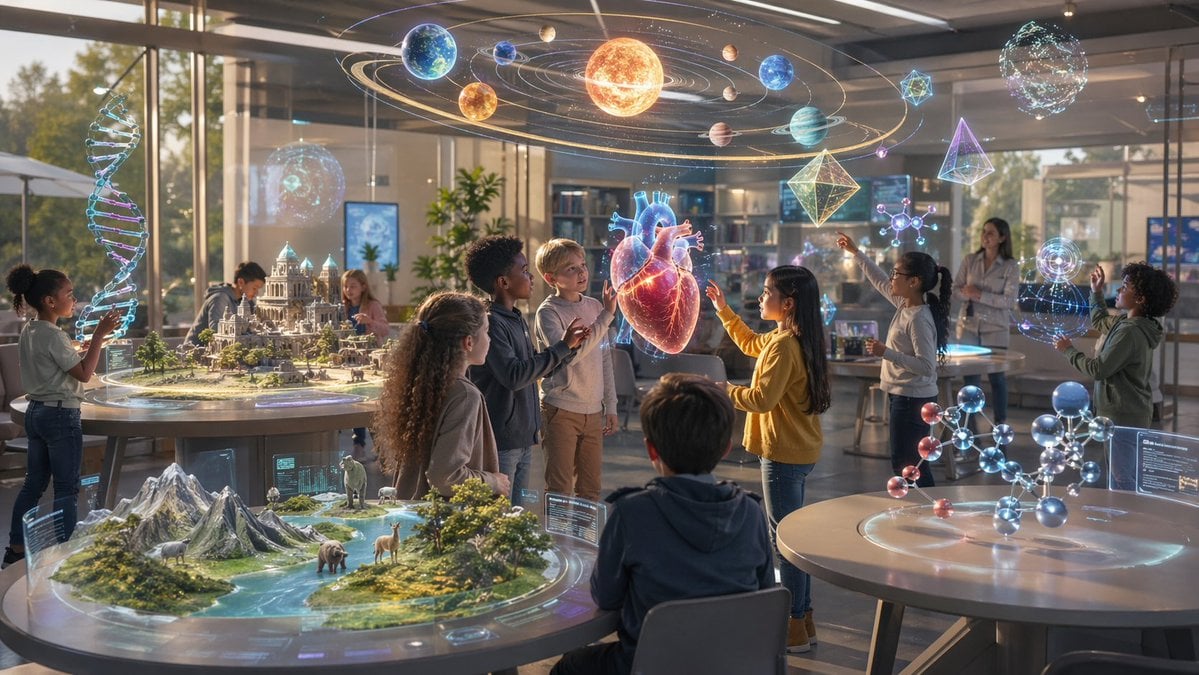
Futuristic STEM Classroom with Holograms
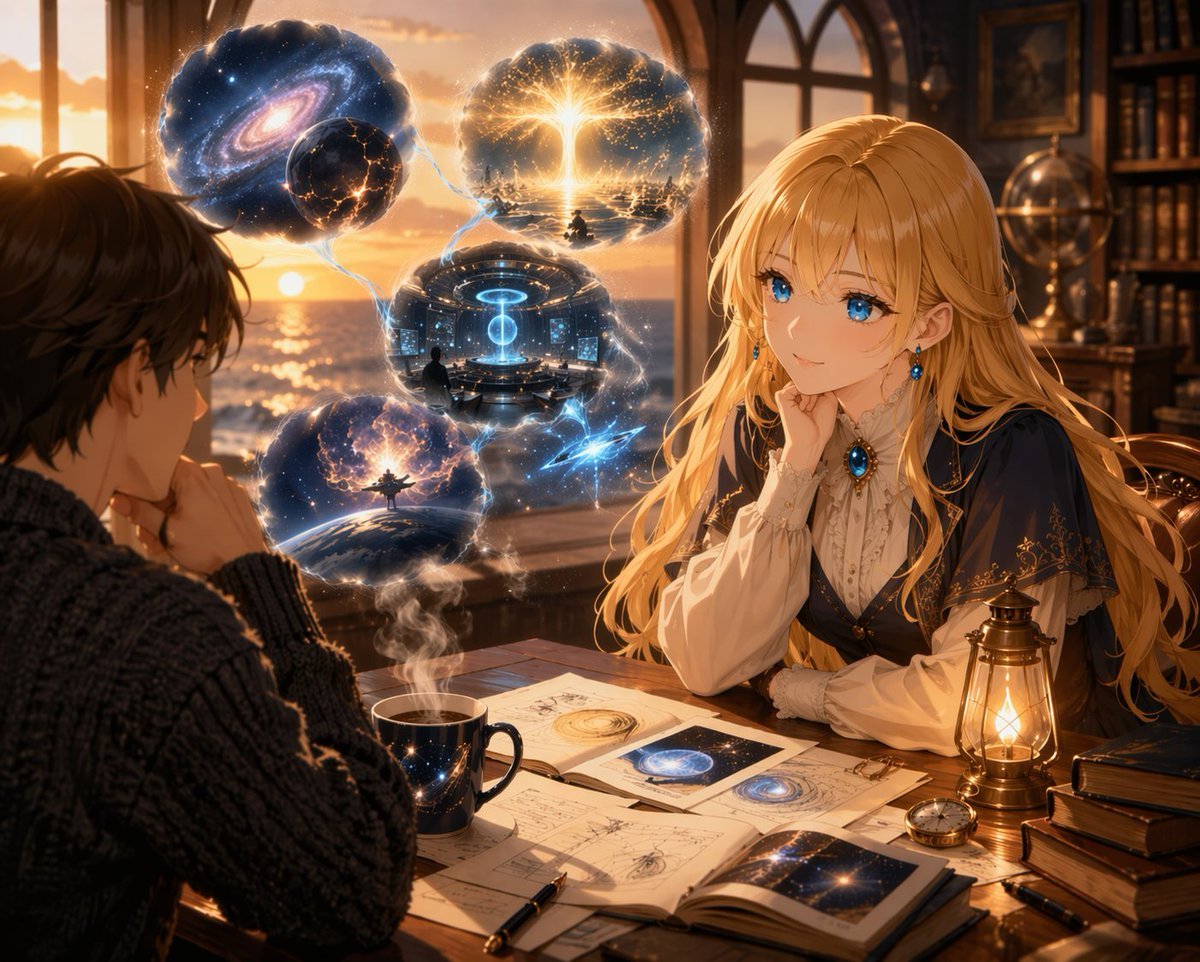
Anime Scholars with Cosmic Holograms
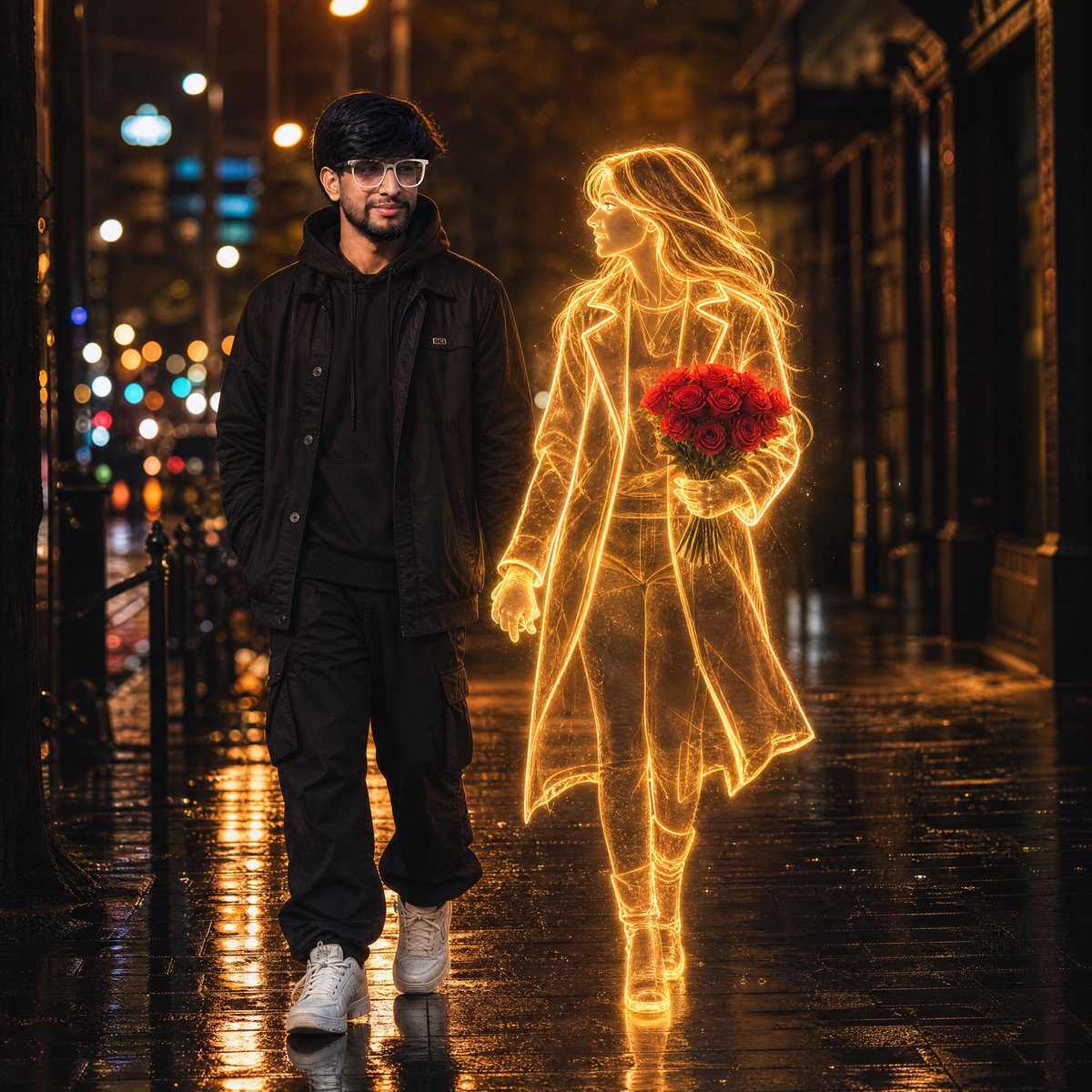
Glowing Hologram Night Scene

Futuristic Life System Hologram Portrait
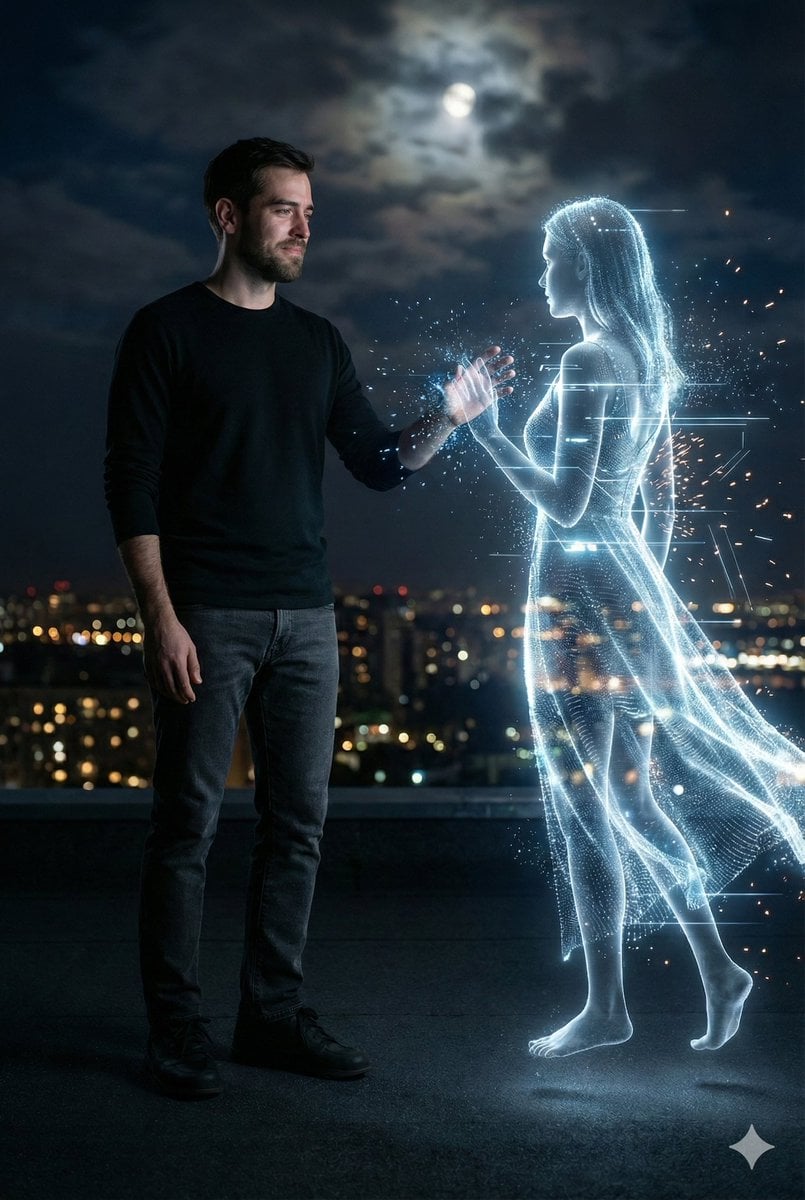
Cinematic Night Rooftop Scene with Hologram
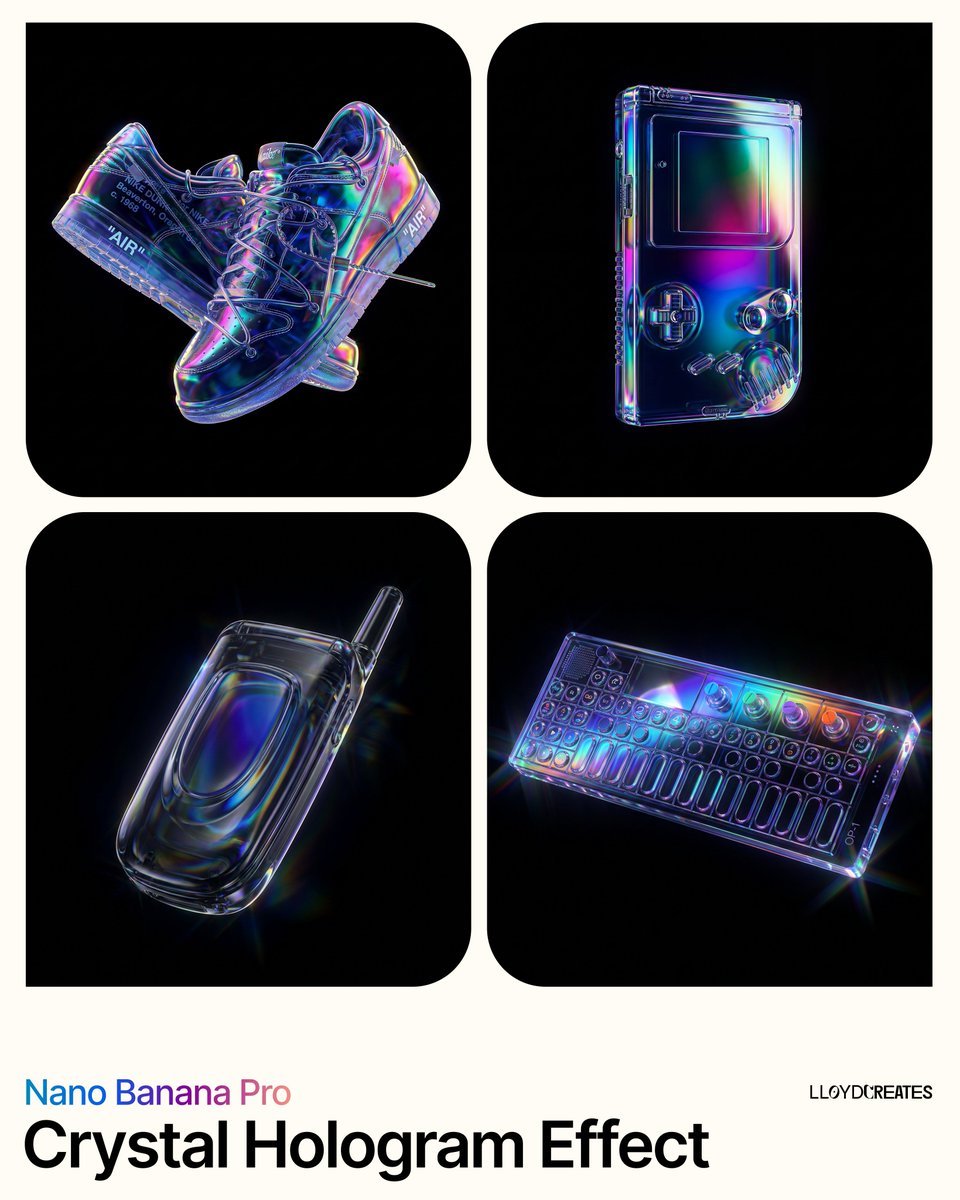
Crystal Hologram Product Photography Prompt
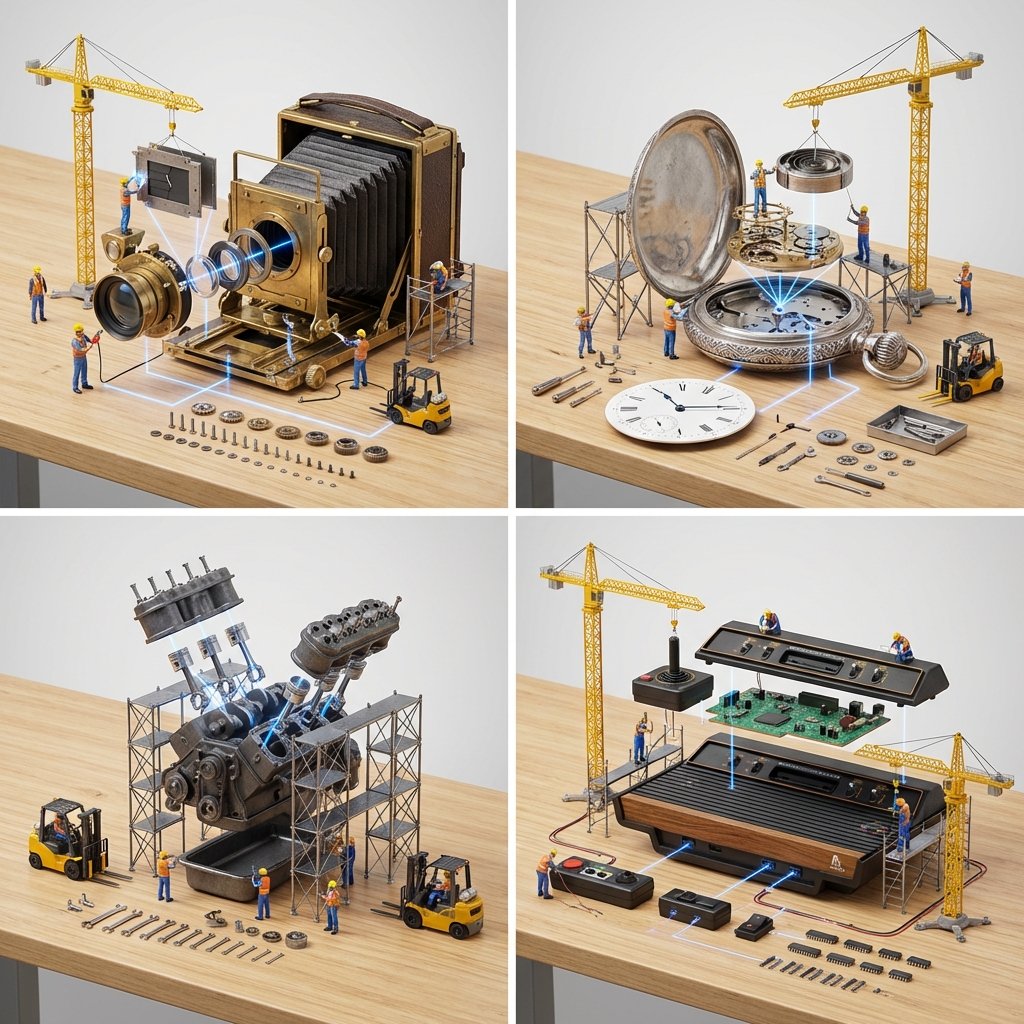
Input A is a Mechanical Device or Gadget e g, Vintage Camera, Mechanical

Cross-Device Social Media Feed
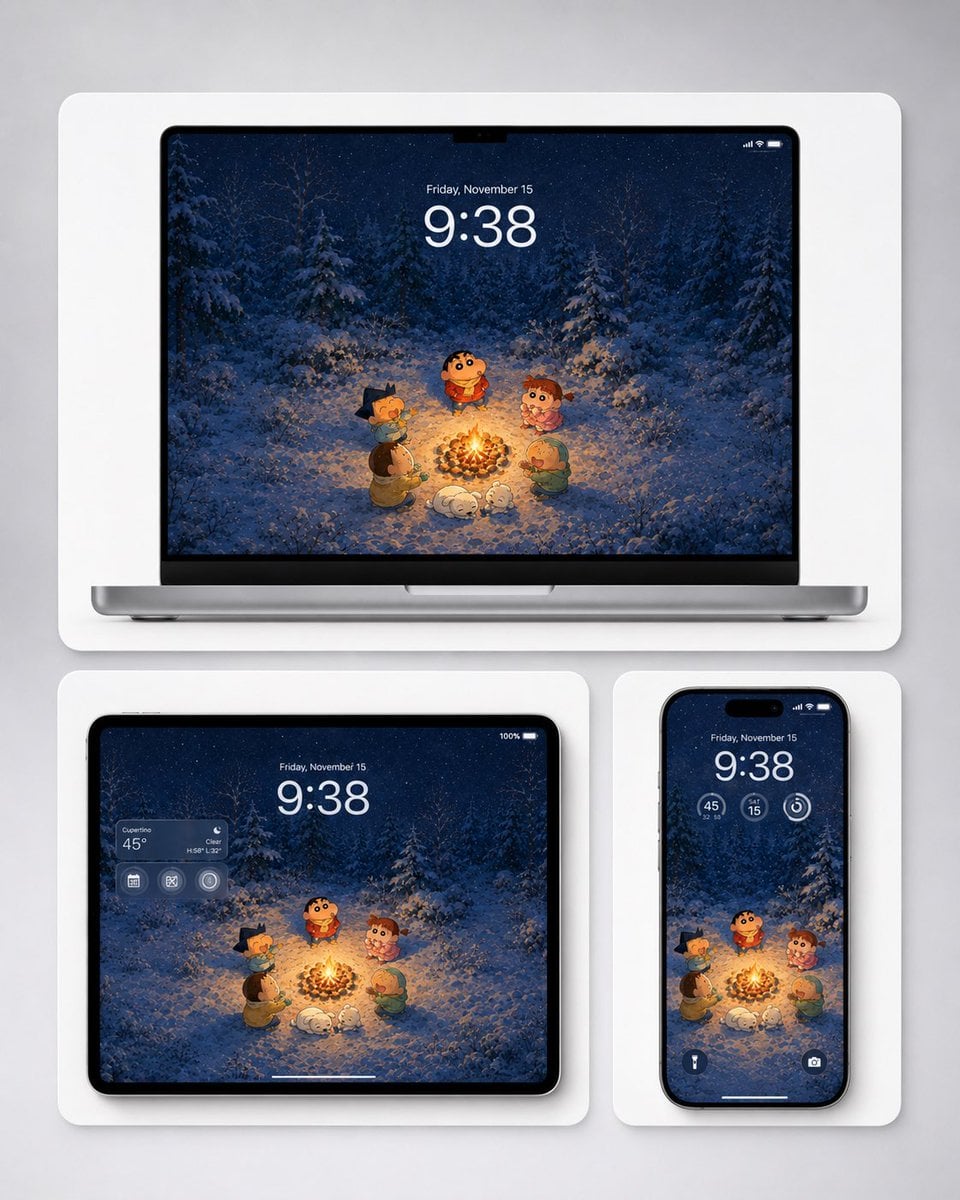
Winter Campfire Wallpaper Device Mockup
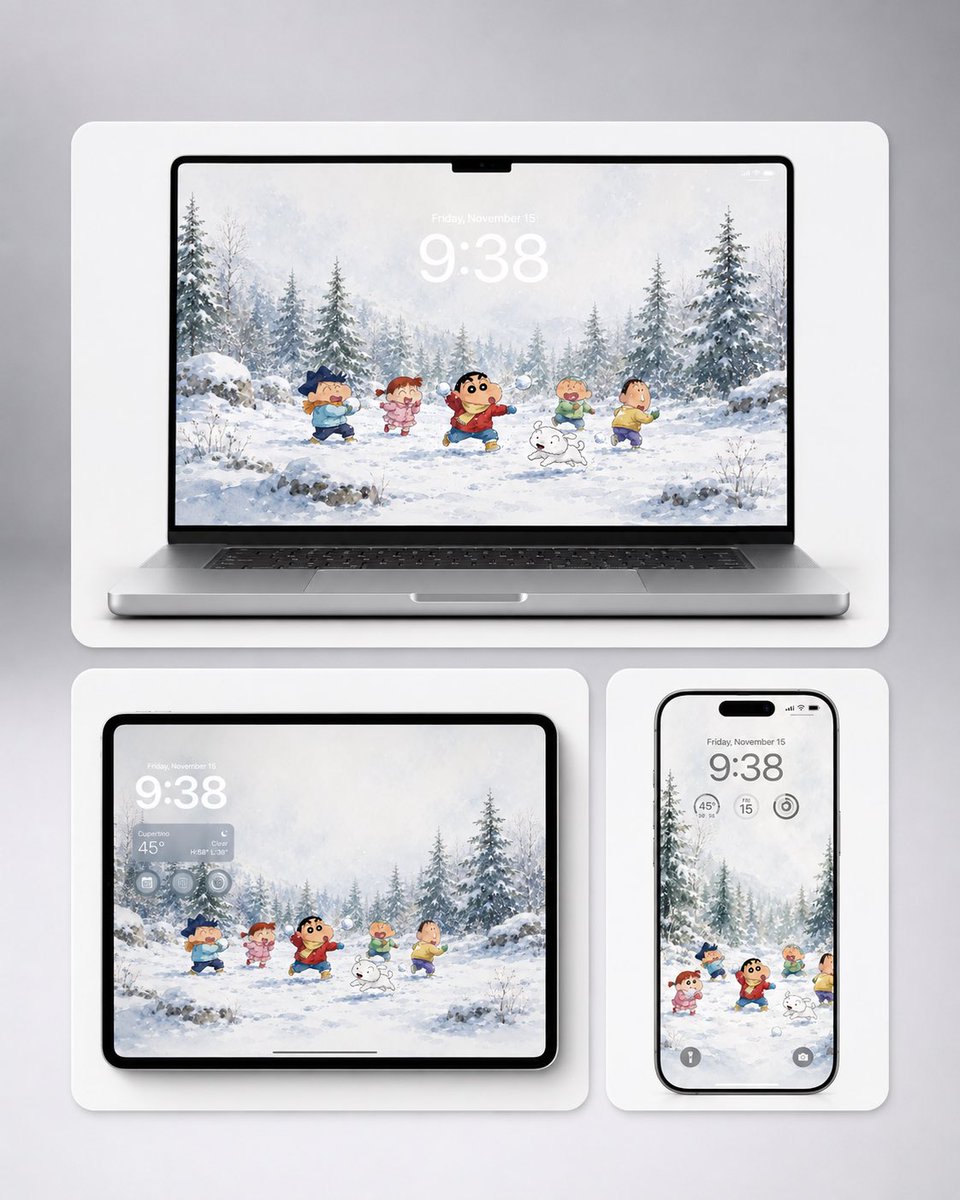
Shin-chan Winter Device Wallpaper Mockup
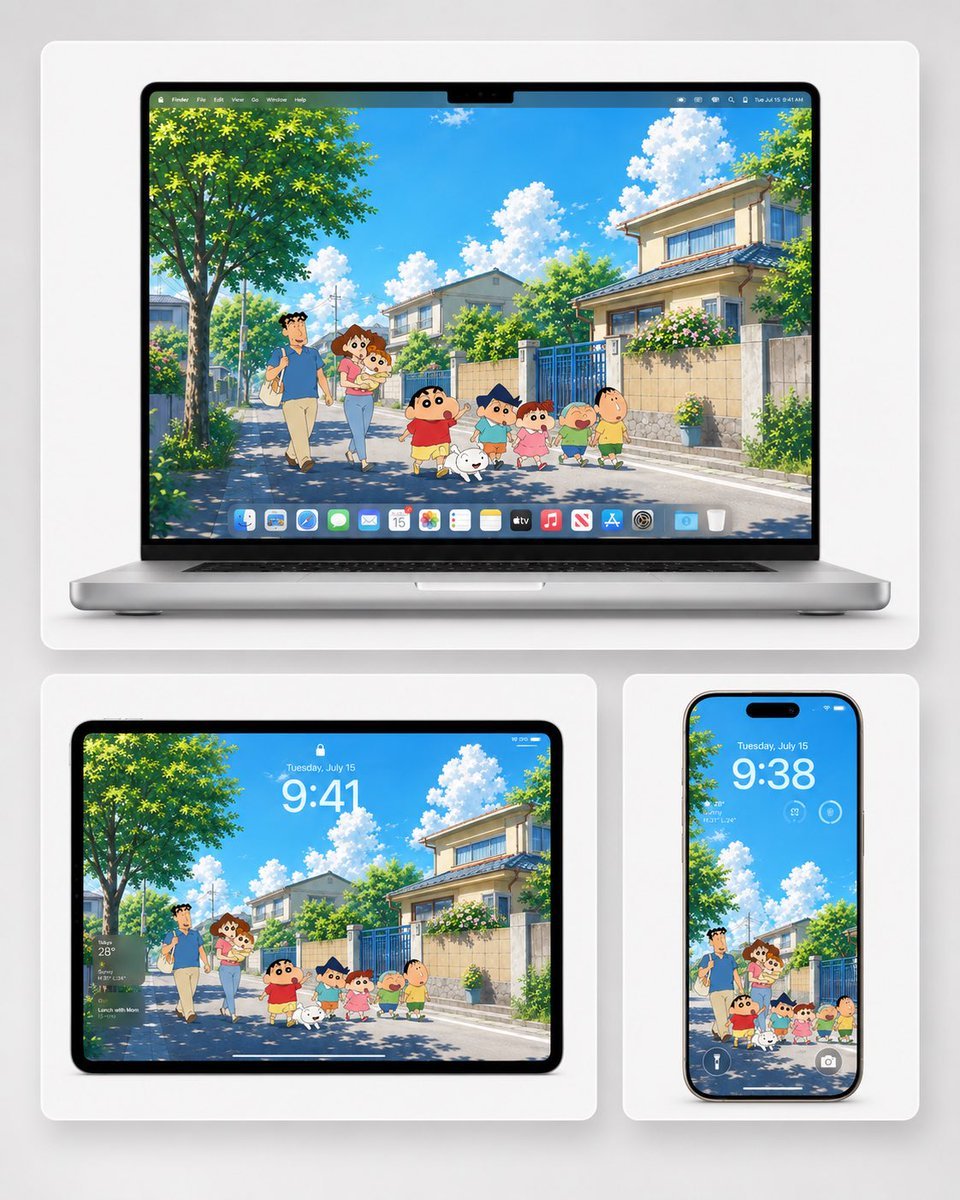
Anime Summer Wallpaper Device Mockup
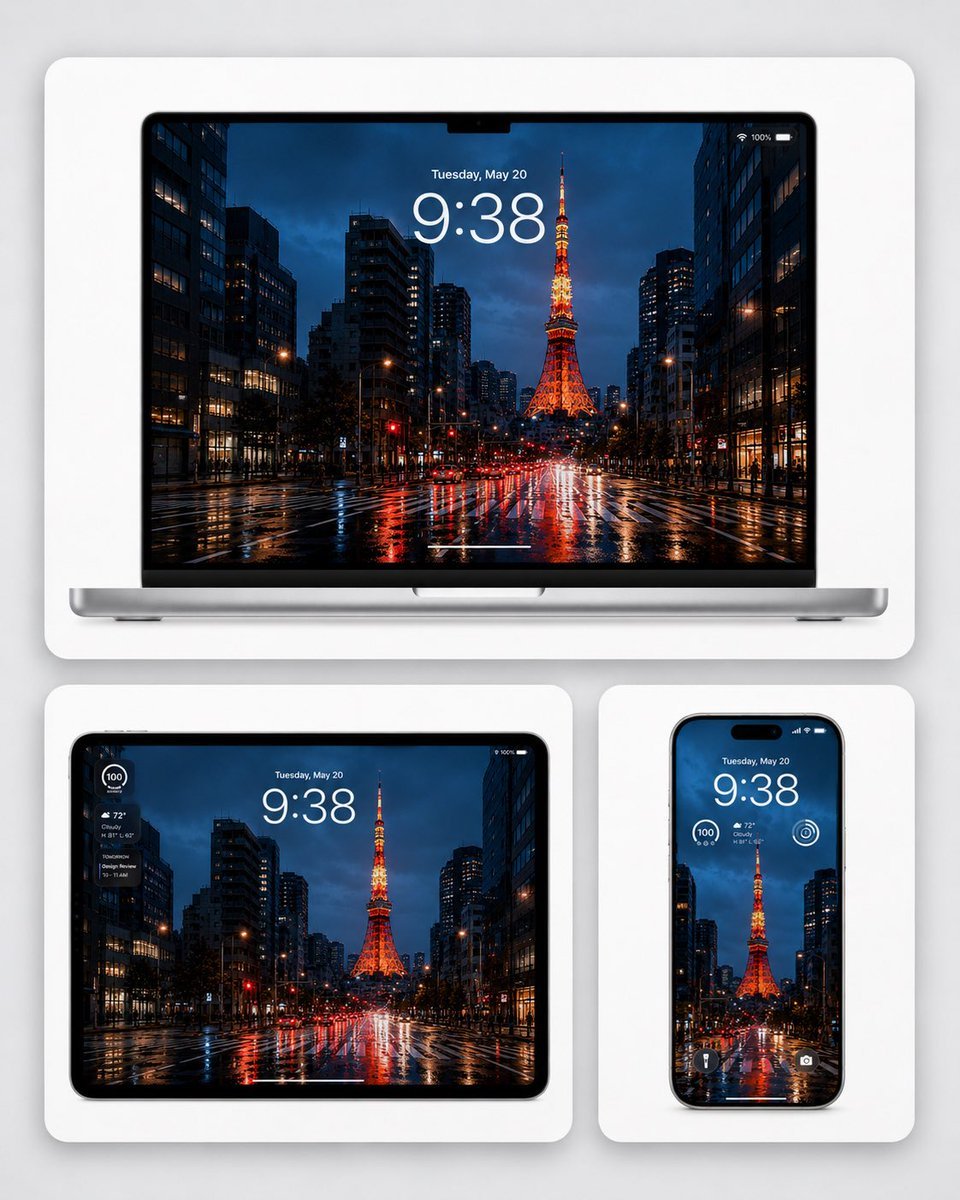
Rainy Tokyo Tower Device Mockup
Make it yours
Gatebox3 Hologram Device Ad works as-is. These are the safest ways to change it without losing the look.
Change one field
Copy a single group, rewrite it, and generate again so you can see what that field is doing.
Keep the frame, change the subject
Hold the composition and light of Gatebox3 Hologram Device Ad, then swap wardrobe, props or the person for a new take.
| If the result… | Why | Fix |
|---|---|---|
| The result drifts from the preview | Too many fields changed at once. | Reuse Gatebox3 Hologram Device Ad as-is first, then change one group — subject, light, or setting. |
| The model over-stylizes the scene | The prose prompt leaves finish and camera underspecified. | Add one camera or lighting sentence and stay on GPT Image 2. |
More GPT Image 2 templates
Other prompts made for GPT Image 2.

Six VTuber Japanese Logo Sheet

Realistic Portrait of Woman and Deer

The Vista Modular Condo Poster

AI Model Routing Comparison Infographic

2.5D Anime Art Board

Isometric Productivity Desk Scene

New York Double Exposure Poster

Four-Panel AI Landscape Comparison

Japanese Tatami Lifestyle Magazine Cover

NESCAFÉ Coffee Map Poster
More image prompts
Fresh picks from across the catalog.
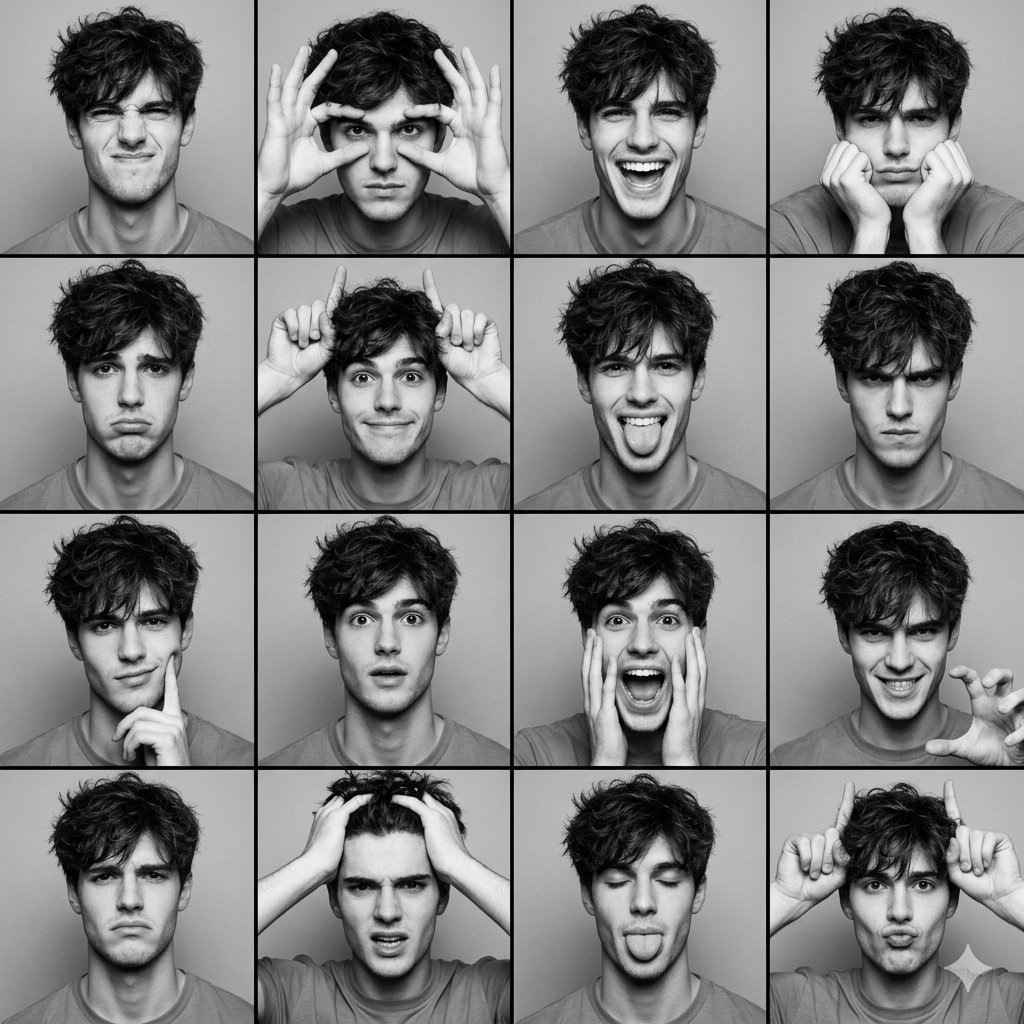
Black and White Photobooth Expression Grid (4x4)

Nighttime Motorcycle Photo with Face Replacement Prompt

Blood Red Western Gunslinger
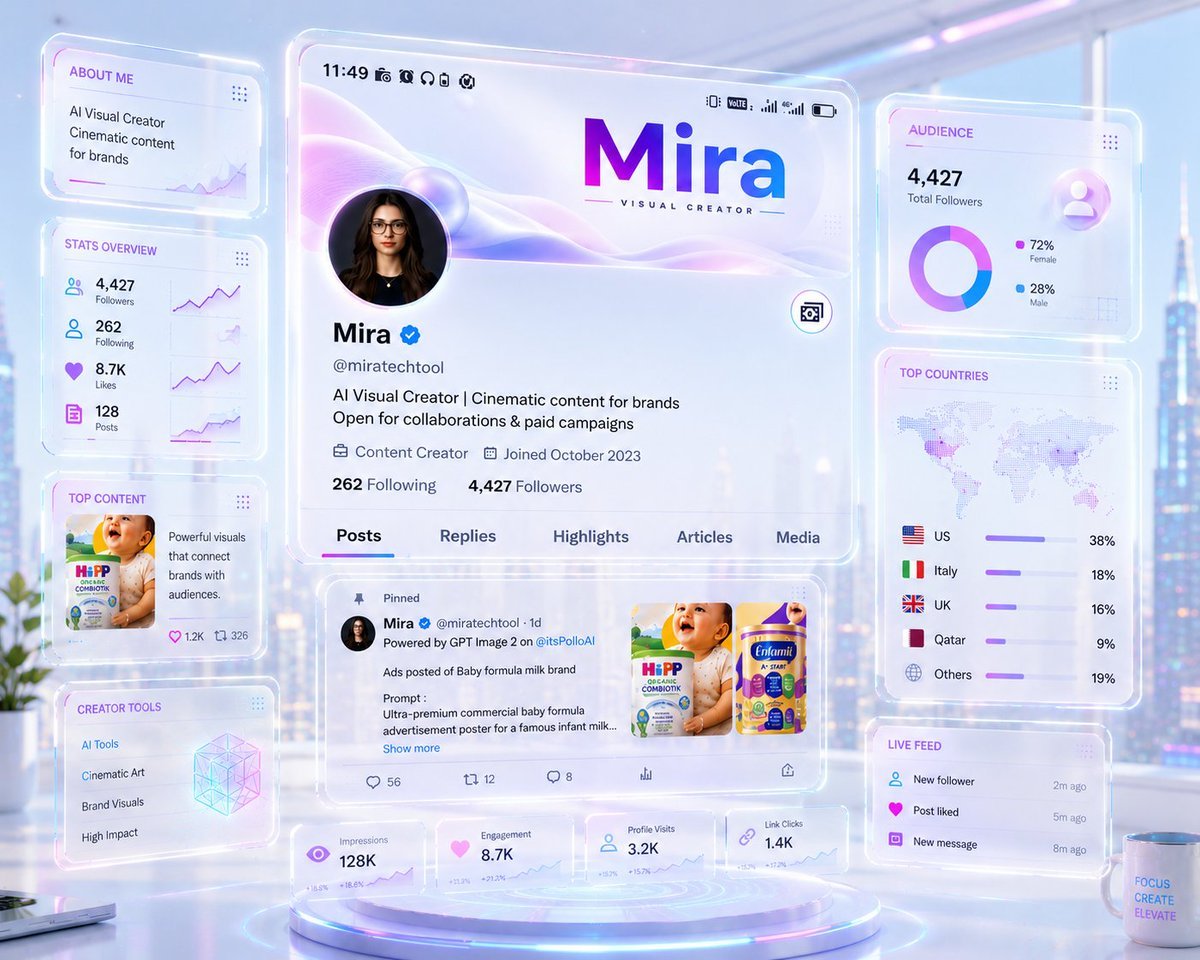
Futuristic Holographic Dashboard

High-End Matcha Product Photography Prompt for Nano Banana 2

Woman Leaning on Vintage Blue Car
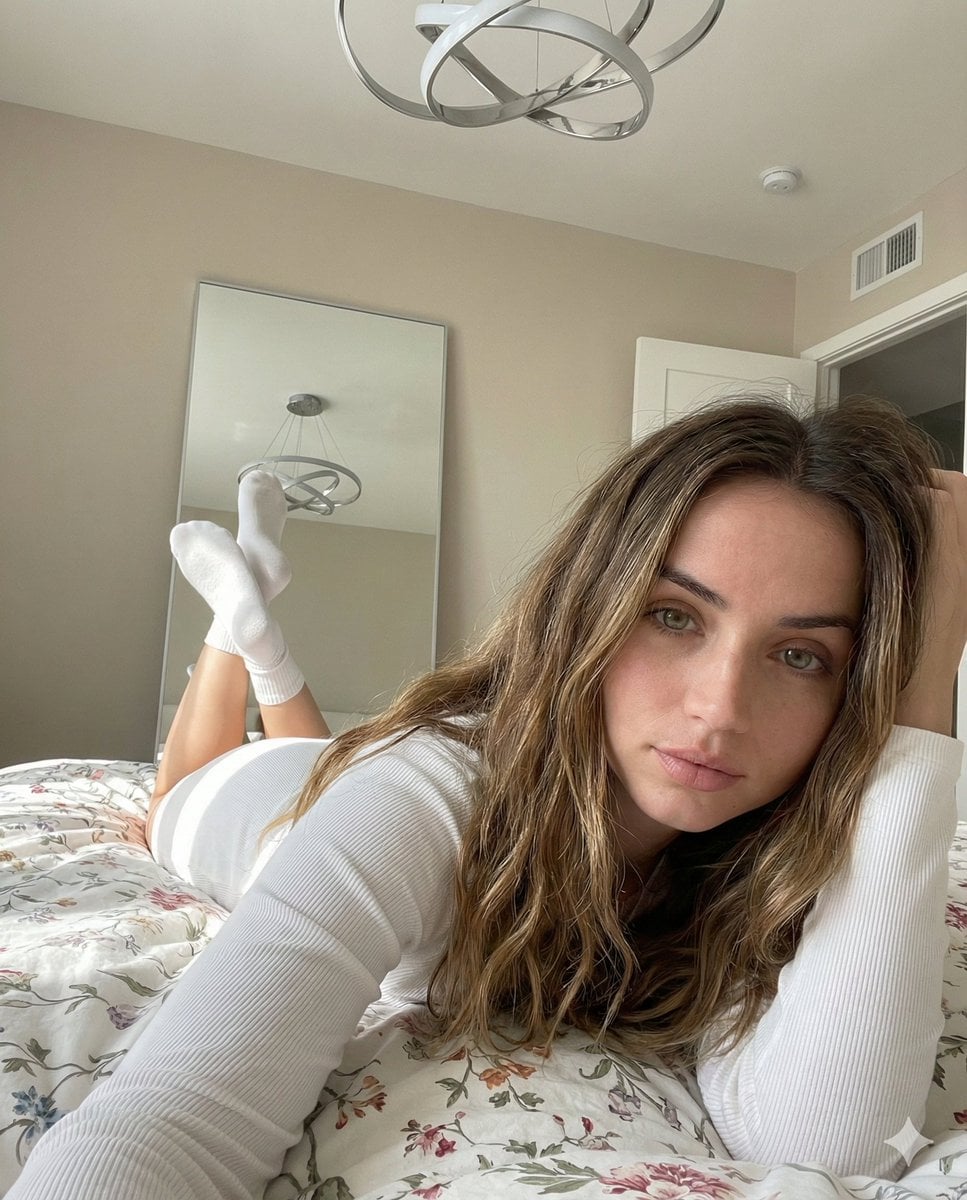
Cozy, Intimate Bedroom Portrait with High Angle Selfie Aesthetic

Silver Lehenga Bridal Portrait
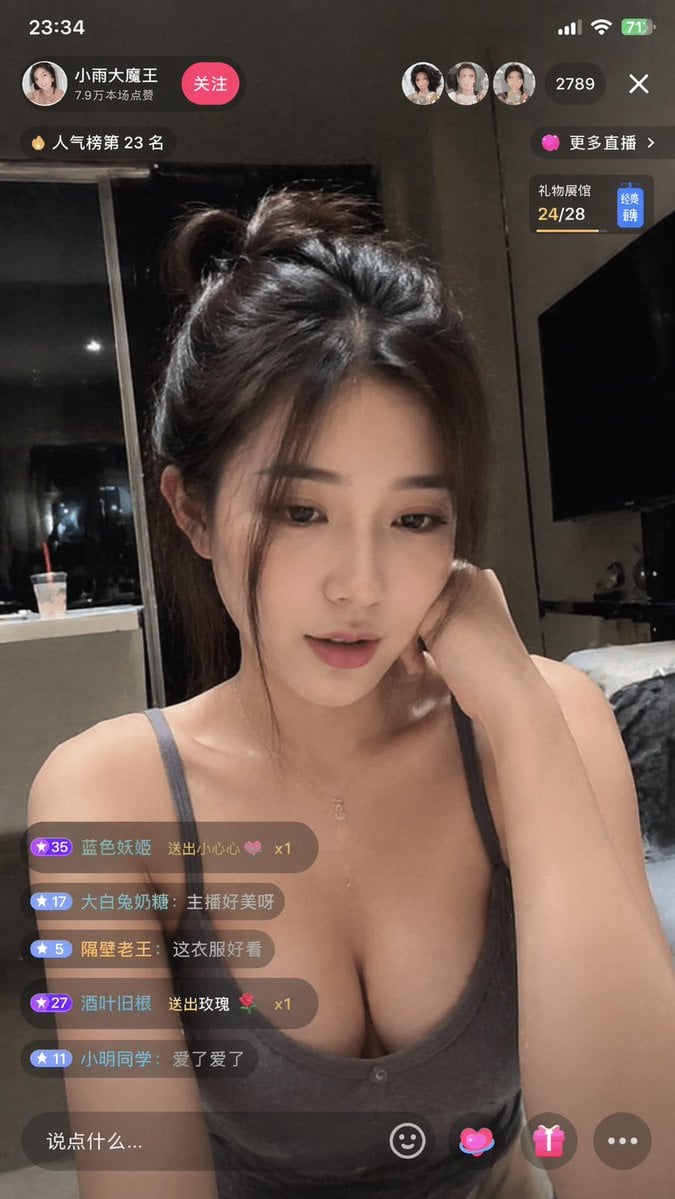
Douyin Live Stream Interface
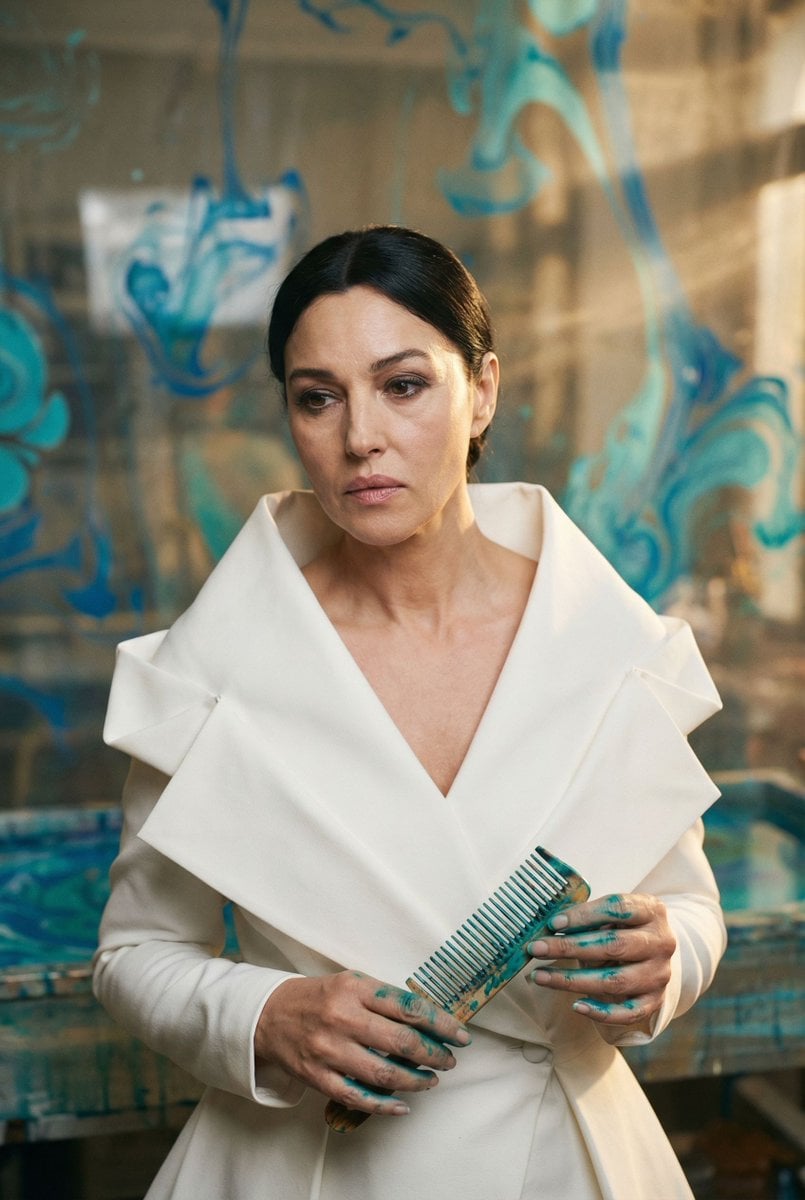
Cinematic Portrait of 'The Melancholic Prodigy'
Browse template categories
Gatebox3 Hologram Device Ad questions
How do I use the Gatebox3 Hologram Device Ad template?
Add your photo if the template asks for one, edit the prompt if you like — the template's model and format are already selected — and press Generate. Your version opens in PicX Studio.
Can I customize the Gatebox3 Hologram Device Ad template?
Yes. You can change the subject, setting, lighting, mood, format, and available model controls before creating your image.
Is the Gatebox3 Hologram Device Ad template free?
Opening and editing this template is free. Generating uses credits, shown on the Generate button when you are signed in.
Which AI model should I use?
Start with GPT Image 2, which is the model associated with this template. You can compare another compatible model for a different finish.
Looking for something else? Browse all templates.

Your photo, any look
Thousands of ready templates for every top image and video model, from one credit balance.