
Geometric Red-Crowned Crane Poster
Generates a serene vertical geometric animal poster featuring a red-crowned crane in a blue-green East Asian landscape.
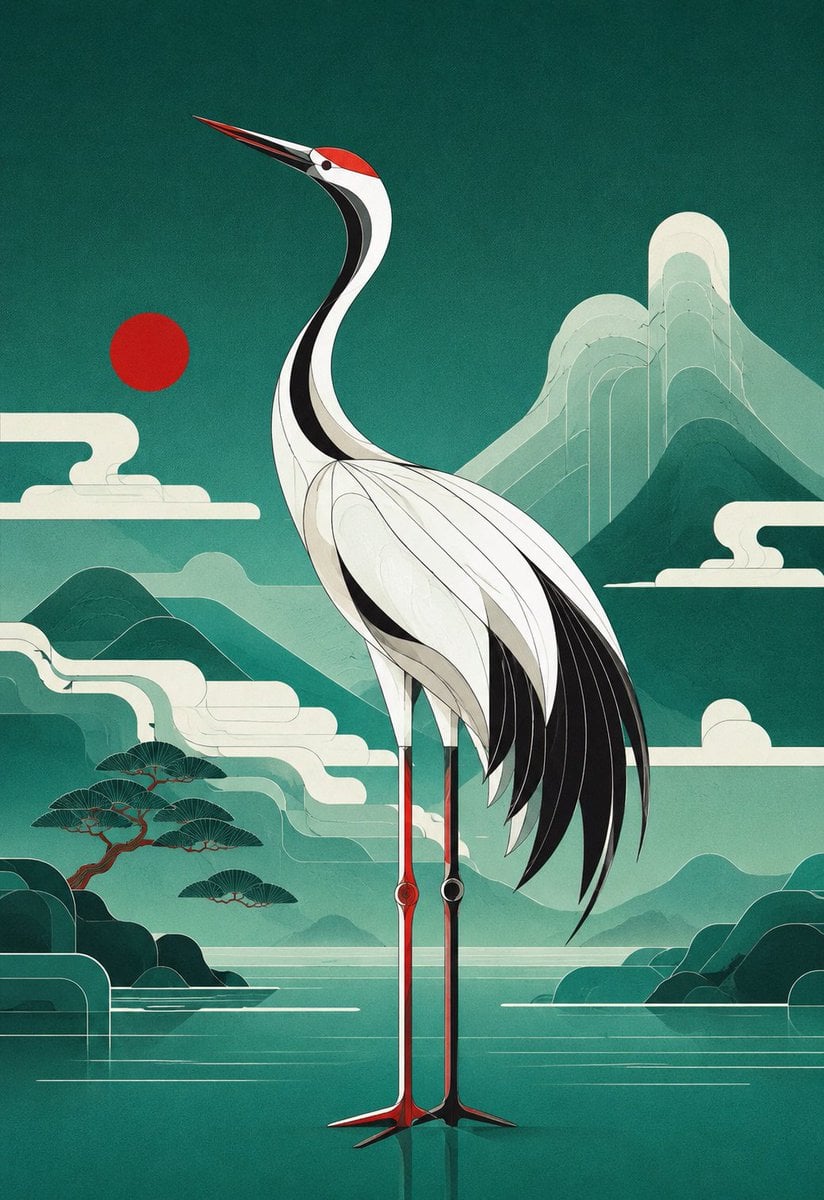
- Prompt included
- Model and format preset
- Free template
The prompt behind this image
Copy the exact prompt behind Geometric Red-Crowned Crane Poster, or open it in the studio and make it yours.
Create a vertical poster illustration of a {argument name="animal" default="red-crowned crane"} in a refined geometric art style, standing centered in a serene {argument name="landscape theme" default="blue-green East Asian mountain-and-water landscape"}. Use a 2:3 portrait canvas. The crane is full body, tall and elegant, facing left with its long beak angled upward, a red crown patch, white body, black neck stripe, black trailing wing feathers, and very long thin red-and-black legs reflected faintly in still water. Build the bird from clean layered curves, thin contour lines, and Art Deco-like geometric feather panels. The background is teal and jade with misty mountains, a calm lake, stylized rounded clouds, simplified pine trees on the lower left, dark rounded islands on both sides, and one flat red sun disk to the left of the crane’s neck. Include exactly 5 major background motif groups: 1 red sun disk, 1 large layered mountain range in the upper right, 1 smaller mountain-and-mist range across the middle, 1 cluster of stylized pine trees on the lower left, and 2 dark shoreline island masses at the bottom left and bottom right. The visual mood is tranquil, premium, and poster-like, combining Japanese screen-print aesthetics, modern vector geometry, subtle paper grain, muted turquoise gradients, cream highlights, and crisp black accents. No text, no logo, no watermark, no border.
How to use Geometric Red-Crowned Crane Poster in 3 steps
- 1Upload ImagePNG, JPG or paste
Add your photo
Upload the photo the template builds on. The prompt, model and format are already set.
- 2…a portrait of your subject in softgolden-hour light, 85mm…
Personalize
Edit the subject and creative details for your destination.
- 3Generate
Generate
Press Generate — your image is created in PicX Studio, so you can compare it with the original and refine one variable at a time.
More like this
Templates with the same subject, style or setup. Open one to see its prompt.

Panning Motion Soccer Kick Poster

Japan Travel Brochure Poster

Cartoon TV Show Poster Pack

Trendy Cafe Drink Promo Poster

Urban Fashion Editorial Collage Streetwear Poster

Premium Fashion Editorial Cover Layout System

Polo Ralph Lauren Luxury American Heritage Fashion Campaign

Monochrome Halftone Editorial Fashion Poster

Retro Mirror Luxury Fashion Campaign Poster

Luxury Fashion Campaign Typography Poster System

Geometric Color-Block Beauty Editorial Portrait

Premium Fashion Editorial Campaign Poster System
Make it yours
Geometric Red-Crowned Crane Poster works as-is. These are the safest ways to change it without losing the look.
Change one field
Copy a single group, rewrite it, and generate again so you can see what that field is doing.
Keep the frame, change the subject
Hold the composition and light of Geometric Red-Crowned Crane Poster, then swap wardrobe, props or the person for a new take.
| If the result… | Why | Fix |
|---|---|---|
| The result drifts from the preview | Too many fields changed at once. | Reuse Geometric Red-Crowned Crane Poster as-is first, then change one group — subject, light, or setting. |
| The model over-stylizes the scene | The prose prompt leaves finish and camera underspecified. | Add one camera or lighting sentence and stay on GPT Image 2. |
More GPT Image 2 templates
Other prompts made for GPT Image 2.

Six VTuber Japanese Logo Sheet

Realistic Portrait of Woman and Deer

The Vista Modular Condo Poster

AI Model Routing Comparison Infographic

2.5D Anime Art Board

Isometric Productivity Desk Scene

New York Double Exposure Poster

Four-Panel AI Landscape Comparison

Japanese Tatami Lifestyle Magazine Cover

NESCAFÉ Coffee Map Poster
More image prompts
Fresh picks from across the catalog.
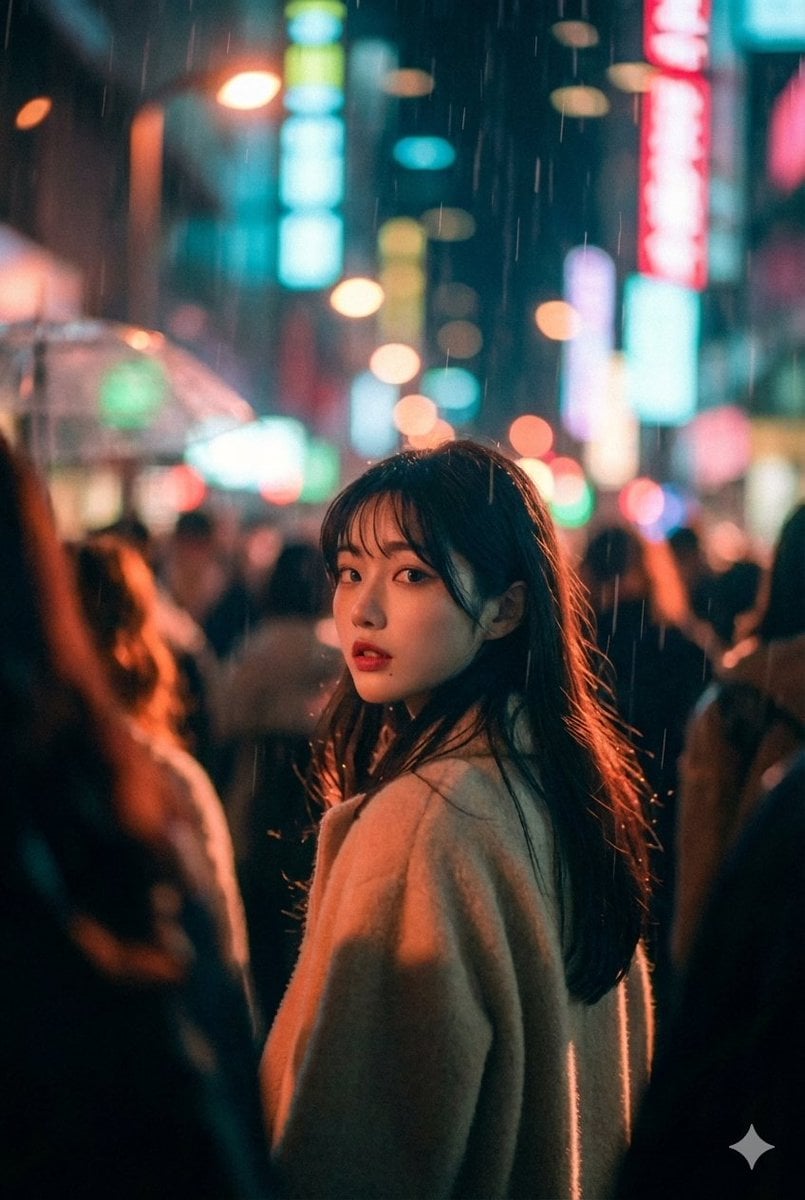
Cinematic Street Photo in Neon Rain
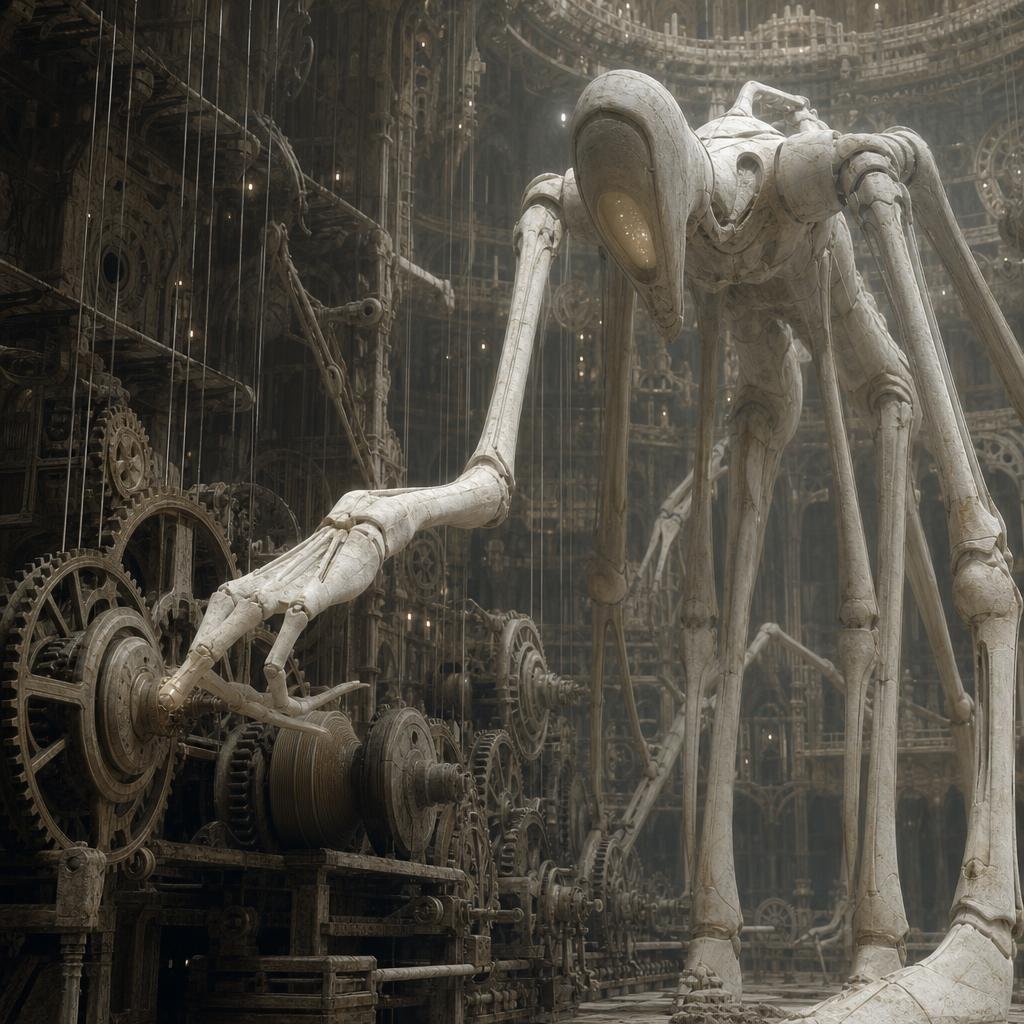
Ivory Automaton in Clockwork Cathedral
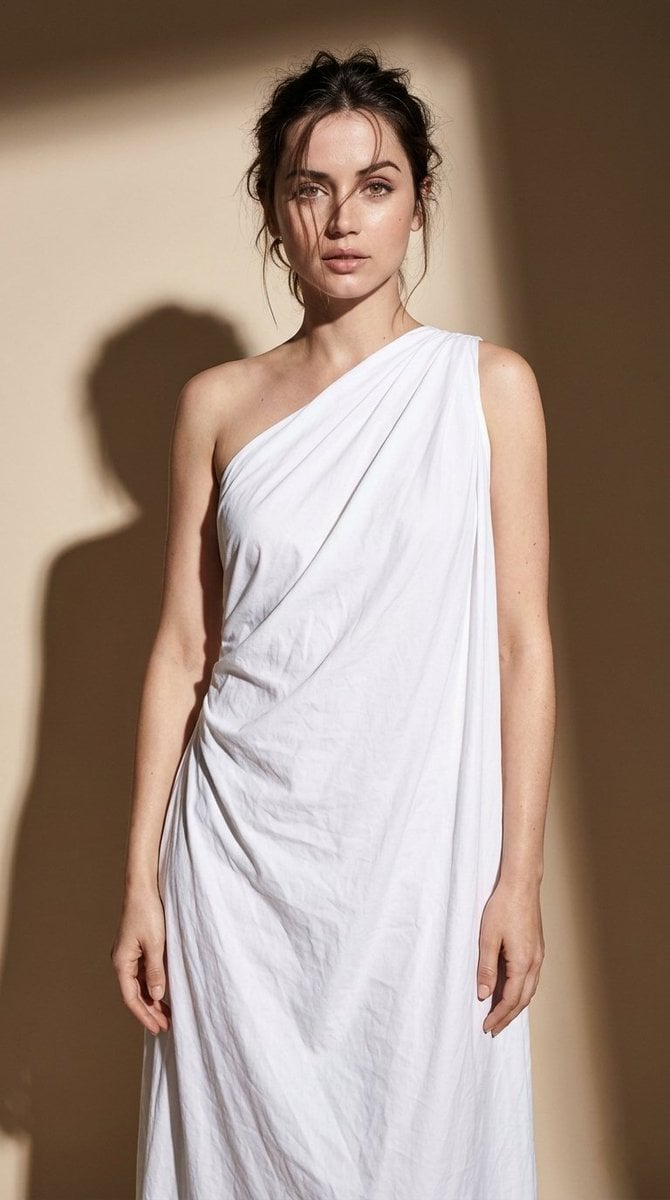
Minimal High-Contrast Studio Fashion Editorial
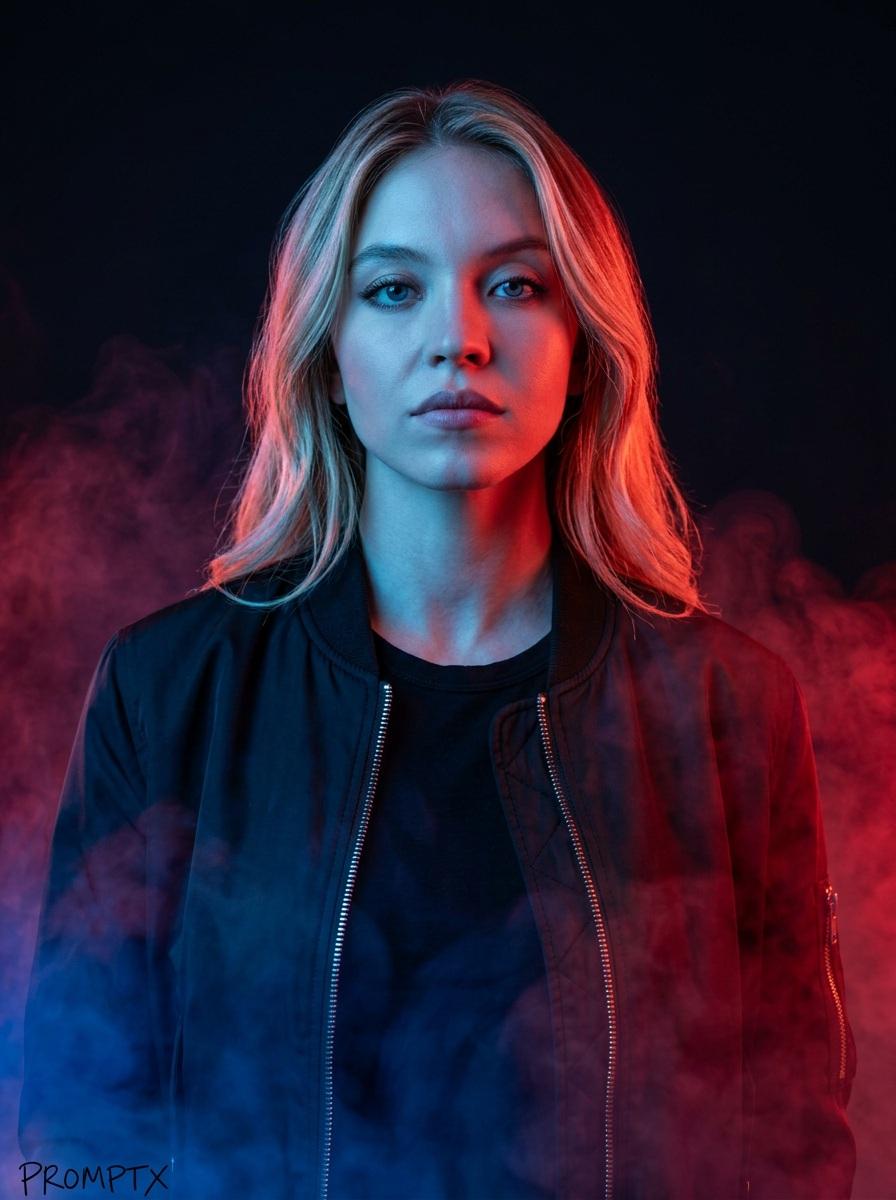
Cinematic portrait prompt for Nano Banana Pro

Thought-Leader Aesthetic Headshot Prompt (Image-to-Image)
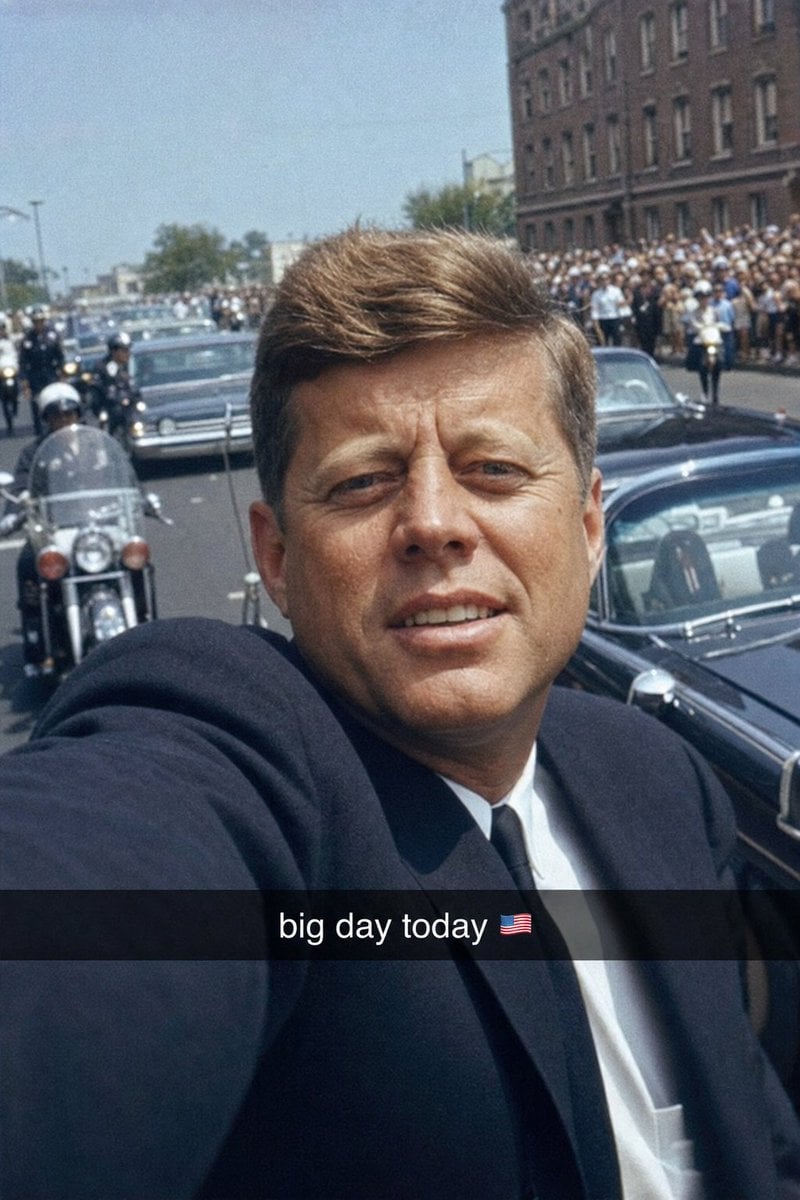
Historical Figure Snapchat Selfie

China Southern A380 Takeoff at Pudong
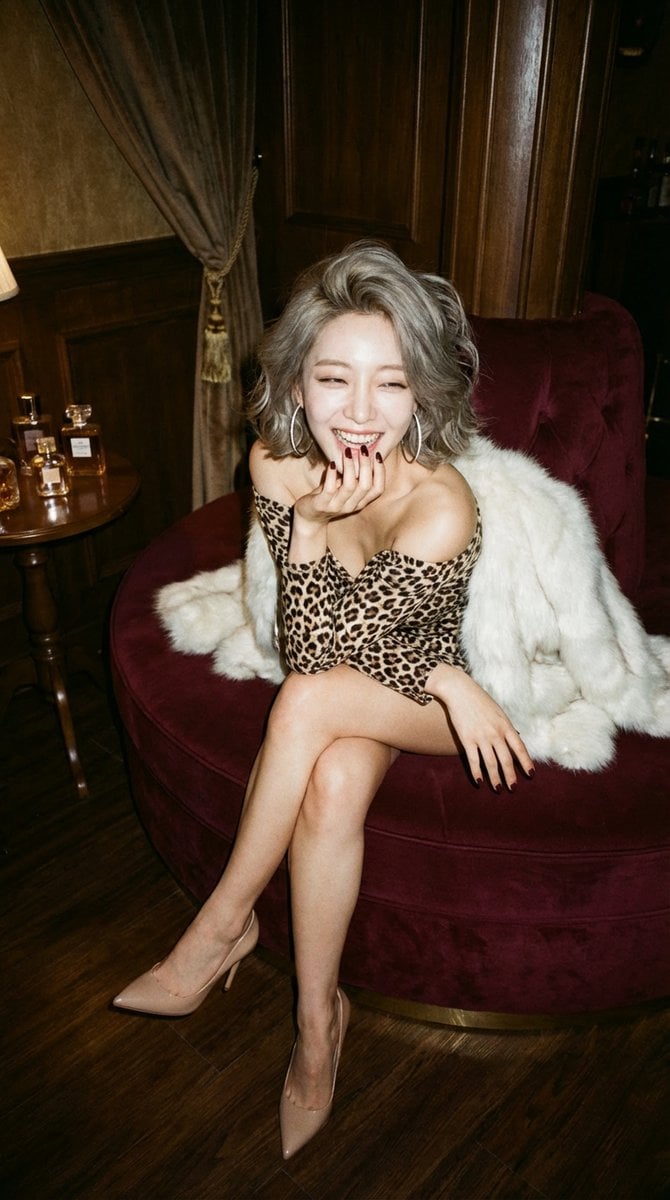
LocalBanana Copilot Feature for Prompt Refinement
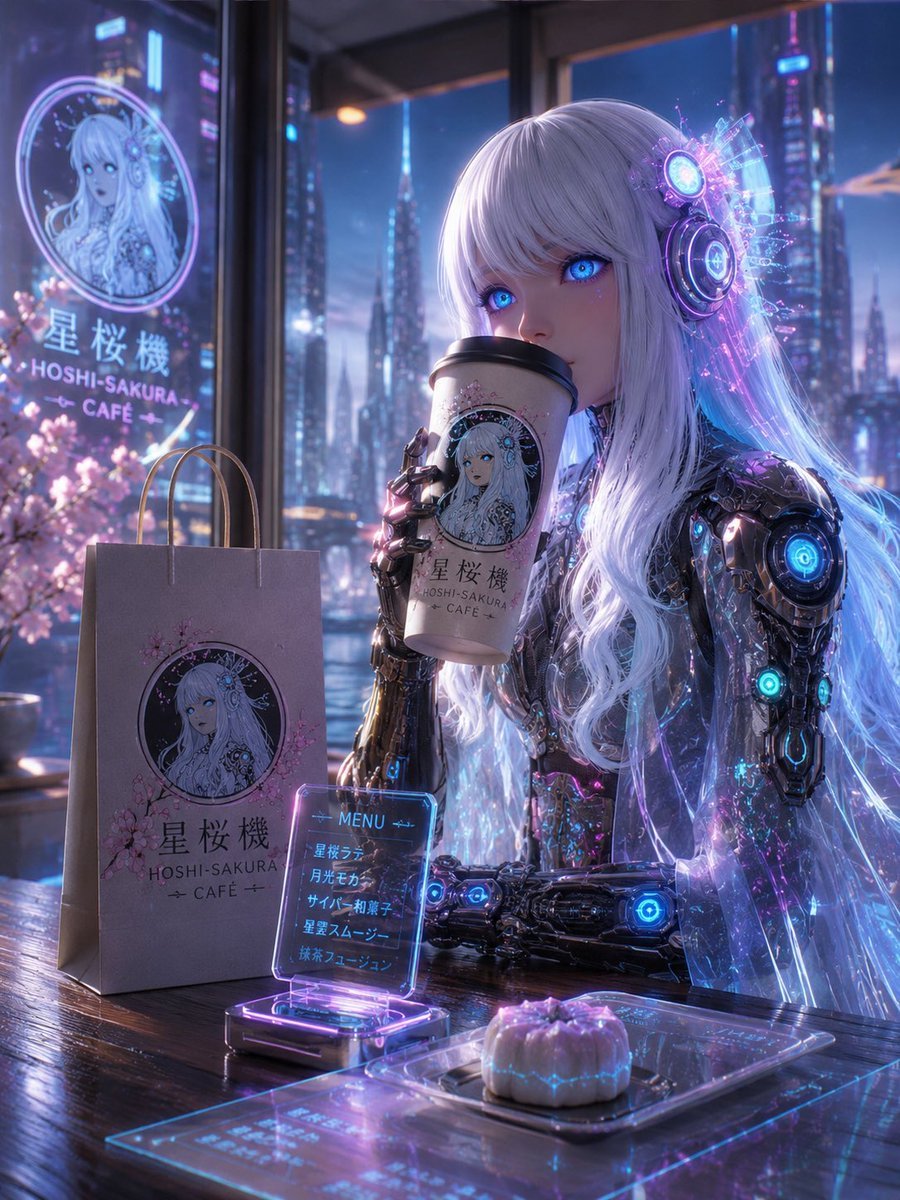
Cyberpunk Hoshi-Sakura Cafe
Style Transfer to Anime Cartoon
Browse template categories
Geometric Red-Crowned Crane Poster questions
How do I use the Geometric Red-Crowned Crane Poster template?
Add your photo if the template asks for one, edit the prompt if you like — the template's model and format are already selected — and press Generate. Your version opens in PicX Studio.
Can I customize the Geometric Red-Crowned Crane Poster template?
Yes. You can change the subject, setting, lighting, mood, format, and available model controls before creating your image.
Is the Geometric Red-Crowned Crane Poster template free?
Opening and editing this template is free. Generating uses credits, shown on the Generate button when you are signed in.
Which AI model should I use?
Start with GPT Image 2, which is the model associated with this template. You can compare another compatible model for a different finish.
Looking for something else? Browse all templates.

Your photo, any look
Thousands of ready templates for every top image and video model, from one credit balance.