
Cyberpunk Hoshi-Sakura Cafe
Generates a futuristic anime cafe product-ad scene with a silver-haired cyborg mascot, branded signage, drink packaging, holographic menu, and neon city atmosphere.
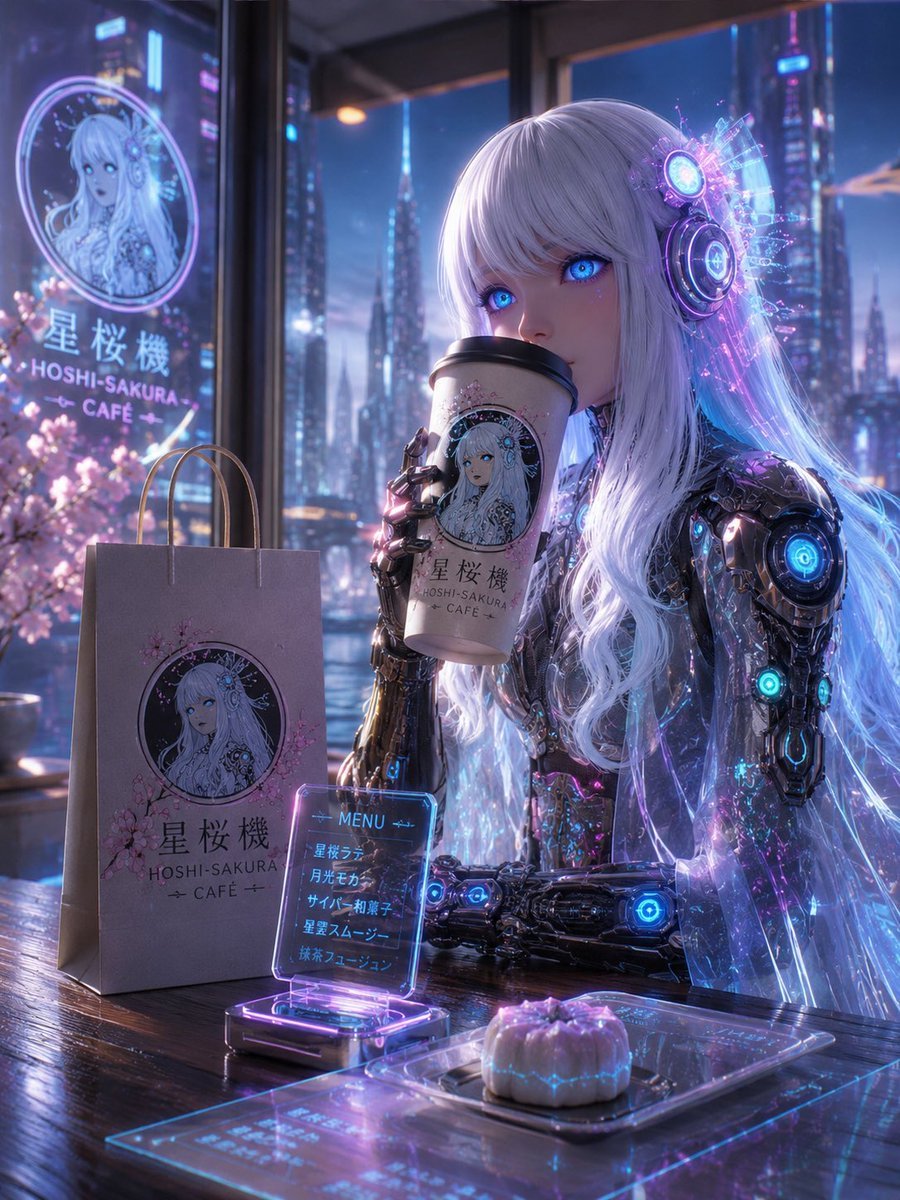
- Prompt included
- Model and format preset
- Free template
The prompt behind this image
Copy the exact prompt behind Cyberpunk Hoshi-Sakura Cafe, or open it in the studio and make it yours.
Create a polished cyberpunk anime cafe advertisement scene featuring {argument name="character name" default="Hoshi-Sakura"} Cafe. The image is a vertical 4:5 cinematic illustration inside a futuristic high-rise cafe at night, looking out through huge glass windows onto a glowing neon city skyline with tall towers, blue-purple twilight, and pink cherry blossoms outside. In the foreground, an elegant silver-white-haired anime cyborg girl with very long flowing hair sits at a wooden table, holding a branded takeaway coffee cup near her face; her face is intentionally obscured by a flat square censor block. She has luminous futuristic headphones/ear modules with circular cyan and violet lights, transparent holographic hair strands, and intricate chrome robotic arms and shoulders with glowing blue energy cores and small magenta highlights. The mood is dreamy, luxurious, soft, and atmospheric, with reflections on glass, glossy metal, bokeh lights, and volumetric neon glow. Include exactly 5 prominent branded cafe objects/signage elements: 1) a large circular window sign on the left with an anime portrait logo, Japanese text "星桜機", and the English words "HOSHI-SAKURA CAFE"; 2) a matte paper shopping bag on the table with rope handles, cherry blossom graphics, the same circular portrait logo, Japanese text "星桜機", and "HOSHI-SAKURA CAFE"; 3) a takeaway coffee cup in the girl's hand with the same circular portrait logo and the same cafe name; 4) a small transparent holographic tabletop menu sign glowing cyan and purple, labeled "MENU" and listing exactly 5 items: "星桜ラテ", "月光モカ", "サイバー抹茶", "星雲スムージー", "抹茶フュージョン"; 5) a translucent futuristic dessert tray with one small pastel purple pastry or bun glowing with faint blue circuit-like patterns. Use a cohesive logo style showing a circular portrait of the same silver-haired cyborg girl with cherry blossom motifs. Color palette: {argument name="color palette" default="icy cyan, violet, lavender, magenta, soft pink cherry blossom, dark navy"}. Lighting should be high-detail anime realism with sharp product-ad composition, luminous holograms, reflective tabletop, shallow depth of field, no extra people, no watermark, no unrelated text, and no additional menu items.
How to use Cyberpunk Hoshi-Sakura Cafe in 3 steps
- 1Upload ImagePNG, JPG or paste
Add your photo
Upload the photo the template builds on. The prompt, model and format are already set.
- 2…a portrait of your subject in softgolden-hour light, 85mm…
Personalize
Edit the subject and creative details for your destination.
- 3Generate
Generate
Press Generate — your image is created in PicX Studio, so you can compare it with the original and refine one variable at a time.
More like this
Templates with the same subject, style or setup. Open one to see its prompt.

Cat Photobomb Selfie — 0.5x Wide Angle Café Chaos

Trendy Cafe Drink Promo Poster

Nostalgic Digicam Café Afternoon Portrait

Rainy Night Android Cyberpunk Portrait

Delicate Japanese Café Lifestyle Illustration

Korean Idol Partial Shadow Editorial Portrait

Cinematic Sci-Fi Interface Side Profile

Cyberpunk Neon Profile Fashion Portrait

Cinematic Neon Light Strip Studio Portrait

Futuristic Studio Neon Ring Minimalist Portrait

Neon Violet Streetwear Fashion Portrait

Neon Night Crosswalk Candid Portrait
Make it yours
Cyberpunk Hoshi-Sakura Cafe works as-is. These are the safest ways to change it without losing the look.
Change one field
Copy a single group, rewrite it, and generate again so you can see what that field is doing.
Keep the frame, change the subject
Hold the composition and light of Cyberpunk Hoshi-Sakura Cafe, then swap wardrobe, props or the person for a new take.
| If the result… | Why | Fix |
|---|---|---|
| The result drifts from the preview | Too many fields changed at once. | Reuse Cyberpunk Hoshi-Sakura Cafe as-is first, then change one group — subject, light, or setting. |
| The model over-stylizes the scene | The prose prompt leaves finish and camera underspecified. | Add one camera or lighting sentence and stay on GPT Image 2. |
More GPT Image 2 templates
Other prompts made for GPT Image 2.

Six VTuber Japanese Logo Sheet

Realistic Portrait of Woman and Deer

The Vista Modular Condo Poster

AI Model Routing Comparison Infographic

2.5D Anime Art Board

Isometric Productivity Desk Scene

New York Double Exposure Poster

Four-Panel AI Landscape Comparison

Japanese Tatami Lifestyle Magazine Cover

NESCAFÉ Coffee Map Poster
More image prompts
Fresh picks from across the catalog.
Realistic Desert Lifestyle Portrait

Floating Woman Above Cityscape with Notifications
Surreal Mixed-Media Fashion Portrait Collage
Nano Banana Prompt for Sport Jersey Design
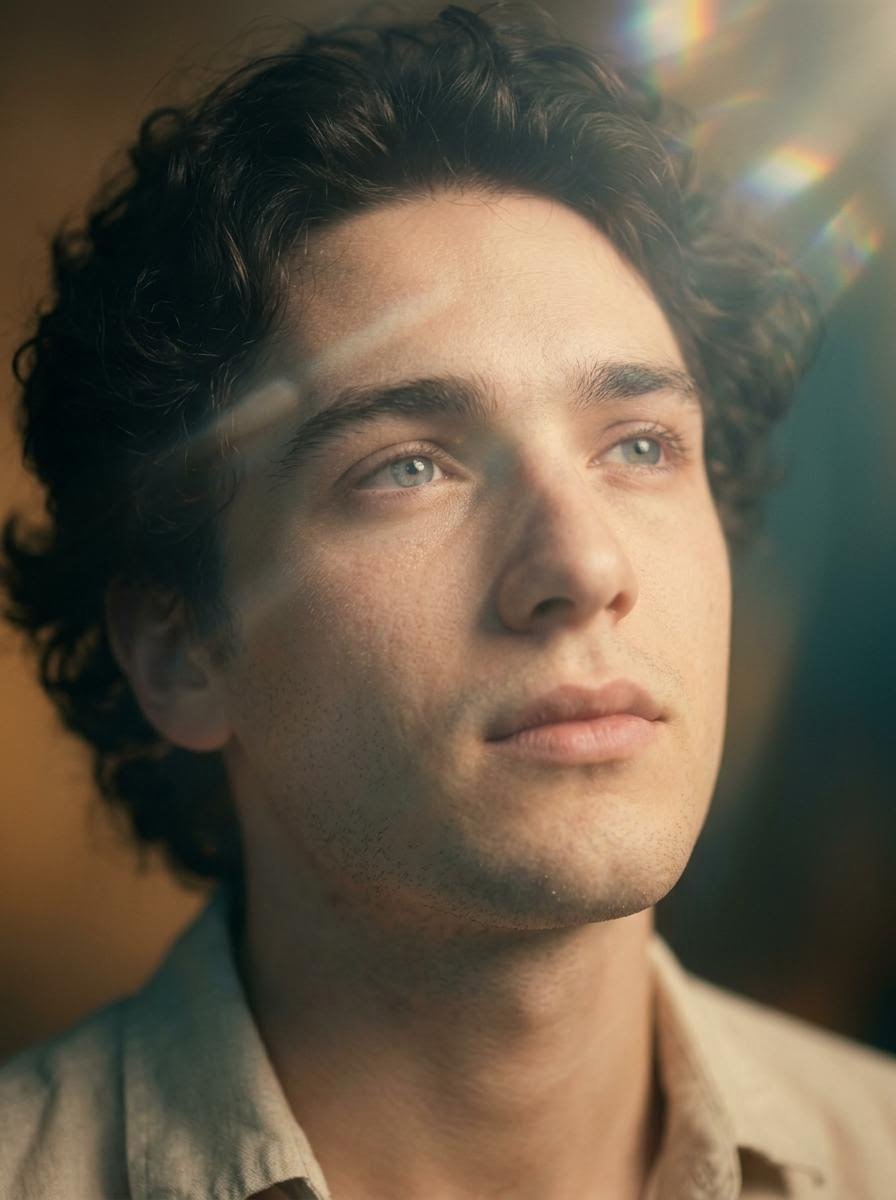
Cinematic Close-Up Portrait with Lens Flares
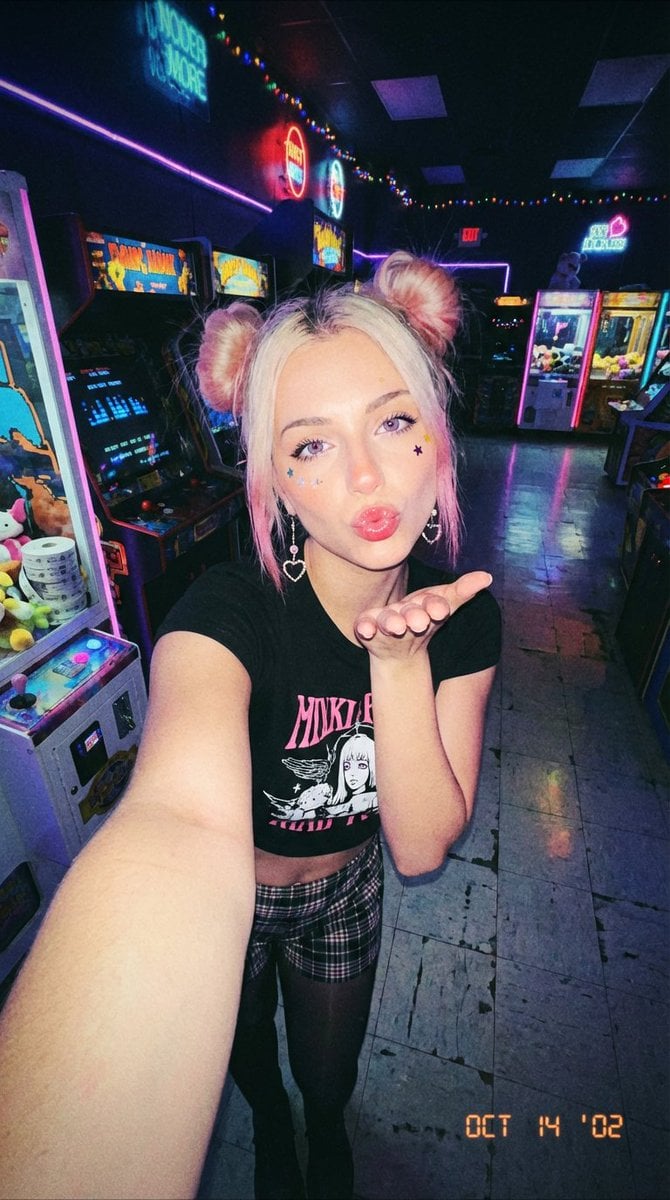
Y2K Grunge Arcade Selfie Portrait
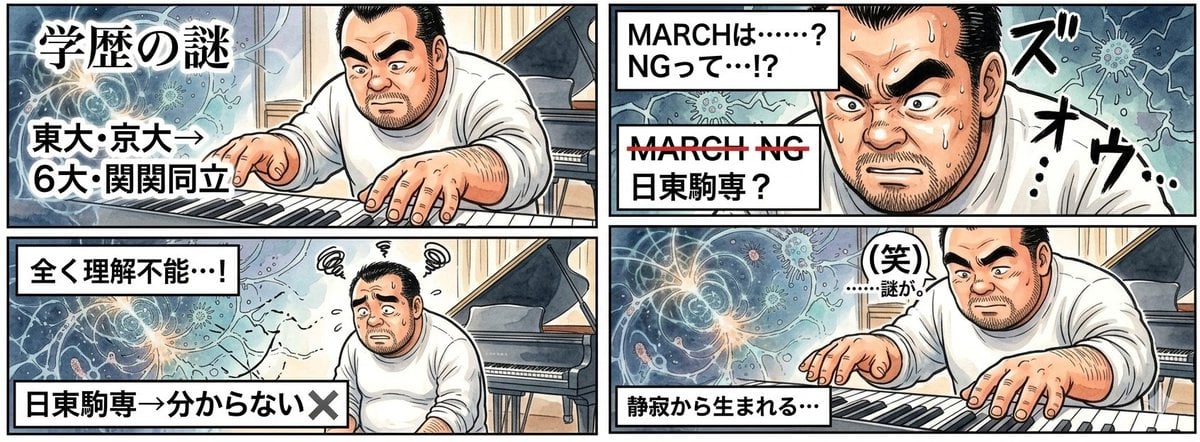
AI Image Generation Prompt for 4-Panel Manga: Academic Silence
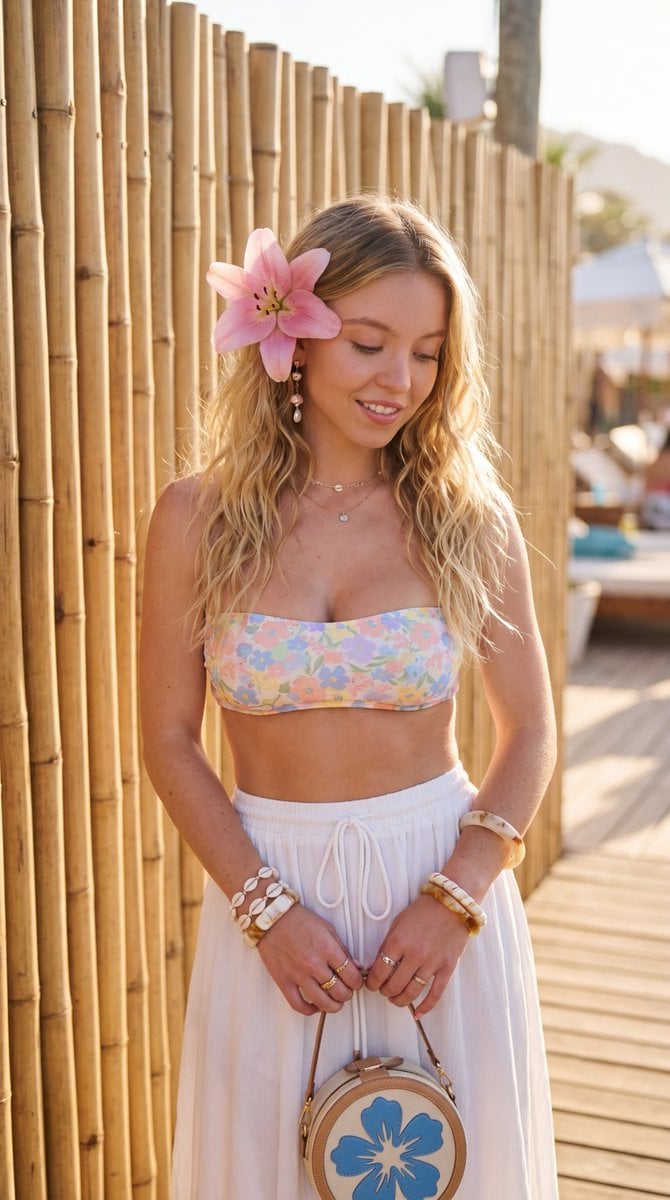
Tropical Bohemian Fashion
Cinematic Broken Clock Scene Portrait for Nano Banana 2
Photorealistic manga-themed bedroom portrait
Browse template categories
Cyberpunk Hoshi-Sakura Cafe questions
How do I use the Cyberpunk Hoshi-Sakura Cafe template?
Add your photo if the template asks for one, edit the prompt if you like — the template's model and format are already selected — and press Generate. Your version opens in PicX Studio.
Can I customize the Cyberpunk Hoshi-Sakura Cafe template?
Yes. You can change the subject, setting, lighting, mood, format, and available model controls before creating your image.
Is the Cyberpunk Hoshi-Sakura Cafe template free?
Opening and editing this template is free. Generating uses credits, shown on the Generate button when you are signed in.
Which AI model should I use?
Start with GPT Image 2, which is the model associated with this template. You can compare another compatible model for a different finish.
Looking for something else? Browse all templates.

Your photo, any look
Thousands of ready templates for every top image and video model, from one credit balance.