
Fine Art B&W Editorial Portrait
MeiGen — ultra-realistic monochrome editorial portrait with underwater and studio-hood variations.

- Prompt included
- Model and format preset
- Free template
The prompt behind this image
Copy the exact prompt behind Fine Art B&W Editorial Portrait, or open it in the studio and make it yours.
Ultra-realistic fine art black-and-white portrait, editorial fashion photography, close-up centered composition, direct eye contact, calm yet emotionally powerful expression, flawless natural skin texture with subtle freckles and pores, cinematic high-contrast monochrome grading, dramatic Rembrandt lighting with soft directional light, deep blacks and luminous highlights, razor-sharp eyes with catchlights, premium medium-format camera quality, 85mm portrait lens, f/1.8, shallow depth of field, museum-quality fine art photography, minimalist composition, timeless elegance, luxury Vogue-style editorial, rich tonal range, ultra-detailed facial features, photorealistic, HDR, 8K resolution, award-winning portrait photography. Variation 1 (Underwater): Half-submerged underwater portrait, crystal-clear water surface crossing the forehead, natural water caustic light patterns dancing across the face and shoulders, floating hair, tiny air bubbles, soft underwater haze, blurred fish in the distant background, tranquil atmosphere, surreal yet realistic, monochrome fine-art aesthetic. Variation 2 (Studio Hood): Black hooded outfit against a pure black background, narrow beam of light illuminating only the eyes and upper face, soft shadow falloff, symmetrical composition, dramatic chiaroscuro, elegant fashion editorial styling, mysterious cinematic mood, luxury magazine cover aesthetic. Negative Prompt: low resolution, blurry, overprocessed skin, waxy face, plastic texture, extra limbs, deformed eyes, asymmetrical face, duplicated features, noisy image, oversharpened, artifacts, watermark, logo, text, cropped head, bad anatomy, unrealistic lighting, cartoon, CGI, low quality, distorted proportions.
How to use Fine Art B&W Editorial Portrait in 3 steps
- 1
Open
The prompt is already in the box next to the preview, with the template's model and format selected.
- 2…a portrait of your subject in softgolden-hour light, 85mm…
Personalize
Edit the subject and creative details for your destination.
- 3Generate
Generate
Press Generate — your image is created in PicX Studio, so you can compare it with the original and refine one variable at a time.
More like this
Templates with the same subject, style or setup. Open one to see its prompt.
Fine Art Monochrome Fashion Portrait

Caution Tape Fashion — Industrial Editorial

Couture Fashion Editorial Woman and Drag

Nano Banana 2 Editorial Fashion Portrait

untitled

Nano Banana 2 High Fashion Sports Campai

Ive Yujin Fashion Portrait in Blue

21 Glass Floor Skyscraper — California Series

19 Luxury Helicopter Travel — California Series

08 Rodeo Drive Luxury Exit — California Series

03 Beverly Hills Convertible — California Series

B&W Photobooth Expression Grid 4x4 — Nano Banana
Make it yours
Fine Art B&W Editorial Portrait works as-is. These are the safest ways to change it without losing the look.
Change one field
Copy a single group, rewrite it, and generate again so you can see what that field is doing.
Keep the frame, change the subject
Hold the composition and light of Fine Art B&W Editorial Portrait, then swap wardrobe, props or the person for a new take.
| If the result… | Why | Fix |
|---|---|---|
| The result drifts from the preview | Too many fields changed at once. | Reuse Fine Art B&W Editorial Portrait as-is first, then change one group — subject, light, or setting. |
| The model over-stylizes the scene | The prose prompt leaves finish and camera underspecified. | Add one camera or lighting sentence and stay on PicX Studio. |
More image prompts
Fresh picks from across the catalog.
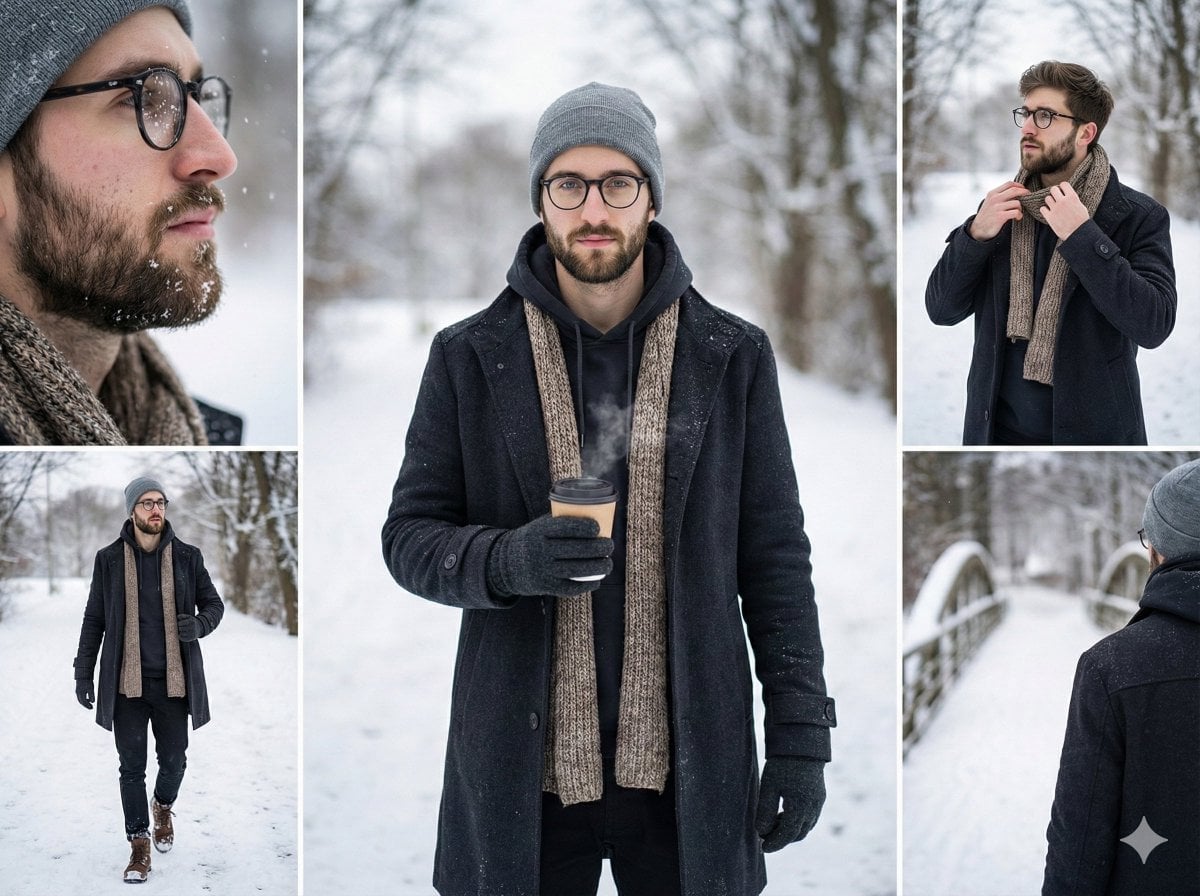
Multi-Shot Cinematic Fashion Collage in Winter
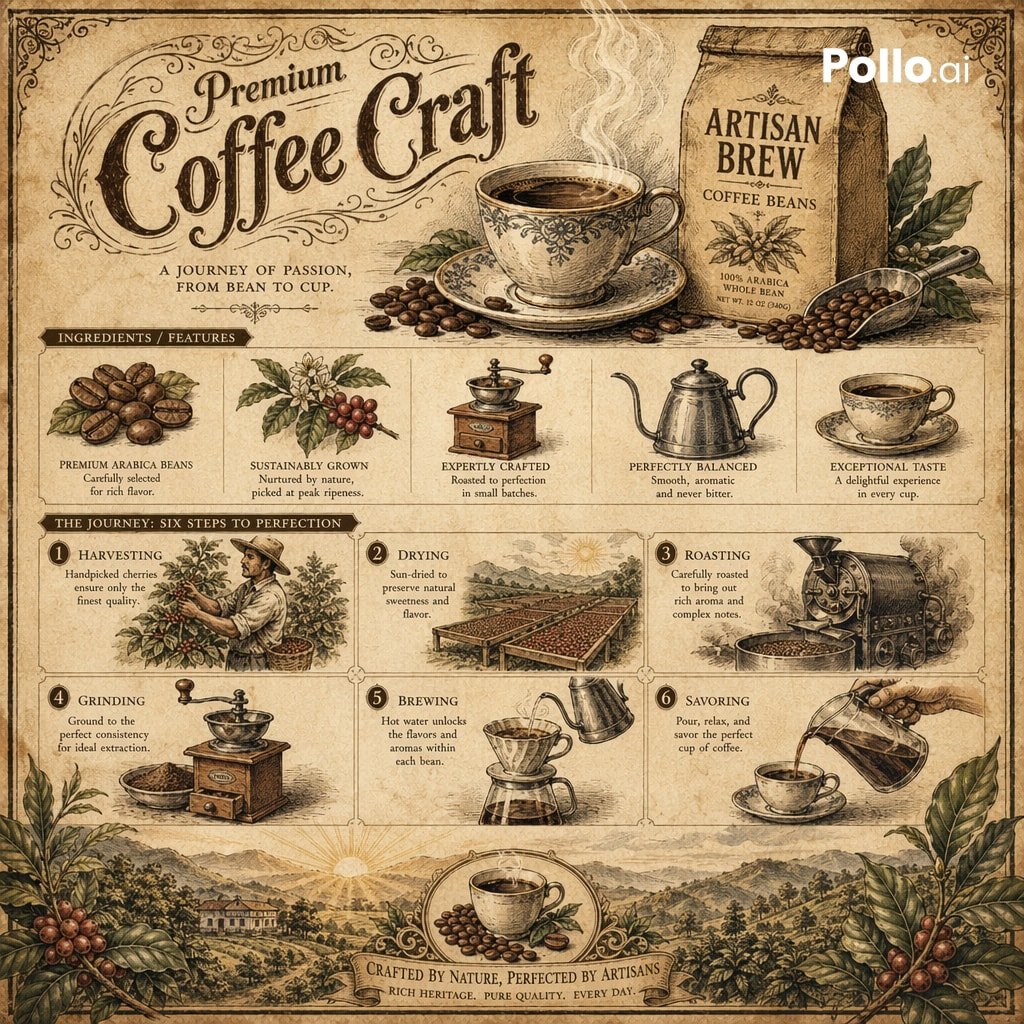
Vintage Botanical Infographic
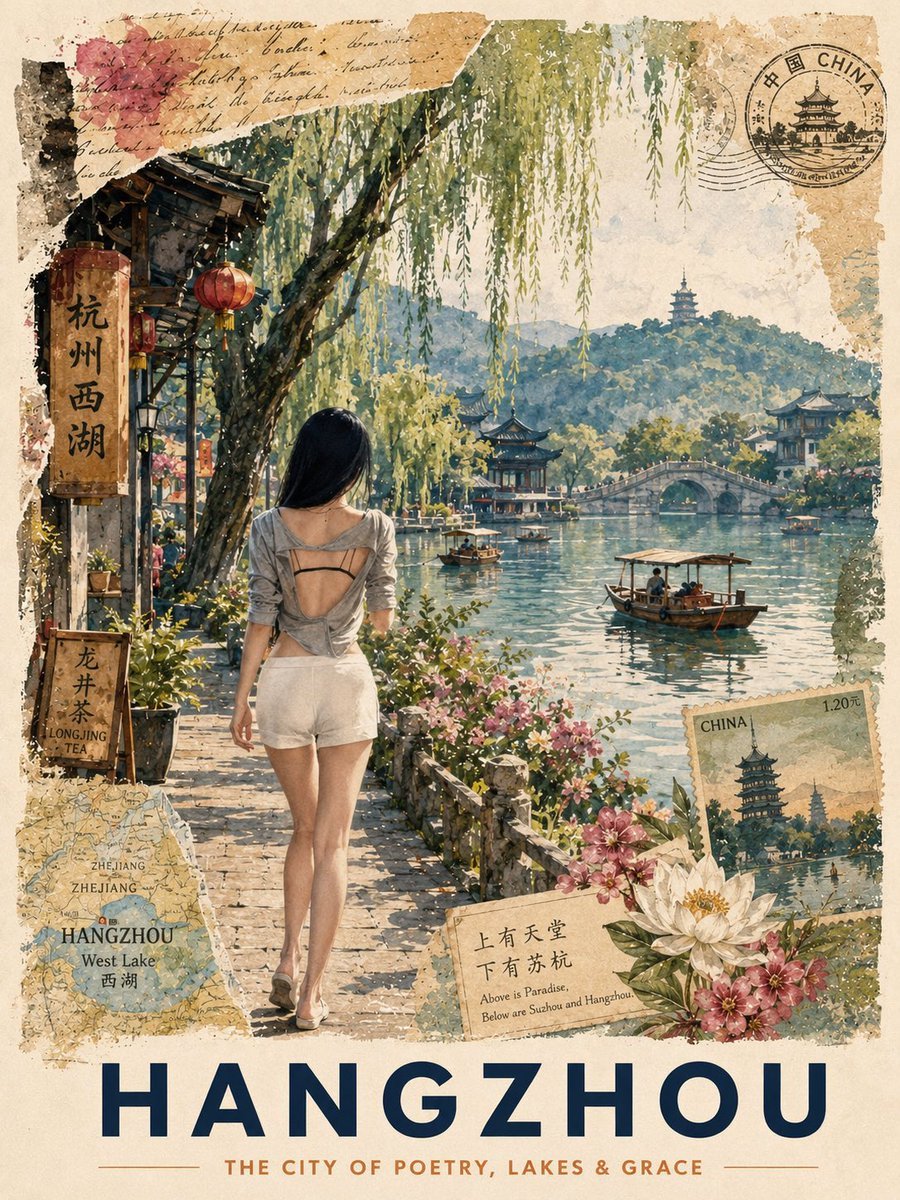
Vintage Hangzhou Travel Postcard
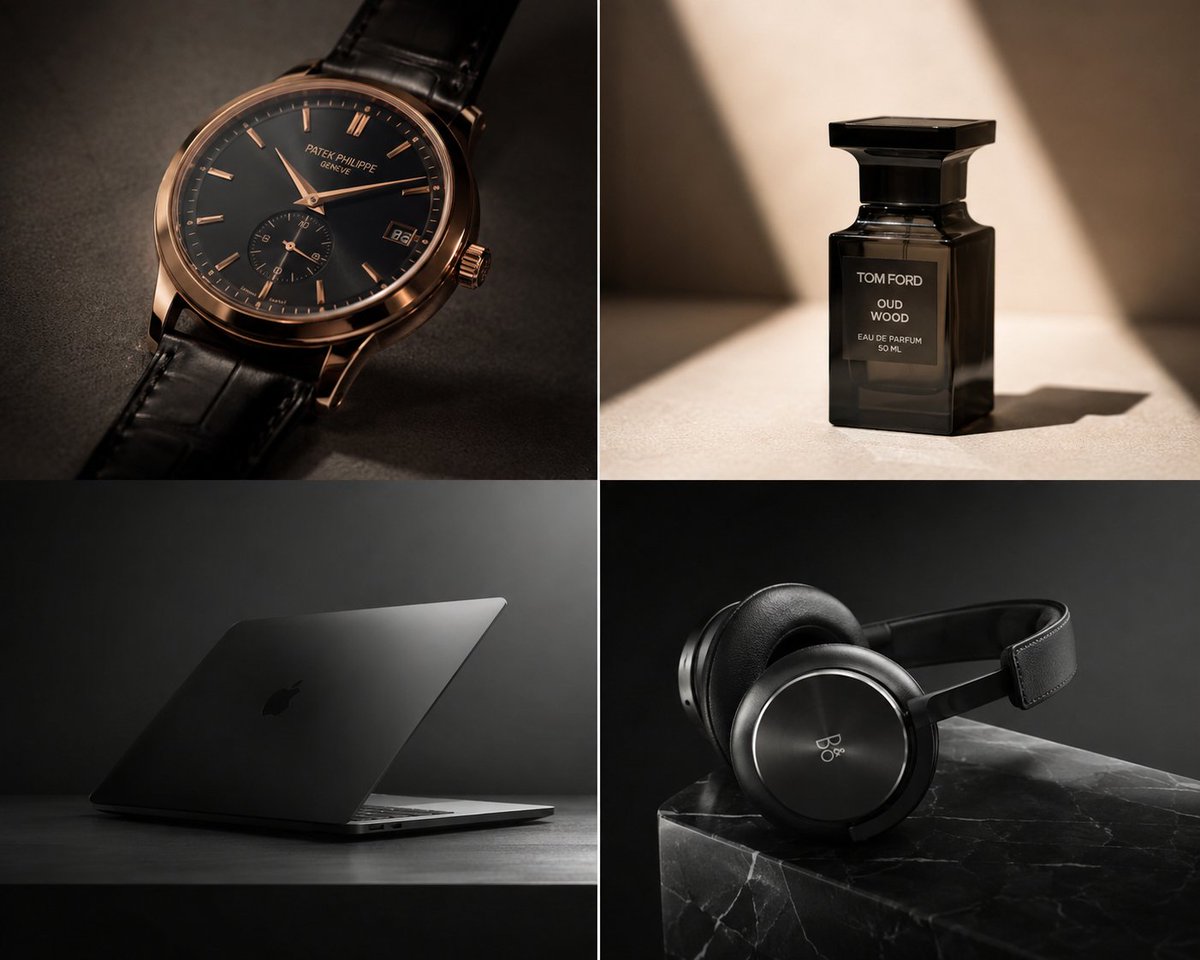
Premium Luxury Tech Editorial Style
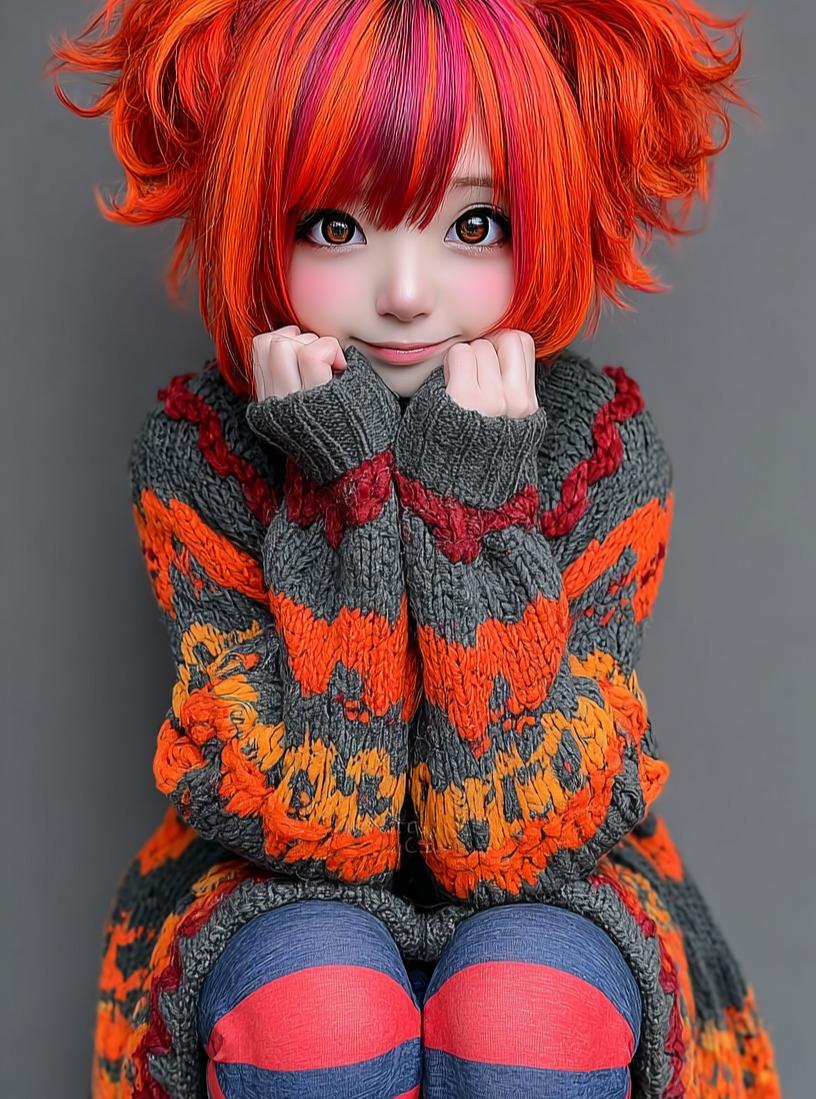
Kawaii Doll Magical Realism Character Portrait Prompt
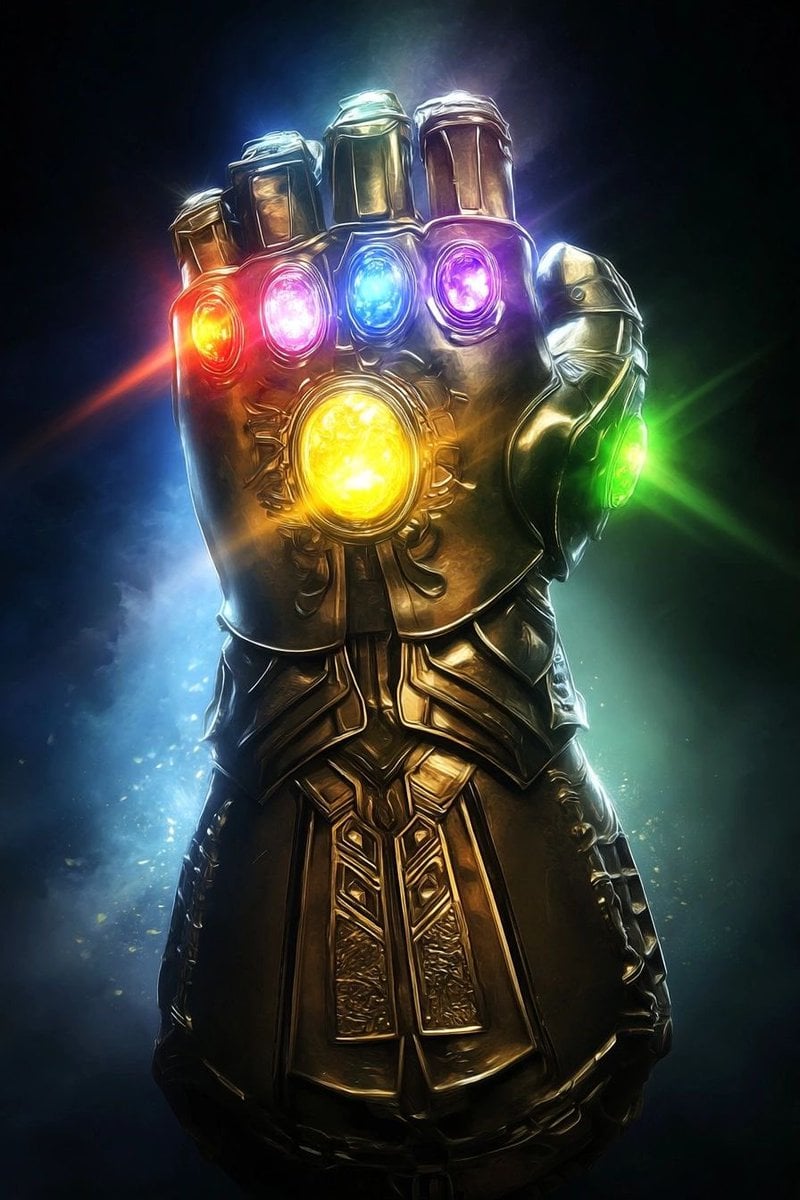
Industrial Blueprint Generation Prompt
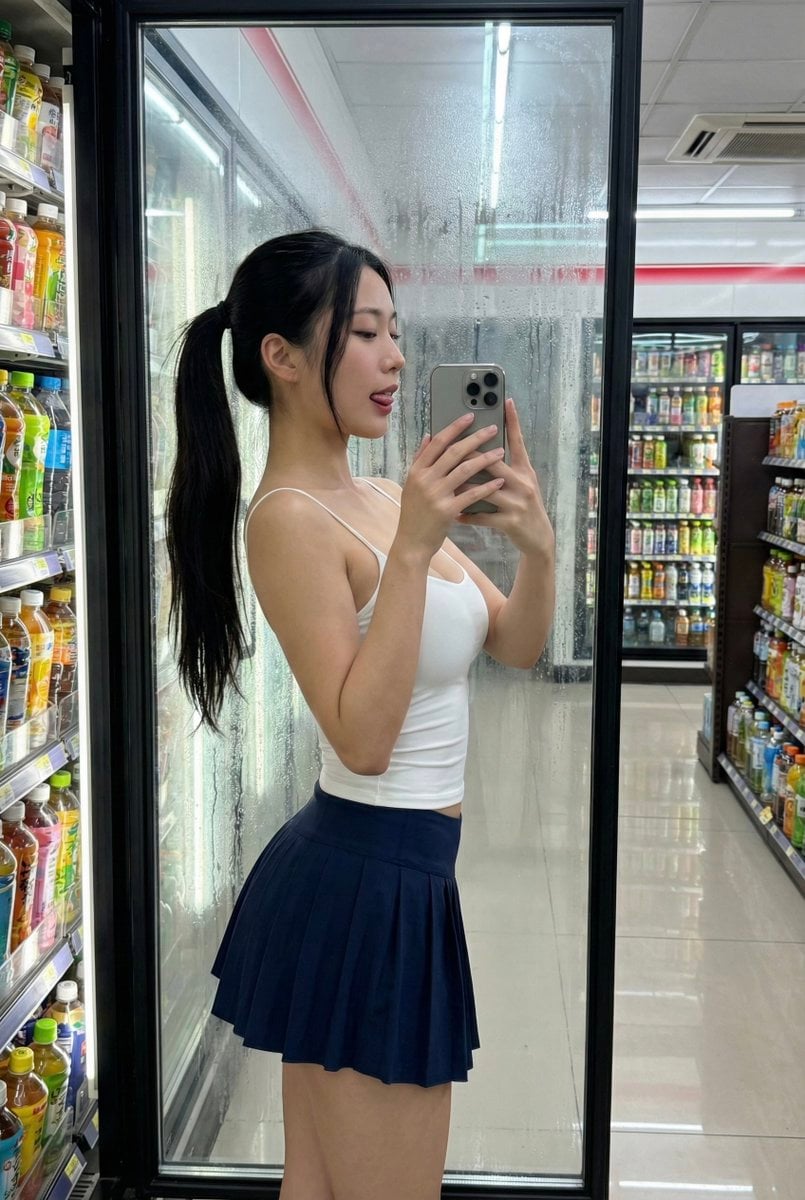
Convenience Store Selfie Reflection Prompt (Suggestive)
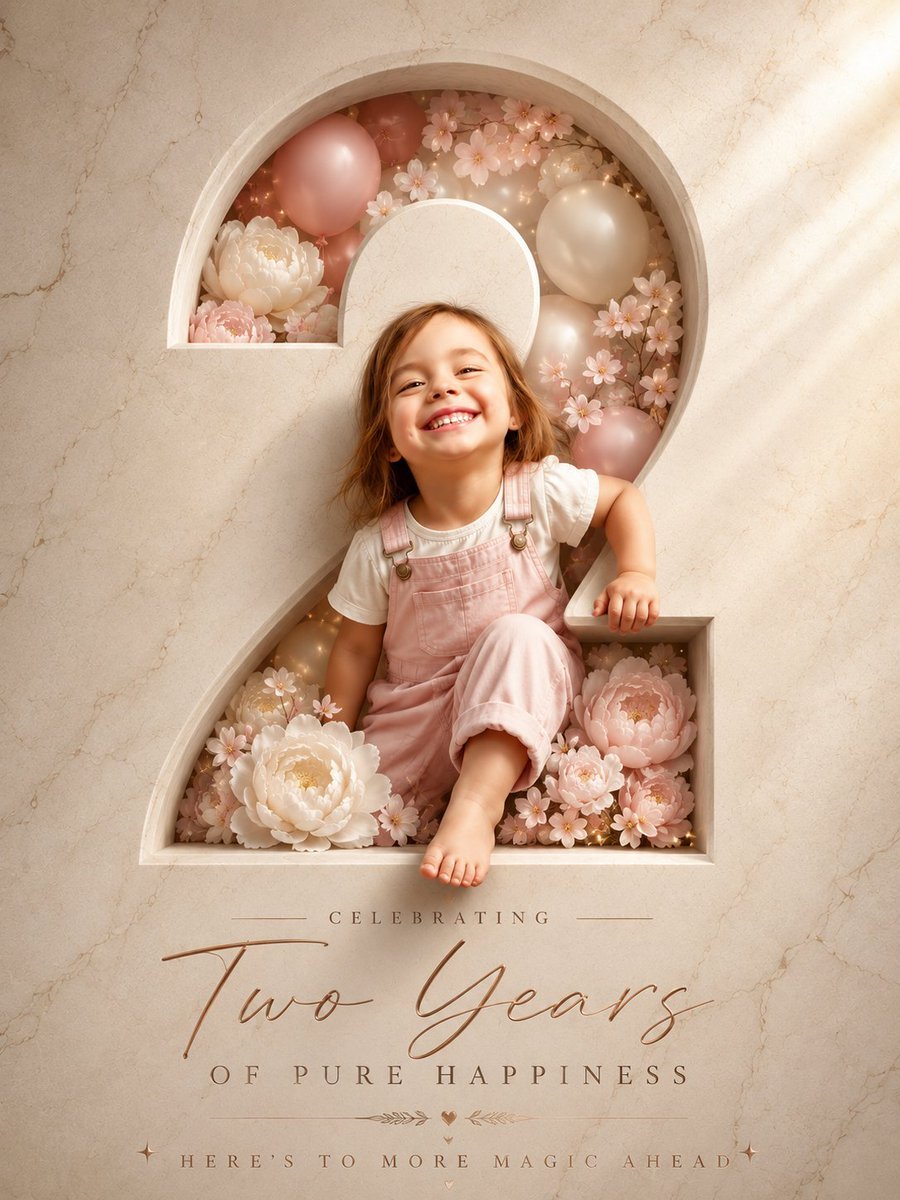
Two Years Birthday Portrait
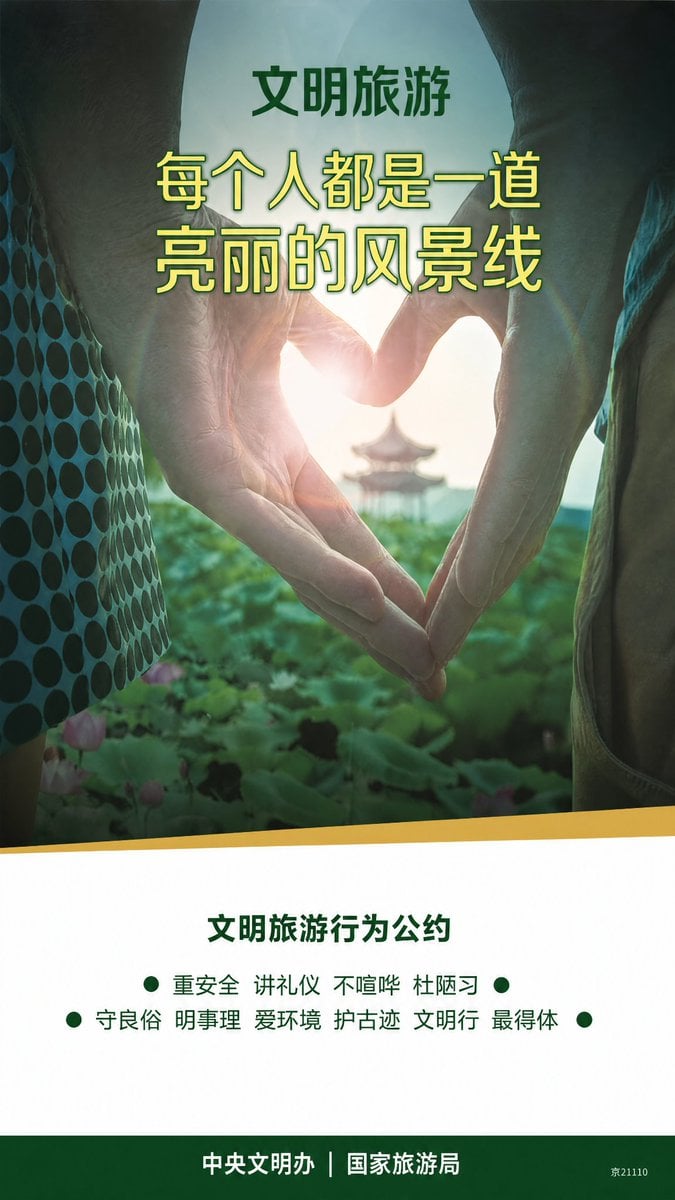
Clean Metro Tourism Poster Recreation
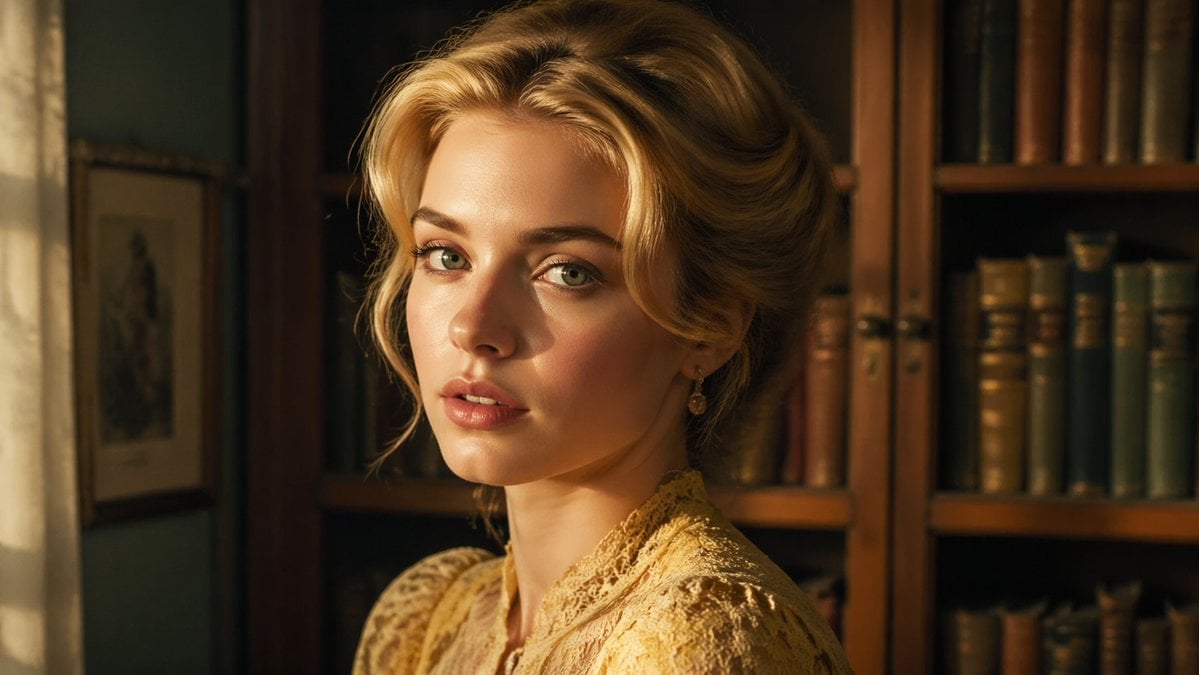
Cinematic Woman in Vintage Library
Browse template categories
Fine Art B&W Editorial Portrait questions
How do I use the Fine Art B&W Editorial Portrait template?
Add your photo if the template asks for one, edit the prompt if you like — the template's model and format are already selected — and press Generate. Your version opens in PicX Studio.
Can I customize the Fine Art B&W Editorial Portrait template?
Yes. You can change the subject, setting, lighting, mood, format, and available model controls before creating your image.
Is the Fine Art B&W Editorial Portrait template free?
Opening and editing this template is free. Generating uses credits, shown on the Generate button when you are signed in.
Which AI model should I use?
Choose a compatible model in PicX Studio based on the style, speed, and output controls your project needs.
Looking for something else? Browse all templates.

Your photo, any look
Thousands of ready templates for every top image and video model, from one credit balance.