
Sadie Sink Grassy Field Portrait
A JSON-structured lifestyle photography prompt for a Sadie Sink-inspired portrait in a sunny field.
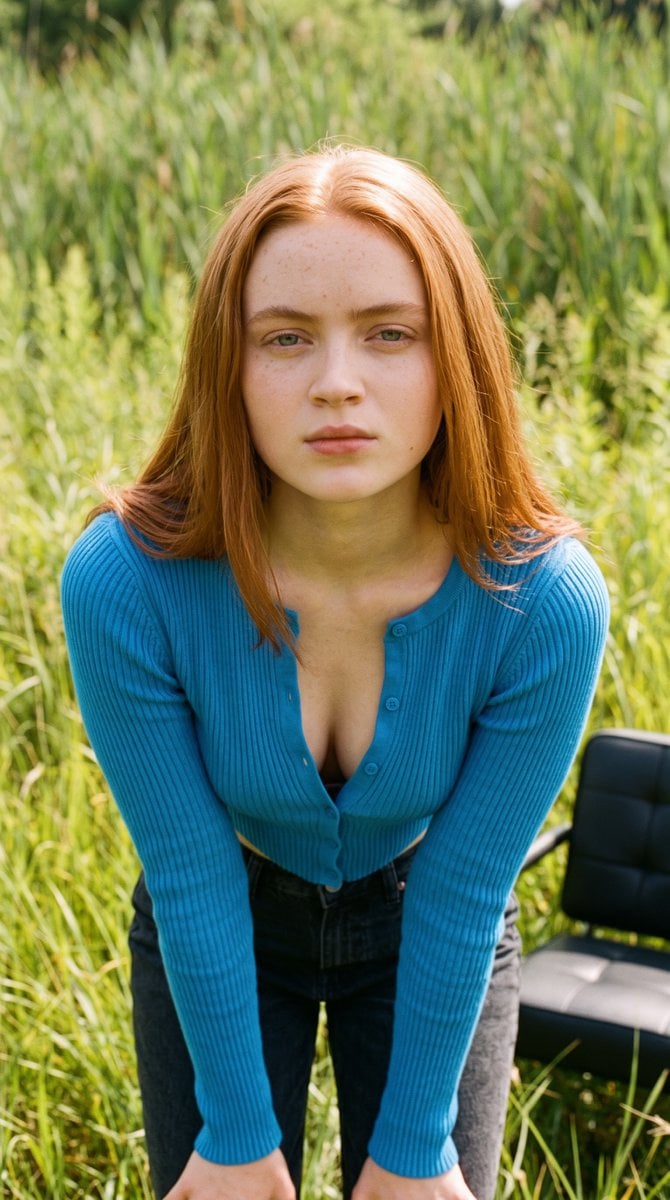
- Prompt included
- Model and format preset
- Free template
The prompt behind this image
Copy the exact prompt behind Sadie Sink Grassy Field Portrait, or open it in the studio and make it yours.
{ "image_prompt": { "subject": { "appearance": "{argument name="hair style" default="Slim young woman with straight, mid-length natural, vibrant coppery-red"}", "reference_celeb": "Sadie Sink", "expression": "Neutral, direct gaze at the camera", "physical_details": "Toned midriff, prominent belly button piercing with a clear stone barbell, slight freckles", "face_details": "Soft facial features, natural lip color, eyebrows lightly filled" }, "attire": { "garment_top": "{argument name="top" default="Long-sleeved, ribbed knit, very short cropped cerulean blue cardigan"}", "styling_top": "Fully buttoned, creating a tight fit" }, "pose": { "stance": "Standing frontally with body slightly angled to the viewer's left", "arms": "Both arms extended downwards at her sides, hands partially obscured" }, "setting": { "environment": "{argument name="setting" default="Sunny, outdoor field with dense, tall green and yellow-green grassy vegetation"}", "background_details": [ "Field of grass", "Partial view of a black padded element (seat/cushion) on the lower right" ] }, "composition": { "framing": "Medium waist-up shot, framing the entire midriff", "depth_of_field": "Shallow depth of field, sharp focus on subject, blurred background", "lighting": "Natural daylight, bright and even", }, "photography_style": { "aesthetic": "Outdoor lifestyle photography, documentary feel", "film_grain": "Subtle, natural film grain", "color_grading": "Natural, slightly warm saturation" } } }
How to use Sadie Sink Grassy Field Portrait in 3 steps
- 1
Open
The prompt is already in the box next to the preview, with the template's model and format selected.
- 2…a portrait of your subject in softgolden-hour light, 85mm…
Personalize
Edit the subject and creative details for your destination.
- 3Generate
Generate
Press Generate — your image is created in PicX Studio, so you can compare it with the original and refine one variable at a time.
More like this
Templates with the same subject, style or setup. Open one to see its prompt.





Make it yours
Sadie Sink Grassy Field Portrait works as-is. These are the safest ways to change it without losing the look.
Change one field
Copy a single group, rewrite it, and generate again so you can see what that field is doing.
Keep the frame, change the subject
Hold the composition and light of Sadie Sink Grassy Field Portrait, then swap wardrobe, props or the person for a new take.
| If the result… | Why | Fix |
|---|---|---|
| The result drifts from the preview | Too many fields changed at once. | Reuse Sadie Sink Grassy Field Portrait as-is first, then change one group — subject, light, or setting. |
| The model over-stylizes the scene | The prose prompt leaves finish and camera underspecified. | Add one camera or lighting sentence and stay on Gemini 3 Pro Image Preview. |
More Gemini 3 Pro Image Preview templates
Other prompts made for Gemini 3 Pro Image Preview.

Creative Character in Pink Office

Avant-Garde Asian Fashion Model

Water-level Bridge Modification

Ultra-Realistic Yacht Sunset Portrait

Mushroom Still Life Composition

Whimsical Anthropomorphic Friendly Insect

Cinematic Urban Night Billboard Portrait

Pop Art Summer Fruit Fashion Illustration

Ultra-Realistic iPhone Selfie with Motion Blur

Cinematic Mirror Reflection Portrait
More image prompts
Fresh picks from across the catalog.
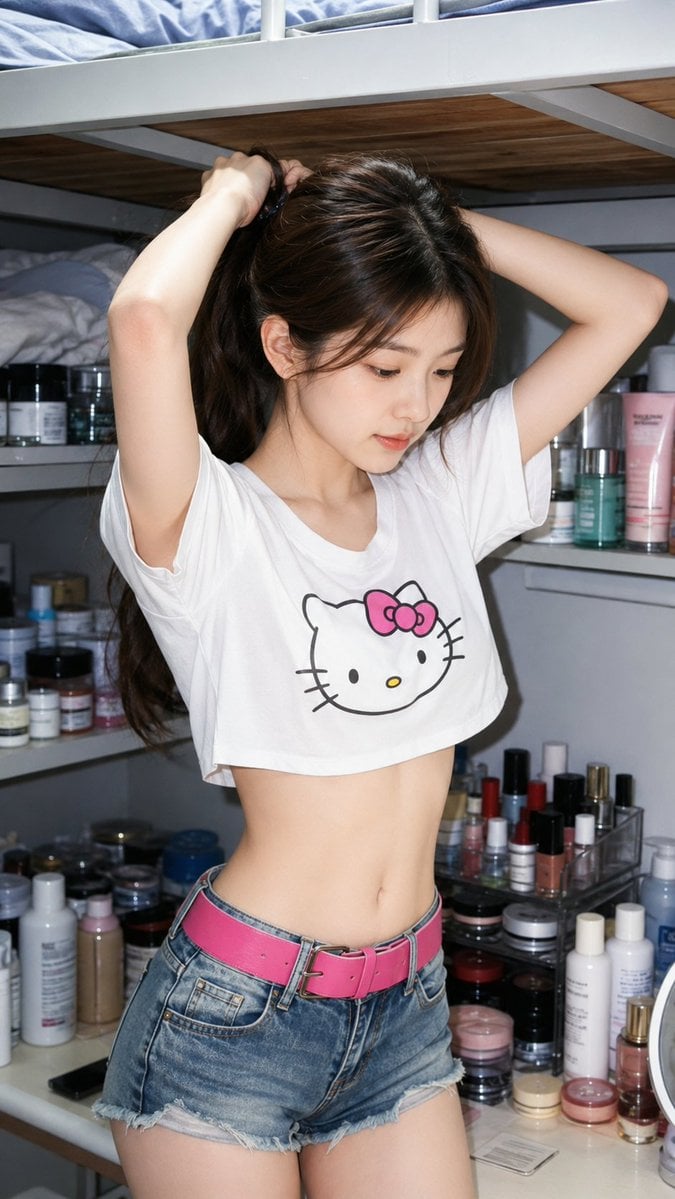
Casual Skincare Vanity Portrait
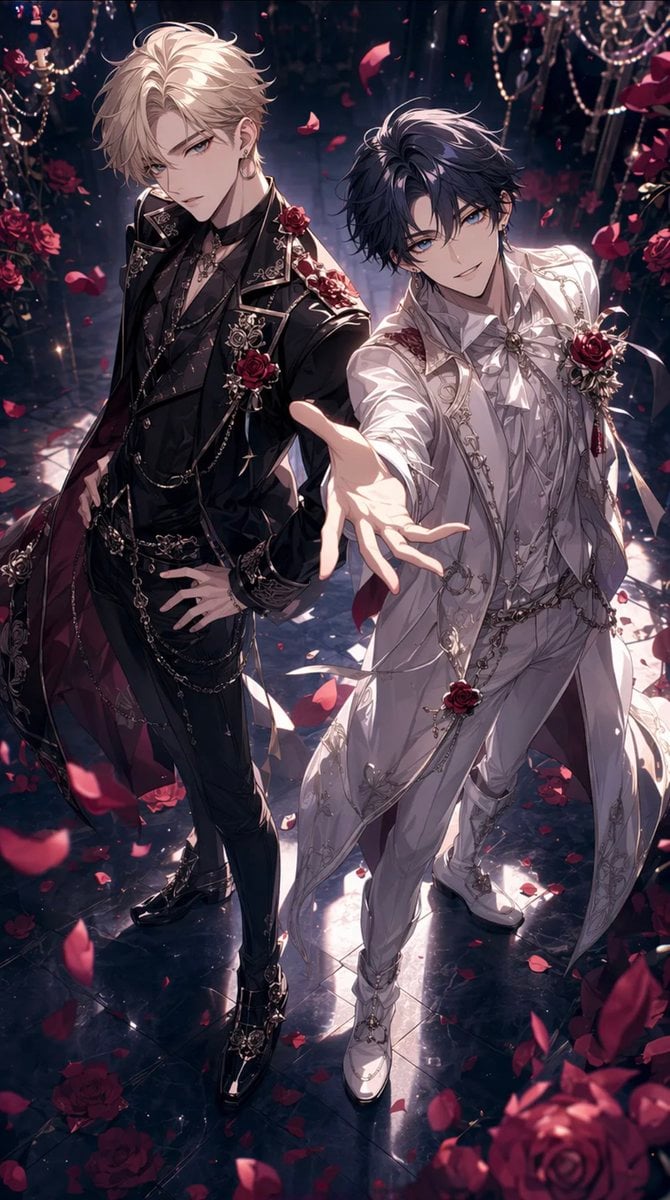
Gothic Rose Ballroom Duo
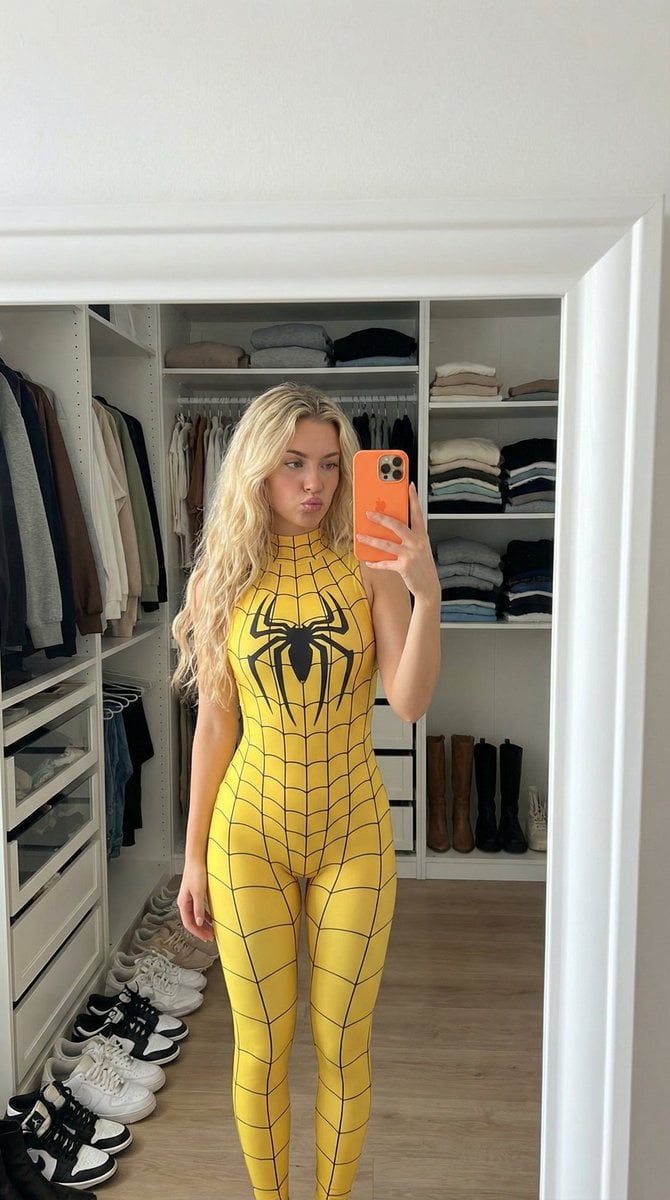
Spider-Girl Cosplay Selfie Prompt (Yellow)
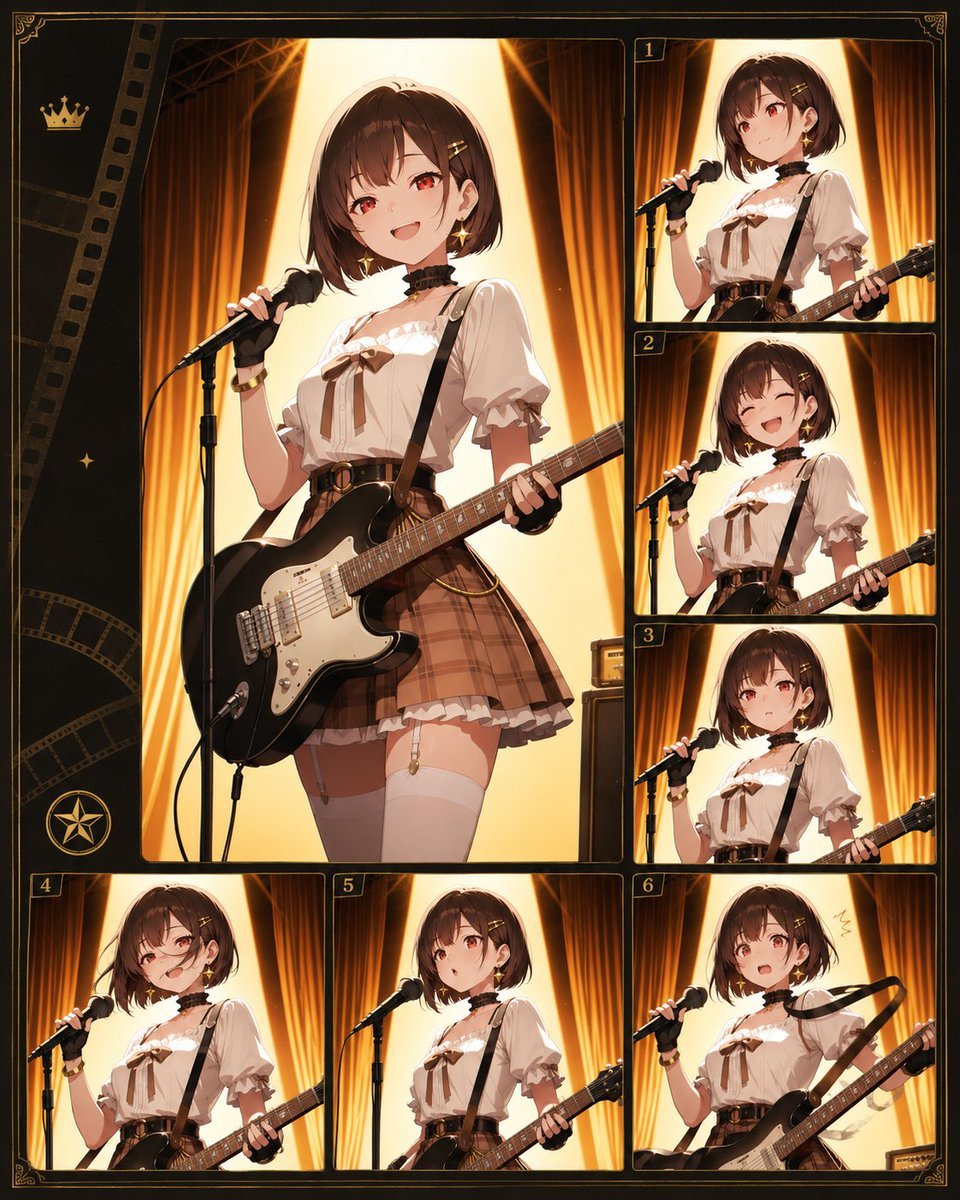
Anime Idol Guitarist Contact Sheet
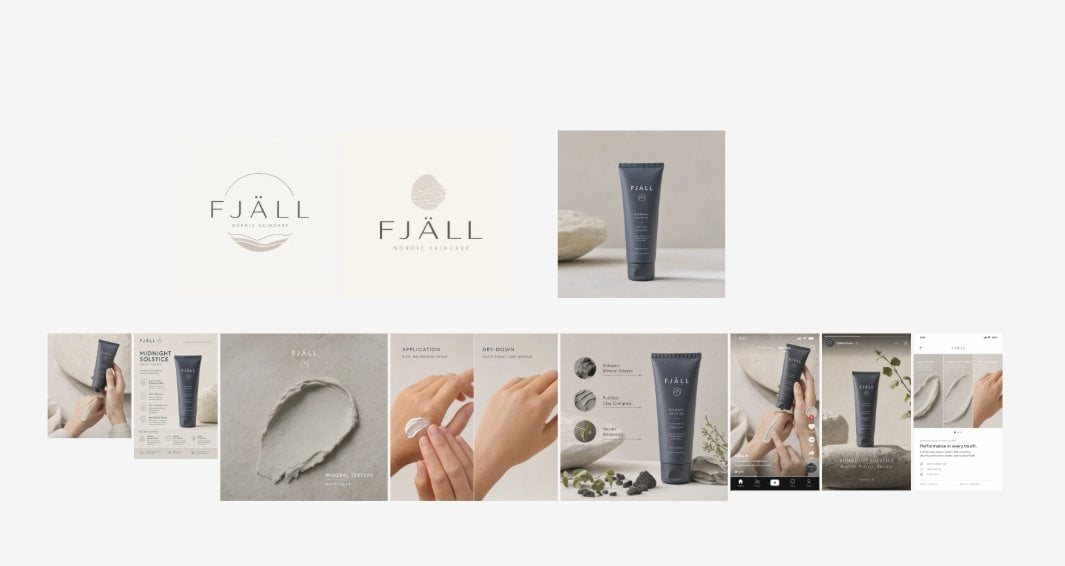
Nordic Skincare Campaign Board
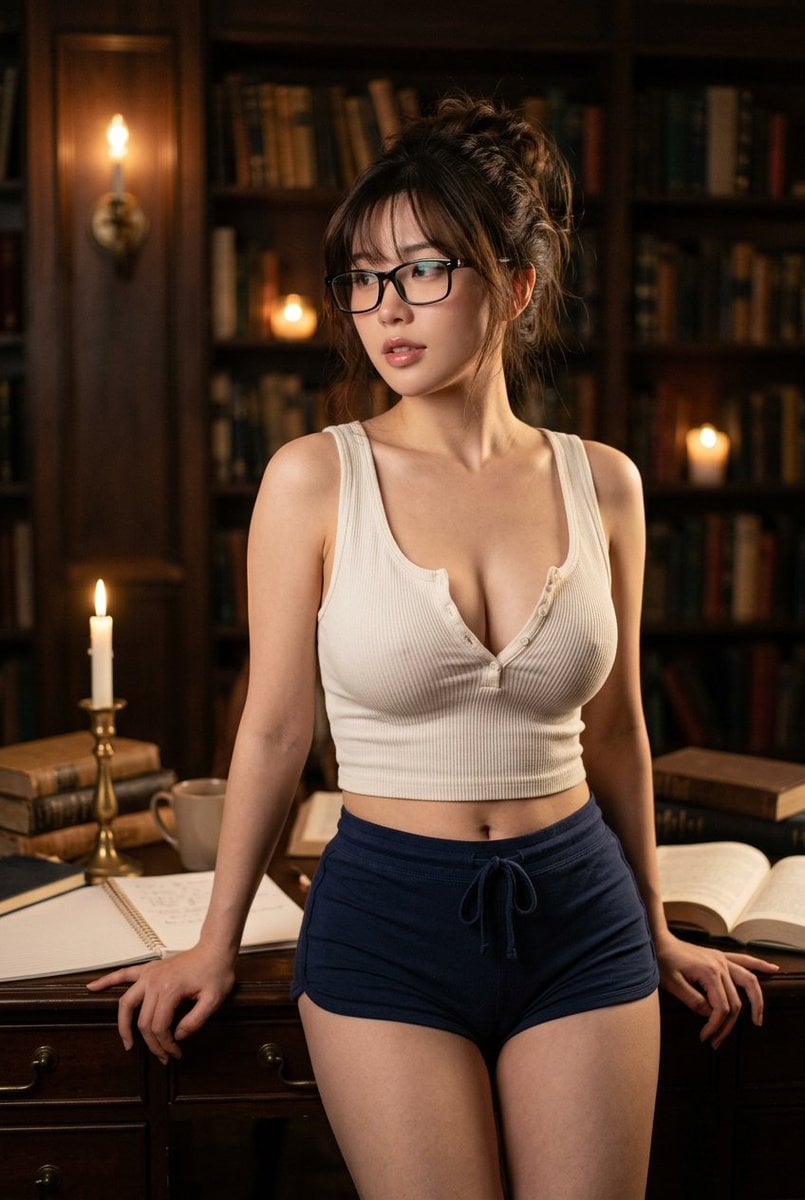
Golden Hour Fitness Muse
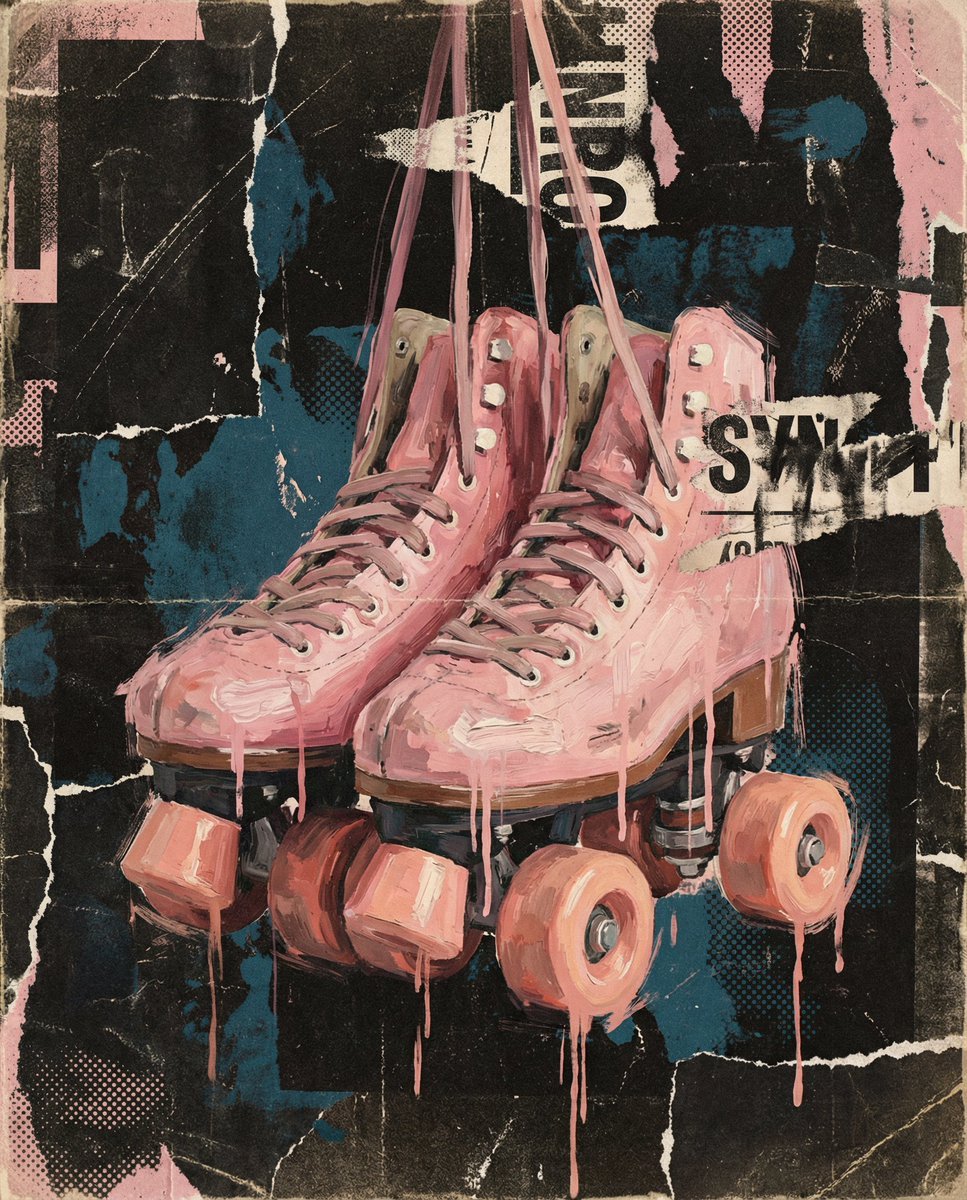
Layered Layout Style Prompt

Dead Orbit Station Board Game Box
AI Generation of Custom Calligraphy Font Library
Tight Medium Close-up Portrait with Vintage Accessories
Browse template categories
Sadie Sink Grassy Field Portrait questions
How do I use the Sadie Sink Grassy Field Portrait template?
Add your photo if the template asks for one, edit the prompt if you like — the template's model and format are already selected — and press Generate. Your version opens in PicX Studio.
Can I customize the Sadie Sink Grassy Field Portrait template?
Yes. You can change the subject, setting, lighting, mood, format, and available model controls before creating your image.
Is the Sadie Sink Grassy Field Portrait template free?
Opening and editing this template is free. Generating uses credits, shown on the Generate button when you are signed in.
Which AI model should I use?
Start with Gemini 3 Pro Image Preview, which is the model associated with this template. You can compare another compatible model for a different finish.
Looking for something else? Browse all templates.

Your photo, any look
Thousands of ready templates for every top image and video model, from one credit balance.