How do I use the Romantic Overhead Shot with Heart Balloons template?
Choose the primary action to open PicX Studio with the available template settings. Review the model and format, personalize the creative direction, and generate when ready.
A hyper-realistic prompt for an 8k high-angle overhead shot of a couple lying on a wooden floor, surrounded by shiny red heart-shaped foil balloons and rose petals, using uploaded faces as references for both subjects. Change the subject, setting, or lighting one variable at a time.

A hyper-realistic 8k high-angle overhead shot, captured with a wide-angle lens, presents a romantic scene of a couple lying on a light-colored wooden floor. The lighting is soft and natural, possibly from a window, creating gentle highlights on the balloons and subtle shadows on the floor, contributing to a cinematic atmosphere. The female subject, uploaded face as reference, is positioned on her back, wearing a black crop top, light blue denim shorts, and a white unbuttoned shirt draped over her. Her left arm is bent with her hand near her head, and her right arm is gently extended towards the male. The male subject, uploaded face as reference, is also on his back, wearing a light grey t-shirt and light blue distressed denim jeans. His left arm is bent, hand near the female's head, and his right arm is relaxed. They are lying close together, heads touching, looking into each other's eyes with soft, affectionate smiles. The entire floor around and between them is densely decorated with a multitude of shiny red heart-shaped foil balloons of varying sizes, interspersed with several white round latex balloons, and countless small red and white rose petals, creating a highly detailed texture and vibrant color contrast against the light wood. The composition is a full-body shot, showcasing the couple and the extensive, immersive decorations.
Choose the primary action to open PicX Studio with the available template settings. Review the model and format, personalize the creative direction, and generate when ready.
Yes. You can change the subject, setting, lighting, mood, format, and available model controls before creating your image.
This template is free to open and customize. Generation usage is shown in PicX Studio before you create.
Start with Nano Banana 2, which is the model associated with this template. You can compare another compatible model for a different finish.
Follow a topic to a crawlable collection of related PicX Studio templates.
43,474 public templates available. Verified via the PicX Studio public templates API; refreshed hourly.




![A photographed from a 35-degree overhead angle, standing alone — A [subject] photographed from a 35-degree overhead angle, standing alone in an off-white studio](https://images.meigen.ai/tweets/2040745533858574471/0.jpg)



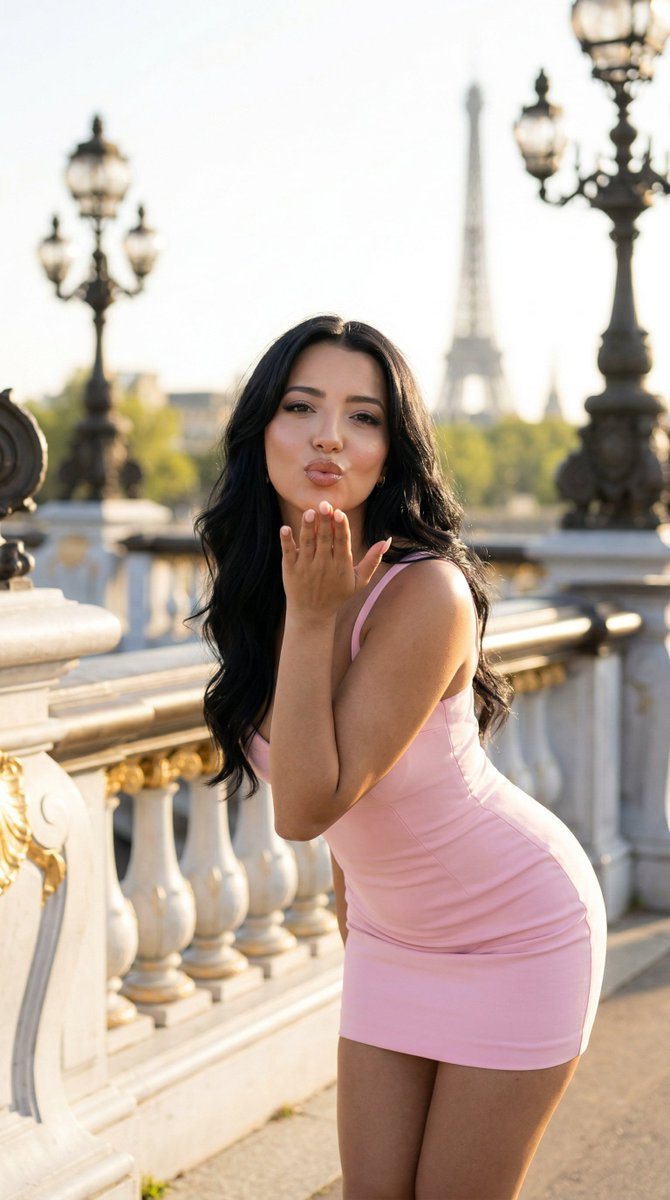


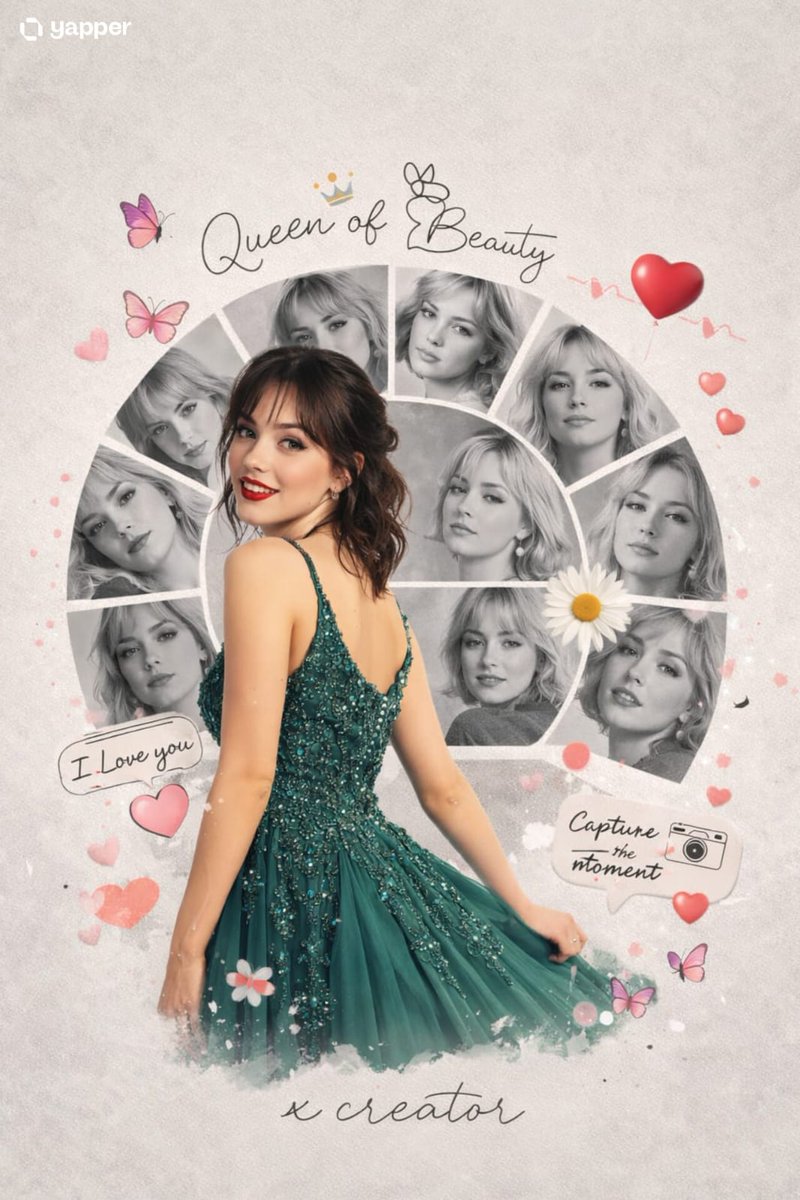
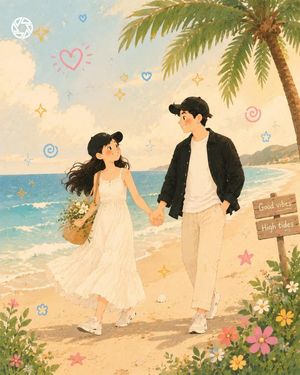


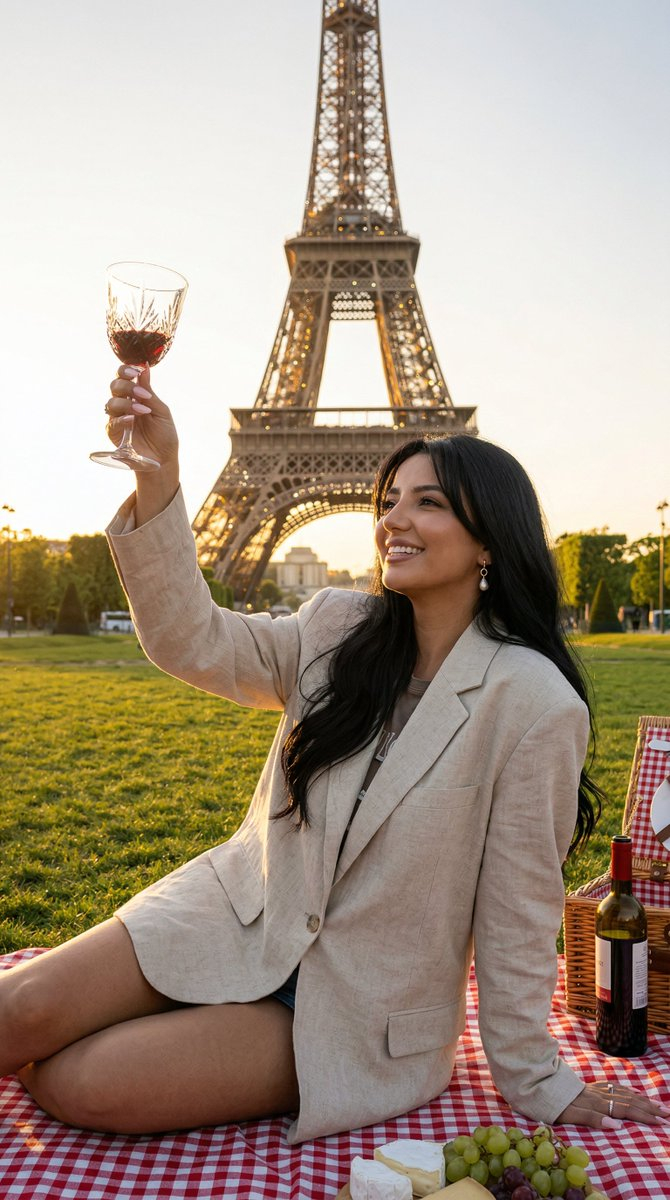


![Tall Grass Overhead Portrait — Tall Grass Portrait
{argument name="subject" default="[SUBJECT]"}, lying in tall grass, shot from directly above, the grass bend](https://cms-assets.youmind.com/media/1785055062701_arm8d9_HOC6uPcasAAP0gl-300x398.jpg)
![Naive doodle-style subject illustration — A doodle-style {argument name="subject" default="[subject]"}, naive lines, humorous shape exaggeration](https://pbs.twimg.com/media/G6Wl2YxbsAARB2b.jpg)