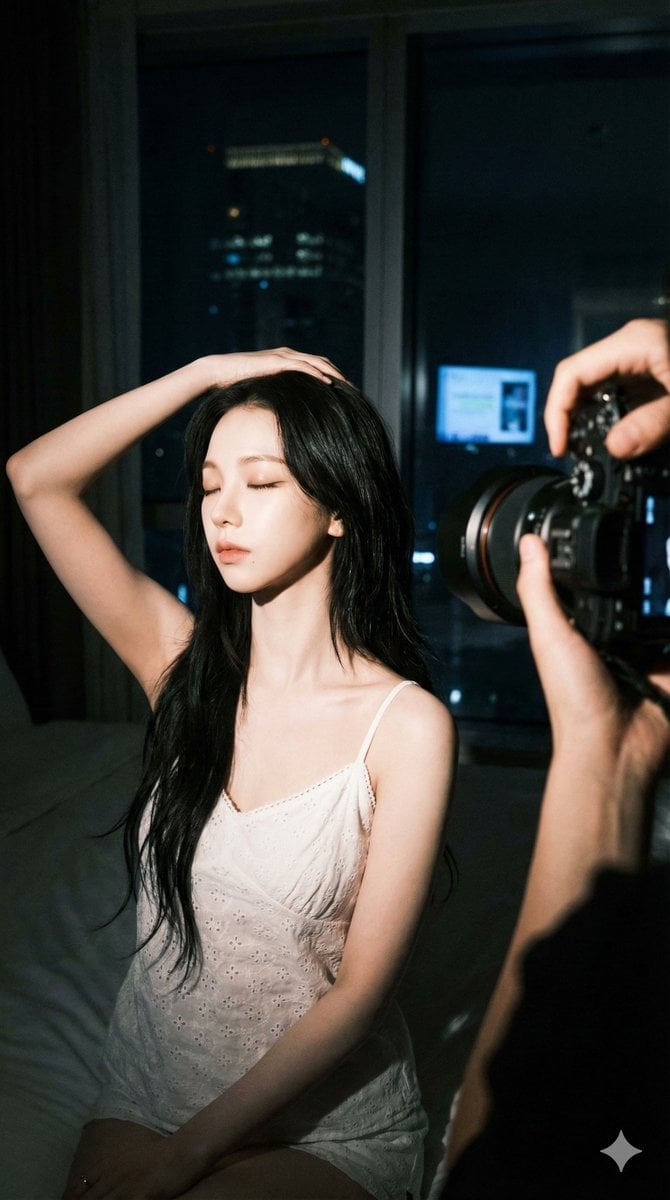
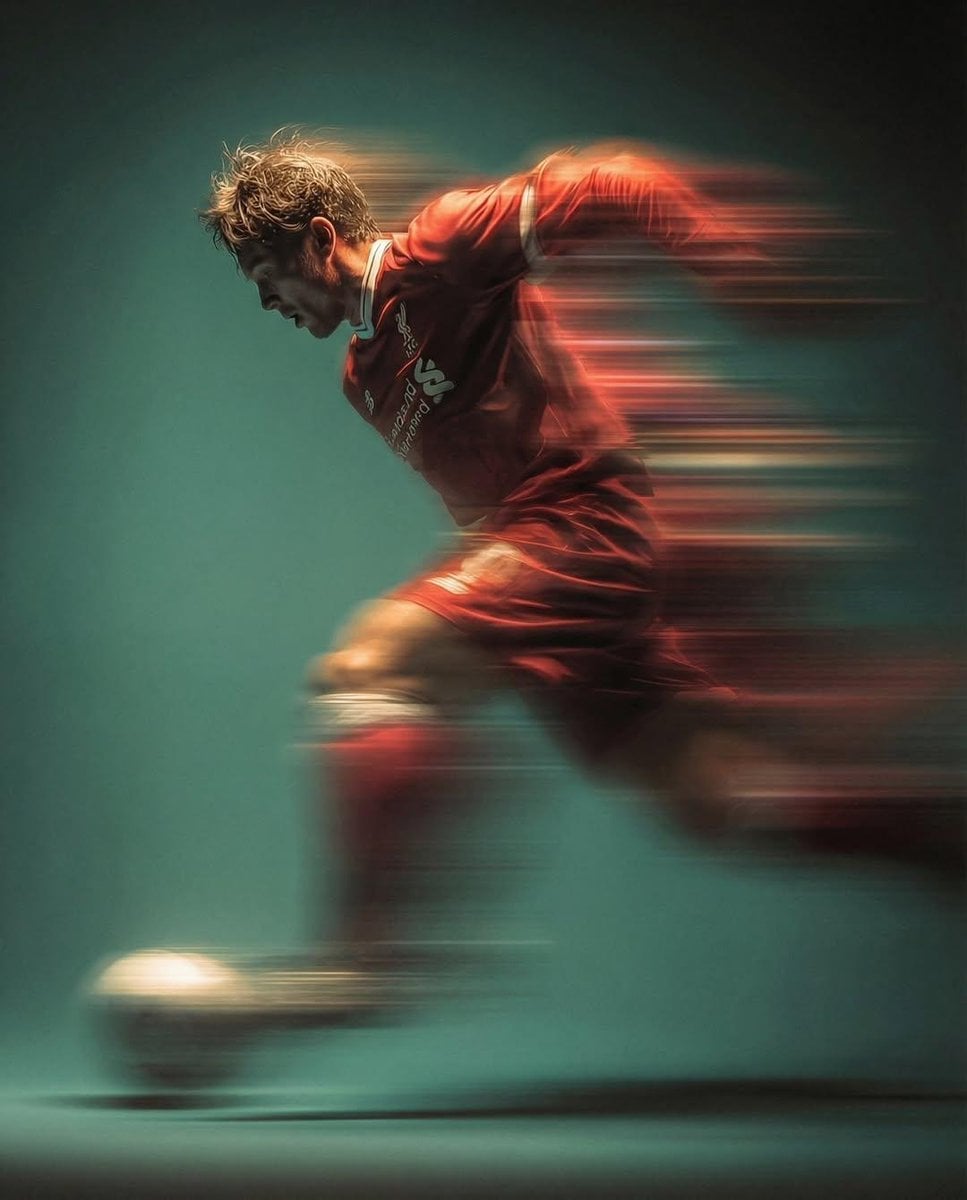
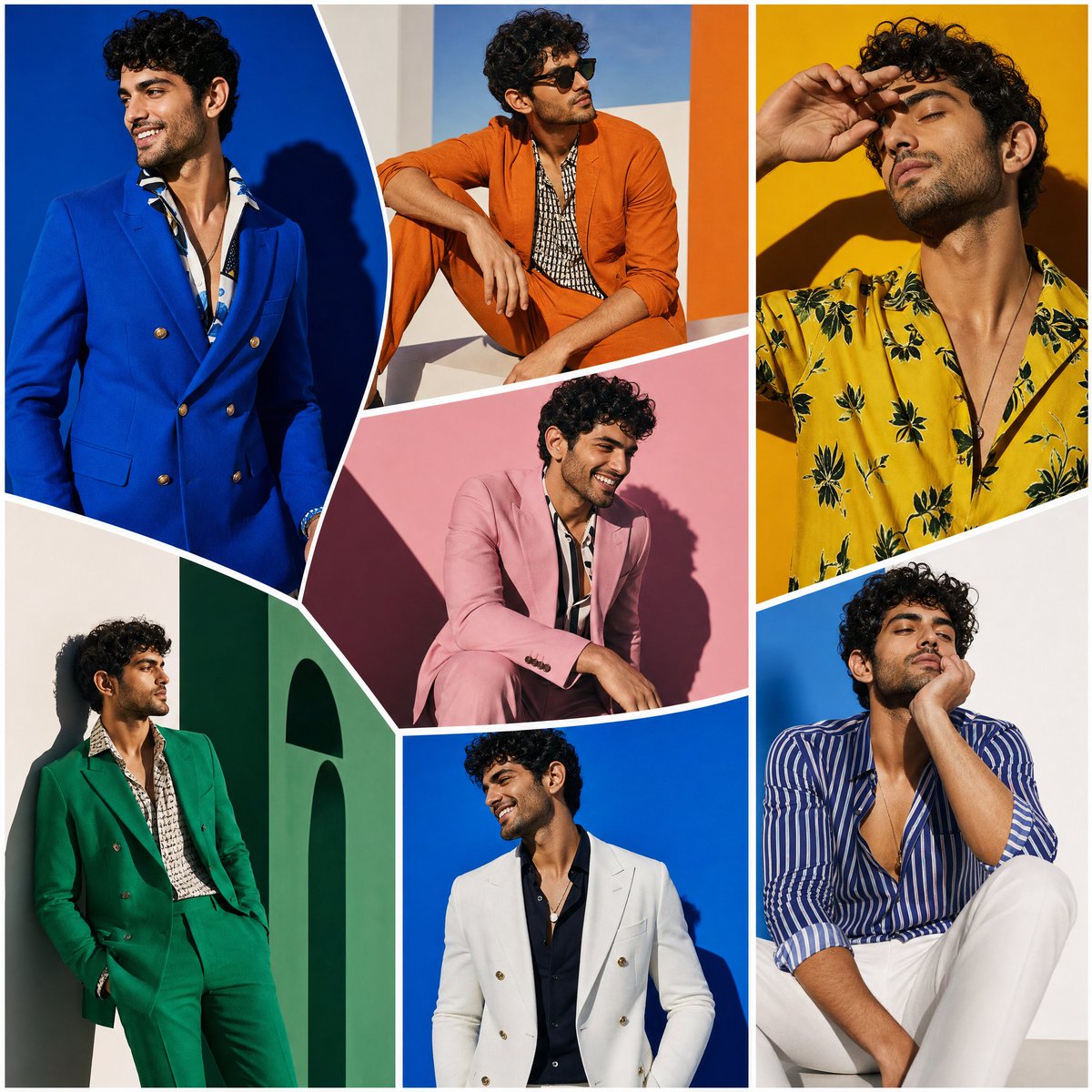
How do I use the Romantic Red Night Vibe template?
Edit the prompt in the box under the preview — the template's model and format are already selected — and press Generate. Your version appears right on this page.
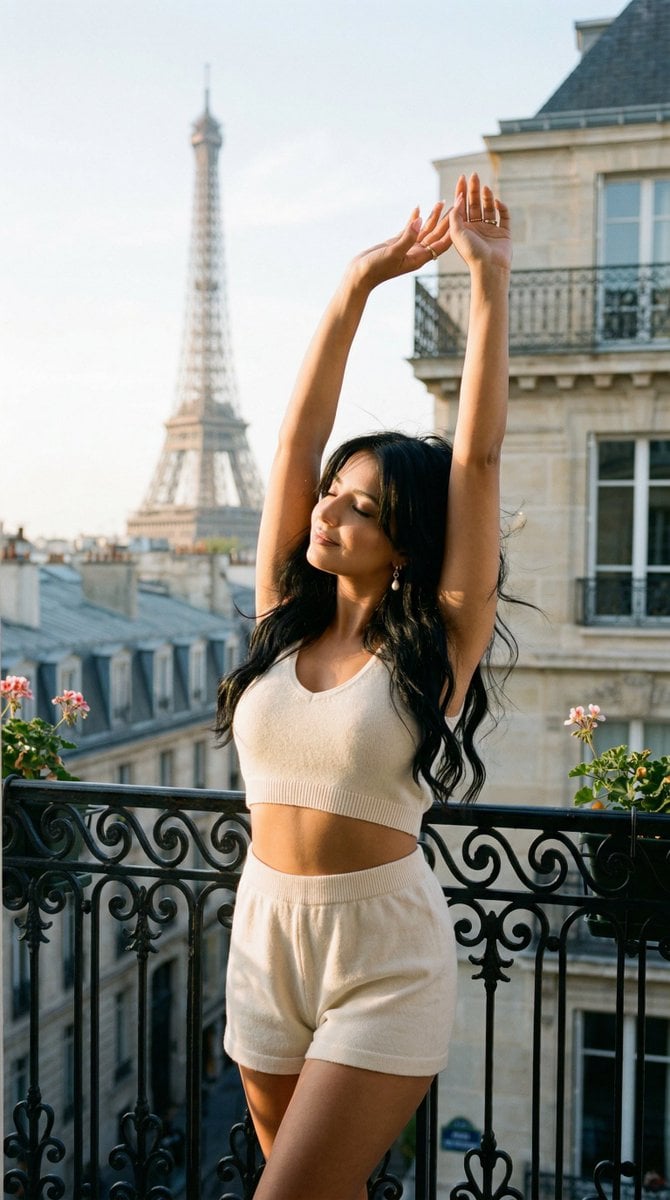
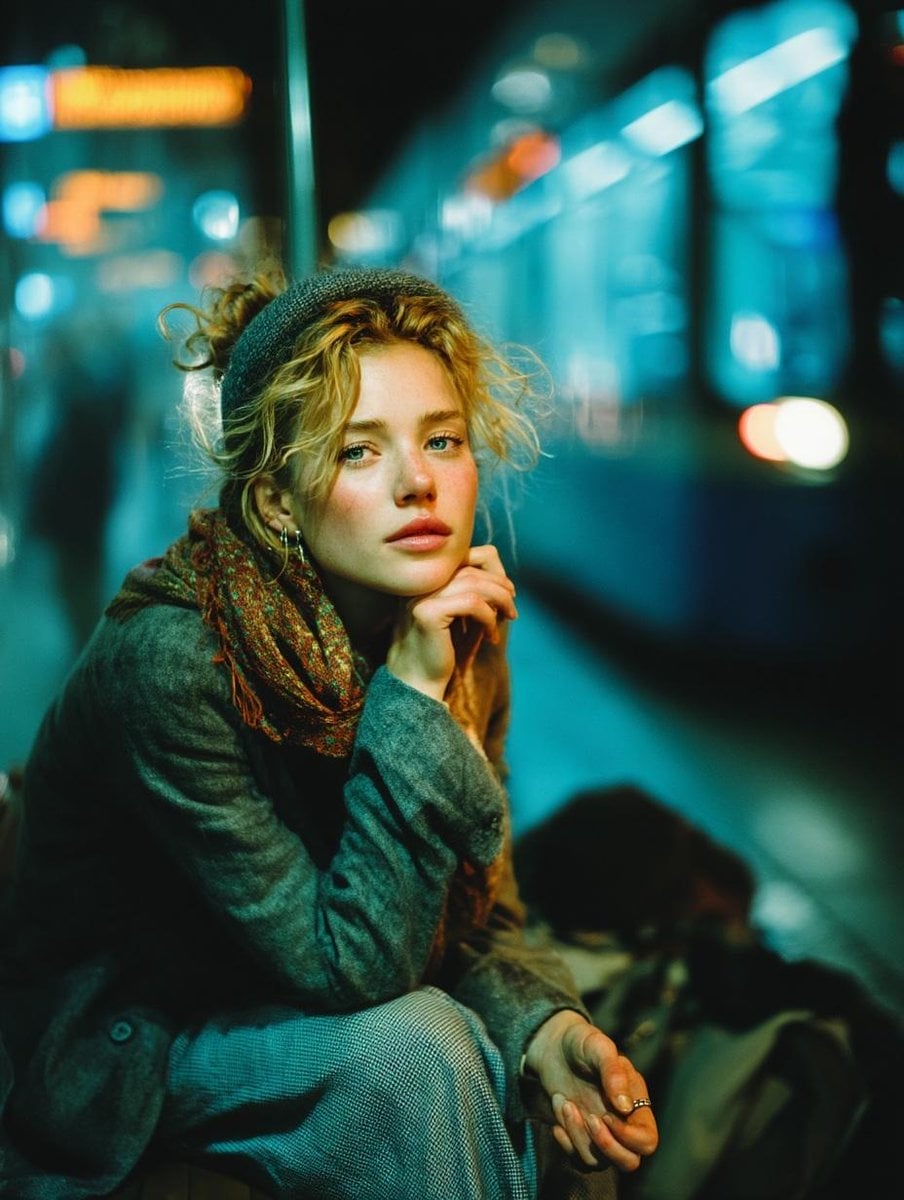
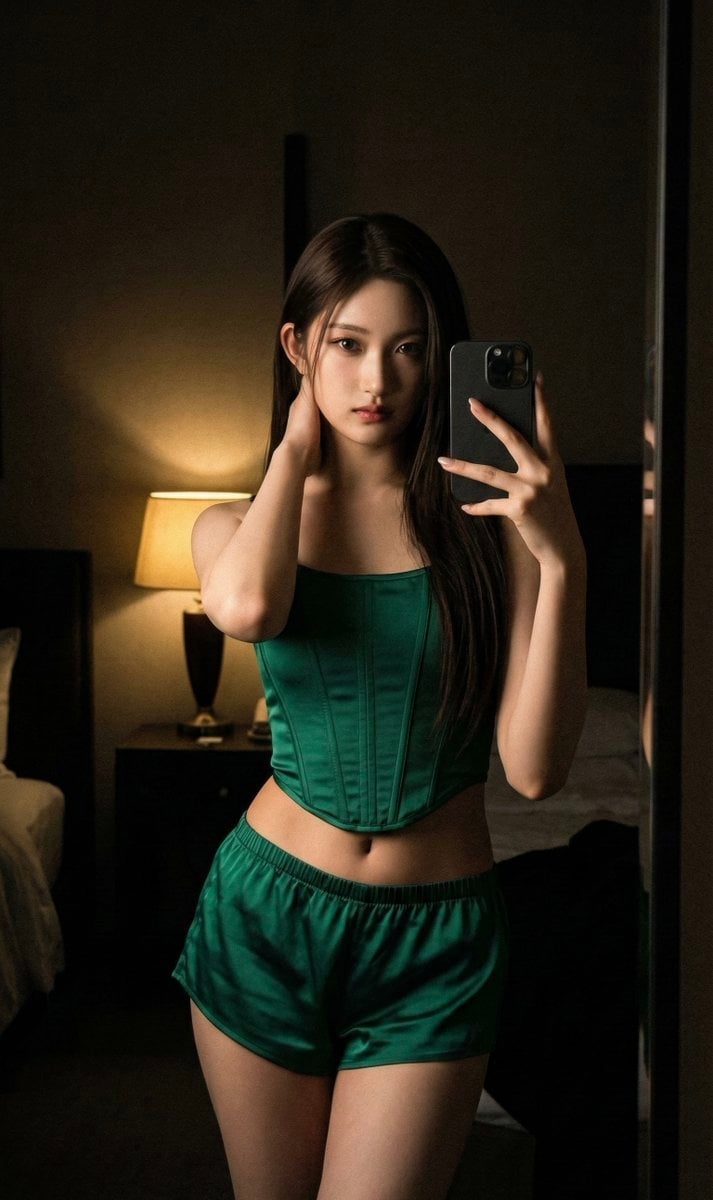
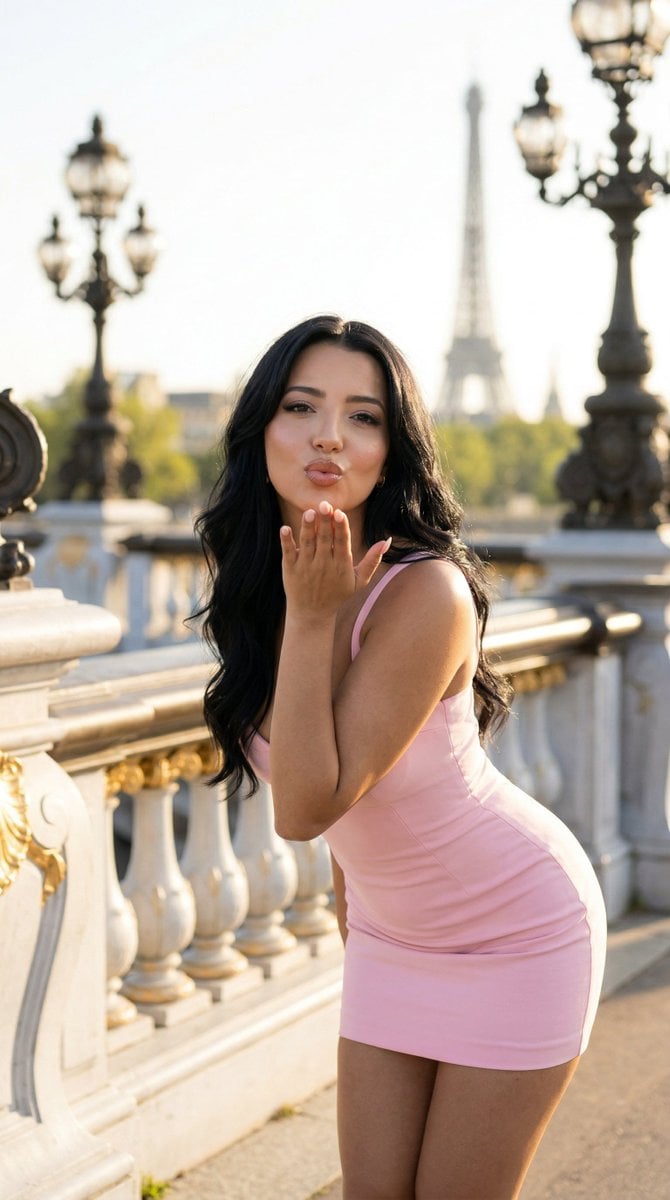
An atmospheric prompt for gpt-image-2 capturing a romantic, slightly melancholic nighttime mood with red tones and smoke.
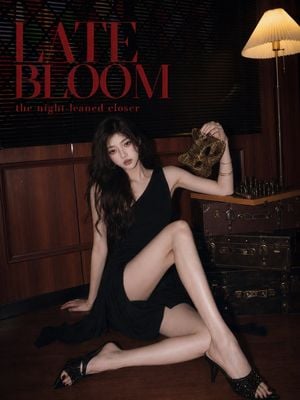
{argument name="色调" default="红色夜晚"}的浪漫感,不是热烈告白,是那种喝到微醺以后,突然想起某个人的瞬间。{argument name="主体" default="面具"} {argument name="环境元素" default="烟雾 暗木色房间"} 还有一点慌张的小表情,像一句差点说出口的话,最后只留在了眼神里
{argument name="色调" default="红色夜晚"}的浪漫感,不是热烈告白,是那种喝到微醺以后,突然想起某个人的瞬间。{argument name="主体" default="面具"} {argument name="环境元素" default="烟雾 暗木色房间"} 还有一点慌张的小表情,像一句差点说出口的话,最后只留在了眼神里
Edit the prompt in the box under the preview — the template's model and format are already selected — and press Generate. Your version appears right on this page.
Yes. You can change the subject, setting, lighting, mood, format, and available model controls before creating your image.
Opening and editing this template is free. Generating uses credits, shown on the Generate button when you are signed in.
Start with GPT Image 2, which is the model associated with this template. You can compare another compatible model for a different finish.
Follow a topic to a crawlable collection of related PicX Studio templates.