
Wildlife Photographer Adventure Storyboard
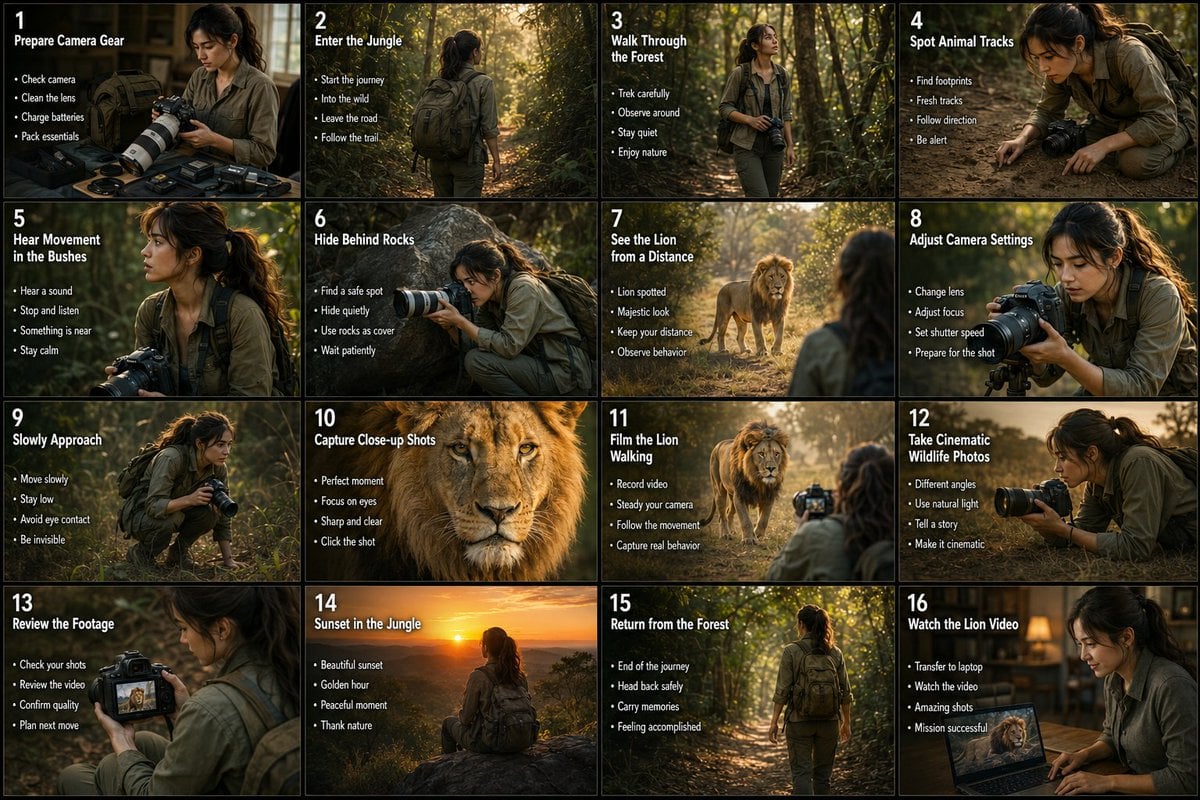
A professional 16-panel storyboard infographic detailing the journey of a wildlife photographer capturing a lion in a deep forest.
- Prompt included
- Model and format preset
- Free template
The prompt behind this image
Copy the exact prompt behind Wildlife Photographer Adventure Storyboard, or open it in the studio and make it yours.
Create a cinematic 16-panel storyboard infographic showing the adventure of a young female wildlife photographer traveling into a deep forest to photograph a majestic lion. Use a realistic movie-storyboard style with warm natural colors, dramatic sunlight, jungle atmosphere, cinematic camera angles, and professional wildlife documentary aesthetics. The same realistic young woman should appear consistently in every panel wearing outdoor explorer clothing, hiking boots, backpack, and carrying a professional DSLR camera with a telephoto lens. Arrange the storyboard in a clean 4x4 grid with numbered scenes, bold titles, small bullet points, and visual motion arrows. Scenes should include: preparing camera gear, entering the jungle, walking through trees, spotting animal tracks, hearing movement in bushes, carefully hiding behind rocks, seeing the lion from a distance, adjusting camera settings, slowly approaching, capturing close-up lion shots, filming the lion walking, taking cinematic wildlife photos, reviewing footage on the camera screen, sunset in the jungle, returning safely from the forest, and finally showing the captured lion video proudly on a laptop or camera display. Include realistic forest lighting, dust particles, leaves moving, cinematic shadows, wildlife atmosphere, dramatic expressions, camera close-ups, and emotional storytelling. Ultra-realistic photography style, nature documentary mood, high-detail jungle environment, realistic human appearance, premium cinematic composition, 4K quality, no anime, no cartoon, no CGI look.
How to use Wildlife Photographer Adventure Storyboard in 3 steps
- 1
Open
The prompt is already in the box next to the preview, with the template's model and format selected.
- 2…a portrait of your subject in softgolden-hour light, 85mm…
Personalize
Edit the subject and creative details for your destination.
- 3Generate
Generate
Press Generate — your image is created in PicX Studio, so you can compare it with the original and refine one variable at a time.
More like this
Templates with the same subject, style or setup. Open one to see its prompt.

Headphones Lifestyle Nine Panel Grid
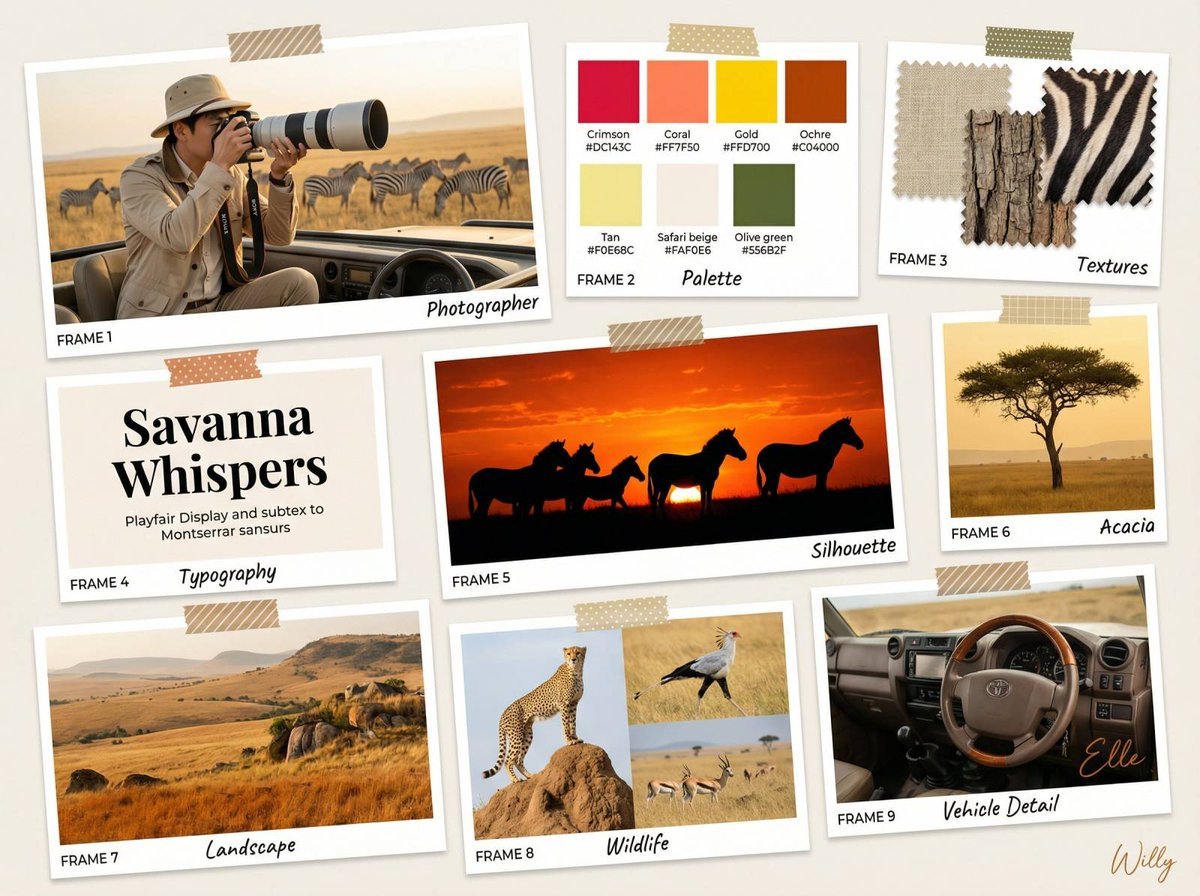
Wildlife Photographer Mood Board in African Savanna
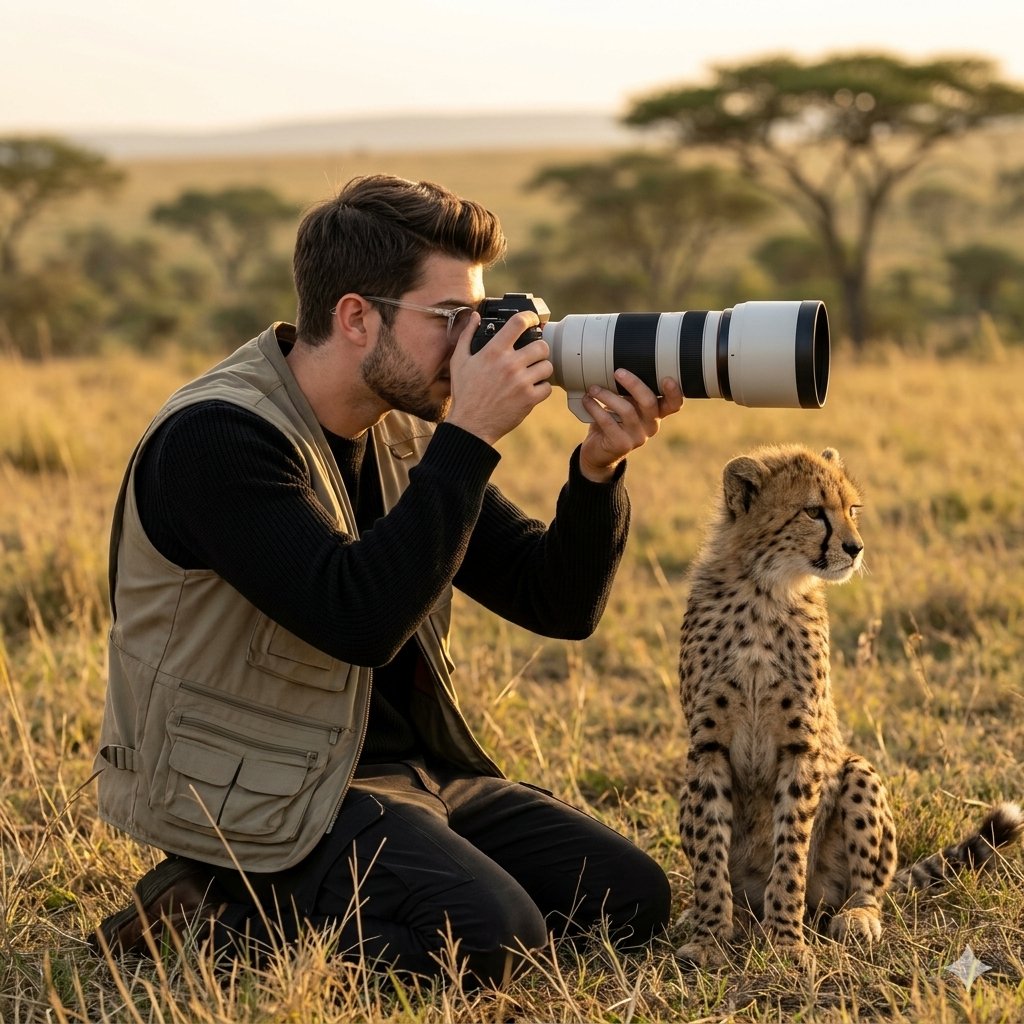
Wildlife Photographer with Cheetah Cub
Seedance - Storyboard to Movie
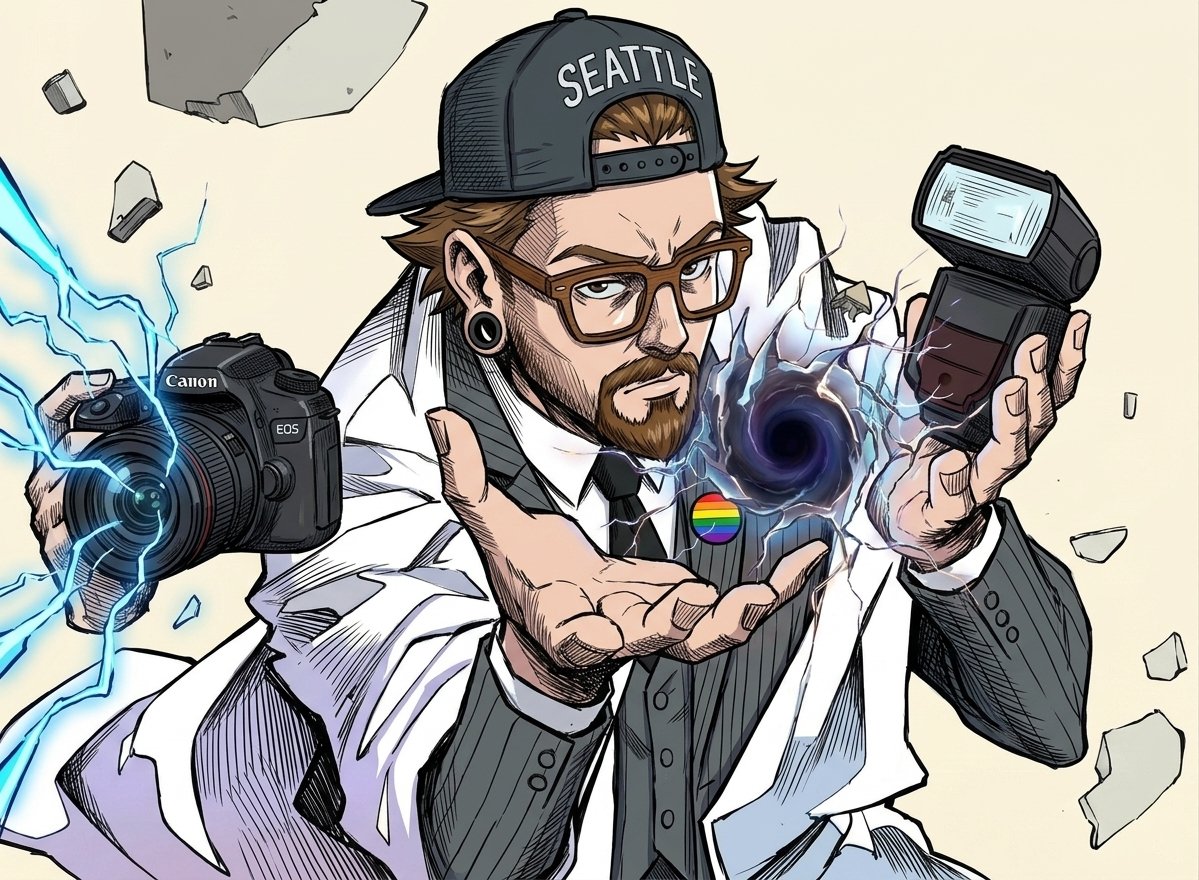
Comic Photographer Portal Action Scene
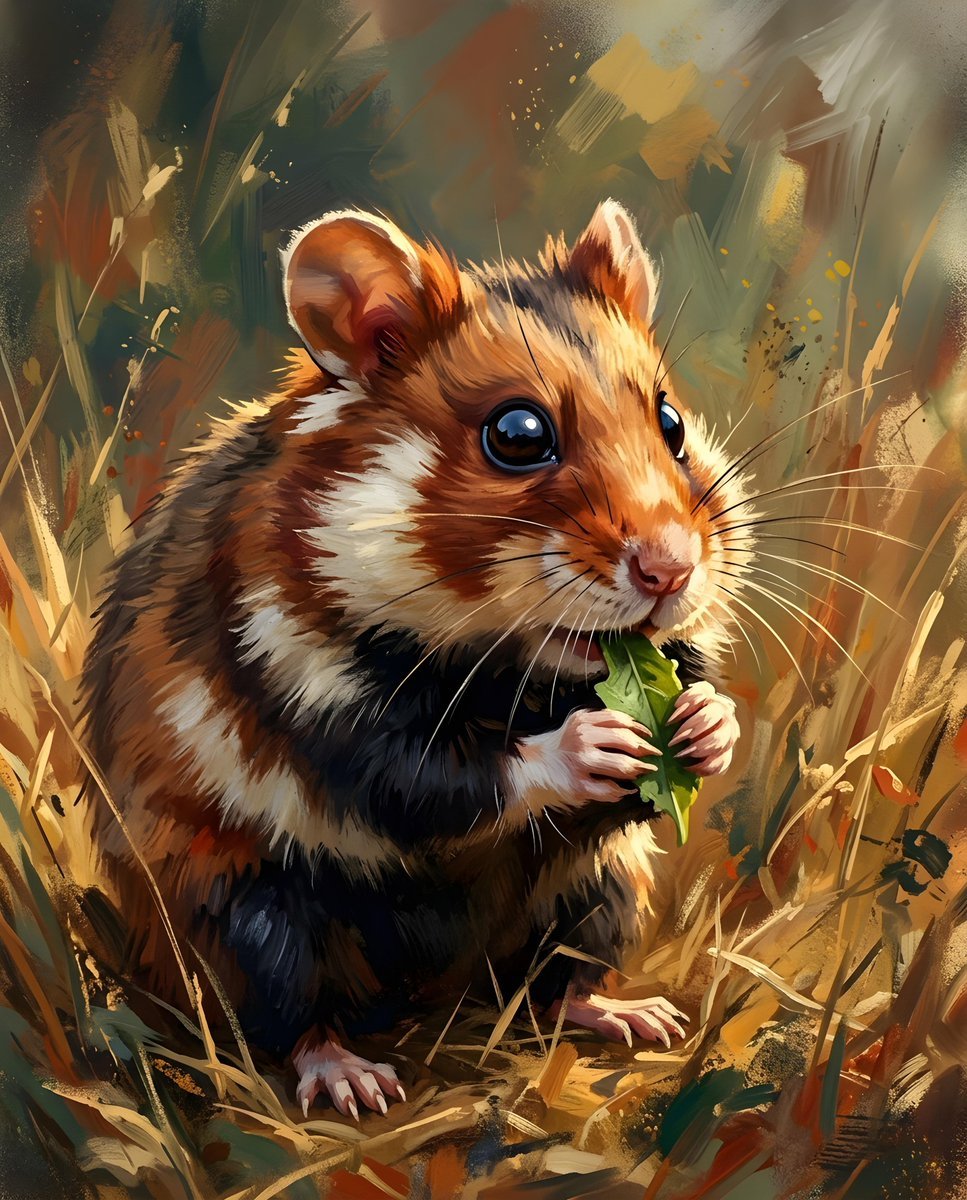
European Hamster Wildlife Photography
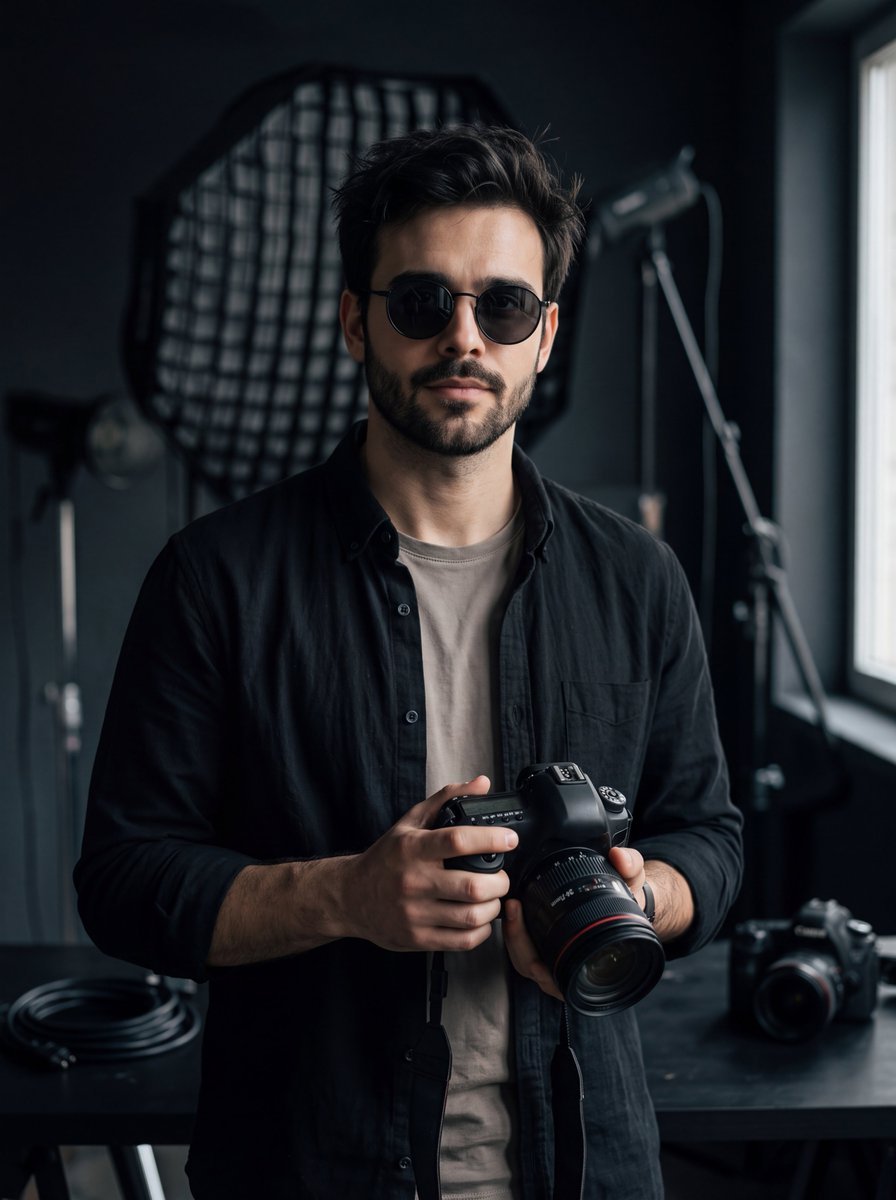
Cinematic Photographer Studio Portrait
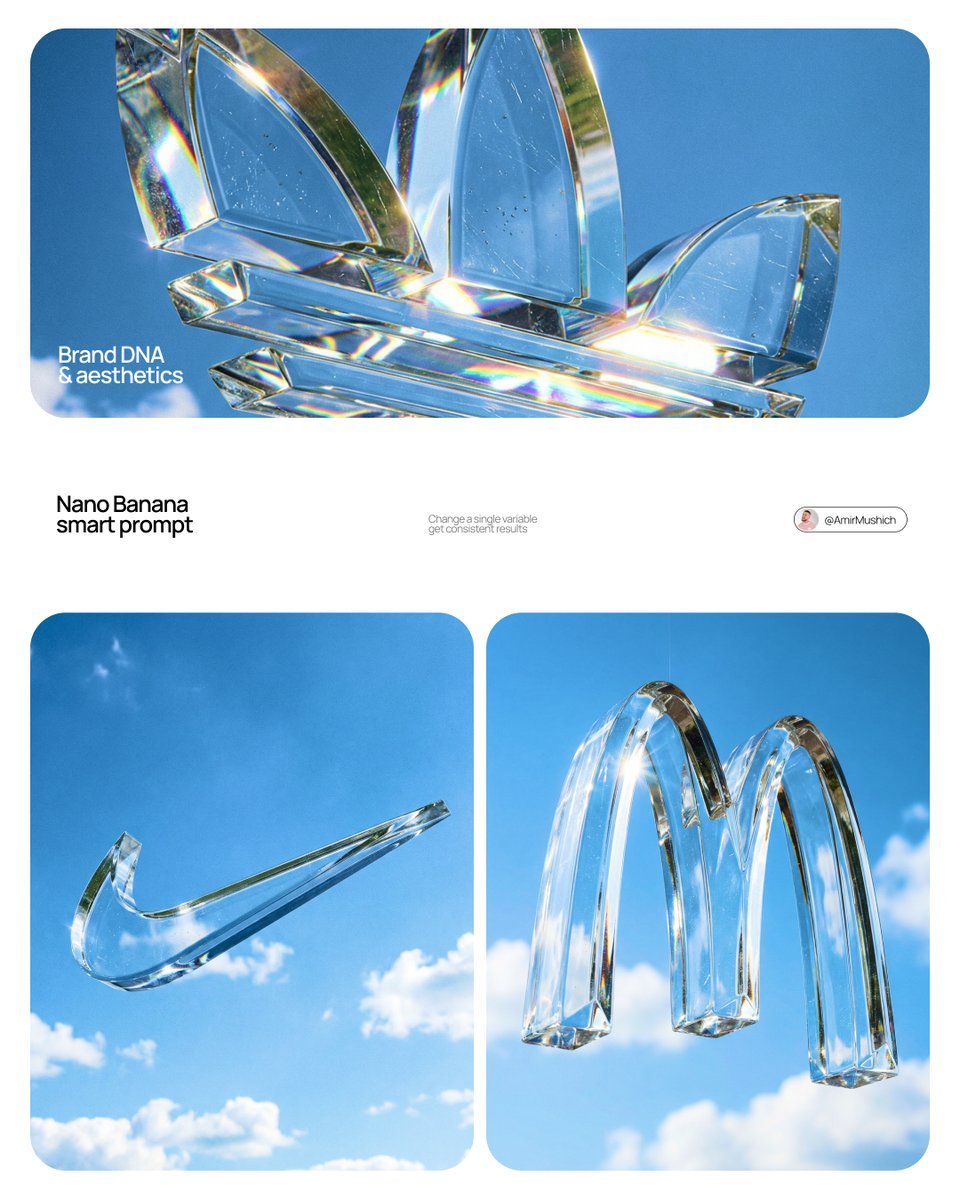
Act as a High-End Product Photographer and CGI Artist
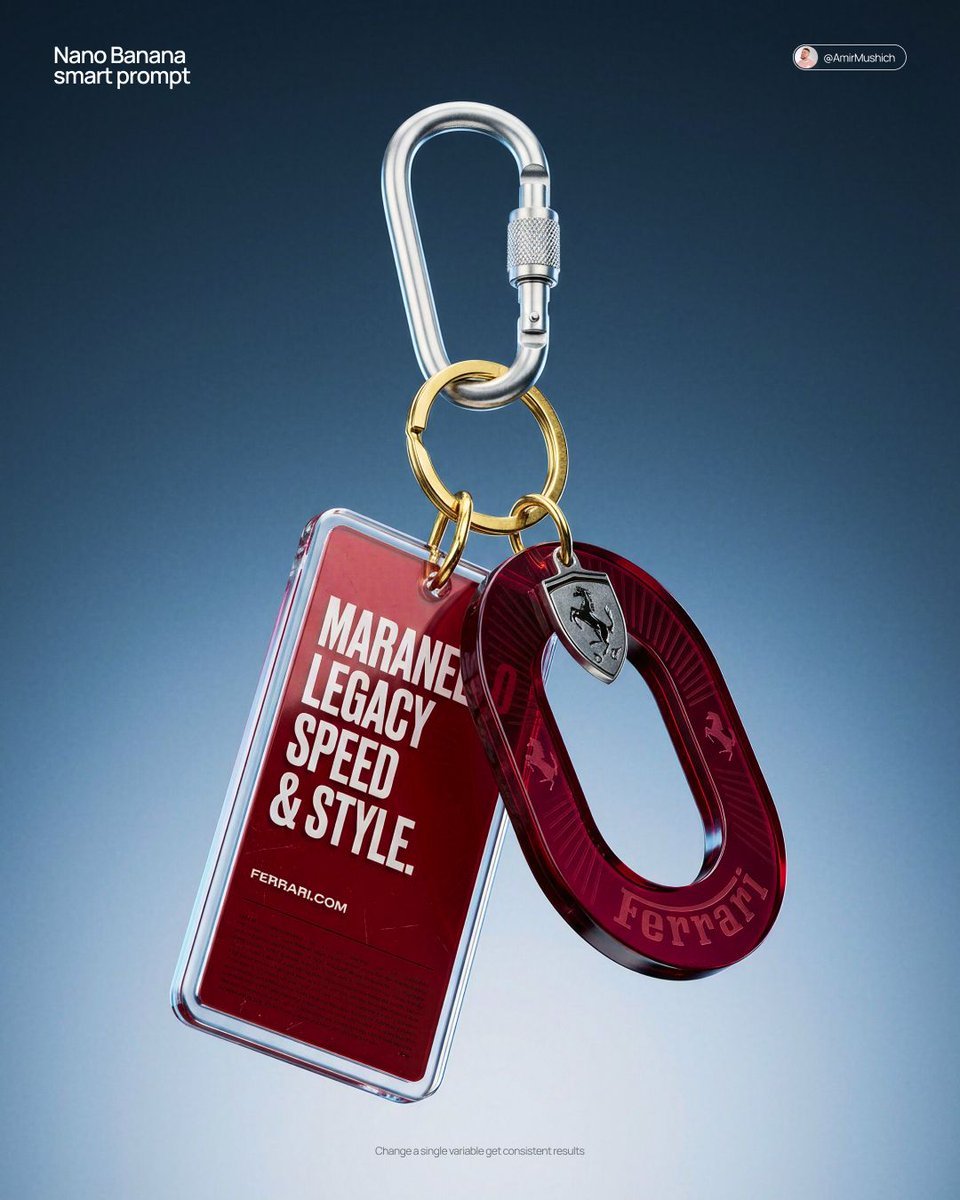
Act as a High-End CGI Product Photographer and 3D Render Artist
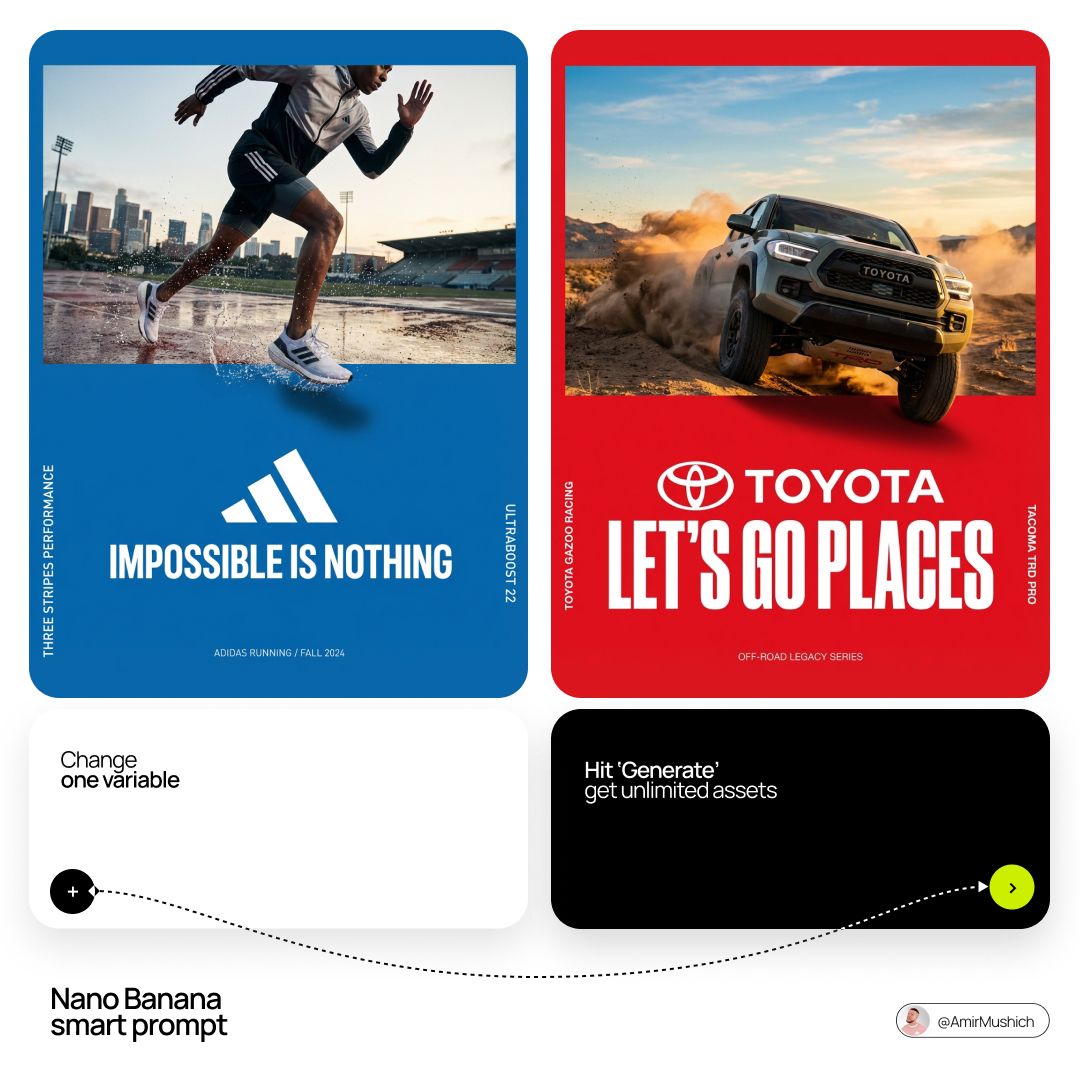
Act as a Senior Editorial Art Director and Campaign Photographer
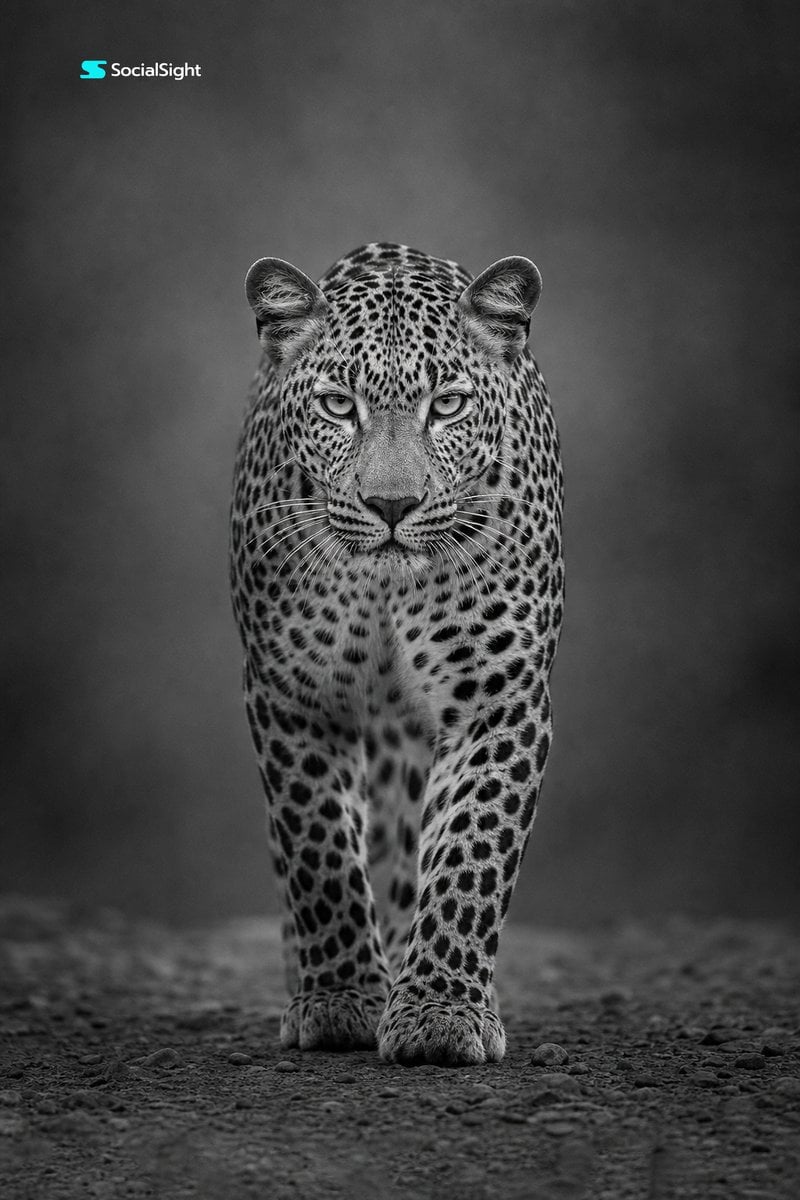
Monochrome Leopard Wildlife Portrait
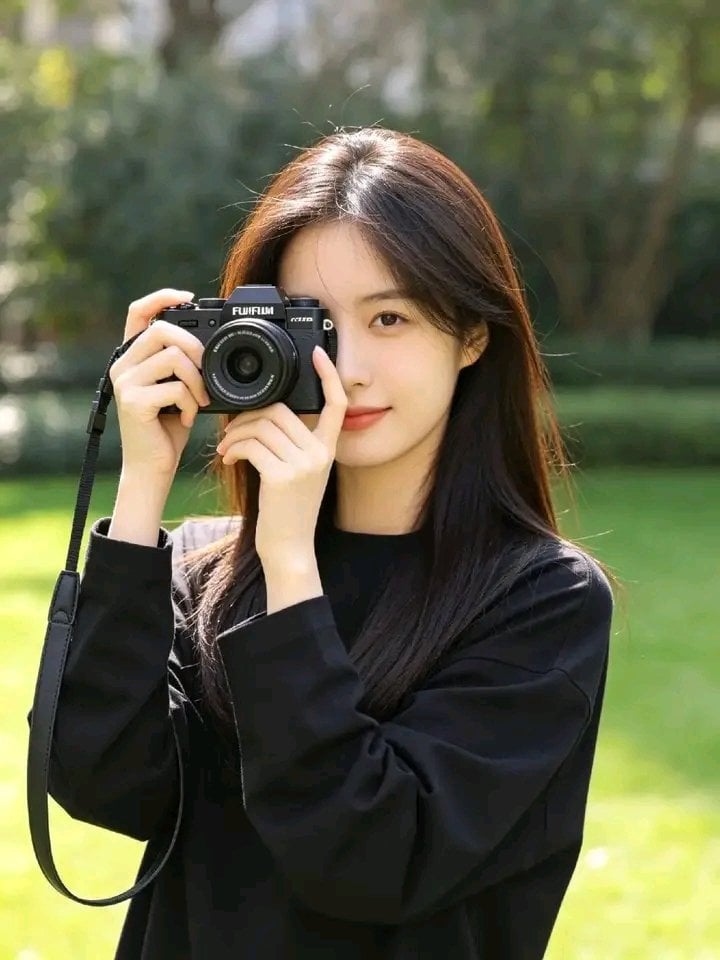
Photorealistic Korean Photographer Portrait
Make it yours
Wildlife Photographer Adventure Storyboard works as-is. These are the safest ways to change it without losing the look.
Change one field
Copy a single group, rewrite it, and generate again so you can see what that field is doing.
Keep the frame, change the subject
Hold the composition and light of Wildlife Photographer Adventure Storyboard, then swap wardrobe, props or the person for a new take.
| If the result… | Why | Fix |
|---|---|---|
| The result drifts from the preview | Too many fields changed at once. | Reuse Wildlife Photographer Adventure Storyboard as-is first, then change one group — subject, light, or setting. |
| The model over-stylizes the scene | The prose prompt leaves finish and camera underspecified. | Add one camera or lighting sentence and stay on GPT Image 2. |
More GPT Image 2 templates
Other prompts made for GPT Image 2.

Six VTuber Japanese Logo Sheet

Realistic Portrait of Woman and Deer

The Vista Modular Condo Poster

AI Model Routing Comparison Infographic

2.5D Anime Art Board

Isometric Productivity Desk Scene

New York Double Exposure Poster

Four-Panel AI Landscape Comparison

Japanese Tatami Lifestyle Magazine Cover

NESCAFÉ Coffee Map Poster
More image prompts
Fresh picks from across the catalog.

Cinematic Neon Studio Portrait
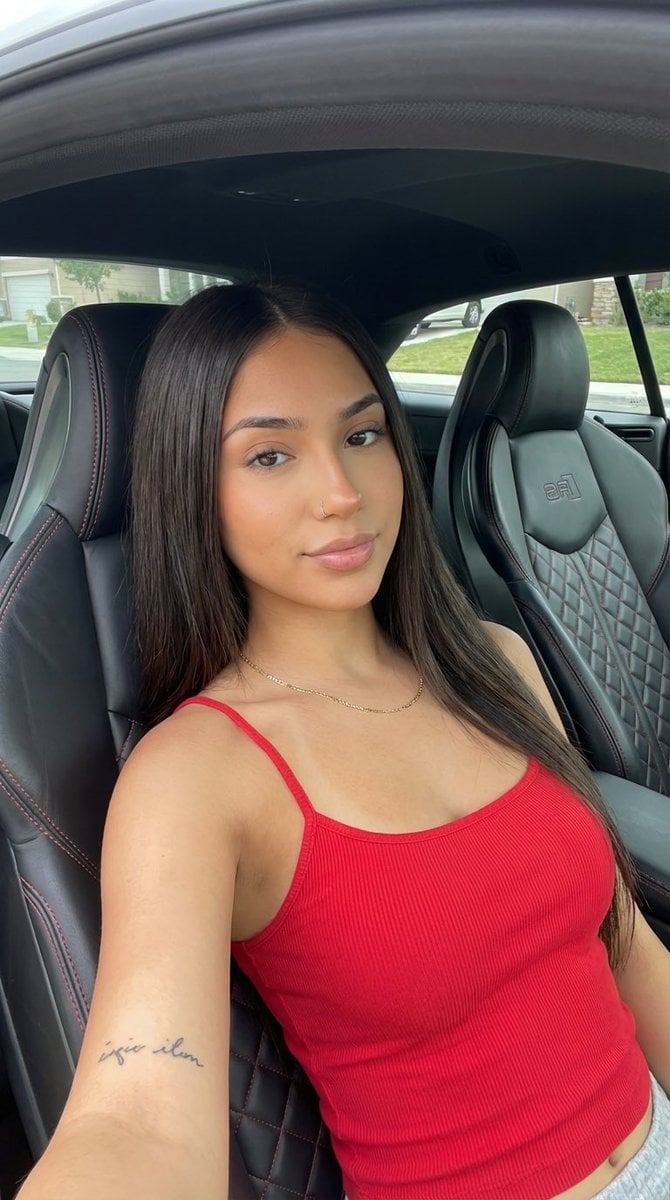
Car Interior Lifestyle Portrait
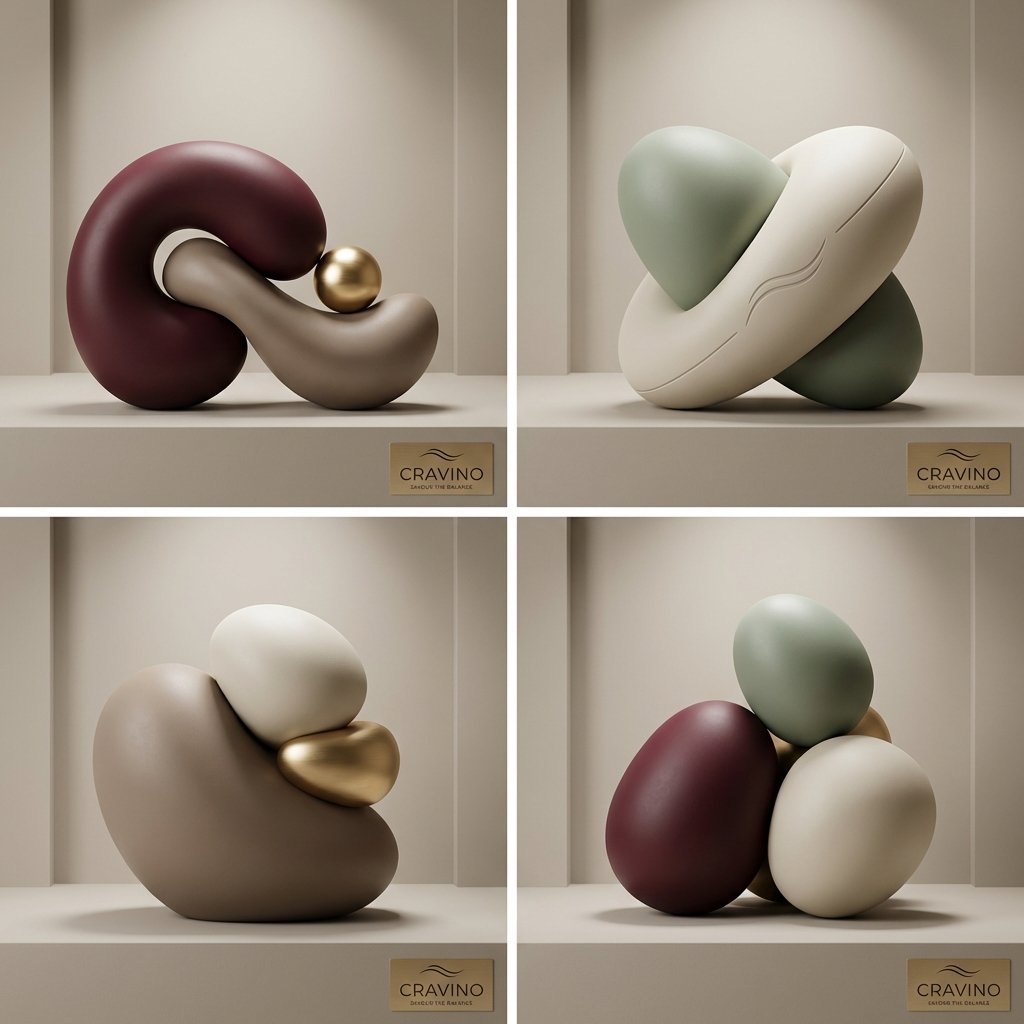
Ultra-High-End Abstract Composition
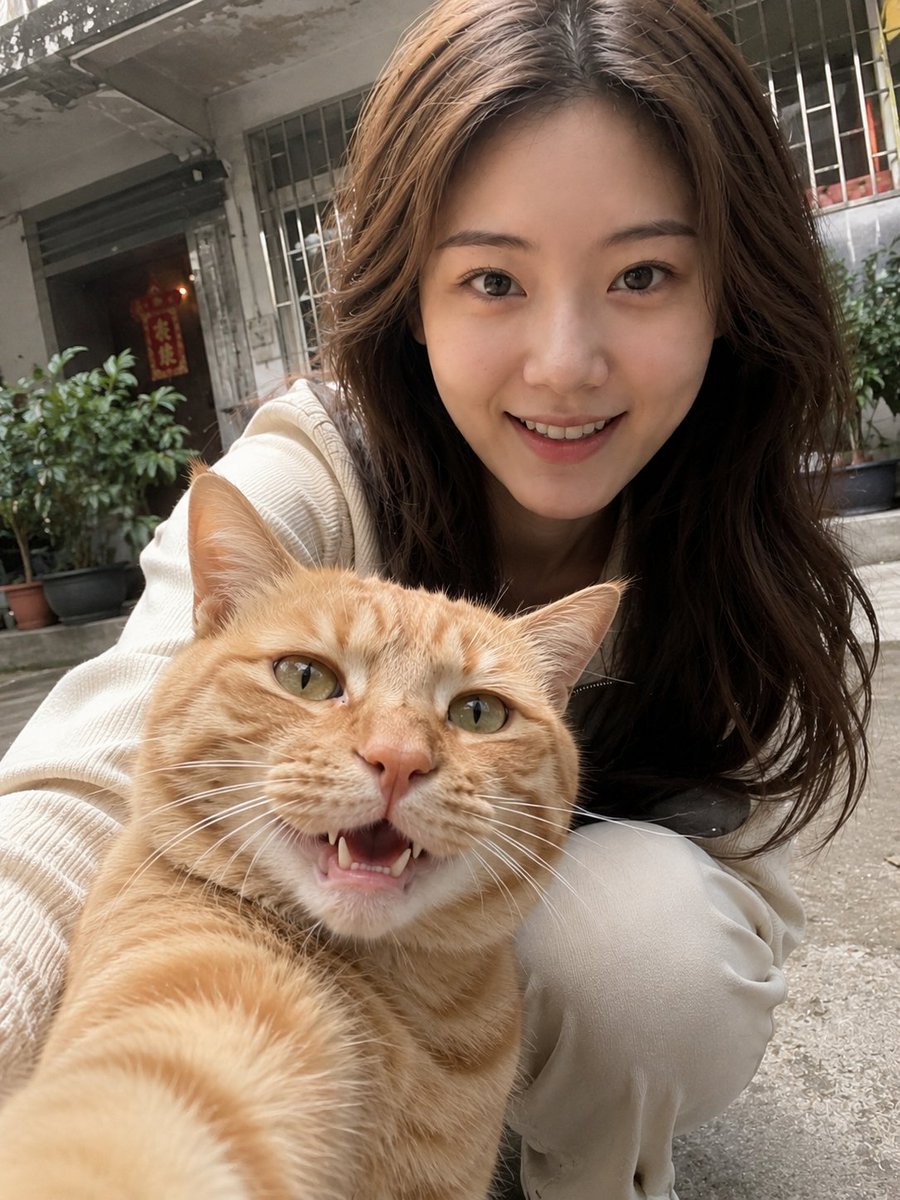
Realistic Pet and Owner Wide-Angle Selfie
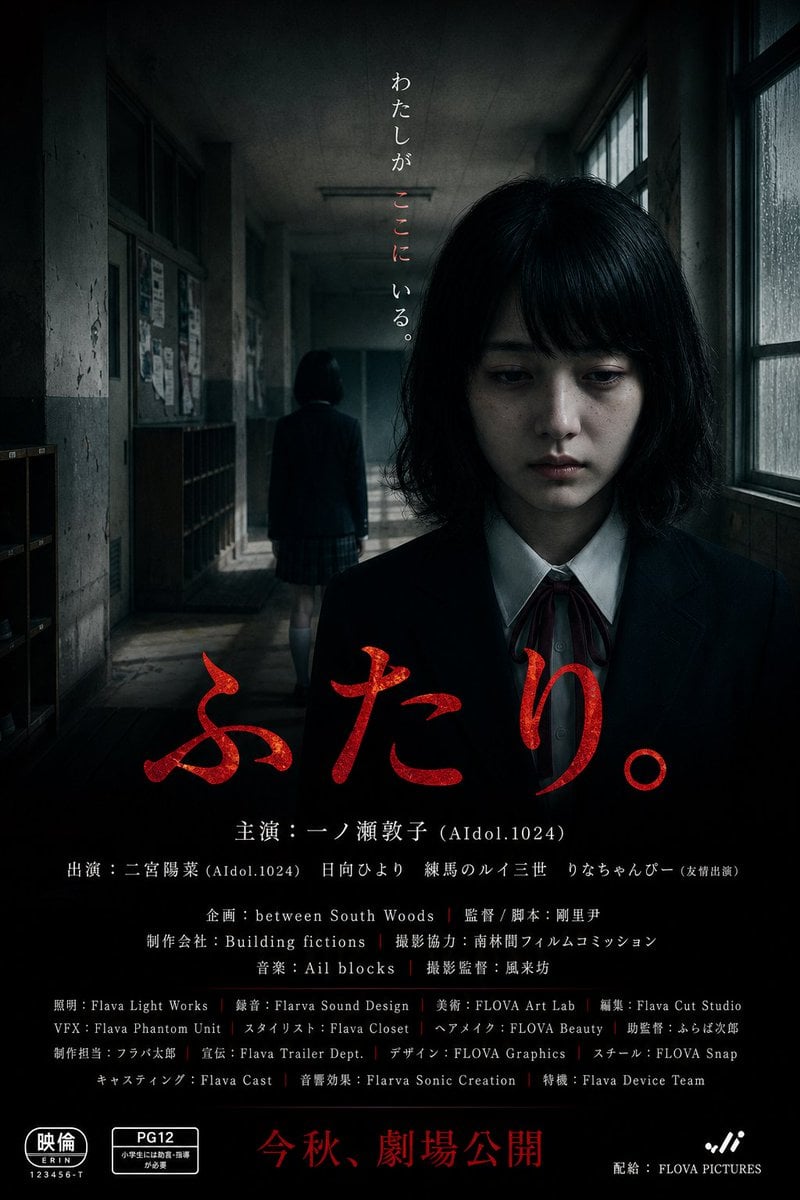
Japanese School Horror Poster
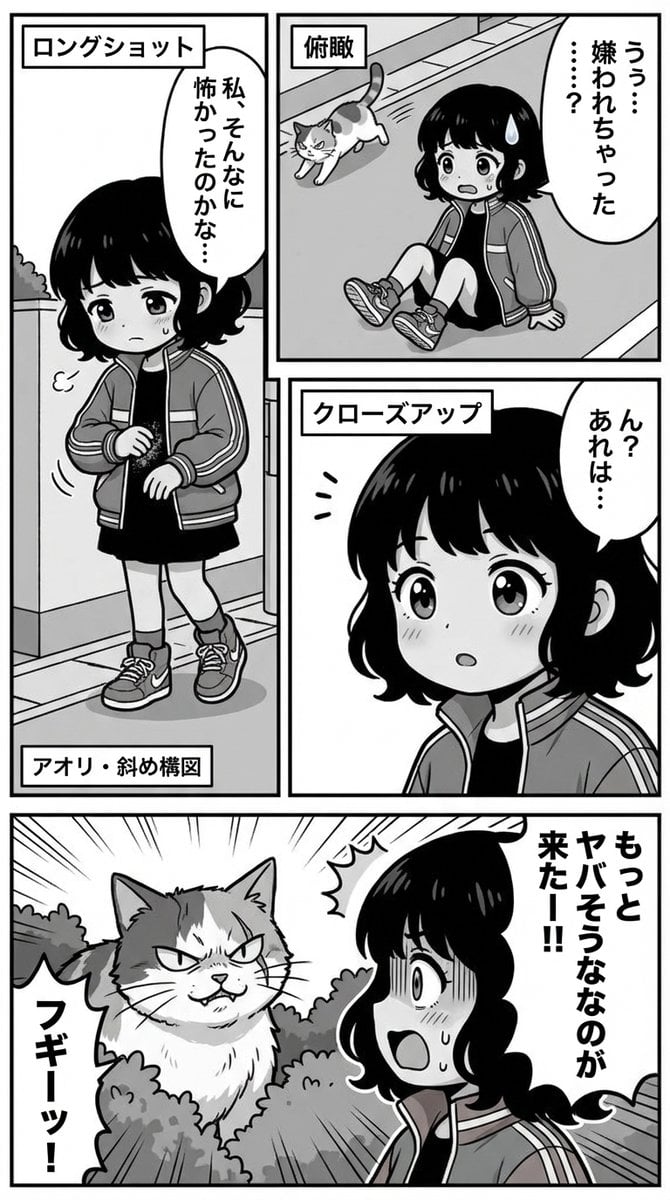
Nano Banana Pro Manga Generation Prompt with Character Consistency Rules
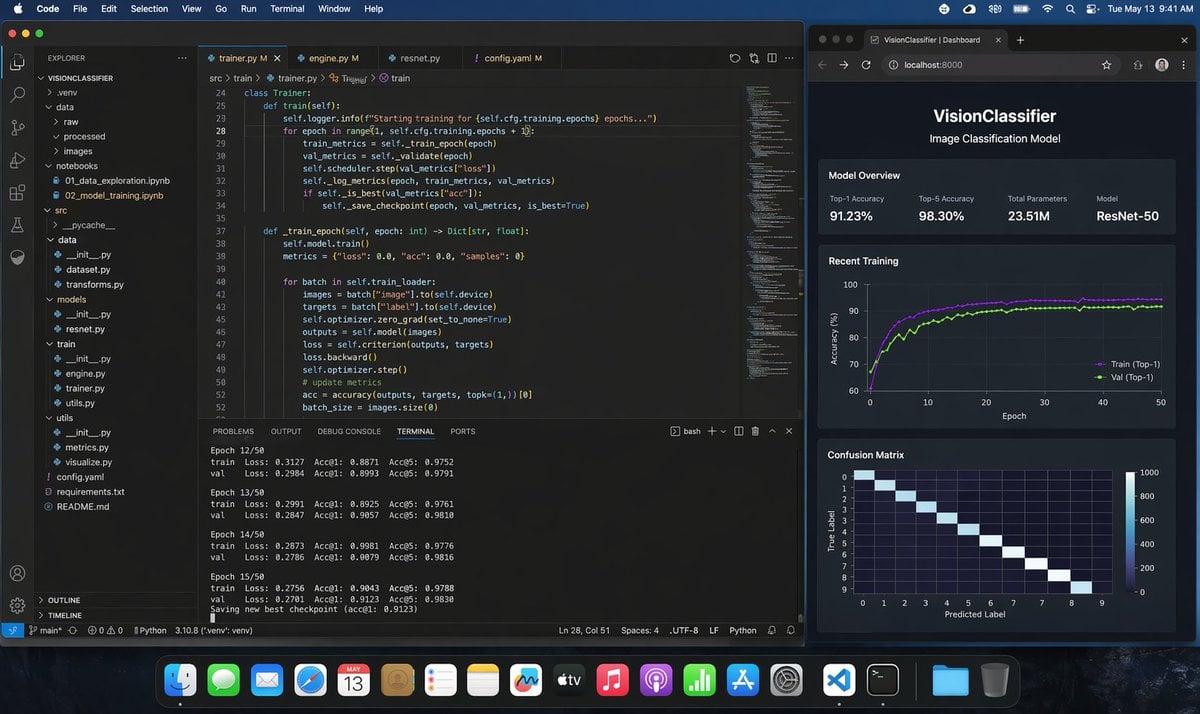
Photoreal ML Developer Desktop
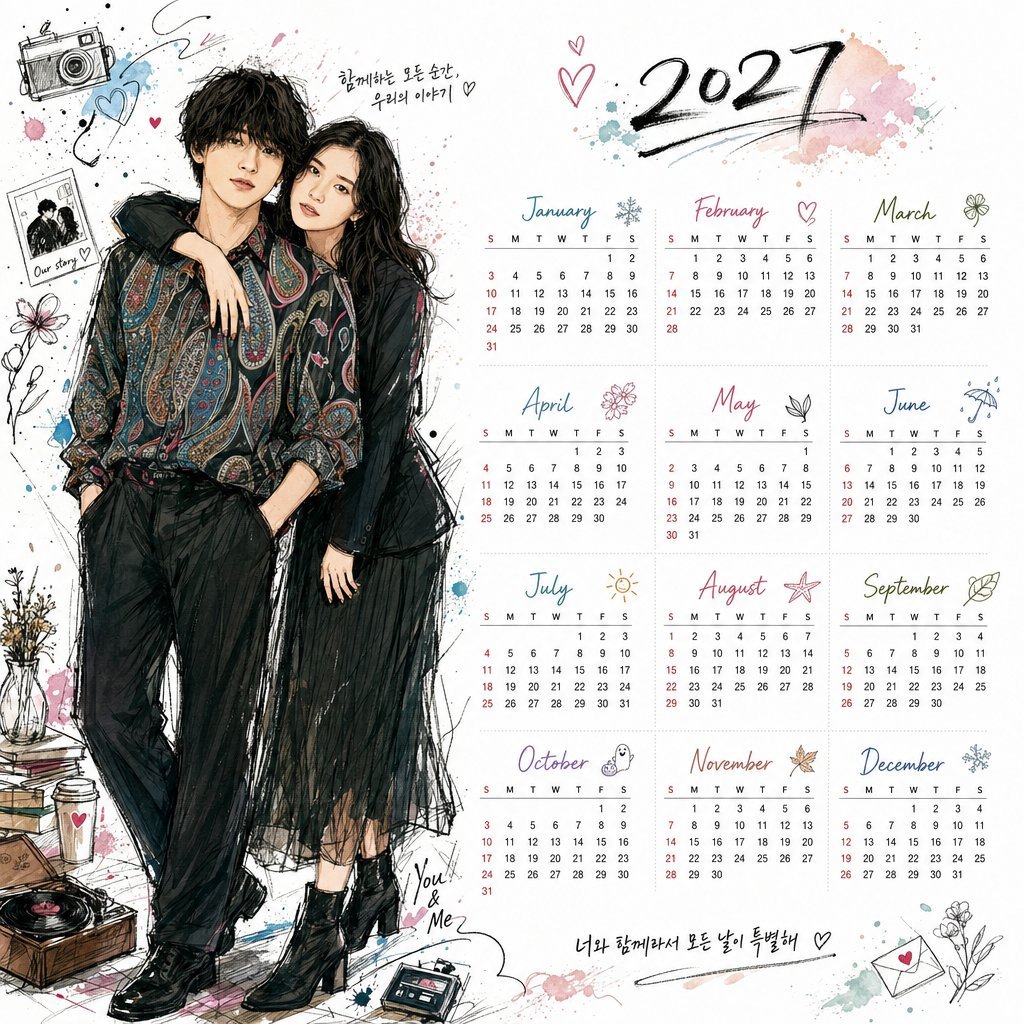
Korean Style Illustrated Desktop Calendar
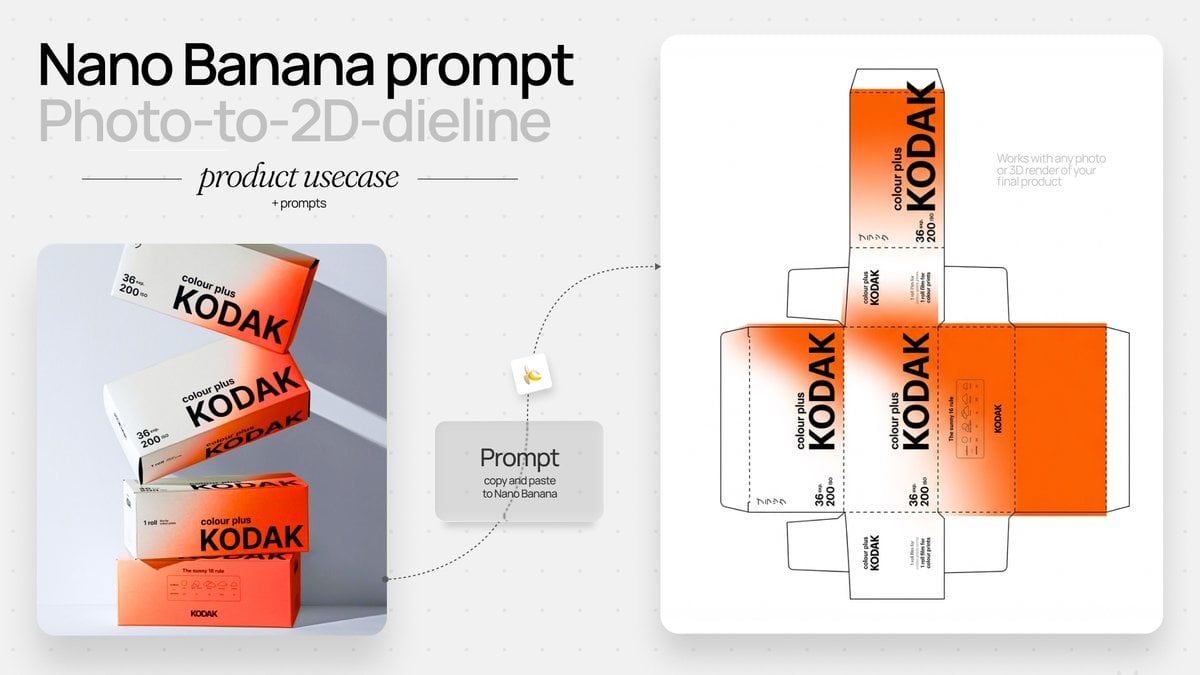
Photo to Product Packaging Dieline Prompt
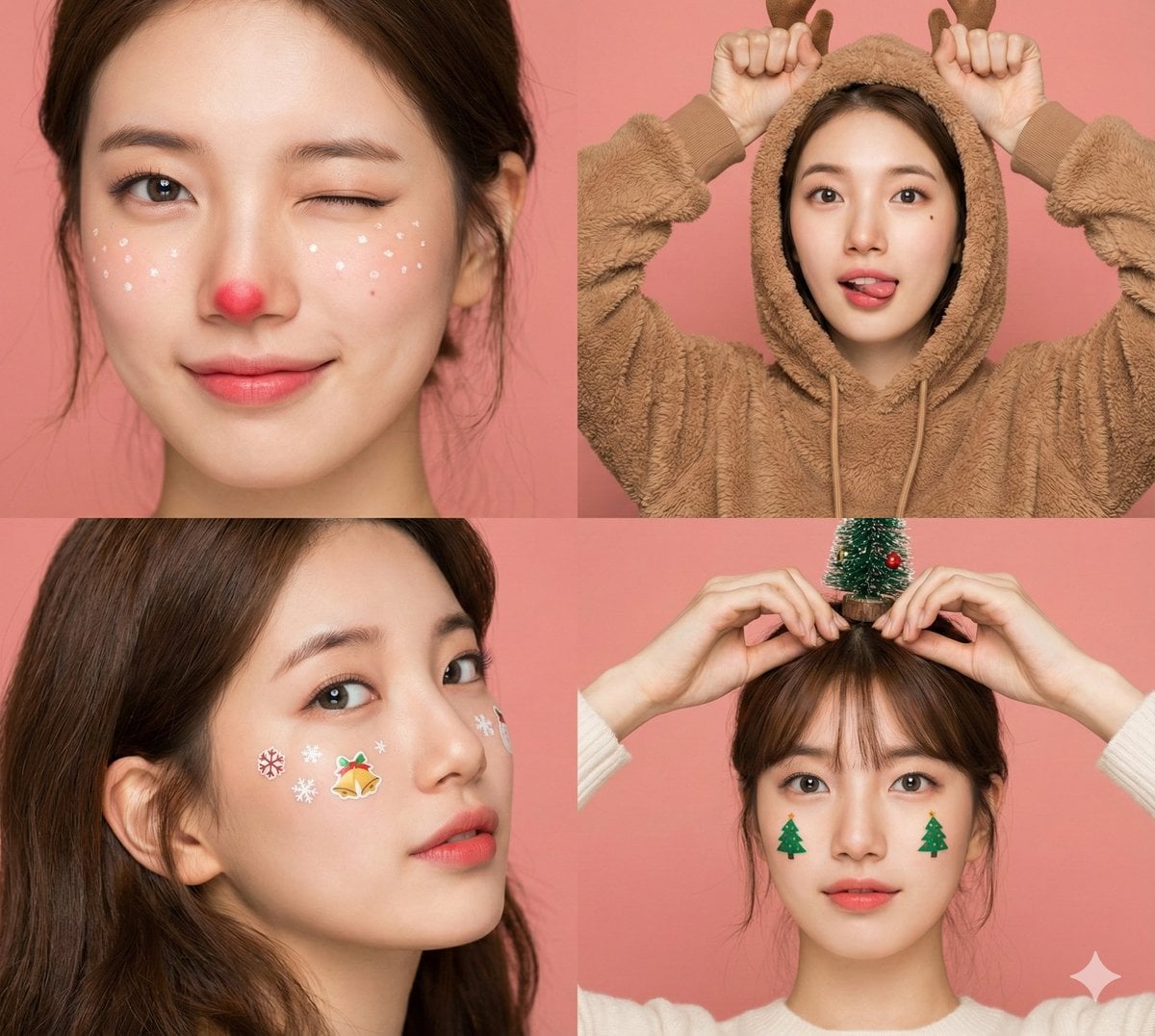
Panel Christmas Beauty Blogger Portrait in Peach Background
Browse template categories
Wildlife Photographer Adventure Storyboard questions
How do I use the Wildlife Photographer Adventure Storyboard template?
Add your photo if the template asks for one, edit the prompt if you like — the template's model and format are already selected — and press Generate. Your version opens in PicX Studio.
Can I customize the Wildlife Photographer Adventure Storyboard template?
Yes. You can change the subject, setting, lighting, mood, format, and available model controls before creating your image.
Is the Wildlife Photographer Adventure Storyboard template free?
Opening and editing this template is free. Generating uses credits, shown on the Generate button when you are signed in.
Which AI model should I use?
Start with GPT Image 2, which is the model associated with this template. You can compare another compatible model for a different finish.
Looking for something else? Browse all templates.

Your photo, any look
Thousands of ready templates for every top image and video model, from one credit balance.