
Car Interior Lifestyle Portrait
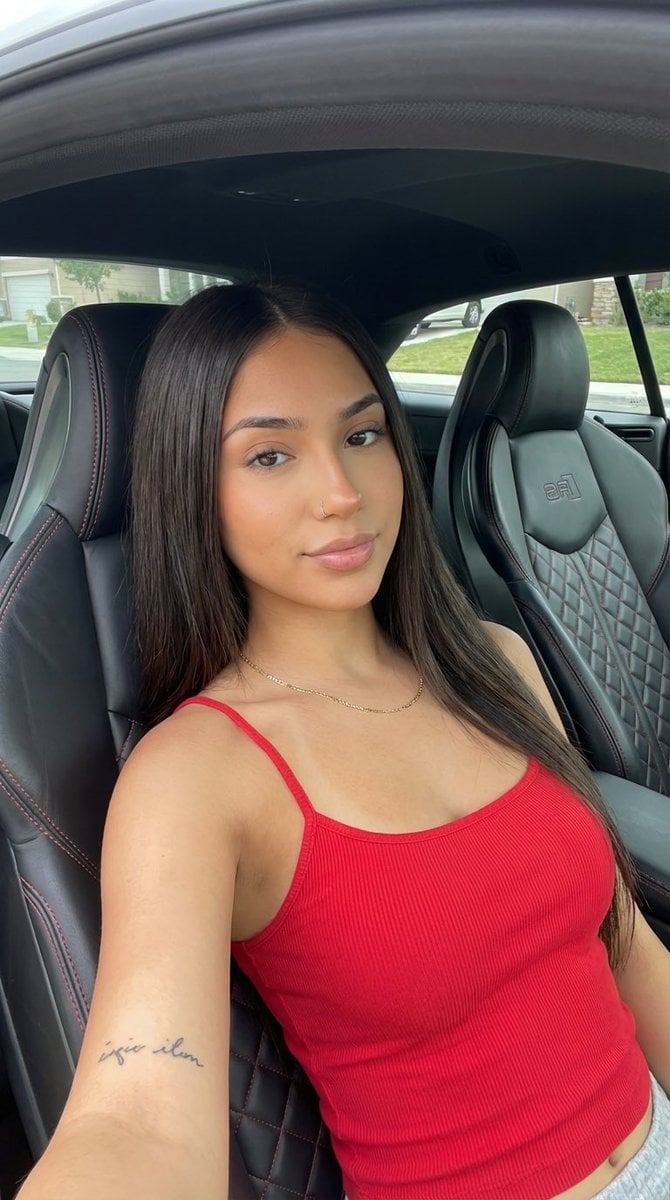
A highly detailed JSON prompt for generating a vertical portrait of a young woman seated in the driver's seat of a high-end sports car (Audi RS).
- Prompt included
- Model and format preset
- Free template
The prompt behind this image
Copy the exact prompt behind Car Interior Lifestyle Portrait, or open it in the studio and make it yours.
{ "prompt_configuration": { "target_model": "nano_banana", "detail_level": "maximum resolution and exhaustive detail", "aspect_ratio": "9:16" }, "image_analysis": { "subject": { "demographics": "Young adult female, tanned/olive skin tone.", "hair": "Long, straight, dark brown hair, center-parted, falling over shoulders and chest.", "facial_features": { "eyes": "Dark brown, looking directly at the camera.", "nose": "Small silver stud nose ring in the left nostril.", "lips": "Natural pink shade, slight smile.", "makeup": "Minimal, natural look, slight blush on cheeks." }, "skin_texture": "Smooth, natural finish.", "body_marks": "Small script tattoo visible on the inner left forearm." }, "apparel": { "top": { "item_name": "Spaghetti strap tank top", "color": "{argument name="top color" default="Vibrant red"}", "material": "Ribbed knit cotton blend, form-fitting.", "details": "Very thin straps, slight V-neck." }, "accessories": "Delicate gold chain necklace with a small, indistinct pendant." }, "pose_and_action": { "body_position": "Seated in the driver's seat of a car, leaning slightly back against the seat bolsters.", "hand_placement": "Right arm resting down by her side, left arm bent with hand resting on her thigh/center console area.", "expression": "Calm, confident, direct eye contact with a faint smile." }, "environment": { "location": "Interior of a high-end sports car (Audi RS model).", "seating": "Black leather sport bucket seats with prominent side bolsters. Features distinct red contrast stitching and a hexagonal quilted pattern on the center backrest. An embossed 'RS' logo is visible near the headrest of the passenger seat.", "background": "Visible through the passenger window and windshield: a suburban residential street with a house, green lawn, and trees under daylight.", "lighting": "Soft, natural daylight illuminating the interior from the windows." }, "style_and_aesthetics": { "genre": "Candid portrait, lifestyle photography.", "vibe": "Casual, sporty, relaxed.", "focus": "Sharp focus on the subject, with the background outside the window slightly blurred.", "framing": "Vertical portrait shot capturing the subject from the mid-thigh up." } } }
How to use Car Interior Lifestyle Portrait in 3 steps
- 1
Open
The prompt is already in the box next to the preview, with the template's model and format selected.
- 2…a portrait of your subject in softgolden-hour light, 85mm…
Personalize
Edit the subject and creative details for your destination.
- 3Generate
Generate
Press Generate — your image is created in PicX Studio, so you can compare it with the original and refine one variable at a time.
More like this
Templates with the same subject, style or setup. Open one to see its prompt.
Luxury Car Interior Lifestyle Portrait

Ultra Detailed 3d Plush Cartoon Characte
Candid Summer Car Interior Portrait
Minimalist Desert Lifestyle Car Portrait

Miniature Self Portrait Collage

Found Photograph: Us, 1970

80s Couple Studio Portrait

80s Bollywood Star

80s Golden Hour Cinema

Me in 1985

1985 Studio Portrait

Hyper-Realistic Minecraft POV Portrait
Make it yours
Car Interior Lifestyle Portrait works as-is. These are the safest ways to change it without losing the look.
Change one field
Copy a single group, rewrite it, and generate again so you can see what that field is doing.
Keep the frame, change the subject
Hold the composition and light of Car Interior Lifestyle Portrait, then swap wardrobe, props or the person for a new take.
| If the result… | Why | Fix |
|---|---|---|
| The result drifts from the preview | Too many fields changed at once. | Reuse Car Interior Lifestyle Portrait as-is first, then change one group — subject, light, or setting. |
| The model over-stylizes the scene | The prose prompt leaves finish and camera underspecified. | Add one camera or lighting sentence and stay on Nano Banana 2. |
More Nano Banana 2 templates
Other prompts made for Nano Banana 2.

Photorealistic Leaf Shaped Like a Dragon

K-Pop Idol Portrait Grid for Rapid Selection

Poetic Rain Forest Portrait During Golden Hour

Urban Street Portrait with Cartoon Inner Self Duo

Candid Nighttime Photo with Cat Prompt

High-Concept 3D Diorama Generation Prompt

Cinematic Futuristic Studio Portrait Template

Skincare Editorial Photography Collage Prompt

Hyper-Realistic Commercial Product Photography (Splash Effect)

Hyper-Realistic Nightclub Portrait Prompt
More image prompts
Fresh picks from across the catalog.
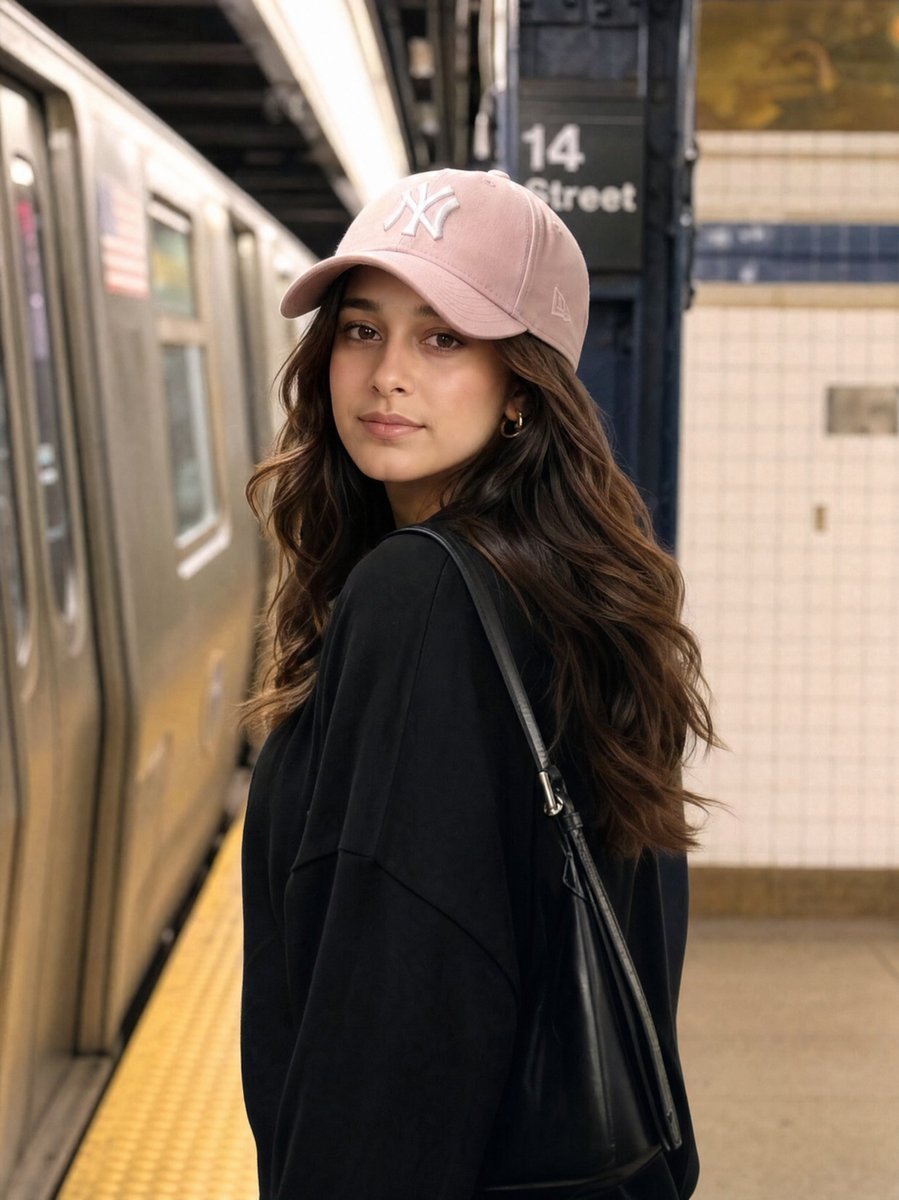
Identity Preservation Subway Portrait
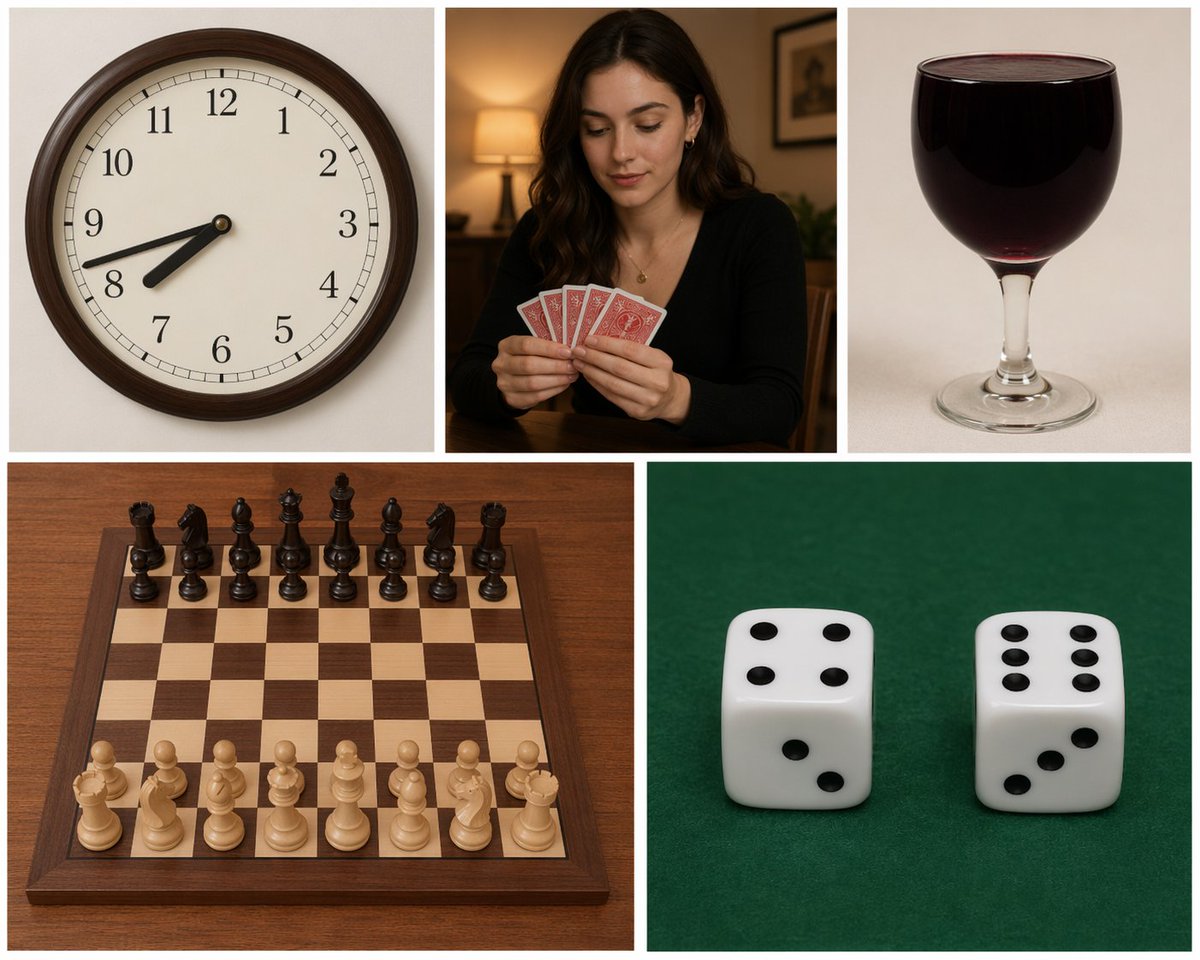
Five-Panel Benchmarking Challenge
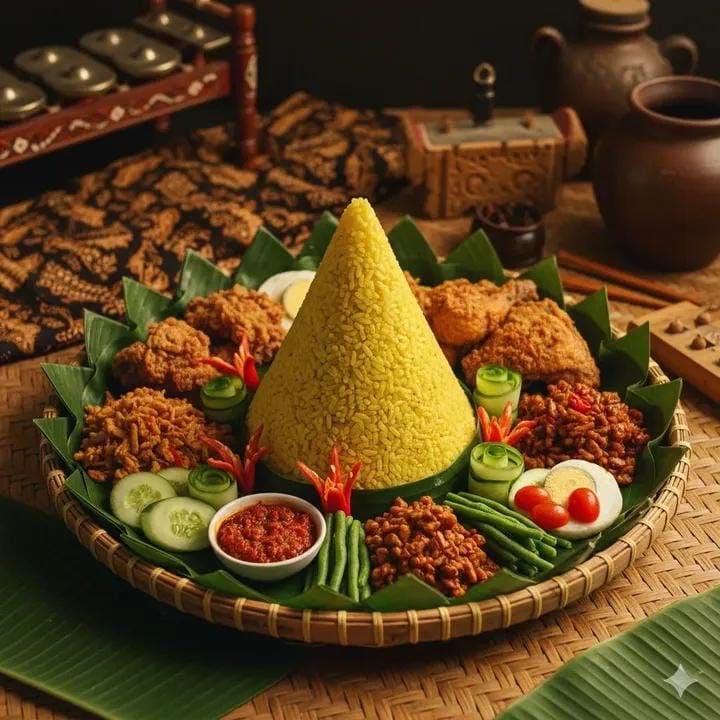
Authentic Indonesian Nasi Tumpeng Food Photography
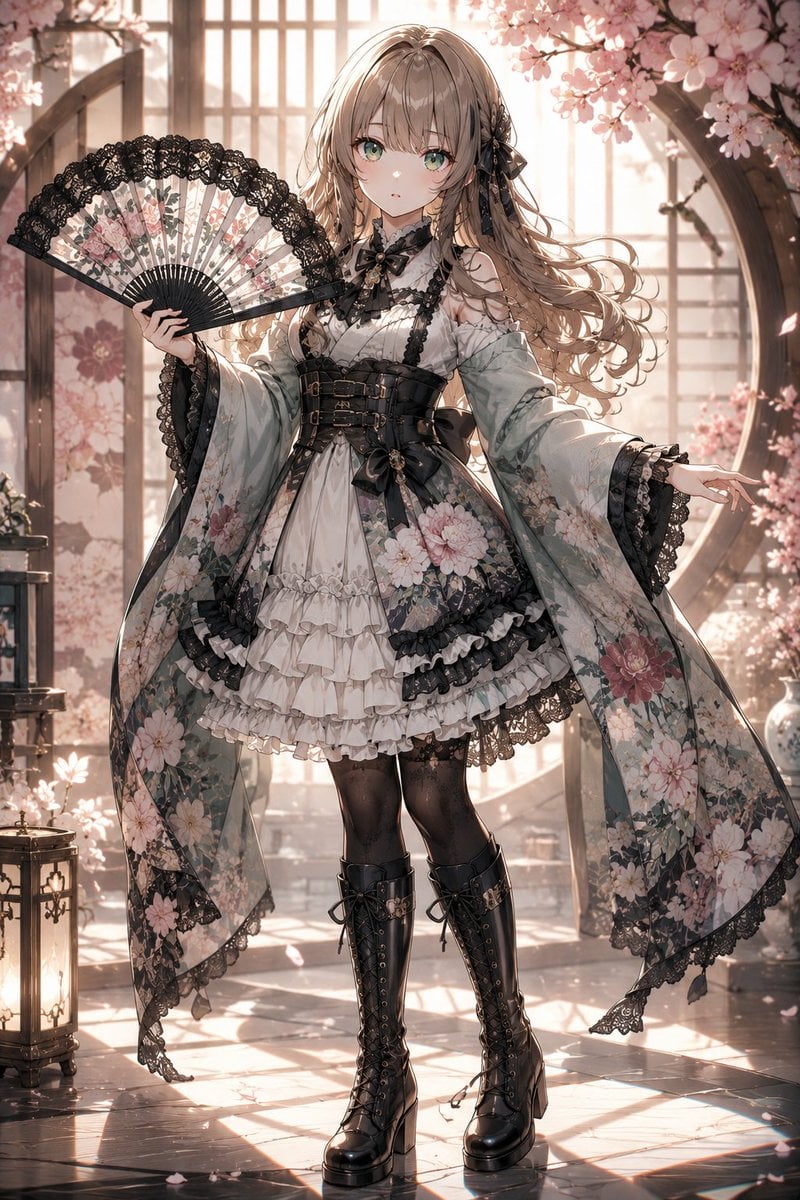
Gothic Lolita Furisode Outfit
Consistent Character Illustration with Stylish Pose
Cute Bedroom Portrait with Teddy Bear Prompt
Coquette Aesthetic Cozy Portrait Prompt
Crimson Volcanic Heart Tree

Cinematic Pixar-Style Girl Portrait Prompt
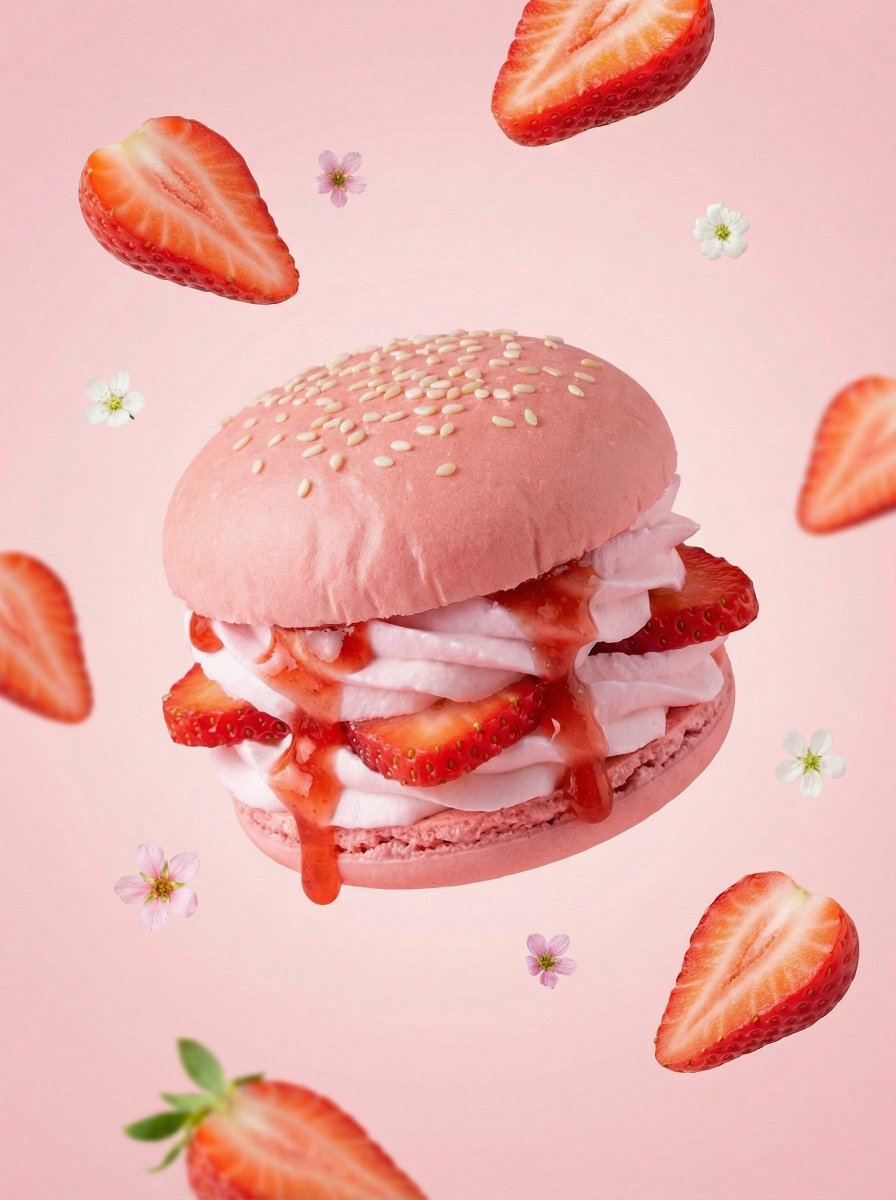
Hyper-Realistic Fruit Dessert Burger
Browse template categories
Car Interior Lifestyle Portrait questions
How do I use the Car Interior Lifestyle Portrait template?
Add your photo if the template asks for one, edit the prompt if you like — the template's model and format are already selected — and press Generate. Your version opens in PicX Studio.
Can I customize the Car Interior Lifestyle Portrait template?
Yes. You can change the subject, setting, lighting, mood, format, and available model controls before creating your image.
Is the Car Interior Lifestyle Portrait template free?
Opening and editing this template is free. Generating uses credits, shown on the Generate button when you are signed in.
Which AI model should I use?
Start with Nano Banana 2, which is the model associated with this template. You can compare another compatible model for a different finish.
Looking for something else? Browse all templates.

Your photo, any look
Thousands of ready templates for every top image and video model, from one credit balance.