
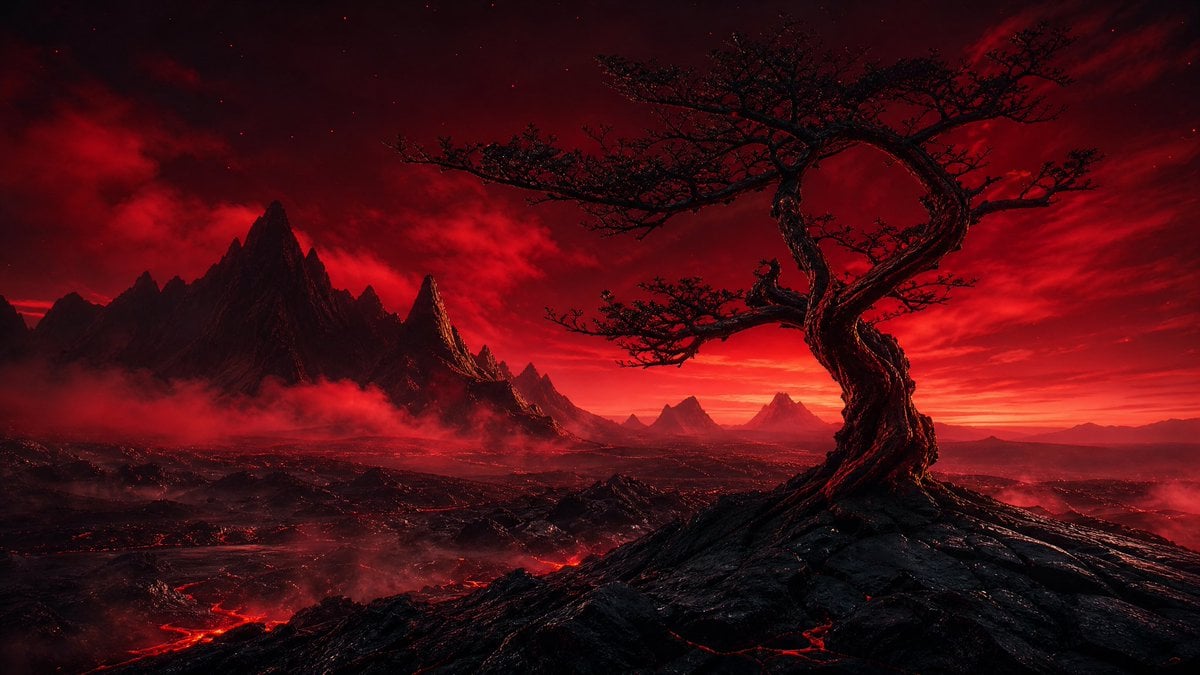
Crimson Volcanic Heart Tree
A cinematic dark fantasy landscape featuring a twisted heart-shaped tree in a red volcanic wasteland, ideal for epic concept art or atmospheric backgrounds.
- Prompt included
- Model and format preset
- Free template
The prompt behind this image
Copy the exact prompt behind Crimson Volcanic Heart Tree, or open it in the studio and make it yours.
Create a cinematic dark fantasy landscape in a wide 16:9 aspect ratio. The scene shows a solitary ancient twisted tree on the right foreground, its gnarled black trunk spiraling upward into a dramatic loop like a heart or ring, with sparse thorny branches silhouetted against a blood-red sky. Place the tree on a jagged volcanic ridge of black rock with glowing red lava cracks. In the midground and background, show a vast hostile wasteland with exactly 7 visible mountain peaks or peak clusters: one dominant sharp black mountain mass on the left, one narrow glowing spire just right of it, three smaller triangular peaks near the center horizon, and two faint distant peaks on the far right. Add low red fog and smoke drifting through the valleys, with glowing lava rivers snaking across the lower left and center ground. The sky should be intense crimson and black, filled with layered storm clouds, faint stars, and a blazing red-orange horizon glow. Use a limited palette of {argument name="main color palette" default="deep red, black, crimson, and ember orange"}, high contrast, dramatic rim lighting, ultra-detailed textures, epic scale, realistic fantasy concept art, no characters, no buildings, no text, no watermark. Emphasize the mood as {argument name="mood" default="ominous, apocalyptic, and romantic"} and make the focal subject a {argument name="foreground tree shape" default="twisted heart-shaped dead tree"} in a {argument name="environment" default="volcanic wasteland at red dusk"}.
How to use Crimson Volcanic Heart Tree in 3 steps
- 1Upload ImagePNG, JPG or paste
Add your photo
Upload the photo the template builds on. The prompt, model and format are already set.
- 2…a portrait of your subject in softgolden-hour light, 85mm…
Personalize
Edit the subject and creative details for your destination.
- 3Generate
Generate
Press Generate — your image is created in PicX Studio, so you can compare it with the original and refine one variable at a time.
More like this
Templates with the same subject, style or setup. Open one to see its prompt.

Cinematic Glass Brand Logo Volcanic Landscape
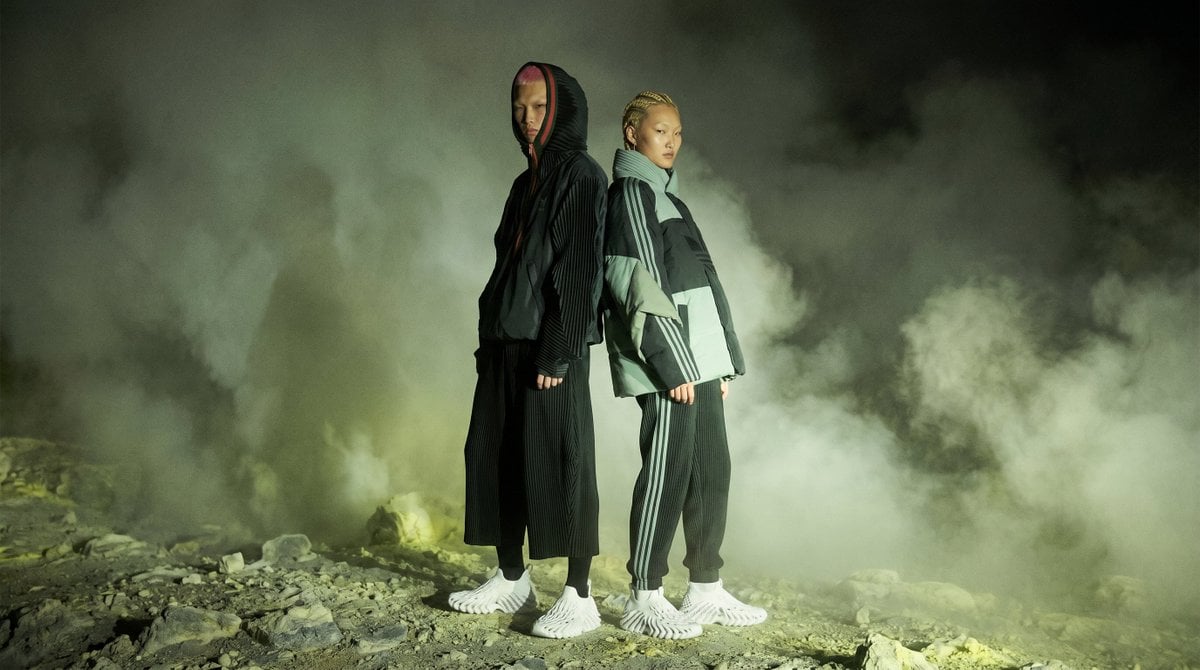
Volcanic Streetwear Fashion Editorial

Woman in Mall with Chanel Bag - Heart Gesture

Two Hearts. One Scooter.
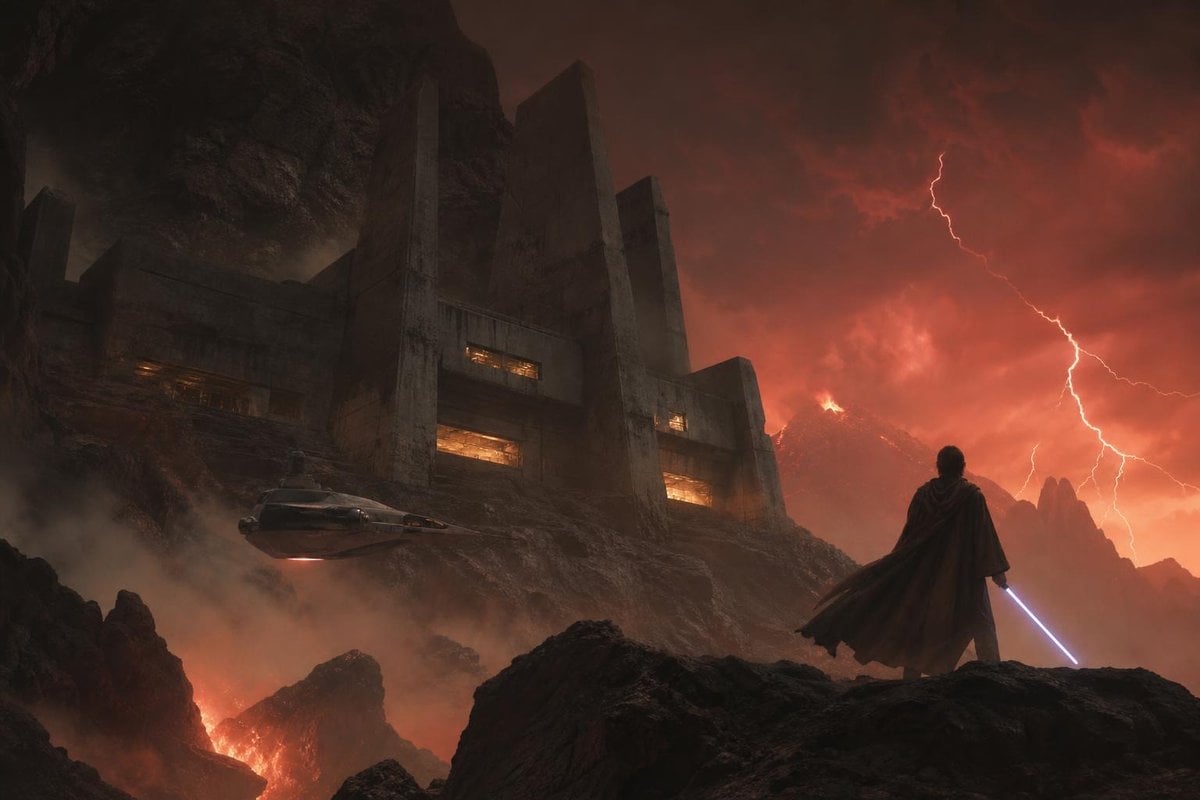
Imperial Research Bunker on Volcanic Planet

Two Maid Cafe Girls Making a Heart

Gal Gadot Volcanic Portrait
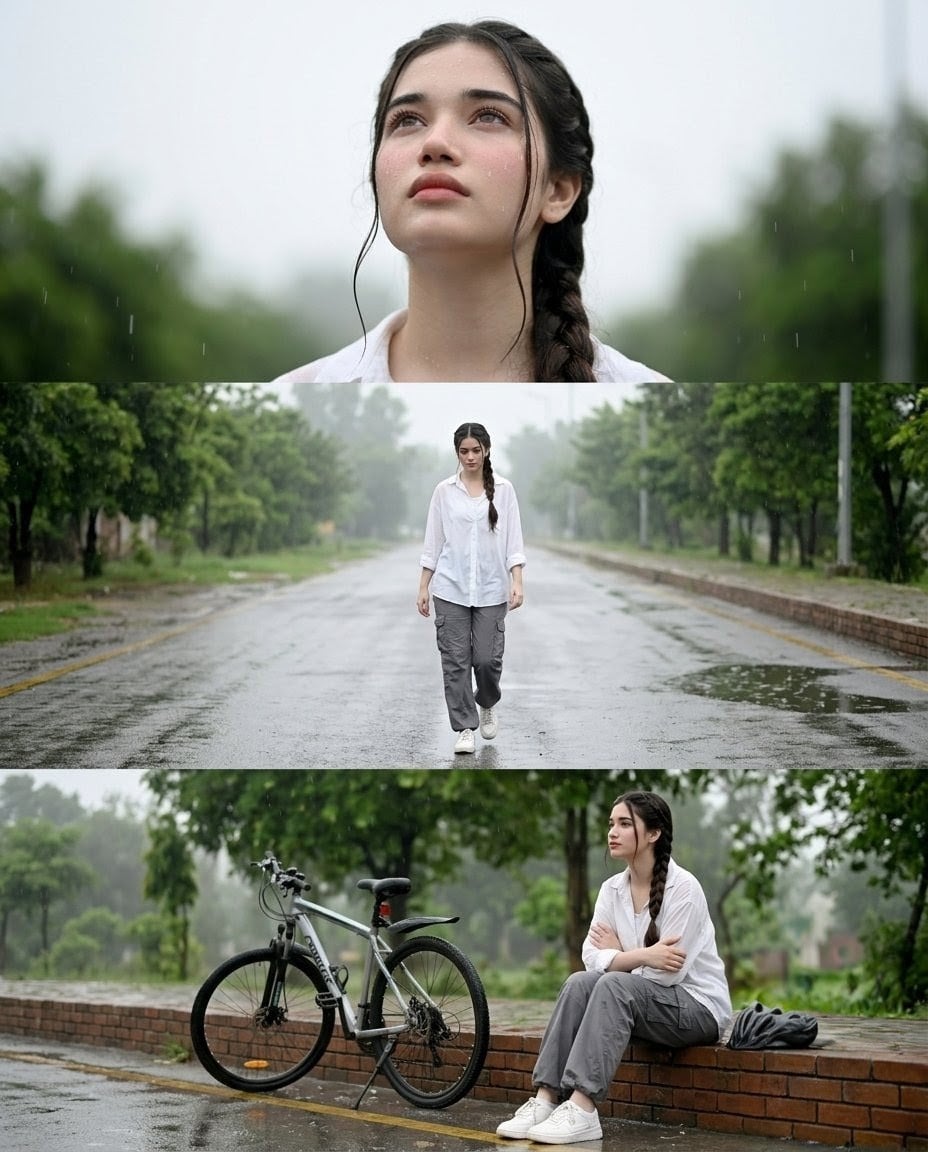
Rainy Street Triptych Portrait
Futuristic Cooling Poncho Street Fashion
Rainy Japan Street Aesthetic
Psychedelic Mascot Streetwear Portrait
Surreal Skull and Tree of Consciousness
Make it yours
Crimson Volcanic Heart Tree works as-is. These are the safest ways to change it without losing the look.
Change one field
Copy a single group, rewrite it, and generate again so you can see what that field is doing.
Keep the frame, change the subject
Hold the composition and light of Crimson Volcanic Heart Tree, then swap wardrobe, props or the person for a new take.
| If the result… | Why | Fix |
|---|---|---|
| The result drifts from the preview | Too many fields changed at once. | Reuse Crimson Volcanic Heart Tree as-is first, then change one group — subject, light, or setting. |
| The model over-stylizes the scene | The prose prompt leaves finish and camera underspecified. | Add one camera or lighting sentence and stay on GPT Image 2. |
More GPT Image 2 templates
Other prompts made for GPT Image 2.

Six VTuber Japanese Logo Sheet

Realistic Portrait of Woman and Deer

The Vista Modular Condo Poster

AI Model Routing Comparison Infographic

2.5D Anime Art Board

Isometric Productivity Desk Scene

New York Double Exposure Poster

Four-Panel AI Landscape Comparison

Japanese Tatami Lifestyle Magazine Cover

NESCAFÉ Coffee Map Poster
More image prompts
Fresh picks from across the catalog.

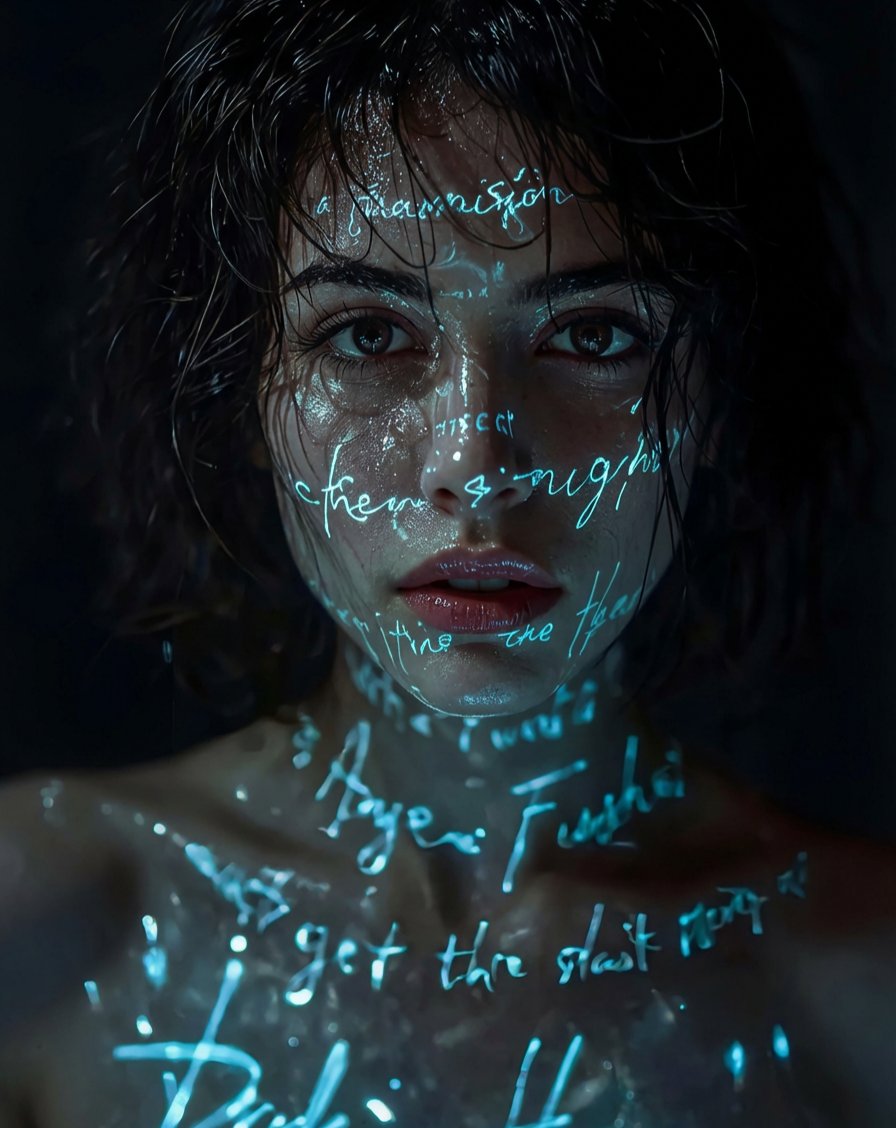
Hyper-Realistic Portrait Generation Prompt (Polina Gagarina)
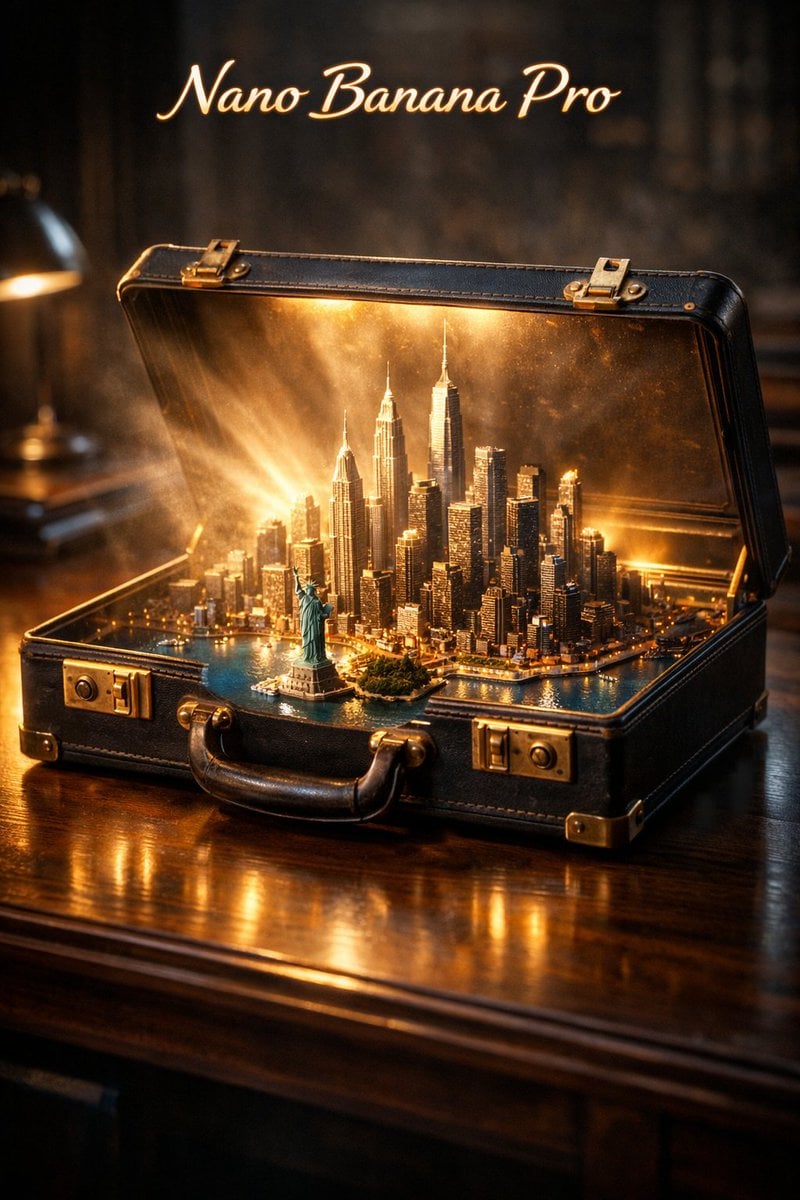
Cinematic Product Reveal of a Vintage Briefcase
Pixar/DreamWorks Cozy Autumn 3D Girl Prompt
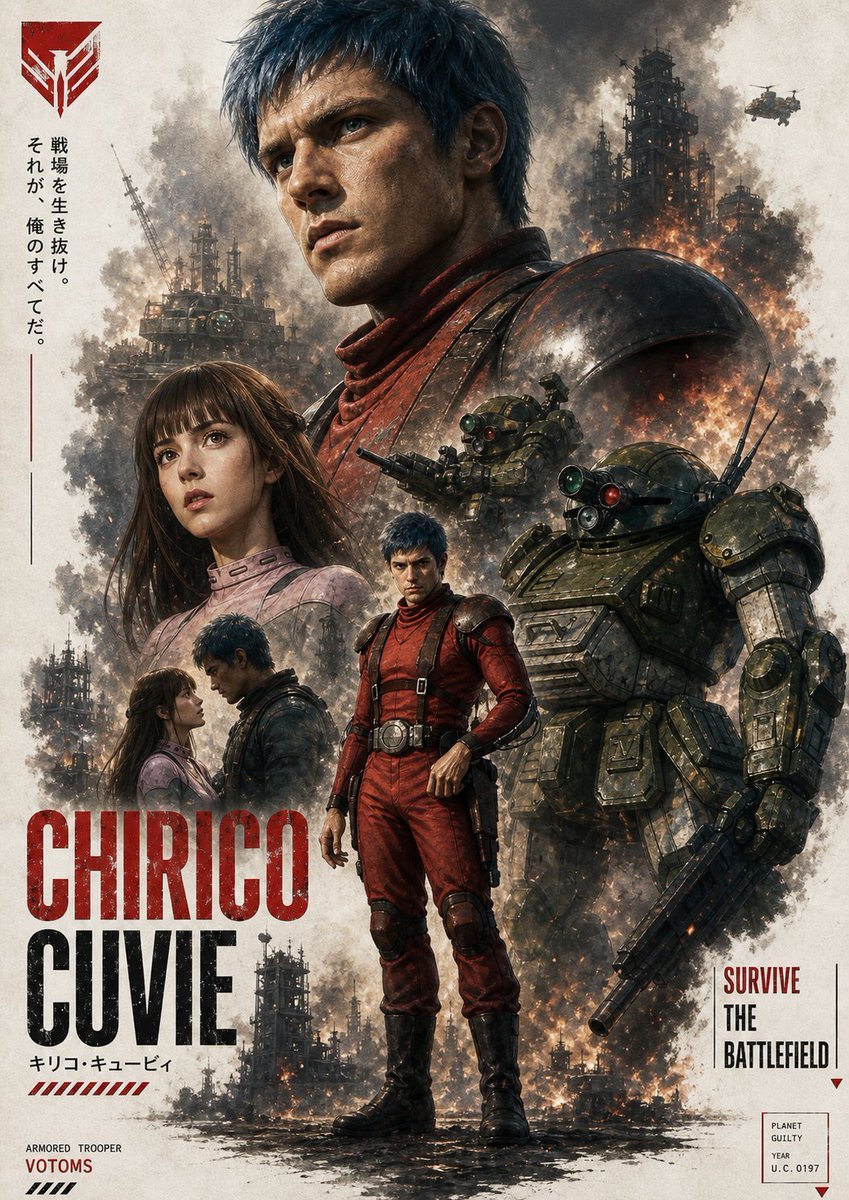
Gritty VOTOMS-Style War Poster
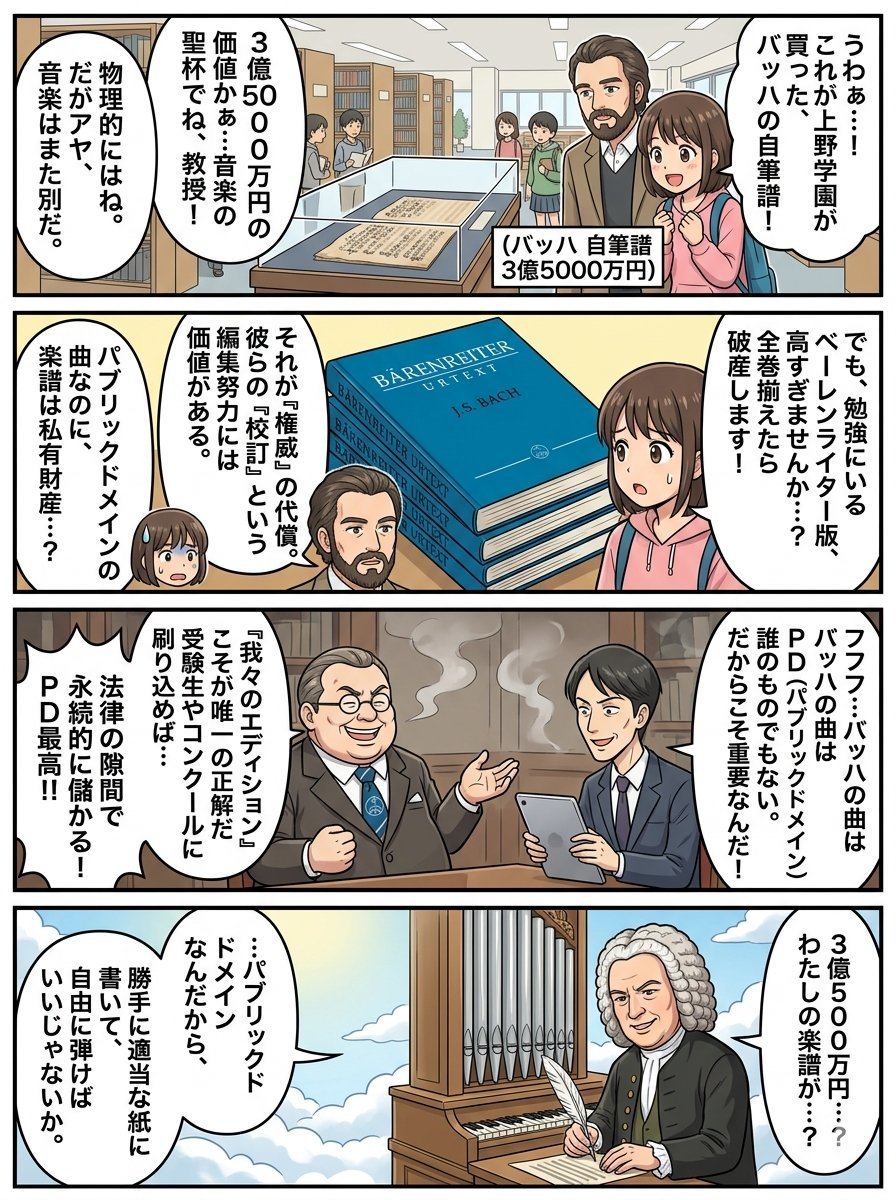
Nano Banana Pro 4-Panel Comic Prompt: Bach in Heaven

Graphic Novel Ink Splatter Portrait
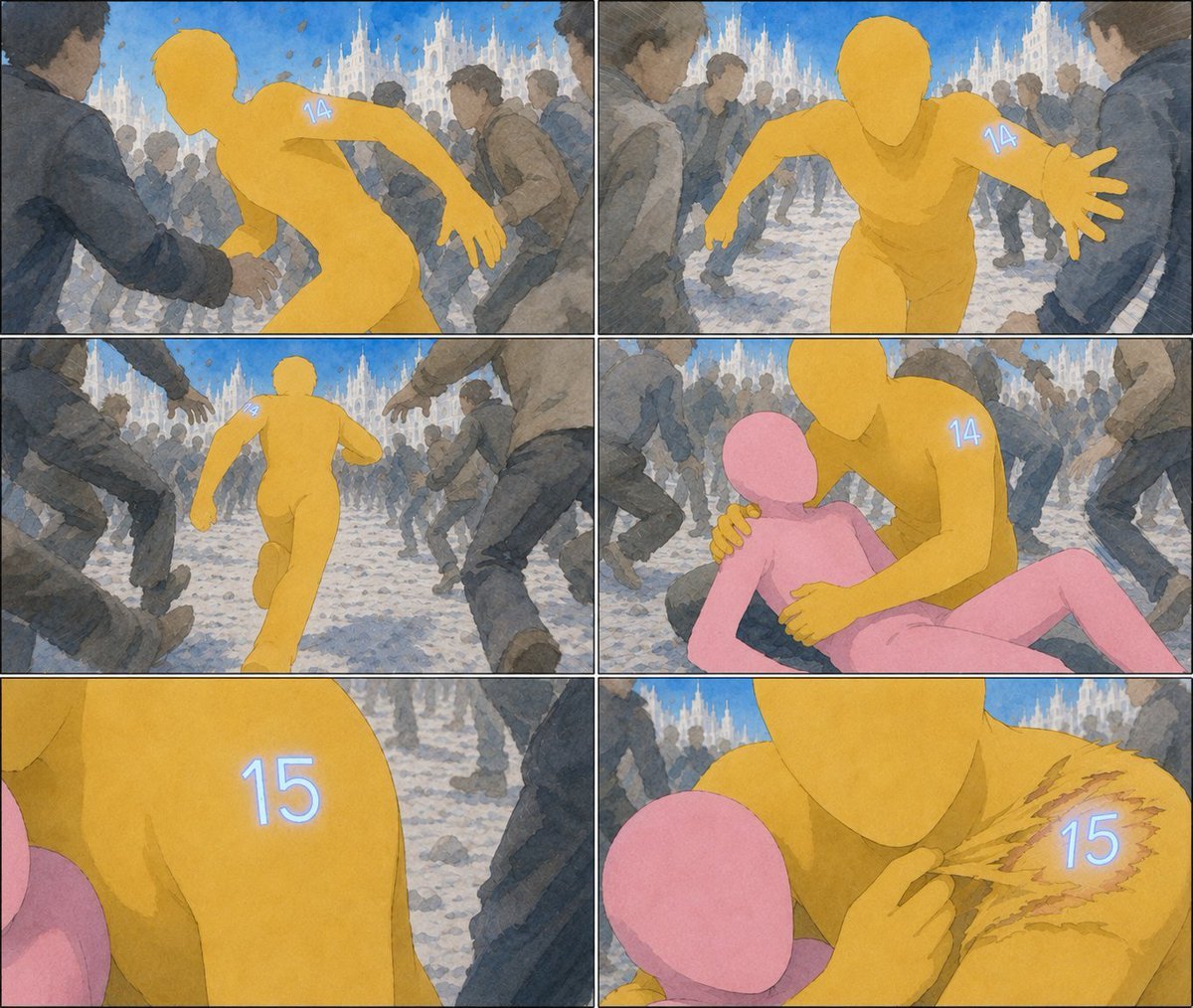
Six-Panel Numbered Humanoid Storyboard

Charcoal and Chalk Fashion Editorial Prompt (Identity Preserve)

Structured Prompt for Focused Singer in Recording Booth

Industrial Design Presentation Sheet
Browse template categories
Crimson Volcanic Heart Tree questions
How do I use the Crimson Volcanic Heart Tree template?
Add your photo if the template asks for one, edit the prompt if you like — the template's model and format are already selected — and press Generate. Your version opens in PicX Studio.
Can I customize the Crimson Volcanic Heart Tree template?
Yes. You can change the subject, setting, lighting, mood, format, and available model controls before creating your image.
Is the Crimson Volcanic Heart Tree template free?
Opening and editing this template is free. Generating uses credits, shown on the Generate button when you are signed in.
Which AI model should I use?
Start with GPT Image 2, which is the model associated with this template. You can compare another compatible model for a different finish.
Looking for something else? Browse all templates.

Your photo, any look
Thousands of ready templates for every top image and video model, from one credit balance.