How do I use the Industrial Design Presentation Sheet template?
Choose the primary action to open PicX Studio with the available template settings. Review the model and format, personalize the creative direction, and generate when ready.
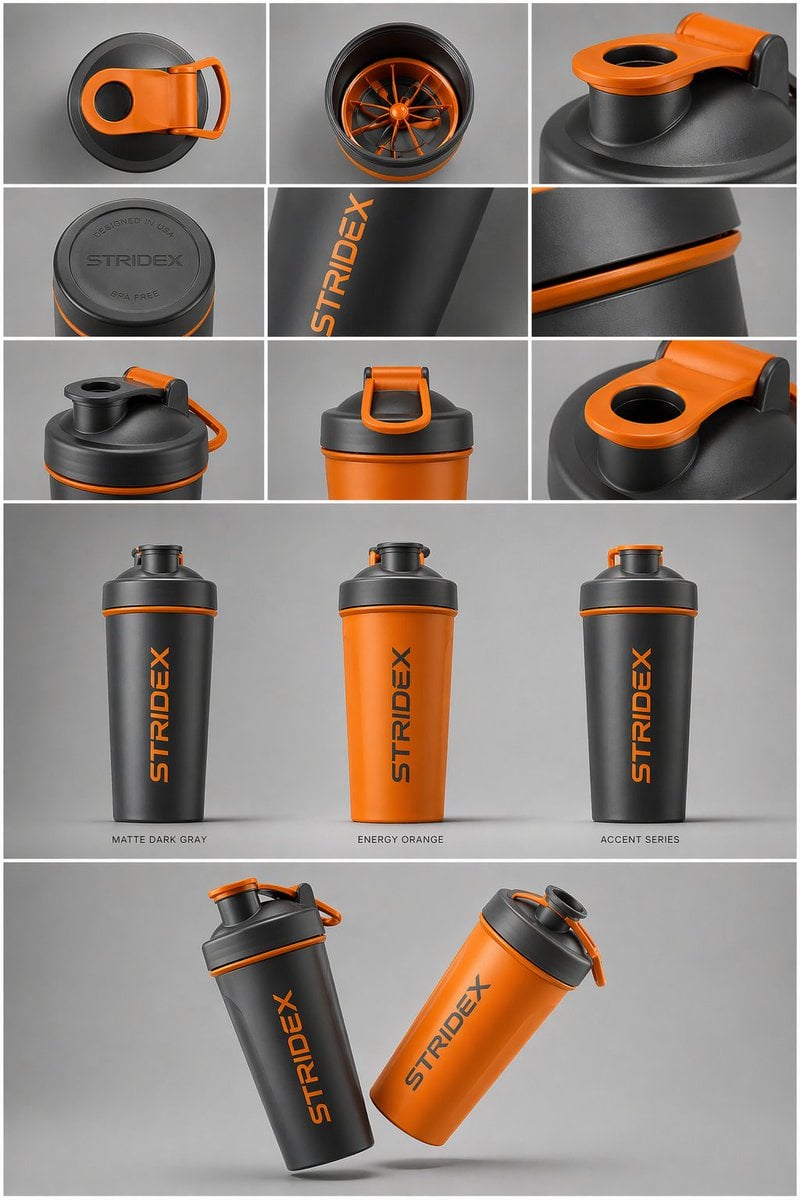
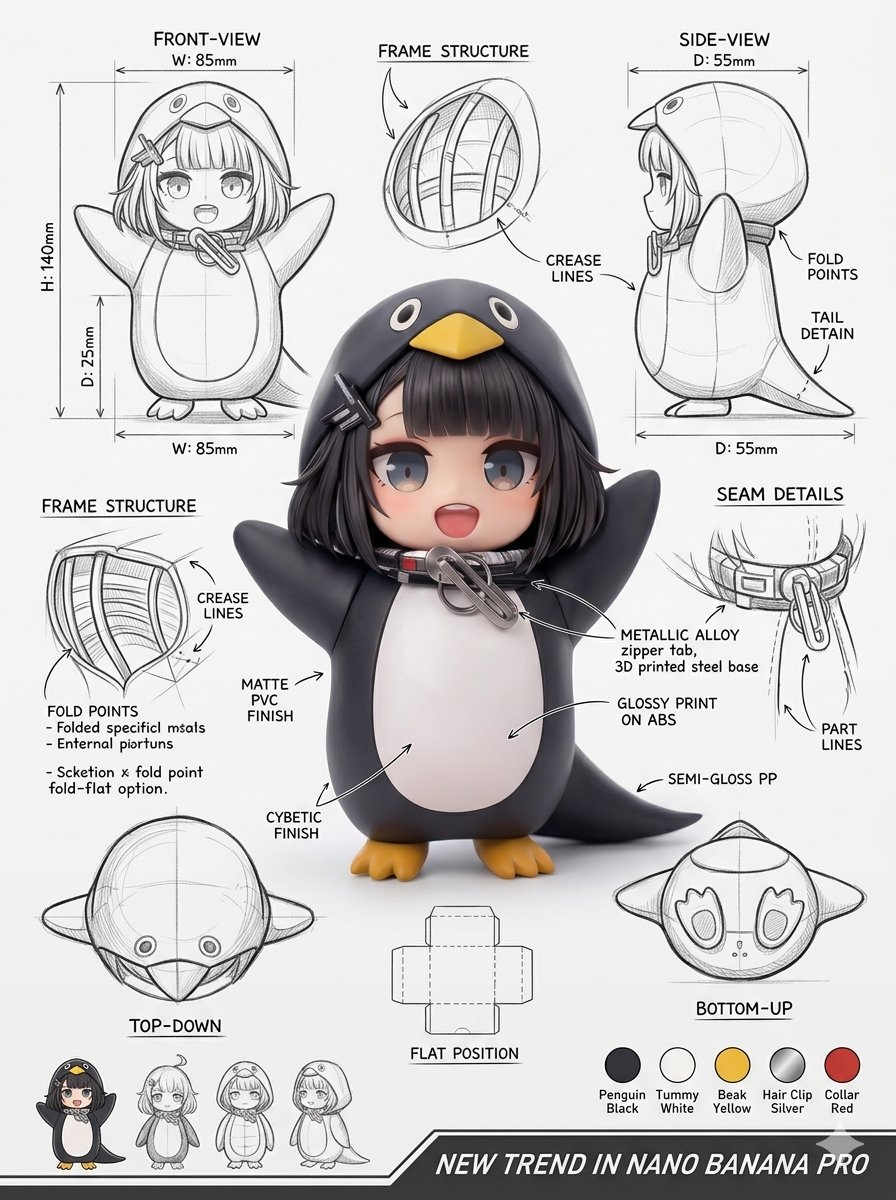
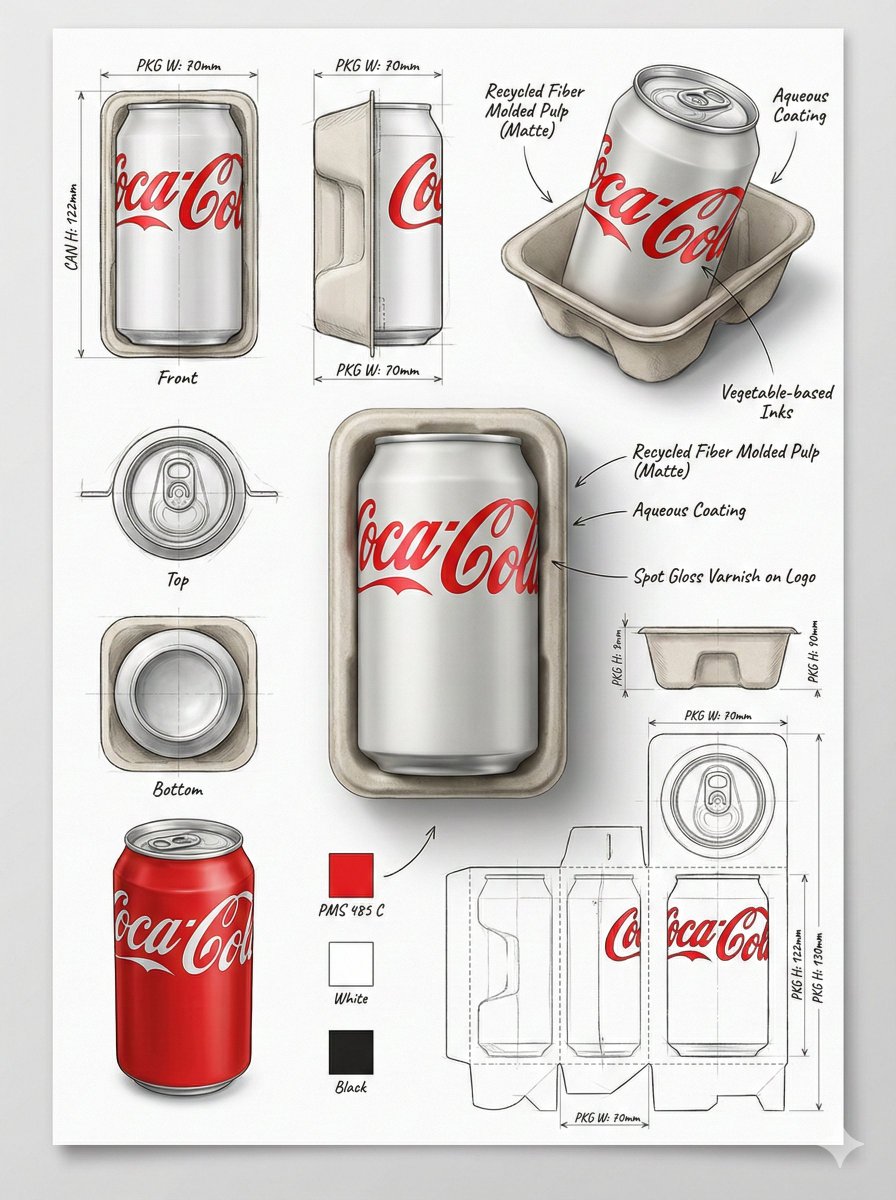
A complex layout prompt for an industrial design sheet showcasing a product from multiple angles in a grid system.
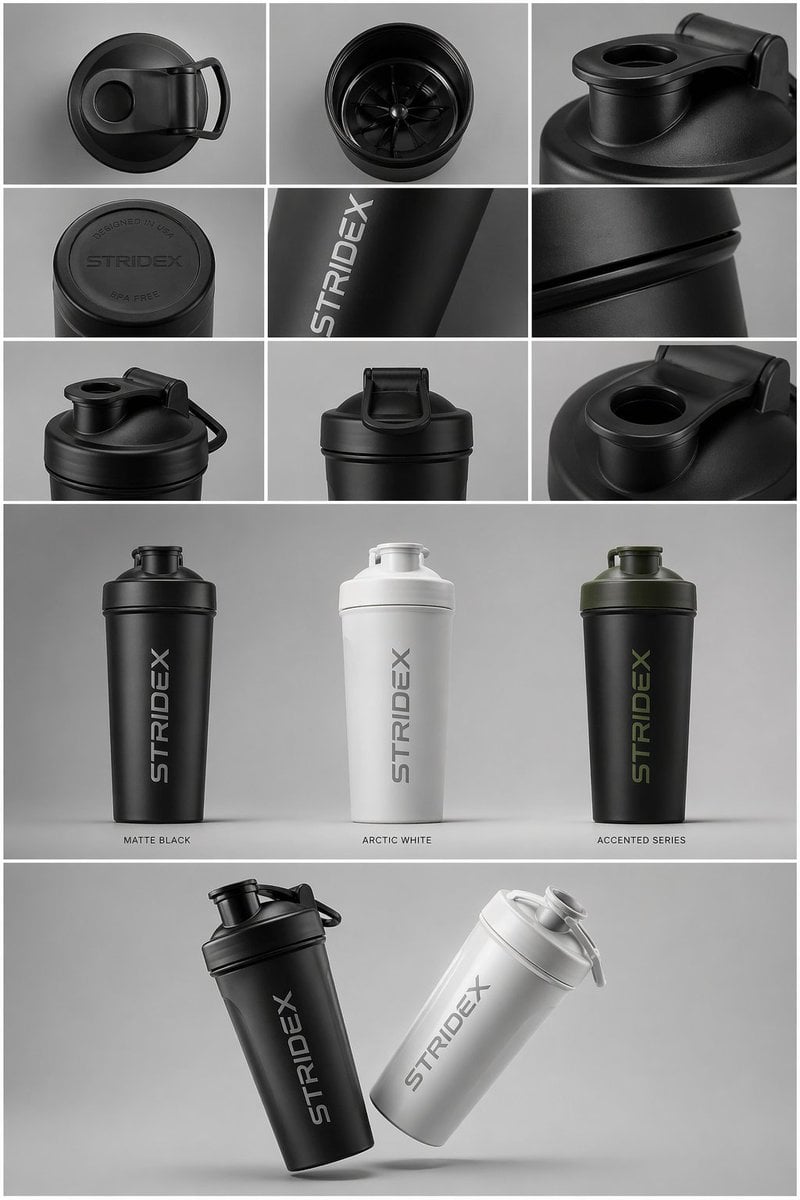
Core Subject: [{argument name="reference" default="use the uploaded image"}, keep the details, typography and structure locked 100%] Layout & Composition: A {argument name="presentation type" default="professional industrial design presentation sheet"}. The image should be organized into a clean grid system. Top Row: A 3x3 layout showing top-down flat lay views and close-up macro details of materials. Middle Section: Three hero shots of the product standing upright in different color ways (Matte Black, Arctic White, and accented variants). The products should be slightly tilted to show depth and form. Bottom Section: A dynamic "floating" composition featuring two products overlapping at opposing angles to showcase the front and side profiles simultaneously. Environment & Lighting: Set against a minimalist, neutral studio gray background. Soft top-down lighting with realistic contact shadows. High-end product photography aesthetic. Style & Finish: Matte textures, clean silhouettes, and sharp edges. Leave designated blank areas on the product surfaces for "Placeholder Branding" and "Graphic Mockups." 4k resolution, Unreal Engine 5 render style, hyper-realistic, clean aesthetic.
Industrial Design Presentation Sheet needs input media to work. Open it in the studio and these load alongside the prompt — pick whichever ones your chosen model can take.
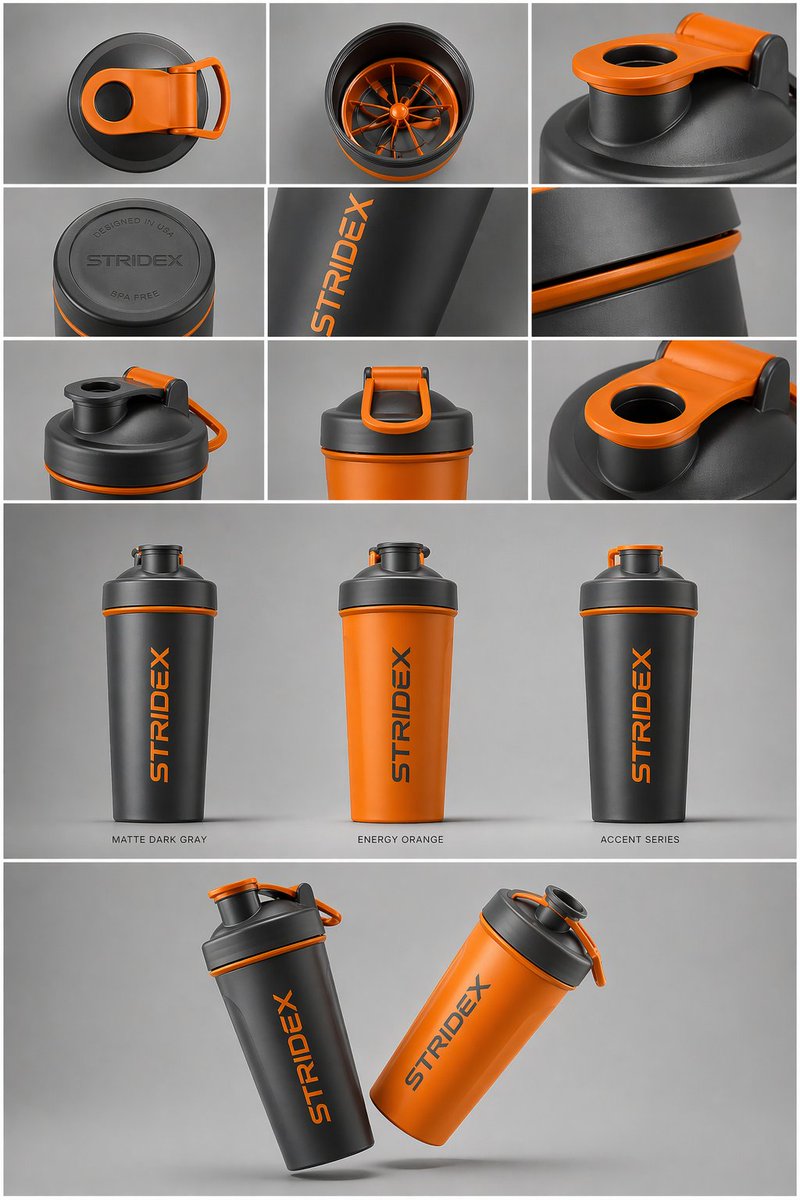
Choose the primary action to open PicX Studio with the available template settings. Review the model and format, personalize the creative direction, and generate when ready.
Yes. You can change the subject, setting, lighting, mood, format, and available model controls before creating your image.
This template is free to open and customize. Generation usage is shown in PicX Studio before you create.
Start with GPT Image 2, which is the model associated with this template. You can compare another compatible model for a different finish.
Follow a topic to a crawlable collection of related PicX Studio templates.