
Vintage Travel Poster Illustration
An intricate pen-and-ink engraving style prompt for vintage city travel posters with a retro mid-century aesthetic.
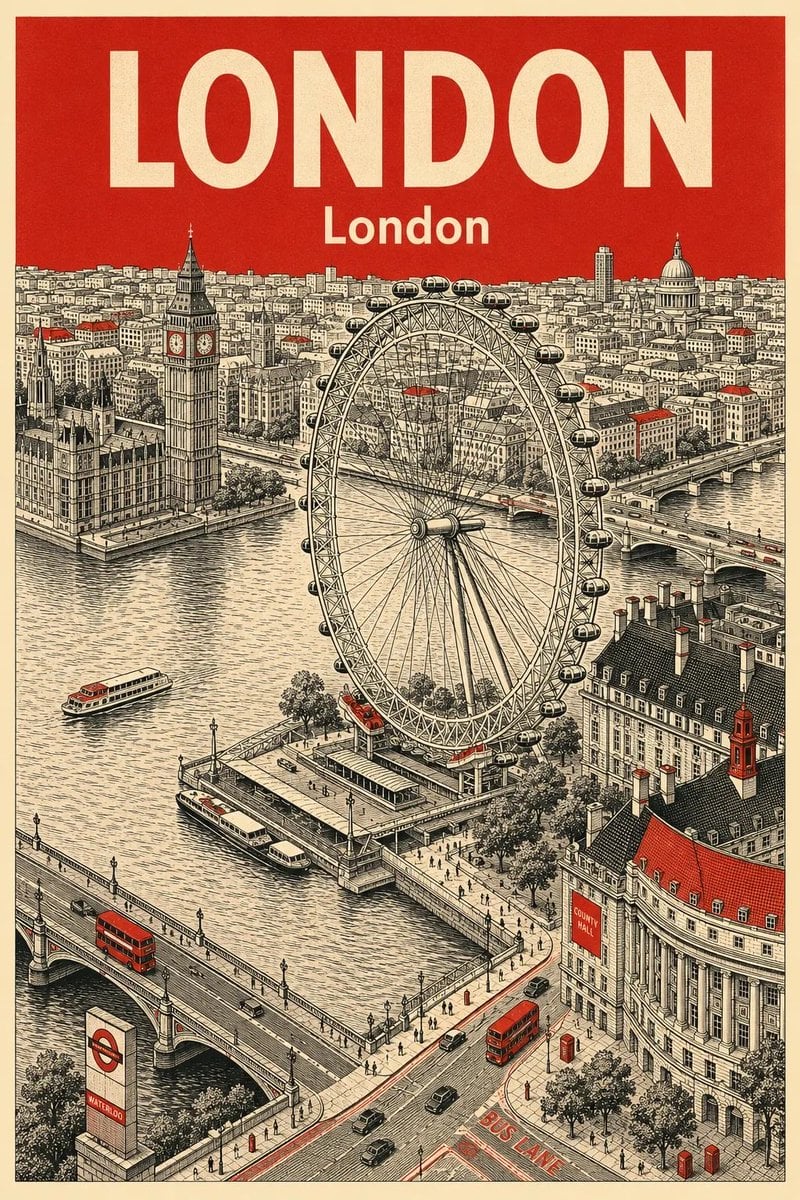
- Prompt included
- Model and format preset
- Free template
The prompt behind this image
Copy the exact prompt behind Vintage Travel Poster Illustration, or open it in the studio and make it yours.
Vintage travel poster illustration of London, ultra-detailed aerial cityscape, featuring the London Eye, Big Ben, River Thames, Westminster Bridge, red double-decker buses, classic British architecture, and busy streets, drawn in intricate pen-and-ink linework with retro engraving style, limited color palette of cream, black, and deep red, large bold typography “LONDON” at the top, textured aged paper background, symmetrical composition, highly detailed urban panorama, mid-century tourism poster aesthetic, cinematic perspective, clean vector-like detailing, nostalgic European travel advertisement style, 4k. Vintage travel poster illustration of Singapore, highly detailed aerial view of Marina Bay Sands, ArtScience Museum, skyline, waterfront, bridges, and modern city architecture, intricate pen-and-ink engraving style with retro travel poster aesthetics, limited color palette of cream, black, and mustard yellow, bold typography “SINGAPORE” at the top, textured old-paper look, ultra-detailed city panorama, futuristic yet nostalgic atmosphere, clean architectural linework, symmetrical composition, classic tourism advertisement poster, cinematic bird’s-eye perspective, 4k.
How to use Vintage Travel Poster Illustration in 3 steps
- 1
Open
The prompt is already in the box next to the preview, with the template's model and format selected.
- 2…a portrait of your subject in softgolden-hour light, 85mm…
Personalize
Edit the subject and creative details for your destination.
- 3Generate
Generate
Press Generate — your image is created in PicX Studio, so you can compare it with the original and refine one variable at a time.
More like this
Templates with the same subject, style or setup. Open one to see its prompt.

Japan Travel Brochure Poster

City Posters by Nano Banana Pro

Premium Vintage Travel Poster Landscape

Kids Crayon Travel Journal Illustration
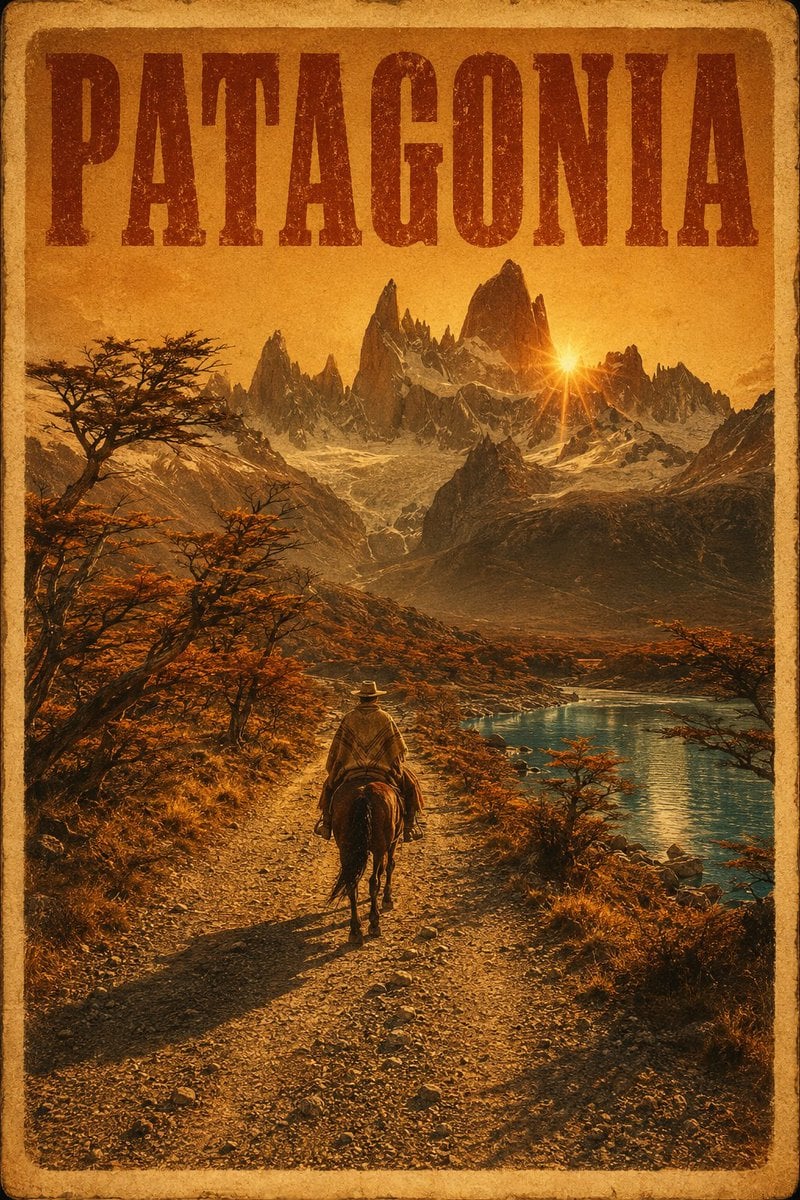
Vintage Patagonia Travel Poster

Paper Cut Vintage Travel Poster

Master Paper Cut Illustration — Saudi Arabia Travel Poster in Layered Paper Art
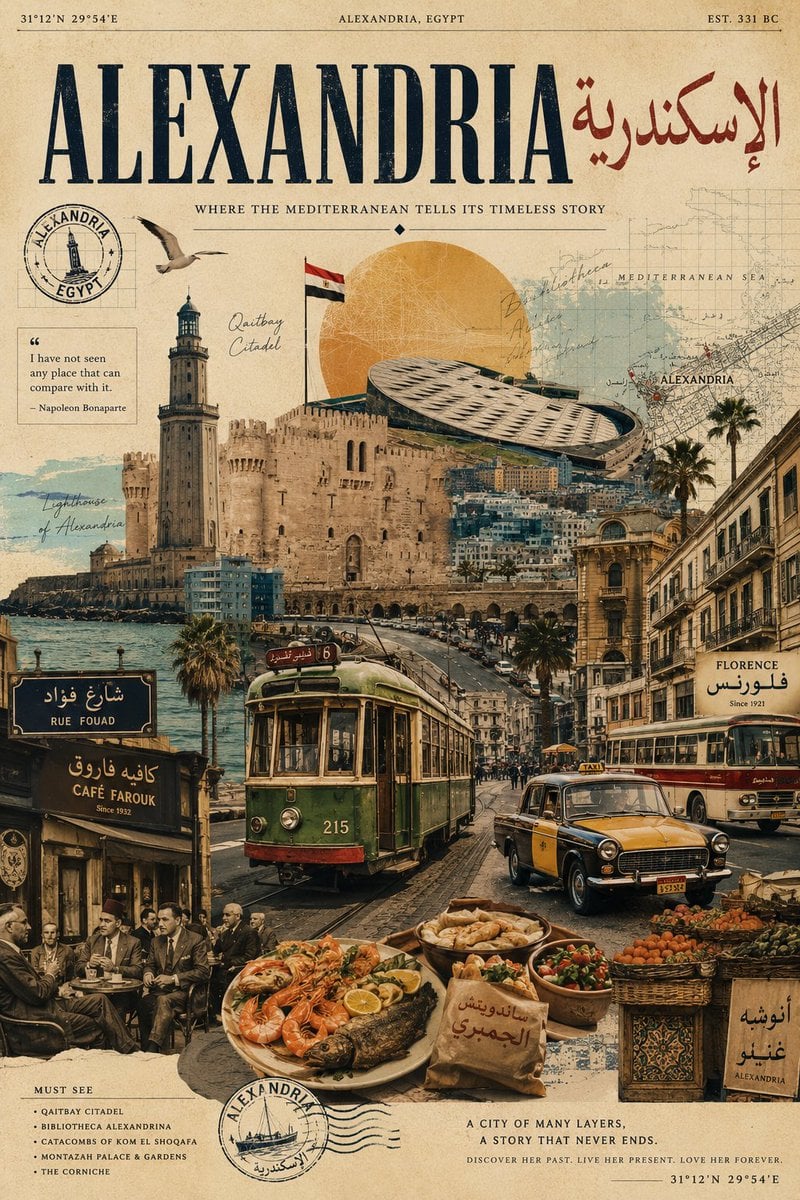
Vintage Alexandria Travel Poster
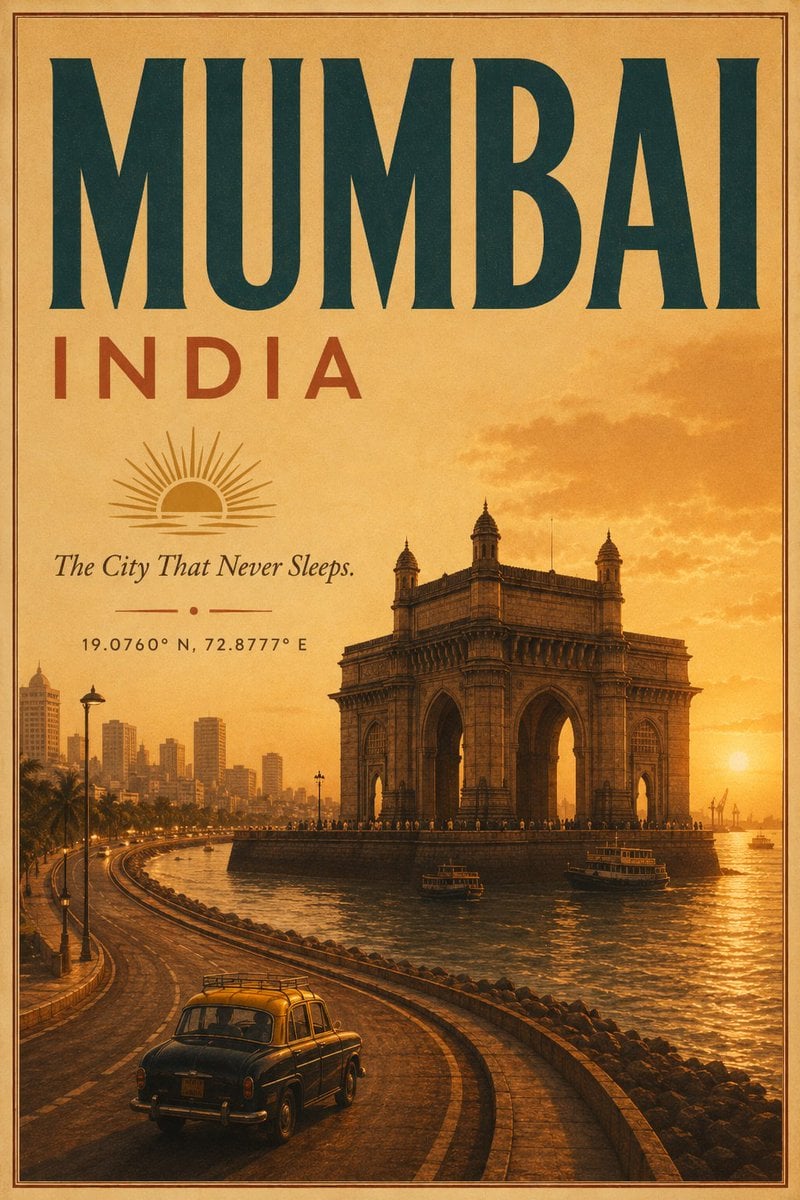
Vintage Mumbai Travel Poster
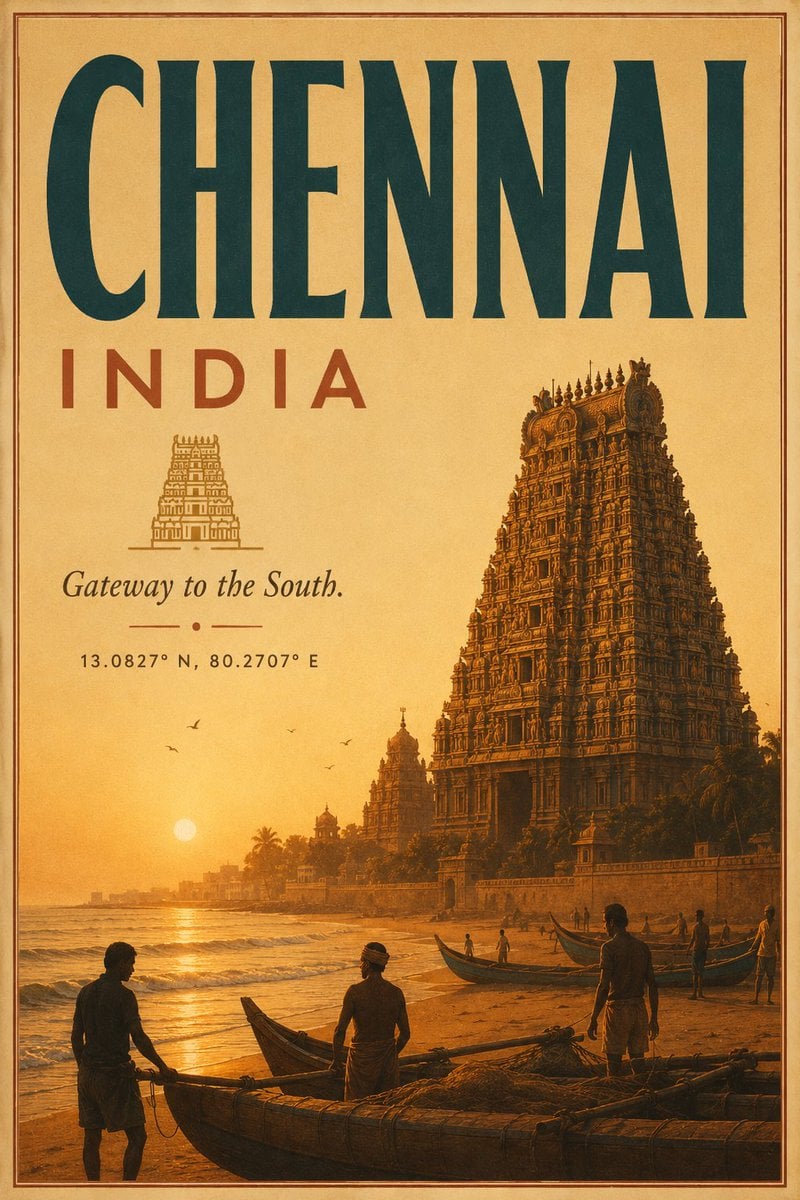
Vintage Chennai Travel Poster
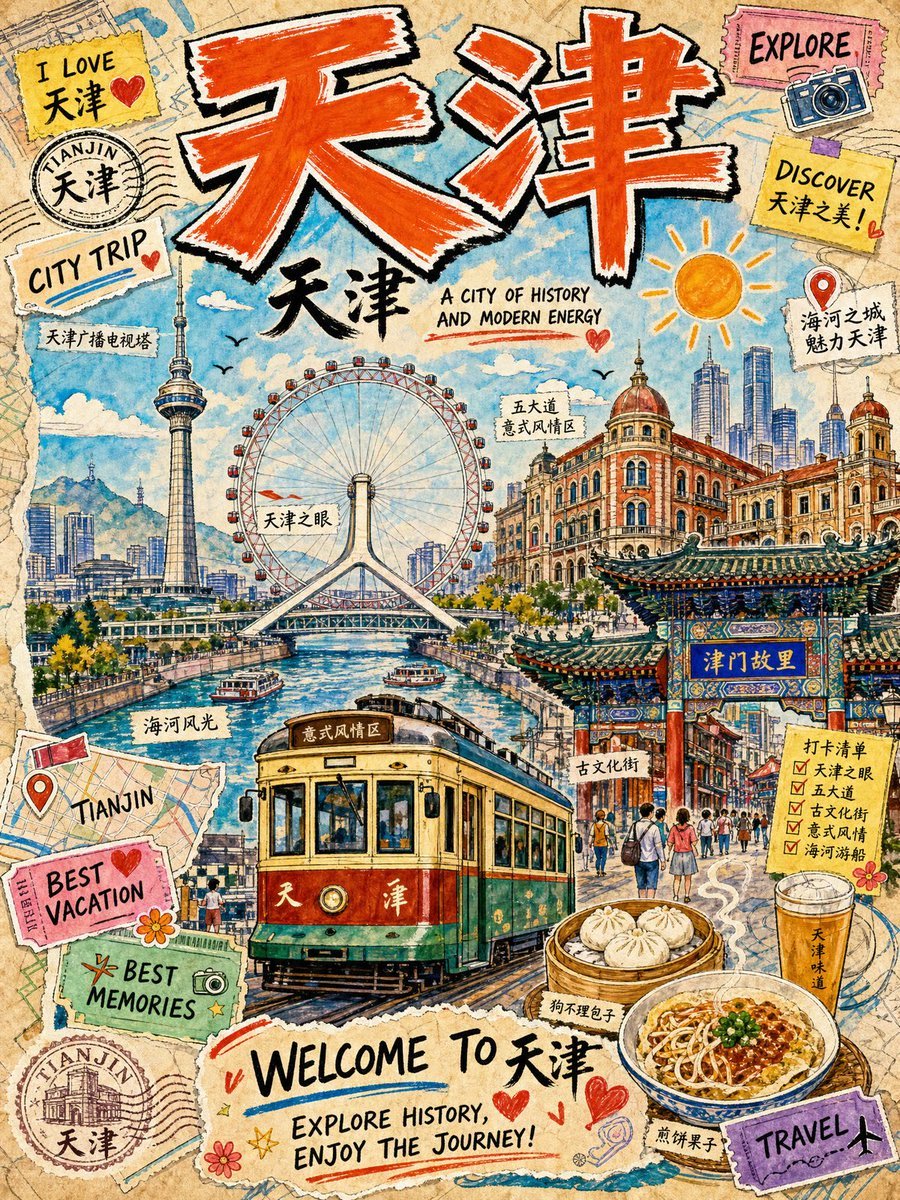
Vintage Tianjin Travel Poster

Sunday Afternoon, 1988
Make it yours
Vintage Travel Poster Illustration works as-is. These are the safest ways to change it without losing the look.
Change one field
Copy a single group, rewrite it, and generate again so you can see what that field is doing.
Keep the frame, change the subject
Hold the composition and light of Vintage Travel Poster Illustration, then swap wardrobe, props or the person for a new take.
| If the result… | Why | Fix |
|---|---|---|
| The result drifts from the preview | Too many fields changed at once. | Reuse Vintage Travel Poster Illustration as-is first, then change one group — subject, light, or setting. |
| The model over-stylizes the scene | The prose prompt leaves finish and camera underspecified. | Add one camera or lighting sentence and stay on GPT Image 2. |
More GPT Image 2 templates
Other prompts made for GPT Image 2.

Six VTuber Japanese Logo Sheet

Realistic Portrait of Woman and Deer

The Vista Modular Condo Poster

AI Model Routing Comparison Infographic

2.5D Anime Art Board

Isometric Productivity Desk Scene

New York Double Exposure Poster

Four-Panel AI Landscape Comparison

Japanese Tatami Lifestyle Magazine Cover

NESCAFÉ Coffee Map Poster
More image prompts
Fresh picks from across the catalog.
Handmade Clay Figurine Style with Wire Elements
Cinematic Tracking Shot Video Prompt
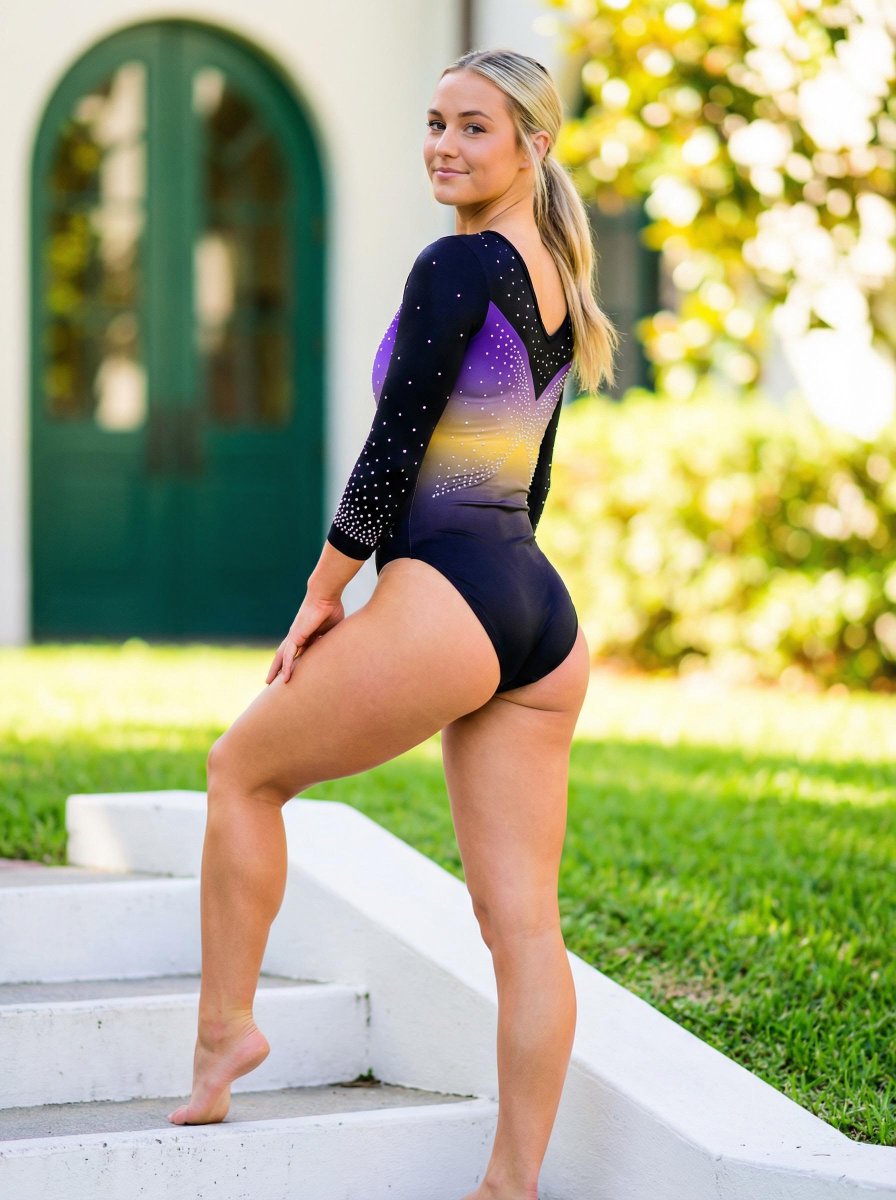
Realistic Vertical Portrait of an Athletic Woman

Monochromatic Winter Mountain Portrait
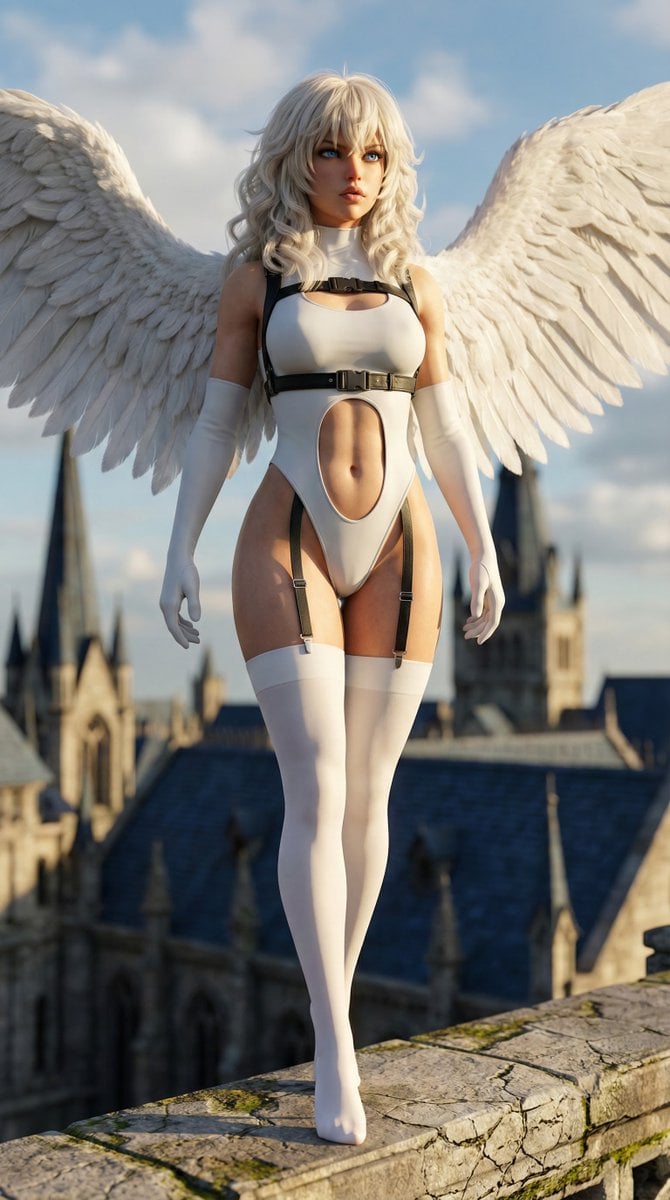
Hyper-realistic anime warrior portrait with tactical gear

Golden Hour Guitar Bedroom Scene

Vlogger Thumbnail Image Generation Prompt
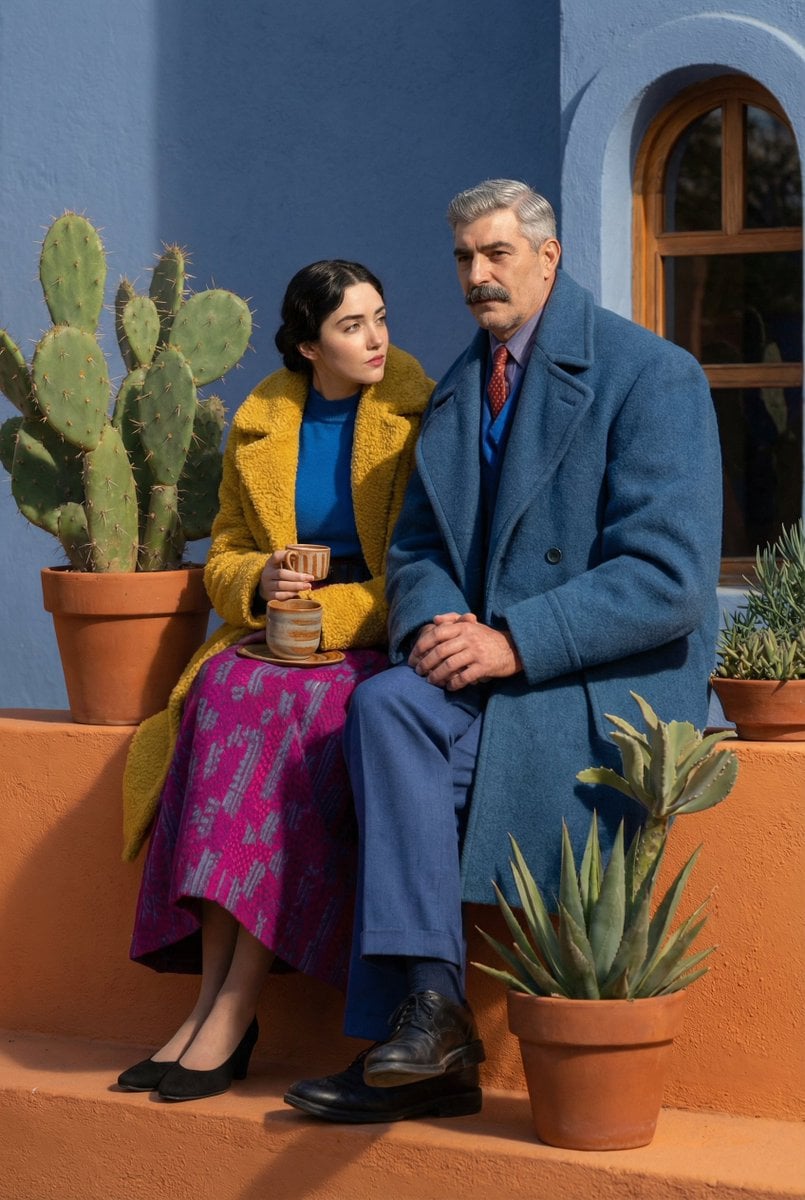
Action Movie Poster from Reference Image
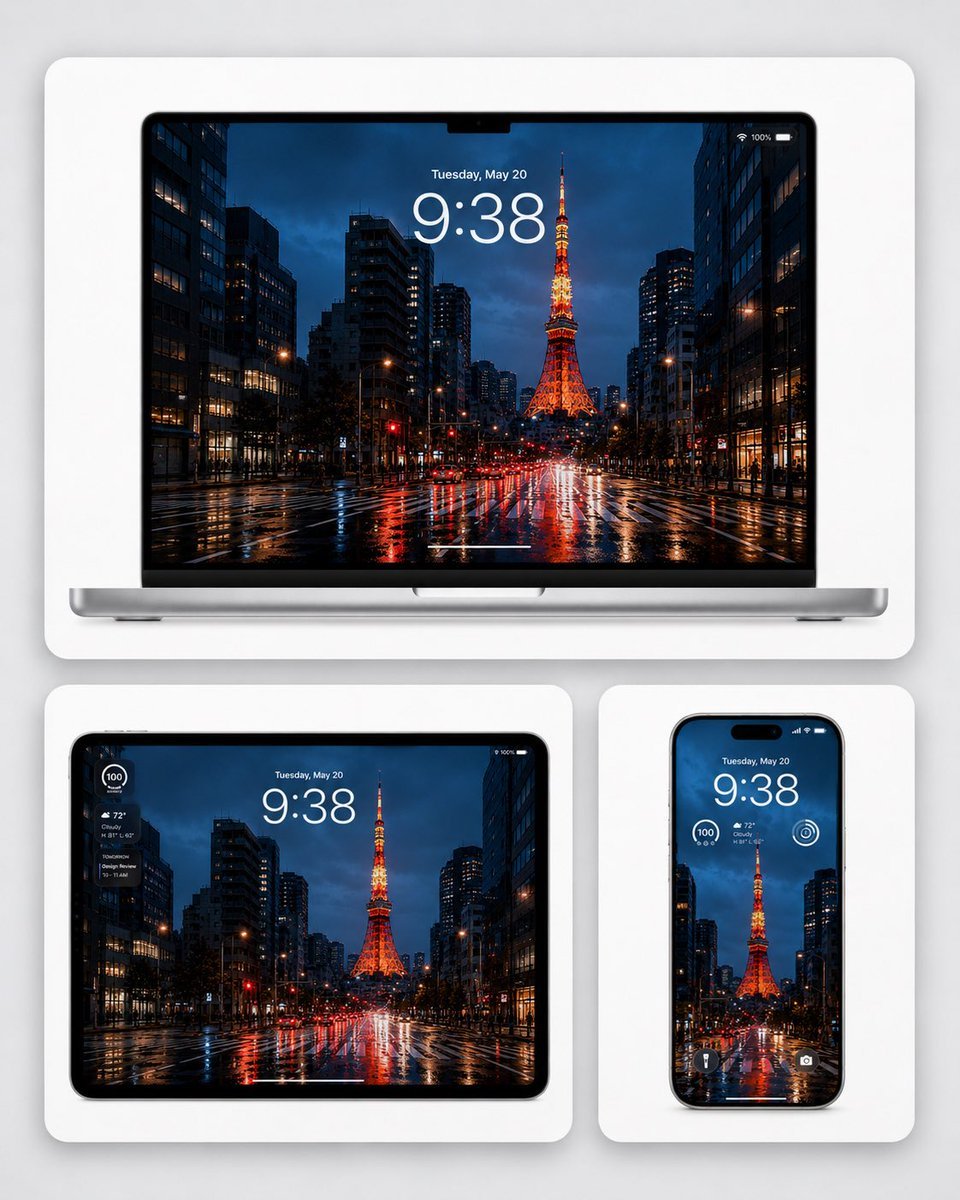
Rainy Tokyo Tower Device Mockup

Cinematic Road Trip Portrait Prompt
Browse template categories
Vintage Travel Poster Illustration questions
How do I use the Vintage Travel Poster Illustration template?
Add your photo if the template asks for one, edit the prompt if you like — the template's model and format are already selected — and press Generate. Your version opens in PicX Studio.
Can I customize the Vintage Travel Poster Illustration template?
Yes. You can change the subject, setting, lighting, mood, format, and available model controls before creating your image.
Is the Vintage Travel Poster Illustration template free?
Opening and editing this template is free. Generating uses credits, shown on the Generate button when you are signed in.
Which AI model should I use?
Start with GPT Image 2, which is the model associated with this template. You can compare another compatible model for a different finish.
Looking for something else? Browse all templates.

Your photo, any look
Thousands of ready templates for every top image and video model, from one credit balance.