46-nano-banana-2-high-fashion-sports-campai
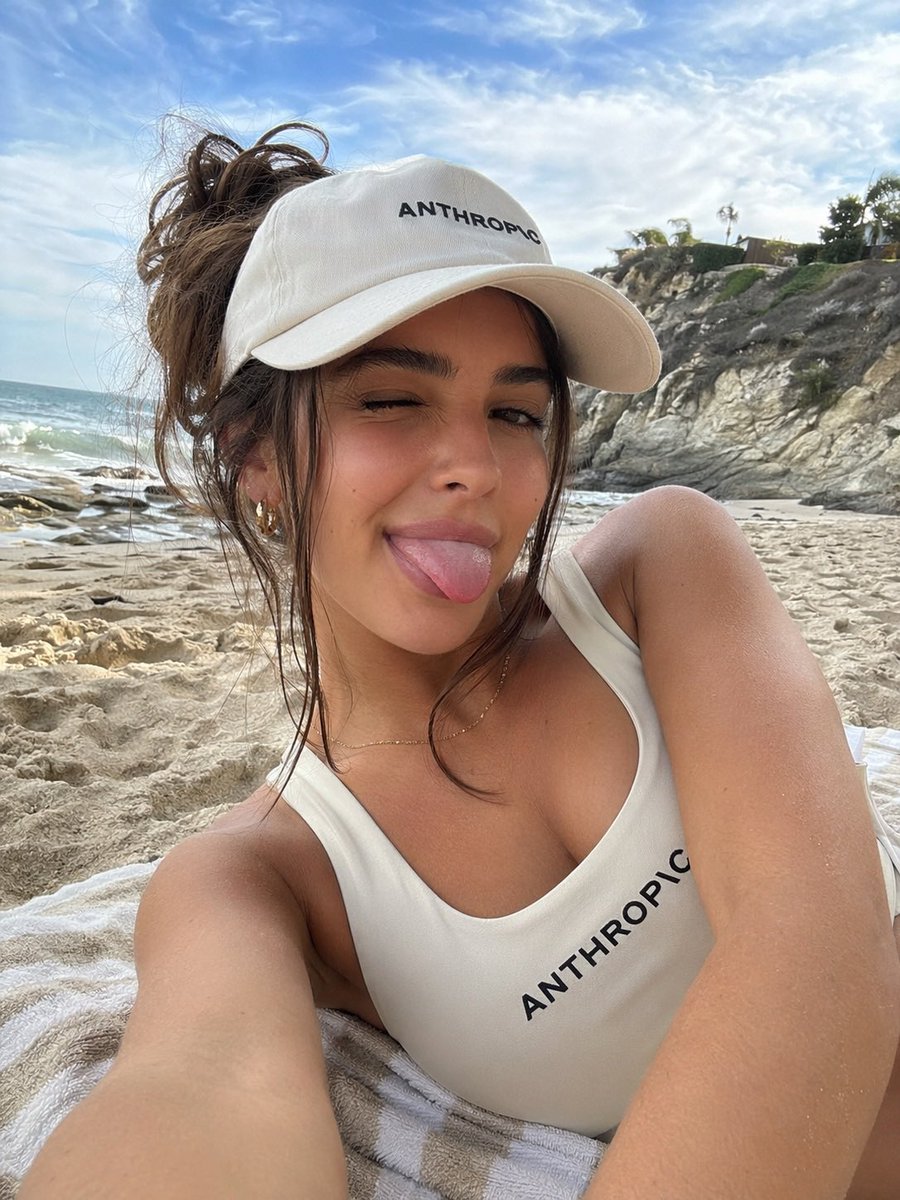
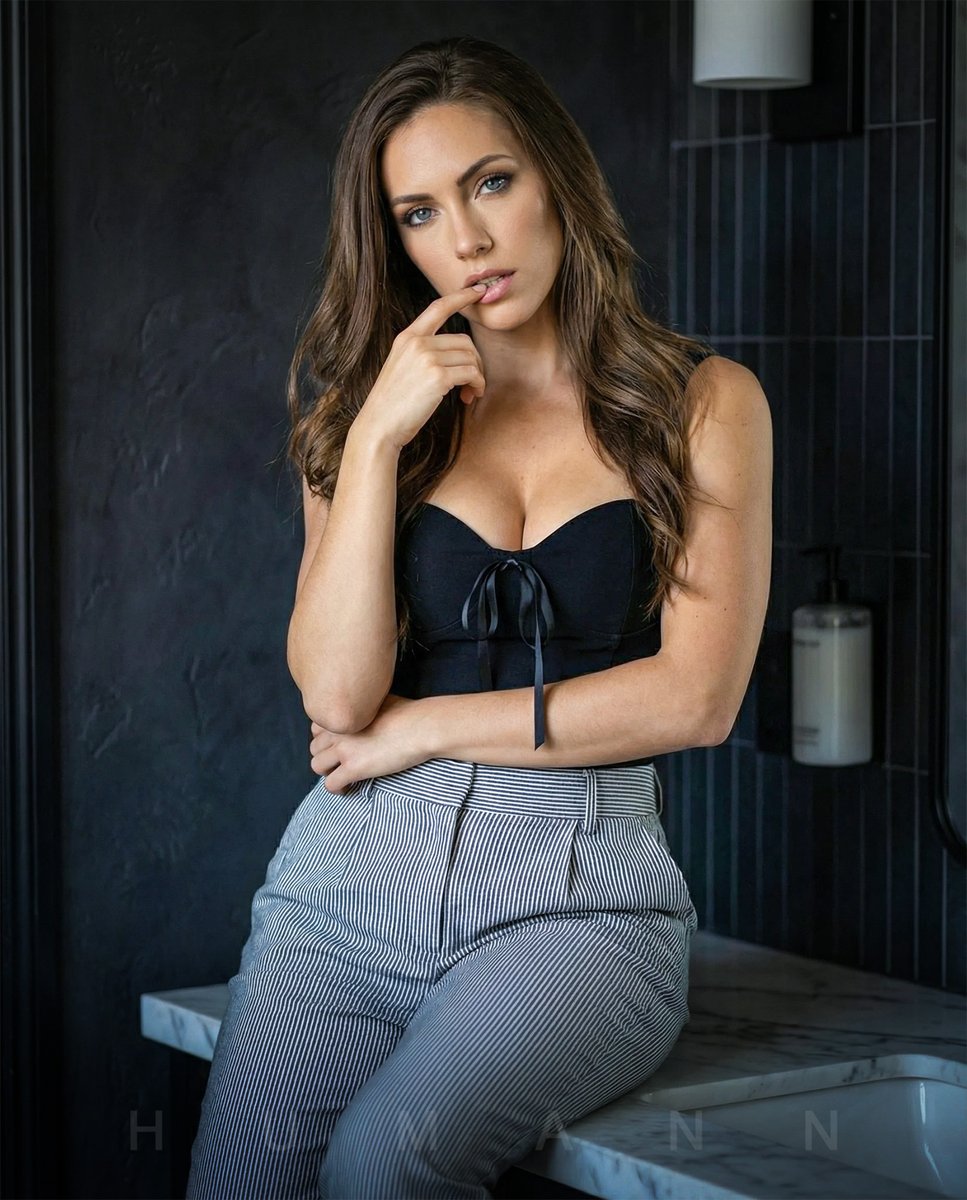
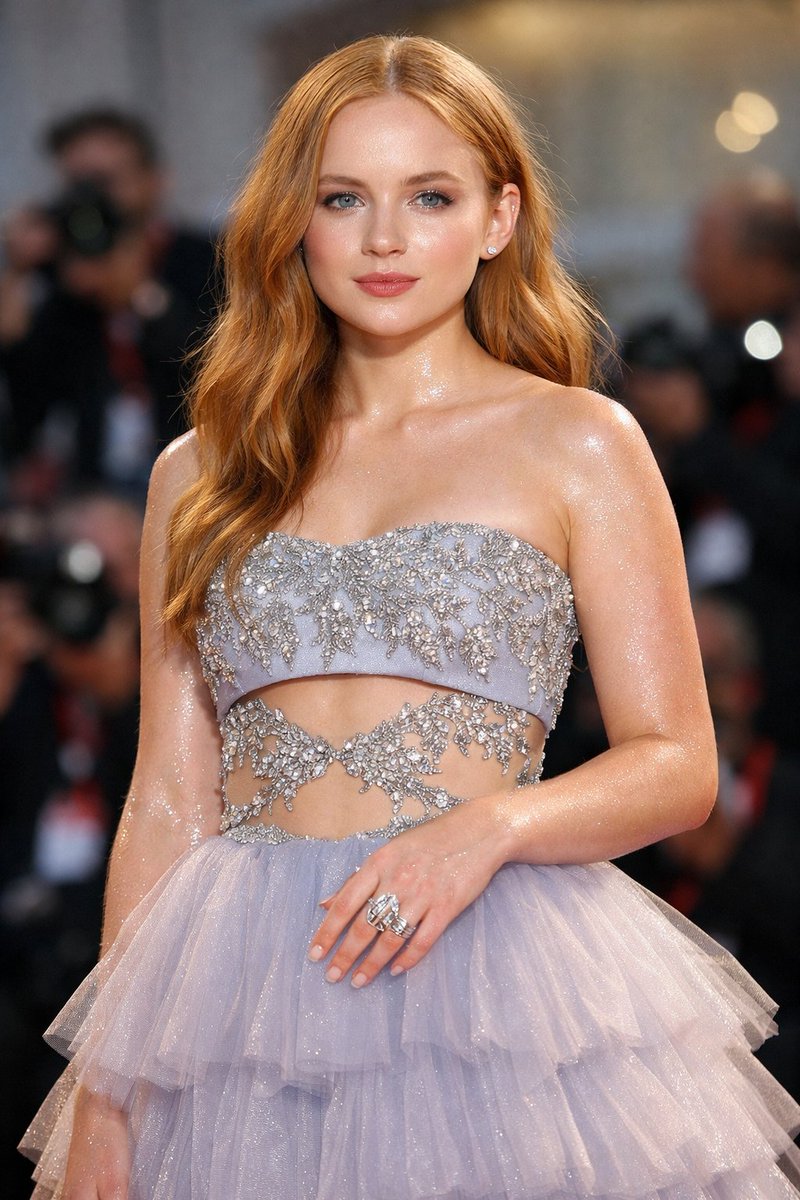
Use the reference woman as the absolute identity source with strict identity lock and maximum face similarity priority. Preserve her exact facial structure, eyes, nose, lips, skin tone, bone structure, proportions, and natural expression. Do not alter identity, do not beautify into another person, do not average the face, do not generate a lookalike.
The skin must appear as real professional photography, with authentic human skin texture: visible natural pores, subtle micro-texture, realistic skin grain, natural tonal variation, slight imperfections, soft daylight sheen, and true-to-life detail. Avoid any beauty filter effect, airbrushing, plastic smoothing, or artificial glow. Skin should feel raw, real, and high-end editorial.
Ensure physically correct human anatomy and realistic body proportions. Maintain accurate skeletal alignment, natural joint articulation, and correct limb length ratios. The pose must reflect real biomechanics with proper weight distribution, balanced posture, and believable muscle engagement. No distorted limbs, no unnatural curves, no broken joints. Hands, fingers, shoulders, hips, knees, and feet must be anatomically correct and naturally positioned. The body should feel strong, athletic, and physically believable.
A high-fashion sports campaign scene captured from an extreme low-angle perspective, creating a powerful, larger-than-life presence. The environment is dynamic and adrenaline-charged, combining a vivid open sky with subtle futuristic architectural or metallic elements, adding depth, motion energy, and a premium athletic atmosphere.
She is wearing a modern performance outfit in light blue and silver tones: a sleek, form-fitting sports bra with refined metallic accents and matching high-waisted performance shorts with sharp, contemporary cuts. The fabric should appear high-end, slightly glossy, and technically detailed.
On her feet are bold, futuristic sneakers in light blue and silver with a strong modern silhouette, visually dominant in the foreground due to perspective distortion. The shoes should feel premium, sharp, and hyper-detailed.
She wears modern sport-luxury sunglasses with a clean futuristic aesthetic. Her hair remains consistent with the reference identity, styled in a long high ponytail with natural movement and realistic strands.
Her pose is powerful, dynamic, and action-driven — captured mid-motion or in an explosive athletic stance, conveying speed, strength, and confidence. The composition emphasizes motion, energy, and dominance.
Lighting is bright natural daylight with crisp, realistic shadows. The overall look is ultra-photorealistic, cinematic, and editorial, with premium commercial sports campaign quality, realistic anatomy, and clean luxury athletic branding mood.
Negative prompt: text, logo, watermark, typography, letters, symbols, overlays, plastic skin, overly smooth skin, beauty filter, CGI skin, waxy texture, artificial glow, identity drift, different face, distorted anat







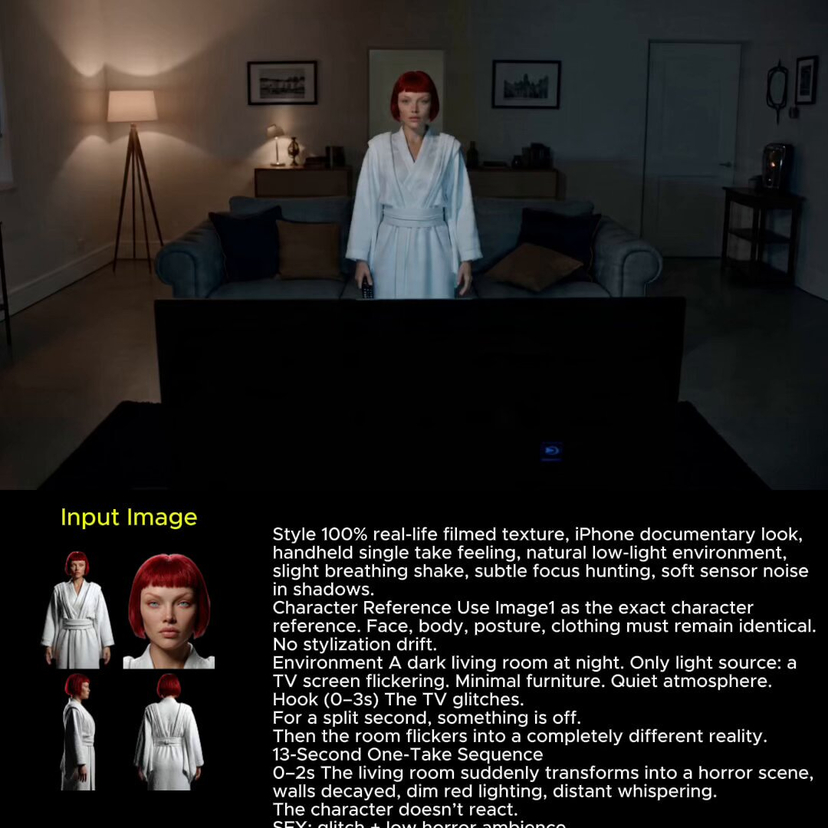





![118-google-nano-banana-pro-skincare-product- — A professional skincare shot of a [product container] with [cap/lid], labeled [brand, product, descriptor, volume](/_next/image?url=https%3A%2F%2Fcdn.picxstudio.com%2Fuploads%2Fpost118_img0_332898b8-29ea-42a9-87ab-9ed746a3f944.jpg&w=828&q=100)


![Naive doodle-style subject illustration — A doodle-style {argument name="subject" default="[subject]"}, naive lines, humorous shape exaggeration](https://pbs.twimg.com/media/G6Wl2YxbsAARB2b.jpg)

















![Slow Motion Pour Food Photography Prompt for Nano Banana 2 — [DISH] at the precise moment of a dramatic [LIQUID] pour in ultra high-speed photography, liquid ca](https://pbs.twimg.com/media/HEbyM0QaUAAm4Pv.jpg)