
High-End Interior Portrait on a Marble Vanity
A highly detailed, JSON-formatted prompt designed for generating a moody, editorial-style portrait of a woman seated on a marble vanity.
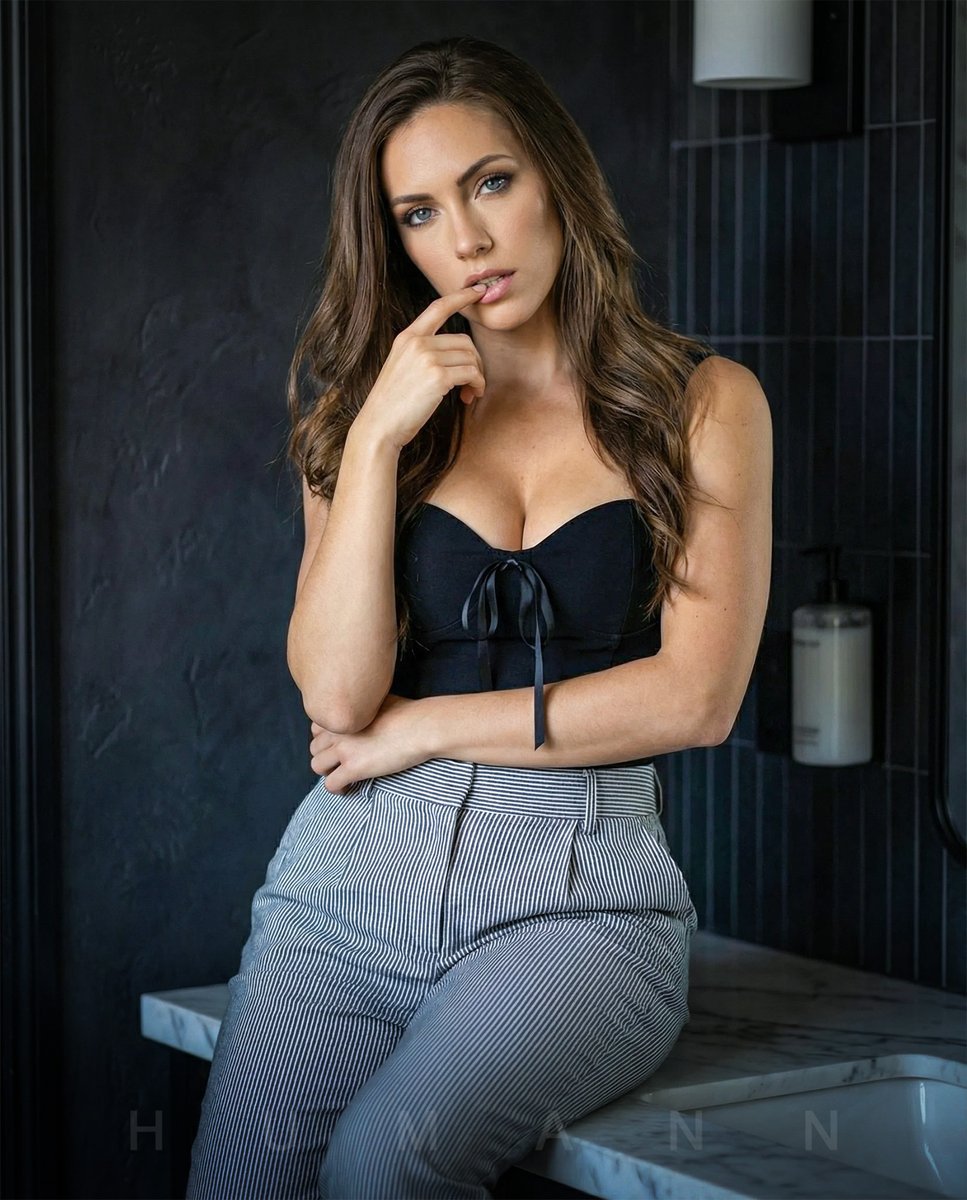
- Prompt included
- Model and format preset
- Premium template
The prompt behind this image
Copy the exact prompt behind High-End Interior Portrait on a Marble Vanity, or open it in the studio and make it yours.
- Meta › Optimization Target
- Nano Banana Pro
- Meta › Prompt Safety Layer
- High
- Meta › Fidelity Focus
- Textural and Compositional Accuracy
- Global Context › Scene Type
- High-end interior portrait, bathroom vanity setting
- Global Context › Atmosphere
- Moody, editorial aesthetic
- Global Context › Lighting › Setup
- Softbox-style frontal diffusion
- Global Context › Lighting › Shadow Depth
- Soft-focus gradients on facial contours
- Global Context › Lighting › Temperature
- 5500K (Neutral Daylight)
- Composition Engine › Framing
- Vertical, waist-up composition
- Composition Engine › Depth Mapping › Foreground
- Subject in sharp focus
- Composition Engine › Depth Mapping › Midground
- Polished white marble-texture countertop
- Composition Engine › Depth Mapping › Background
- Dark charcoal stucco wall and vertical subway tiles
- Composition Engine › Camera Specs
- 85mm lens equivalent, f/1.8 for shallow bokeh
- Primary Subject Parameters › Structural Id
- subject_alpha_01
- Primary Subject Parameters › Pose Data
- Sitting on horizontal surface, leaning forward 15 degrees, right hand index finger touching lower lip
- Primary Subject Parameters › Subject Profile › Identity Anchors › Description
- Maintain the specific facial geometry, hair, and eye shape of the reference subject. High-fidelity facial reconstruction.
- Primary Subject Parameters › Garment Specs › 0 › Item
- Bodice
- Primary Subject Parameters › Garment Specs › 0 › Color
- Matte Black
- Primary Subject Parameters › Garment Specs › 0 › Detail
- Sweetheart neckline with center-front ribbon tie
- Primary Subject Parameters › Garment Specs › 0 › Material
- Stretch cotton or silk blend
- Primary Subject Parameters › Garment Specs › 1 › Item
- Trousers
- Primary Subject Parameters › Garment Specs › 1 › Color
- Cool Grey / White
- Primary Subject Parameters › Garment Specs › 1 › Pattern
- 0.5cm vertical pinstripe
- Primary Subject Parameters › Garment Specs › 1 › Fit
- High-waisted, pleated fabric folds
Raw JSON
{
  "meta": {
    "optimization_target": "Nano Banana Pro",
    "prompt_safety_layer": "High",
    "fidelity_focus": "Textural and Compositional Accuracy"
  },
  "global_context": {
    "scene_type": "High-end interior portrait, bathroom vanity setting",
    "atmosphere": "Moody, editorial aesthetic",
    "lighting": {
      "setup": "Softbox-style frontal diffusion",
      "shadow_depth": "Soft-focus gradients on facial contours",
      "temperature": "5500K (Neutral Daylight)"
    }
  },
  "composition_engine": {
    "framing": "Vertical, waist-up composition",
    "depth_mapping": {
      "foreground": "Subject in sharp focus",
      "midground": "Polished white marble-texture countertop",
      "background": "Dark charcoal stucco wall and vertical subway tiles"
    },
    "camera_specs": "85mm lens equivalent, f/1.8 for shallow bokeh"
  },
  "primary_subject_parameters": {
    "structural_id": "subject_alpha_01",
    "pose_data": "Sitting on horizontal surface, leaning forward 15 degrees, right hand index finger touching lower lip",
    "subject_profile": {
      "identity_anchors": {
        "description": "Maintain the specific facial geometry, hair, and eye shape of the reference subject. High-fidelity facial reconstruction."
      }
    },
    "garment_specs": [
      {
        "item": "Bodice",
        "color": "Matte Black",
        "detail": "Sweetheart neckline with center-front ribbon tie",
        "material": "Stretch cotton or silk blend"
      },
      {
        "item": "Trousers",
        "color": "Cool Grey / White",
        "pattern": "0.5cm vertical pinstripe",
        "fit": "High-waisted, pleated fabric folds"
      }
    ]
  },
  "environment_data": {
    "surfaces": [
      {
        "type": "Countertop",
        "material": "Polished porcelain",
        "reflectivity": "0.4 gloss factor",
        "visuals": "Subtle reflection of pinstripe textile"
      },
      {
        "type": "Wall",
        "texture": "Heavy-grit plaster/stucco",
        "color": "#121212"
      }
    ],
    "props": [
      {
        "id": "item_01",
        "label": "Dispenser",
        "color": "Opaque White",
        "position": "Right quadrant, background"
      }
    ]
  },
  "semantic_relationships": [
    "Subject is anchored to the central horizontal plane",
    "Vertical stripes of trousers contrast with horizontal counter edge",
    "Dark background creates high-contrast silhouette for light hair"
  ]
}How to use High-End Interior Portrait on a Marble Vanity in 3 steps
- 1
Open
The prompt is already in the box next to the preview, with the template's model and format selected.
- 2…a portrait of your subject in softgolden-hour light, 85mm…
Personalize
Edit the subject and creative details for your destination.
- 3Generate
Generate
Press Generate — your image is created in PicX Studio, so you can compare it with the original and refine one variable at a time.
More like this
Templates with the same subject, style or setup. Open one to see its prompt.

Cinematic Sport Logo Render in Midjourne

Found Photograph: Us, 1970

80s Couple Studio Portrait

80s Bollywood Star

80s Golden Hour Cinema

Me in 1985

1985 Studio Portrait

Hyper-Realistic Minecraft POV Portrait

Rooftop Fisheye — Cat-Ear Balaclava at Golden Hour

Rainy Café Window Moody Portrait

Car Sun Visor Vanity Mirror Close Up
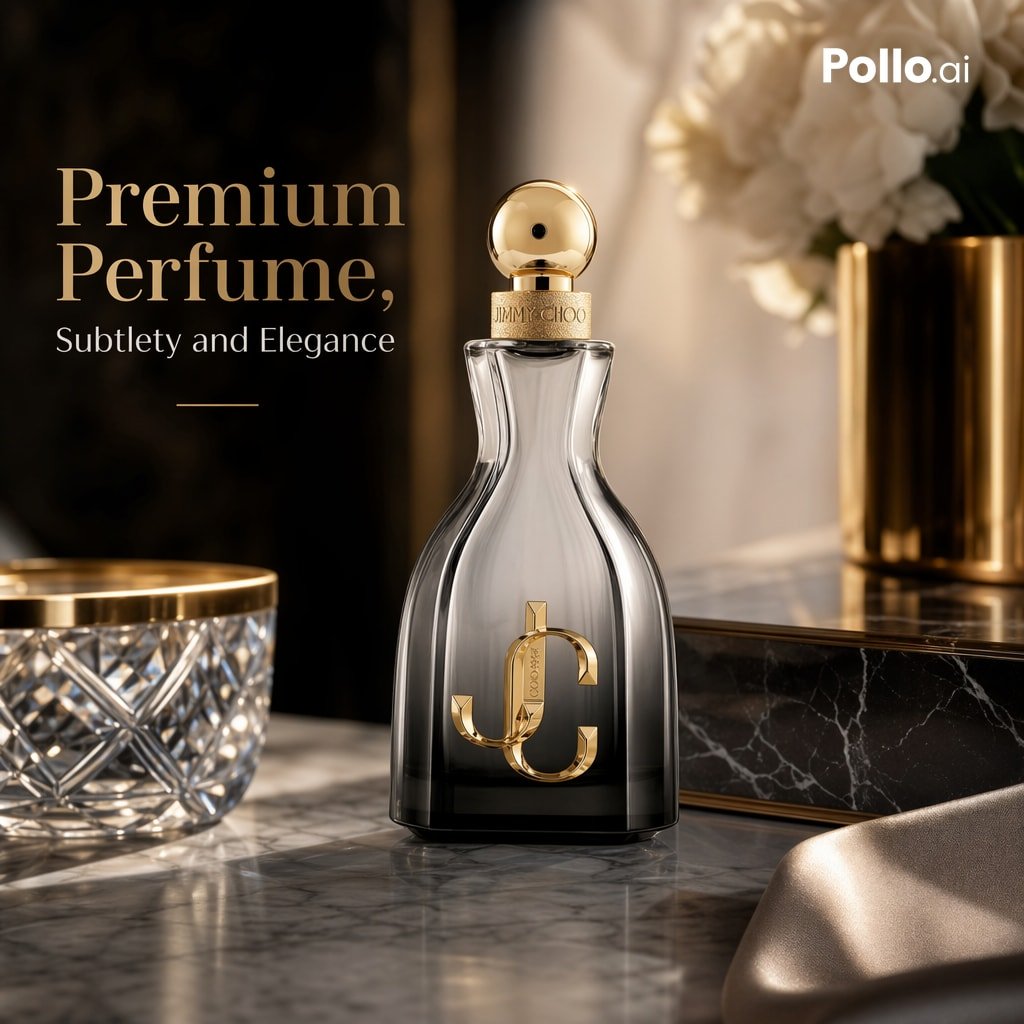
Luxury Perfume Ad on Marble Vanity
Make it yours
High-End Interior Portrait on a Marble Vanity works as-is. These are the safest ways to change it without losing the look.
Swap the setting
Keep the rest of the prompt and replace the location block. The current setting is “Dark charcoal stucco wall and vertical subway tiles”.
Swap the light
One lighting change is enough to compare takes. Current light: “Softbox-style frontal diffusion”.
Change one field
Copy a single group, rewrite it, and generate again so you can see what that field is doing.
| If the result… | Why | Fix |
|---|---|---|
| The result drifts from the preview | Too many fields changed at once. | Reuse High-End Interior Portrait on a Marble Vanity as-is first, then change one group — subject, light, or setting. |
| Nano Banana 2 ignores part of the JSON | Some models flatten or skip nested keys. | Keep the same values and paste them as a short paragraph instead. |
More Nano Banana 2 templates
Other prompts made for Nano Banana 2.

Photorealistic Leaf Shaped Like a Dragon

K-Pop Idol Portrait Grid for Rapid Selection

Poetic Rain Forest Portrait During Golden Hour

Urban Street Portrait with Cartoon Inner Self Duo

Candid Nighttime Photo with Cat Prompt

High-Concept 3D Diorama Generation Prompt

Cinematic Futuristic Studio Portrait Template

Skincare Editorial Photography Collage Prompt

Hyper-Realistic Commercial Product Photography (Splash Effect)

Hyper-Realistic Nightclub Portrait Prompt
More image prompts
Fresh picks from across the catalog.
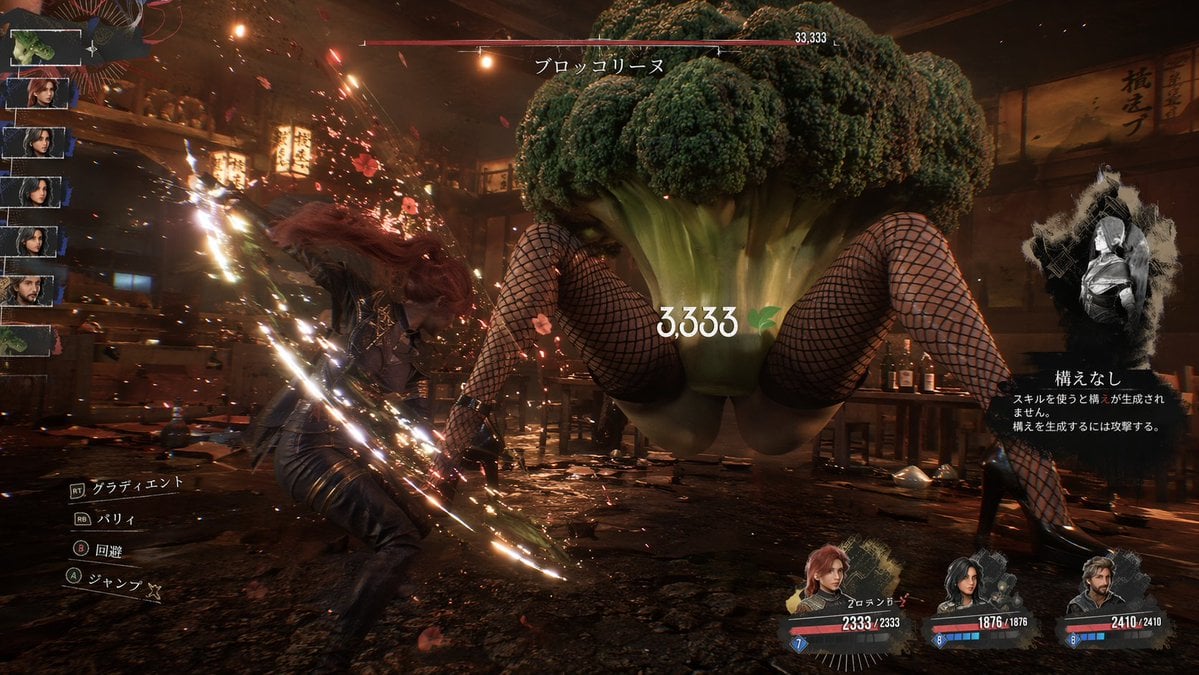
Surreal Action RPG Boss Fight UI
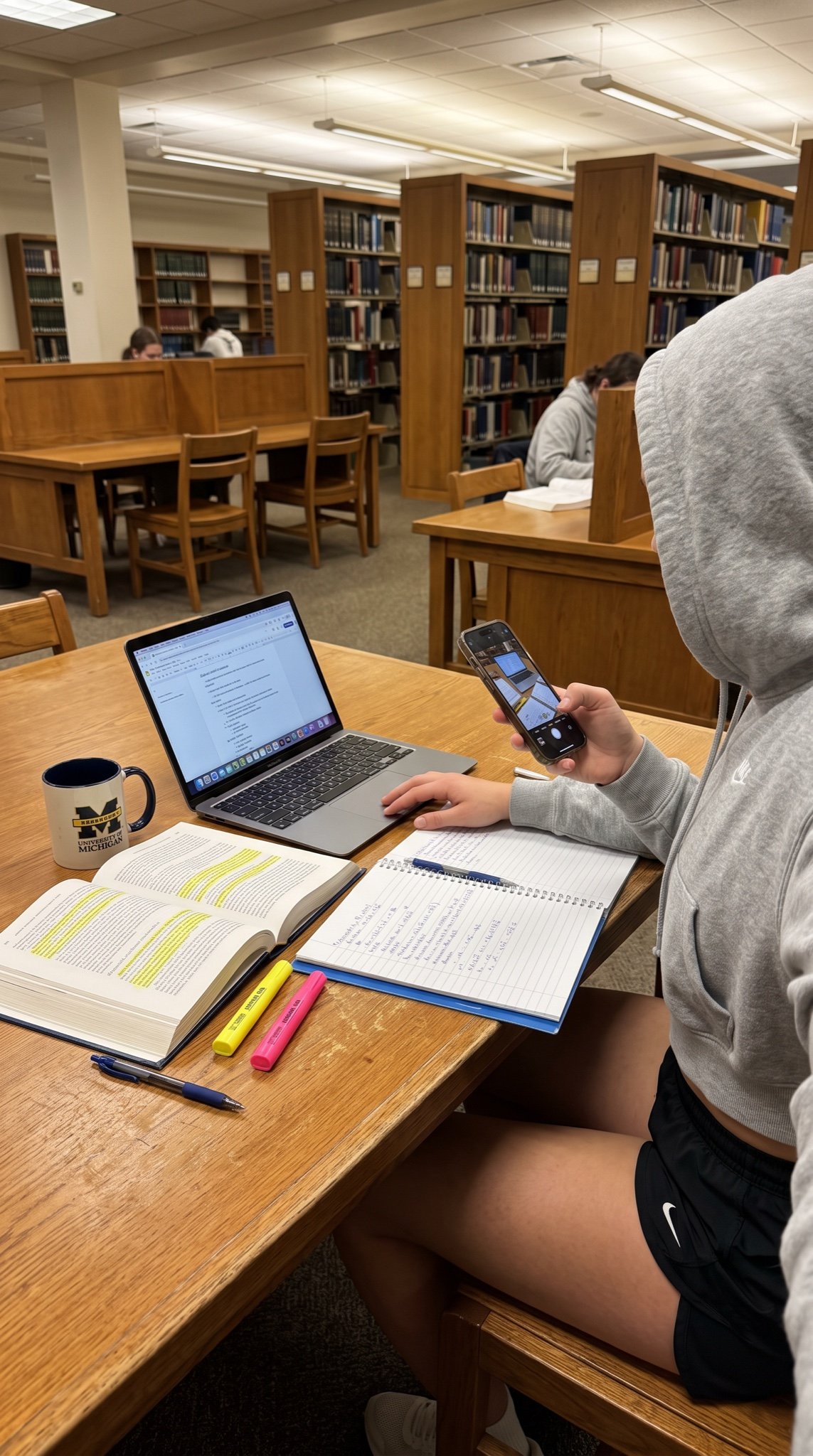
College Studying Candid Photo Prompt

Beach Day Image Generation

Intentional Low Quality MS Paint Redraw

Colorful Children's Shoe Ad

Anime AI Plaza Make-Up Scene

Playful 3D Toy Kinkajou Prompt
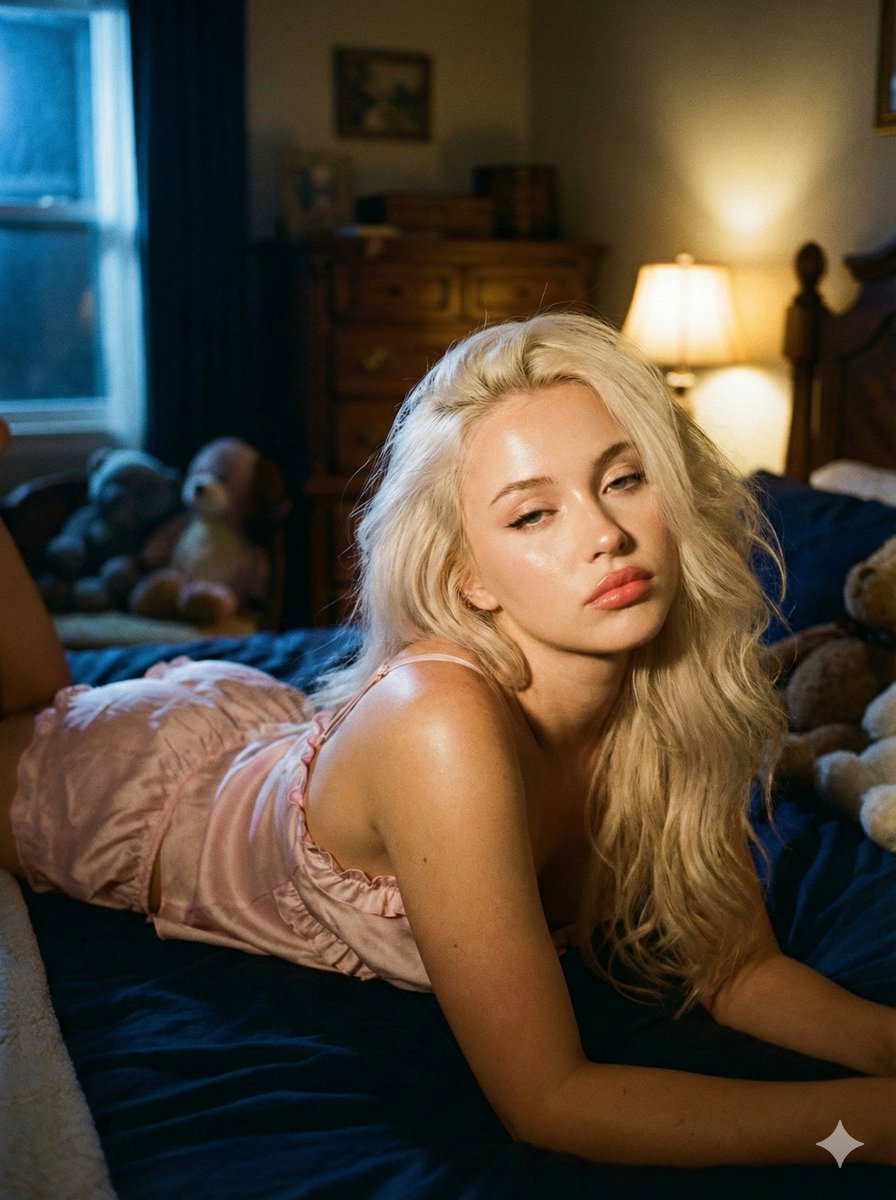
Intimate Low-Light Bedroom Portrait with Vintage Film Aesthetic

Handcrafted Layered Papercraft Artwork

Hyper-Realistic Selfie Portrait
Browse template categories
High-End Interior Portrait on a Marble Vanity questions
How do I use the High-End Interior Portrait on a Marble Vanity template?
Add your photo if the template asks for one, edit the prompt if you like — the template's model and format are already selected — and press Generate. Your version opens in PicX Studio.
Can I customize the High-End Interior Portrait on a Marble Vanity template?
Yes. You can change the subject, setting, lighting, mood, format, and available model controls before creating your image.
Is the High-End Interior Portrait on a Marble Vanity template free?
Opening and editing this template is free. Generating uses credits, shown on the Generate button when you are signed in.
Which AI model should I use?
Start with Nano Banana 2, which is the model associated with this template. You can compare another compatible model for a different finish.
Looking for something else? Browse all templates.

Your photo, any look
Thousands of ready templates for every top image and video model, from one credit balance.