
Anime AI Plaza Make-Up Scene
Generates a humorous anime-style public scene of two men touching each other’s faces in front of an AI-themed plaza with bold signage.
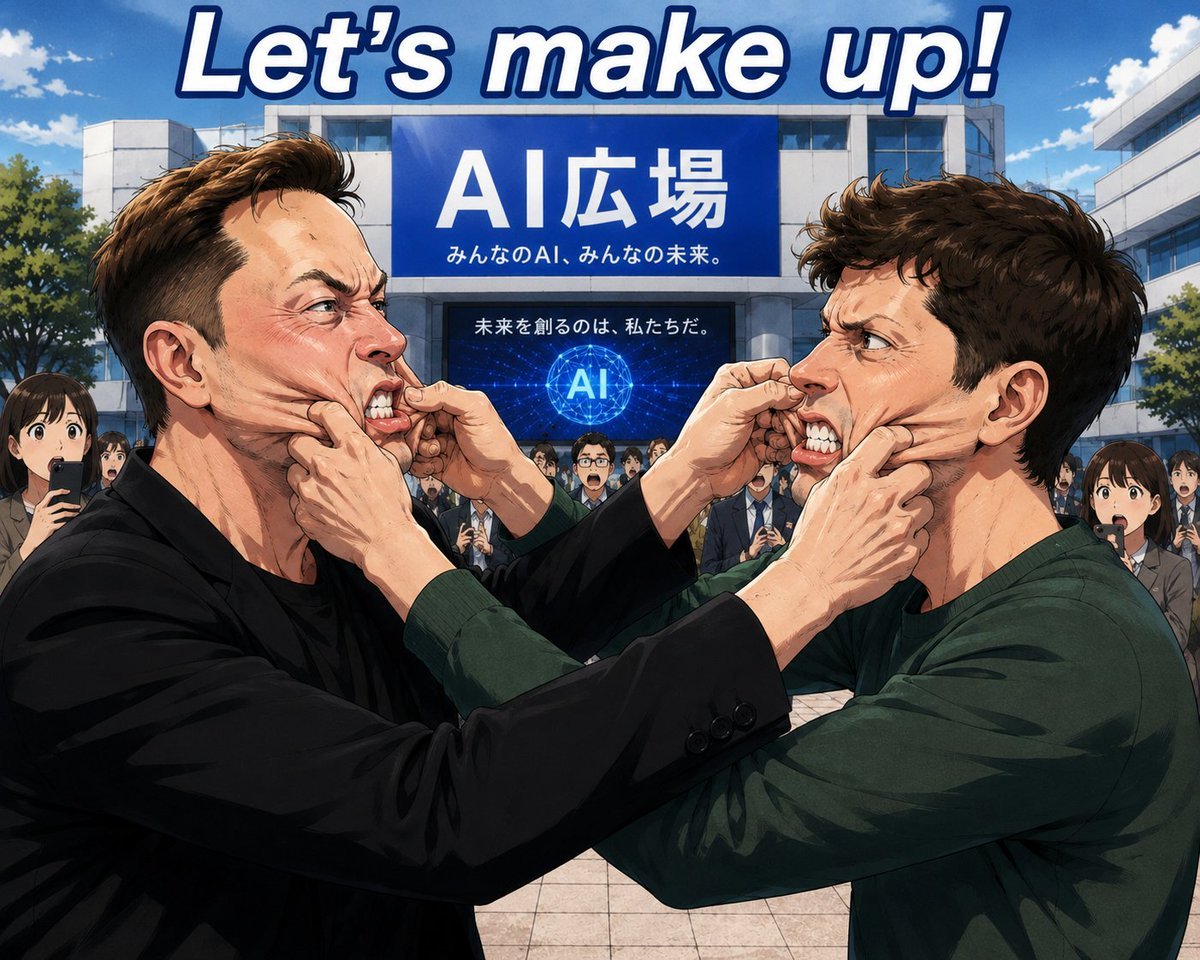
- Prompt included
- Model and format preset
- Free template
The prompt behind this image
Copy the exact prompt behind Anime AI Plaza Make-Up Scene, or open it in the studio and make it yours.
Create a dramatic anime-style illustration in a bright outdoor plaza in front of a modern white university or civic building under a vivid blue sky with scattered clouds. At the very top, place one huge italic headline reading {argument name="headline text" default="Let’s make up!"} in white letters with a thick navy outline. On the building facade, include two visible blue signboards: a large upper sign reading {argument name="main sign text" default="AI広場"} with the smaller line “みんなのAI、みんなの未来。” beneath it, and a darker lower digital screen reading “未来を創るのは、私たちだ。” above a glowing network globe marked “AI”. In the foreground, show exactly two young adult men in profile facing each other at very close range: the left man has {argument name="left man's hair" default="short swept-back light brown hair"}, wears a black jacket over a dark shirt, and reaches both hands toward the other man’s face; the right man has {argument name="right man's hair" default="messy dark brown hair"}, wears a dark green long-sleeve shirt, and reaches both hands toward the left man’s face. Their hands are pressed to each other’s cheeks as if applying makeup or making peace in a tense but humorous public demonstration. Both main faces are intentionally covered by large soft rectangular skin-tone privacy blurs, and several background onlookers also have smaller blurred faces. Behind them, include a crowd of office workers and students in suits and casual clothing, some holding smartphones, watching the scene in front of the AI plaza. Use polished Japanese anime rendering, sharp linework, cinematic composition, expressive hand anatomy, dynamic close-up perspective, saturated daylight colors, and detailed building architecture.
How to use Anime AI Plaza Make-Up Scene in 3 steps
- 1Upload ImagePNG, JPG or paste
Add your photo
Upload the photo the template builds on. The prompt, model and format are already set.
- 2…a portrait of your subject in softgolden-hour light, 85mm…
Personalize
Edit the subject and creative details for your destination.
- 3Generate
Generate
Press Generate — your image is created in PicX Studio, so you can compare it with the original and refine one variable at a time.
More like this
Templates with the same subject, style or setup. Open one to see its prompt.












Make it yours
Anime AI Plaza Make-Up Scene works as-is. These are the safest ways to change it without losing the look.
Change one field
Copy a single group, rewrite it, and generate again so you can see what that field is doing.
Keep the frame, change the subject
Hold the composition and light of Anime AI Plaza Make-Up Scene, then swap wardrobe, props or the person for a new take.
| If the result… | Why | Fix |
|---|---|---|
| The result drifts from the preview | Too many fields changed at once. | Reuse Anime AI Plaza Make-Up Scene as-is first, then change one group — subject, light, or setting. |
| The model over-stylizes the scene | The prose prompt leaves finish and camera underspecified. | Add one camera or lighting sentence and stay on GPT Image 2. |
More GPT Image 2 templates
Other prompts made for GPT Image 2.

Six VTuber Japanese Logo Sheet

Realistic Portrait of Woman and Deer

The Vista Modular Condo Poster

AI Model Routing Comparison Infographic

2.5D Anime Art Board

Isometric Productivity Desk Scene

New York Double Exposure Poster

Four-Panel AI Landscape Comparison

Japanese Tatami Lifestyle Magazine Cover

NESCAFÉ Coffee Map Poster
More image prompts
Fresh picks from across the catalog.
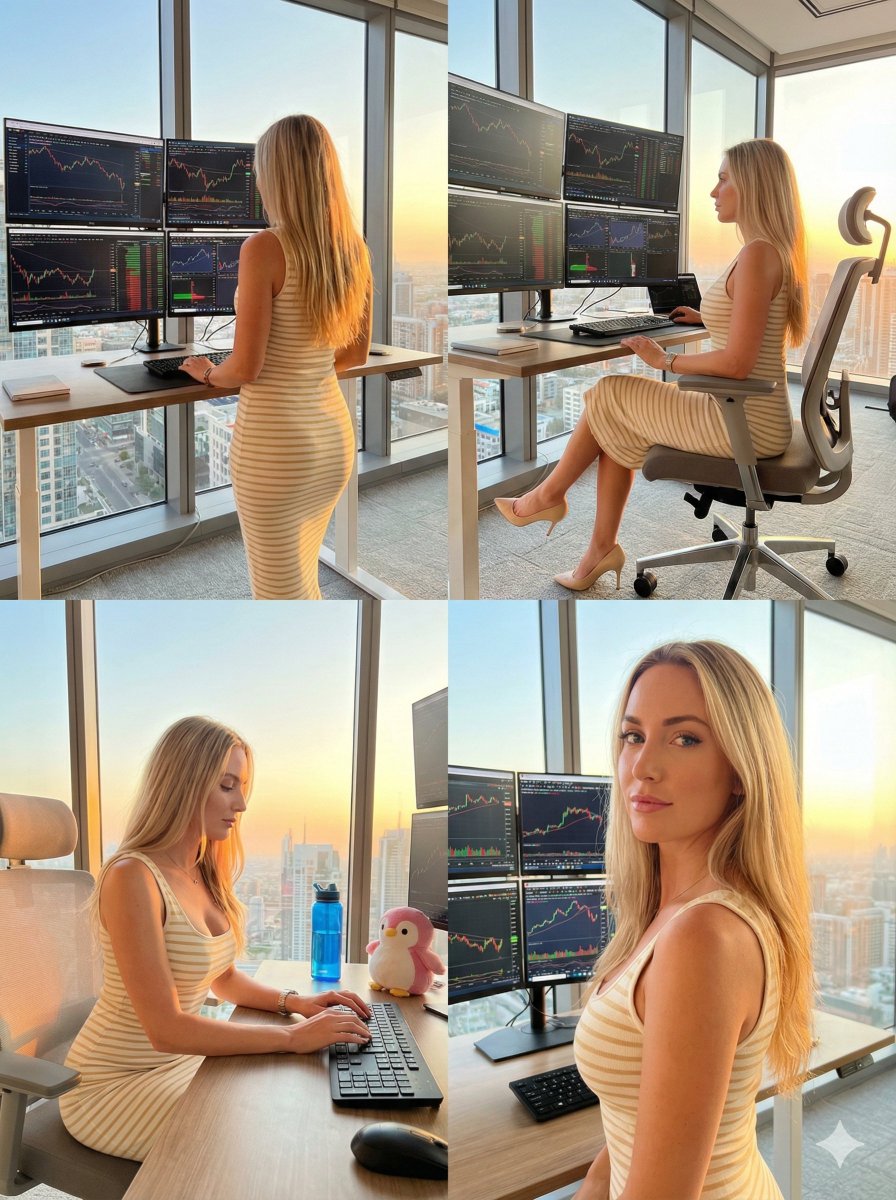
Four-Panel Trading Workspace Lifestyle Collage Prompt
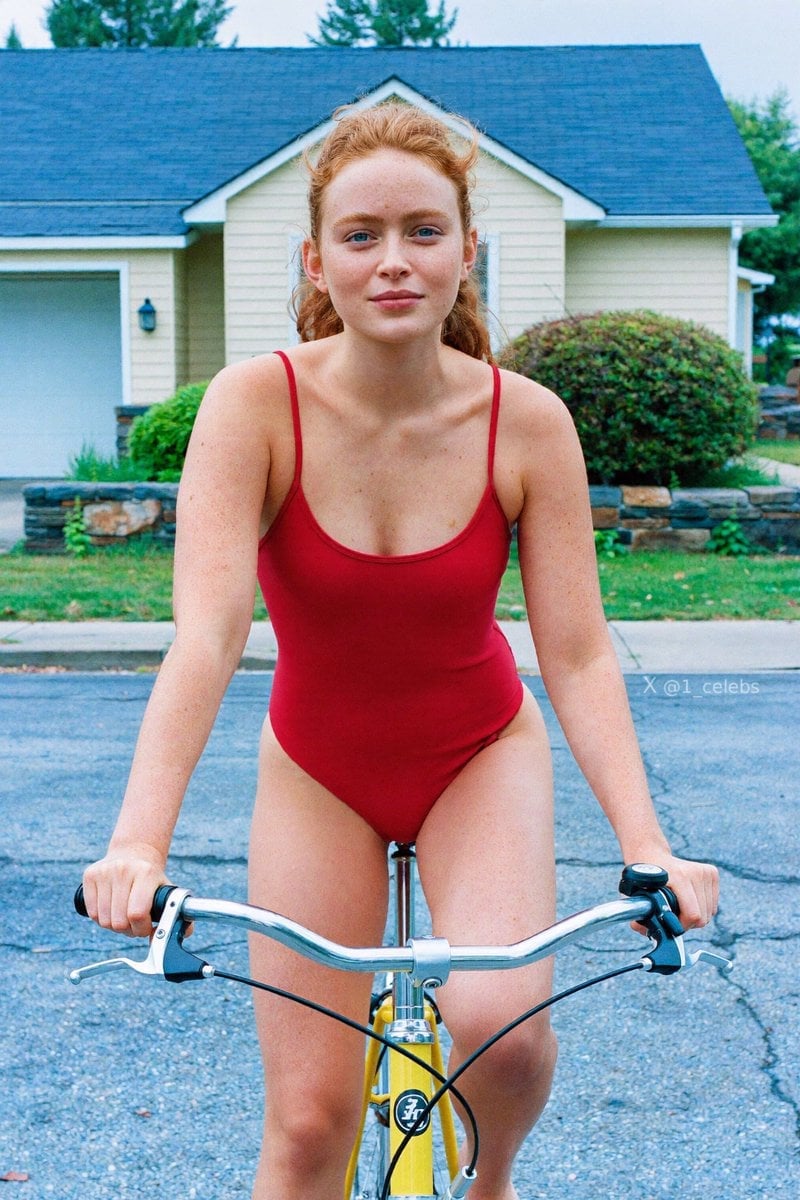
Scarlet Street Serenity
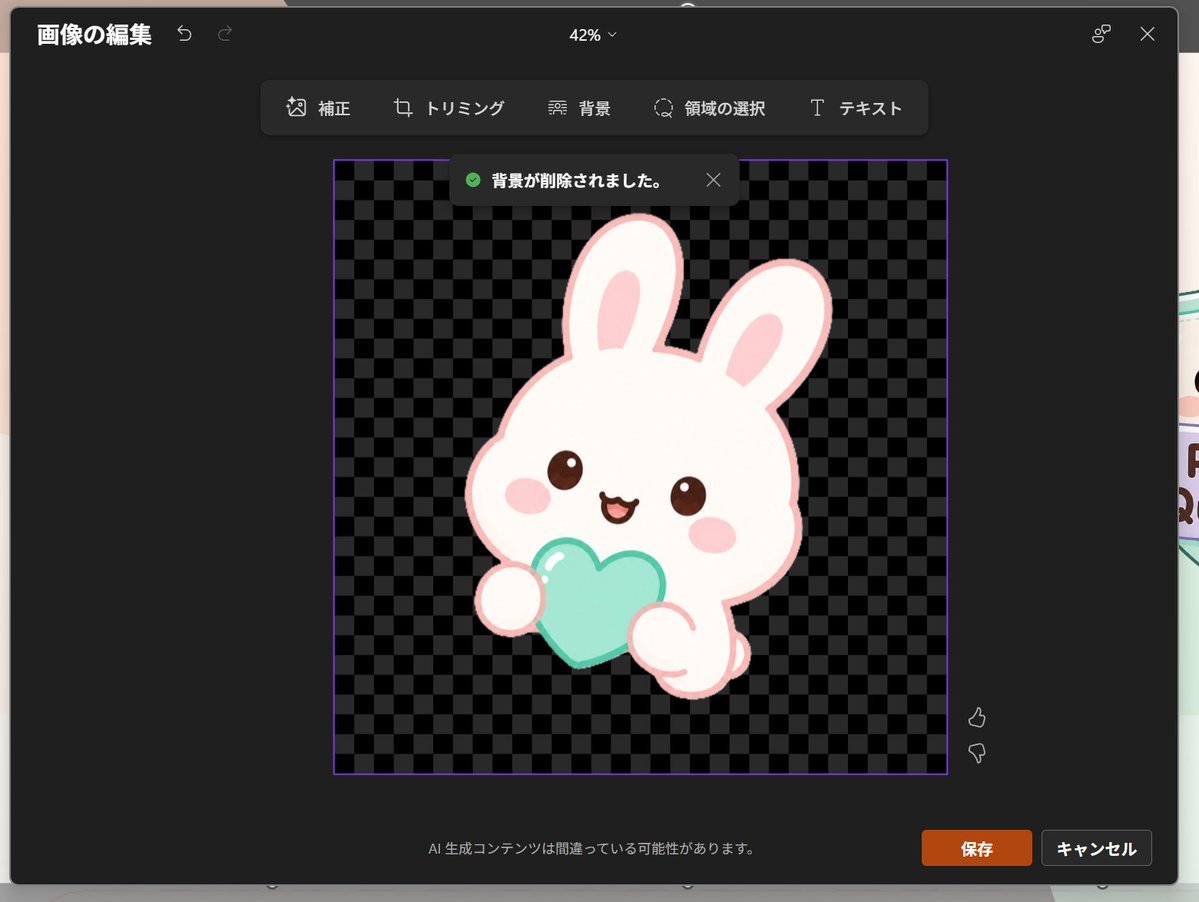
Japanese PowerPoint Bunny Icon Editor

14 Napa Valley Vineyard — California Series
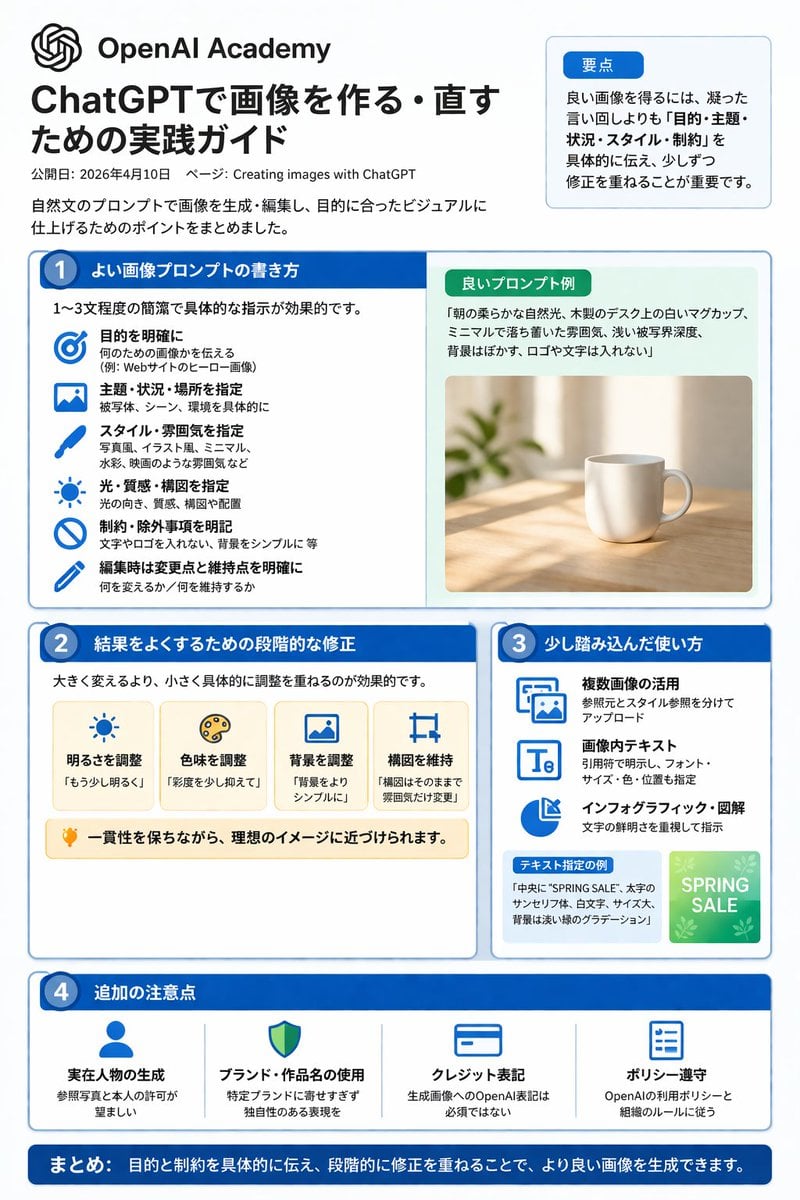
ChatGPT Image Generation Guide Infographic
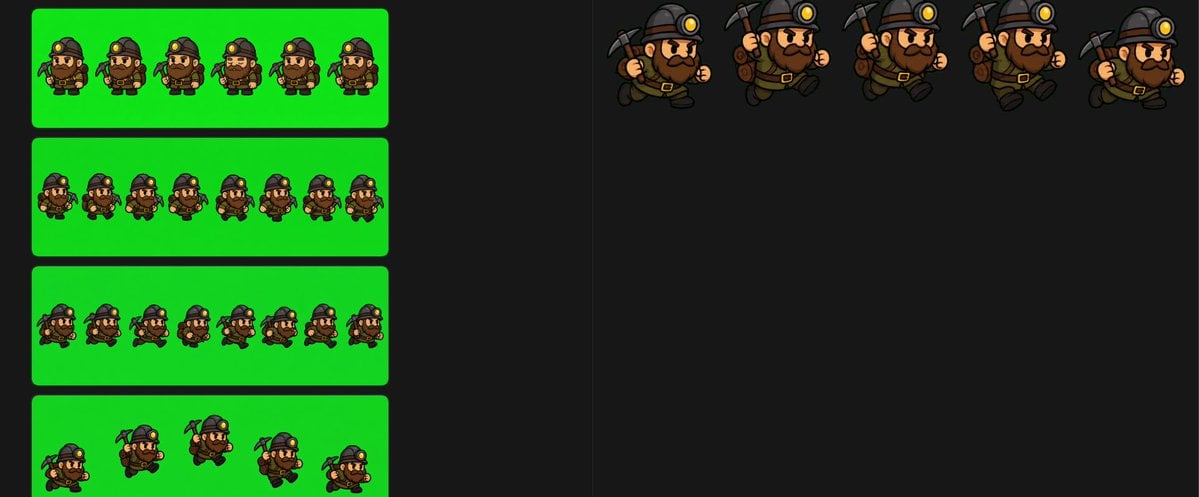
Chibi Miner Game Sprite Sheet
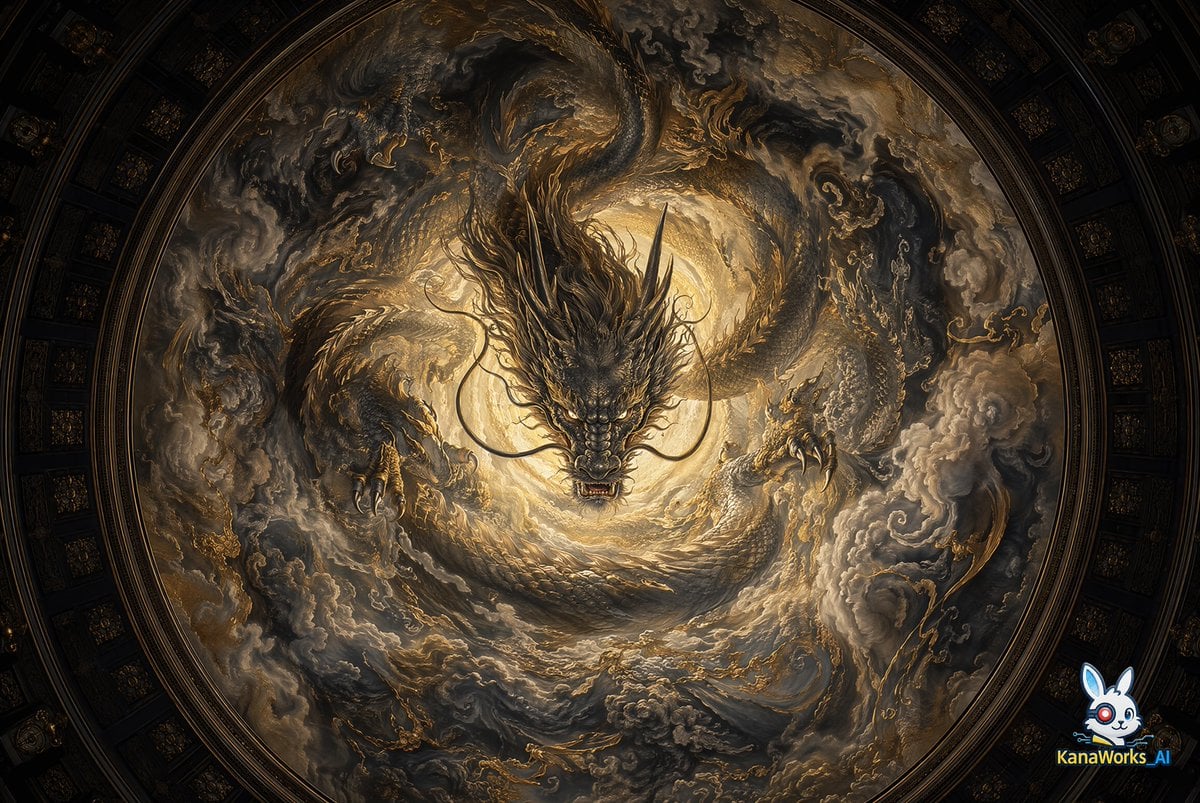
Museum-grade Crying Dragon Dome Mural
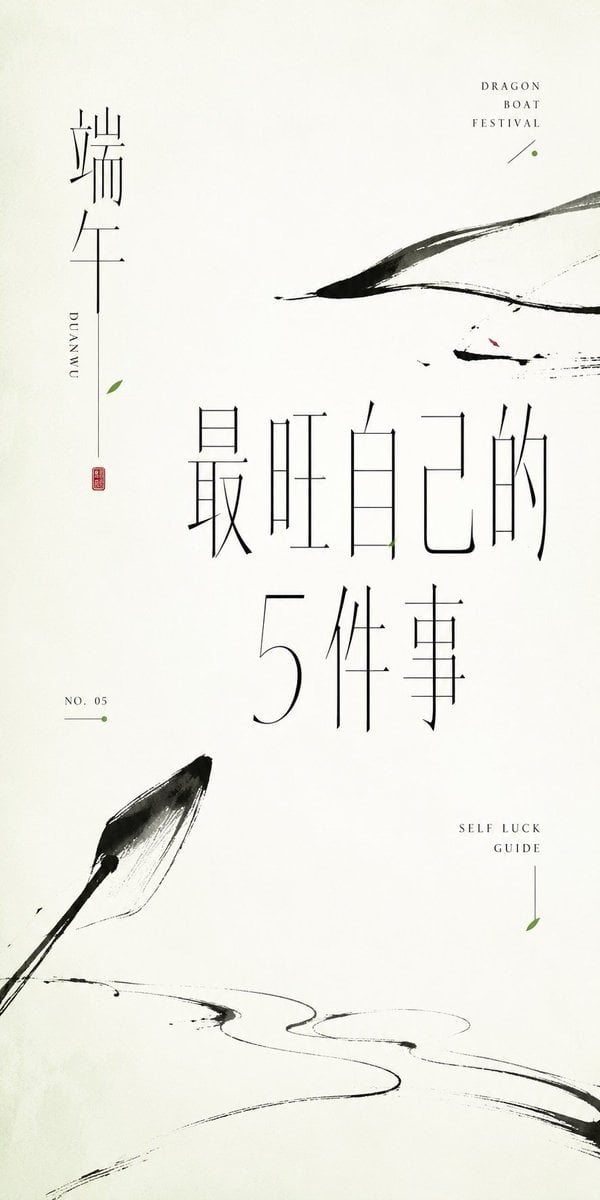
Minimalist Oriental Ink Typography Poster
untitled
Gpt2 Social Media Post Anime Campers in a Winter Tent
Browse template categories
Anime AI Plaza Make-Up Scene questions
How do I use the Anime AI Plaza Make-Up Scene template?
Add your photo if the template asks for one, edit the prompt if you like — the template's model and format are already selected — and press Generate. Your version opens in PicX Studio.
Can I customize the Anime AI Plaza Make-Up Scene template?
Yes. You can change the subject, setting, lighting, mood, format, and available model controls before creating your image.
Is the Anime AI Plaza Make-Up Scene template free?
Opening and editing this template is free. Generating uses credits, shown on the Generate button when you are signed in.
Which AI model should I use?
Start with GPT Image 2, which is the model associated with this template. You can compare another compatible model for a different finish.
Looking for something else? Browse all templates.

Your photo, any look
Thousands of ready templates for every top image and video model, from one credit balance.