
ChatGPT Image Generation Guide Infographic
A structured, multi-section infographic outlining best practices for generating and editing images, featuring icons, example graphics, and step-by-step tips.
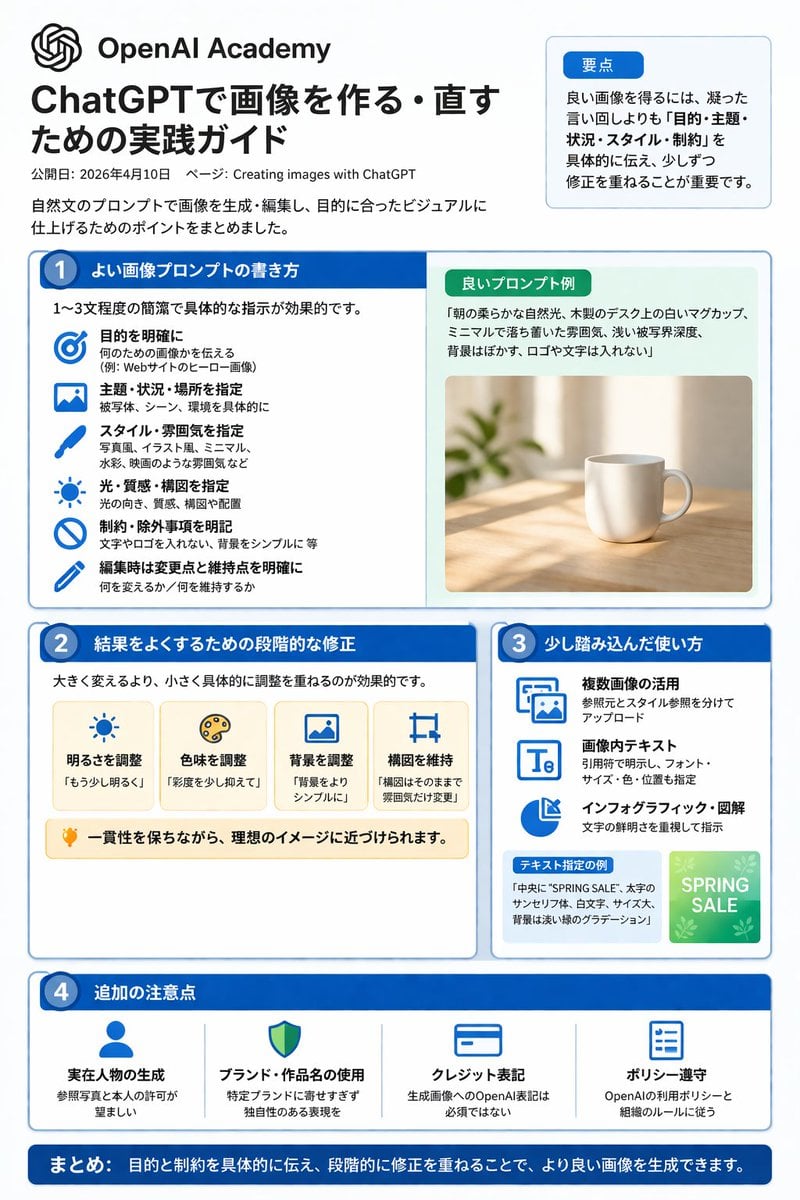
- Prompt included
- Model and format preset
- Free template
The prompt behind this image
Copy the exact prompt behind ChatGPT Image Generation Guide Infographic, or open it in the studio and make it yours.
- Type
- infographic
- Style
- clean, corporate, flat design, pastel accents, dark blue primary color
- Header › Logo
- swirl icon
- Header › Academy Name
- {argument name="academy name" default="OpenAI Academy"}
- Header › Main Title
- {argument name="main title" default="ChatGPTで画像を作る・直すための実践ガイド"}
- Header › Metadata
- date and page info
- Header › Summary Box › Title
- 要点
- Header › Summary Box › Content
- paragraph about key points
- Layout › Sections › 0 › Number
- 1
- Layout › Sections › 0 › Title
- {argument name="section 1 title" default="よい画像プロンプトの書き方"}
- Layout › Sections › 0 › Layout
- two columns
- Layout › Sections › 0 › Left Column › Count
- 6
- Layout › Sections › 0 › Left Column › Items › 0 › Icon
- target
- Layout › Sections › 0 › Left Column › Items › 0 › Label
- 目的を明確に
- Layout › Sections › 0 › Left Column › Items › 1 › Icon
- landscape
- Layout › Sections › 0 › Left Column › Items › 1 › Label
- 主題・状況・場所を指定
- Layout › Sections › 0 › Left Column › Items › 2 › Icon
- brush
- Layout › Sections › 0 › Left Column › Items › 2 › Label
- スタイル・雰囲気を指定
- Layout › Sections › 0 › Left Column › Items › 3 › Icon
- sun
- Layout › Sections › 0 › Left Column › Items › 3 › Label
- 光・質感・構図を指定
- Layout › Sections › 0 › Left Column › Items › 4 › Icon
- prohibition
- Layout › Sections › 0 › Left Column › Items › 4 › Label
- 制約・除外事項を明記
- Layout › Sections › 0 › Left Column › Items › 5 › Icon
- pencil
- Layout › Sections › 0 › Left Column › Items › 5 › Label
- 編集時は変更点と維持点を明確に
Raw JSON
{"type":"infographic","style":"clean, corporate, flat design, pastel accents, dark blue primary color","header":{"logo":"swirl icon","academy_name":"{argument name=\"academy name\" default=\"OpenAI Academy\"}","main_title":"{argument name=\"main title\" default=\"ChatGPTで画像を作る・直すための実践ガイド\"}","metadata":"date and page info","summary_box":{"title":"要点","content":"paragraph about key points"}},"layout":{"sections":[{"number":1,"title":"{argument name=\"section 1 title\" default=\"よい画像プロンプトの書き方\"}","layout":"two columns","left_column":{"count":6,"items":[{"icon":"target","label":"目的を明確に"},{"icon":"landscape","label":"主題・状況・場所を指定"},{"icon":"brush","label":"スタイル・雰囲気を指定"},{"icon":"sun","label":"光・質感・構図を指定"},{"icon":"prohibition","label":"制約・除外事項を明記"},{"icon":"pencil","label":"編集時は変更点と維持点を明確に"}]},"right_column":{"box_title":"良いプロンプト例","image":"{argument name=\"example image subject\" default=\"white mug on a wooden desk\"}"}},{"number":2,"title":"結果をよくするための段階的な修正","cards":{"count":4,"items":[{"icon":"sun","label":"明るさを調整"},{"icon":"palette","label":"色味を調整"},{"icon":"landscape","label":"背景を調整"},{"icon":"crop","label":"構図を維持"}]},"bottom_banner":"lightbulb icon with text"},{"number":3,"title":"少し踏み込んだ使い方","list":{"count":3,"items":[{"icon":"multiple images","label":"複数画像の活用"},{"icon":"text 'Te'","label":"画像内テキスト"},{"icon":"pie chart","label":"インフォグラフィック・図解"}]},"example_box":{"title":"テキスト指定の例","graphic":"green box with 'SPRING SALE'"}},{"number":4,"title":"追加の注意点","items":{"count":4,"items":[{"icon":"person","label":"実在人物の生成"},{"icon":"shield","label":"ブランド・作品名の使用"},{"icon":"id card","label":"クレジット表記"},{"icon":"checklist","label":"ポリシー遵守"}]}}],"footer":{"style":"dark blue banner","text":"{argument name=\"footer summary\" default=\"まとめ: 目的と制約を具体的に伝え、段階的に修正を重ねることで、より良い画像を生成できます。\"}"}}}Reference images included
ChatGPT Image Generation Guide Infographic needs input media to work. They load alongside the prompt when you open it in the studio.
How to use ChatGPT Image Generation Guide Infographic in 3 steps
- 1Upload ImagePNG, JPG or paste
Add your photo
Upload the photo the template builds on. The prompt, model and format are already set.
- 2…a portrait of your subject in softgolden-hour light, 85mm…
Personalize
Edit the subject and creative details for your destination.
- 3Generate
Generate
Press Generate — your image is created in PicX Studio, so you can compare it with the original and refine one variable at a time.
More like this
Templates with the same subject, style or setup. Open one to see its prompt.

Japan Travel Brochure Poster

Floraverse Botanical Fusion

FLORAVERSE BOTANICAL FUSION

Isometric Process Educational Diorama

Face-Locked Train Window Lifestyle Portrait
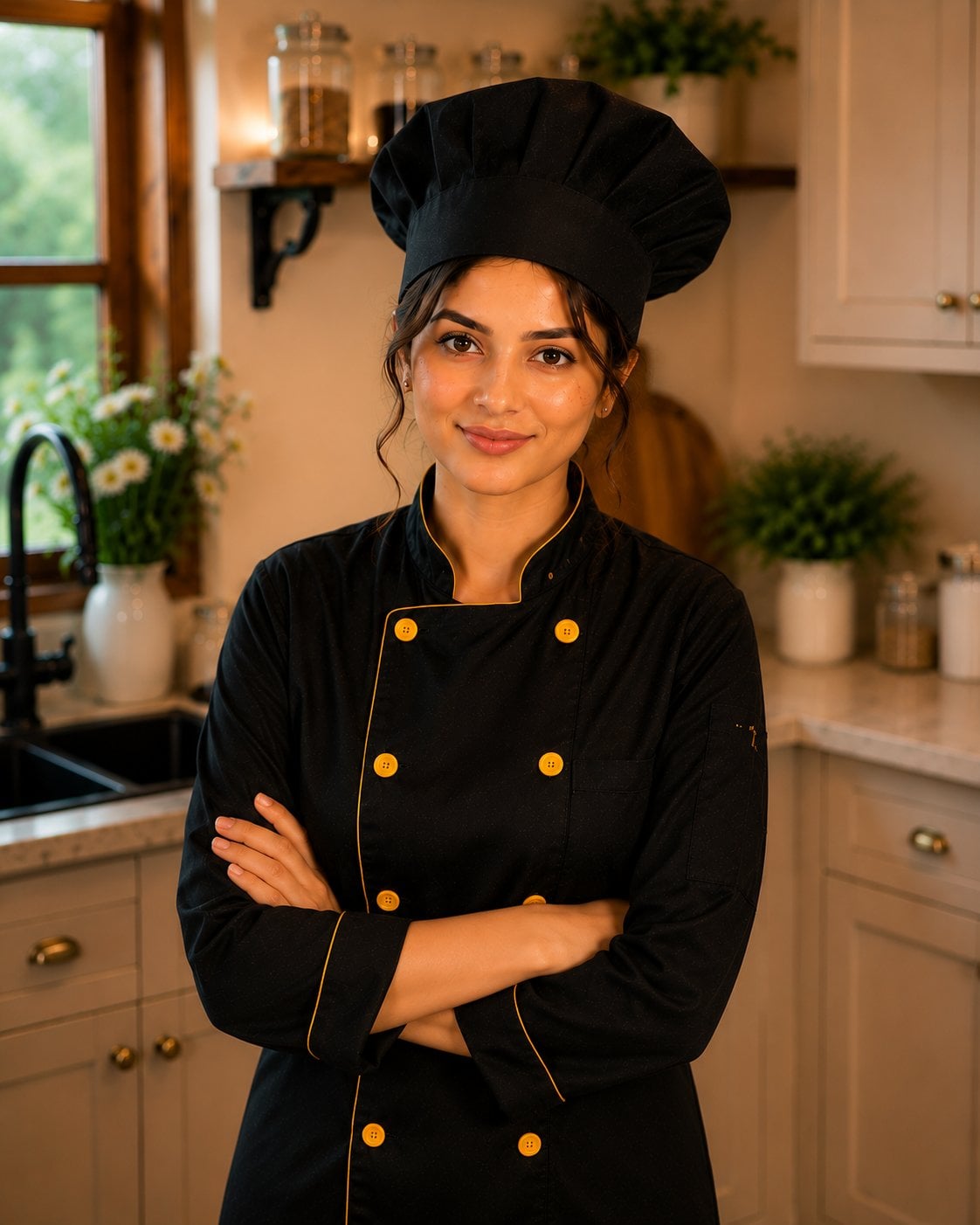
Female Chef Chicken Biryani Luxury Kitchen
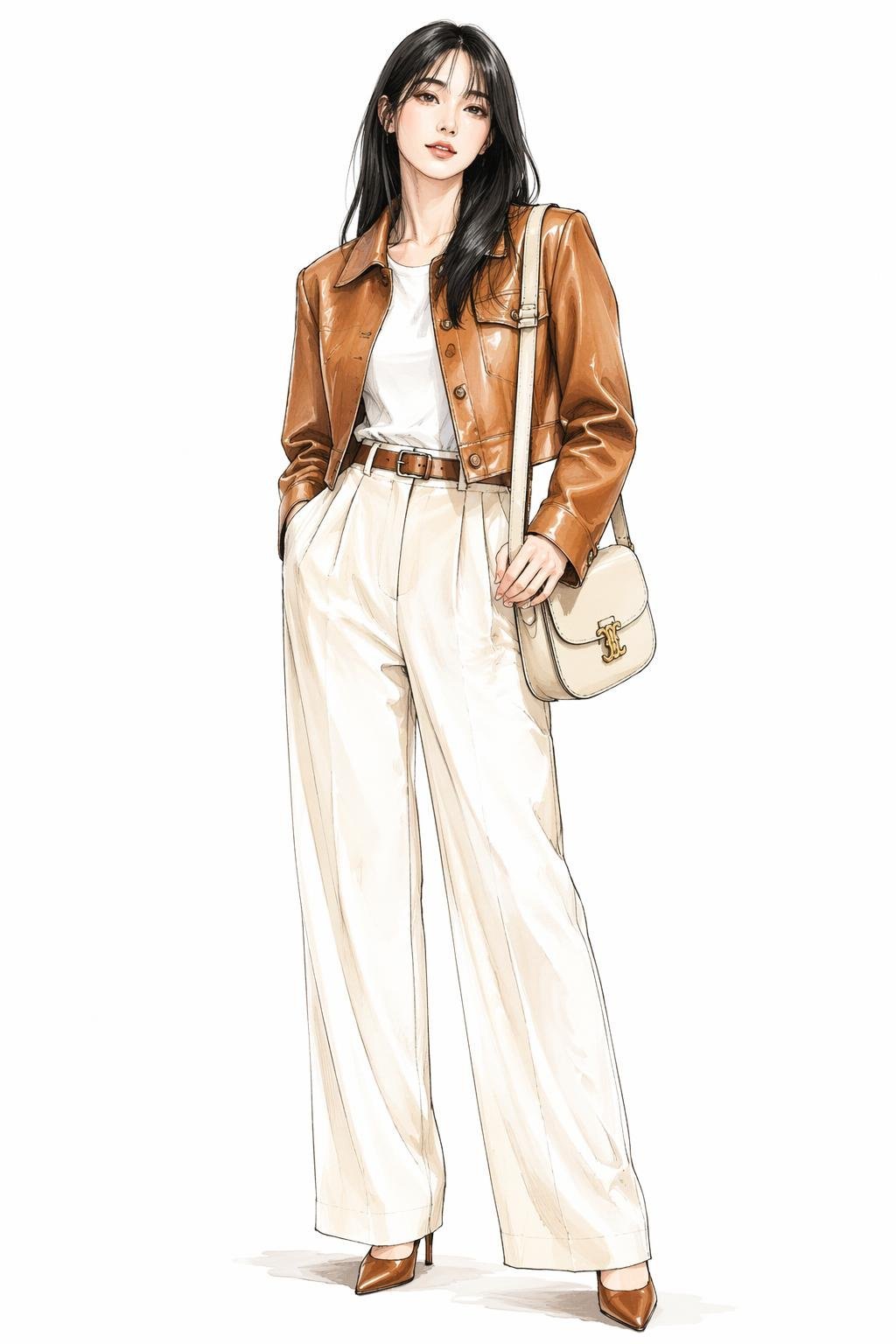
Leather Jacket Cream Trousers Fashion Sketch

Golden Hour Fedora Bar Doorway Street Style

Luxury Toothpaste Commercial Storyboard

Unfinished Sketch Comes Alive Portrait
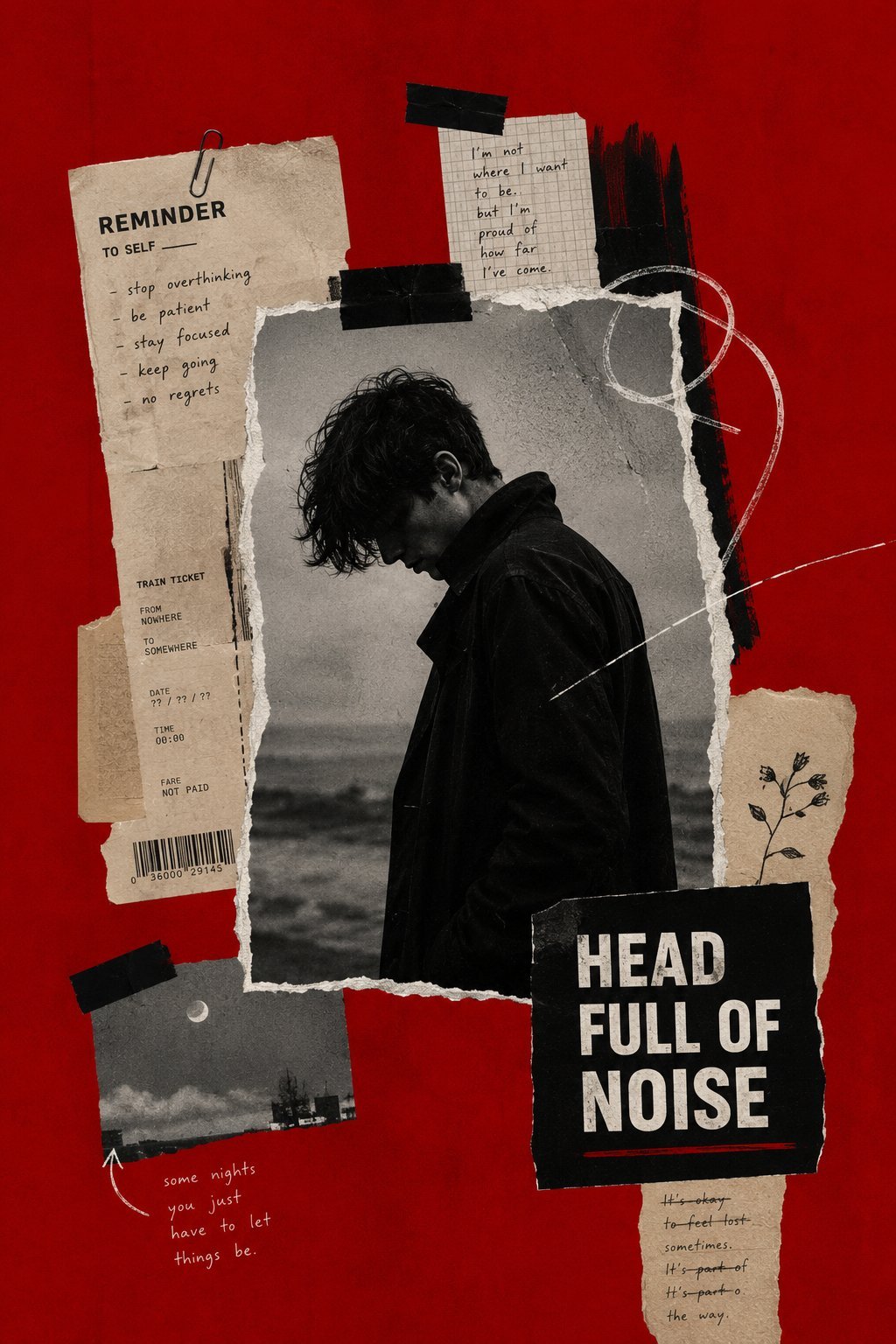
Surreal Minimalist Dark Collage Poster II

Open Travel Journal Overhead Still Life
Make it yours
ChatGPT Image Generation Guide Infographic works as-is. These are the safest ways to change it without losing the look.
Change one field
Copy a single group, rewrite it, and generate again so you can see what that field is doing.
Keep the frame, change the subject
Hold the composition and light of ChatGPT Image Generation Guide Infographic, then swap wardrobe, props or the person for a new take.
| If the result… | Why | Fix |
|---|---|---|
| The result drifts from the preview | Too many fields changed at once. | Reuse ChatGPT Image Generation Guide Infographic as-is first, then change one group — subject, light, or setting. |
| GPT Image 2 ignores part of the JSON | Some models flatten or skip nested keys. | Keep the same values and paste them as a short paragraph instead. |
More GPT Image 2 templates
Other prompts made for GPT Image 2.

Six VTuber Japanese Logo Sheet

Realistic Portrait of Woman and Deer

The Vista Modular Condo Poster

AI Model Routing Comparison Infographic

2.5D Anime Art Board

Isometric Productivity Desk Scene

New York Double Exposure Poster

Four-Panel AI Landscape Comparison

Japanese Tatami Lifestyle Magazine Cover

NESCAFÉ Coffee Map Poster
More image prompts
Fresh picks from across the catalog.
Dark Fantasy Game Event UI Mockup
Sakae Nagoya Watercolor Travel Poster
Moon Silk Glow Anime Beauty Poster
Pixel Art Movie Poster Prompt
East Asian Fashion Editorial Portrait
Generating Real Estate Flyers with Nano Banana Pro
Cyberpunk AI Creator Card
Action Hero Walking Away from Explosion Prompt (Image-to-Image)
Dramatic Double Exposure Sports Portrait
Panel Cinematic Storyboard Generation Prompt
Browse template categories
ChatGPT Image Generation Guide Infographic questions
How do I use the ChatGPT Image Generation Guide Infographic template?
Add your photo if the template asks for one, edit the prompt if you like — the template's model and format are already selected — and press Generate. Your version opens in PicX Studio.
Can I customize the ChatGPT Image Generation Guide Infographic template?
Yes. You can change the subject, setting, lighting, mood, format, and available model controls before creating your image.
Is the ChatGPT Image Generation Guide Infographic template free?
Opening and editing this template is free. Generating uses credits, shown on the Generate button when you are signed in.
Which AI model should I use?
Start with GPT Image 2, which is the model associated with this template. You can compare another compatible model for a different finish.
Looking for something else? Browse all templates.

Your photo, any look
Thousands of ready templates for every top image and video model, from one credit balance.