
Museum-grade Crying Dragon Dome Mural
A high-end prompt for generating a centered, circular dome ceiling mural of a dragon, inspired by traditional Japanese shrine art with sacred lighting.
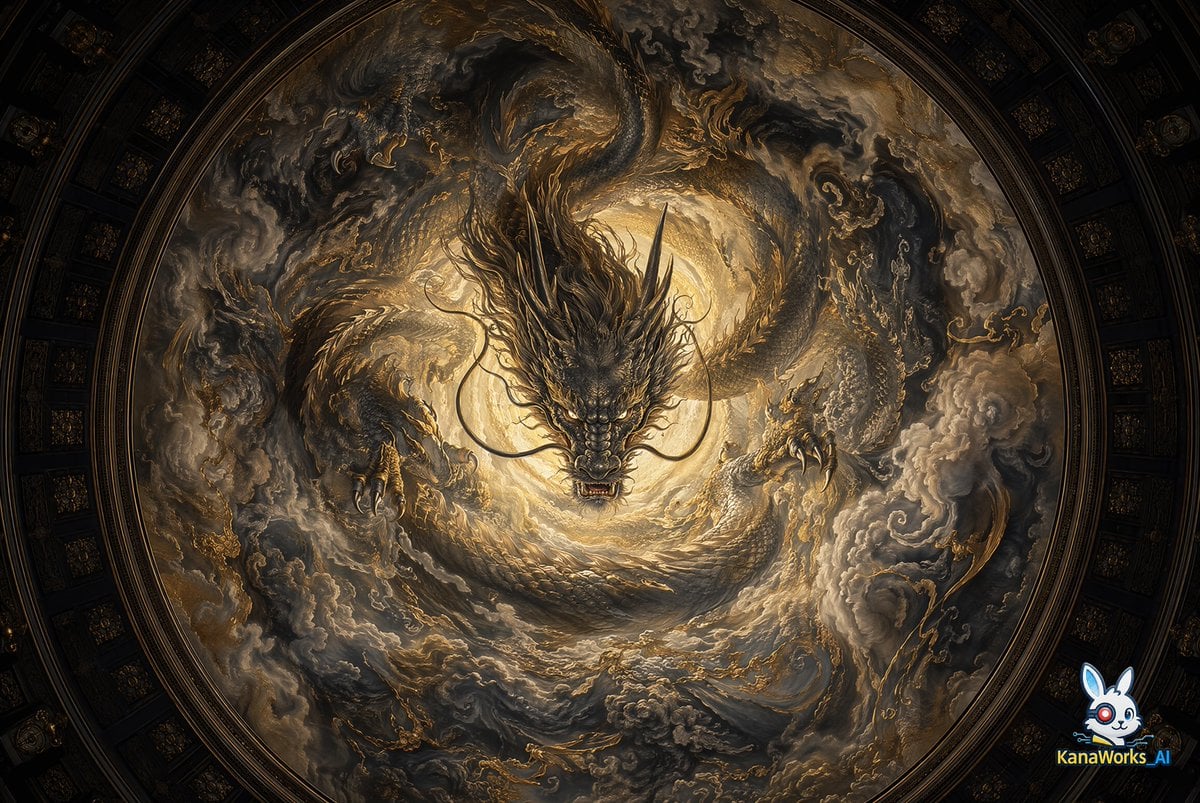
- Prompt included
- Model and format preset
- Free template
The prompt behind this image
Copy the exact prompt behind Museum-grade Crying Dragon Dome Mural, or open it in the studio and make it yours.
A {argument name="style" default="museum-grade, high-end mural"} inspired by the “Crying Dragon” of {argument name="location" default="Nikko Toshogu Shrine"}, painted on a circular dome ceiling. The composition is strictly centered, viewed from a worm’s-eye perspective, creating a powerful sense of sacred architectural depth. A dragon of overwhelming presence emerges from the exact center of the dome, its head directed downward toward the viewer. Its body, claws, and surrounding clouds radiate outward in a swirling motion, forming a dynamic circular explosion from the center. The entire scene is enveloped within the dome structure, with subtle architectural curvature and faint boundary cues that further emphasize the immersive sensation of looking up into an overhead space. Lighting: a soft, sacred glow emanates from the center, gradually fading into darkness toward the edges. Mist, cloud voids, and delicate negative space create a breathable, atmospheric sense of depth.
How to use Museum-grade Crying Dragon Dome Mural in 3 steps
- 1
Open
The prompt is already in the box next to the preview, with the template's model and format selected.
- 2…a portrait of your subject in softgolden-hour light, 85mm…
Personalize
Edit the subject and creative details for your destination.
- 3Generate
Generate
Press Generate — your image is created in PicX Studio, so you can compare it with the original and refine one variable at a time.
More like this
Templates with the same subject, style or setup. Open one to see its prompt.

Minecraft Fantasy Kingdom Voxel Landscape
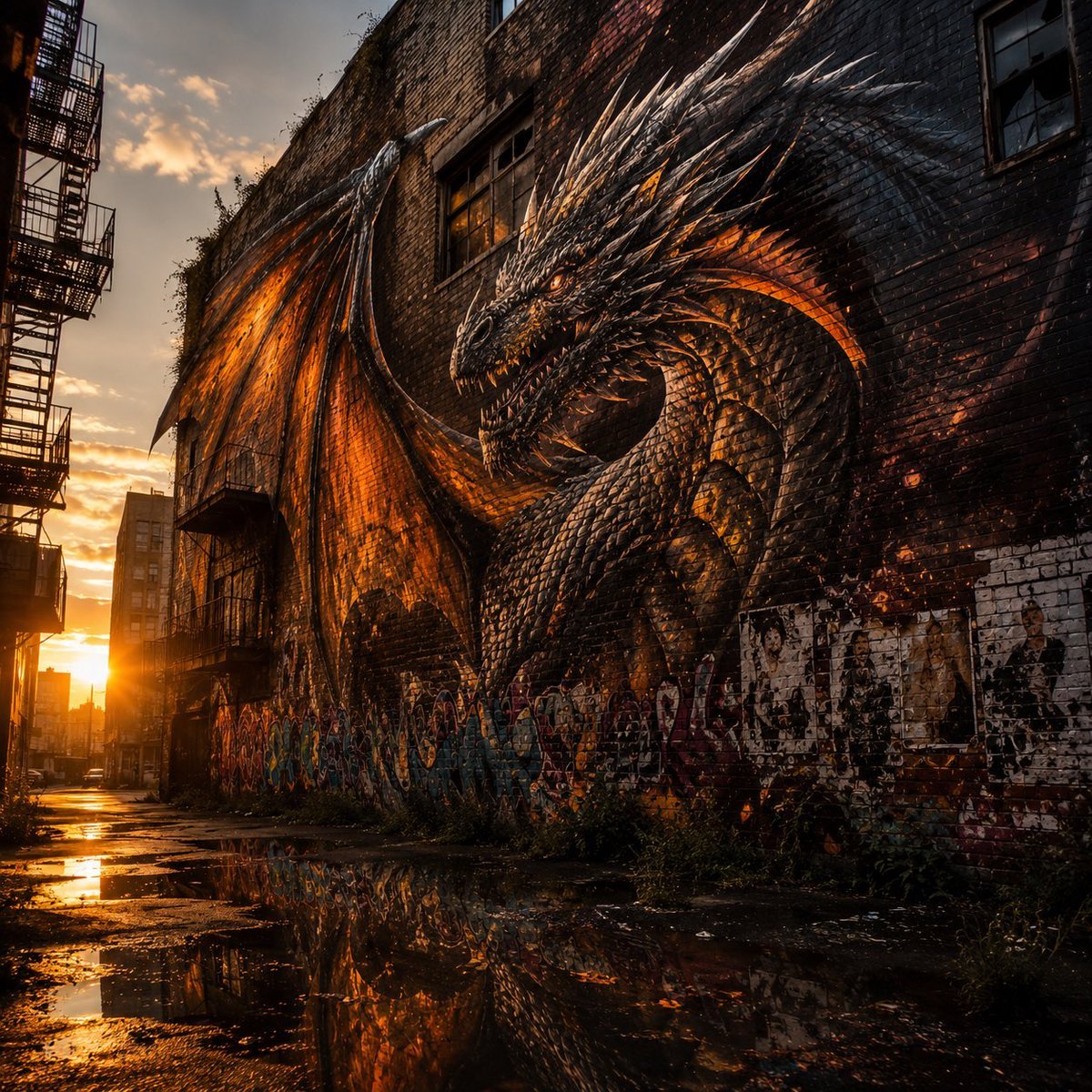
Living Dragon Mural in Sunset Alley

Museum-Grade 3D Diorama Poster for Historical Events

博物馆图鉴式汉服拆解图 — GPT-image-2
Seedance - Dragon vs Python Battle
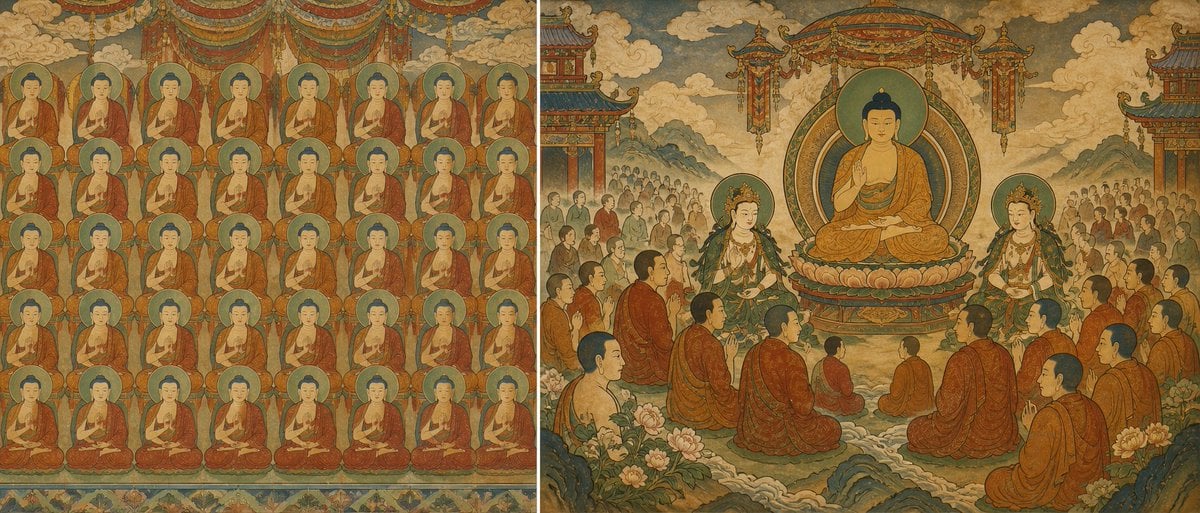
Buddhist Mural Composition Diptych
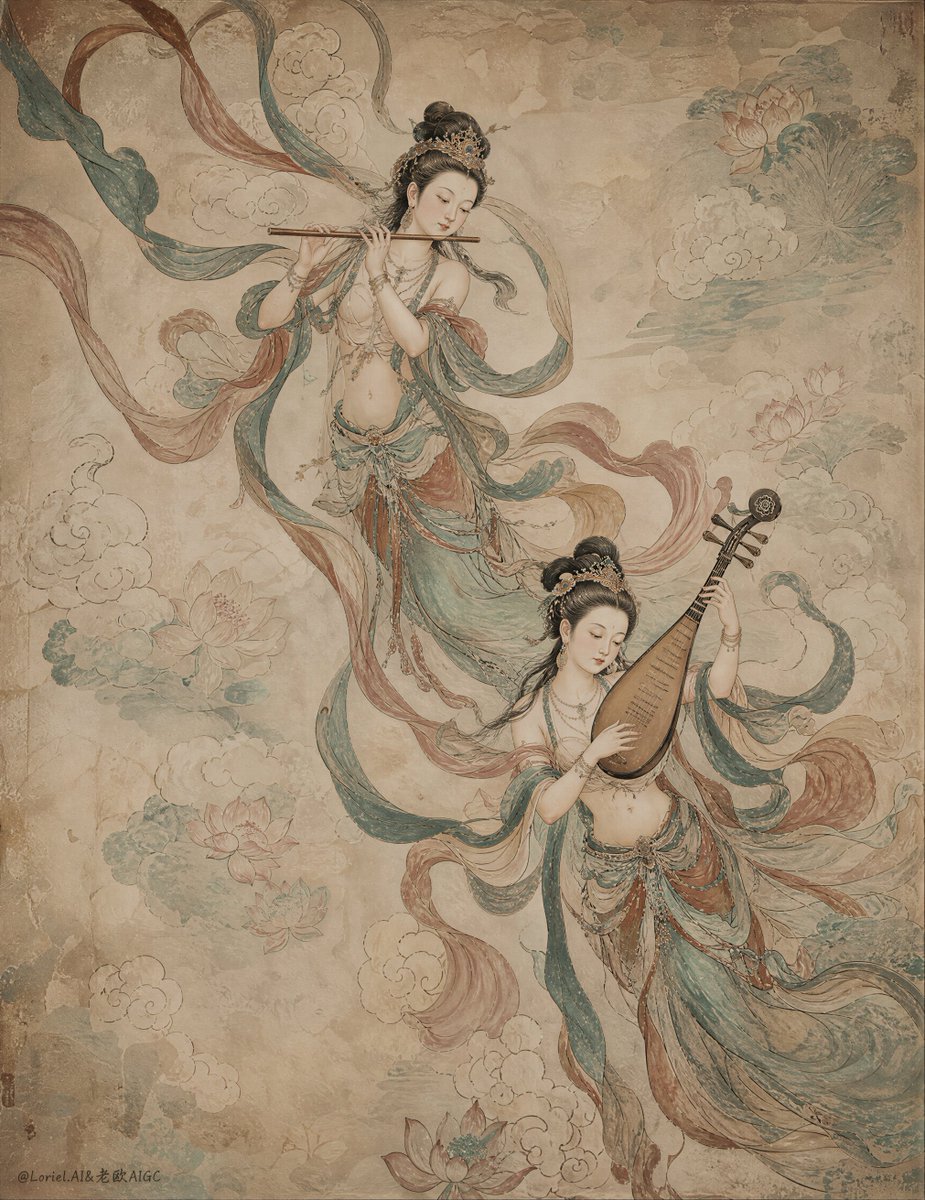
Ancient Chinese Mural of Celestial Musicians

Luxury Arctic Glass Dome Under Northern Lights
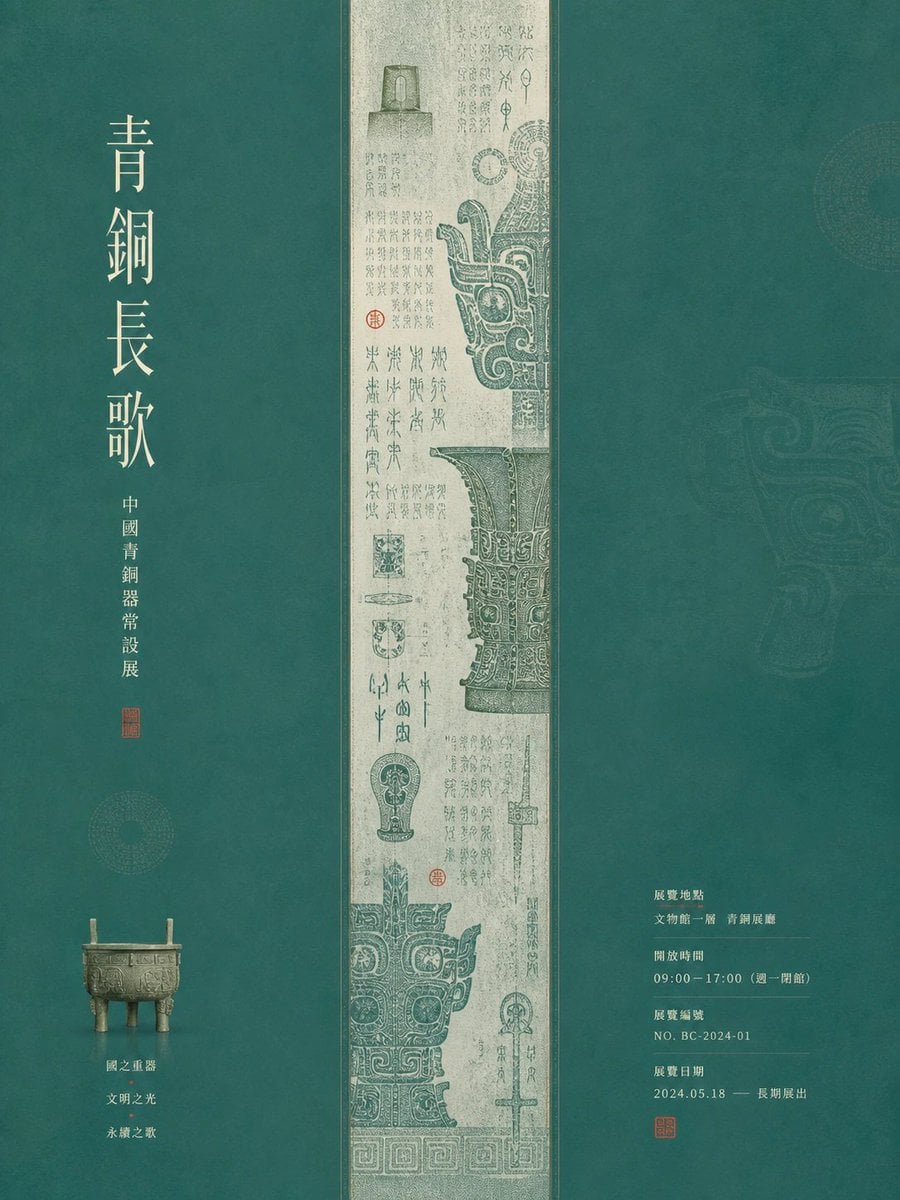
Museum Poster Design Template
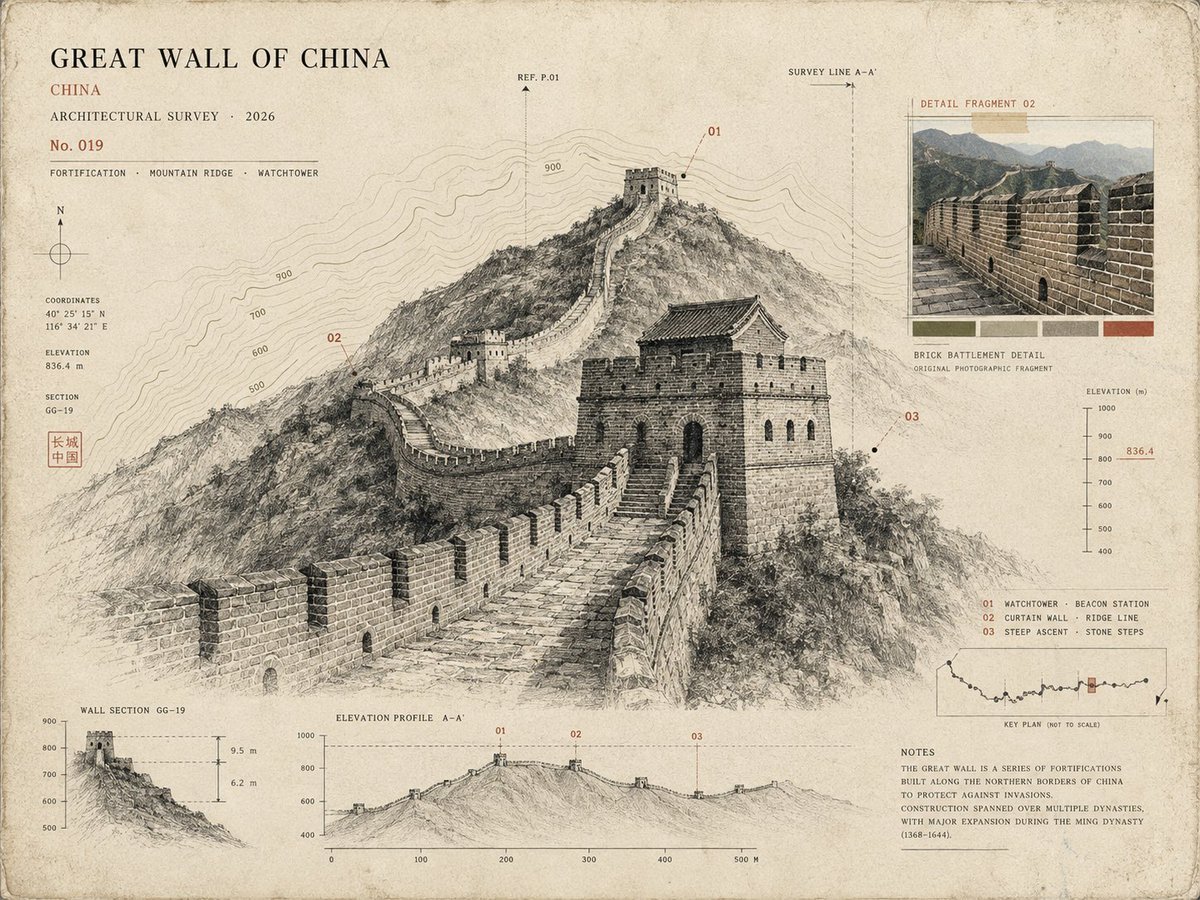
Architectural Museum Specimen Card
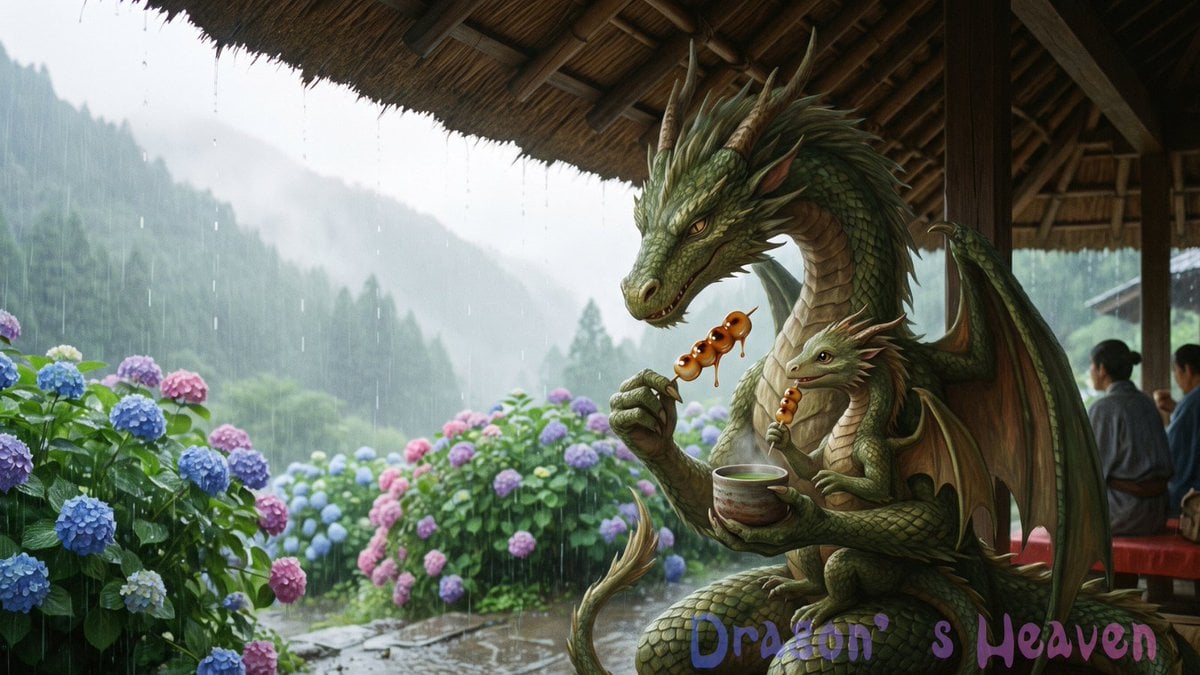
Rainy Dragon Family Eating Dango
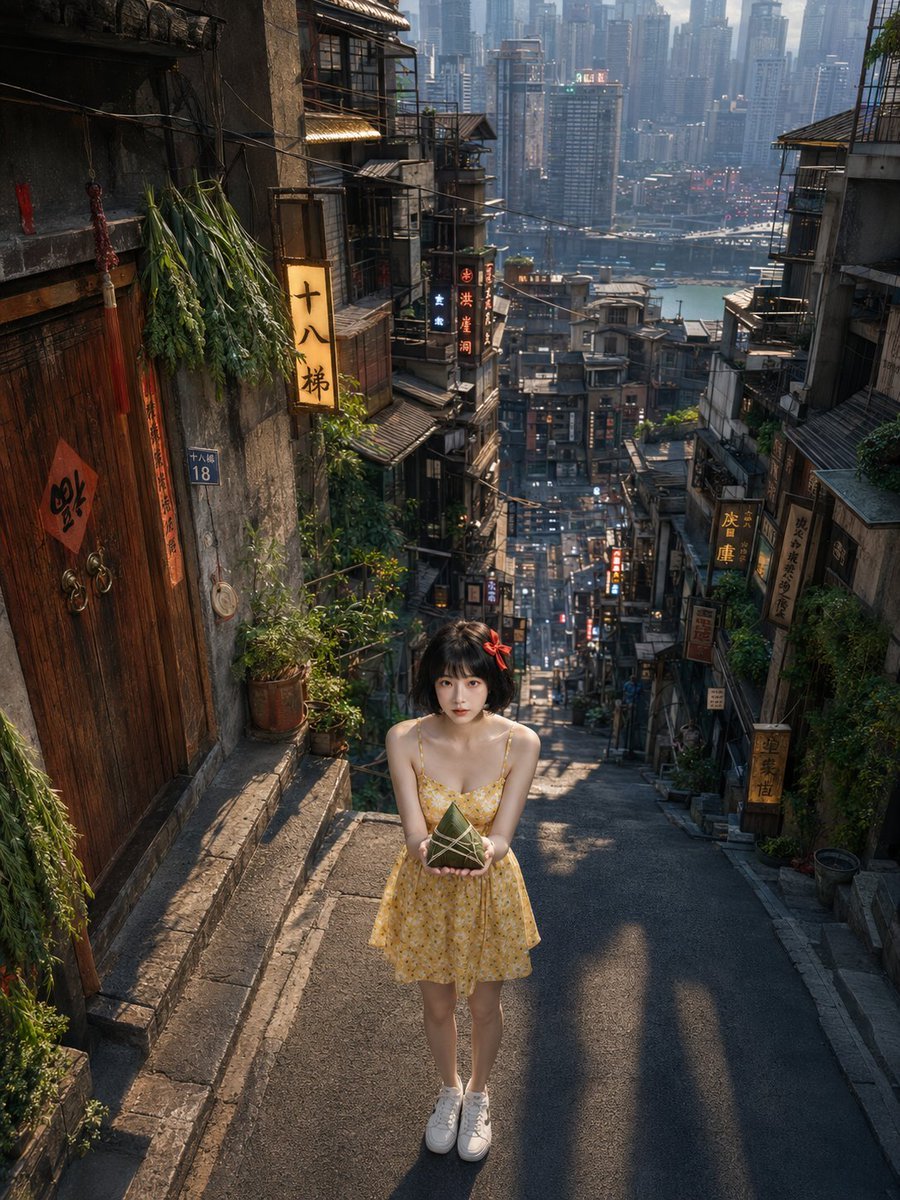
Dragon Boat Festival Chongqing Street Portrait
Make it yours
Museum-grade Crying Dragon Dome Mural works as-is. These are the safest ways to change it without losing the look.
Change one field
Copy a single group, rewrite it, and generate again so you can see what that field is doing.
Keep the frame, change the subject
Hold the composition and light of Museum-grade Crying Dragon Dome Mural, then swap wardrobe, props or the person for a new take.
| If the result… | Why | Fix |
|---|---|---|
| The result drifts from the preview | Too many fields changed at once. | Reuse Museum-grade Crying Dragon Dome Mural as-is first, then change one group — subject, light, or setting. |
| The model over-stylizes the scene | The prose prompt leaves finish and camera underspecified. | Add one camera or lighting sentence and stay on GPT Image 2. |
More GPT Image 2 templates
Other prompts made for GPT Image 2.

Six VTuber Japanese Logo Sheet

Realistic Portrait of Woman and Deer

The Vista Modular Condo Poster

AI Model Routing Comparison Infographic

2.5D Anime Art Board

Isometric Productivity Desk Scene

New York Double Exposure Poster

Four-Panel AI Landscape Comparison

Japanese Tatami Lifestyle Magazine Cover

NESCAFÉ Coffee Map Poster
More image prompts
Fresh picks from across the catalog.

Pixar-Style Banana Character Animation Prompt

Real Person in Minecraft Coastal World

Luxury Mango Body Scrub Product Image and Video Prompts
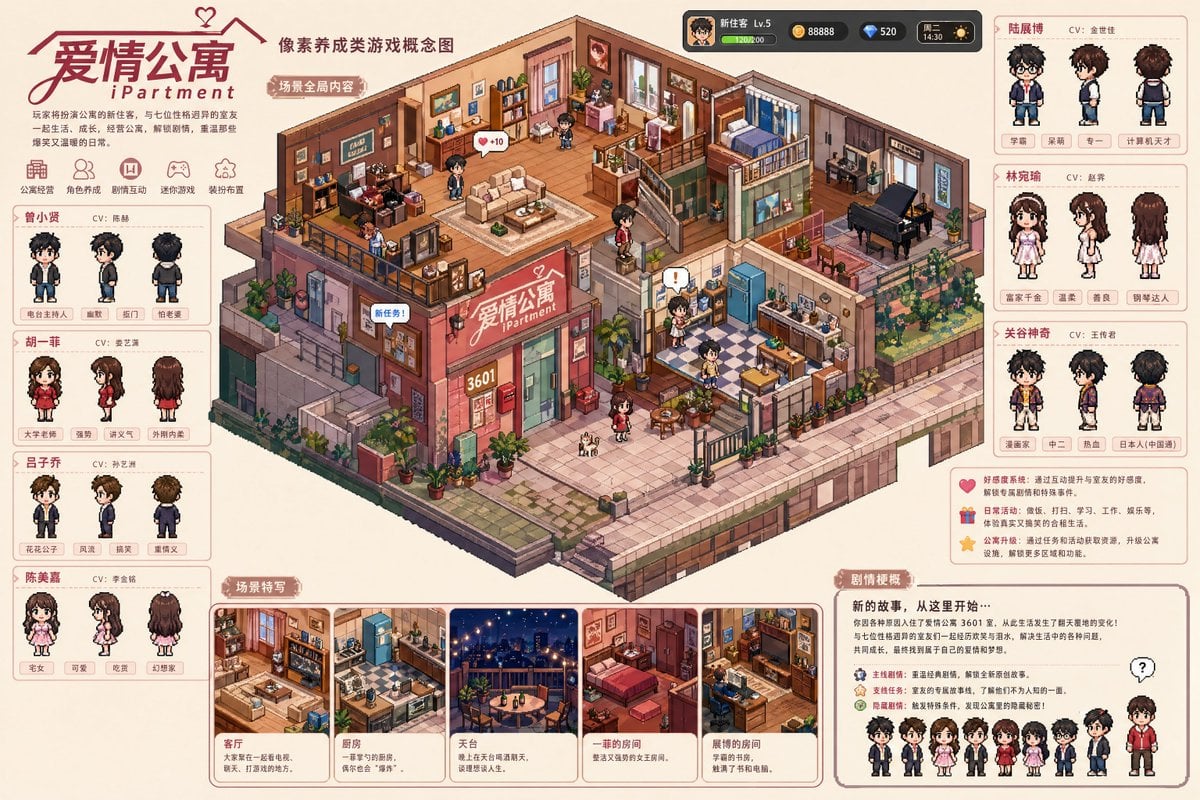
Pixel art game concept prompt

Cyber-Pop E-Girl in Neon Arcade
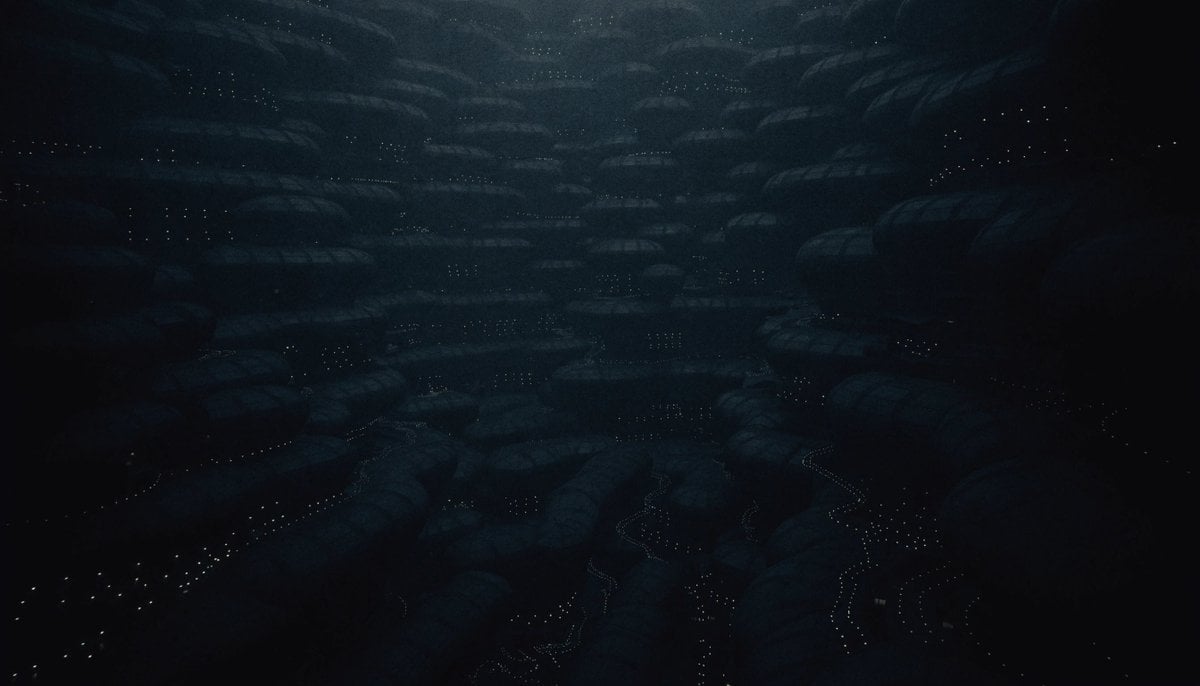
Dark Alien Megastructure Cavern
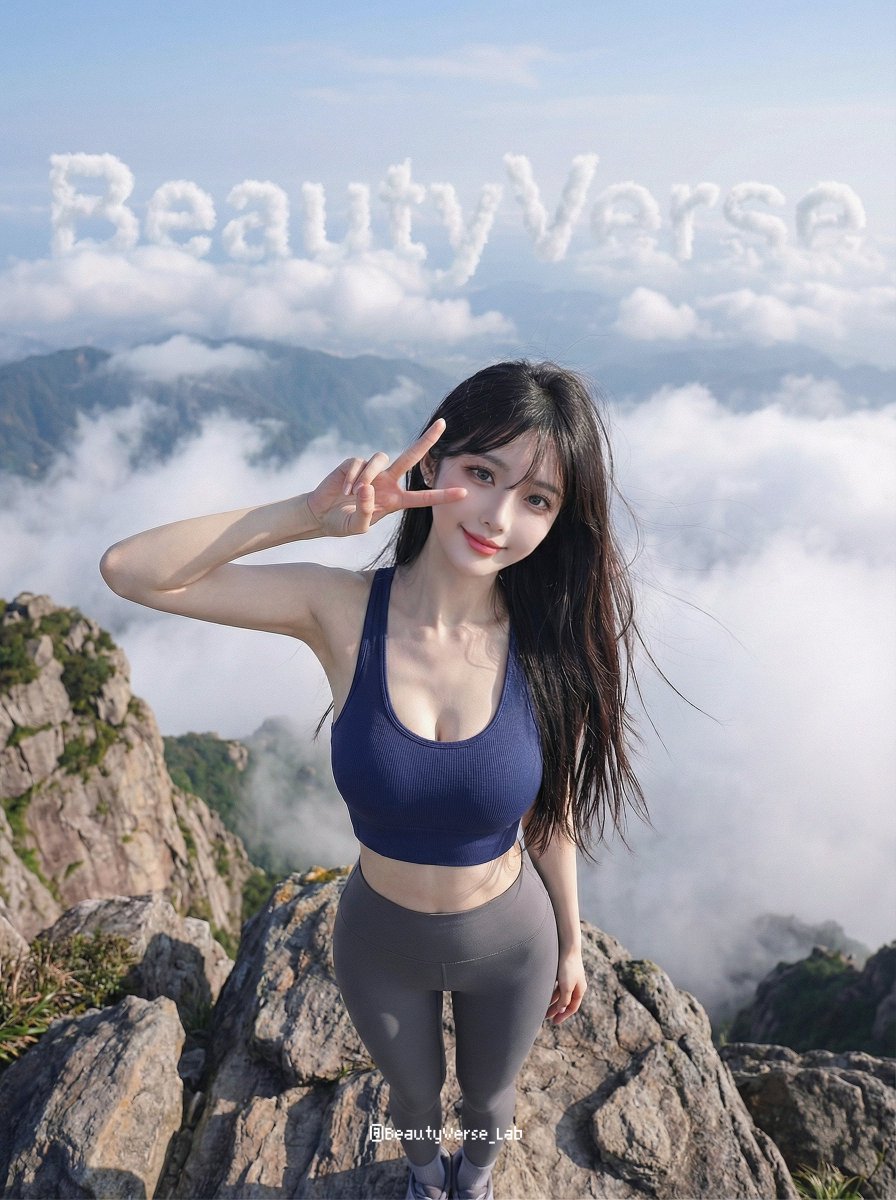
High-Energy Character Transformation with Extreme Perspective

Artisan Chocolate Product Visuals (Multi-Image Prompt)

Urban Luxury Streetwear Portrait
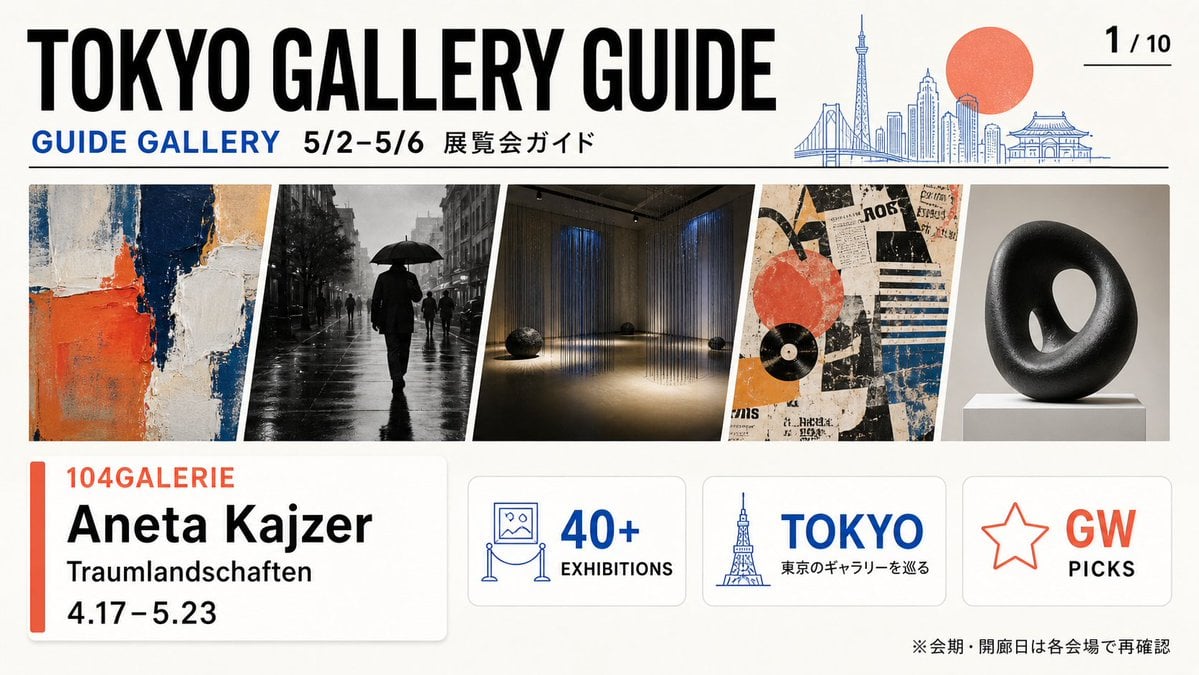
Tokyo Gallery Guide Brochure
Browse template categories
Museum-grade Crying Dragon Dome Mural questions
How do I use the Museum-grade Crying Dragon Dome Mural template?
Add your photo if the template asks for one, edit the prompt if you like — the template's model and format are already selected — and press Generate. Your version opens in PicX Studio.
Can I customize the Museum-grade Crying Dragon Dome Mural template?
Yes. You can change the subject, setting, lighting, mood, format, and available model controls before creating your image.
Is the Museum-grade Crying Dragon Dome Mural template free?
Opening and editing this template is free. Generating uses credits, shown on the Generate button when you are signed in.
Which AI model should I use?
Start with GPT Image 2, which is the model associated with this template. You can compare another compatible model for a different finish.
Looking for something else? Browse all templates.

Your photo, any look
Thousands of ready templates for every top image and video model, from one credit balance.