
Urban Luxury Streetwear Portrait
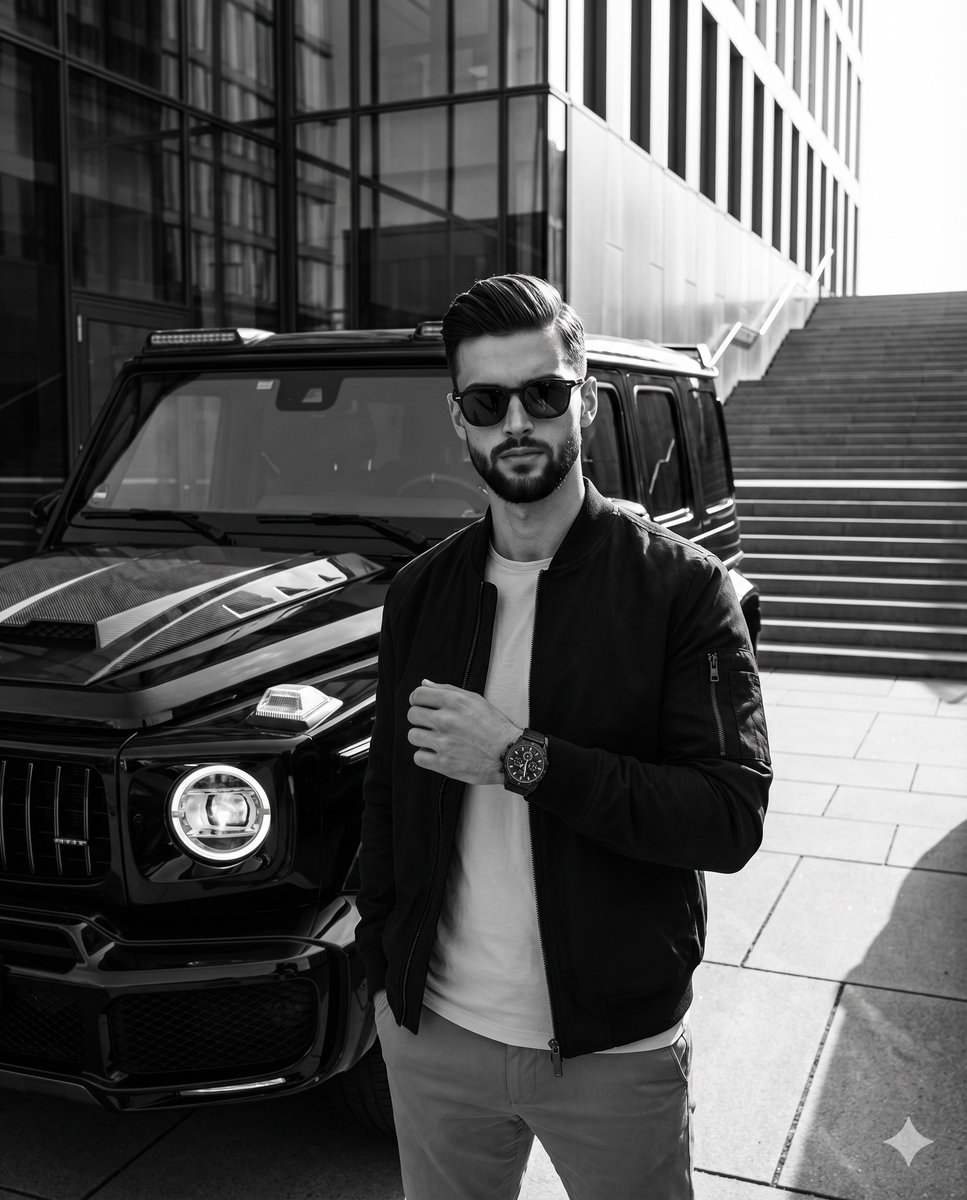
A highly detailed prompt for a monochromatic, high-contrast streetwear editorial photograph featuring a man in a commercial plaza with a luxury SUV.
- Prompt included
- Model and format preset
- Free template
The prompt behind this image
Copy the exact prompt behind Urban Luxury Streetwear Portrait, or open it in the studio and make it yours.
A confident {argument name="subject" default="young adult male"} stands perfectly centered facing the camera, dressed in a {argument name="jacket" default="dark bomber jacket"} over a light t-shirt and light trousers, his eyes completely concealed by thick dark sunglasses above a neutral, closed mouth. His strikingly textured quiff, with short clipper-faded sides transitioning to a two-to-three-inch top pushed back and slightly to the right, features straight to slightly wavy natural sectioning held by matte clay, revealing slight front unevenness and delicate natural flyaways catching the light against the dark background. Deliberately posed, his right hand is casually tucked into his trouser pocket, while his left arm bends at the elbow, raising his hand to mid-torso with the wrist turned outward to prominently display a {argument name="accessory" default="luxury dark chronograph watch"}, his fingers softly curled inward against his jacket with the thumb resting lightly along the top edge of the curled index finger. He stands in a pristine outdoor commercial plaza defined by a floor of light gray concrete slabs intersected by dark linear expansion joints. In the left midground, a dominant, glossy black Mercedes-Benz G-Wagon SUV commands the space, showcasing a distinctive rectangular grille, a carbon fiber hood scoop, and a glowing round headlight with a halo DRL. Extending into the deep background on the top left is a modern architectural facade of perfectly smooth, dark gray glass and vertical metal fins deeply reflecting the surrounding environment, while to the right, a pristine wide-tiered concrete staircase ascends, bordered by a minimalistic metal handrail casting diagonal shadows. The entirely monochromatic, high-contrast black and white scene exudes a dramatic, polished urban luxury mood, illuminated by an intensely bright, highly directional natural sunlight striking from a 45-degree angle on the right. This hard light sculpts brilliant specular highlights onto the right side of the man's face, the bright concrete ground, and the glossy black paint of the car's hood and fenders, while simultaneously casting medium-length, deep black shadows with harsh, defined edges onto the ground to his left, across the left side of his face and jacket, and deep within the vehicle's grille. Captured as a realistic, tack-sharp digital streetwear editorial photograph from a straight-on perspective, the image utilizes a 35mm or 50mm lens at f/8 and 1/1000s shutter speed with ISO 100 to achieve a deep depth of field that seamlessly keeps the subject, vehicle, and architecture in perfect focus, enhanced through stark post-processing that crushes blacks, boosts whites, and aggressively elevates clarity, all seamlessly framed in a 4:5 aspect ratio.
How to use Urban Luxury Streetwear Portrait in 3 steps
- 1
Open
The prompt is already in the box next to the preview, with the template's model and format selected.
- 2…a portrait of your subject in softgolden-hour light, 85mm…
Personalize
Edit the subject and creative details for your destination.
- 3Generate
Generate
Press Generate — your image is created in PicX Studio, so you can compare it with the original and refine one variable at a time.
More like this
Templates with the same subject, style or setup. Open one to see its prompt.
Modern Urban Streetwear Portrait
Urban Streetwear Portrait

Found Photograph: Us, 1970

80s Couple Studio Portrait

1988 Mall Style

80s Bollywood Star

80s Golden Hour Cinema

Me in 1985

1985 Studio Portrait

Hyper-Realistic Minecraft POV Portrait
Korean Streetwear Urban Editorial

Rooftop Fisheye — Cat-Ear Balaclava at Golden Hour
Make it yours
Urban Luxury Streetwear Portrait works as-is. These are the safest ways to change it without losing the look.
Change one field
Copy a single group, rewrite it, and generate again so you can see what that field is doing.
Keep the frame, change the subject
Hold the composition and light of Urban Luxury Streetwear Portrait, then swap wardrobe, props or the person for a new take.
| If the result… | Why | Fix |
|---|---|---|
| The result drifts from the preview | Too many fields changed at once. | Reuse Urban Luxury Streetwear Portrait as-is first, then change one group — subject, light, or setting. |
| The model over-stylizes the scene | The prose prompt leaves finish and camera underspecified. | Add one camera or lighting sentence and stay on Nano Banana 2. |
More Nano Banana 2 templates
Other prompts made for Nano Banana 2.

Photorealistic Leaf Shaped Like a Dragon

K-Pop Idol Portrait Grid for Rapid Selection

Poetic Rain Forest Portrait During Golden Hour

Urban Street Portrait with Cartoon Inner Self Duo

Candid Nighttime Photo with Cat Prompt

High-Concept 3D Diorama Generation Prompt

Cinematic Futuristic Studio Portrait Template

Skincare Editorial Photography Collage Prompt

Hyper-Realistic Commercial Product Photography (Splash Effect)

Hyper-Realistic Nightclub Portrait Prompt
More image prompts
Fresh picks from across the catalog.

Rooftop Walkway Fashion OOTD
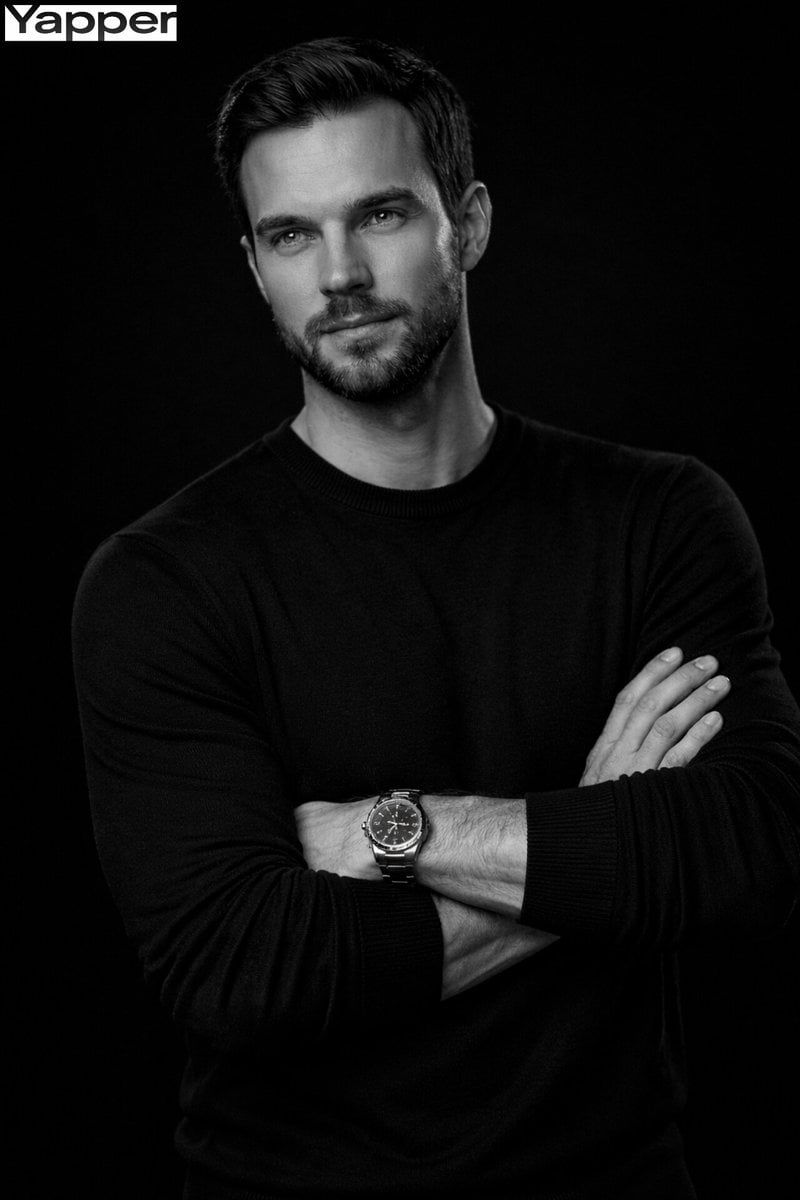
Cinematic Monochrome Male Portrait
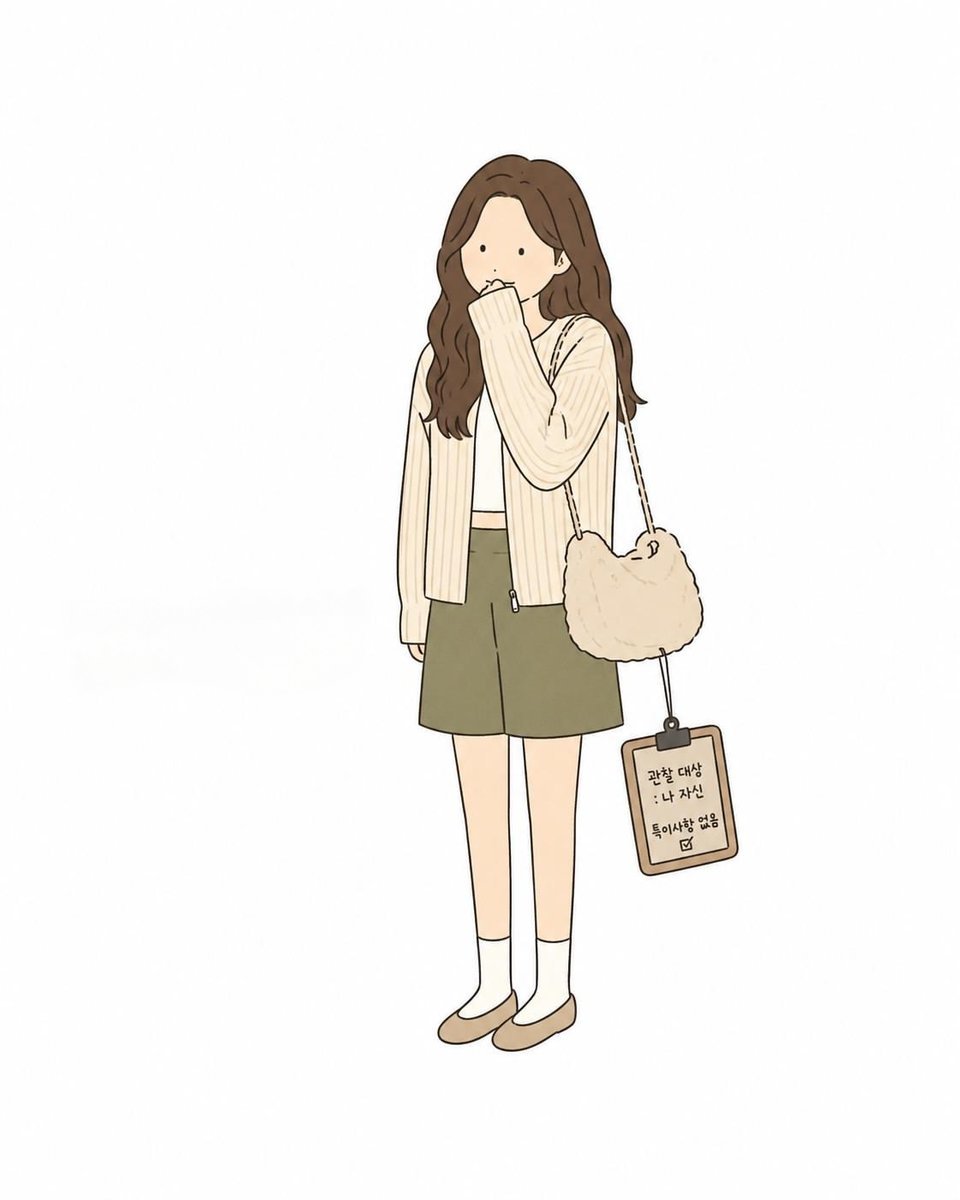
Minimal Comic Style Greeting Card
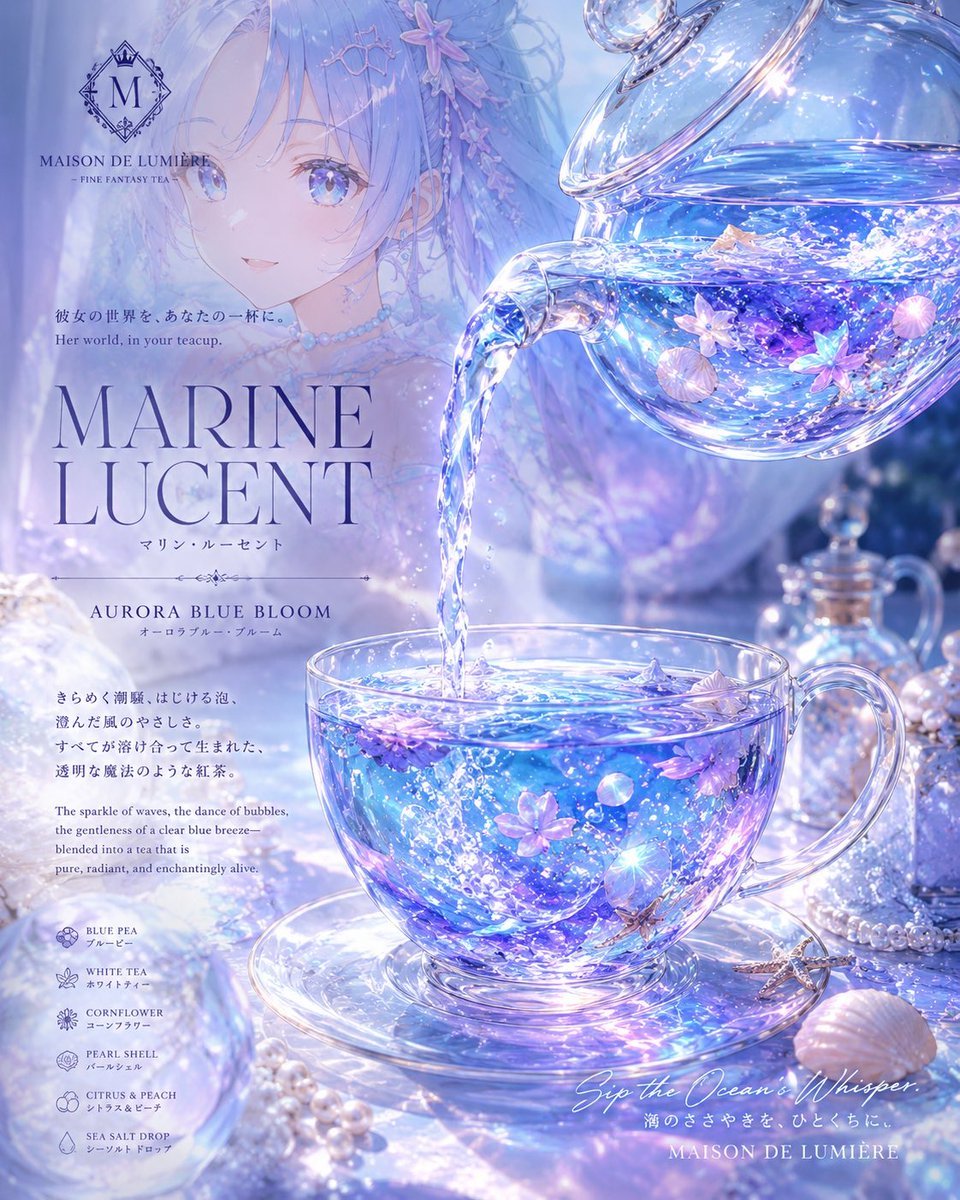
Marine Lucent Fantasy Tea Poster
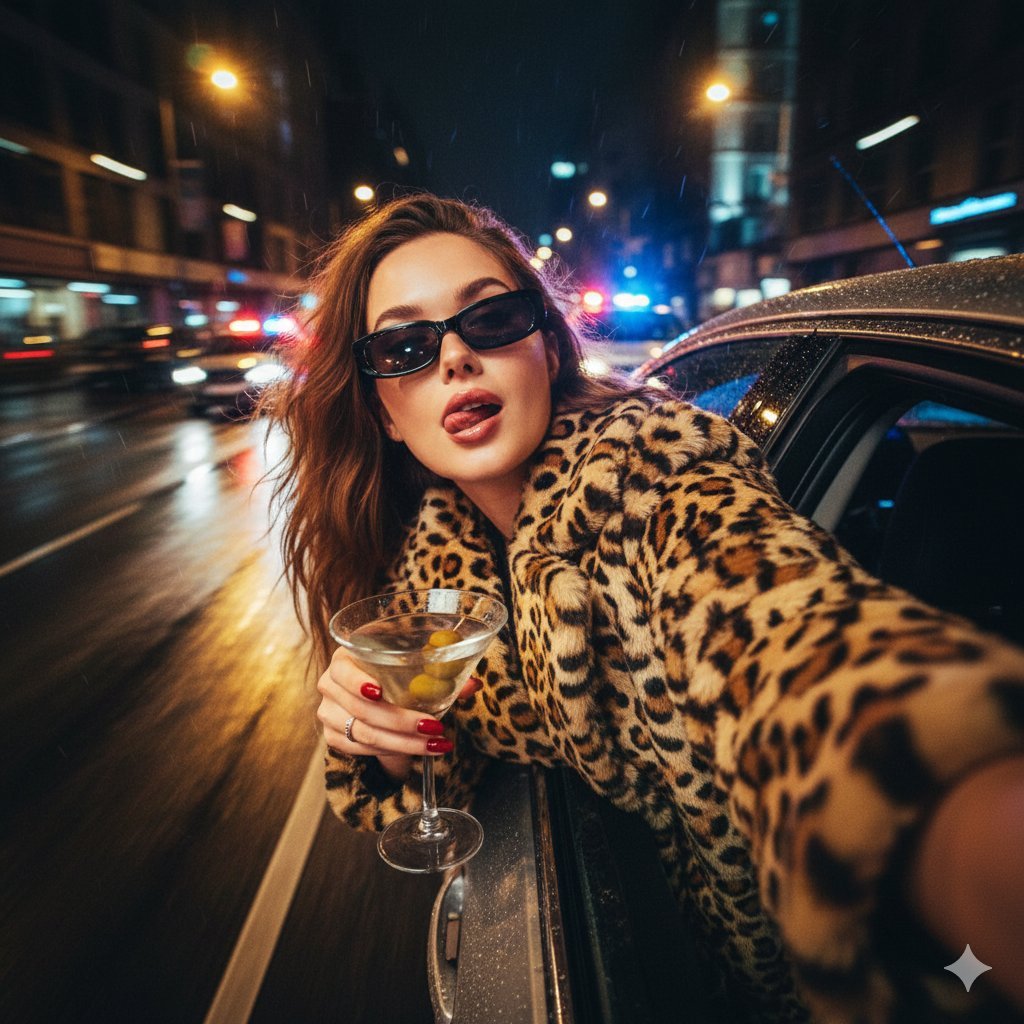
Ultra-Realistic Cinematic Night Street Selfie Prompt
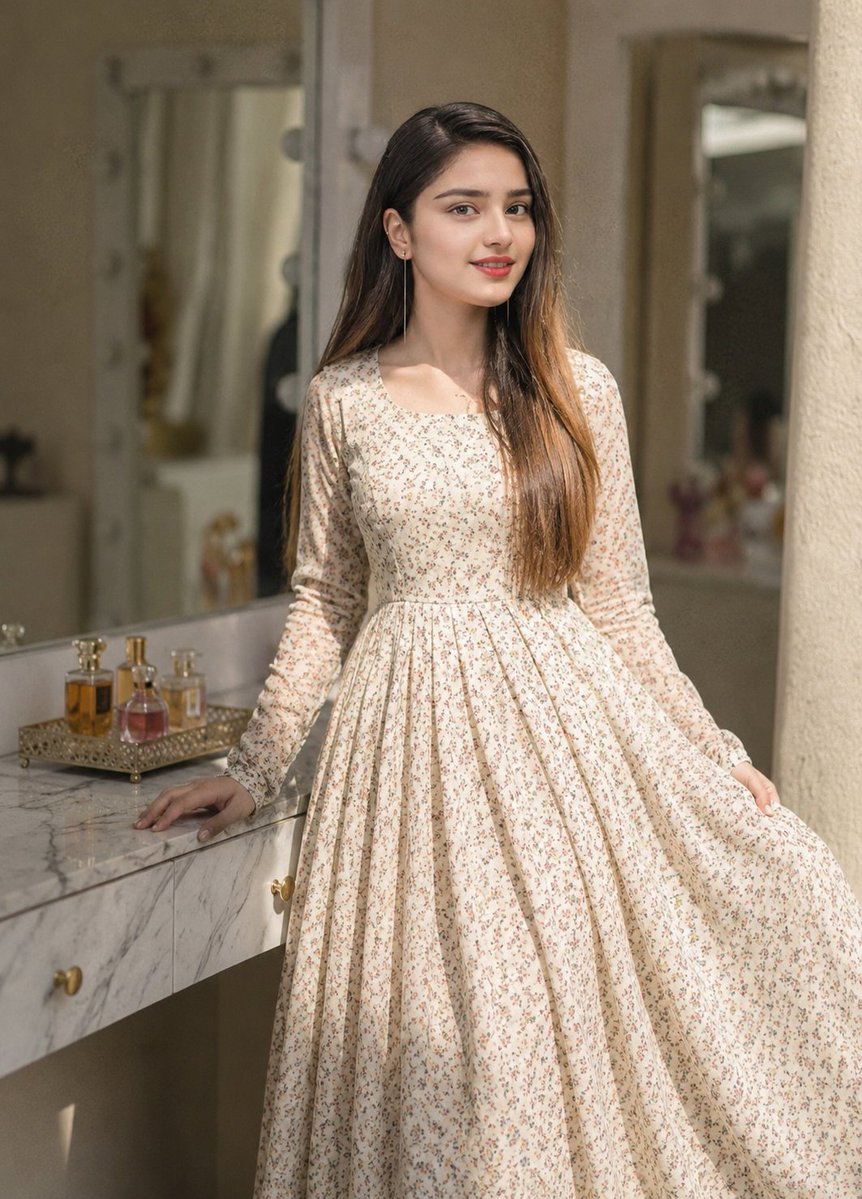
Floral Dress Vanity Portrait
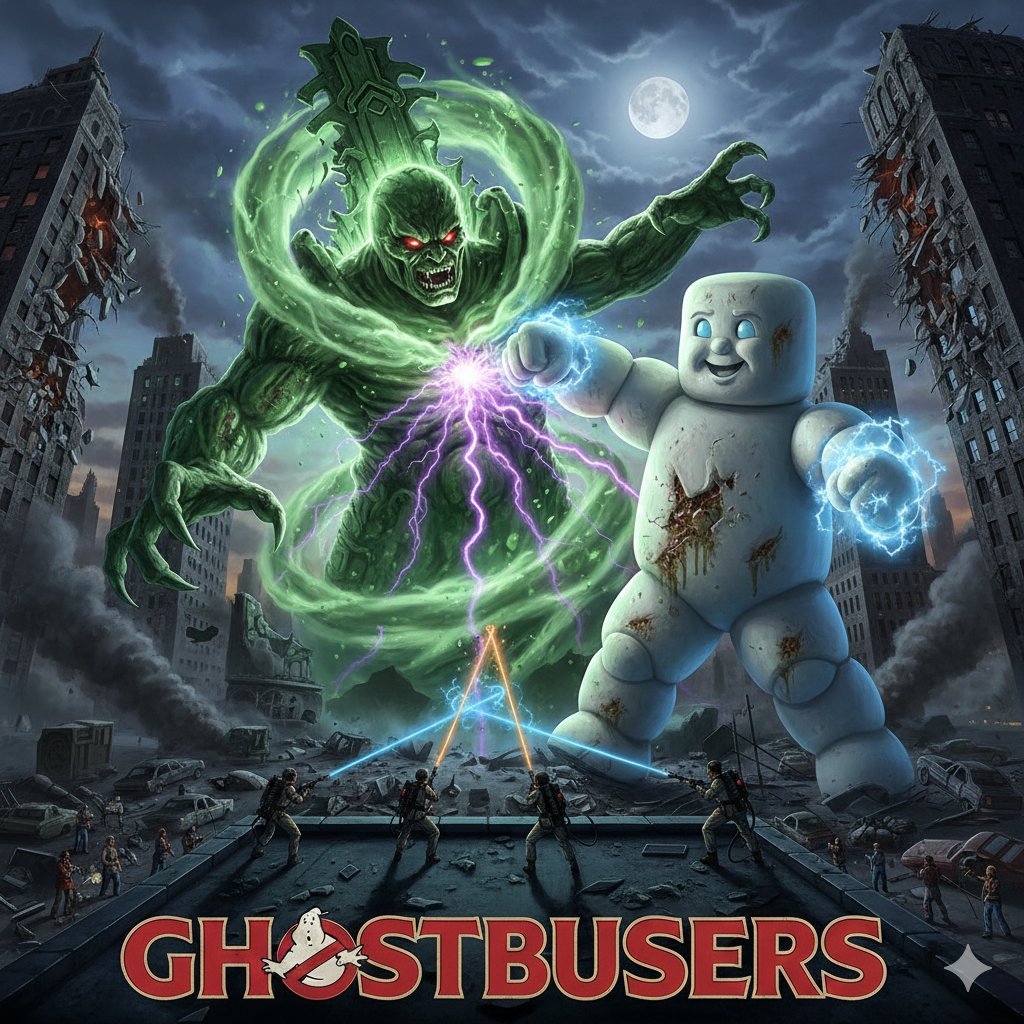
Generate Ghostbusters Scene with Gozer and Stay Puft
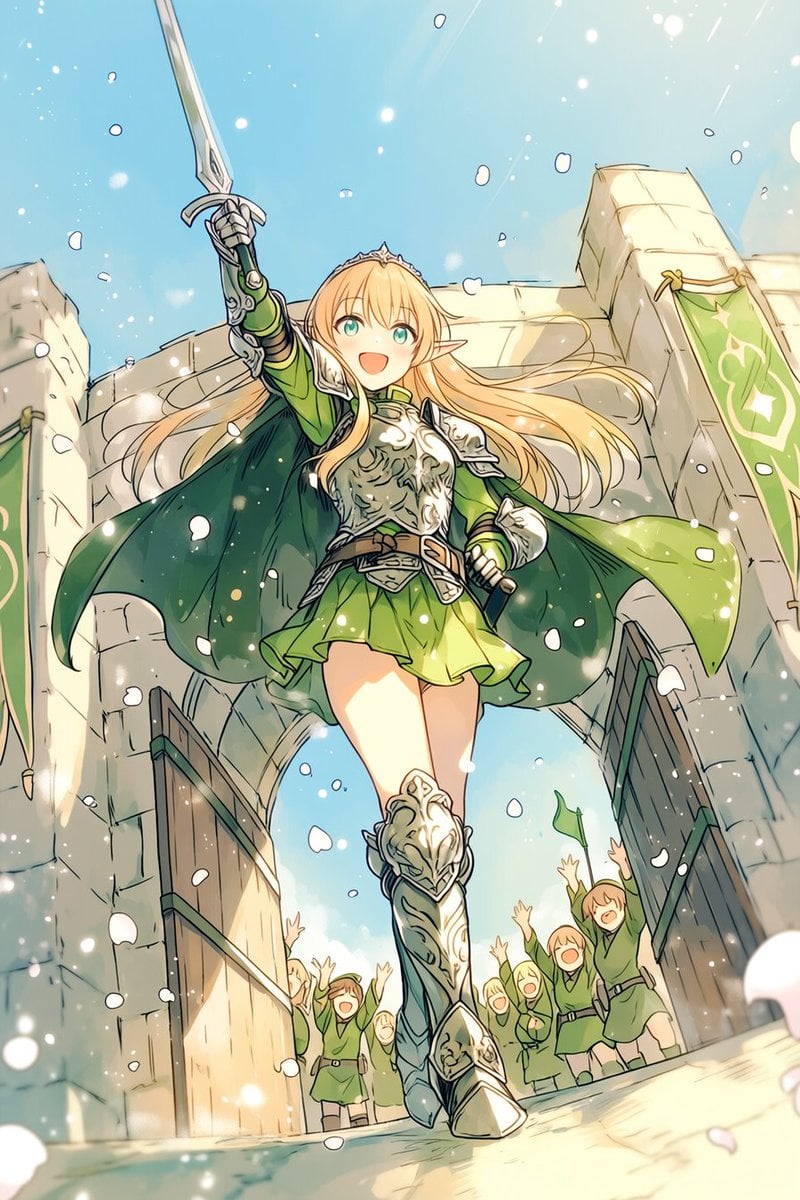
Heroic Elf Knight Victory March
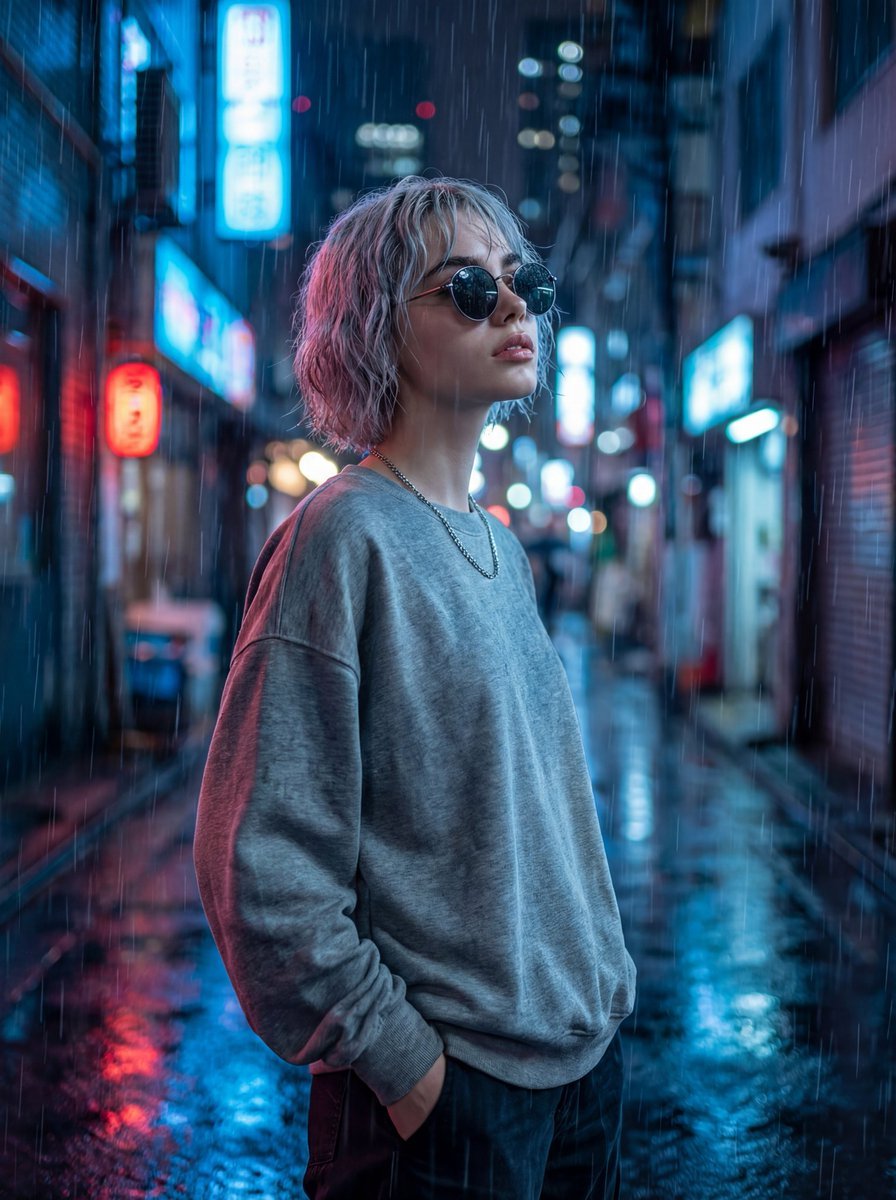
Cinematic Neon Rain Portrait Prompt
Extracting Color and Shadow for Transparency
Featured in prompt roundups
Hand-picked collections that include this template.
Browse template categories
Urban Luxury Streetwear Portrait questions
How do I use the Urban Luxury Streetwear Portrait template?
Add your photo if the template asks for one, edit the prompt if you like — the template's model and format are already selected — and press Generate. Your version opens in PicX Studio.
Can I customize the Urban Luxury Streetwear Portrait template?
Yes. You can change the subject, setting, lighting, mood, format, and available model controls before creating your image.
Is the Urban Luxury Streetwear Portrait template free?
Opening and editing this template is free. Generating uses credits, shown on the Generate button when you are signed in.
Which AI model should I use?
Start with Nano Banana 2, which is the model associated with this template. You can compare another compatible model for a different finish.
Looking for something else? Browse all templates.

Your photo, any look
Thousands of ready templates for every top image and video model, from one credit balance.