
Living Dragon Mural in Sunset Alley
A cinematic urban fantasy prompt for generating a photorealistic dragon mural coming alive on a gritty brick alley wall at sunset.
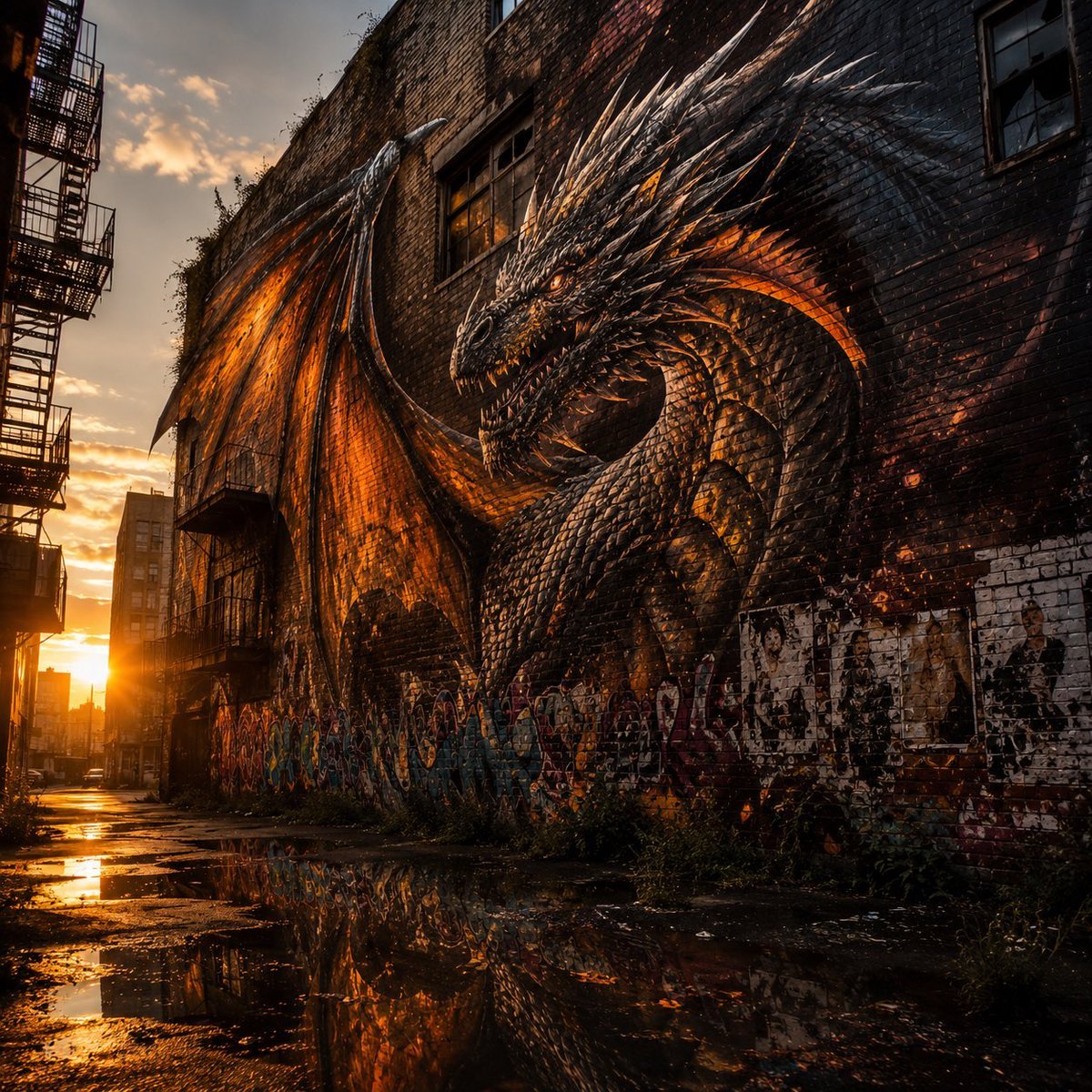
- Prompt included
- Model and format preset
- Premium template
The prompt behind this image
Copy the exact prompt behind Living Dragon Mural in Sunset Alley, or open it in the studio and make it yours.
Create a cinematic photorealistic urban fantasy scene in a gritty alley at sunset, showing one enormous {argument name="dragon color" default="black charcoal and ember-orange"} dragon as a massive wall mural that appears to be coming alive from the side of an old brick building. The dragon has a long serpentine neck, horned head, glowing amber eyes, sharp teeth, many jagged spines, layered armor-like scales, and two vast bat-like wings spread across the wall; its body and wings blend into the brick texture like street art but with 3D realism and fiery orange light glowing through the wing membranes and scale gaps. The setting is a narrow abandoned {argument name="city setting" default="New York-style industrial alley"} with tall brick buildings, metal fire escapes on the left, dark windows, graffiti along the lower wall, weeds and debris near the base of the building, and wet cracked pavement full of puddles reflecting the dragon and sunset. Place the low sun near the far end of the alley, casting strong golden backlight, long shadows, orange highlights, and dramatic contrast against the dark brick. Use a wide-angle perspective from ground level, vertical walls towering upward, the dragon dominating the right two-thirds of the composition and the alley receding into the glowing horizon on the left. Style should be ultra-detailed, realistic, high dynamic range, cinematic fantasy concept art, moody urban decay, sharp scale texture, damp reflective ground, warm orange and black color palette, no people, no readable text, no logos, no watermark. Optional greeting mood: {argument name="holiday mood" default="Happy Dragon Day, wonderful and awe-inspiring"}.
How to use Living Dragon Mural in Sunset Alley in 3 steps
- 1Upload ImagePNG, JPG or paste
Add your photo
Upload the photo the template builds on. The prompt, model and format are already set.
- 2…a portrait of your subject in softgolden-hour light, 85mm…
Personalize
Edit the subject and creative details for your destination.
- 3Generate
Generate
Press Generate — your image is created in PicX Studio, so you can compare it with the original and refine one variable at a time.
More like this
Templates with the same subject, style or setup. Open one to see its prompt.

Mountain Lake Sunset Landscape

Artistic Arborpunk Garden Observatory Complex

Minecraft Fantasy Kingdom Voxel Landscape
Urban Alley Mural Artist
Museum-grade Crying Dragon Dome Mural
Gpt2 Comic Storyboard Urban Alley Mural Artist

Indian Village Cattle Herding — Nano Banana
Seedance - Dragon vs Python Battle
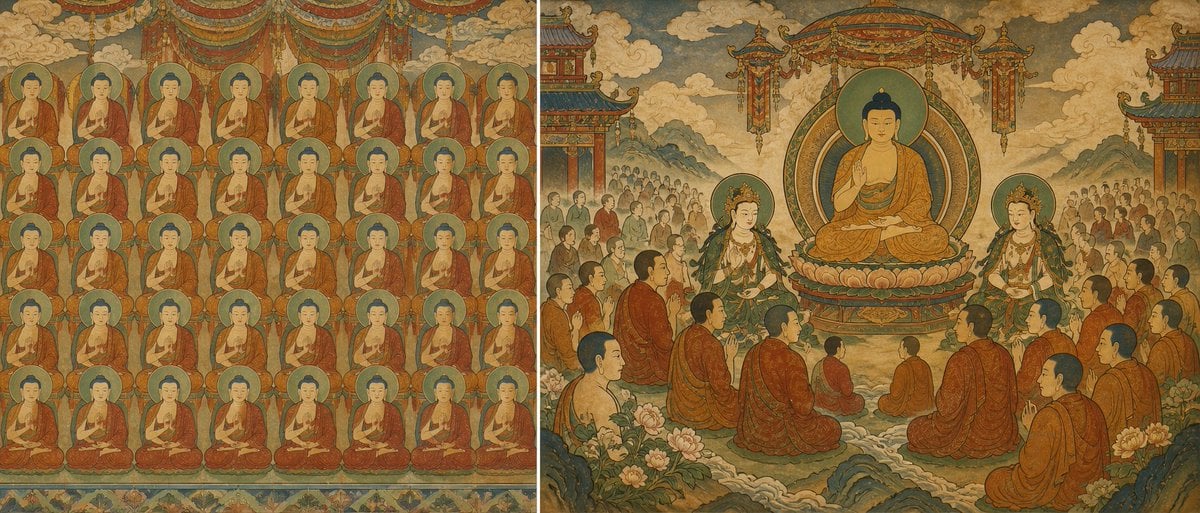
Buddhist Mural Composition Diptych
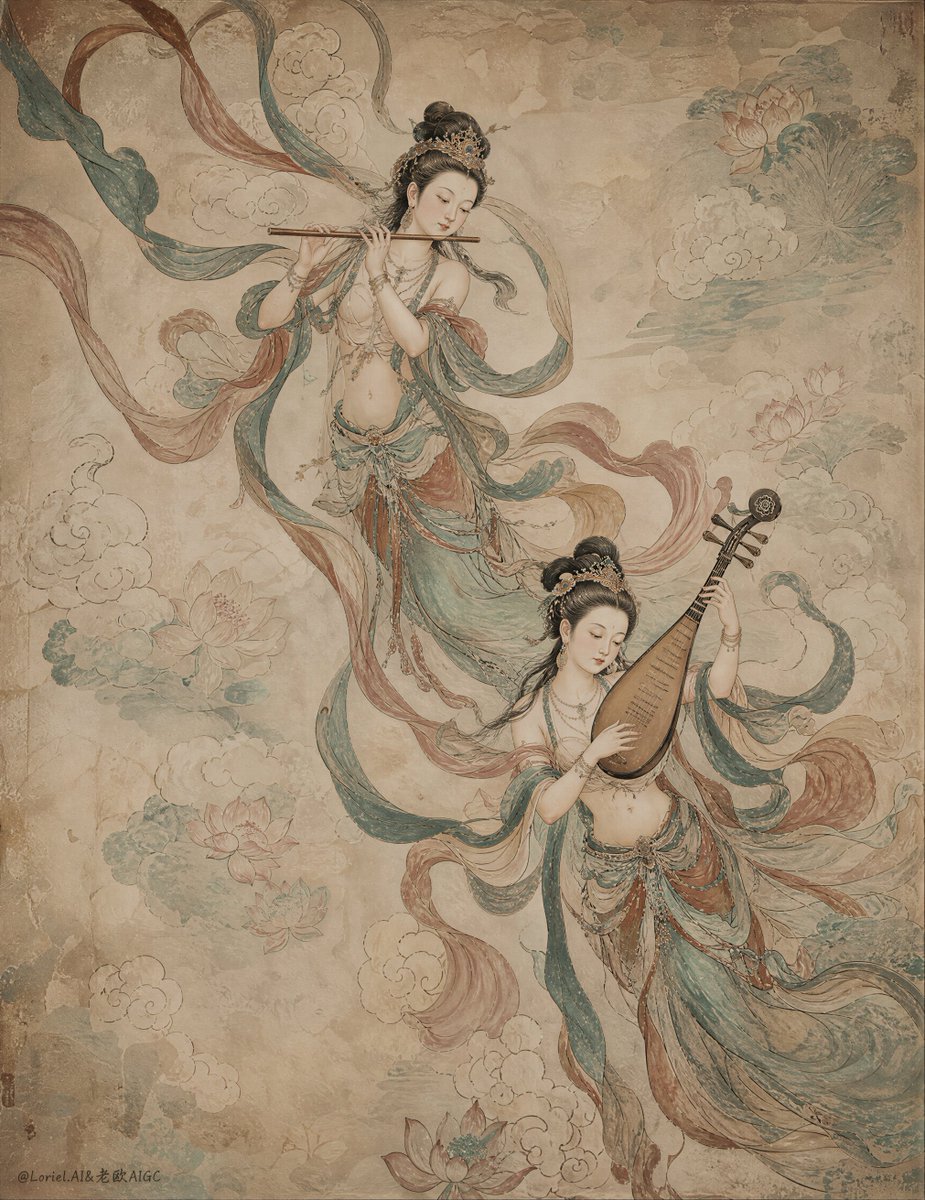
Ancient Chinese Mural of Celestial Musicians
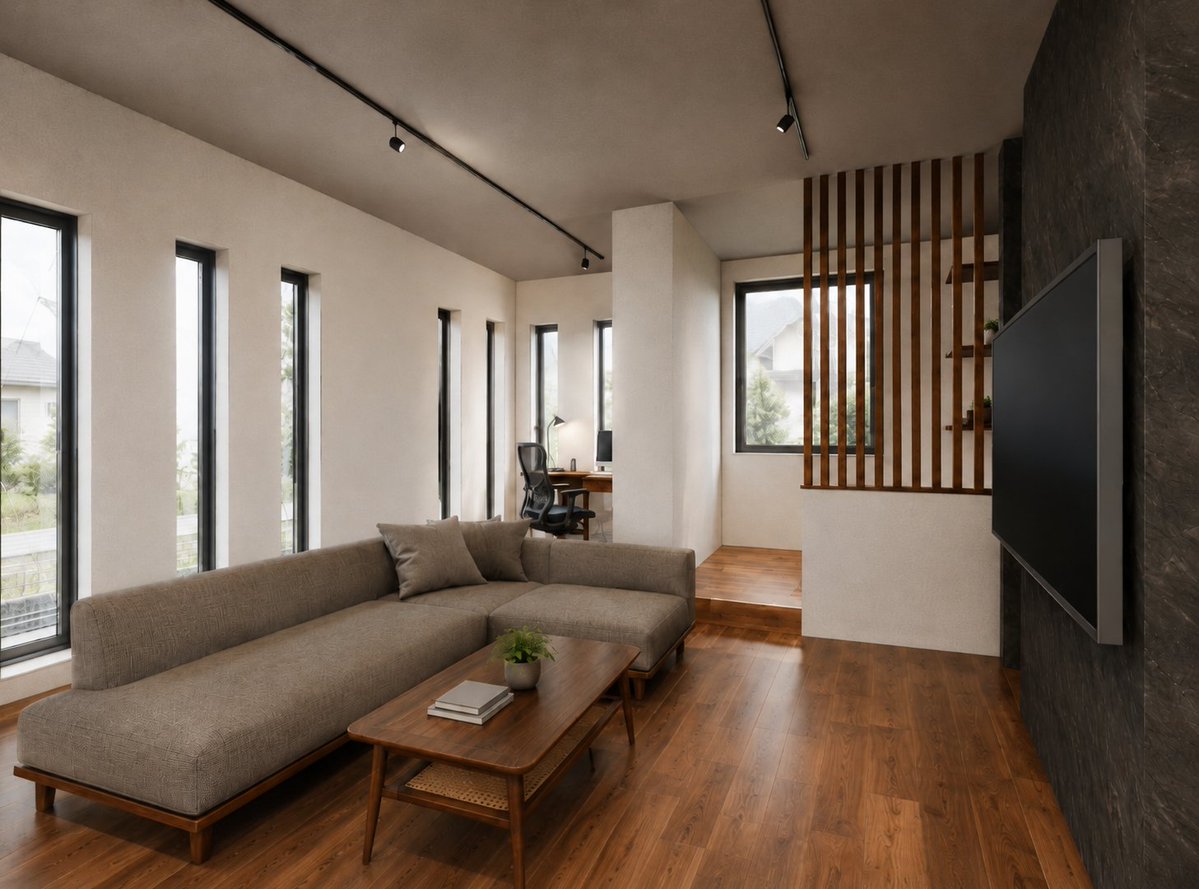
Warm Modern Japanese Living Room Render

Golden Retriever Sunset Campfire Photography
Make it yours
Living Dragon Mural in Sunset Alley works as-is. These are the safest ways to change it without losing the look.
Change one field
Copy a single group, rewrite it, and generate again so you can see what that field is doing.
Keep the frame, change the subject
Hold the composition and light of Living Dragon Mural in Sunset Alley, then swap wardrobe, props or the person for a new take.
| If the result… | Why | Fix |
|---|---|---|
| The result drifts from the preview | Too many fields changed at once. | Reuse Living Dragon Mural in Sunset Alley as-is first, then change one group — subject, light, or setting. |
| The model over-stylizes the scene | The prose prompt leaves finish and camera underspecified. | Add one camera or lighting sentence and stay on GPT Image 2. |
More GPT Image 2 templates
Other prompts made for GPT Image 2.

Six VTuber Japanese Logo Sheet

Realistic Portrait of Woman and Deer

The Vista Modular Condo Poster

AI Model Routing Comparison Infographic

2.5D Anime Art Board

Isometric Productivity Desk Scene

New York Double Exposure Poster

Four-Panel AI Landscape Comparison

Japanese Tatami Lifestyle Magazine Cover

NESCAFÉ Coffee Map Poster
More image prompts
Fresh picks from across the catalog.
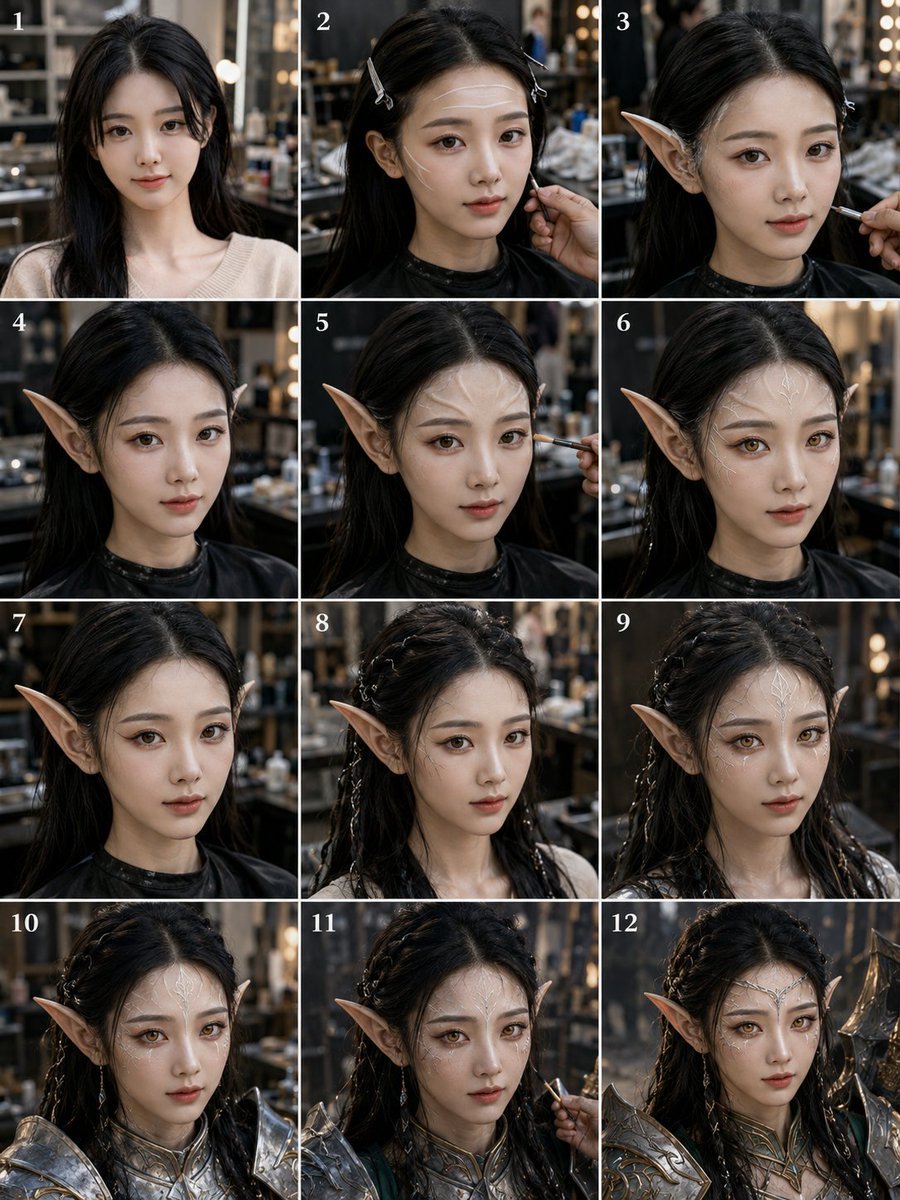
Panel Elf Warrior Transformation
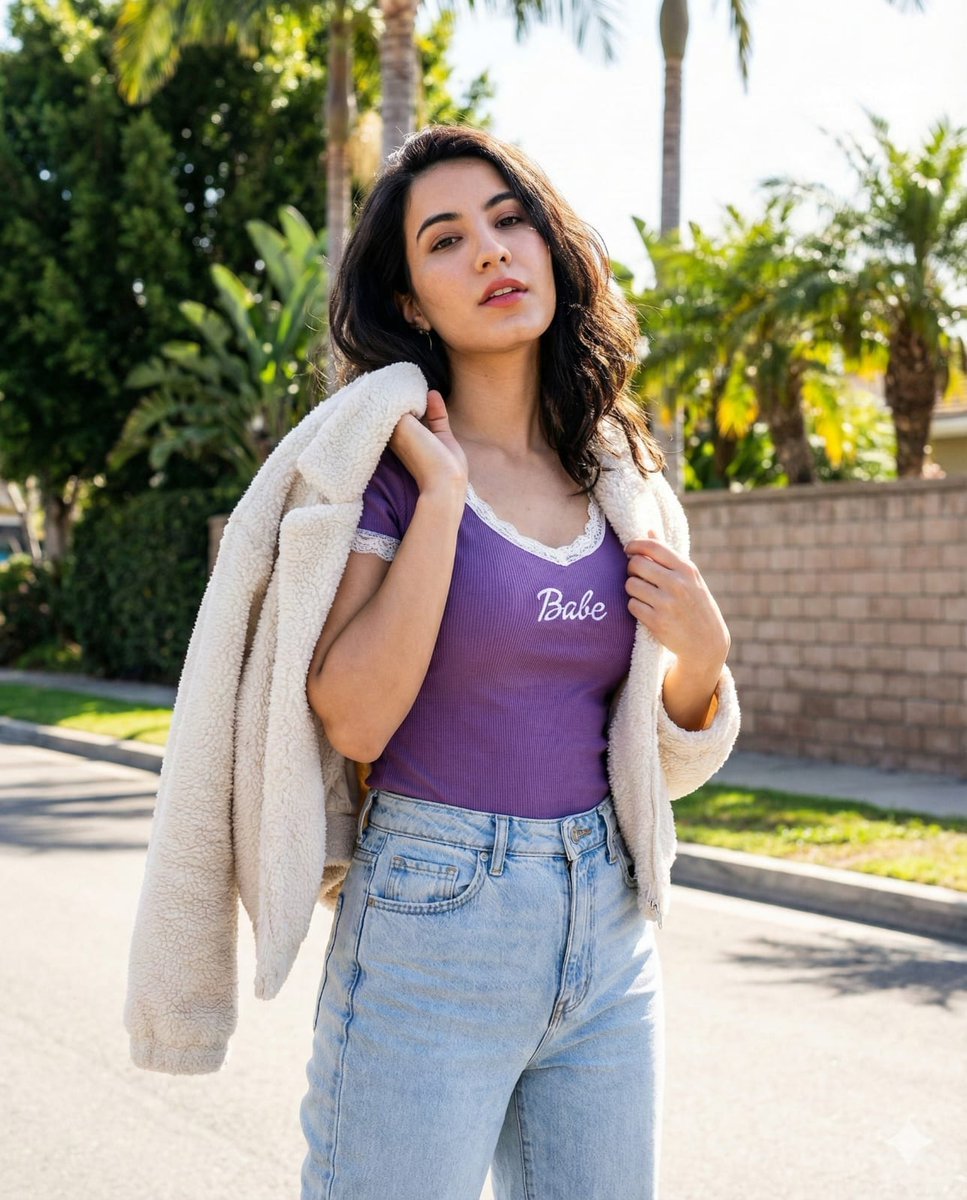
Vertical Street Portrait of a Young Woman
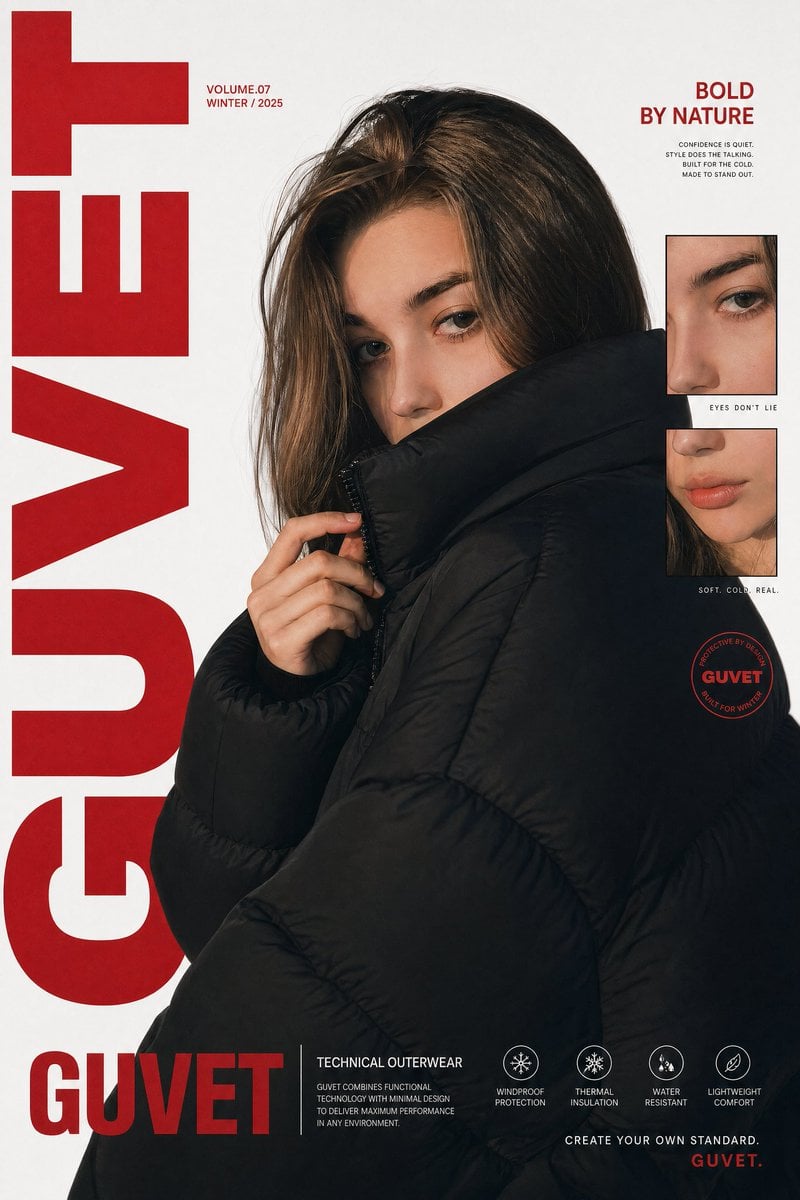
Luxury Streetwear Fashion Poster

Luxury Spa Day on a Yacht Group Portrait Prompt (Duplicate)
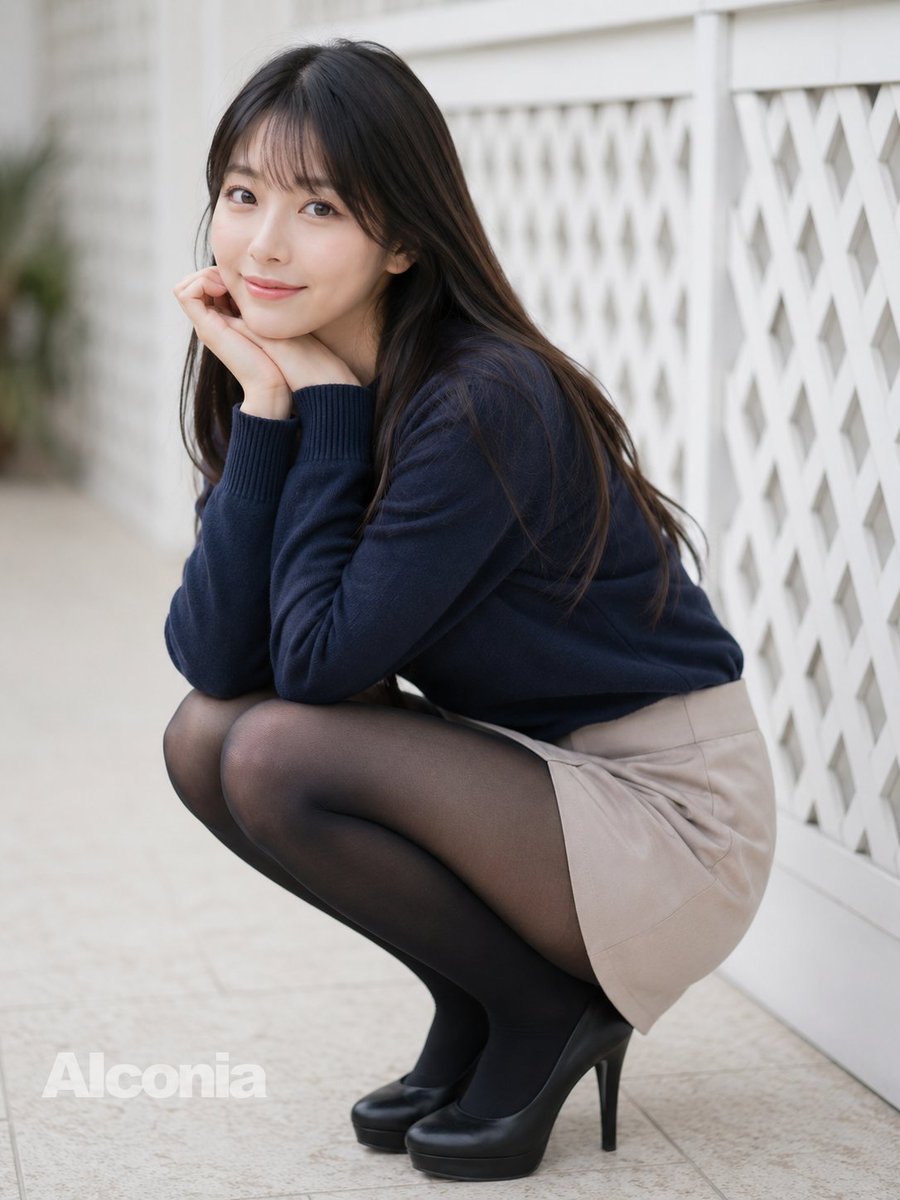
Crouching Outdoor Fashion Portrait

High-end editorial portrait of a mature man

Flashy Pachinko Parlor Promo Poster
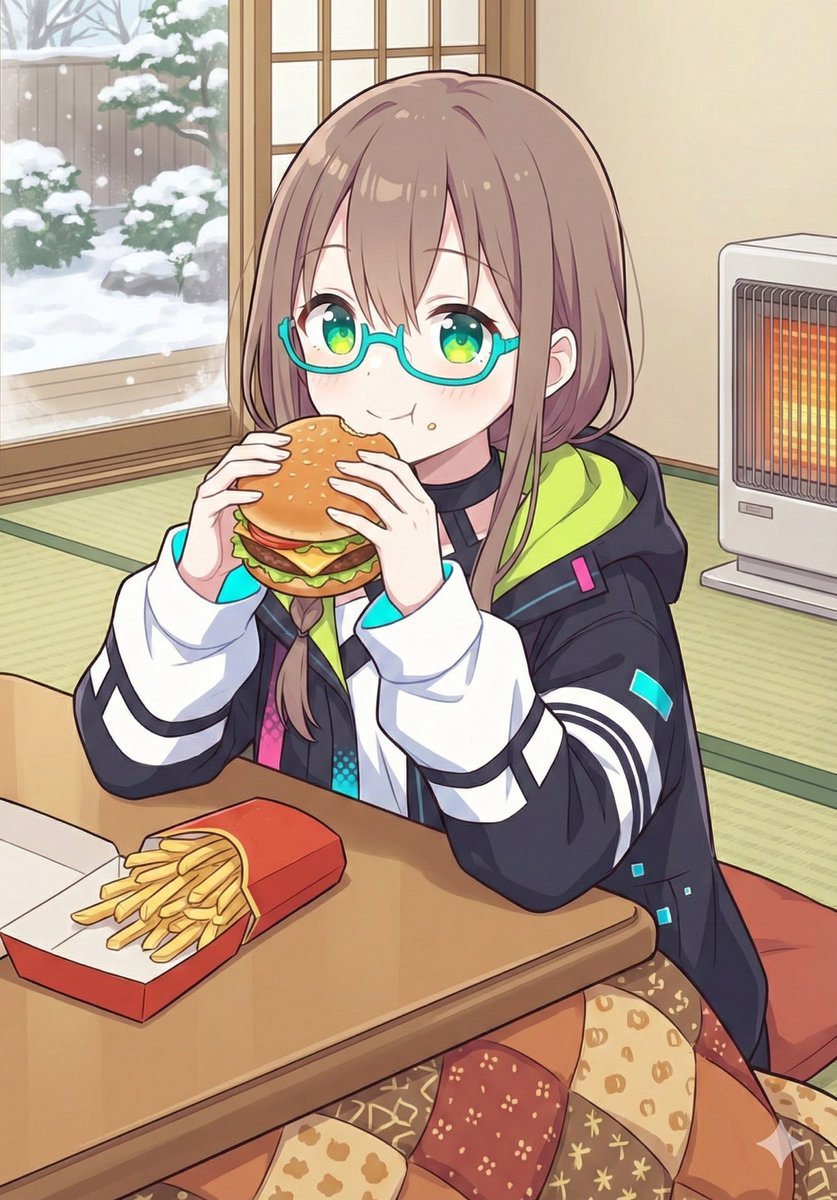
Japanese Prompt for Girl Eating Burger and Fries under Kotatsu
Nano Banana Pro Pencil Sketch Generation

Luxury Packaging Reveal Prompt for Leonardo AI
Browse template categories
Living Dragon Mural in Sunset Alley questions
How do I use the Living Dragon Mural in Sunset Alley template?
Add your photo if the template asks for one, edit the prompt if you like — the template's model and format are already selected — and press Generate. Your version opens in PicX Studio.
Can I customize the Living Dragon Mural in Sunset Alley template?
Yes. You can change the subject, setting, lighting, mood, format, and available model controls before creating your image.
Is the Living Dragon Mural in Sunset Alley template free?
Opening and editing this template is free. Generating uses credits, shown on the Generate button when you are signed in.
Which AI model should I use?
Start with GPT Image 2, which is the model associated with this template. You can compare another compatible model for a different finish.
Looking for something else? Browse all templates.

Your photo, any look
Thousands of ready templates for every top image and video model, from one credit balance.