
Real Person in Minecraft Coastal World
Generates a photorealistic traveler placed inside a vivid Minecraft-style coastal landscape for surreal travel or game-world edits.
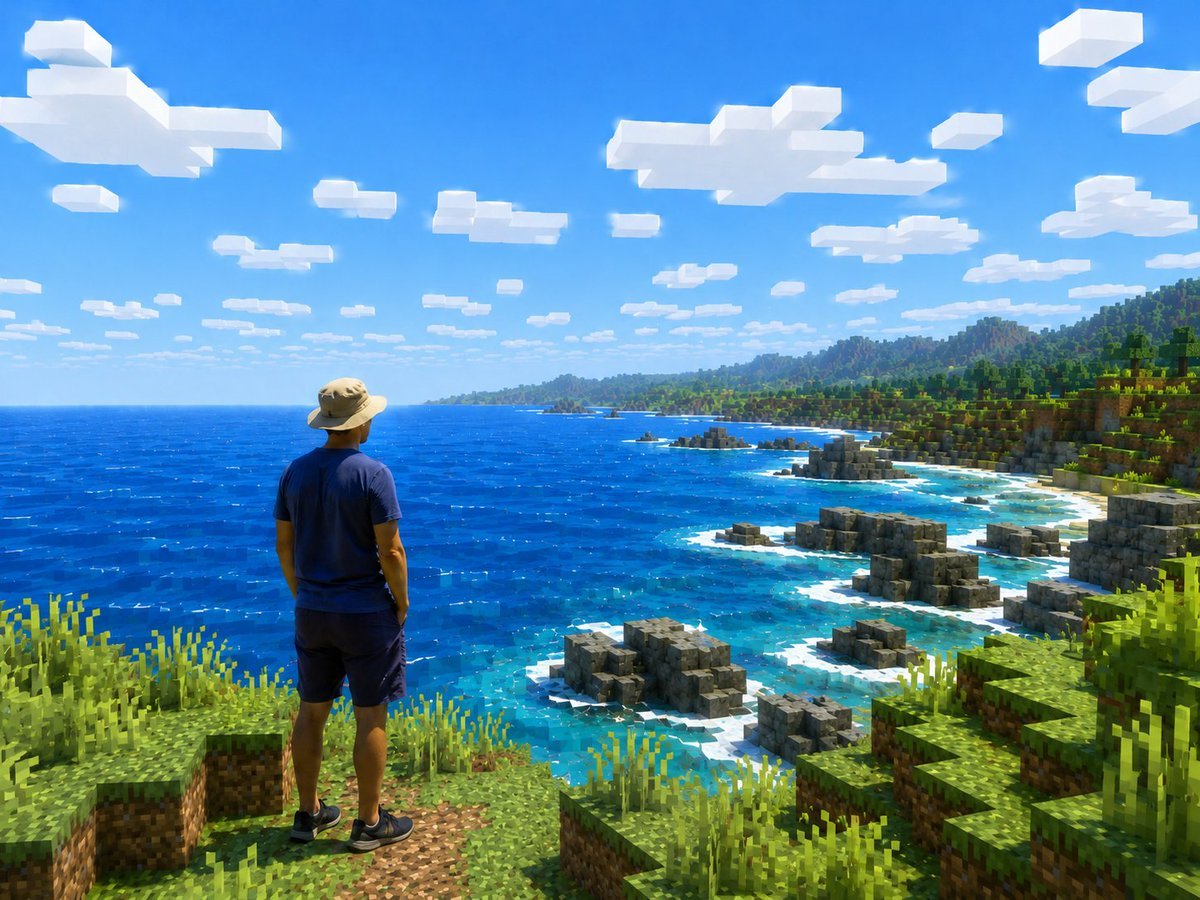
- Prompt included
- Model and format preset
- Free template
The prompt behind this image
Copy the exact prompt behind Real Person in Minecraft Coastal World, or open it in the studio and make it yours.
Create a realistic travel-photo composition transformed into a Minecraft-style open-world screenshot. Show one human figure viewed from behind, standing near the lower left foreground on a grassy blocky cliff, looking out over a vast bright blue ocean and rugged voxel coastline. The person should remain photorealistic and natural, wearing {argument name="outfit" default="a tan wide-brim hiking hat, navy blue T-shirt, dark shorts, and black sneakers"}, with relaxed posture and hands by the sides, facing the scenery. The entire environment must be rendered as Minecraft-like cubic blocks: square grass and dirt ledges in the foreground, tall pixelated grass clumps, stepped rocky gray block formations along the shore, turquoise shallow water with white surf around the rocks, a deep cobalt ocean stretching to the horizon, and a green blocky forested coastline with hills and mountains in the distance. Use {argument name="scene location" default="a tropical coastal cliff overlooking the ocean"} as the setting. The sky is vivid clear blue with exactly many flat rectangular white voxel clouds scattered across the upper half, strong midday sunlight, saturated colors, crisp shadows, and high contrast. Camera angle is a wide landscape view from slightly behind and above the person, emphasizing scale and adventure, like a screenshot from an upgraded high-resolution Minecraft shader pack mixed with a real person. Keep the person anatomically realistic, not blocky, while all terrain, water edges, rocks, plants, clouds, and distant mountains are voxel/block-based. No text, no UI, no watermark.
How to use Real Person in Minecraft Coastal World in 3 steps
- 1Upload ImagePNG, JPG or paste
Add your photo
Upload the photo the template builds on. The prompt, model and format are already set.
- 2…a portrait of your subject in softgolden-hour light, 85mm…
Personalize
Edit the subject and creative details for your destination.
- 3Generate
Generate
Press Generate — your image is created in PicX Studio, so you can compare it with the original and refine one variable at a time.
More like this
Templates with the same subject, style or setup. Open one to see its prompt.

Photoreal Selfie Minecraft Block World
Hyper-Realistic Minecraft Cows Grazing

Hyper-Realistic Minecraft POV Portrait

Minecraft Next-Gen Voxel World Screenshot

Photoreal Village Lanterns Minecraft Scene

Photoreal Snow Biome Name Tag UI

Photoreal Selfie Minecraft Village Ghast UI

Minecraft Homage Illustrious Style

Minecraft Voxel Pixel Art Aesthetic System

Minecraft Japanese Research Lab Exploration

Realistic Person with Chibi Miniatures
Surreal Miniature Book World
Make it yours
Real Person in Minecraft Coastal World works as-is. These are the safest ways to change it without losing the look.
Change one field
Copy a single group, rewrite it, and generate again so you can see what that field is doing.
Keep the frame, change the subject
Hold the composition and light of Real Person in Minecraft Coastal World, then swap wardrobe, props or the person for a new take.
| If the result… | Why | Fix |
|---|---|---|
| The result drifts from the preview | Too many fields changed at once. | Reuse Real Person in Minecraft Coastal World as-is first, then change one group — subject, light, or setting. |
| The model over-stylizes the scene | The prose prompt leaves finish and camera underspecified. | Add one camera or lighting sentence and stay on GPT Image 2. |
More GPT Image 2 templates
Other prompts made for GPT Image 2.

Six VTuber Japanese Logo Sheet

Realistic Portrait of Woman and Deer

The Vista Modular Condo Poster

AI Model Routing Comparison Infographic

2.5D Anime Art Board

Isometric Productivity Desk Scene

New York Double Exposure Poster

Four-Panel AI Landscape Comparison

Japanese Tatami Lifestyle Magazine Cover

NESCAFÉ Coffee Map Poster
More image prompts
Fresh picks from across the catalog.
Censored Vintage Noir Film Still
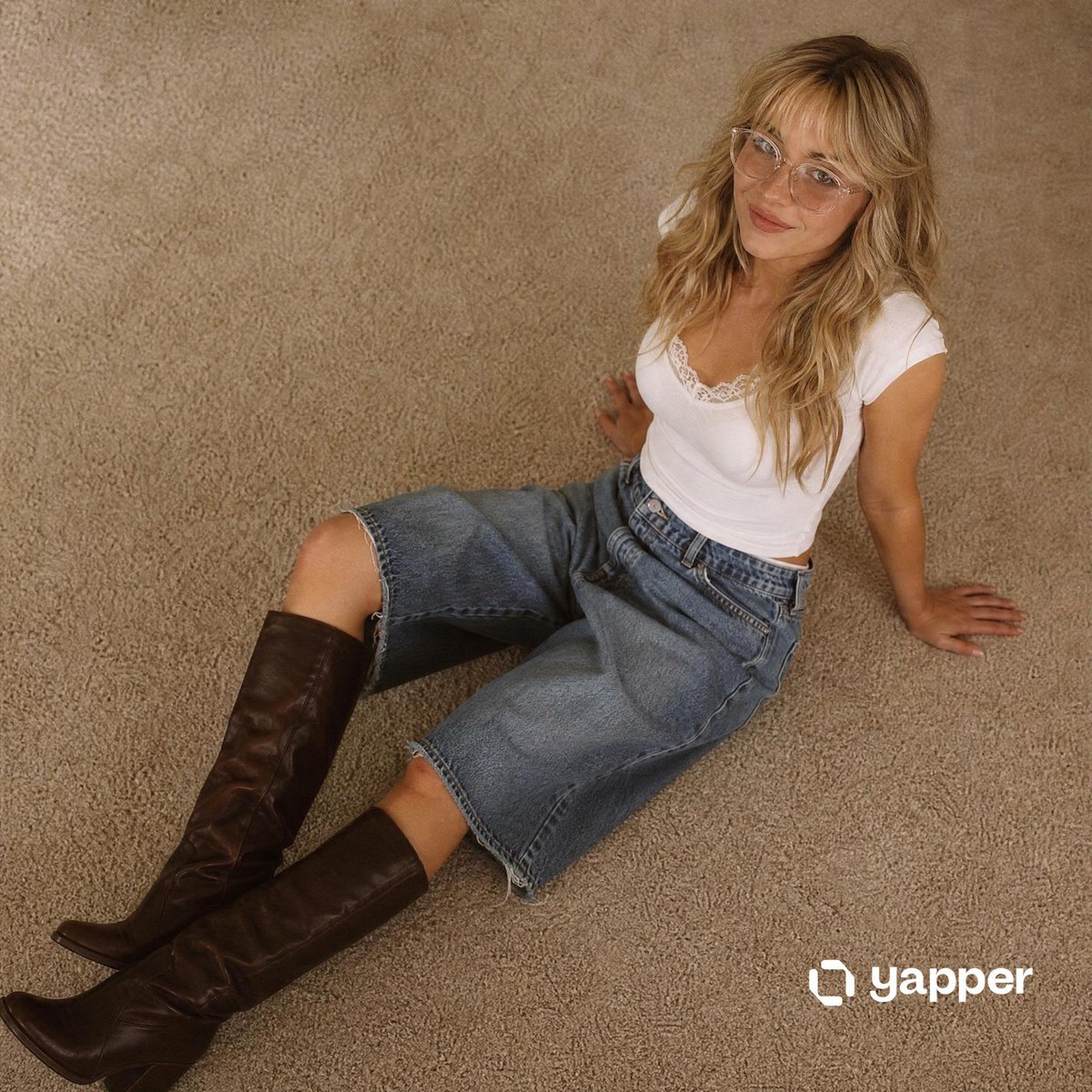
Nostalgic 90s Overhead Carpet Portrait

Custom Logo Basketball Selfie
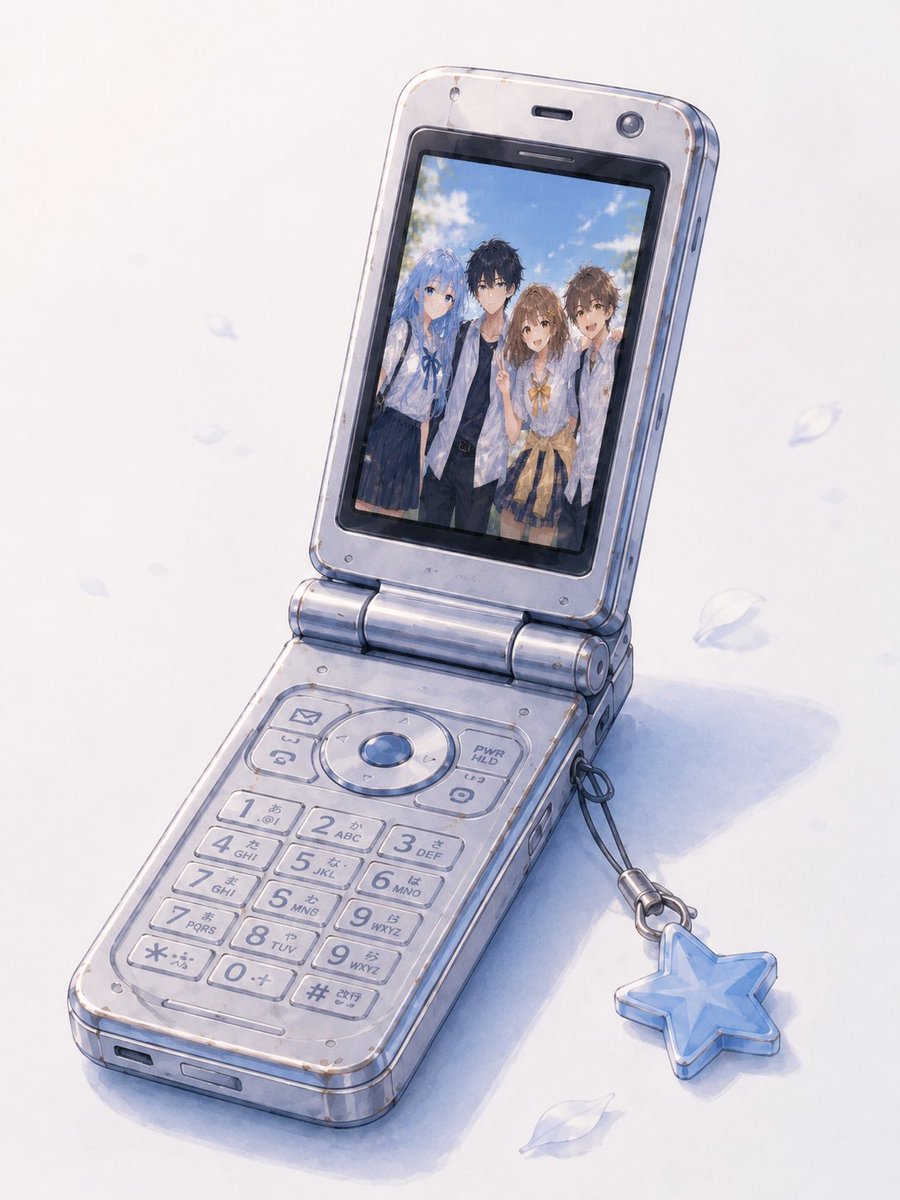
Group Photo Inside Retro Flip Phone

Nano Banana Pro Quality Enhancement Keywords

Realistic Soccer Stadium Supporter Portrait
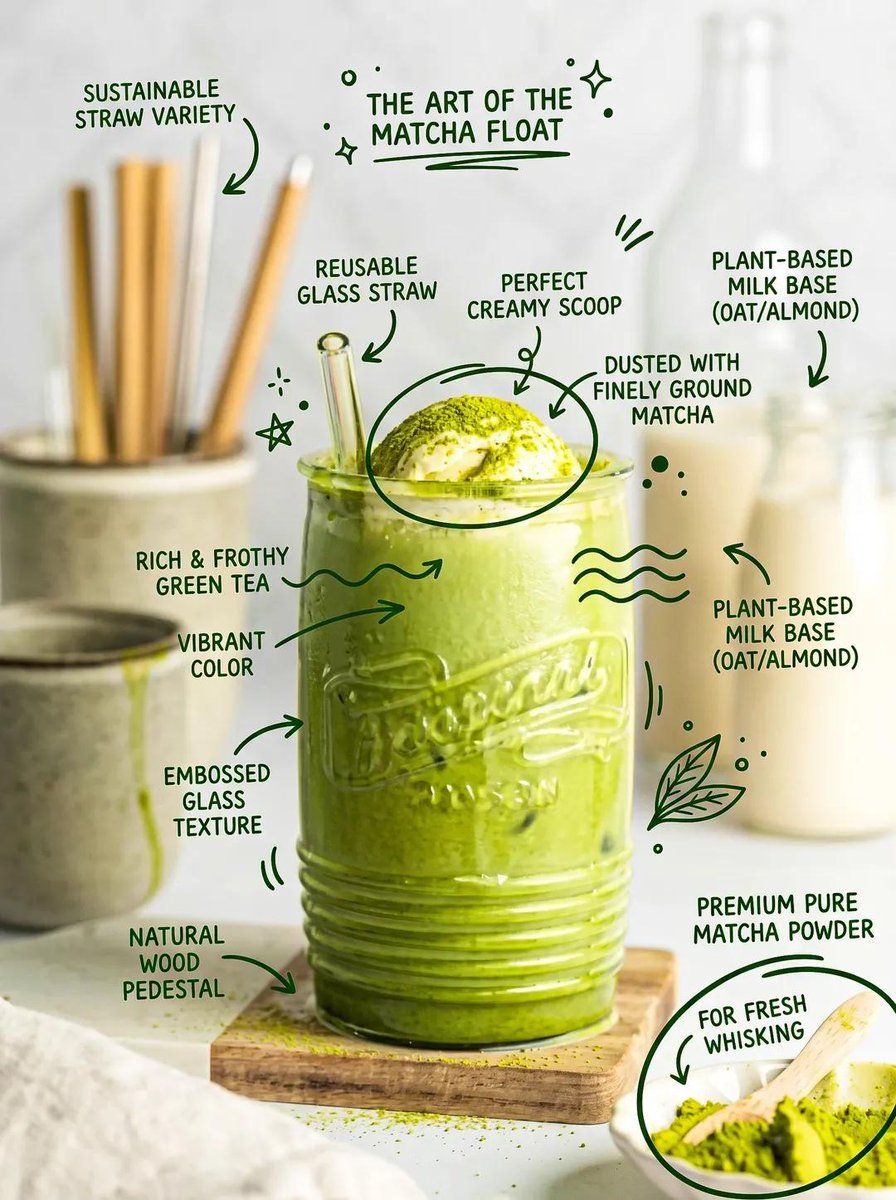
Hand-Drawn Doodles Overlay Prompt
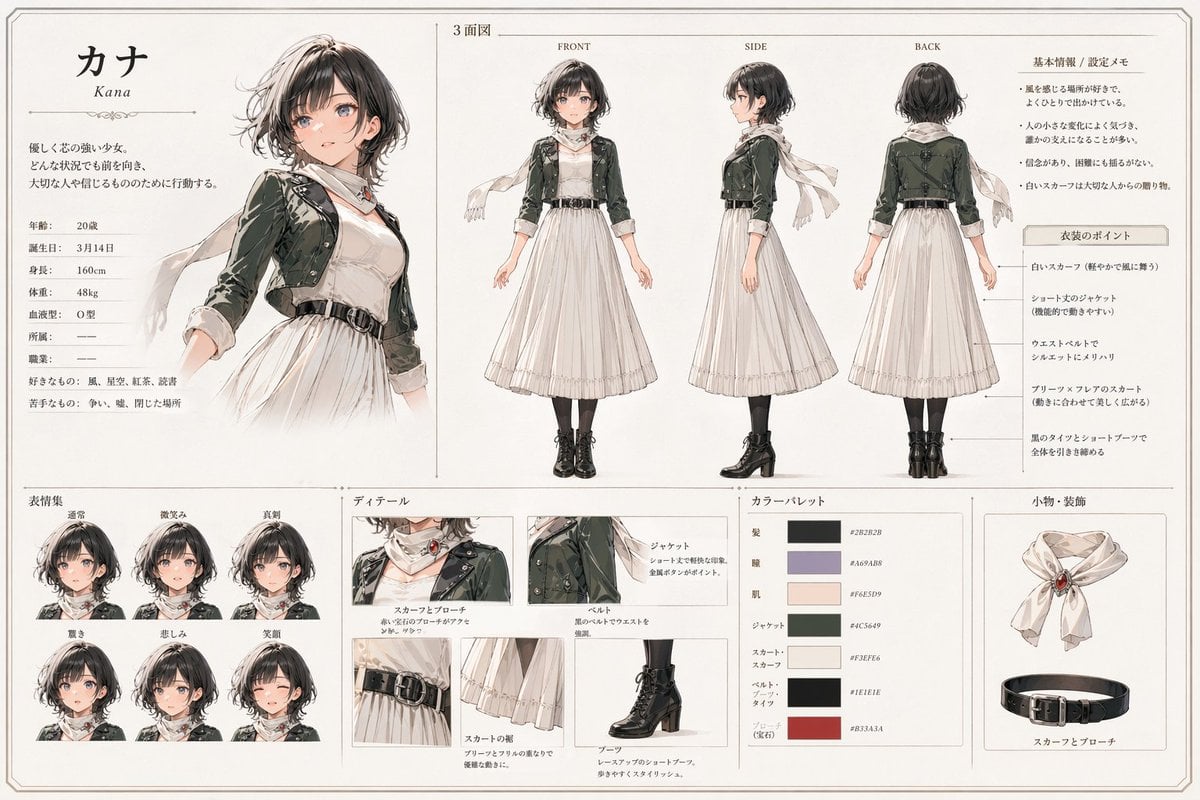
Kana Anime Character Reference Sheet

Pastel Kawaii Girl Fashion Portrait

Inventor Portrait Memory Map
Featured in prompt roundups
Hand-picked collections that include this template.
Browse template categories
Real Person in Minecraft Coastal World questions
How do I use the Real Person in Minecraft Coastal World template?
Add your photo if the template asks for one, edit the prompt if you like — the template's model and format are already selected — and press Generate. Your version opens in PicX Studio.
Can I customize the Real Person in Minecraft Coastal World template?
Yes. You can change the subject, setting, lighting, mood, format, and available model controls before creating your image.
Is the Real Person in Minecraft Coastal World template free?
Opening and editing this template is free. Generating uses credits, shown on the Generate button when you are signed in.
Which AI model should I use?
Start with GPT Image 2, which is the model associated with this template. You can compare another compatible model for a different finish.
Looking for something else? Browse all templates.

Your photo, any look
Thousands of ready templates for every top image and video model, from one credit balance.