How do I use the Custom Logo Basketball Selfie template?
Choose the primary action to open PicX Studio with the available template settings. Review the model and format, personalize the creative direction, and generate when ready.
Generates a photorealistic selfie of a young man holding a custom-colored basketball with a specific logo on an indoor court. Change the subject, setting, or lighting one variable at a time.
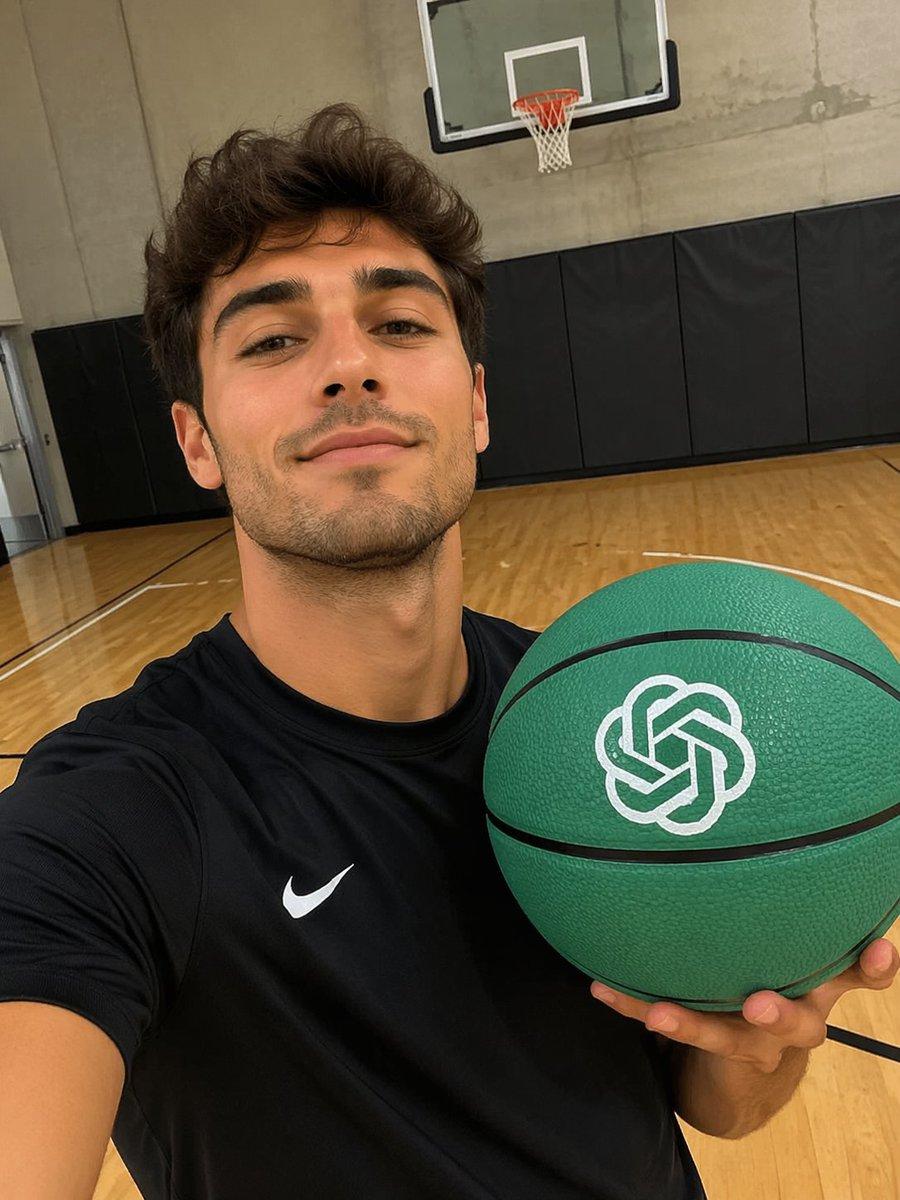
A photorealistic selfie of a young man with short wavy dark hair and light stubble on an indoor basketball court. He wears a black athletic t-shirt with a white swoosh. He holds a {argument name="ball color" default="green"} basketball featuring a large white {argument name="logo design" default="OpenAI logo"}. The background shows a hardwood floor, black wall pads, and a basketball hoop against a concrete wall. Bright indoor gym lighting with a casual social media aesthetic.
Choose the primary action to open PicX Studio with the available template settings. Review the model and format, personalize the creative direction, and generate when ready.
Yes. You can change the subject, setting, lighting, mood, format, and available model controls before creating your image.
This template is free to open and customize. Generation usage is shown in PicX Studio before you create.
Start with GPT Image 2, which is the model associated with this template. You can compare another compatible model for a different finish.
© 2026 PicX Studio. All rights reserved.

Follow a topic to a crawlable collection of related PicX Studio templates.
43,474 public templates available. Verified via the PicX Studio public templates API; refreshed hourly.






![Luxury Dessert Logo Product Photography — Minimalist luxury product photography of an edible sculpture inspired by the [brand name] logo. Logo transformed into](/_next/image?url=https%3A%2F%2Fcdn.picxstudio.com%2Fuploads%2Fmeigen_a9d271403edd_04fd5565-6f29-4349-9b66-e8e43523ac87.jpg&w=828&q=100)

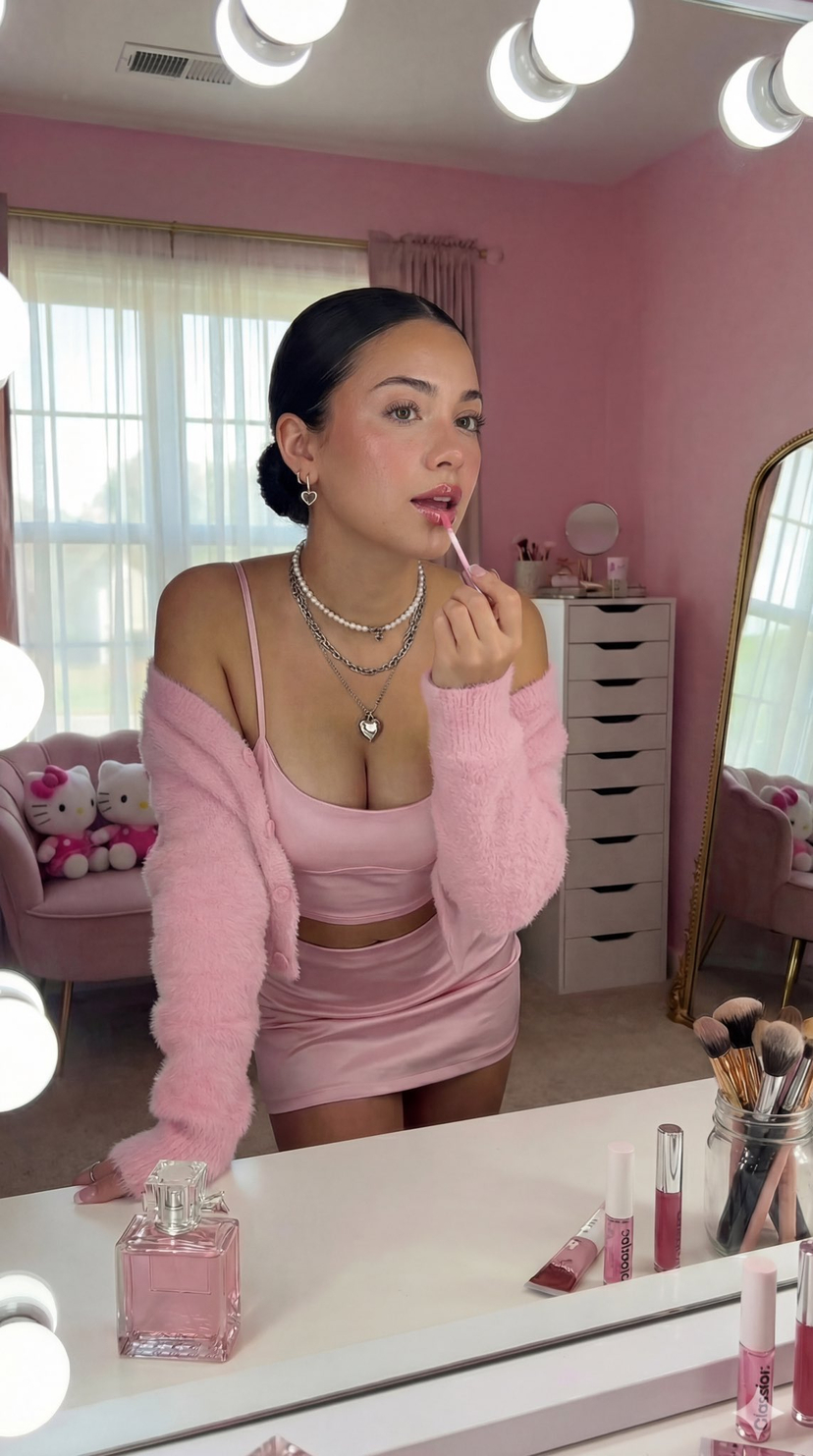
![nano-banana-grwm-mirror-selfie-pink — Nano Banana 2
Prompt (JSON):
{
"type": "image_prompt",
"description": {
"subject": {
"main": "[NAME] com o](/_next/image?url=https%3A%2F%2Fcdn.picxstudio.com%2Fuploads%2Ftweet_img_10a_612da6f9-cf6d-417e-bdd5-cc1300d1d830.jpg&w=828&q=100)






![Moss Logo Minimalist Brand Flat Lay — [BRAND NAME]: Enter the brand name here.
Goal: Generate a minimalist organic image where a stylized logo icon of [BRAND NA](/_next/image?url=https%3A%2F%2Fcdn.picxstudio.com%2Fuploads%2Fmeigen_c099b4a510e0_2c38b884-72c5-4839-8374-99d9fab74c05.jpg&w=828&q=100)


![Minimalist Flat Vector Travel Poster — Premium minimalist flat-vector travel poster for {argument name="city name" default="[CITY_NAME]"}, 3:4 vertical format.](https://cms-assets.youmind.com/media/1787917359711_3ug846_HQX205cbMAA6F6S-300x400.jpg)



























![Fashion Arrangement Prompt for High School Characters — # 設定
[服装の種類] = {argument name="服装の種類" default="女子高生"}
[世界観] = {argument name="世界観" default="現代日本"}
# 生成](https://pbs.twimg.com/media/G85gnYRagAMfkX3.jpg)