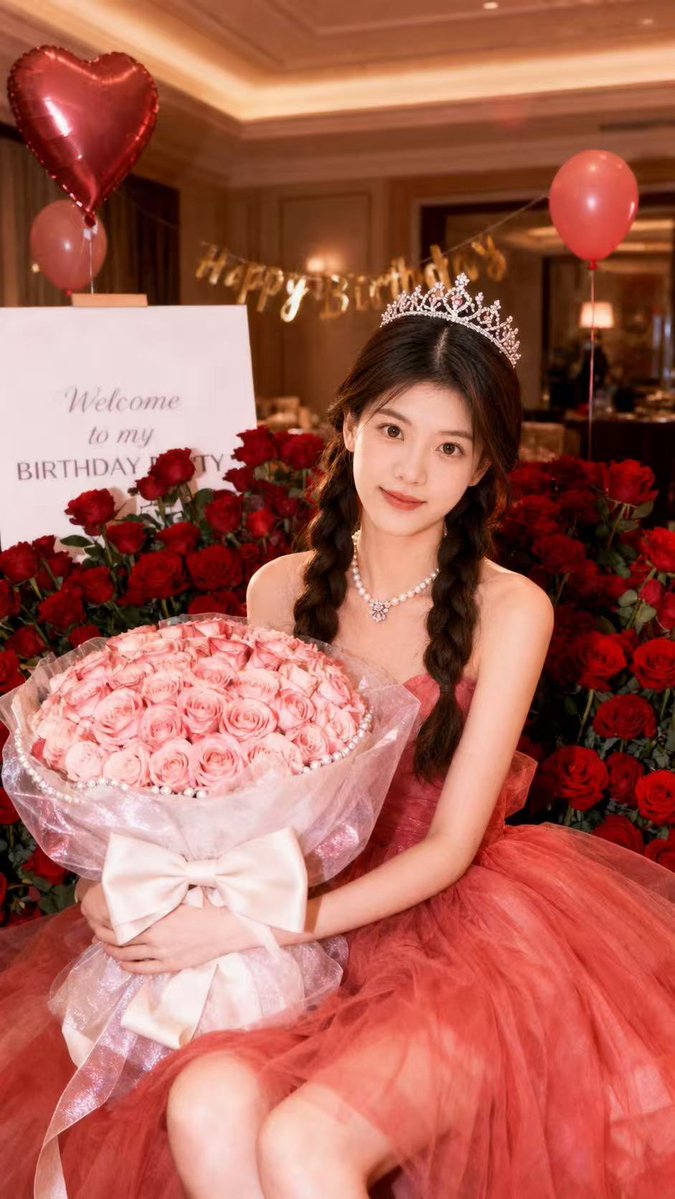
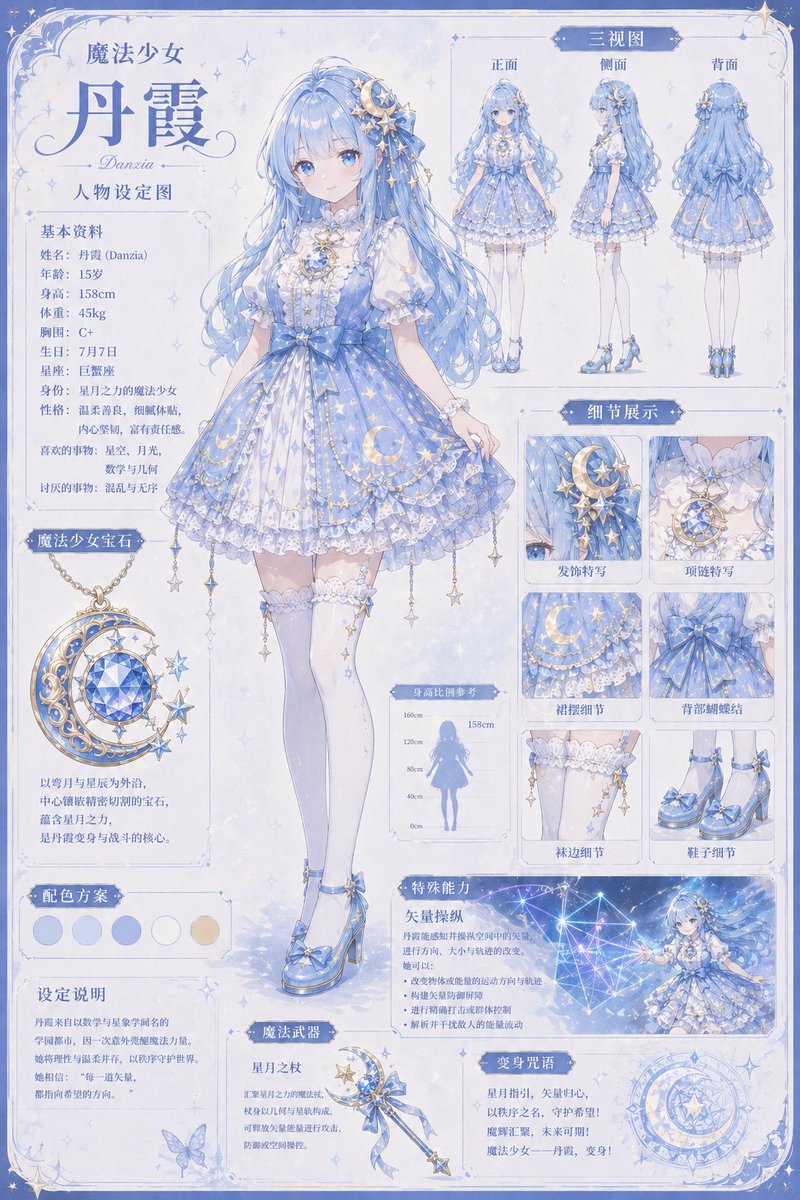
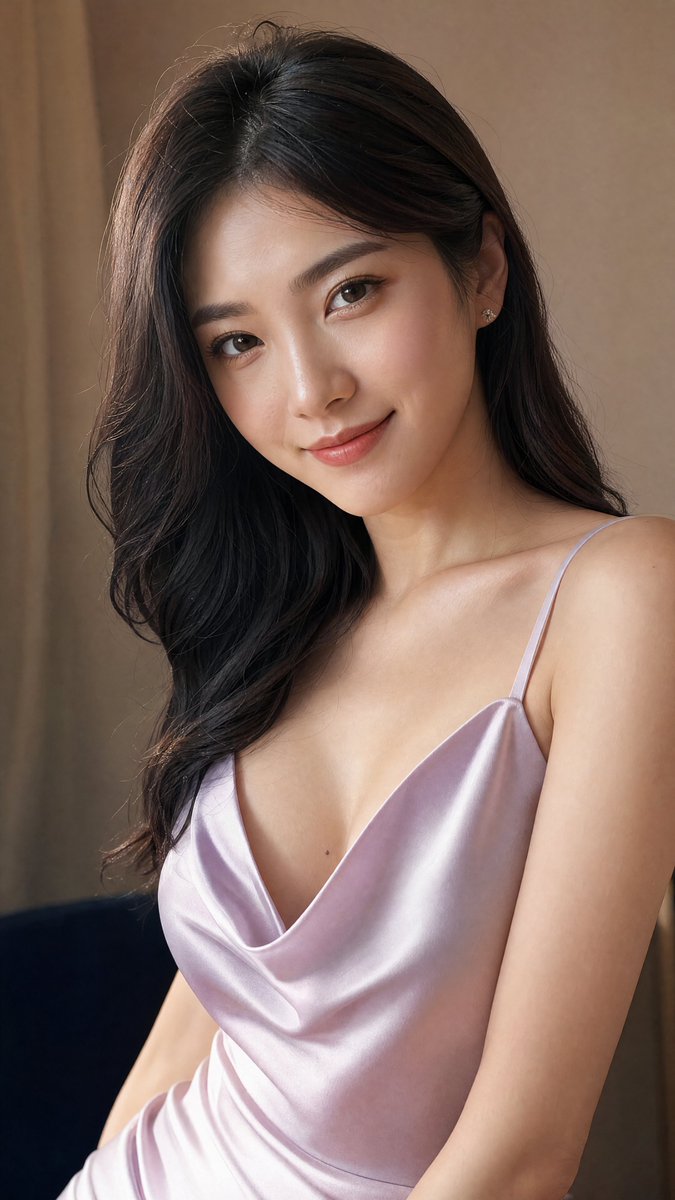
How do I use the Song Dynasty Hanfu Portrait template?
Choose the primary action to open PicX Studio with the available template settings. Review the model and format, personalize the creative direction, and generate when ready.
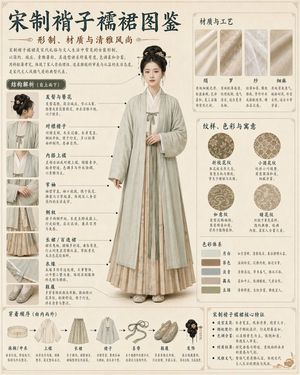
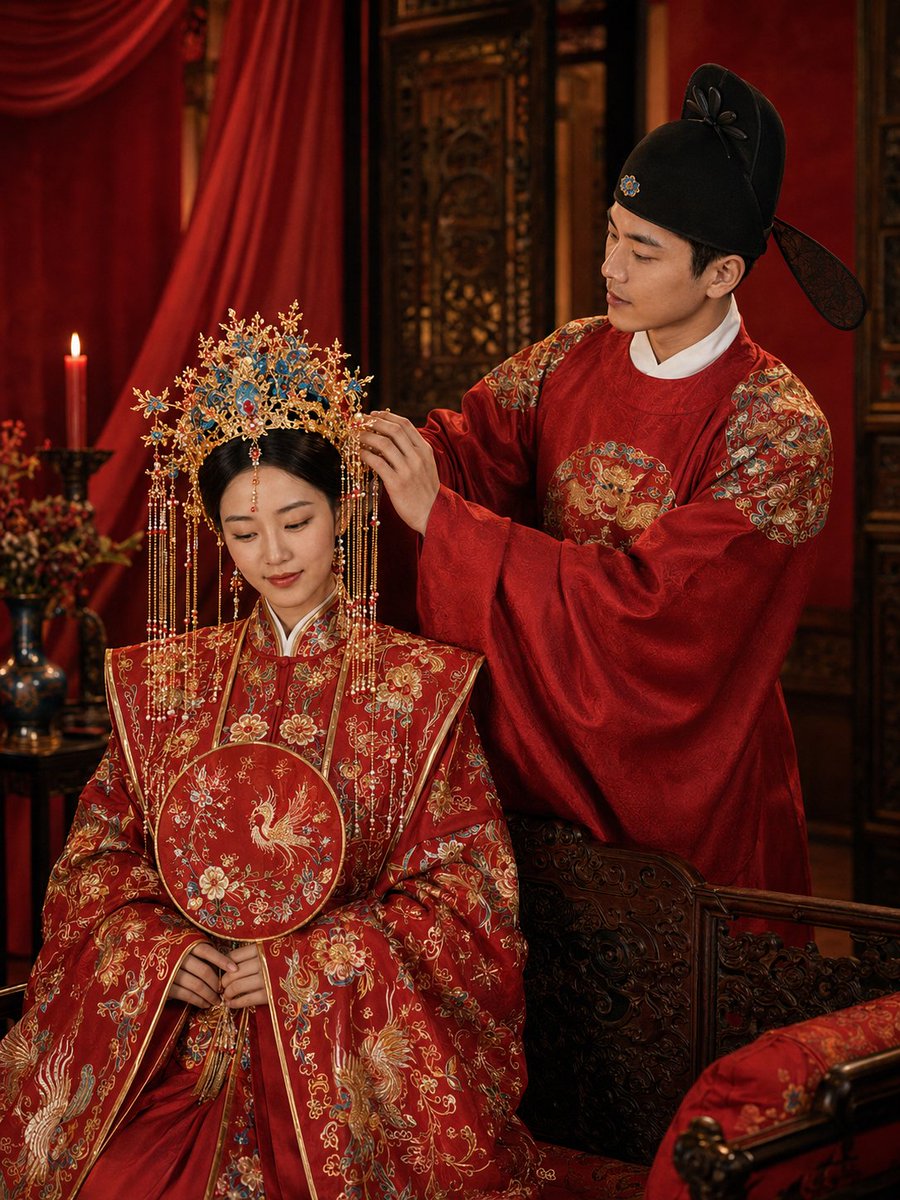
An optimized prompt for generating a detailed and realistic portrait of a beauty in Song Dynasty traditional Hanfu within an ancient courtyard. Change the subject, setting, or lighting one variable at a time.
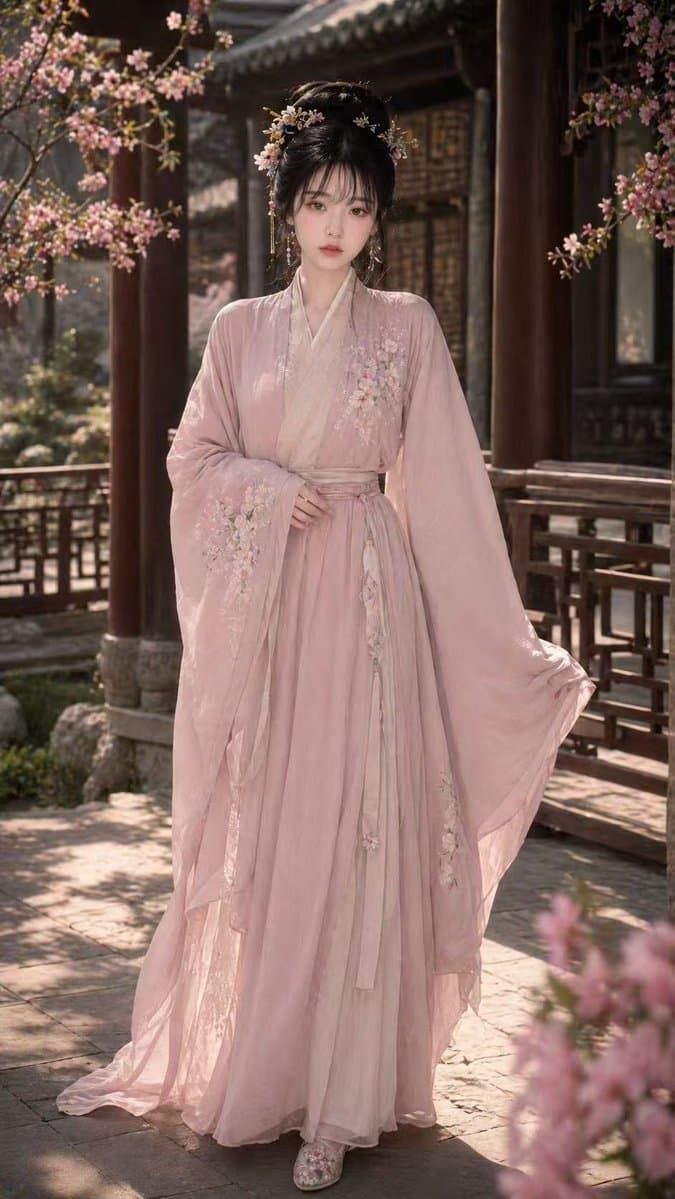
An {argument name="角色描述" default="18-year-old Chinese Internet celebrity beauty"}, with a model figure, exquisite facial features, cold and sweet temperament, wearing {argument name="服装" default="elegant light pink Song Dynasty Hanfu"}, exquisite clothing details, with ancient-style buns, exquisite hairpin headdresses and embroidered shoes. The whole body stands in the front, with a natural and elegant posture, slightly showing the curve of the body. The {argument name="场景" default="scene is a beautiful ancient-style courtyard, with flowers and trees, cloisters and soft light and shadow"}. The picture is a high-quality ultra-realistic photography style, the characters are clear, the skin is delicate, the whole is aesthetic and high-end, and the 9:16 vertical composition.
Choose the primary action to open PicX Studio with the available template settings. Review the model and format, personalize the creative direction, and generate when ready.
Yes. You can change the subject, setting, lighting, mood, format, and available model controls before creating your image.
This template is free to open and customize. Generation usage is shown in PicX Studio before you create.
Start with GPT Image 2, which is the model associated with this template. You can compare another compatible model for a different finish.
© 2026 PicX Studio. All rights reserved.

Follow a topic to a crawlable collection of related PicX Studio templates.
43,474 public templates available. Verified via the PicX Studio public templates API; refreshed hourly.


![69-untitled — FORMAT: 15s / 145 BPM / 14 SHOTS
SUBJECT: @[image1]
WARDROBE: Clean modern outfit
ENVIRONMENT: Street / indoor transitions
MOOD: Discovery → contr](/_next/image?url=https%3A%2F%2Fcdn.picxstudio.com%2Fuploads%2Fpost69_img0_d45faecf-38c3-4bcb-81a4-f6eb1cf42bb2.jpg&w=828&q=100)




![League of Legends in Song Dynasty Style — 宋代工笔画,英雄联盟{argument name="角色名" default="[角色名]"},右下角配有英雄名字和一列小字{argument name="台词" default="[台词]"}。](https://cms-assets.youmind.com/media/1777453141501_xtpjd5_HHB6z16awAASsQd.jpg)










![118-google-nano-banana-pro-skincare-product- — A professional skincare shot of a [product container] with [cap/lid], labeled [brand, product, descriptor, volume](/_next/image?url=https%3A%2F%2Fcdn.picxstudio.com%2Fuploads%2Fpost118_img0_332898b8-29ea-42a9-87ab-9ed746a3f944.jpg&w=828&q=100)



![Minimalist Flat Vector Travel Poster — Premium minimalist flat-vector travel poster for {argument name="city name" default="[CITY_NAME]"}, 3:4 vertical format.](https://cms-assets.youmind.com/media/1787917359711_3ug846_HQX205cbMAA6F6S-300x400.jpg)




























![3D embossed brand logo on monochrome background — 平面上中心对齐的{argument name="品牌名称" default="[品牌名称]"}采用3D浮雕光泽轮廓渲染,构图完美居中,周围留白充足,营造出高端简约的美感。
单色{argument name="主色" d](https://pbs.twimg.com/media/G7Jj9YHbgAAVRUA.jpg)