
Song Dynasty Enamel Badges
A collection of hyper-realistic enamel badges inspired by Song Dynasty aesthetics, combining traditional motifs with modern cultural product design.

- Prompt included
- Model and format preset
- Free template
The prompt behind this image
Copy the exact prompt behind Song Dynasty Enamel Badges, or open it in the studio and make it yours.
9枚超写实{argument name="材质" default="琺瑯徽章"},4×5画面,极简东方美学×{argument name="风格" default="宋式古风"}×现代高级文创;米白、黛青、青瓷、朱砂配色,大面积留白,细金色边框,扁平色块,精致{argument name="质感" default="琺瑯质感"}。\n\n1枚中型人物徽章:参考照片中的女性,双丸子发型、白色衣裙、清秀自然神态,背景为湖水、拱桥、远山、垂柳的极简东方山水。\n\n8枚小徽章:山水折扇、莲花、青瓷花瓶、古典窗棂、小舟、朱砂印章、“清雅”、“DeepBlue”。\n\n整体克制、清雅、古朴、高级,像宋式艺术展文创,避免卡通感、糖果色、现代旅游纪念品感。
How to use Song Dynasty Enamel Badges in 3 steps
- 1Upload ImagePNG, JPG or paste
Add your photo
Upload the photo the template builds on. The prompt, model and format are already set.
- 2…a portrait of your subject in softgolden-hour light, 85mm…
Personalize
Edit the subject and creative details for your destination.
- 3Generate
Generate
Press Generate — your image is created in PicX Studio, so you can compare it with the original and refine one variable at a time.
More like this
Templates with the same subject, style or setup. Open one to see its prompt.
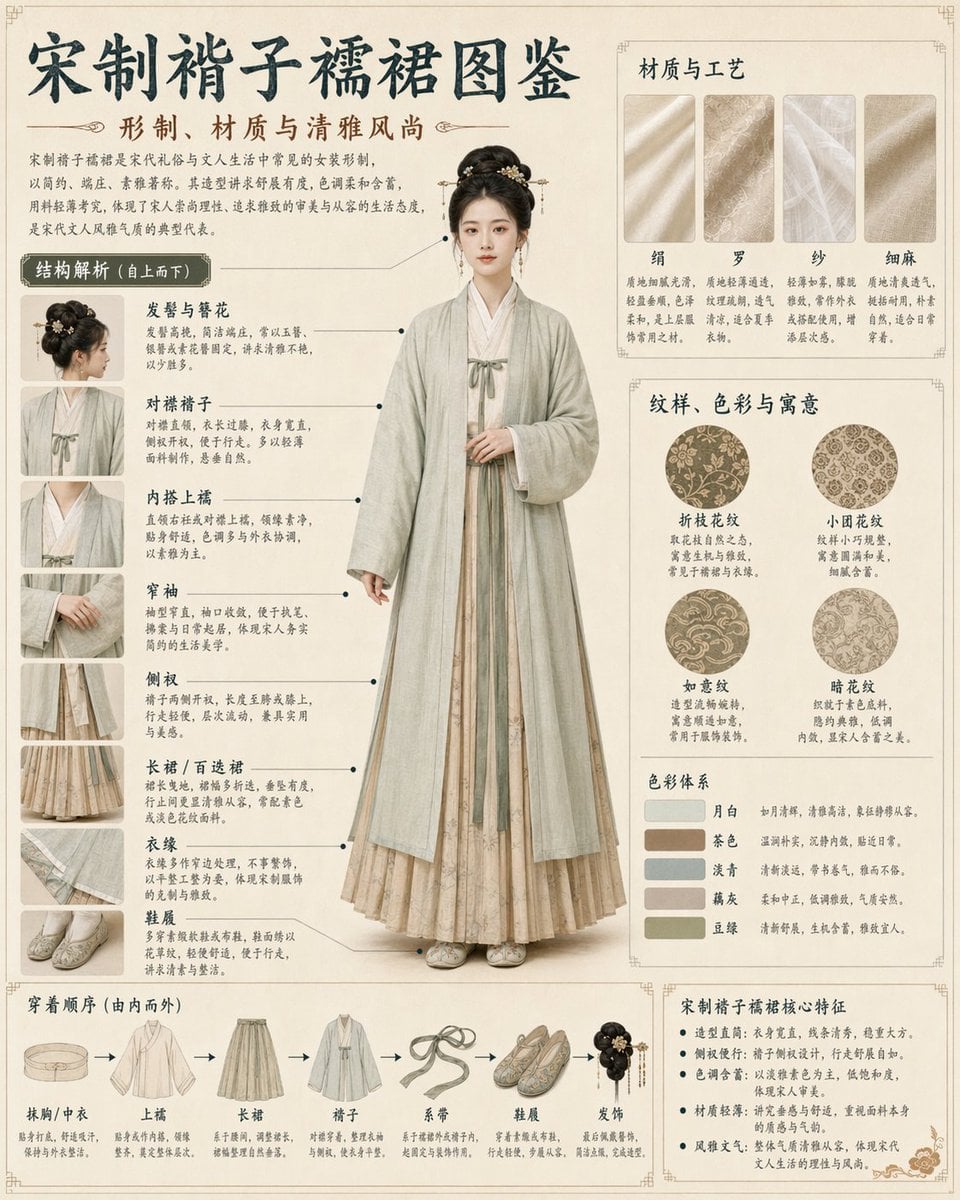
Song Dynasty Hanfu Infographic Guide
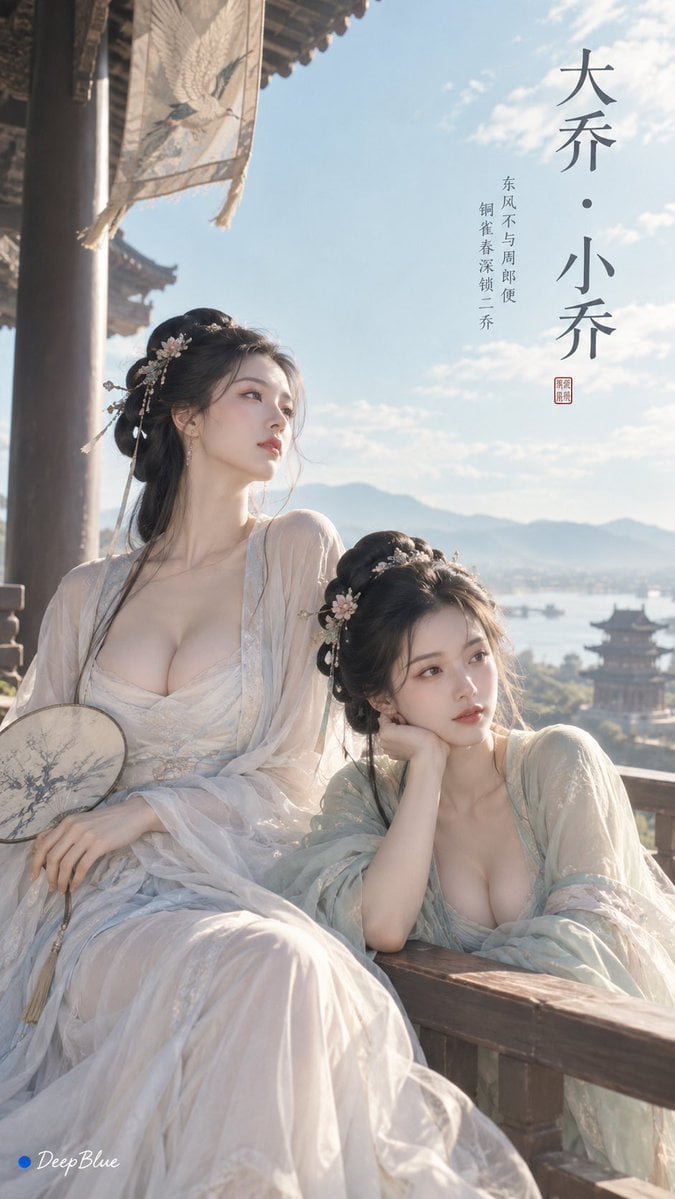
Minimalist Song Dynasty Editorial Art
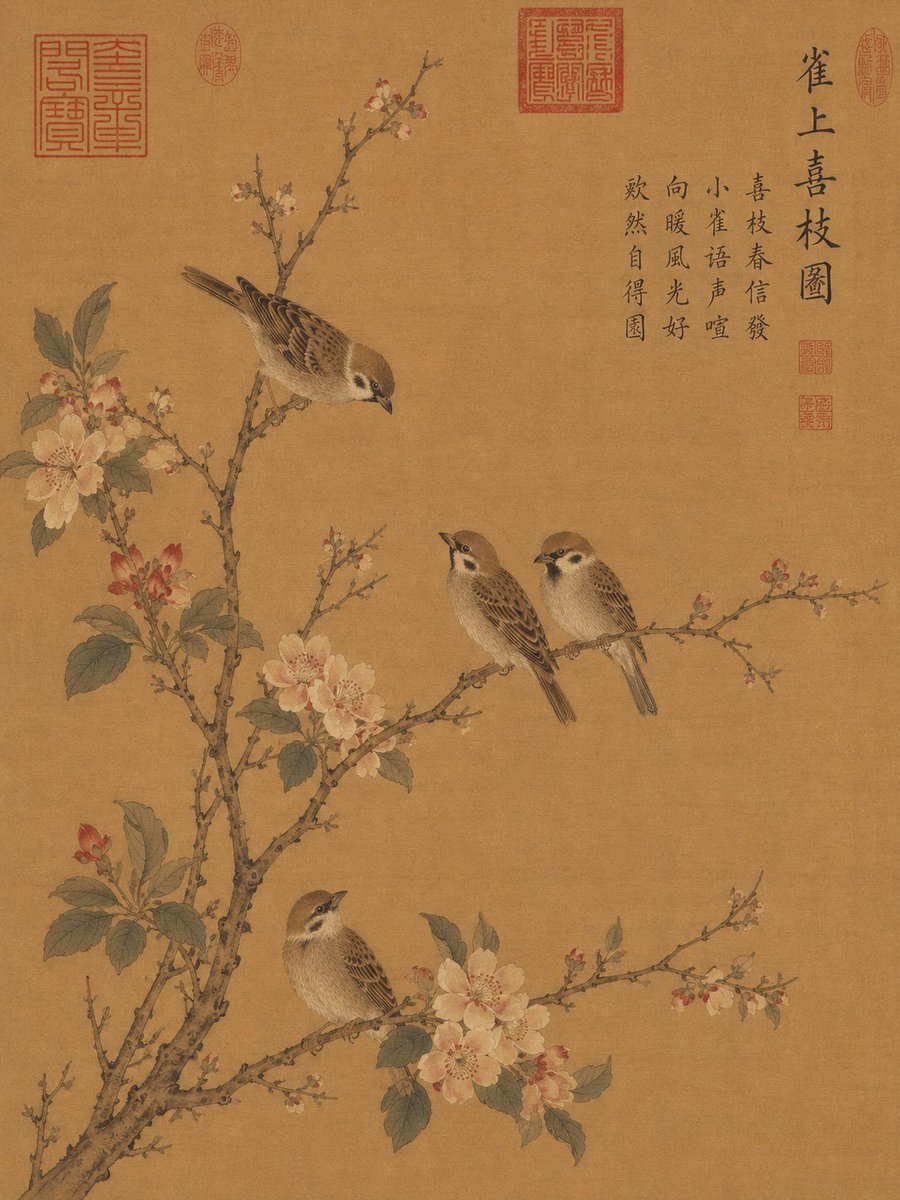
Song Dynasty Style Bird and Branch Painting
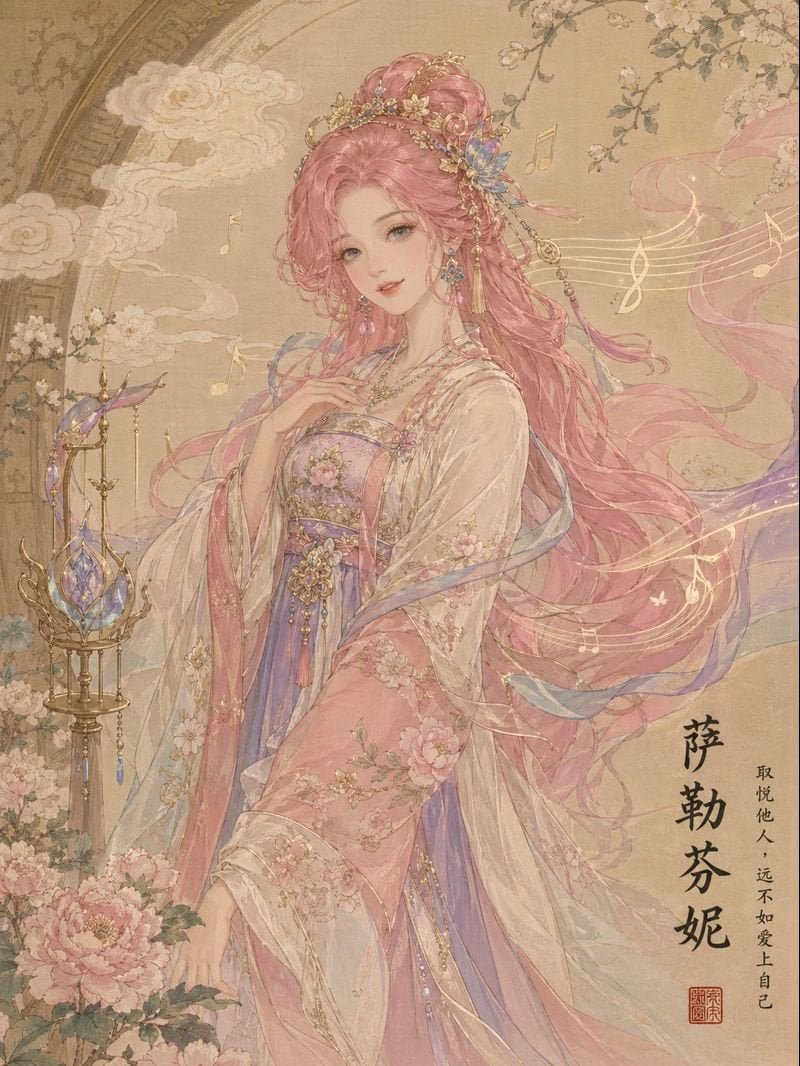
League of Legends in Song Dynasty Style
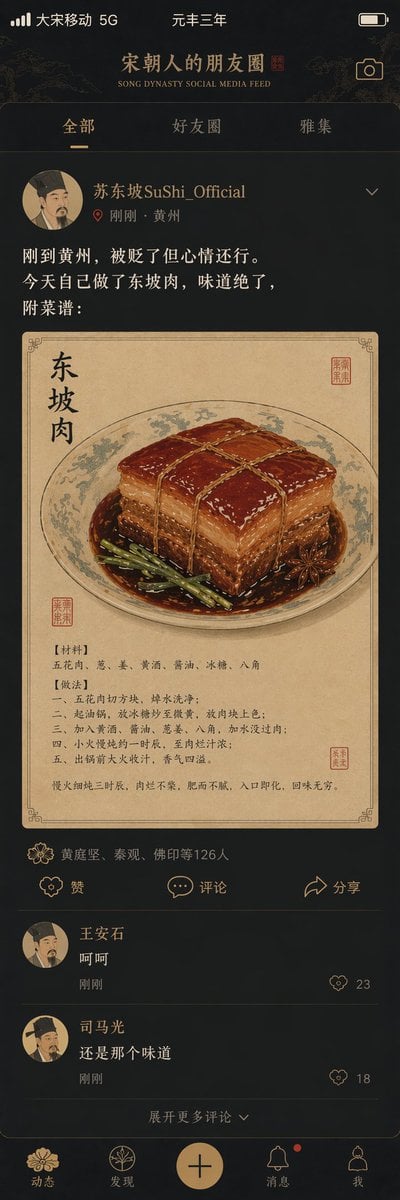
Song Dynasty Social Media Feed

Our Song was on a Cassette

Tang Dynasty Royal Banquet Cinematography

Tang Dynasty Minimalist Editorial
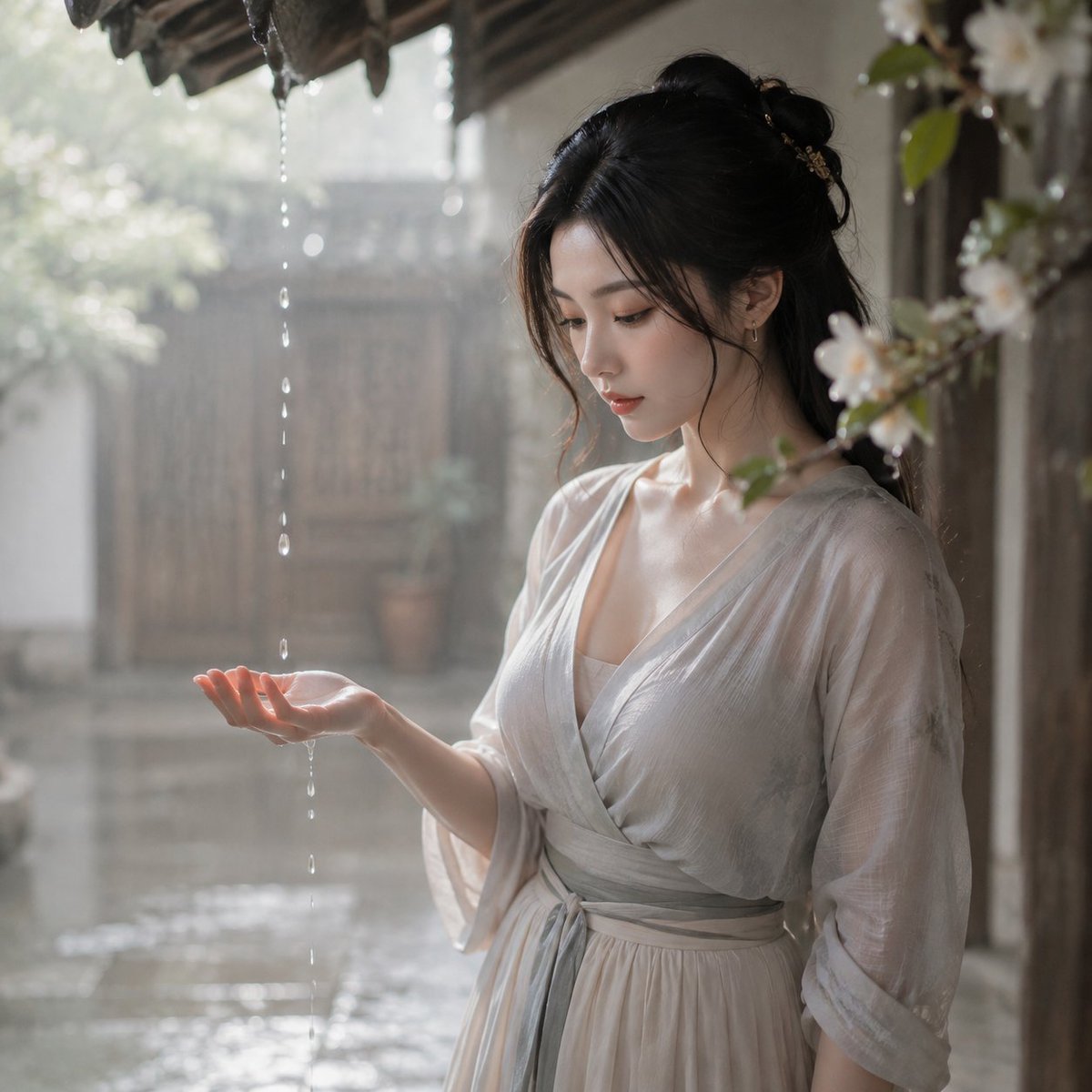
Tang Dynasty Courtyard Rain Scene
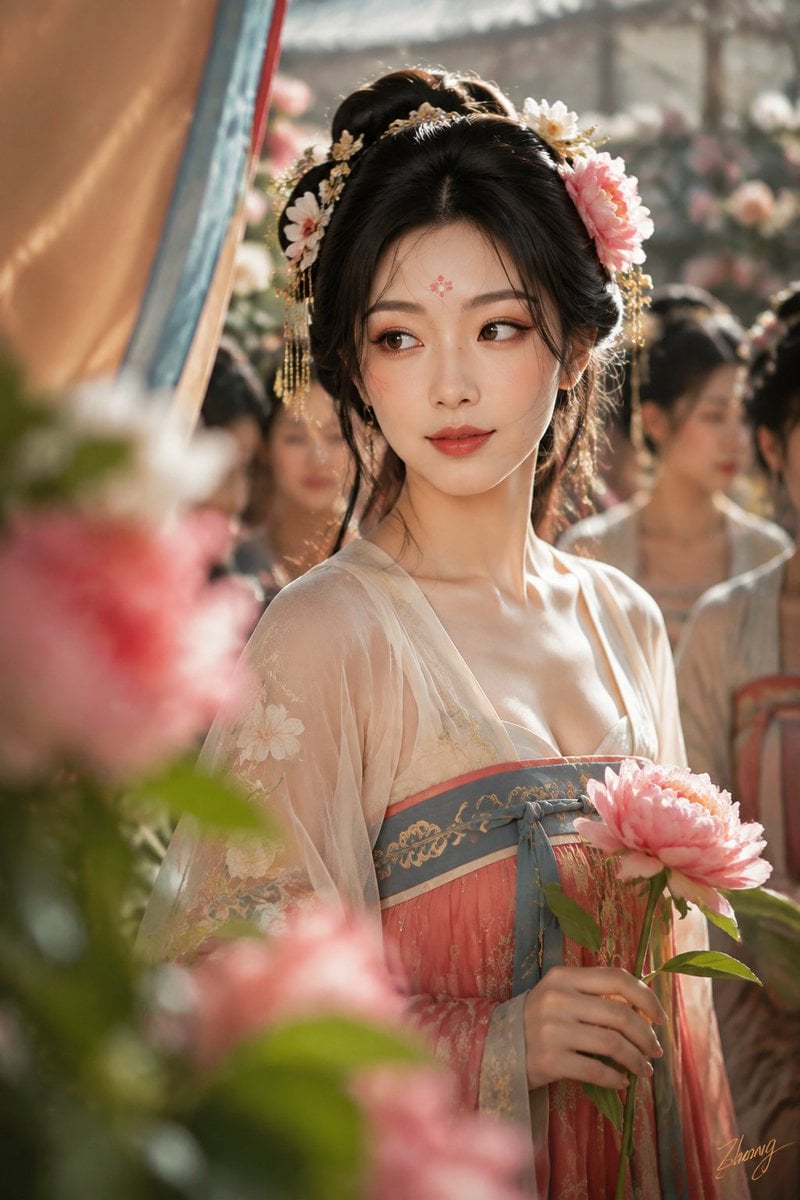
Tang Dynasty Cinematic Photography
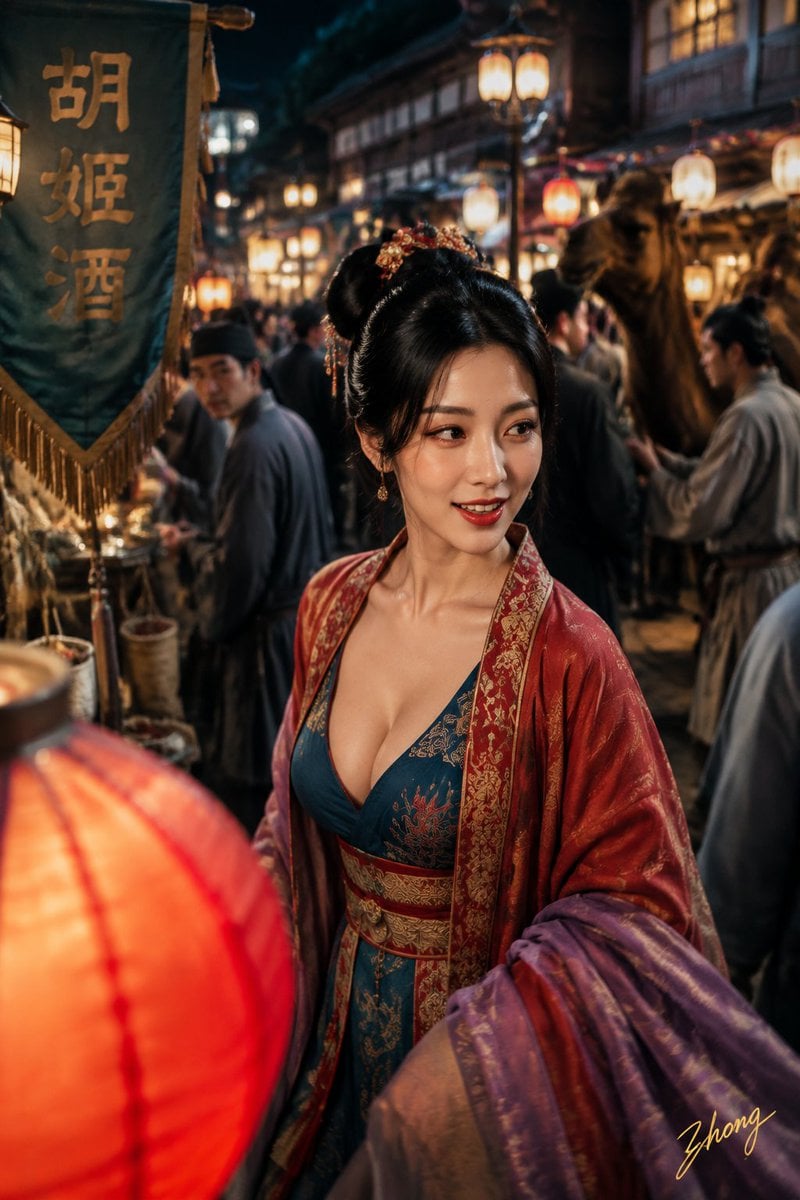
Tang Dynasty Aesthetics Photography Series
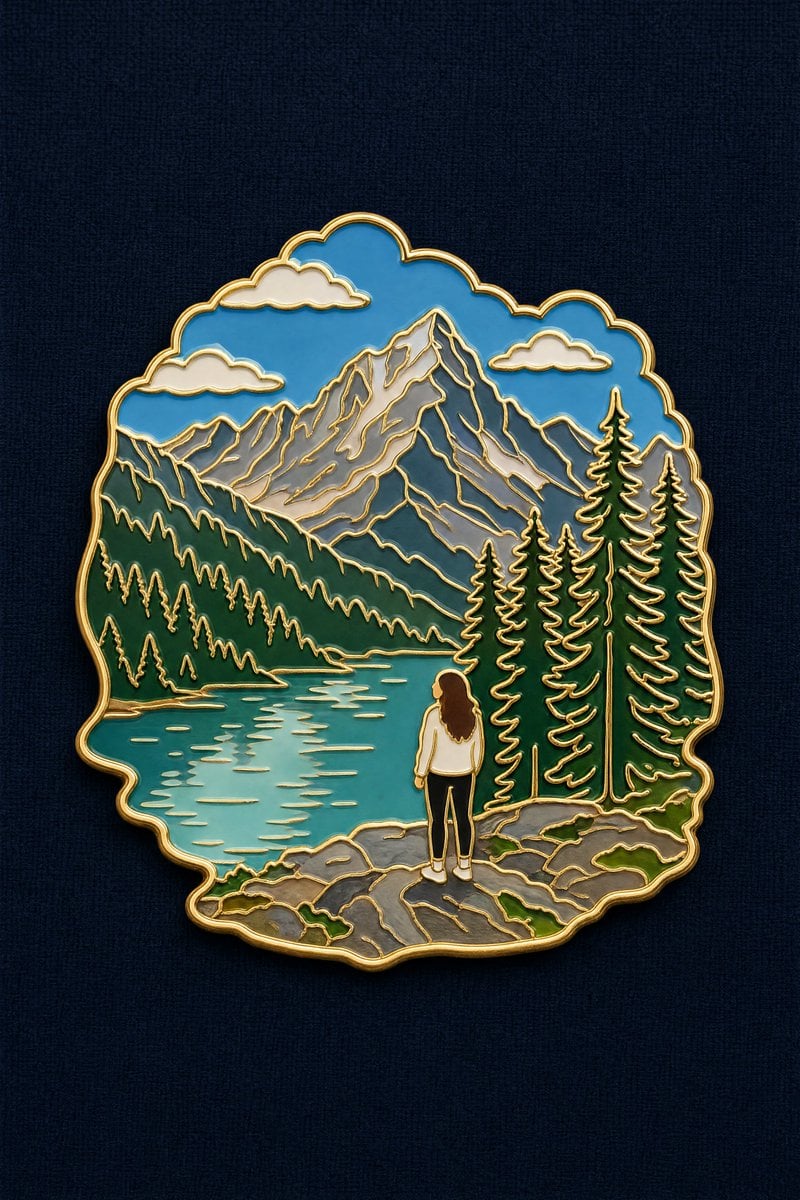
Landscape to Enamel Pin Badge Transformation
Make it yours
Song Dynasty Enamel Badges works as-is. These are the safest ways to change it without losing the look.
Change one field
Copy a single group, rewrite it, and generate again so you can see what that field is doing.
Keep the frame, change the subject
Hold the composition and light of Song Dynasty Enamel Badges, then swap wardrobe, props or the person for a new take.
| If the result… | Why | Fix |
|---|---|---|
| The result drifts from the preview | Too many fields changed at once. | Reuse Song Dynasty Enamel Badges as-is first, then change one group — subject, light, or setting. |
| The model over-stylizes the scene | The prose prompt leaves finish and camera underspecified. | Add one camera or lighting sentence and stay on GPT Image 2. |
More GPT Image 2 templates
Other prompts made for GPT Image 2.

Six VTuber Japanese Logo Sheet

Realistic Portrait of Woman and Deer

The Vista Modular Condo Poster

AI Model Routing Comparison Infographic

2.5D Anime Art Board

Isometric Productivity Desk Scene

New York Double Exposure Poster

Four-Panel AI Landscape Comparison

Japanese Tatami Lifestyle Magazine Cover

NESCAFÉ Coffee Map Poster
More image prompts
Fresh picks from across the catalog.
Hyper-Realistic Soda Can Splash Commercial Photo
Pixar-Style 3D Chibi Boy Character

Image Generation Prompt: Nishimura Mizuki Fishing Leviathan
Surreal Coffee Cup Artwork Prompt
Stylish Man on Balcony with Identity Lock
Seoul Watercolor Travel Poster
Photorealistic Gucci Editorial in Milan
J-Horror Shibuya Station - Seedance 2.0
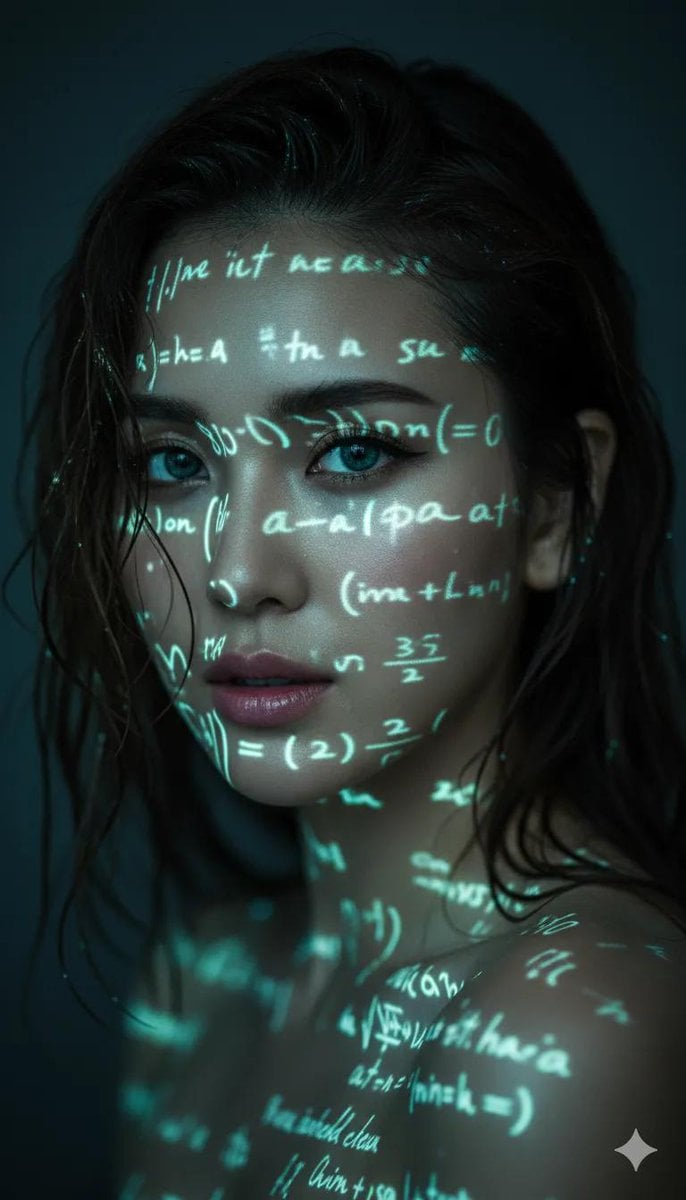
Cyber-Poetry Face Projection
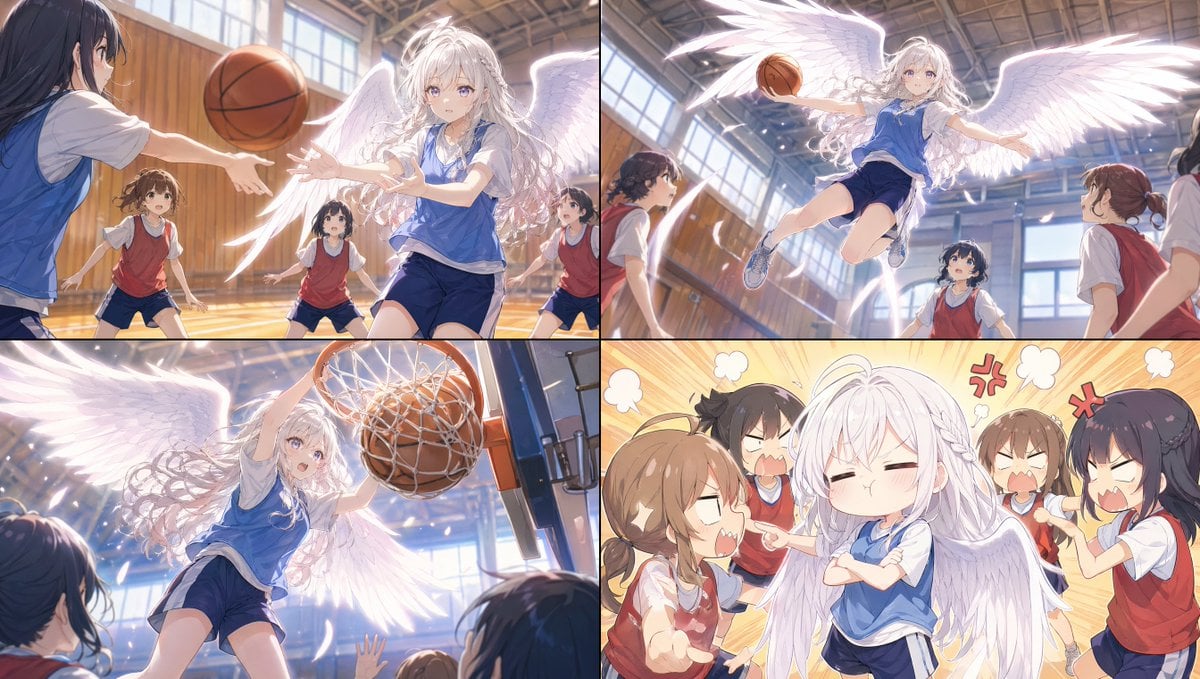
Angel Girl Basketball Storyboard
Browse template categories
Song Dynasty Enamel Badges questions
How do I use the Song Dynasty Enamel Badges template?
Add your photo if the template asks for one, edit the prompt if you like — the template's model and format are already selected — and press Generate. Your version opens in PicX Studio.
Can I customize the Song Dynasty Enamel Badges template?
Yes. You can change the subject, setting, lighting, mood, format, and available model controls before creating your image.
Is the Song Dynasty Enamel Badges template free?
Opening and editing this template is free. Generating uses credits, shown on the Generate button when you are signed in.
Which AI model should I use?
Start with GPT Image 2, which is the model associated with this template. You can compare another compatible model for a different finish.
Looking for something else? Browse all templates.

Your photo, any look
Thousands of ready templates for every top image and video model, from one credit balance.