
Gemini Nano Banana 2
Gemini Nano Banana 2 is a ready photo look for Nano Banana.
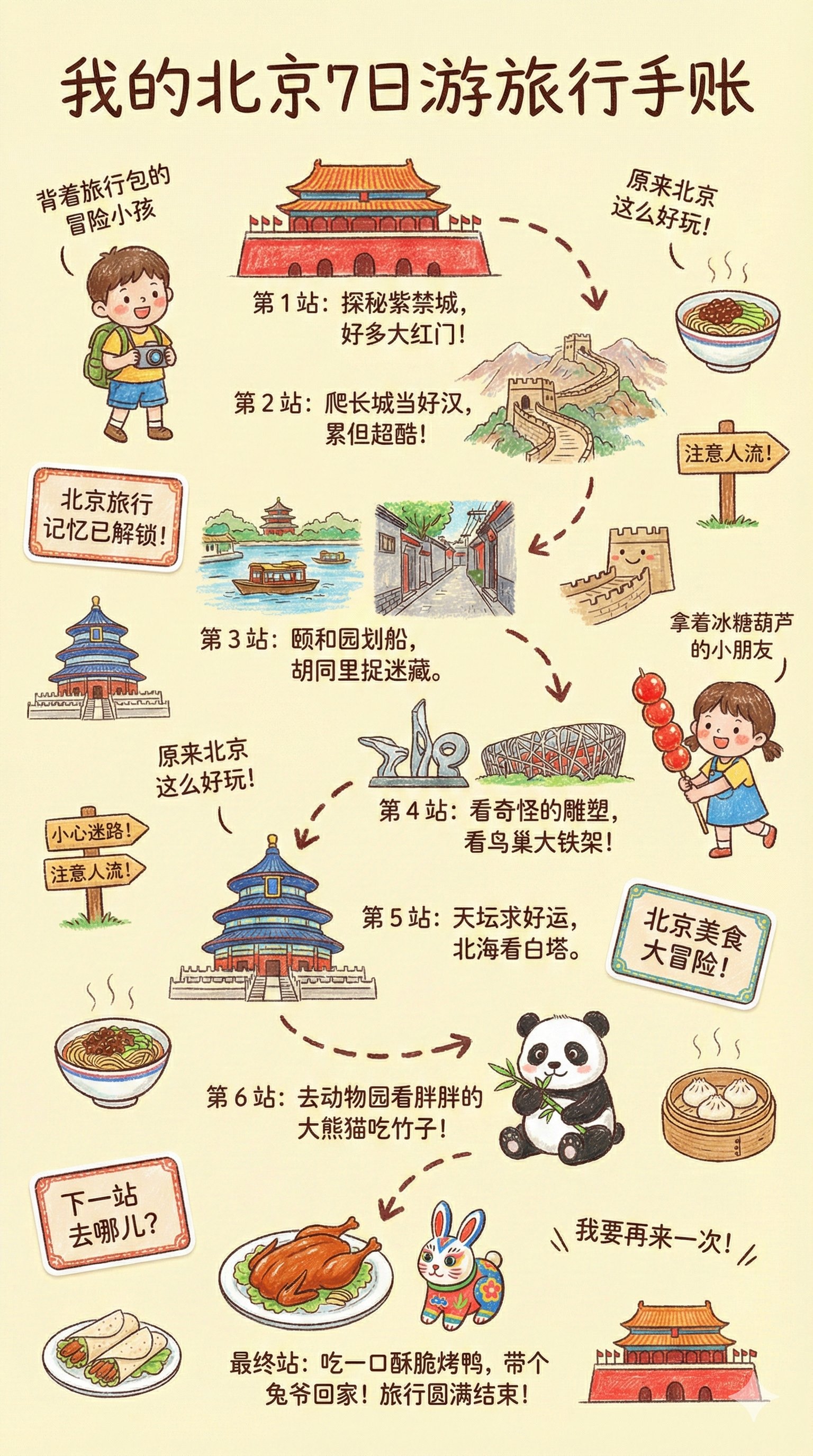
- Prompt included
- Model and format preset
- Premium template
The prompt behind this image
Copy the exact prompt behind Gemini Nano Banana 2, or open it in the studio and make it yours.
Ultra-wide-angle hyper-realistic shooting in top-down mode. A group of 4 real people sitting at a square dining table. The camera is pushed far back, creating a significant negative space (empty floor area) around the people and the table, which provides a clear, minimalistic composition. Scene [ATMOSPHERE AND CLOTHING]: Four people are dressed in [STYLE OF CLOTHING]. Their interaction is specific: [DESCRIBE EACH PERSON'S ACTIONS]. The table is a custom-made physical prop, designed as an Instagram post: it has a solid white stripe ONLY along the top and bottom edges (no white frames on the left or right). - The upper white stripe shows a drawn profile photo with [LOGO DESCRIPTION], the username "[USERNAME]", followed by a small blue icon with a confirmed check mark, and "..." on the right. - Red hearts, comment and share icons are painted on the bottom white stripe on the left, and a Bookmarks icon on the right. The center of the table is filled in [THE EXACT COLOR OF THE CENTER and the hexadecimal CODE]. The table shows [FOOD ITEMS/ITEM DESCRIPTIONS]. important: ALL food, beverages, objects, and hands that interact with them must be located strictly within this central area, colored in [COLOR]. NOTHING should go beyond the white stripes or beyond the table. The background of the floor is made in [THE COLOR OF THE FLOOR] to create a visual separation. Professional studio lighting with clear shadows. 8k, clear focus.
How to use Gemini Nano Banana 2 in 3 steps
- 1
Open
The prompt is already in the box next to the preview, with the template's model and format selected.
- 2…a portrait of your subject in softgolden-hour light, 85mm…
Personalize
Edit the subject and creative details for your destination.
- 3Generate
Generate
Press Generate — your image is created in PicX Studio, so you can compare it with the original and refine one variable at a time.
More like this
Templates with the same subject, style or setup. Open one to see its prompt.
Image on Gemini Nano Banana
Google Gemini Nano Banana Pro
Gemini Nano Banana Portrait
Gemini Nano Banana Realistic Portrait Re
Gemini Nano Banana 2 Isometric 3d City D
Gemini Nano Banana 2
Gemini Nano Banana 2 Logo in Wet Sand Be
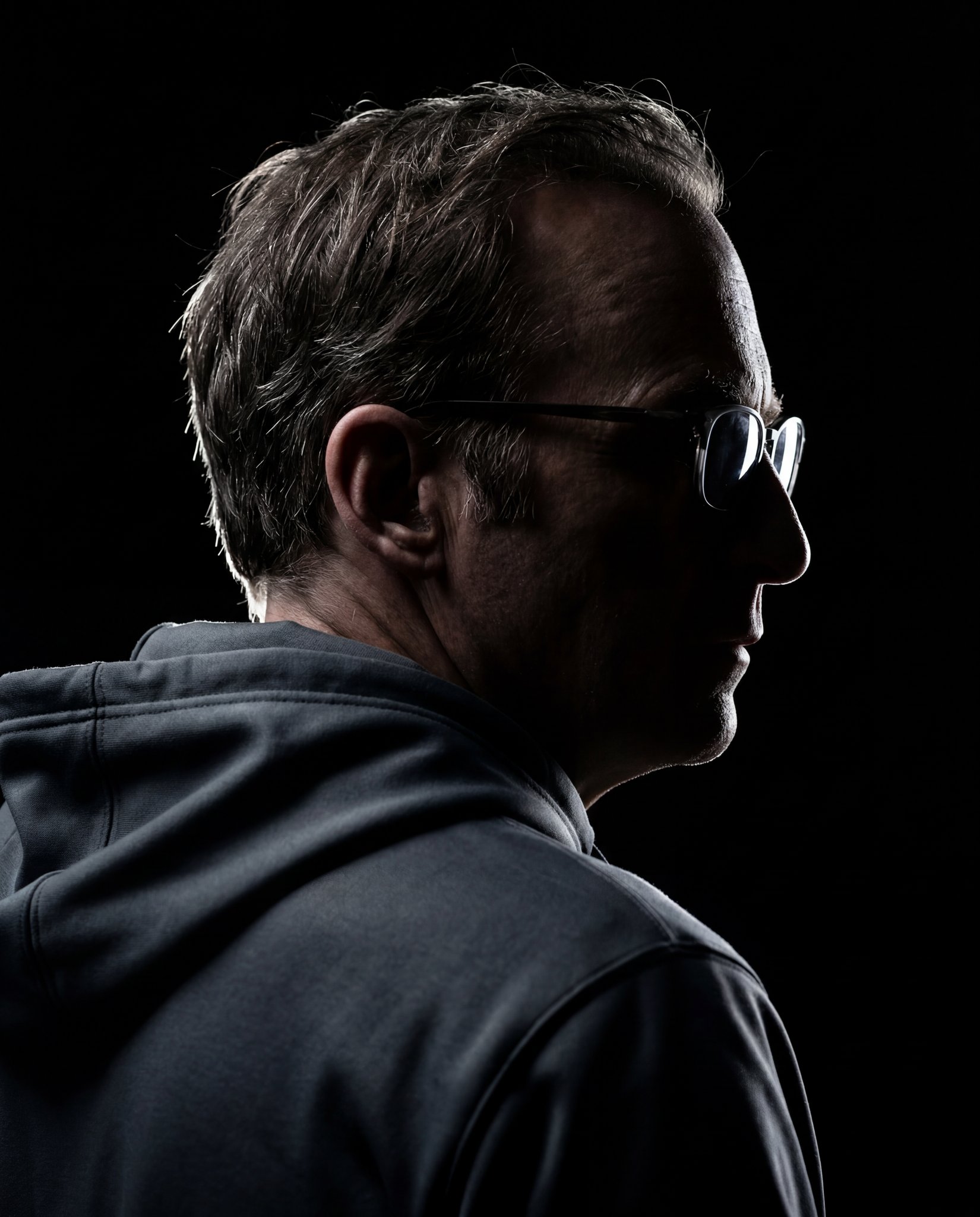
Gemini Nano Banana 2
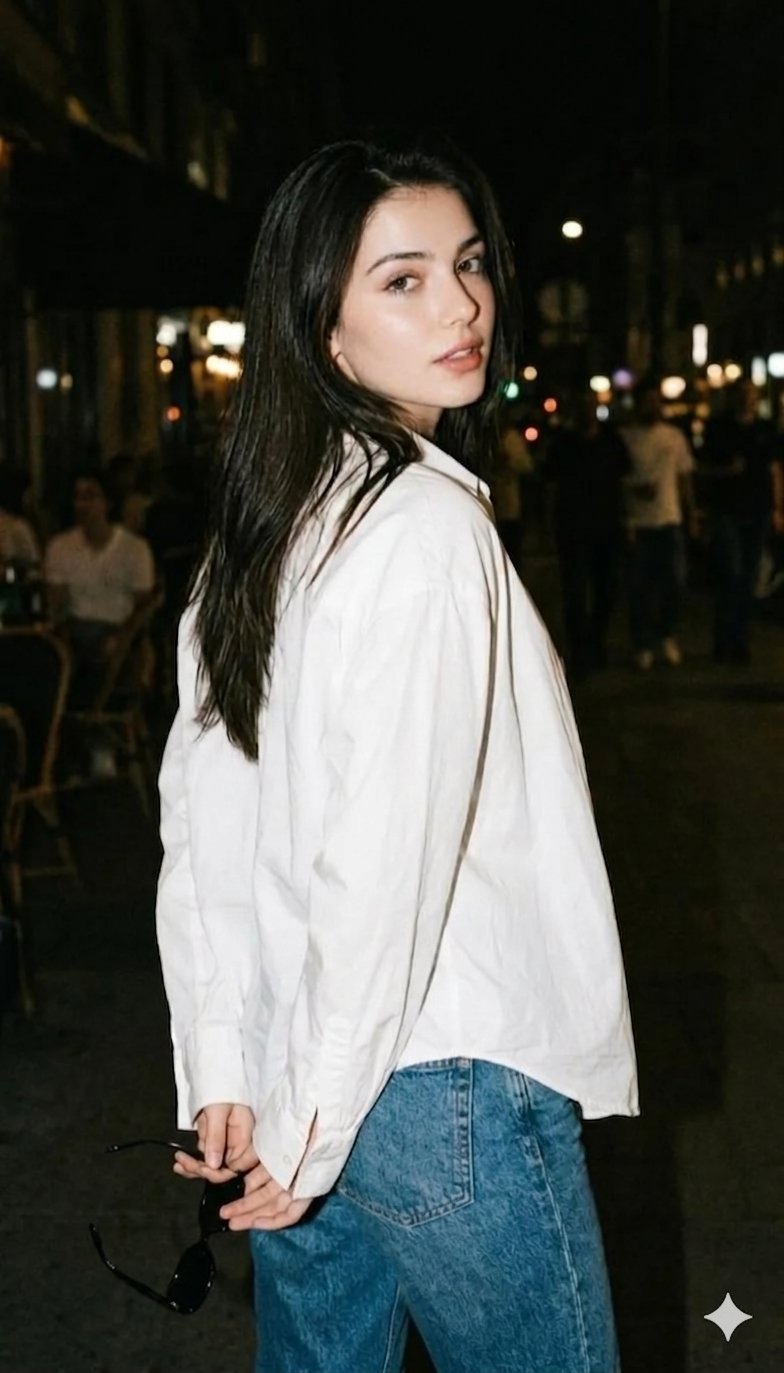
Gemini Night Flash Portrait
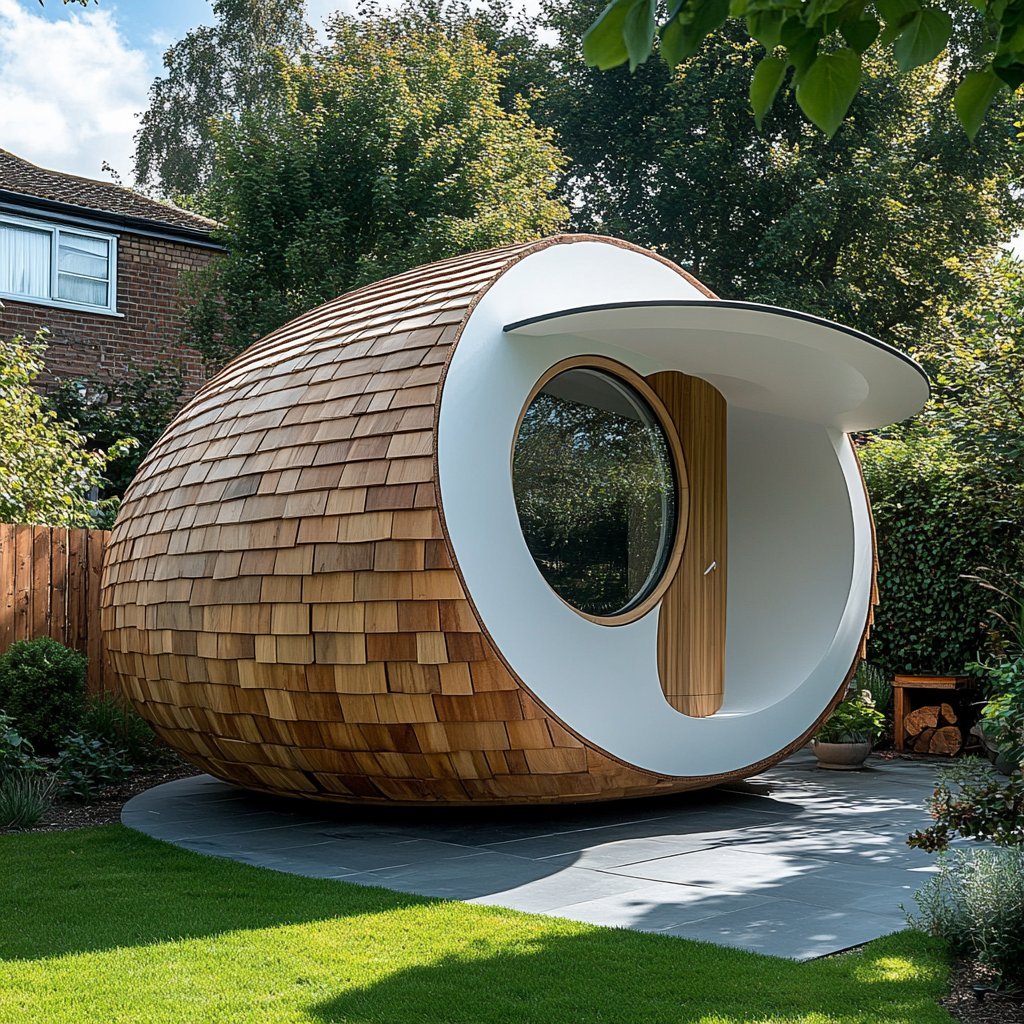
Nano Banana Is So Addictive
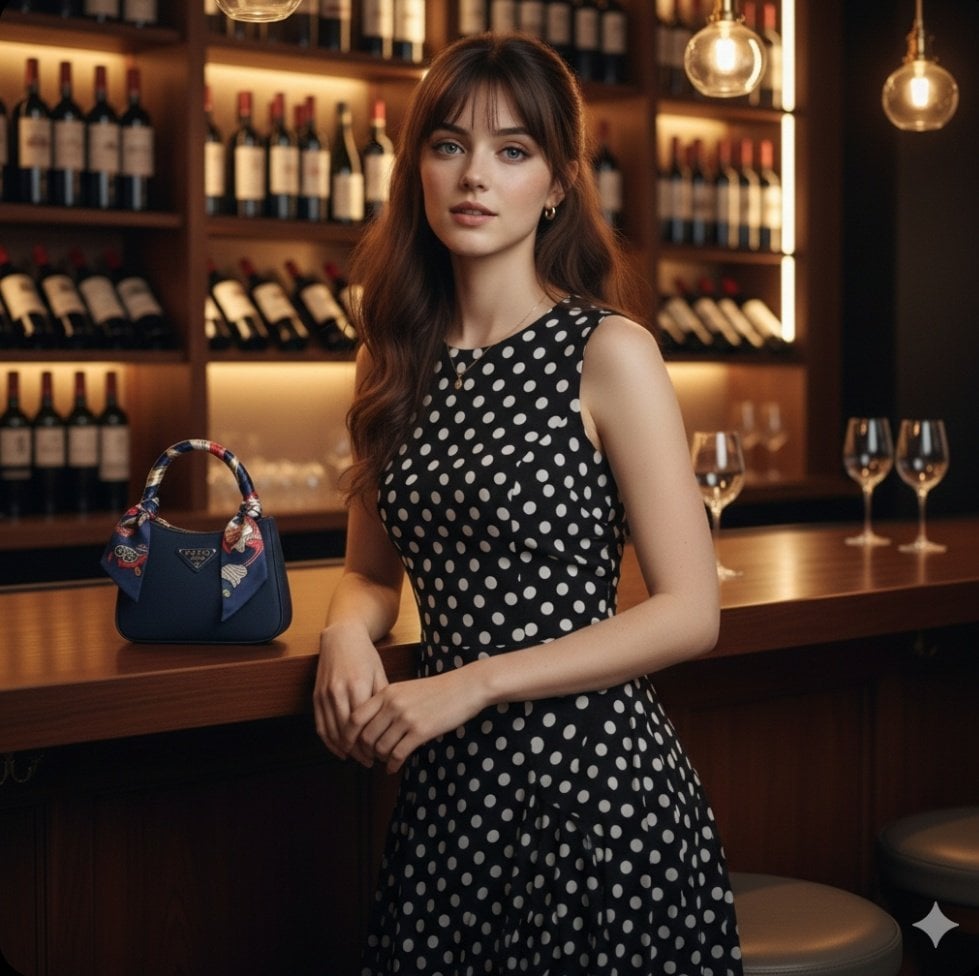
Nano Banana 2 Perspective Experiment
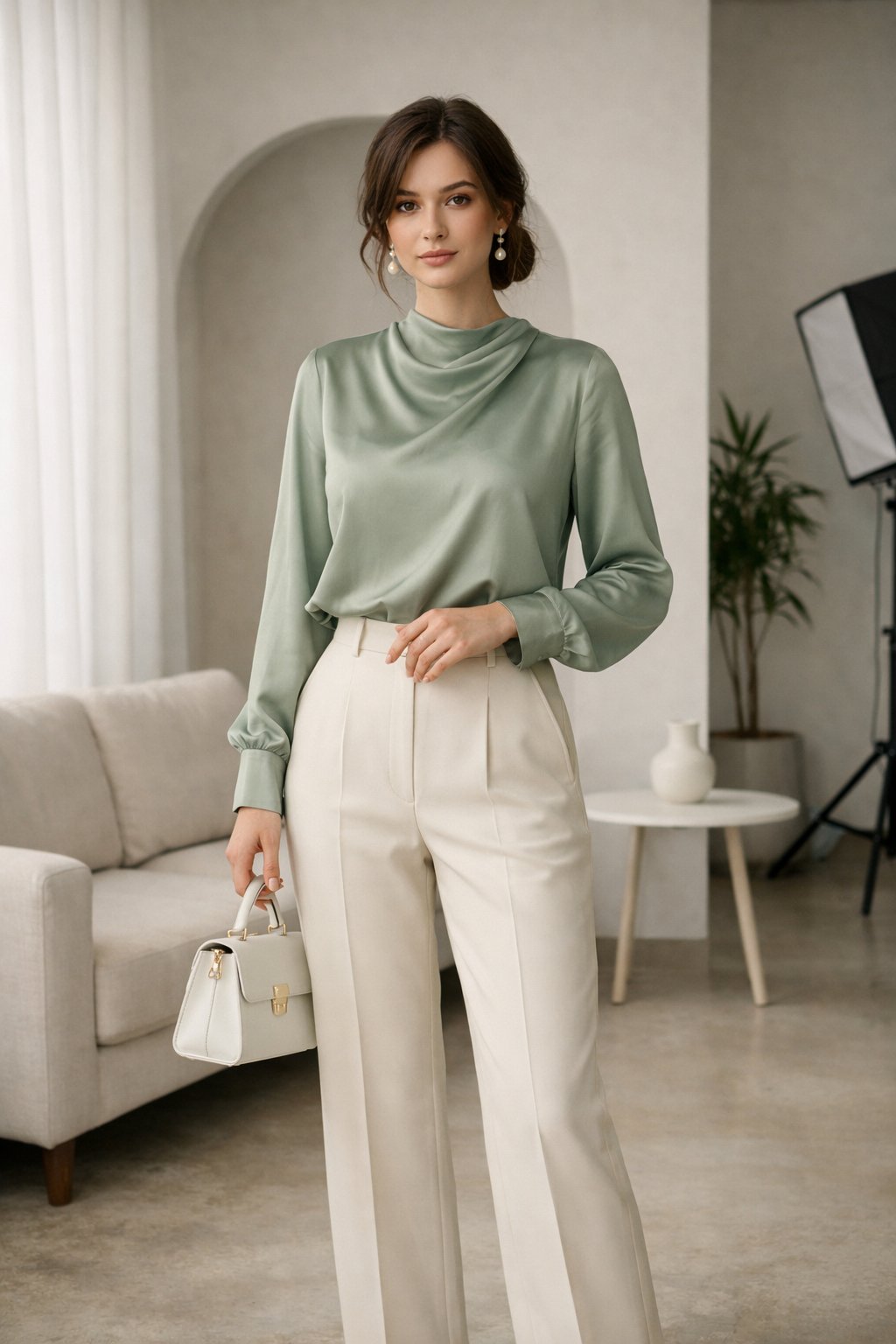
Nano Banana 2
Make it yours
Gemini Nano Banana 2 works as-is. These are the safest ways to change it without losing the look.
Change one field
Copy a single group, rewrite it, and generate again so you can see what that field is doing.
Keep the frame, change the subject
Hold the composition and light of 2-gemini-nano-banana-2, then swap wardrobe, props or the person for a new take.
| If the result… | Why | Fix |
|---|---|---|
| The result drifts from the preview | Too many fields changed at once. | Reuse 2-gemini-nano-banana-2 as-is first, then change one group — subject, light, or setting. |
| The model over-stylizes the scene | The prose prompt leaves finish and camera underspecified. | Add one camera or lighting sentence and stay on Nano Banana. |
More Nano Banana templates
Other prompts made for Nano Banana.
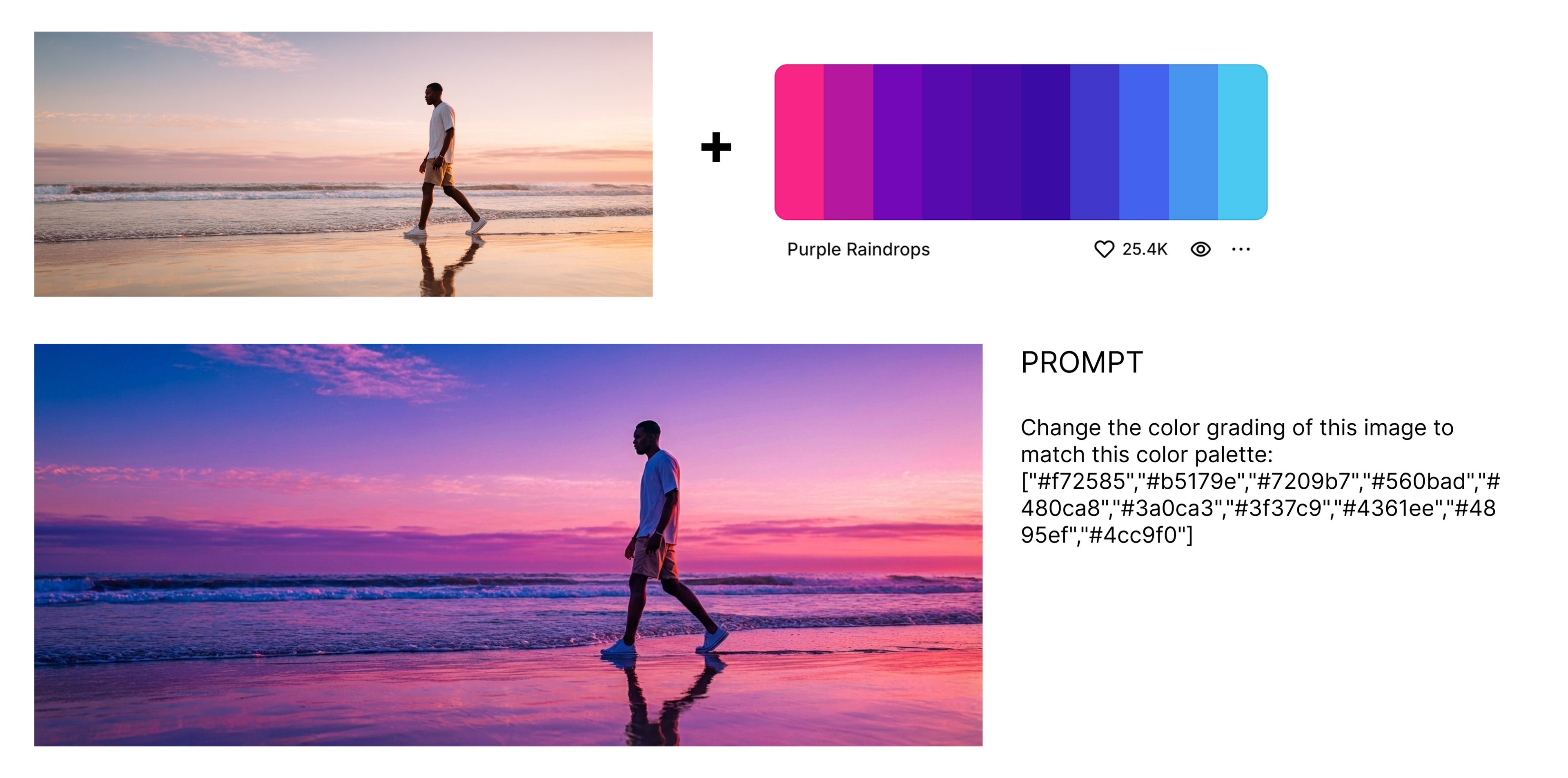
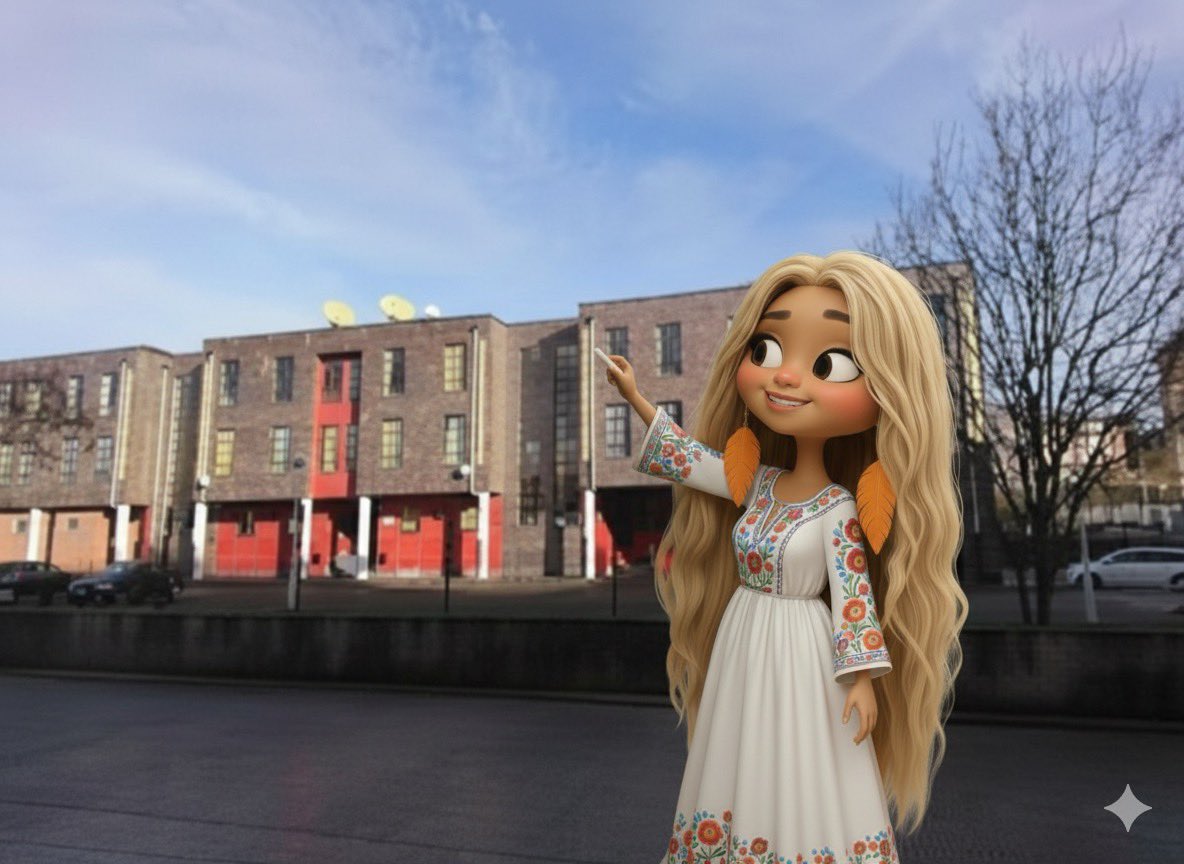

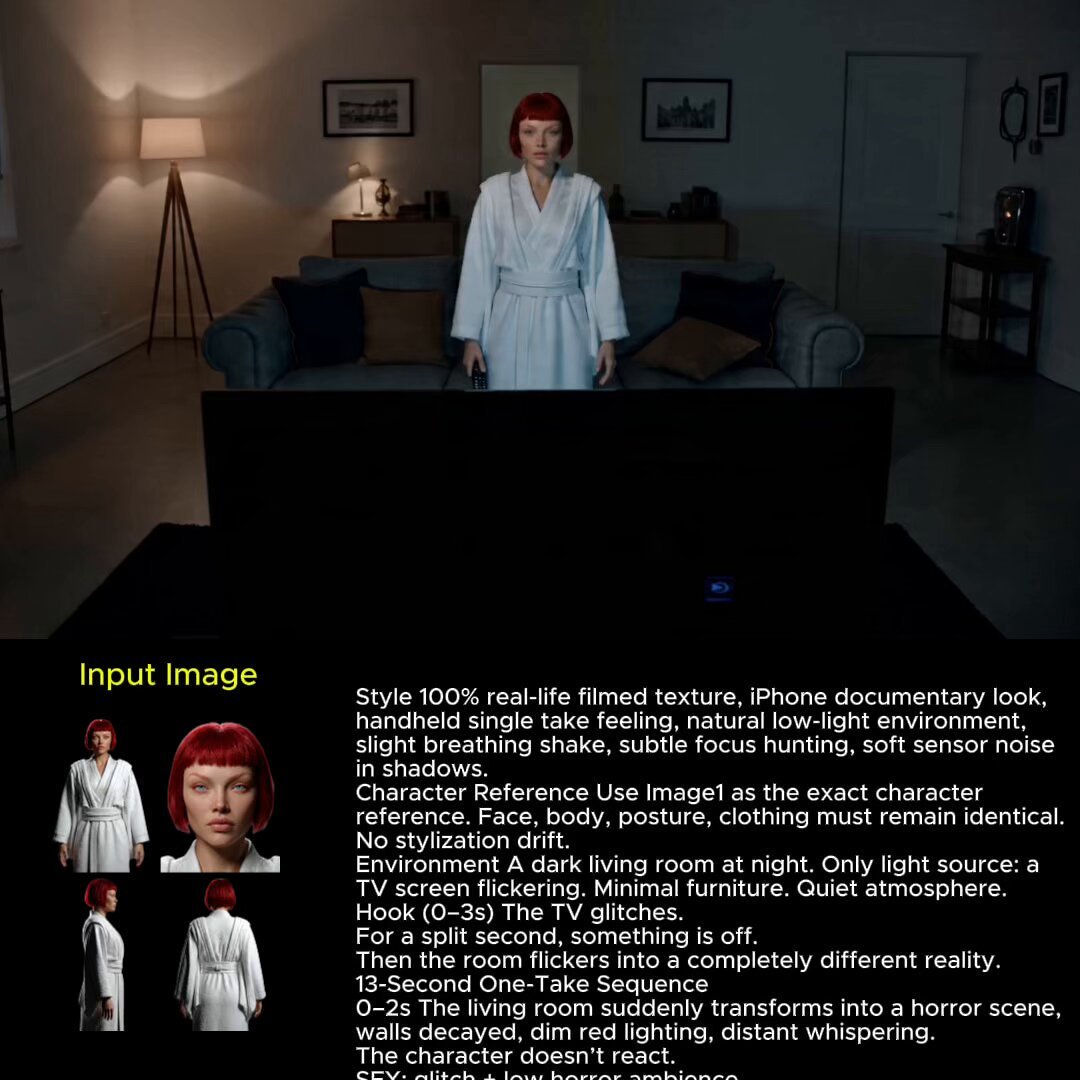
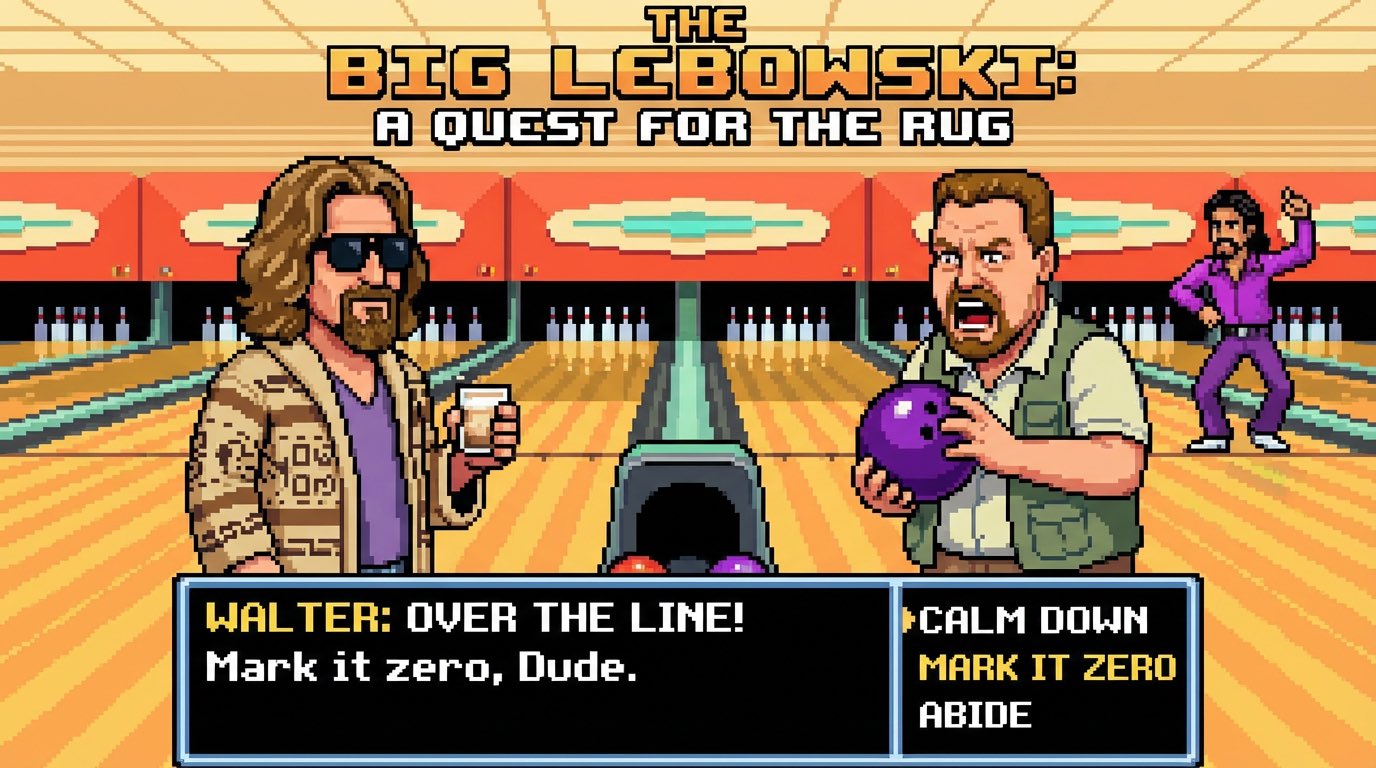
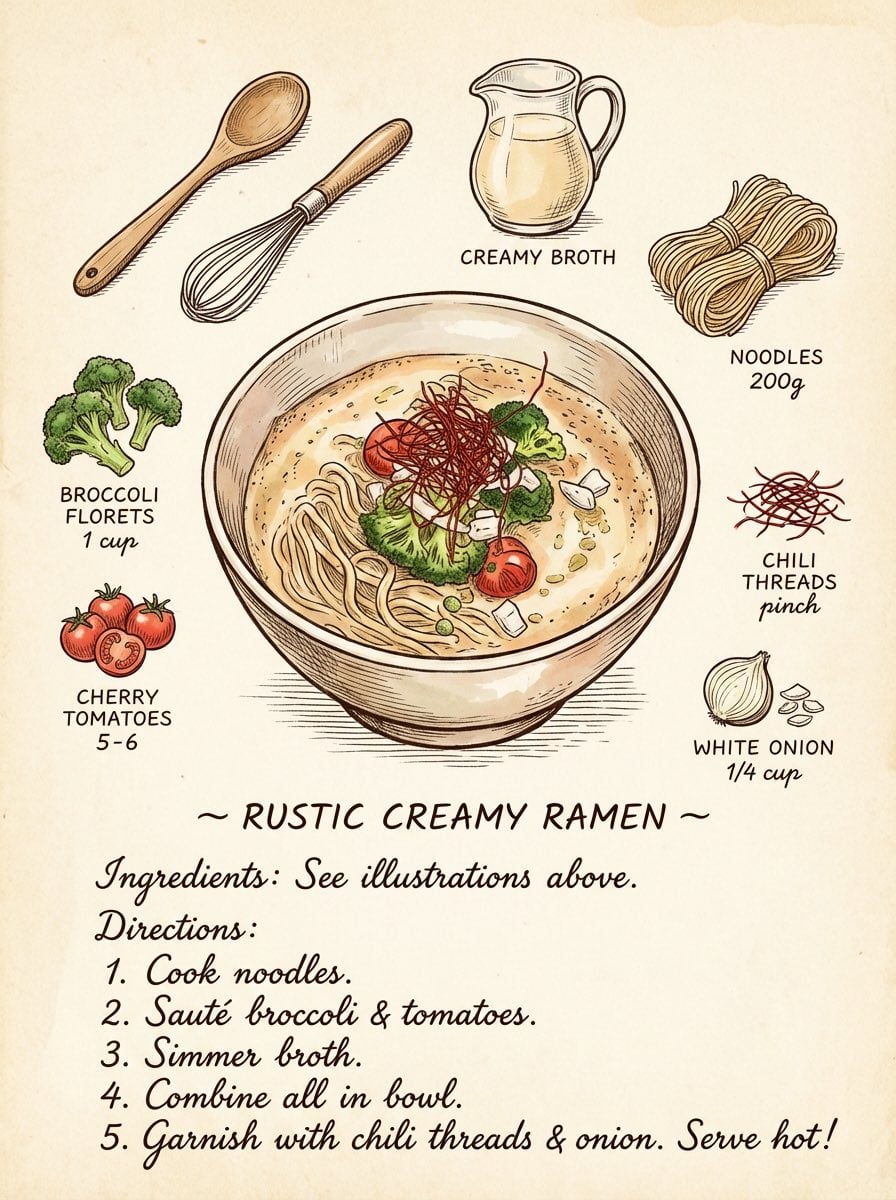
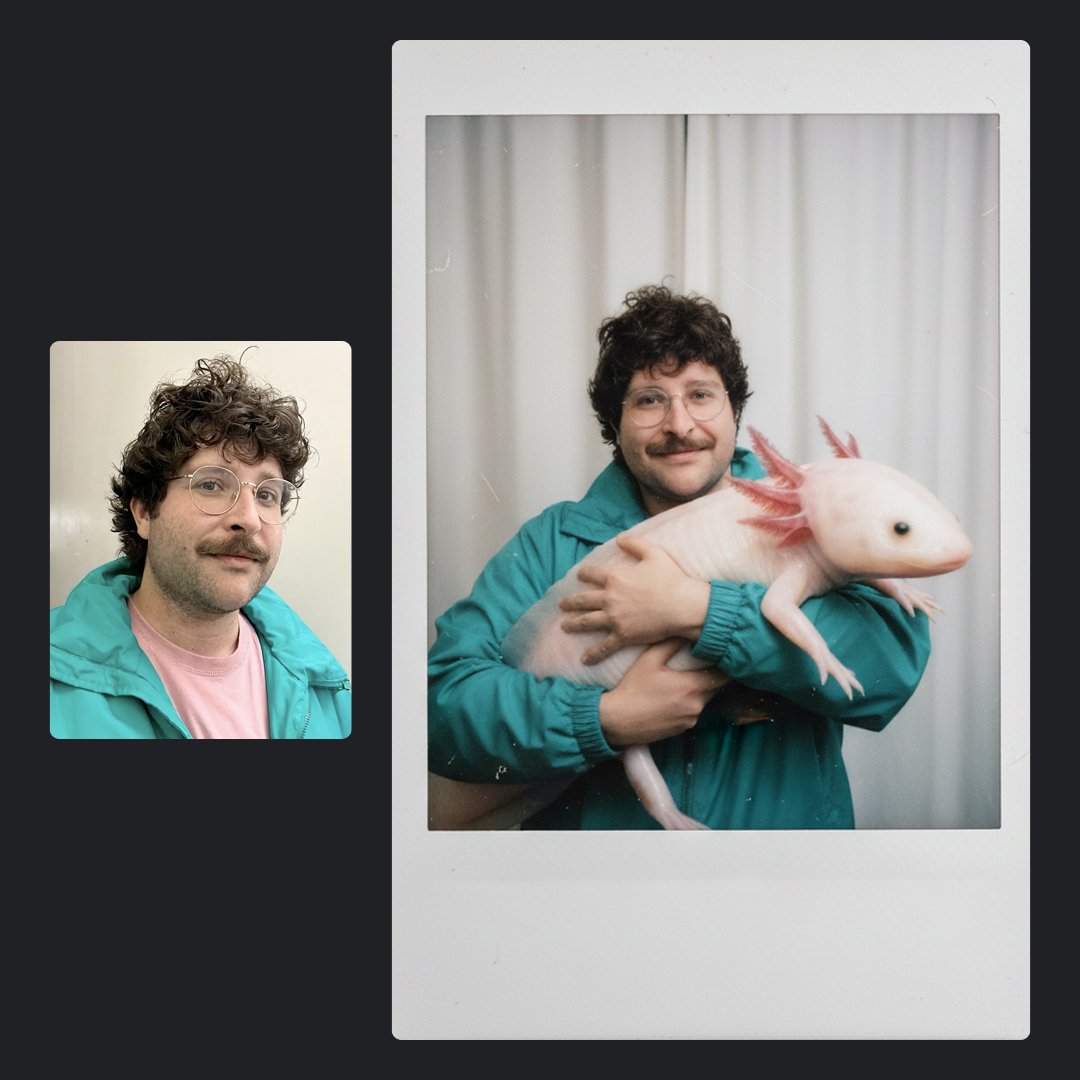
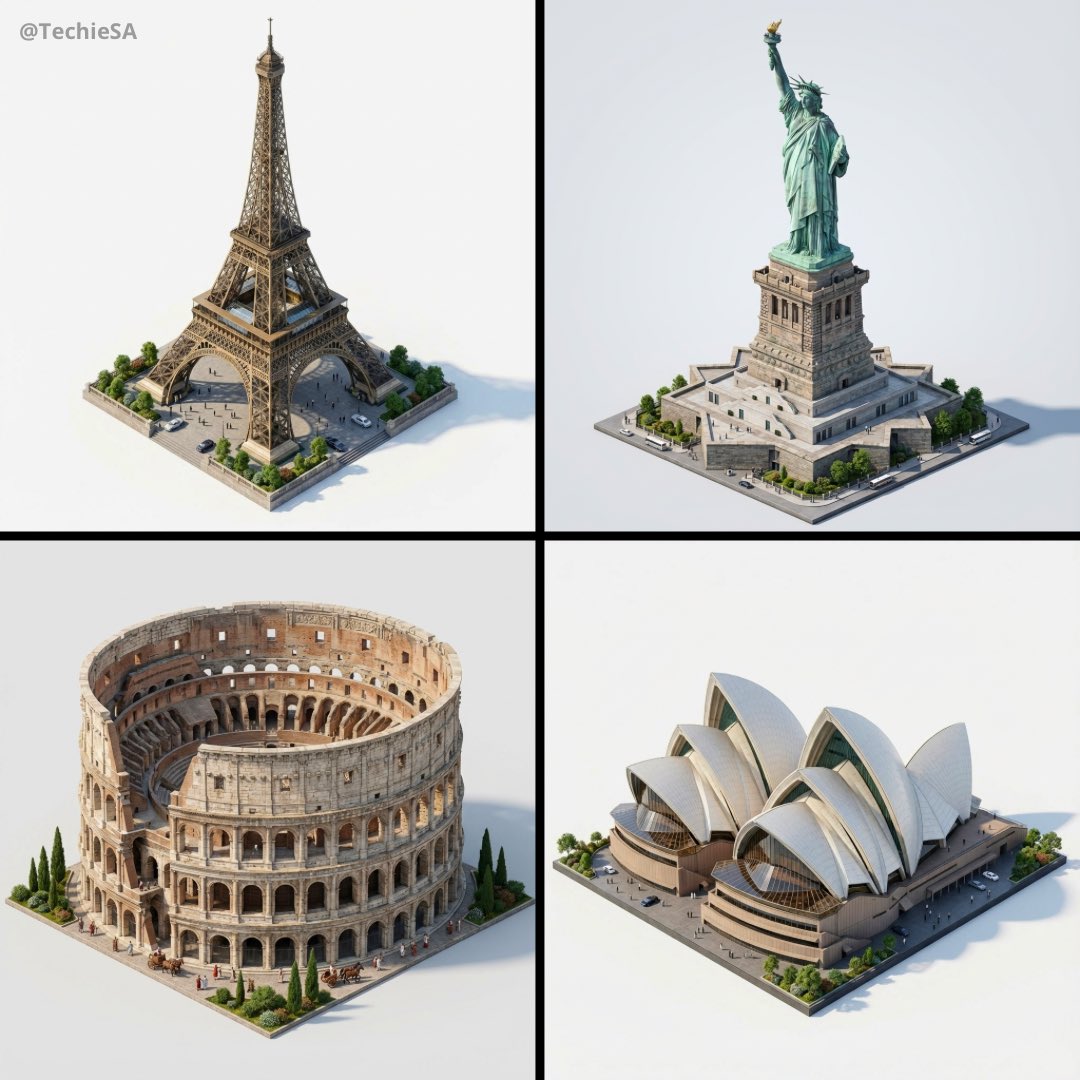
More image prompts
Fresh picks from across the catalog.
Special Mix Ice Cream Cup
Video Game Wiki Style Plunger
Celestial Astrologer Divination Scene
Cinematic Fashion Editorial Portrait with Identity Preservation
Avant-Garde Editorial Velvet Portrait
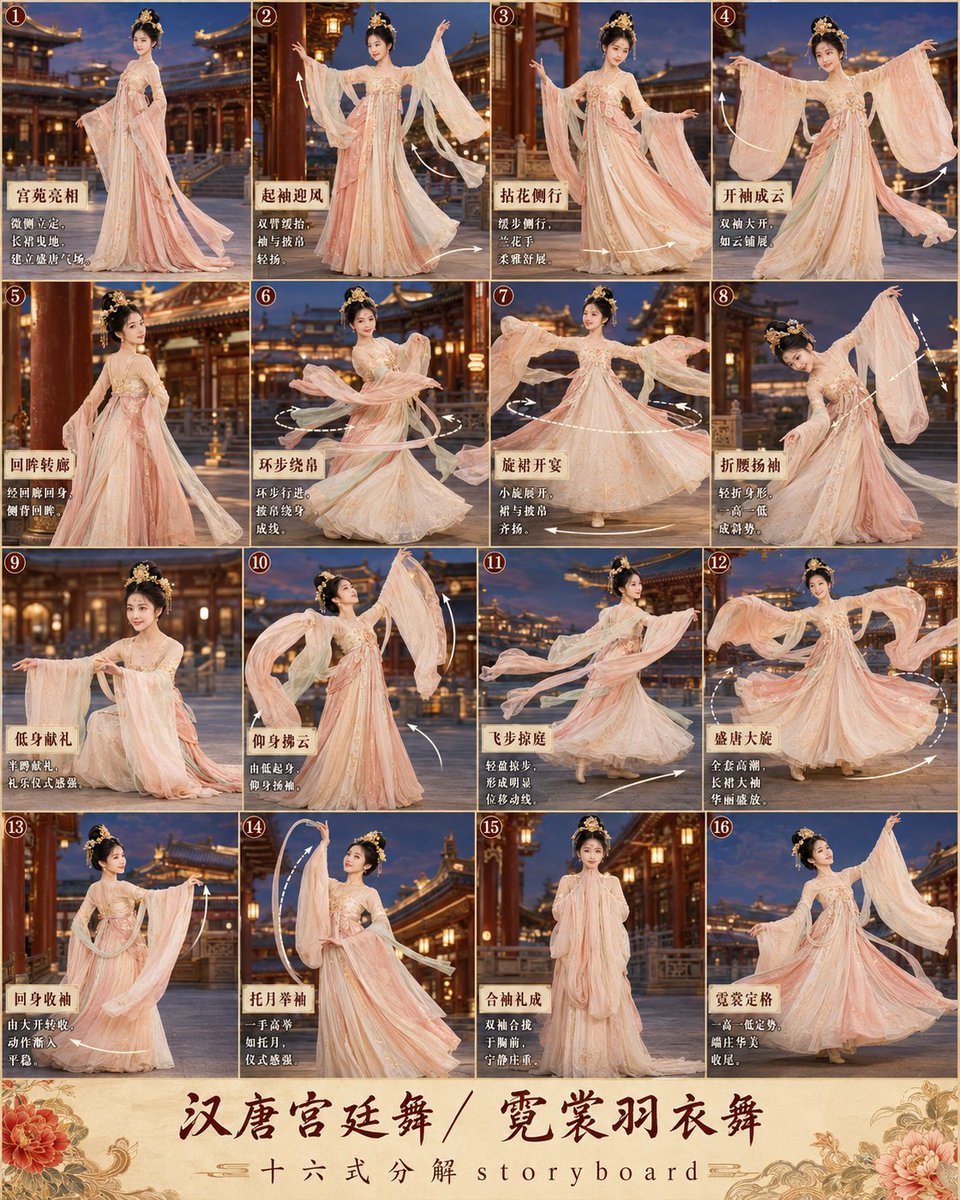
第3张分镜图提示词: 请创作一张高完成度、高清晰度的「汉唐宫廷舞 / 霓裳羽衣舞 · 16宫格分镜图
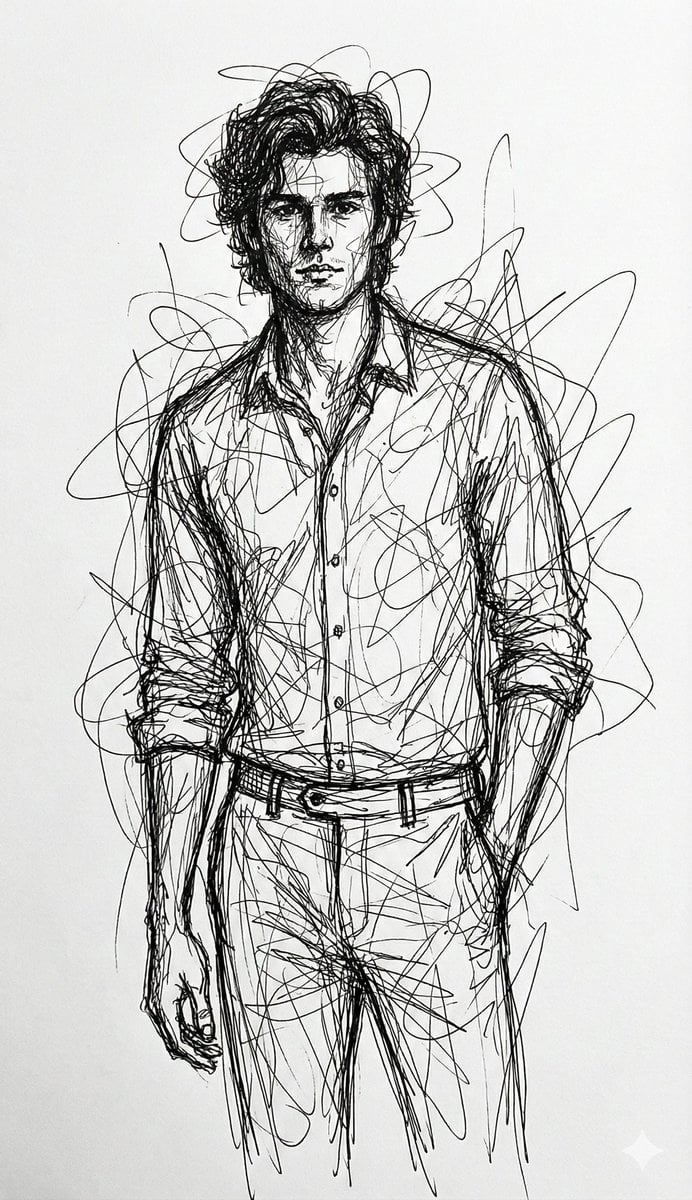
Abstract Chaotic Scribble Art Prompt
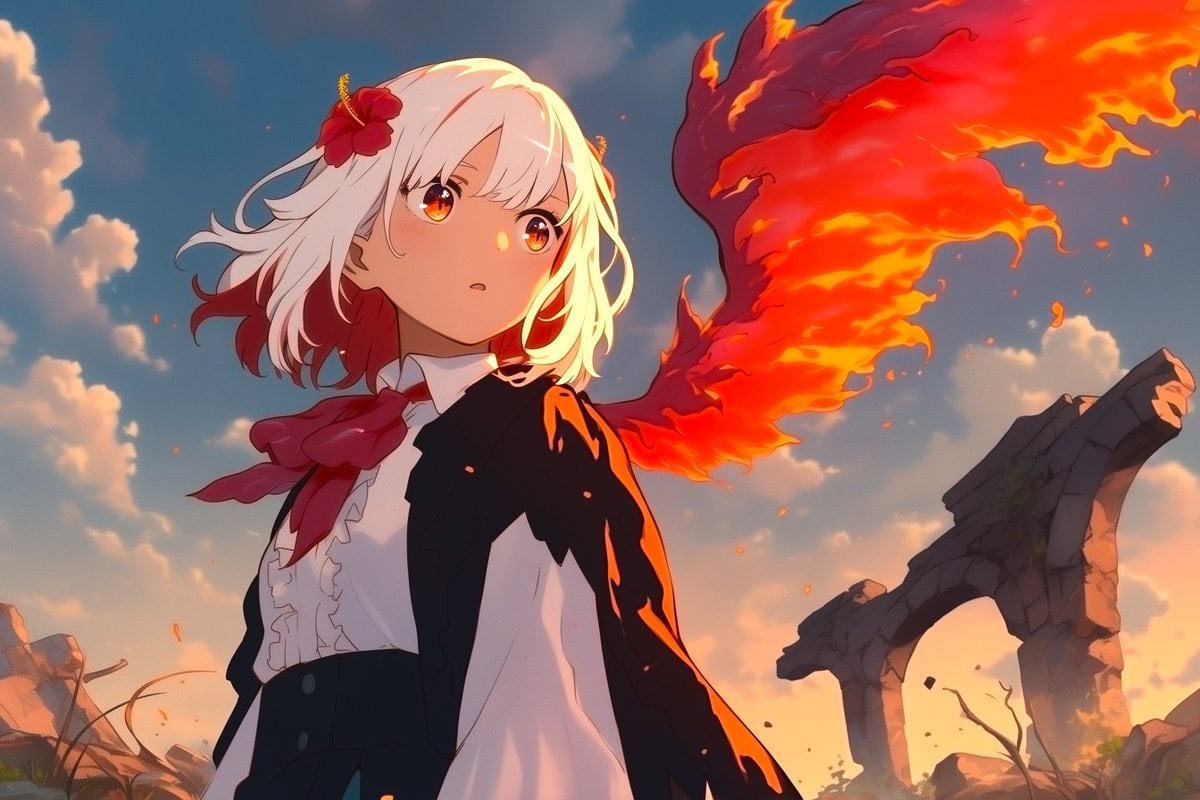
Anime Phoenix Girl Ruins Scene
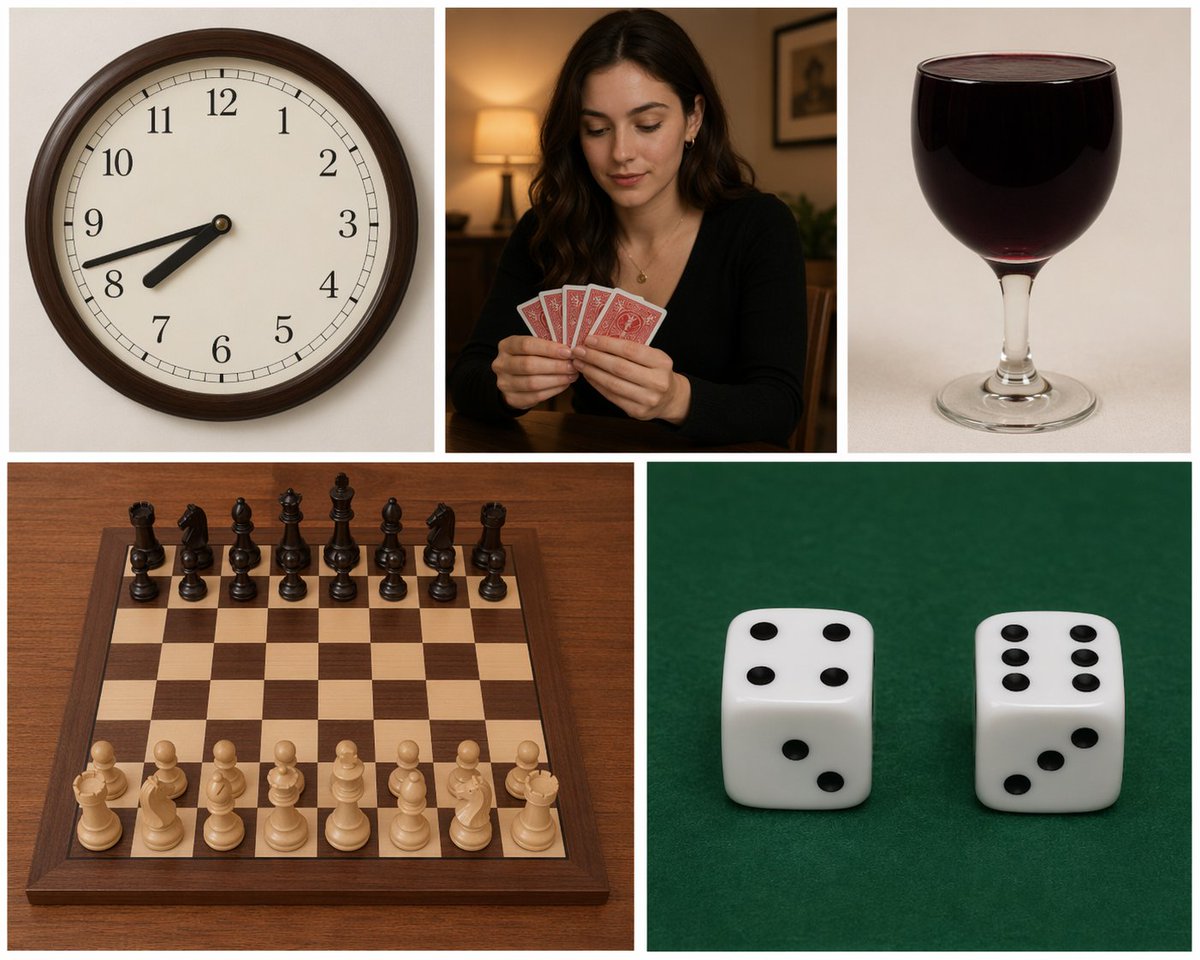
Five-Panel Benchmarking Challenge
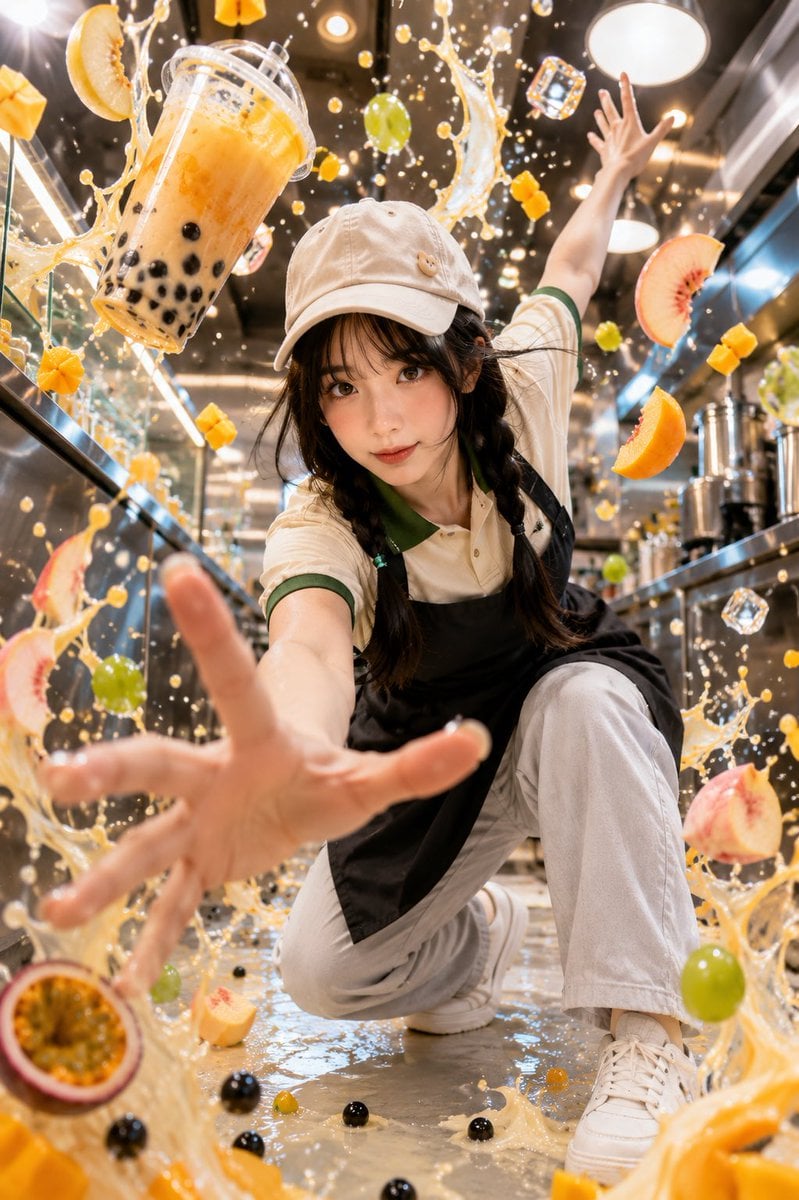
Tropical Bubble Tea Explosion
Browse template categories
Gemini Nano Banana 2 questions
How do I use the 2-gemini-nano-banana-2 template?
Add your photo if the template asks for one, edit the prompt if you like — the template's model and format are already selected — and press Generate. Your version opens in PicX Studio.
Can I customize the 2-gemini-nano-banana-2 template?
Yes. You can change the subject, setting, lighting, mood, format, and available model controls before creating your image.
Is the 2-gemini-nano-banana-2 template free?
Opening and editing this template is free. Generating uses credits, shown on the Generate button when you are signed in.
Which AI model should I use?
Start with Nano Banana, which is the model associated with this template. You can compare another compatible model for a different finish.
Looking for something else? Browse all templates.

Your photo, any look
Thousands of ready templates for every top image and video model, from one credit balance.