
Happy Tengu Samurai Concept Art
A stylized full-body character design of a laughing masked wandering samurai for fantasy concept art or game character inspiration.
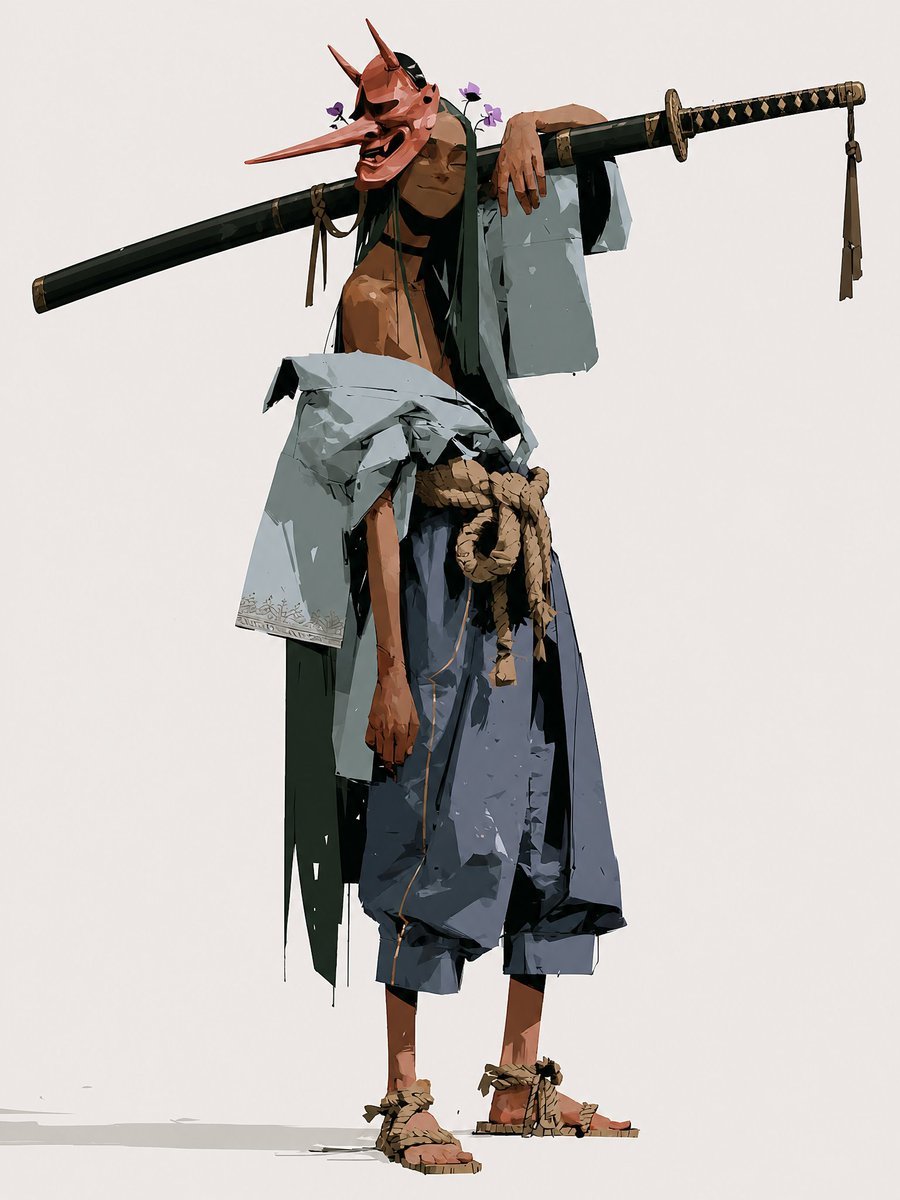
- Prompt included
- Model and format preset
- Free template
The prompt behind this image
Copy the exact prompt behind Happy Tengu Samurai Concept Art, or open it in the studio and make it yours.
Create a full-body character concept illustration of a {argument name="character name" default="Happy Samurai"}: a tall, lean, shirtless wandering samurai standing relaxed against a plain warm off-white background. He wears a vivid red tengu/oni-style mask with an extremely long pointed nose, two tall horns, dark expressive eye openings, and a wide laughing open mouth, giving him a mischievous happy expression. Small purple flowers are tucked near the mask and hair. Pose him in a casual contrapposto stance, one arm draped lazily over a long black sheathed katana or staff balanced horizontally across his shoulders, the weapon stretching far beyond both sides of his body; the right end has a black-and-gold diamond-wrapped handle and dangling tassel, the left end is a dark scabbard with subtle fittings. Dress him in tattered layered samurai clothing: a loose pale gray-blue haori slipping off one shoulder, dark green inner robe panels hanging raggedly, oversized dark blue hakama pants cropped above the ankles, a thick tan rope belt tied in a large knot at the waist, and straw rope sandals on bare feet. Use angular painterly brushwork, high-fashion character design proportions, sharp cel-shaded planes, rough ink-like edges, visible fabric tears and folds, earthy muted colors with strong black accents, minimal ground shadow, and lots of negative space. No text, no border, no watermark.
How to use Happy Tengu Samurai Concept Art in 3 steps
- 1Upload ImagePNG, JPG or paste
Add your photo
Upload the photo the template builds on. The prompt, model and format are already set.
- 2…a portrait of your subject in softgolden-hour light, 85mm…
Personalize
Edit the subject and creative details for your destination.
- 3Generate
Generate
Press Generate — your image is created in PicX Studio, so you can compare it with the original and refine one variable at a time.
More like this
Templates with the same subject, style or setup. Open one to see its prompt.

Glass Brand Logo Volcanic Landscape

Blueprint Split Reality Archetype Prompt

Real Illustration Split Portrait Transition
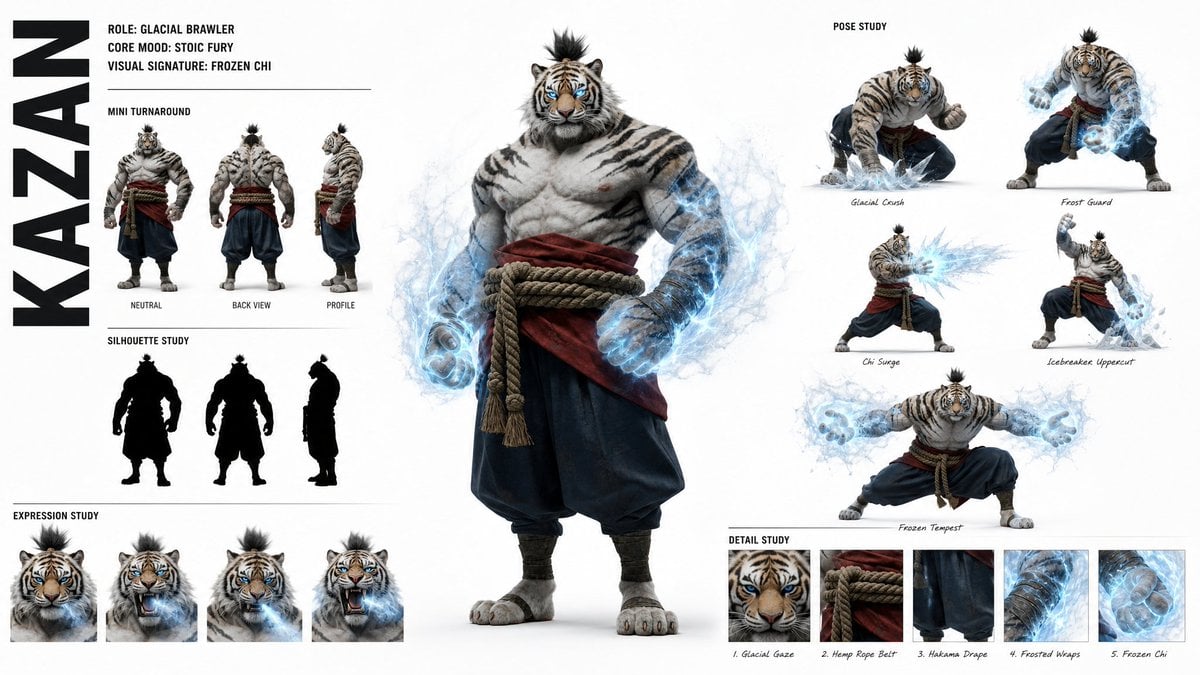
High-Fashion Character Concept Art Sheet
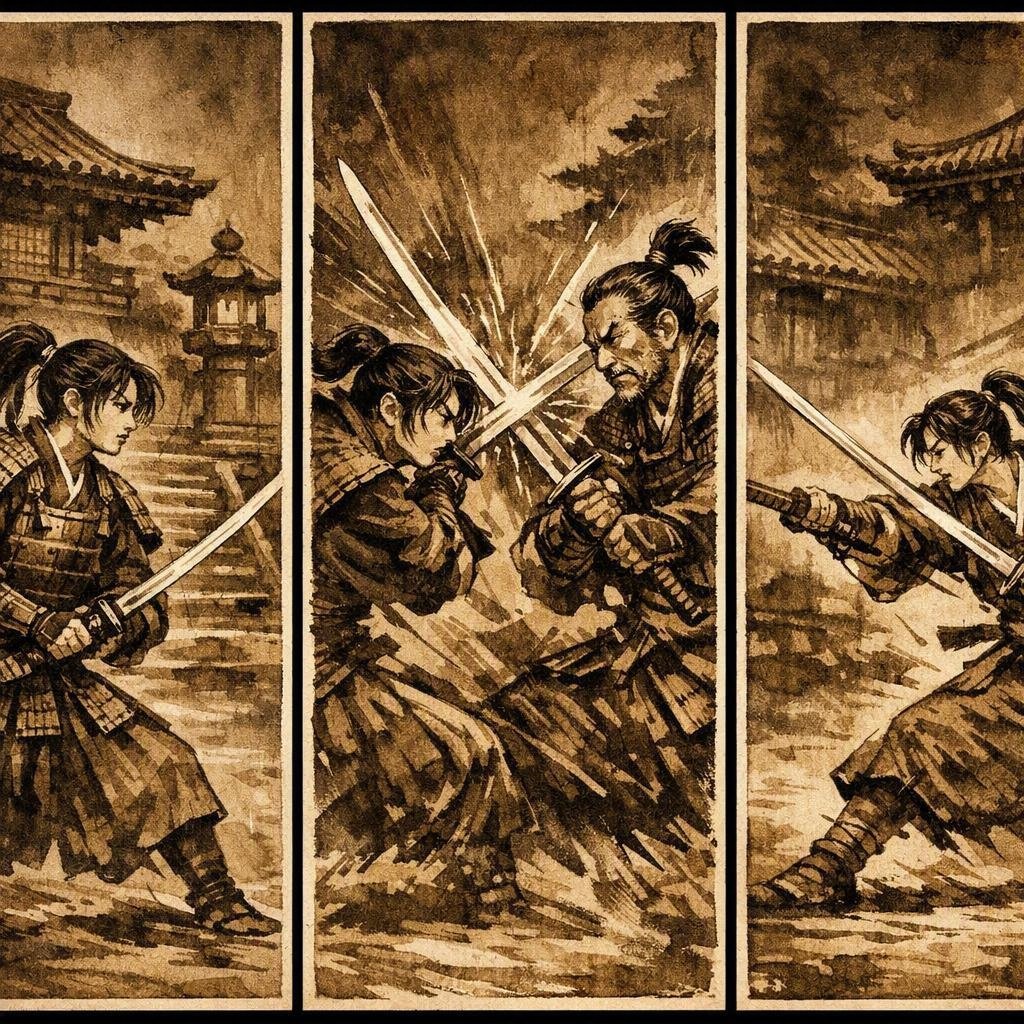
Japanese Samurai Ukiyo-e Triptych
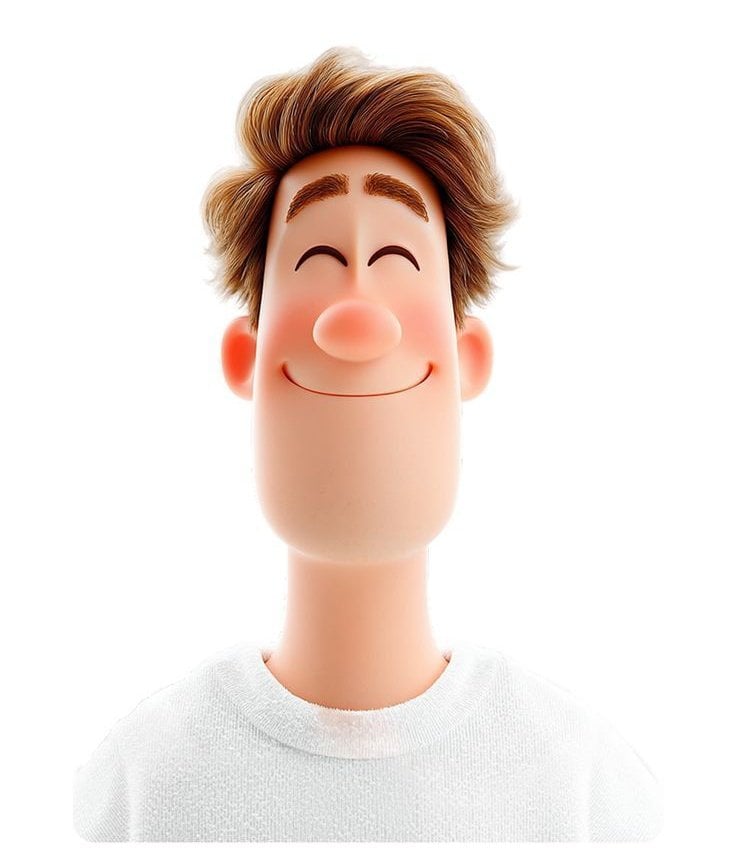
3D avatar of a man, with a happy face on a white background, no necks

Cyber Samurai Empress Portrait
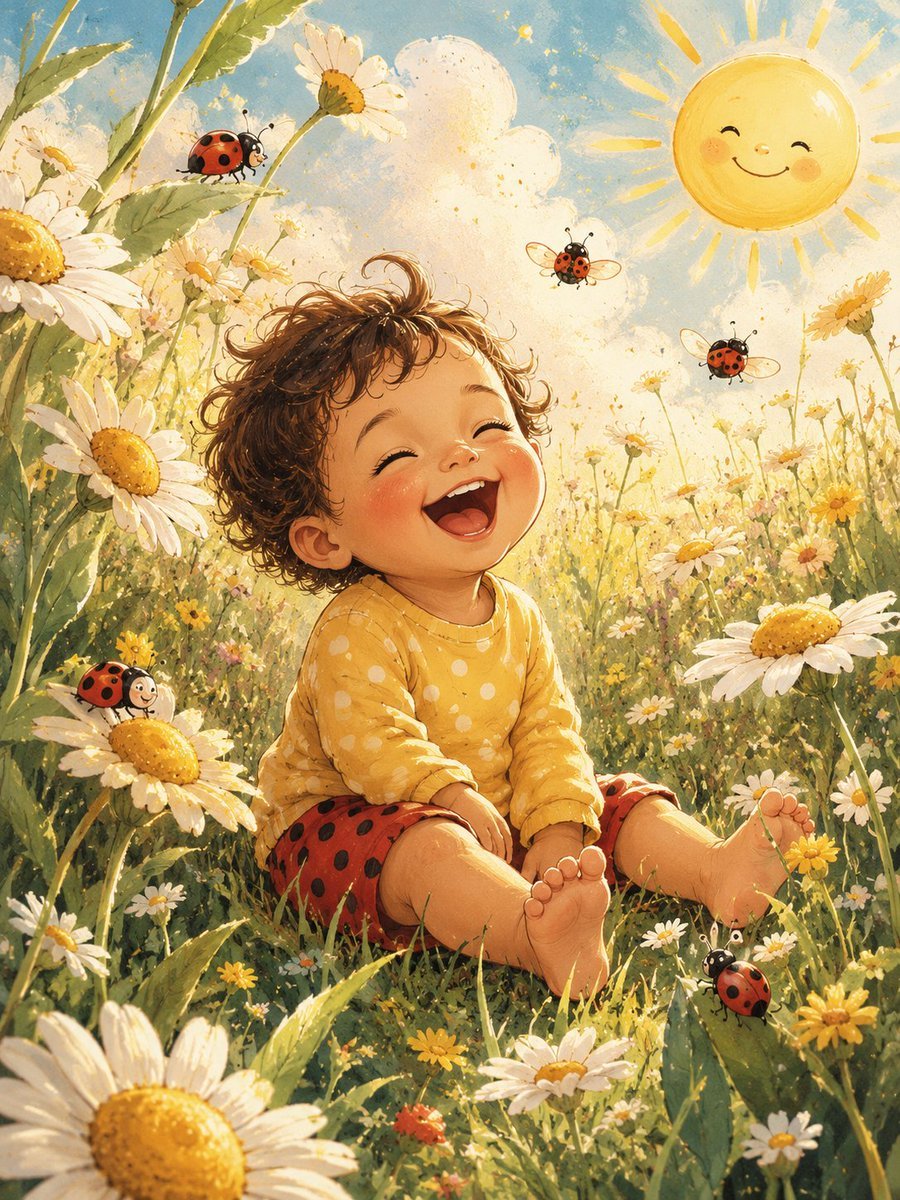
Happy Toddler in Daisy Meadow

Futuristic Anime Tactical Concept Sheet
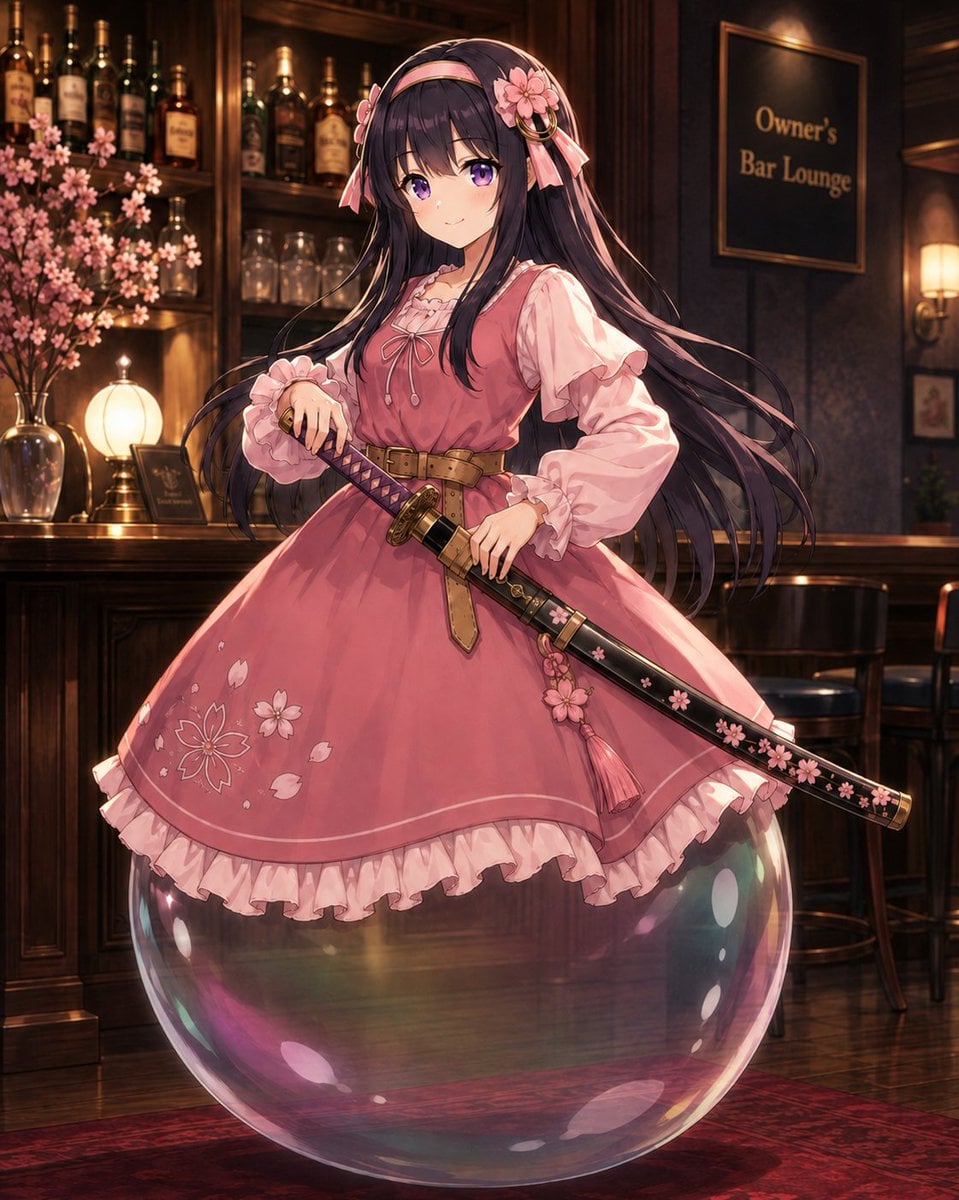
Anime Bubble Samurai in Bar Lounge

Retro Manga StackChan Concept Sheet
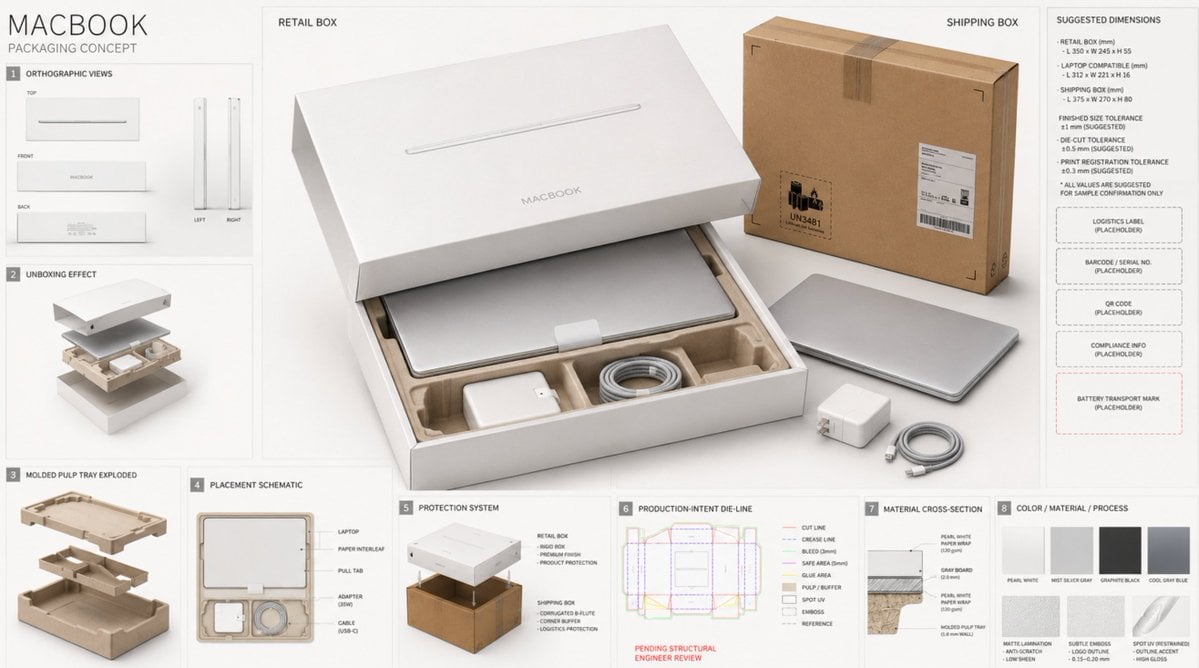
High-End Laptop Packaging Concept Board
Make it yours
Happy Tengu Samurai Concept Art works as-is. These are the safest ways to change it without losing the look.
Change one field
Copy a single group, rewrite it, and generate again so you can see what that field is doing.
Keep the frame, change the subject
Hold the composition and light of Happy Tengu Samurai Concept Art, then swap wardrobe, props or the person for a new take.
| If the result… | Why | Fix |
|---|---|---|
| The result drifts from the preview | Too many fields changed at once. | Reuse Happy Tengu Samurai Concept Art as-is first, then change one group — subject, light, or setting. |
| The model over-stylizes the scene | The prose prompt leaves finish and camera underspecified. | Add one camera or lighting sentence and stay on GPT Image 2. |
More GPT Image 2 templates
Other prompts made for GPT Image 2.

Six VTuber Japanese Logo Sheet

Realistic Portrait of Woman and Deer

The Vista Modular Condo Poster

AI Model Routing Comparison Infographic

2.5D Anime Art Board

Isometric Productivity Desk Scene

New York Double Exposure Poster

Four-Panel AI Landscape Comparison

Japanese Tatami Lifestyle Magazine Cover

NESCAFÉ Coffee Map Poster
More image prompts
Fresh picks from across the catalog.
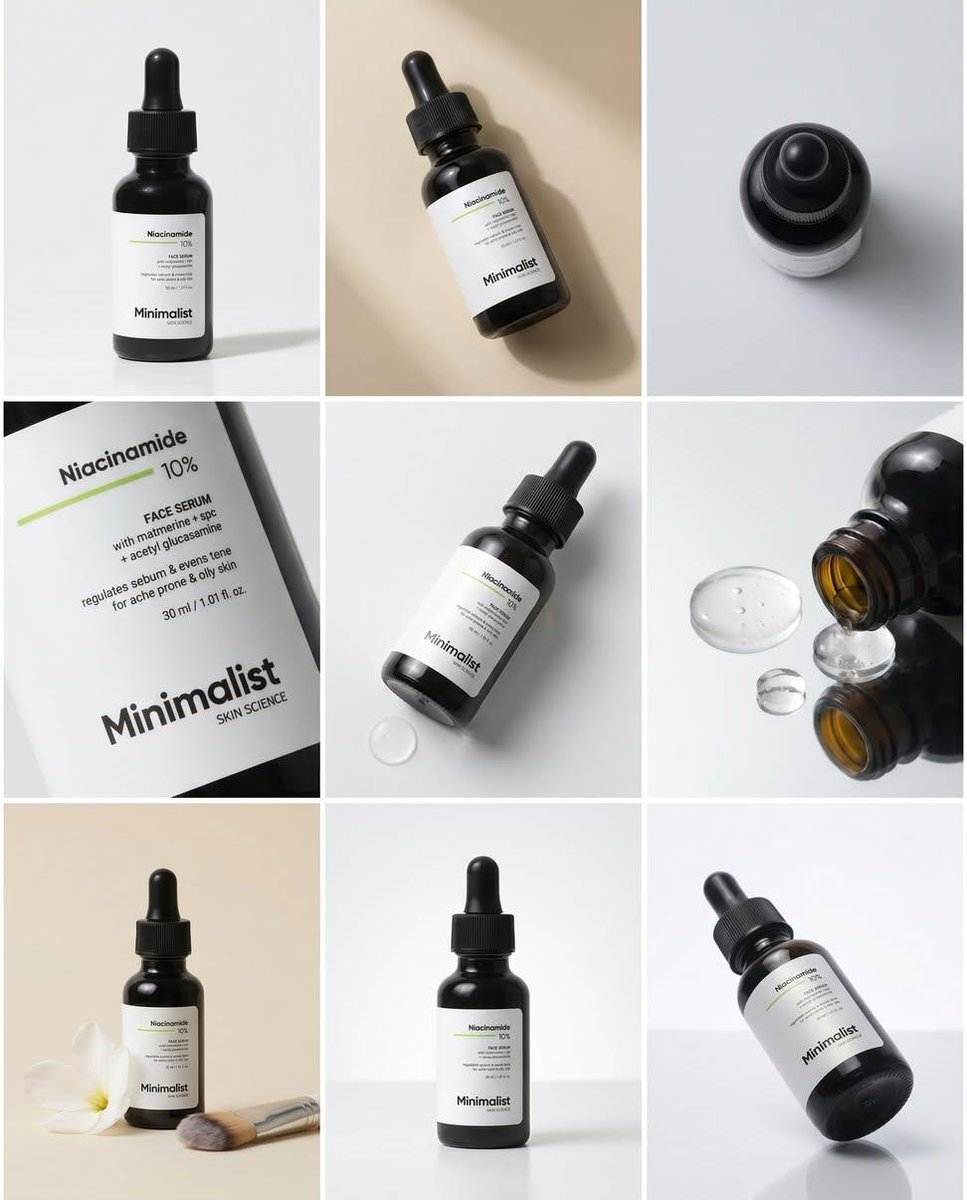
Minimalist Serum Product Collage
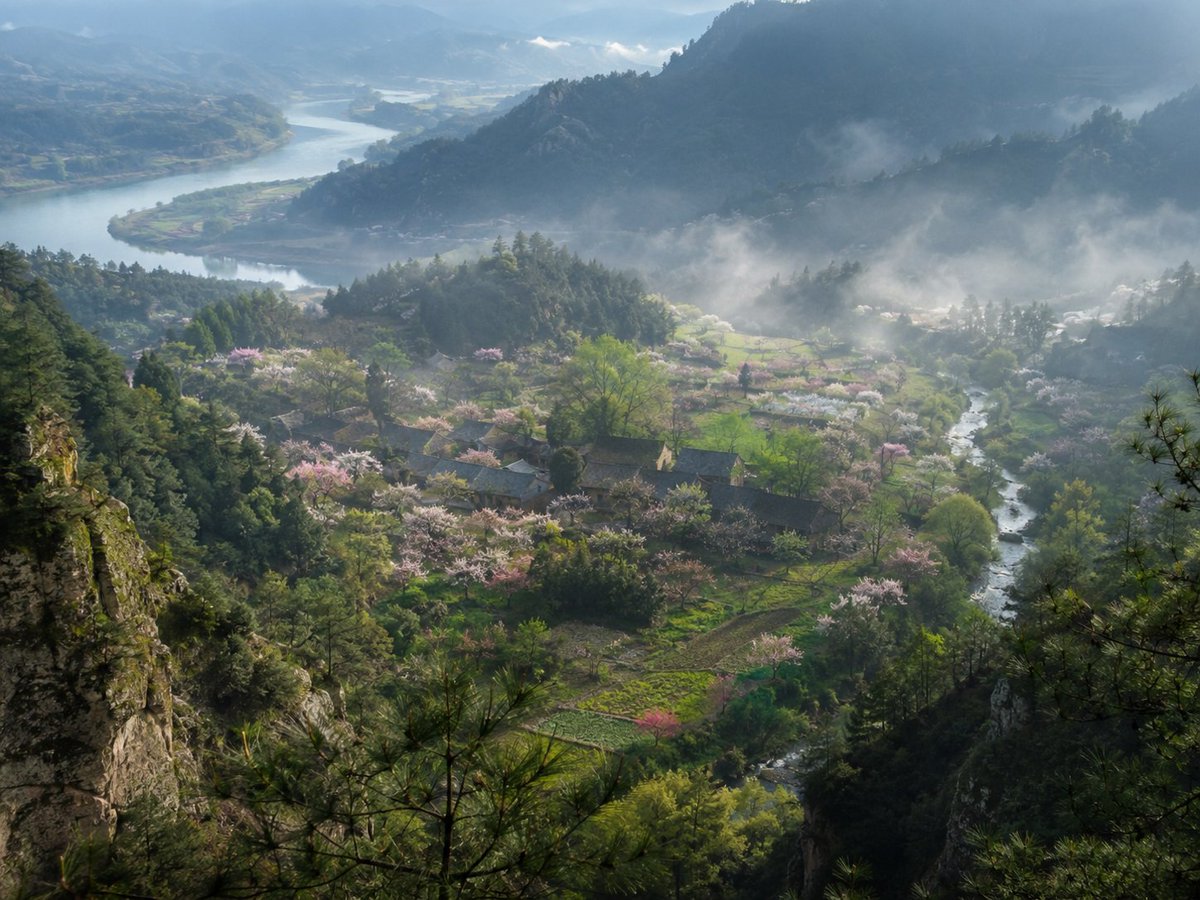
Misty Spring Mountain Village
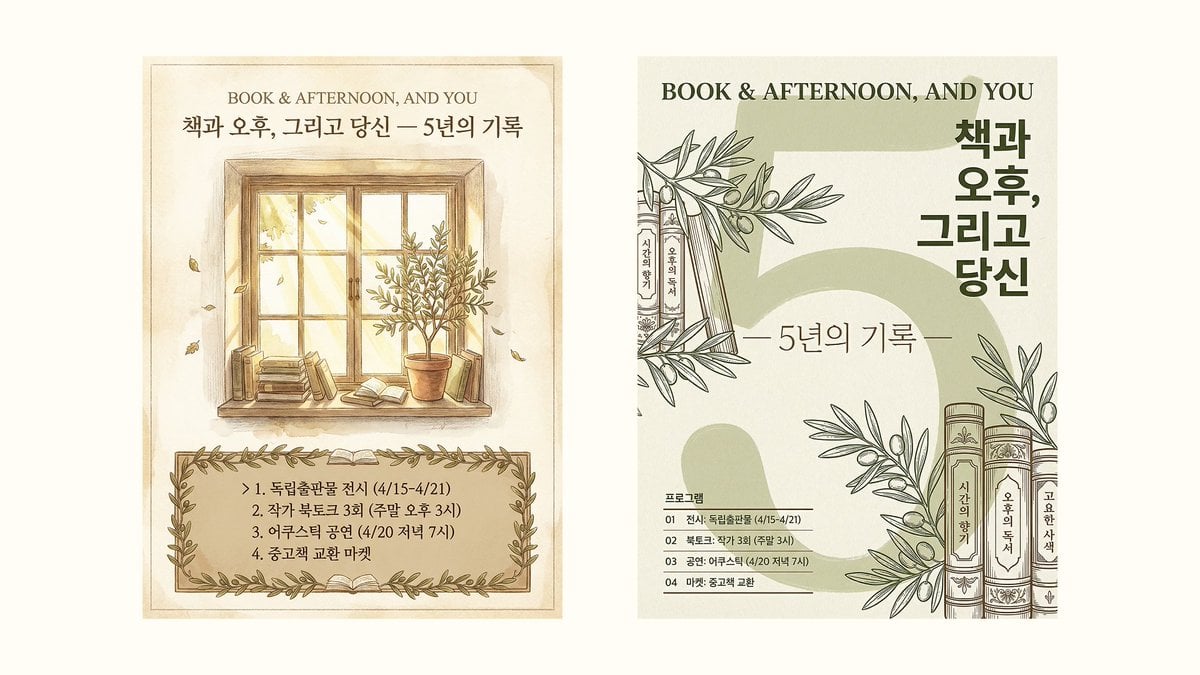
Poster Design Improvement Prompt (Meta-Prompt)
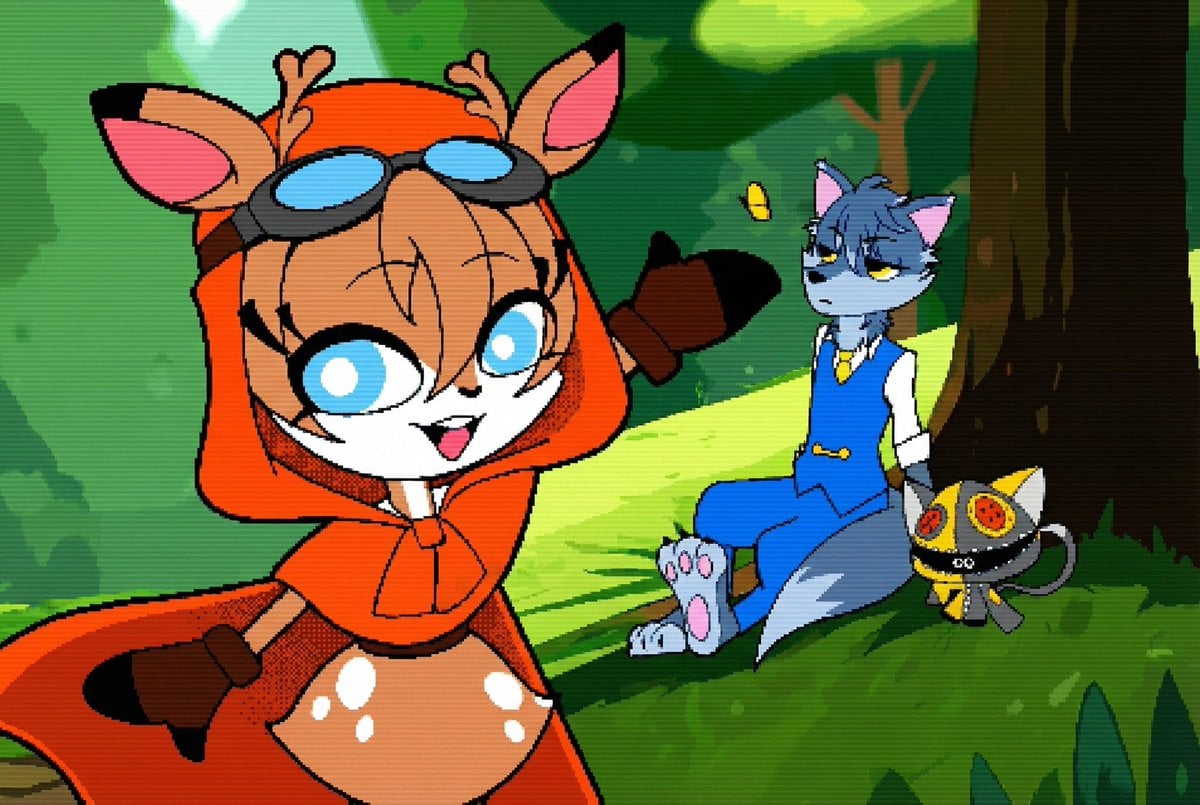
Convert illustration to retro Game Boy Advance-style pixel art

Cinematic Urban Rain Scene Prompt (Neo-Noir)
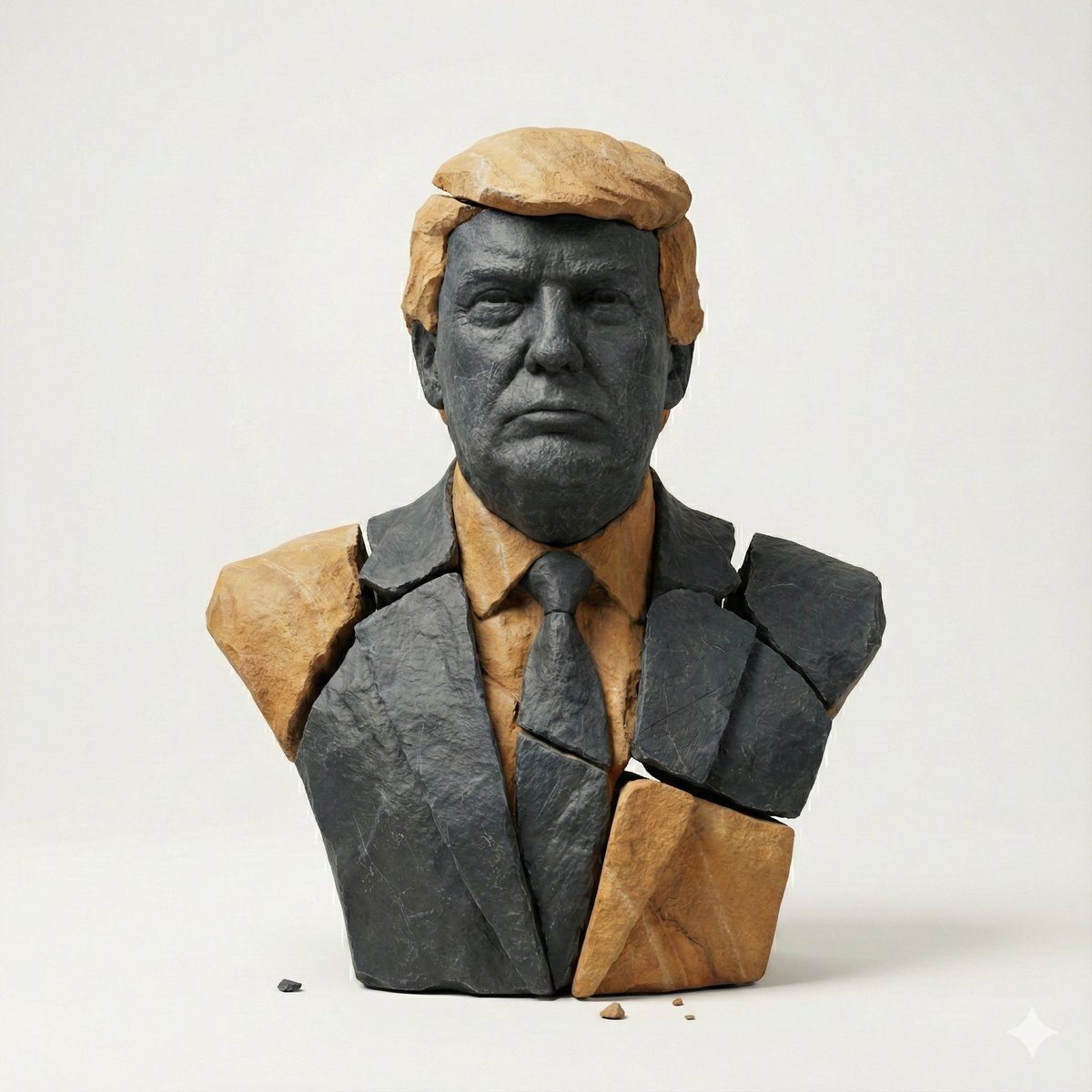
Image-to-Image Style Transfer: Fragmented Stone Sculpture
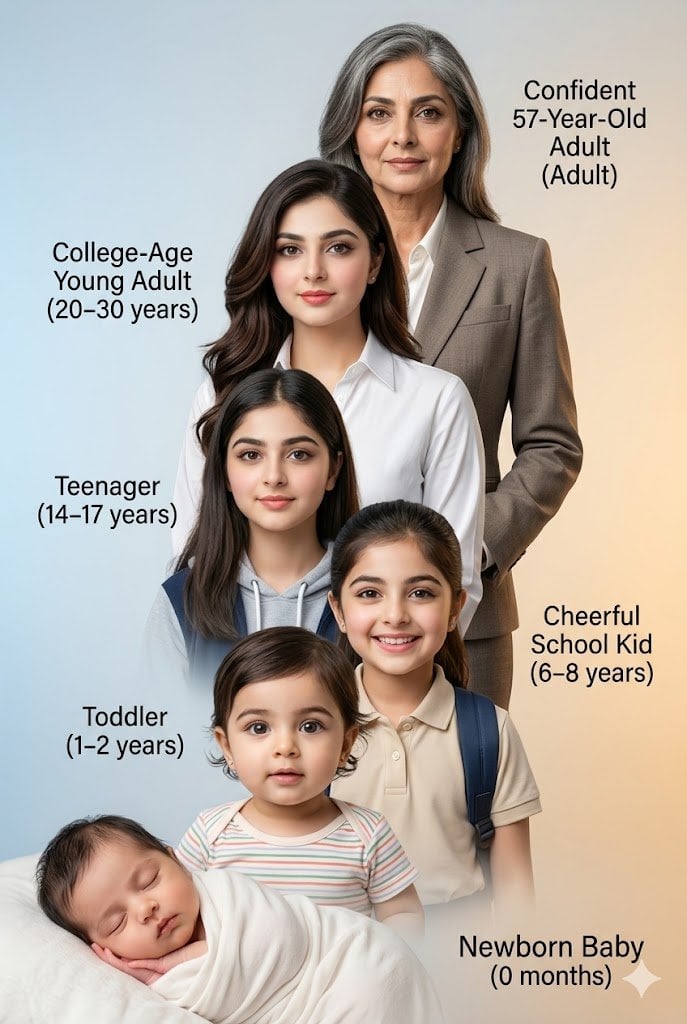
Human Life Progression Composite
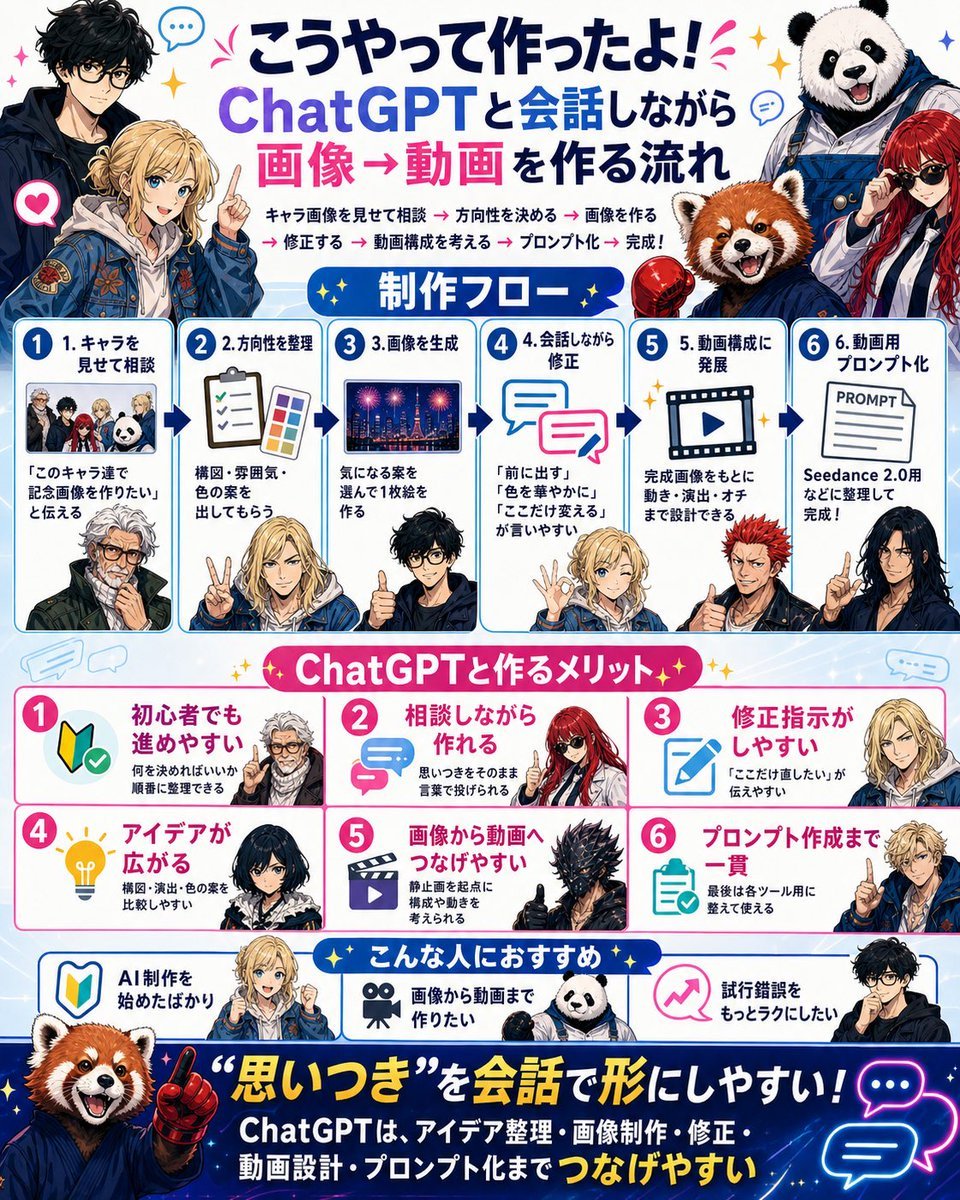
Japanese ChatGPT Image-to-Video Workflow Infographic
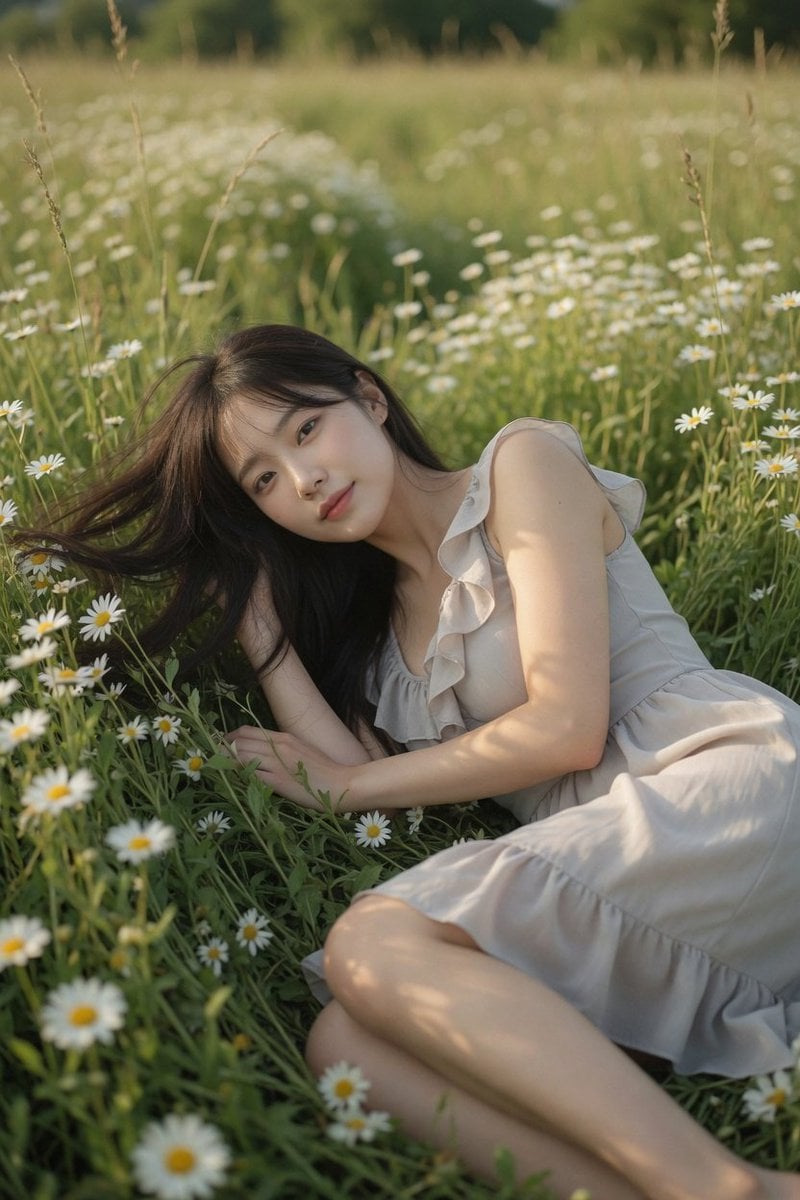
Daisy Field Cinematic Portrait
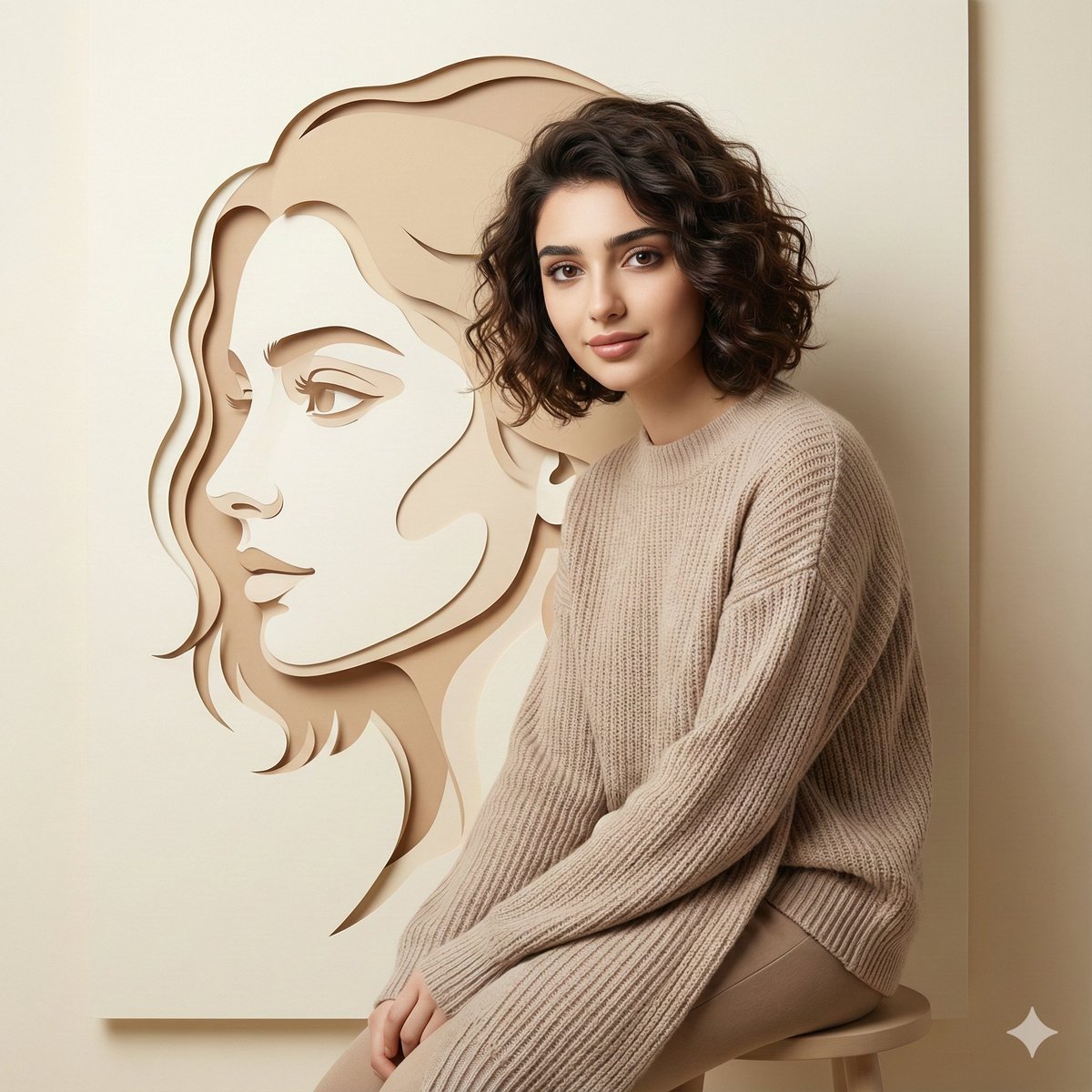
Minimalist Conceptual Dual-Identity Portrait Prompt
Browse template categories
Happy Tengu Samurai Concept Art questions
How do I use the Happy Tengu Samurai Concept Art template?
Add your photo if the template asks for one, edit the prompt if you like — the template's model and format are already selected — and press Generate. Your version opens in PicX Studio.
Can I customize the Happy Tengu Samurai Concept Art template?
Yes. You can change the subject, setting, lighting, mood, format, and available model controls before creating your image.
Is the Happy Tengu Samurai Concept Art template free?
Opening and editing this template is free. Generating uses credits, shown on the Generate button when you are signed in.
Which AI model should I use?
Start with GPT Image 2, which is the model associated with this template. You can compare another compatible model for a different finish.
Looking for something else? Browse all templates.

Your photo, any look
Thousands of ready templates for every top image and video model, from one credit balance.