
Japanese ChatGPT Image-to-Video Workflow Infographic
Generates a colorful Japanese infographic explaining a six-step workflow for creating images and videos through conversation with ChatGPT.
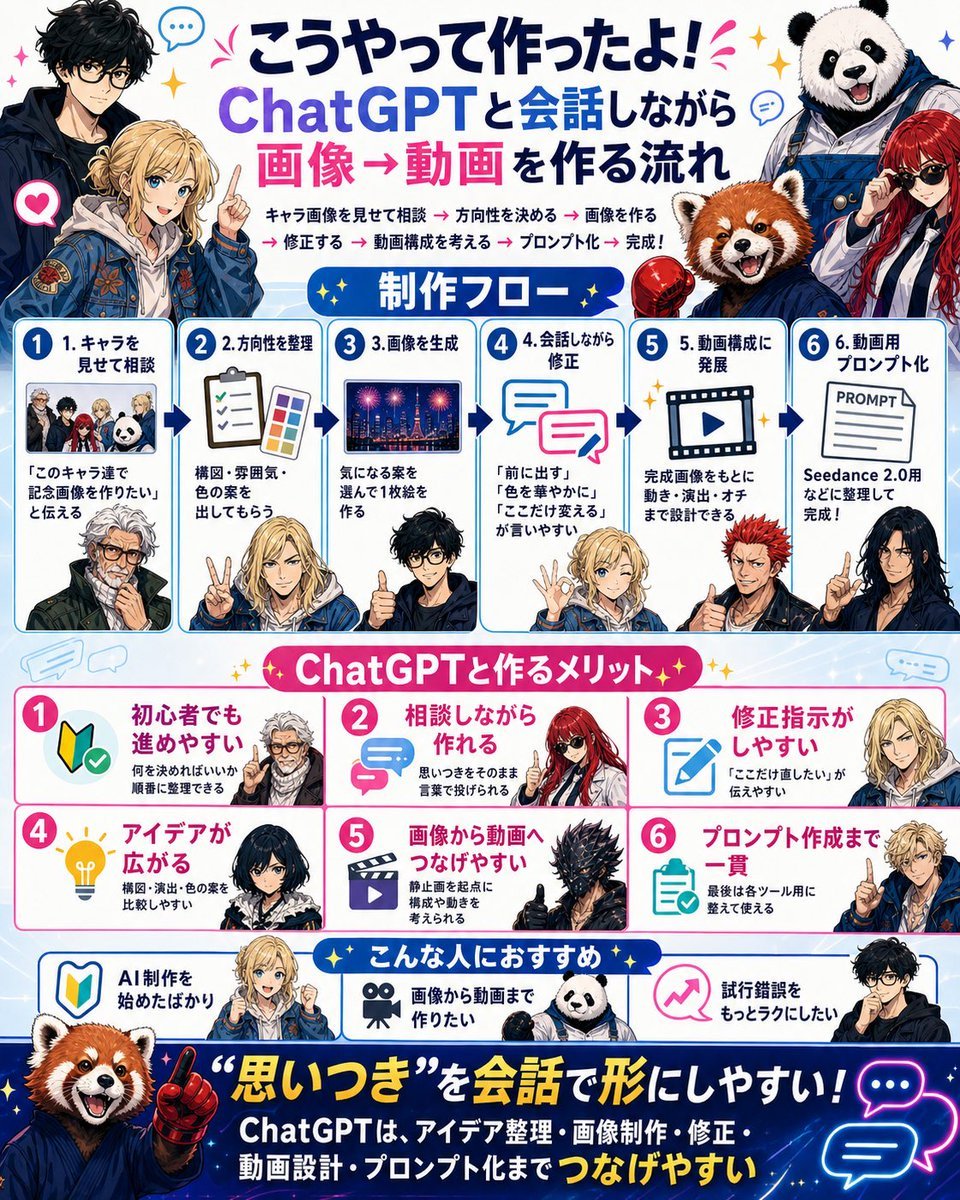
- Prompt included
- Model and format preset
- Free template
The prompt behind this image
Copy the exact prompt behind Japanese ChatGPT Image-to-Video Workflow Infographic, or open it in the studio and make it yours.
- Type
- bright Japanese social-media infographic poster
- Format
- single square poster, 4:5-ish dense layout, white and pale blue background with blue panel borders, pink accents, yellow sparkles, speech bubbles, arrows, rounded cards, sticker-like anime characters and mascot animals
- Language
- Japanese visible text
- Headline › Position
- top center
- Headline › Text
- {argument name="headline text" default="こうやって作ったよ! ChatGPTと会話しながら 画像→動画を作る流れ"}
- Headline › Style
- large bold Japanese lettering, dark navy and purple for ChatGPT, hot pink for 画像→動画, celebratory marks
- Top Characters › Count
- 4
- Top Characters › Descriptions
- left: tall black-haired anime man in dark jacket, face intentionally blurred, left-center: blond anime young man in blue embroidered jacket pointing upward, face intentionally blurred, right: smiling panda mascot wearing blue work overalls, right-lower: red panda mascot in blue hoodie next to a red-haired woman in sunglasses
- Intro Line › Text
- キャラ画像を見せて相談 → 方向性を決める → 画像を作る → 修正する → 動画構成を考える → プロンプト化 → 完成!
- Intro Line › Style
- small bold text under headline with pink arrow separators
- Layout › Sections › 0 › Title
- 制作フロー
- Layout › Sections › 0 › Position
- upper middle
- Layout › Sections › 0 › Count
- 6
- Layout › Sections › 0 › Style
- six numbered blue-bordered cards connected by dark blue arrows
- Layout › Sections › 0 › Cards › 0 › Number
- 1
- Layout › Sections › 0 › Cards › 0 › Title
- 1. キャラを見せて相談
- Layout › Sections › 0 › Cards › 0 › Visual
- small group thumbnail of four characters and panda, plus lower anime man portrait
- Layout › Sections › 0 › Cards › 0 › Body
- 『このキャラ達で記念画像を作りたい』と伝える
- Layout › Sections › 0 › Cards › 1 › Number
- 2
- Layout › Sections › 0 › Cards › 1 › Title
- 2.方向性を整理
- Layout › Sections › 0 › Cards › 1 › Visual
- clipboard checklist and color palette, blond character making peace sign
- Layout › Sections › 0 › Cards › 1 › Body
- 構図・雰囲気・色の案を出してもらう
- Layout › Sections › 0 › Cards › 2 › Number
- 3
- Layout › Sections › 0 › Cards › 2 › Title
- 3.画像を生成
Raw JSON
{"type":"bright Japanese social-media infographic poster","format":"single square poster, 4:5-ish dense layout, white and pale blue background with blue panel borders, pink accents, yellow sparkles, speech bubbles, arrows, rounded cards, sticker-like anime characters and mascot animals","language":"Japanese visible text","headline":{"position":"top center","text":"{argument name=\"headline text\" default=\"こうやって作ったよ! ChatGPTと会話しながら 画像→動画を作る流れ\"}","style":"large bold Japanese lettering, dark navy and purple for ChatGPT, hot pink for 画像→動画, celebratory marks"},"top_characters":{"count":4,"descriptions":["left: tall black-haired anime man in dark jacket, face intentionally blurred","left-center: blond anime young man in blue embroidered jacket pointing upward, face intentionally blurred","right: smiling panda mascot wearing blue work overalls","right-lower: red panda mascot in blue hoodie next to a red-haired woman in sunglasses"]},"intro_line":{"text":"キャラ画像を見せて相談 → 方向性を決める → 画像を作る → 修正する → 動画構成を考える → プロンプト化 → 完成!","style":"small bold text under headline with pink arrow separators"},"layout":{"sections":[{"title":"制作フロー","position":"upper middle","count":6,"style":"six numbered blue-bordered cards connected by dark blue arrows","cards":[{"number":"1","title":"1. キャラを見せて相談","visual":"small group thumbnail of four characters and panda, plus lower anime man portrait","body":"『このキャラ達で記念画像を作りたい』と伝える"},{"number":"2","title":"2.方向性を整理","visual":"clipboard checklist and color palette, blond character making peace sign","body":"構図・雰囲気・色の案を出してもらう"},{"number":"3","title":"3.画像を生成","visual":"night city fireworks image thumbnail, black-haired man giving thumbs up","body":"気になる案を選んで1枚絵を作る"},{"number":"4","title":"4.会話しながら修正","visual":"two overlapping chat bubbles, blond character making OK sign","body":"『前に出す』『色を華やかに』『ここだけ変える』が言いやすい"},{"number":"5","title":"5. 動画構成に発展","visual":"film frame with play button, red-haired spiky anime man","body":"完成画像をもとに動き・演出・オチまで設計できる"},{"number":"6","title":"6. 動画用プロンプト化","visual":"paper labeled PROMPT, dark-haired woman pointing","body":"Seedance 2.0用などに整理して完成!"}]},{"title":"ChatGPTと作るメリット","position":"middle","count":6,"style":"six pink-numbered benefit cards in two rows, white cards with pink borders and icons","cards":[{"number":"1","title":"初心者でも進めやすい","icon":"beginner mark with check","body":"何を決めればいいか順番に整理できる","character":"white-haired anime man face blurred"},{"number":"2","title":"相談しながら作れる","icon":"pink chat arrows","body":"思いつきをそのまま言葉で投げられる","character":"red-haired woman with sunglasses"},{"number":"3","title":"修正指示がしやすい","icon":"blue pencil edit icon","body":"『ここだけ直したい』が伝えやすい","character":"blond character face blurred"},{"number":"4","title":"アイデアが広がる","icon":"yellow lightbulb","body":"構図・演出・色の案を比較しやすい","character":"dark-haired woman face blurred"},{"number":"5","title":"画像から動画へつなげやすい","icon":"movie clapper/play icon","body":"静止画を起点に構成や動きを考えられる","character":"black spiky armored creature giving thumbs up"},{"number":"6","title":"プロンプト作成まで一貫","icon":"clipboard checklist","body":"最後は各ツール用に整えて使える","character":"blond character pointing"}]},{"title":"こんな人におすすめ","position":"lower middle","count":3,"style":"three recommendation cards with blue borders and icons","cards":[{"title":"AI制作を始めたばかり","icon":"beginner mark","character":"red panda mascot"},{"title":"画像から動画まで作りたい","icon":"movie camera","character":"panda mascot"},{"title":"試行錯誤をもっとラクにしたい","icon":"pink rising arrow","character":"black-haired glasses anime man"}]}]},"footer":{"position":"bottom","background":"deep navy starry gradient banner","main_quote":"{argument name=\"footer quote\" default=\"“思いつき”を会話で形にしやすい!\"}","subtext":"ChatGPTは、アイデア整理・画像制作・修正・動画設計・プロンプト化まで つなげやすい","visuals":"large red panda mascot on left pointing upward with red glove, neon blue and pink chat bubble icons on right, yellow sparkles"},"style":{"illustration":"polished anime and mascot collage, YouTube thumbnail energy, crisp vector-infographic UI, glossy icons, expressive characters, intentional blurred rectangular face areas on several human characters","colors":"white, sky blue, deep navy, hot pink, purple, yellow sparkle accents","typography":"bold rounded Japanese display fonts, high contrast, dense but readable, numbered circles"},"customization":{"main tool":"{argument name=\"main tool name\" default=\"ChatGPT\"}","video tool":"{argument name=\"video tool name\" default=\"Seedance 2.0\"}","background tone":"{argument name=\"background tone\" default=\"bright blue and pink celebratory tech infographic\"}"}}How to use Japanese ChatGPT Image-to-Video Workflow Infographic in 3 steps
- 1Upload ImagePNG, JPG or paste
Add your photo
Upload the photo the template builds on. The prompt, model and format are already set.
- 2…a portrait of your subject in softgolden-hour light, 85mm…
Personalize
Edit the subject and creative details for your destination.
- 3Generate
Generate
Press Generate — your image is created in PicX Studio, so you can compare it with the original and refine one variable at a time.
More like this
Templates with the same subject, style or setup. Open one to see its prompt.
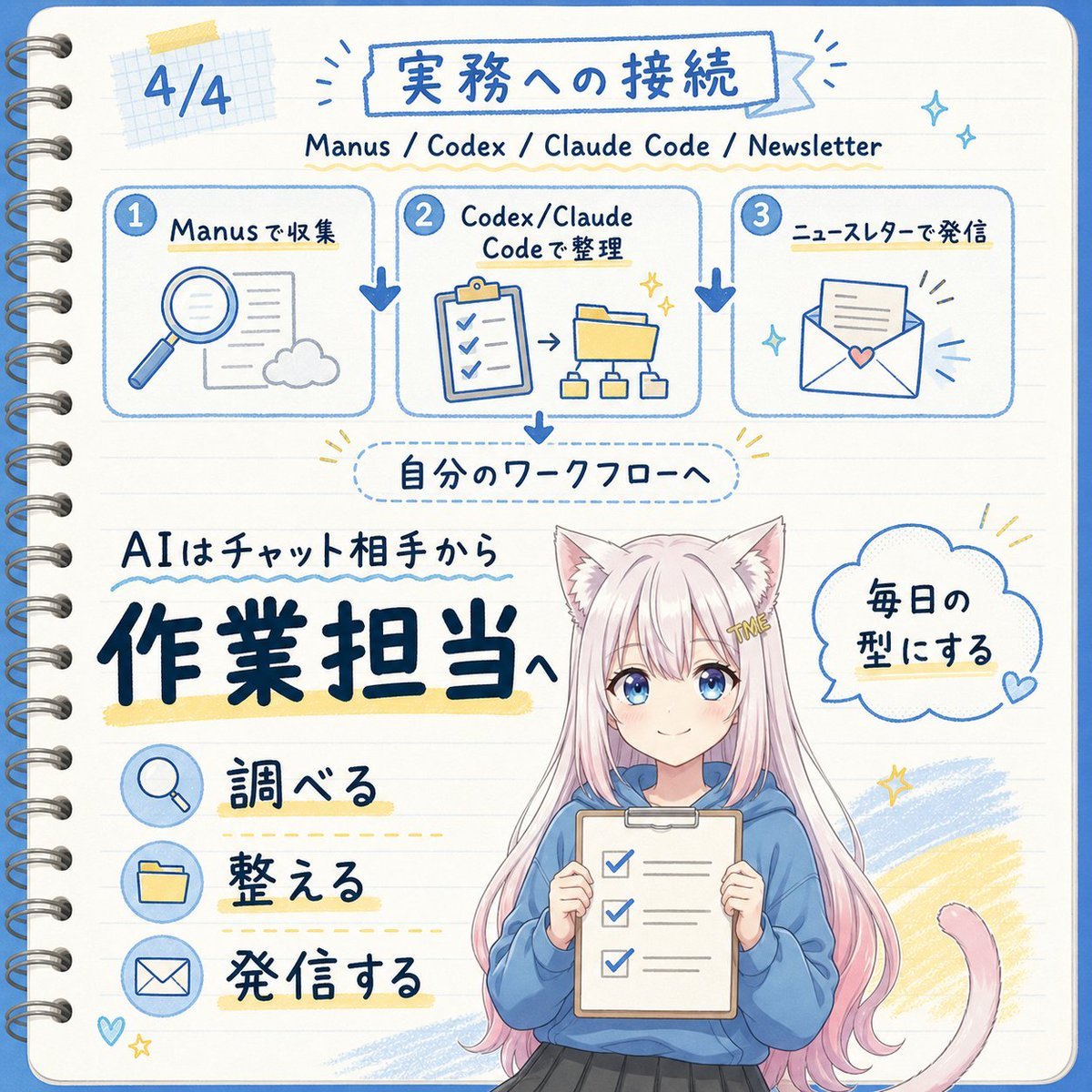
Japanese AI Workflow Notebook Infographic

Gpt2 Infographic Edu Visual Japanese Sci Fi Suit Up Process Board
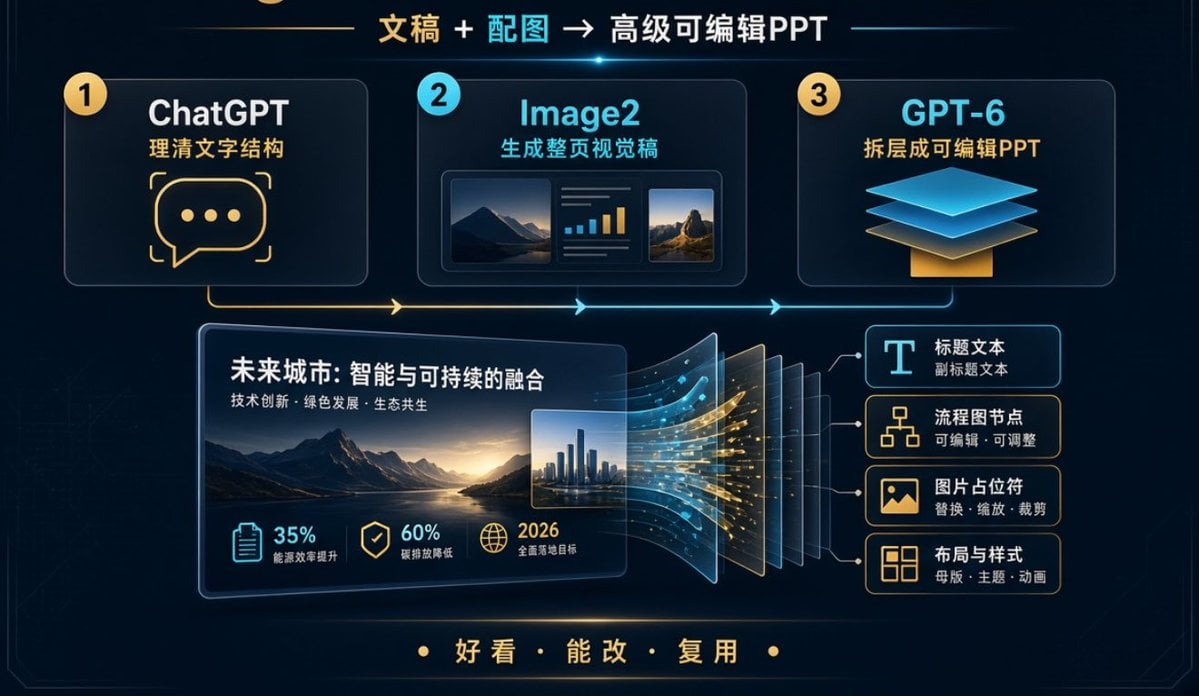
Editable PPT Workflow Infographic

Minecraft Japanese Research Lab Exploration

Japan Travel Brochure Poster
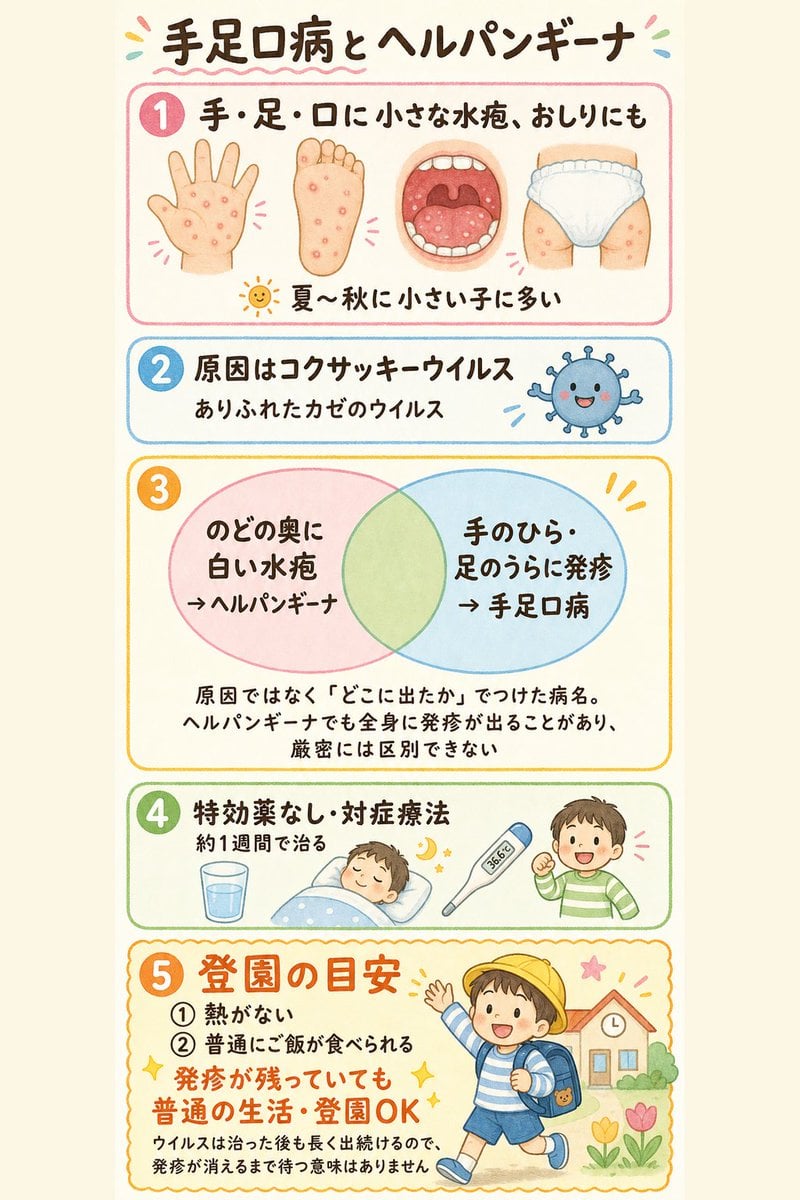
Japanese Pediatric Disease Infographic
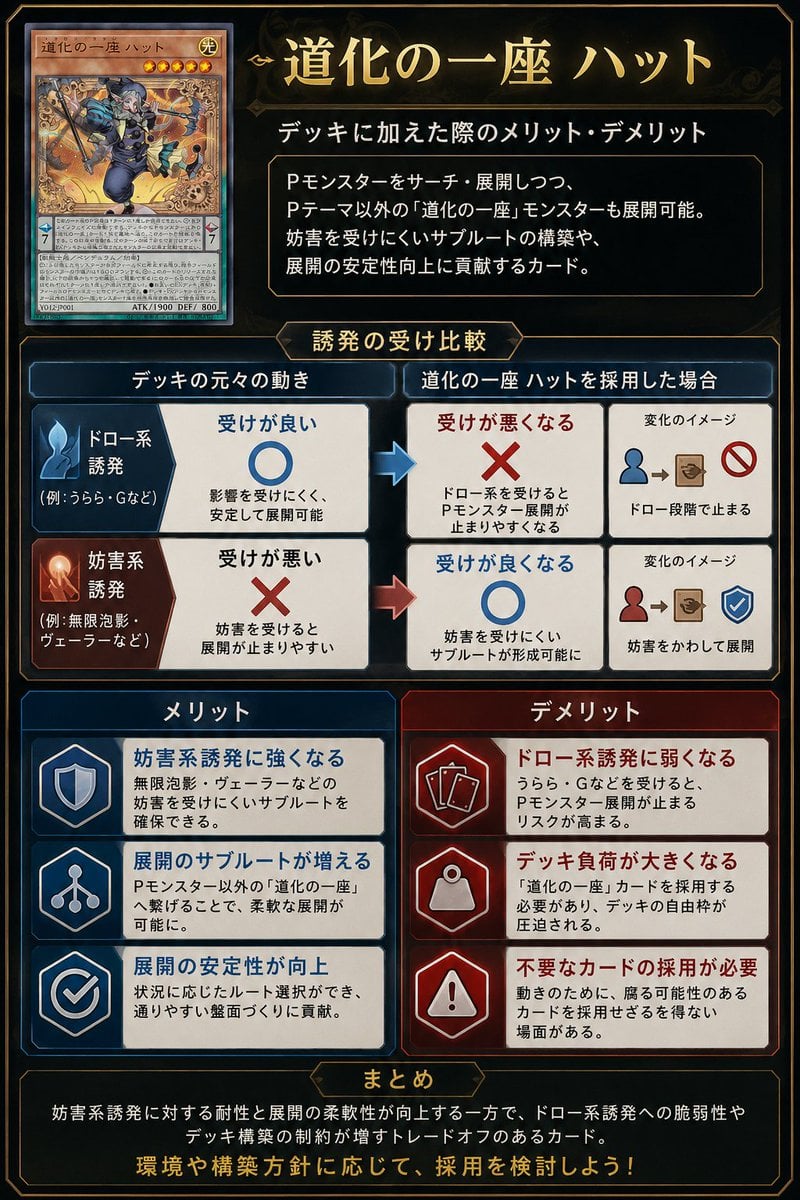
Japanese TCG Strategy Infographic
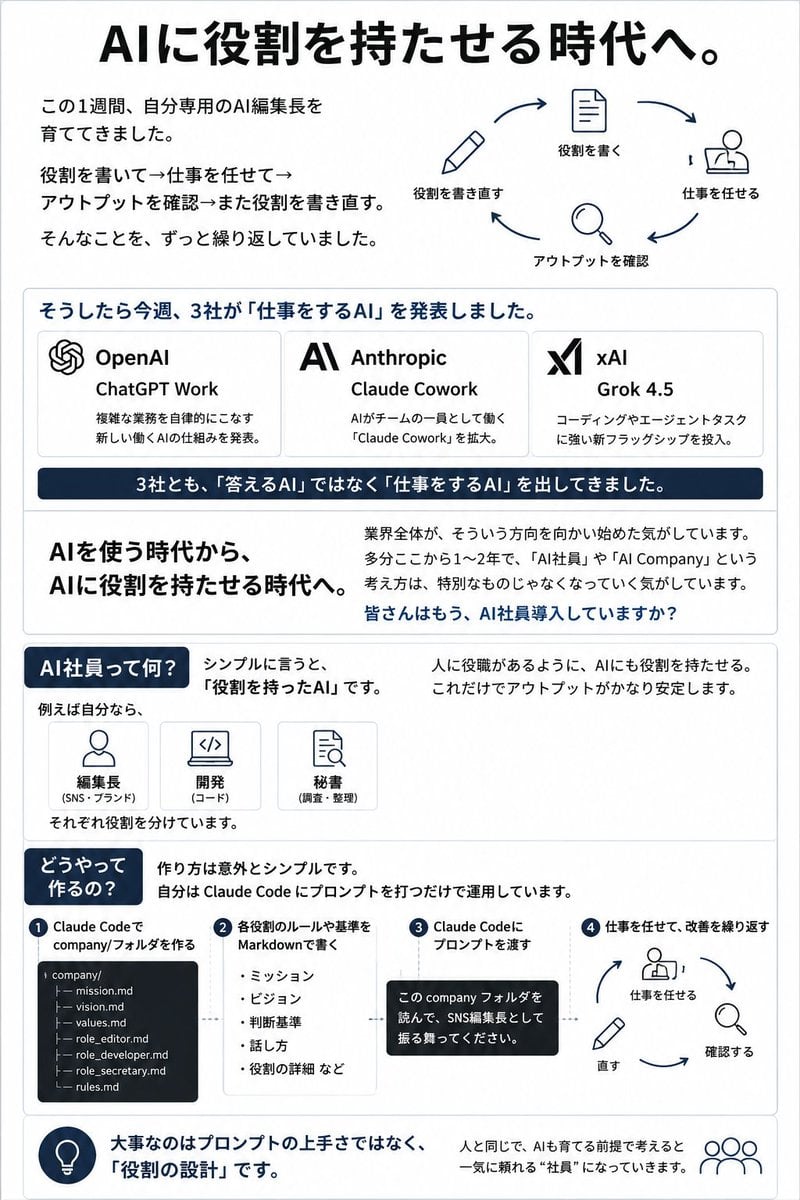
Japanese AI Employee Infographic
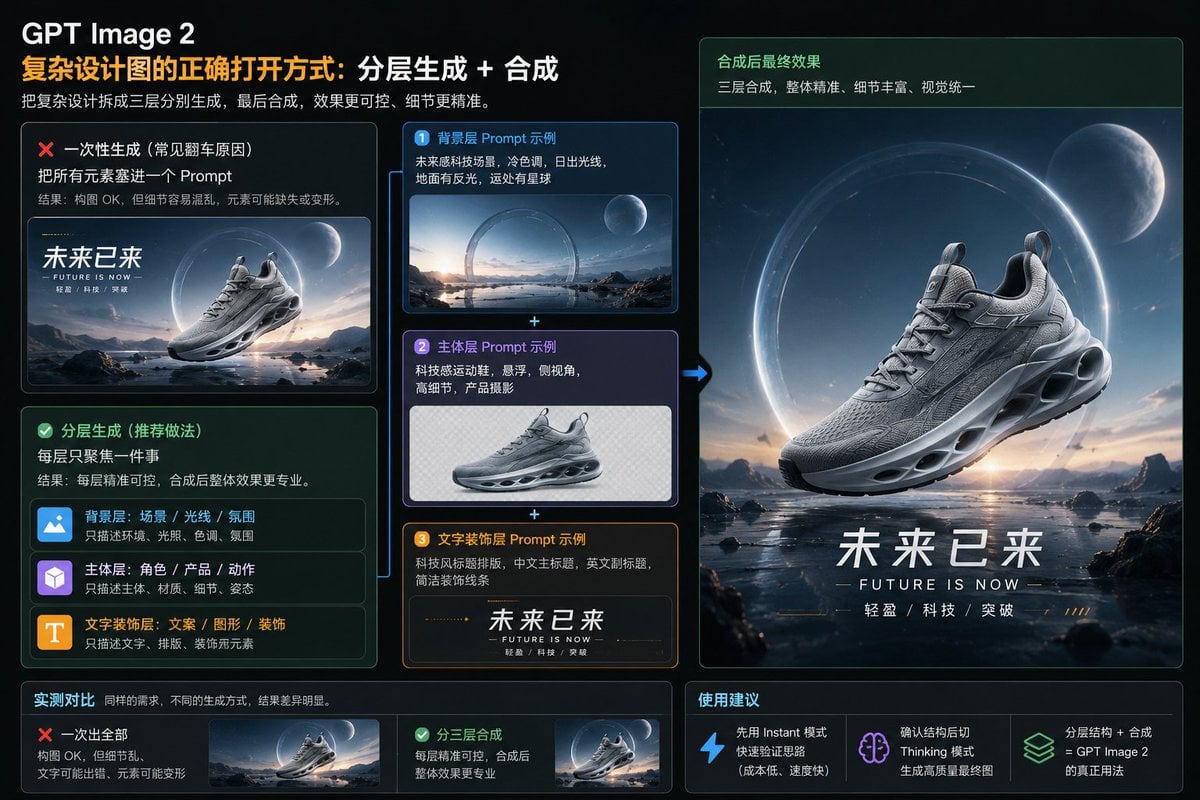
Layered GPT Image 2 Workflow Infographic
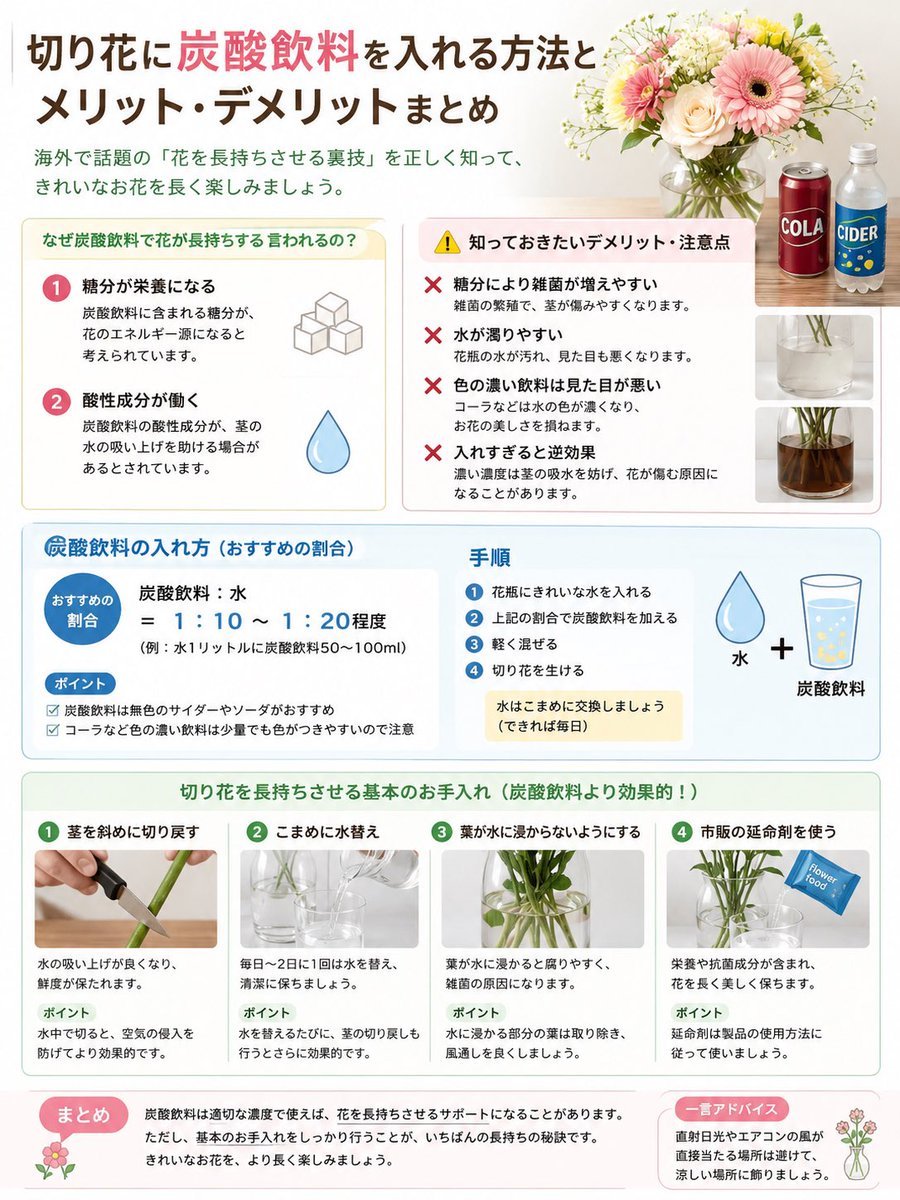
Japanese Cut Flower Soda Care Infographic

Floraverse Botanical Fusion

FLORAVERSE BOTANICAL FUSION
Make it yours
Japanese ChatGPT Image-to-Video Workflow Infographic works as-is. These are the safest ways to change it without losing the look.
Swap the setting
Keep the rest of the prompt and replace the location block. The current setting is “deep navy starry gradient banner”.
Change one field
Copy a single group, rewrite it, and generate again so you can see what that field is doing.
Keep the frame, change the subject
Hold the composition and light of Japanese ChatGPT Image-to-Video Workflow Infographic, then swap wardrobe, props or the person for a new take.
| If the result… | Why | Fix |
|---|---|---|
| The result drifts from the preview | Too many fields changed at once. | Reuse Japanese ChatGPT Image-to-Video Workflow Infographic as-is first, then change one group — subject, light, or setting. |
| GPT Image 2 ignores part of the JSON | Some models flatten or skip nested keys. | Keep the same values and paste them as a short paragraph instead. |
More GPT Image 2 templates
Other prompts made for GPT Image 2.

Six VTuber Japanese Logo Sheet

Realistic Portrait of Woman and Deer

The Vista Modular Condo Poster

AI Model Routing Comparison Infographic

2.5D Anime Art Board

Isometric Productivity Desk Scene

New York Double Exposure Poster

Four-Panel AI Landscape Comparison

Japanese Tatami Lifestyle Magazine Cover

NESCAFÉ Coffee Map Poster
More image prompts
Fresh picks from across the catalog.
VR Headset Exploded View Poster
Halloween Horror Movie Theater Prompt
Nano Banana 2 in Game Items and Characte
Isometric JRPG Town Plaza Scene
Gym Mirror Selfie with Post-Workout Glow (iPhone Style)
Magical Girl Transformation Prompt (Cosmic Attribute)
High-Impact Editorial Studio Portrait with Identity Lock
Traveling Alchemist at Misty Ruins
Ultra Photorealistic Candid Flash Portrait of a Woman Eating Pizza
Hand-Carved Wooden Miniature Figure from Photo Reference
Browse template categories
Japanese ChatGPT Image-to-Video Workflow Infographic questions
How do I use the Japanese ChatGPT Image-to-Video Workflow Infographic template?
Add your photo if the template asks for one, edit the prompt if you like — the template's model and format are already selected — and press Generate. Your version opens in PicX Studio.
Can I customize the Japanese ChatGPT Image-to-Video Workflow Infographic template?
Yes. You can change the subject, setting, lighting, mood, format, and available model controls before creating your image.
Is the Japanese ChatGPT Image-to-Video Workflow Infographic template free?
Opening and editing this template is free. Generating uses credits, shown on the Generate button when you are signed in.
Which AI model should I use?
Start with GPT Image 2, which is the model associated with this template. You can compare another compatible model for a different finish.
Looking for something else? Browse all templates.

Your photo, any look
Thousands of ready templates for every top image and video model, from one credit balance.